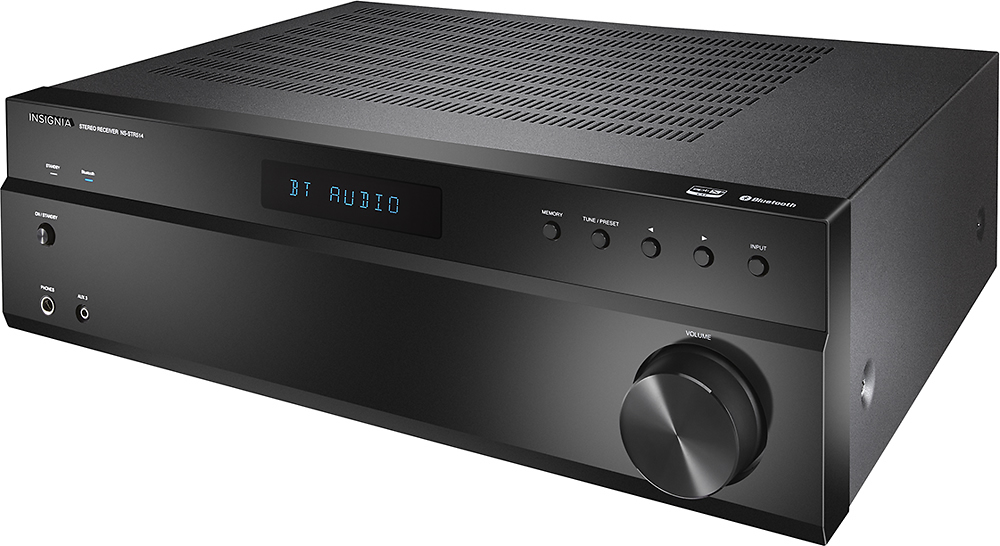
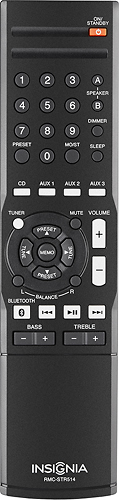
A:AnswerHi! If this unit was paired with your previous cable universal remote control, please contact us so we can check if the issue is a compatibility issue. Viri E. Insignia Support. https://www.insigniaproducts.com/contact-us
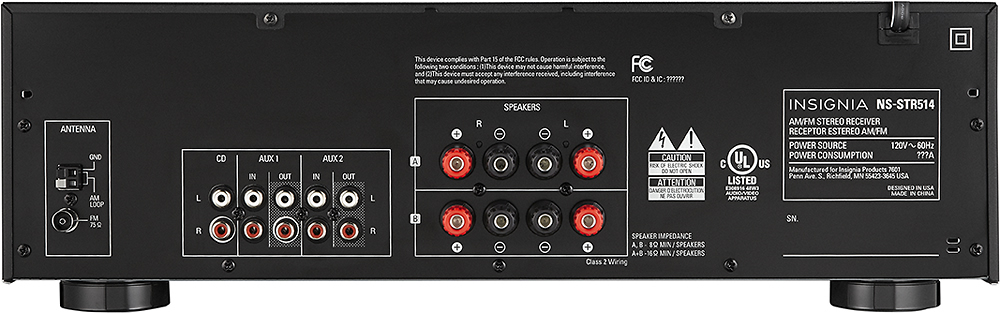
A:AnswerYou can connect a subwoofer to the speaker connector on this receiver, only if the subwoofer has high level inputs & outputs (speaker level input & output connectors). Connect the speaker level output connectors from the subwoofer to speaker connectors "A" on the receiver and connect your regular speakers to speaker connectors "B" on the receiver or to the speaker level input connectors on the subwoofer. Be sure to enable both A + B speaker connectors on the receiver. Speaker impedance should not be any lower than 8 Ohms. The Polk PSW 108 is is a perfect example for this type of setup.
A:AnswerHi Jean.
The function is for switching between separated sets of stereo speakers. This receiver does not play on the 4 speakers at the same time, just switching between them.
Charles V. - Insignia Support
https://www.insigniaproducts.com/contact-us
A:AnswerHi, Jean.
I am sorry to read about this situation. I would really love to provide you with alternatives for your product. This is why I kindly as you to reach us at https://www.insigniaproducts.com/contact-us so we can properly assist you.
Alexander G. - Insignia Support
A:AnswerHi! I understand that you would like to know the Bluetooth version of this device, so please contact us on the link below, so we can assist you with your question. Viri E. Insignia Support. https://www.insigniaproducts.com/contact-us
A:AnswerHi! I am sorry to read that your unit is shutting itself off. Please contact us so we can check what could be happening. Viri E. Insignia Support. https://www.insigniaproducts.com/contact-us
A:AnswerHi, Chris.
Thank you for taking the time to share your inquiry with us. The jack that you refer to is an Auxiliary input and not an output. It is not intended to be used with headphones, but to connect an external audio source to the Receiver using an auxiliary cord.
Alexander G. - Insignia Support
A:AnswerI would assume you can. If plugging directly into the TV the headphones would not be adjustable for volume, but running through the receiver you should be able to use the volume control on the receiver to set the volume.
A:AnswerHi, Duderino.
Thank you for taking the time to share your inquiry with us. This is not at all how the Receiver should be working. This is why I kindly ask you to reach us at https://www.insigniaproducts.com/contact-us so we can properly assist you with it.
Alexander G. - Insignia Support
A:AnswerHi.
Thank you for leaving us this question trusting that we will answer you accurately. It should be possible, in theory. However, that functionality does NOT depend on this product, but on your phone having installed the correct app. Research online for Loudspeaker or Microphone apps available for your platform. We are always here to help you and thanks for your interest in this product.
Charles V. - Insignia Support
https://www.insigniaproducts.com/contact-us
A:AnswerBluetooth sends and receives media, it does not operate controls. Also, your TV is not Bluetooth enabled I am sure, so you have to use your remote control for the receiver, or the black knob on front of the unit to adjust the receiver volume.