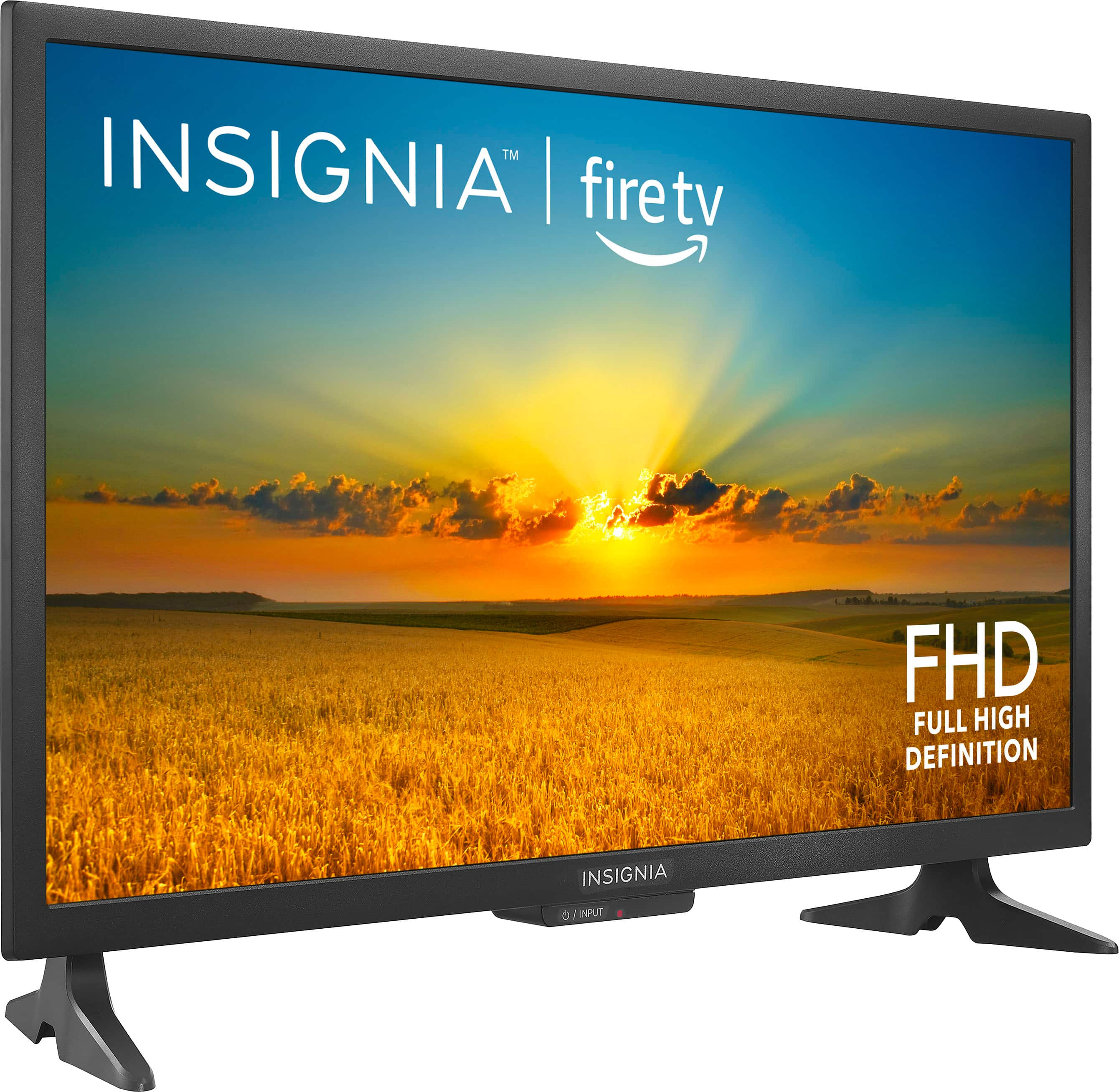
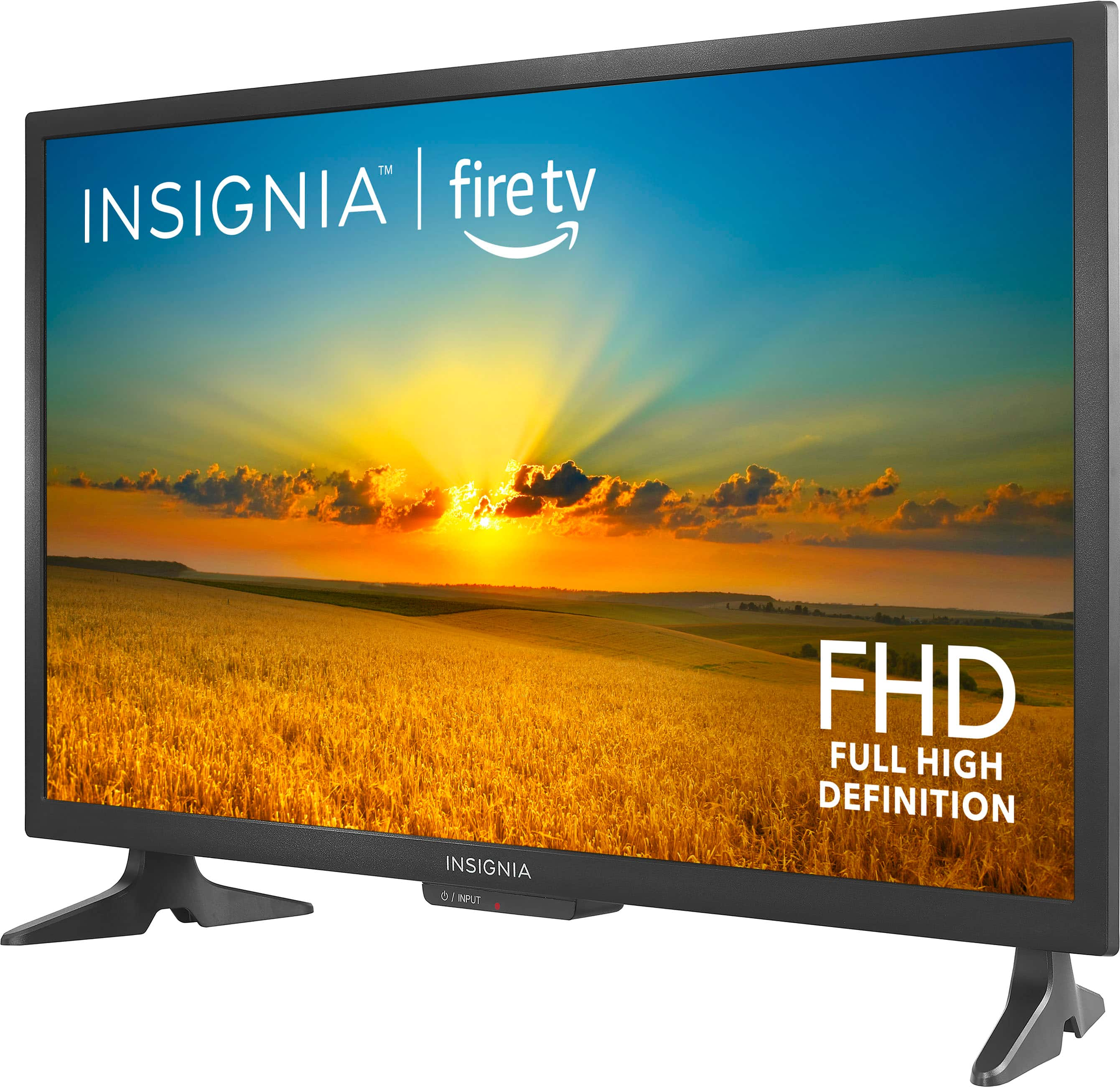
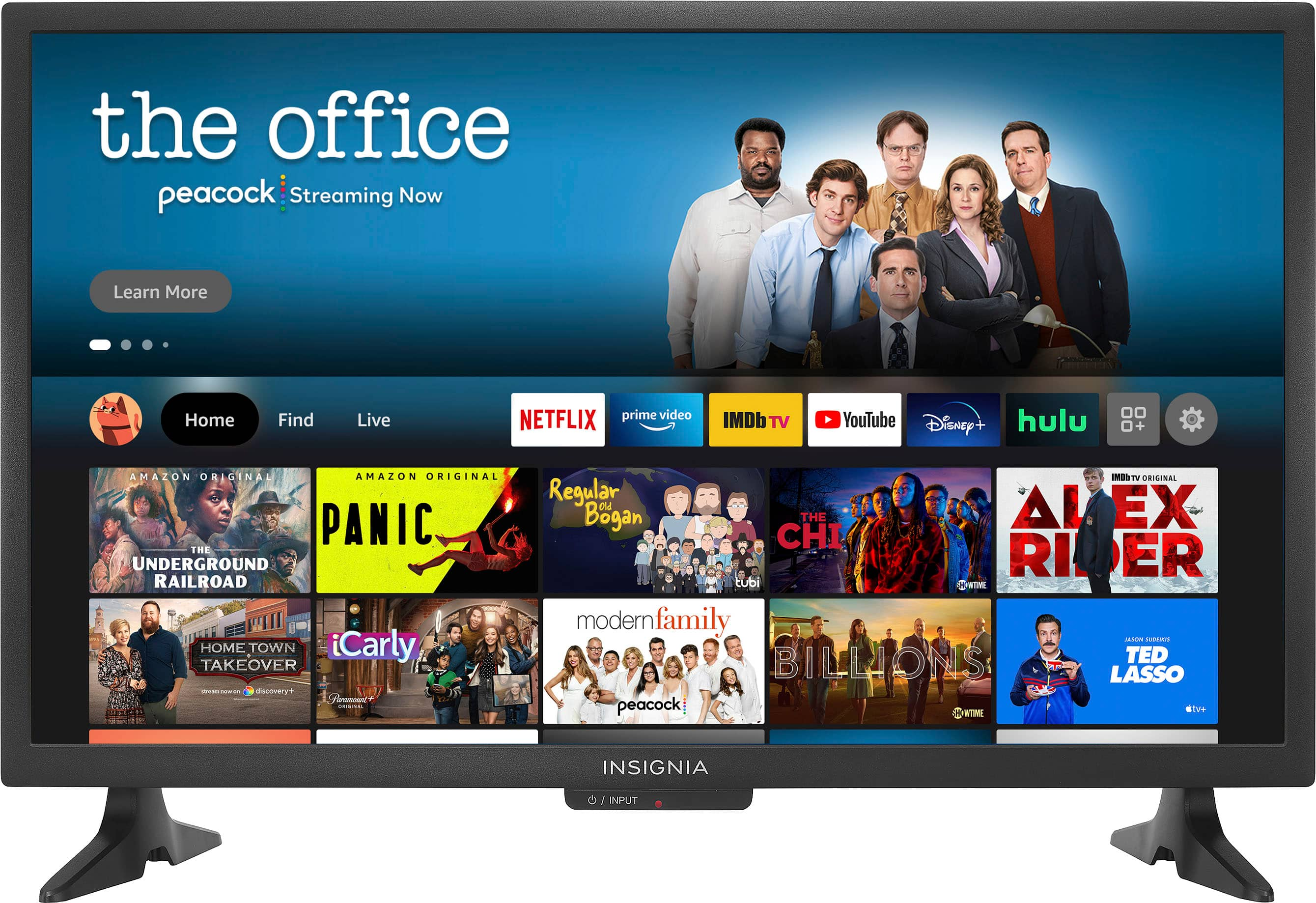
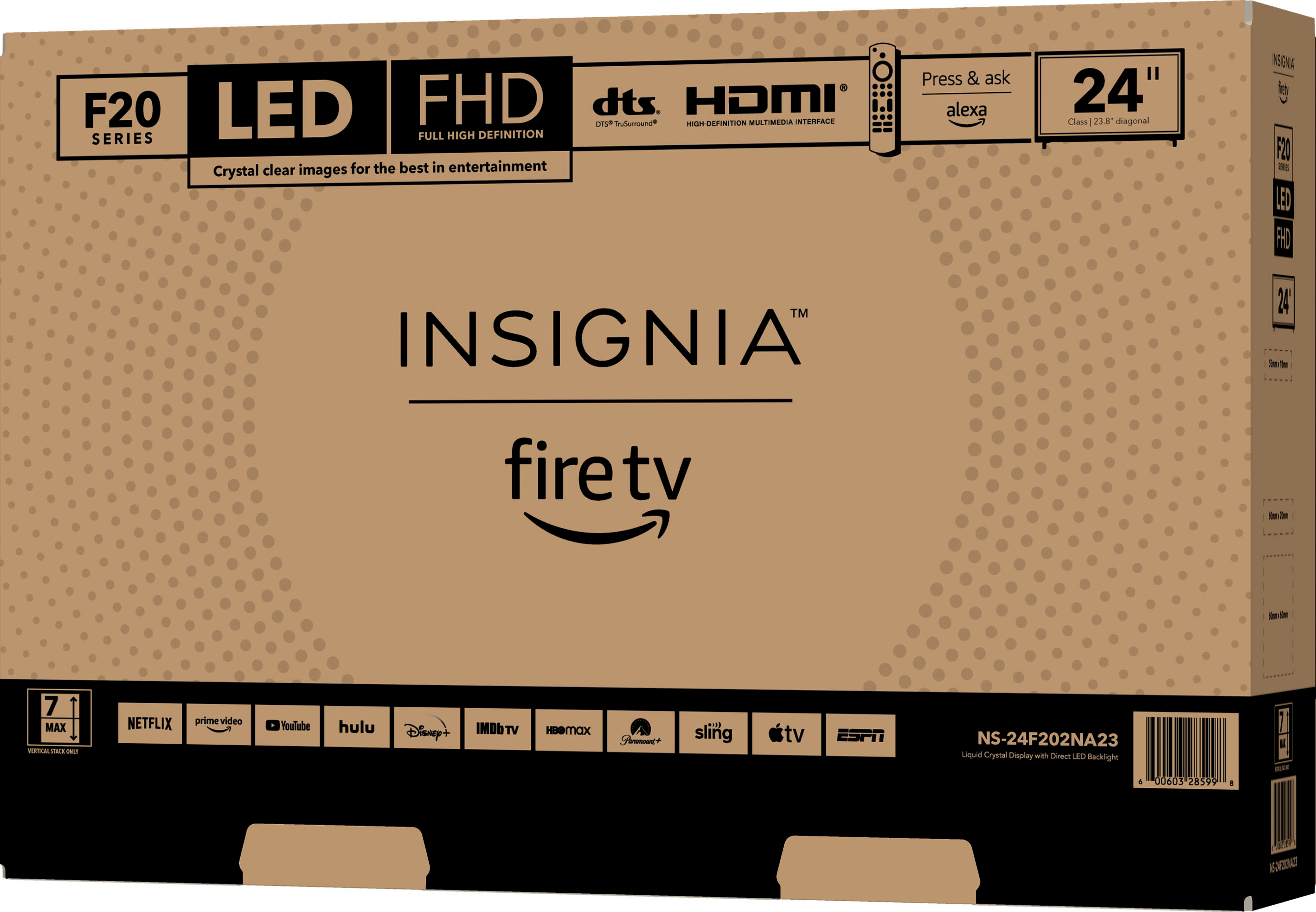
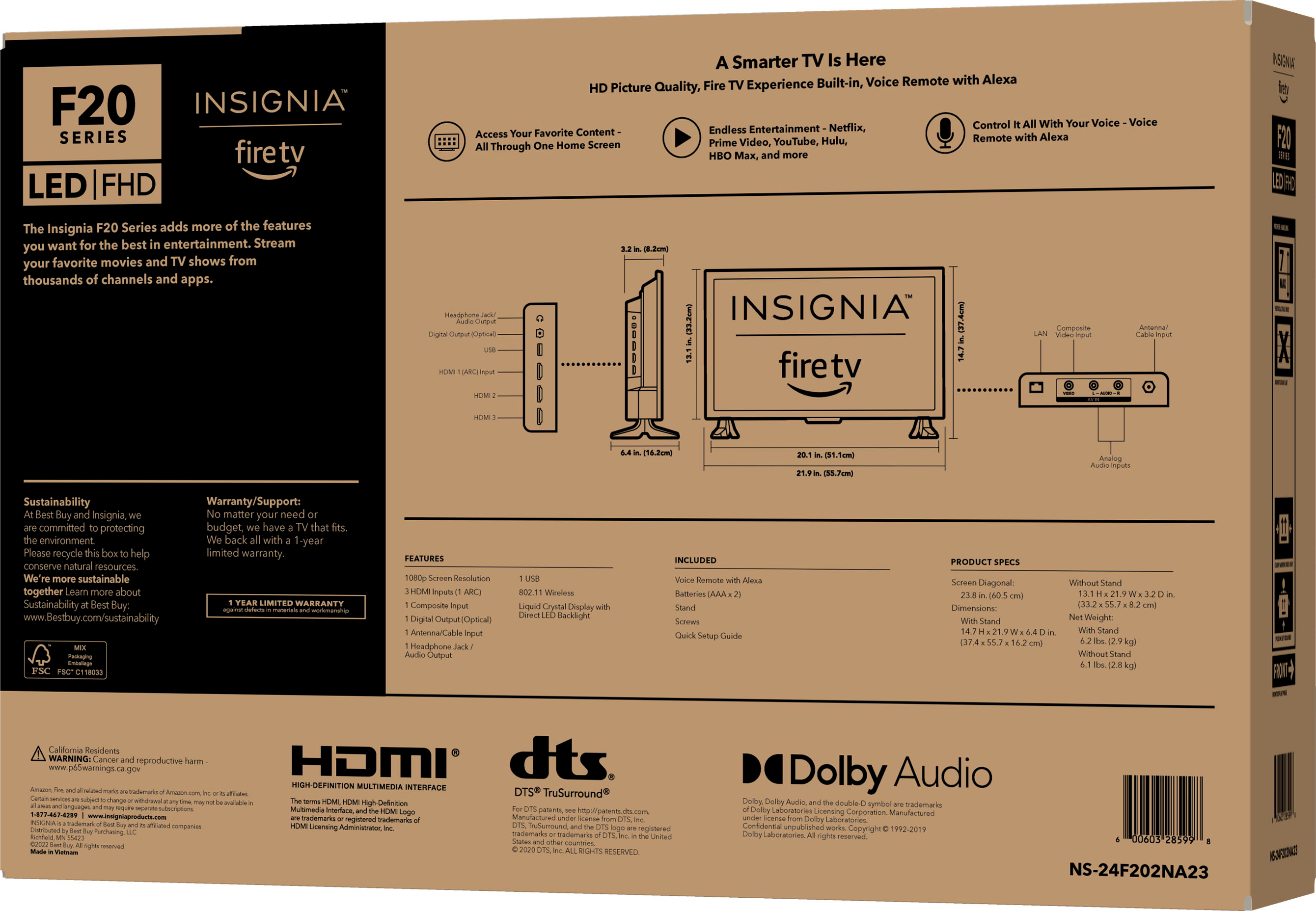
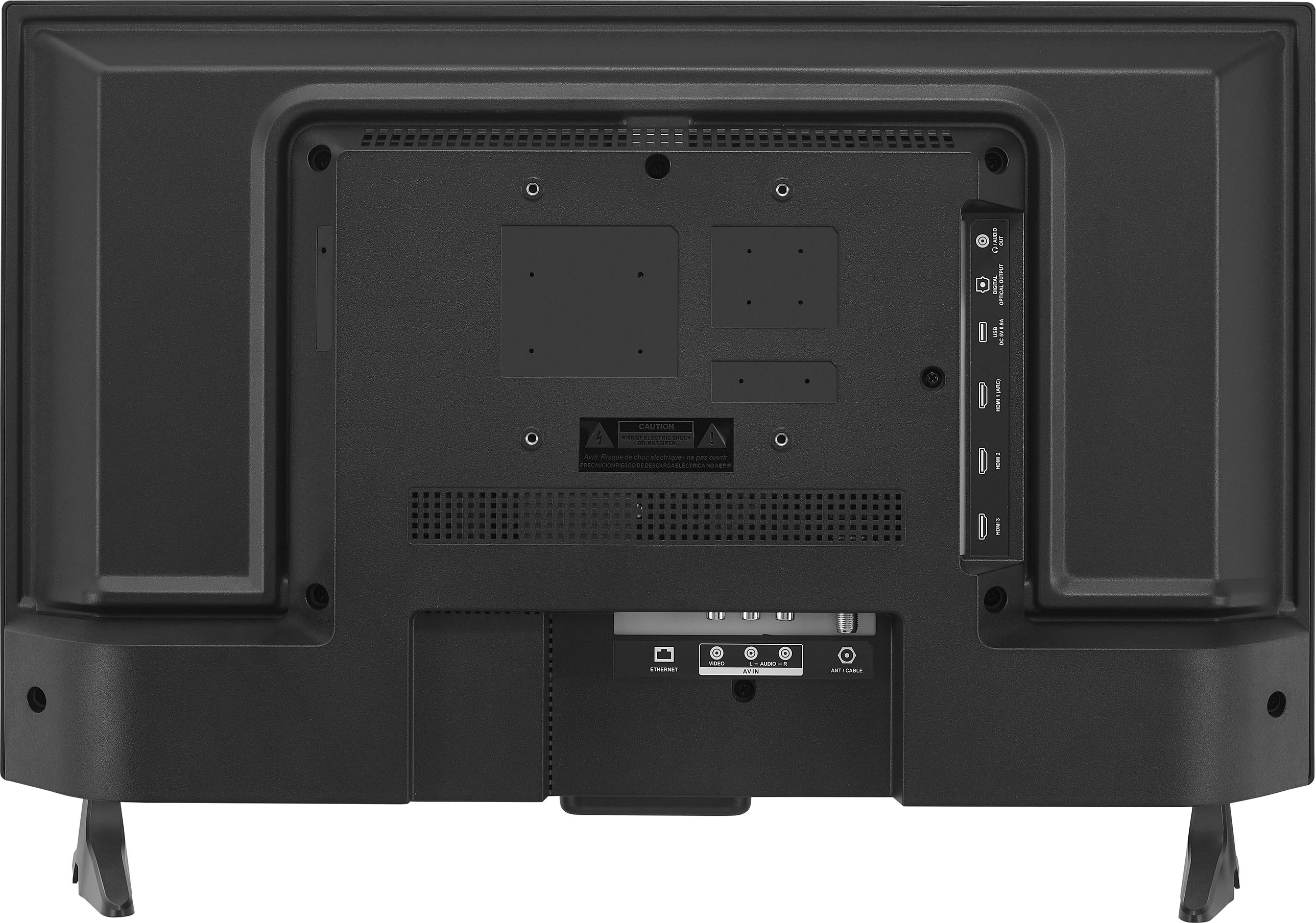
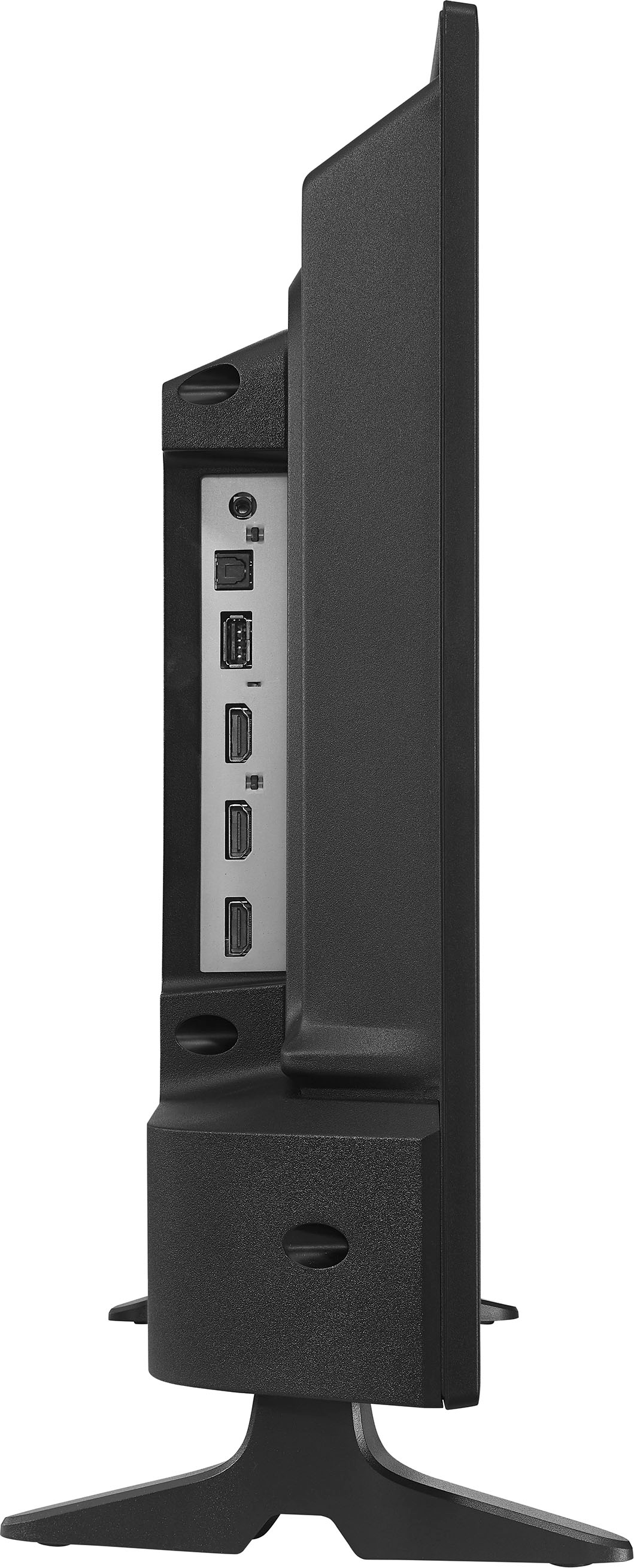
A:Answer Thank you for your inquiry! The Insignia™ 24" Class F20 Series LED Full HD Smart Fire TV does not come with a built-in DVD player. It is a smart TV with built-in Fire TV functionality, allowing you to stream content from various apps like Netflix, Prime Video, Disney+, and more. If you have further questions, please feel free to reach us via phone 1-877-467-4289 Monday-Saturday 8 a.m. to 9 p.m. CT or email us at insignia@bestbuy.com. Keith | Insignia Support https://www.bestbuy.com/site/insignia-24-class-f20-series-led-full-hd-smart-fire-tv/6490138.p?skuId=6490138