Year-End SaleEnds 1/1/26. Limited quantities. No rainchecks.

Main Content

Questions & Answers

Your price for this item is $39.99
Clearance
The comparable value price is $109.99
Page Showing 61-80 of 334 questions
  • QuestionDoes this TV have a web browser? I am looking to stream via an internet browser for my spectrum tv subscription?

    Asked by tbpixiedust.

    • Answer Thank you for inquiry! The Insignia™ - 24" Class F20 Series LED Full HD Smart Fire TV comes with the Amazon Fire TV operating system, which includes a web browser called Amazon Silk. While Silk allows basic web browsing, it may not support all streaming services or subscriptions directly through the browser interface. However, you can explore the option of downloading the Spectrum TV app from the Amazon Appstore on the Fire TV to access your Spectrum TV subscription content. This app provides a more optimized experience for streaming Spectrum TV content on the Fire TV platform. Keith | Insignia Support https://www.bestbuy.com/site/insignia-24-class-f20-series-led-full-hd-smart-fire-tv/6490138.p?skuId=6490138

      Answered by InsigniaCustomerSupport

  • QuestionScreen image is too large and I cant get to directions on how to reduce the size.

    Asked by BEJ.

    • Answer Hi Bej, we appreciate you letting us know your concern. If you are having an issue with the screen image on your Insignia™ - 24" Class F20 Series LED Full HD Smart Fire TV, go to the desired input (Antenna, HDMI, or A/V), long press the "Home" button for three seconds to launch the "Quick Access" menu, and select "Display" to adjust picture size and aspect.  Let us know if there is anything we can do to help. Patricia | Insignia Support https://www.bestbuy.com/site/insignia-24-class-f20-series-led-full-hd-smart-fire-tv/6490138.p?skuId=6490138

      Answered by InsigniaCustomerSupport

  • QuestionHow do you connect audio via Bluetooth?

    Asked by Audiofan.

    • Answer Thank you for your inquiry! To connect audio via Bluetooth on the Insignia™ - 24" Class F20 Series LED Full HD Smart Fire TV, navigate to the settings menu, turn on Bluetooth, put your Bluetooth audio device into pairing mode, select "Add Bluetooth device" on the TV, choose your device from the list, and follow the on-screen instructions to complete the pairing process. Keith | Insignia Support https://www.bestbuy.com/site/insignia-24-class-f20-series-led-full-hd-smart-fire-tv/6490138.p?skuId=6490138

      Answered by InsigniaCustomerSupport

  • Questionwhat are the dimensions of the tv?

    Asked by RogerM.

    • Answer Click on "Show Full Specs" and you will get the answer your looking for.

      Answered by Bob888

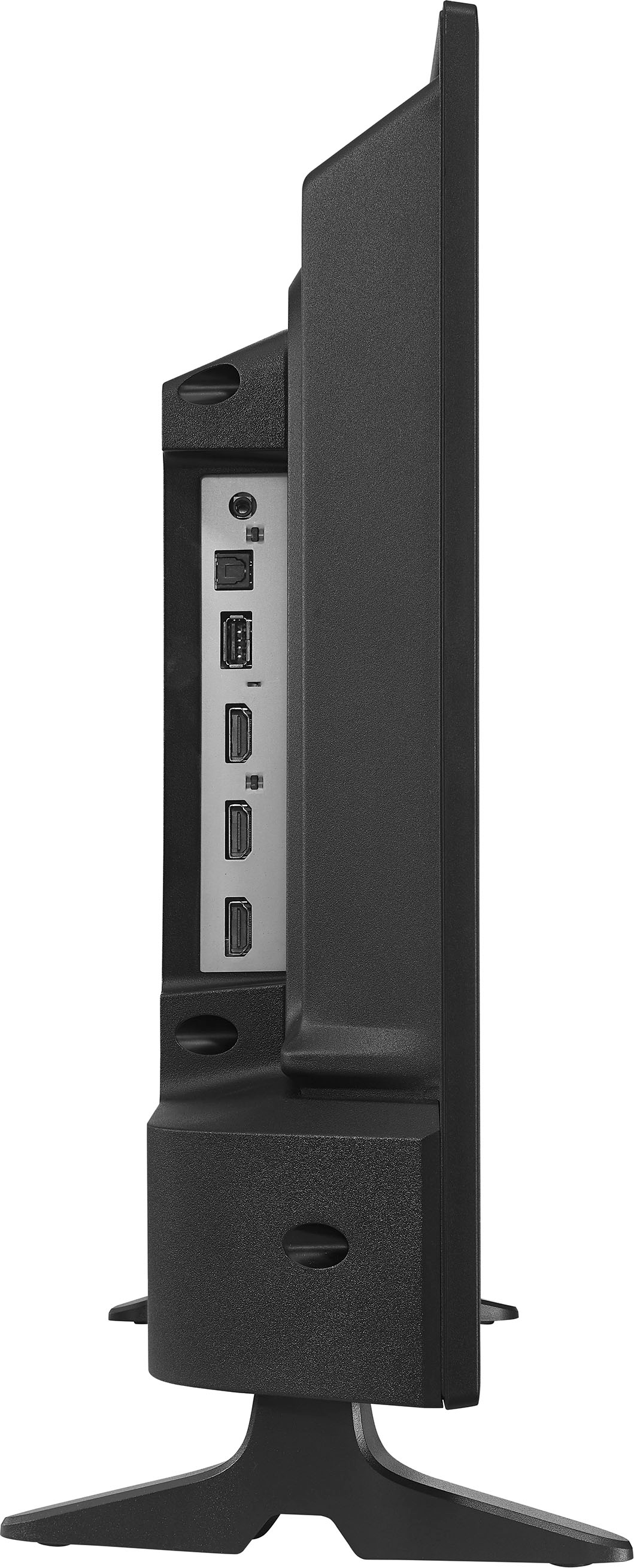
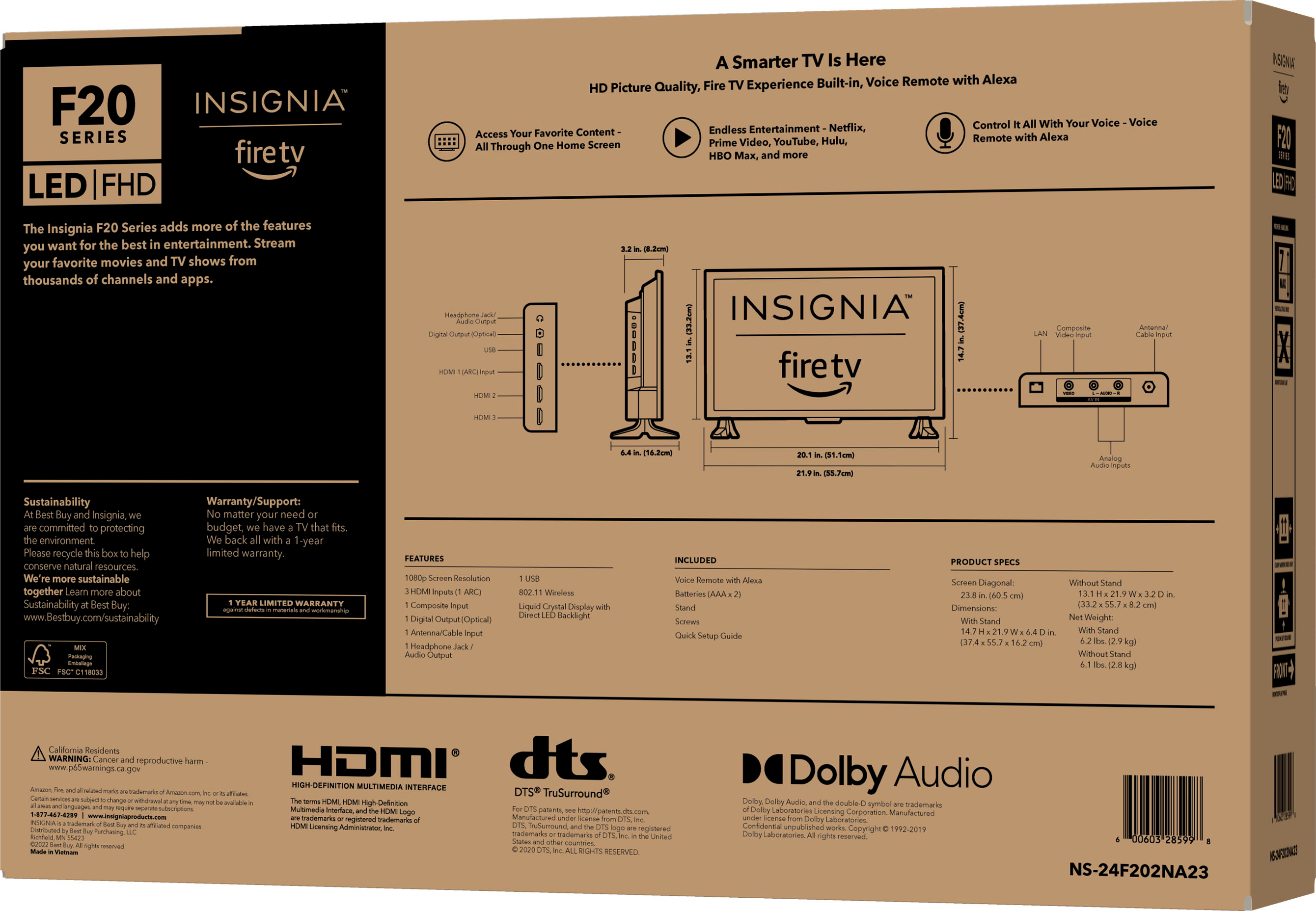
  • QuestionWhat is the stand width?

    Asked by Tdemi.

    • Answer Hi Tonid, It is 6.4 inches. Insignia Products Marites www.bestbuy.com/site/brands/best-buy-brands/pcmcat1596746025285.c?id=pcmcat1596746025285

      Answered by InsigniaCustomerSupport

  • QuestionCan this monitor be hooked up to a desktop computer? If so, how?

    Asked by AMSpencer.

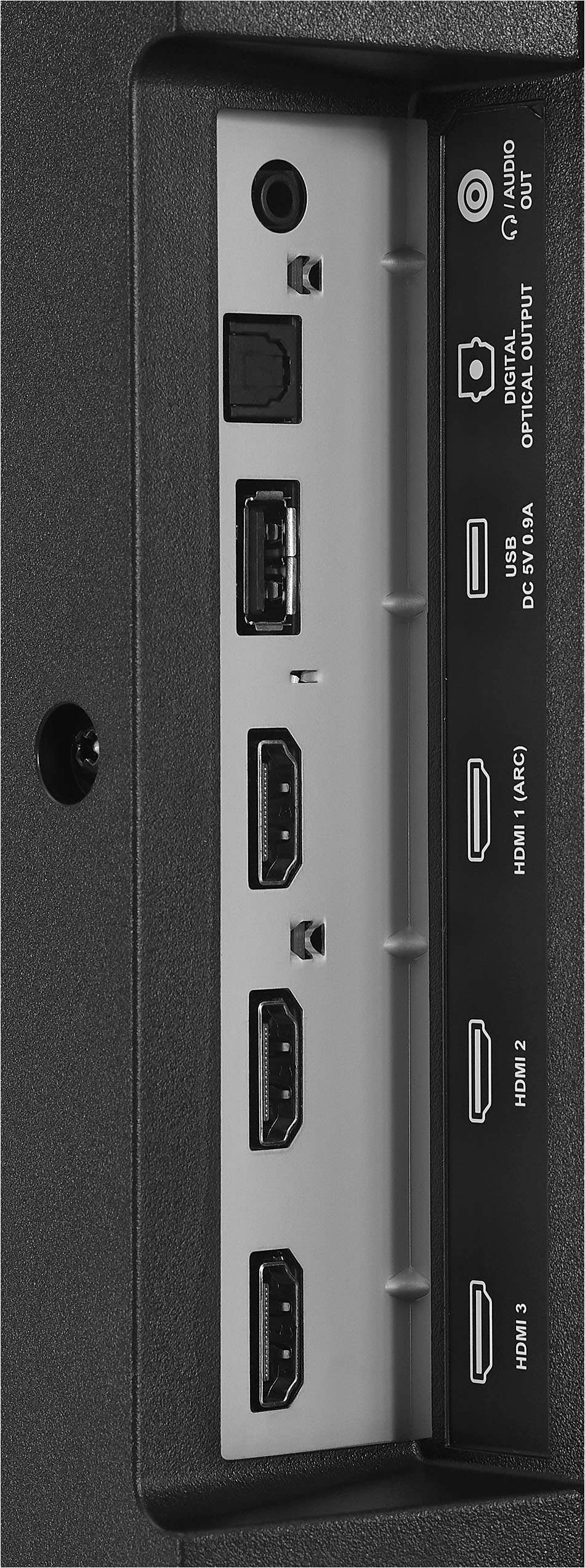
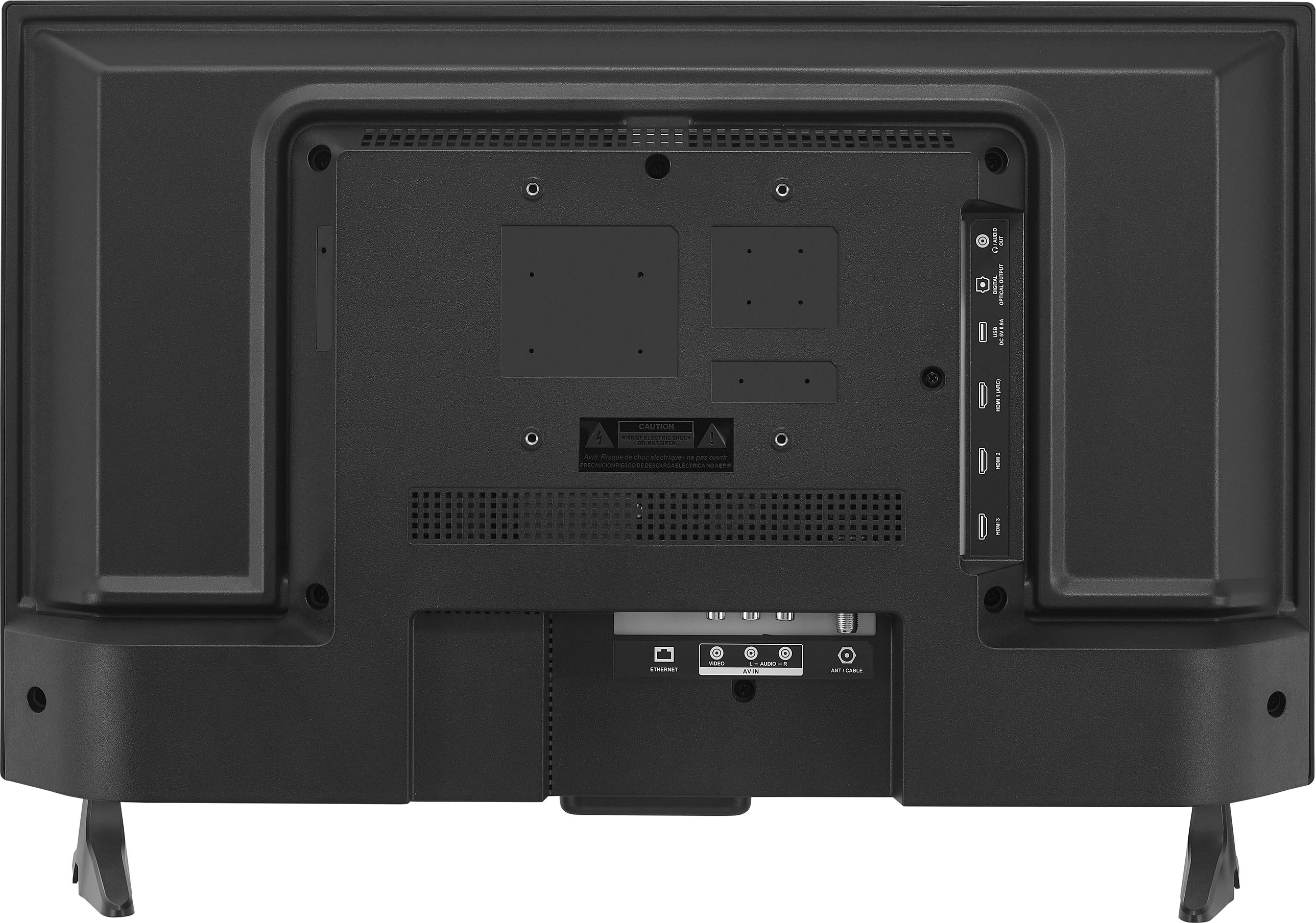
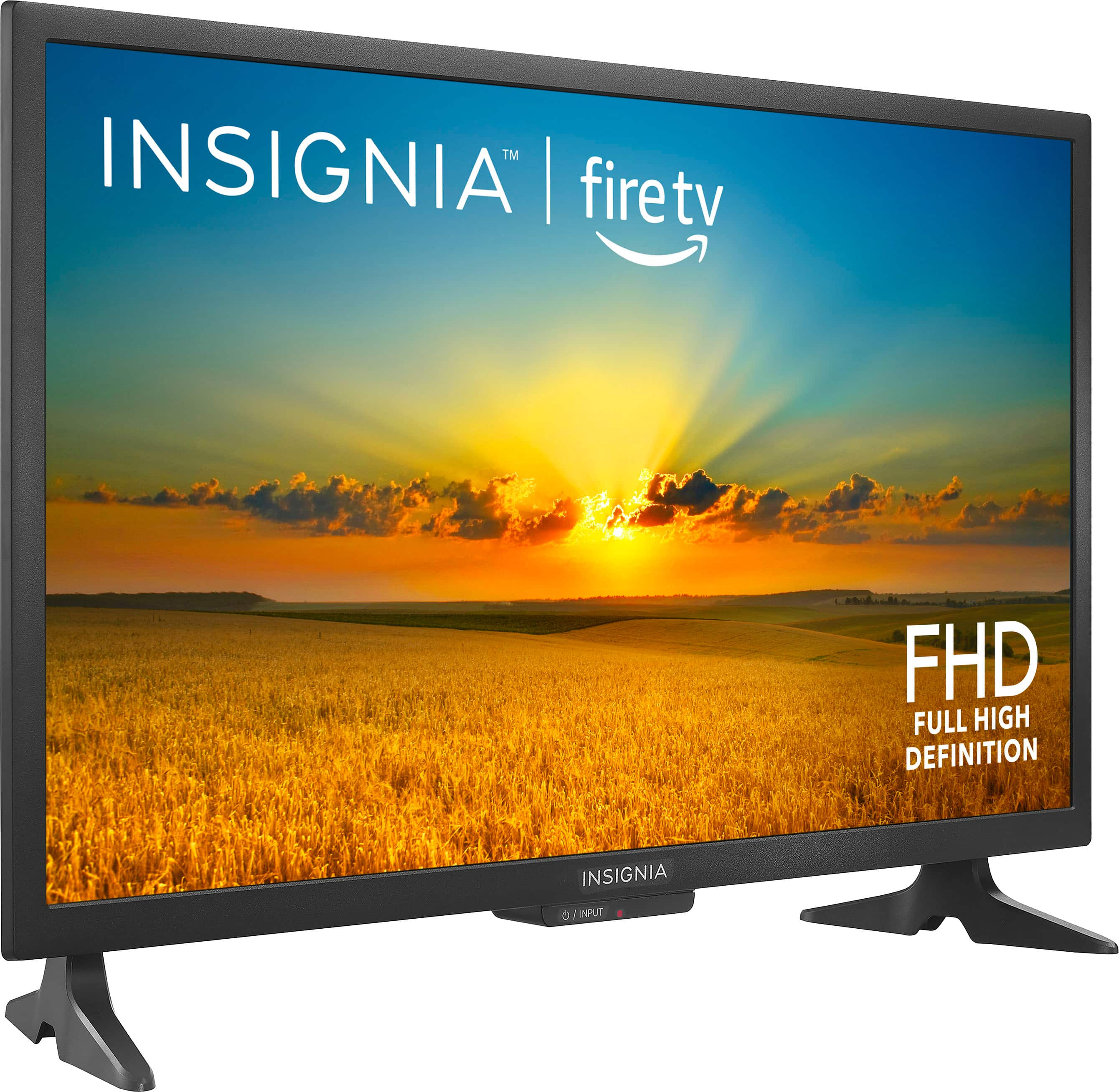
    • Answer Hi there, 1. Make sure that your TV’s power cord is unplugged and the computer is turned off. 2. Connect an HDMI cable to one of the HDMI jacks on your TV and to the HDMI out jack on the computer. 3. Plug your TV’s power cord into a power outlet, then turn on your TV and the computer. 4. On the HOME screen, navigate to the INPUTS row, then select HDMI1, HDMI2, or HDMI3. 5. Adjust the display properties on the computer, if necessary. Rudson S.| Insignia Support. https://www.bestbuy.com/site/brands/best-buy-brands/pcmcat1596746025285.c?id=pcmcat1596746025285

      Answered by InsigniaCustomerSupport

  • QuestionDo I have to have a cable service (Verizon or Comcast) to use the Insignia 24" LED HD Smart Fire TV?

    Asked by Anonymous.

    • Answer Hi there, You don’t need cable unless you want to watch something from the cable provider. Rudson S.| Insignia Support. https://www.bestbuy.com/site/brands/best-buy-brands/pcmcat1596746025285.c?id=pcmcat1596746025285
      Answered by InsigniaCustomerSupport

  • QuestionI'd like to use this away from home and away from a wall outlet, powered by my 256Wh power pack. How many watts does this TV draw. I saw 5watts figure, but that's the speaker output. How long can it operate from the AC outlet of a 256Wh power pack?

    Asked by Camper.

    • Answer I plug it into a watt meter and it varied between 25 to 31 watts. Maybe you should contact Insignia help for a better answer.

      Answered by Thomas

  • QuestionI do not have cable. Will I be able to use it without cable?

    Asked by navypilot.

    • Answer Yes

      Answered by user583038

  • Questionhow do you set clock time on antenna hook up?

    Asked by richard.

    • Answer Go into settings and hit clock and follow

      Answered by 1978Torria

  • QuestionDoes have a head phone jack.

    Asked by ROB.

    • Answer It has a 3.5mm jack, you can connect one headphone for stereo sound 2.0 (obviously the MIC does't work)

      Answered by JuanM

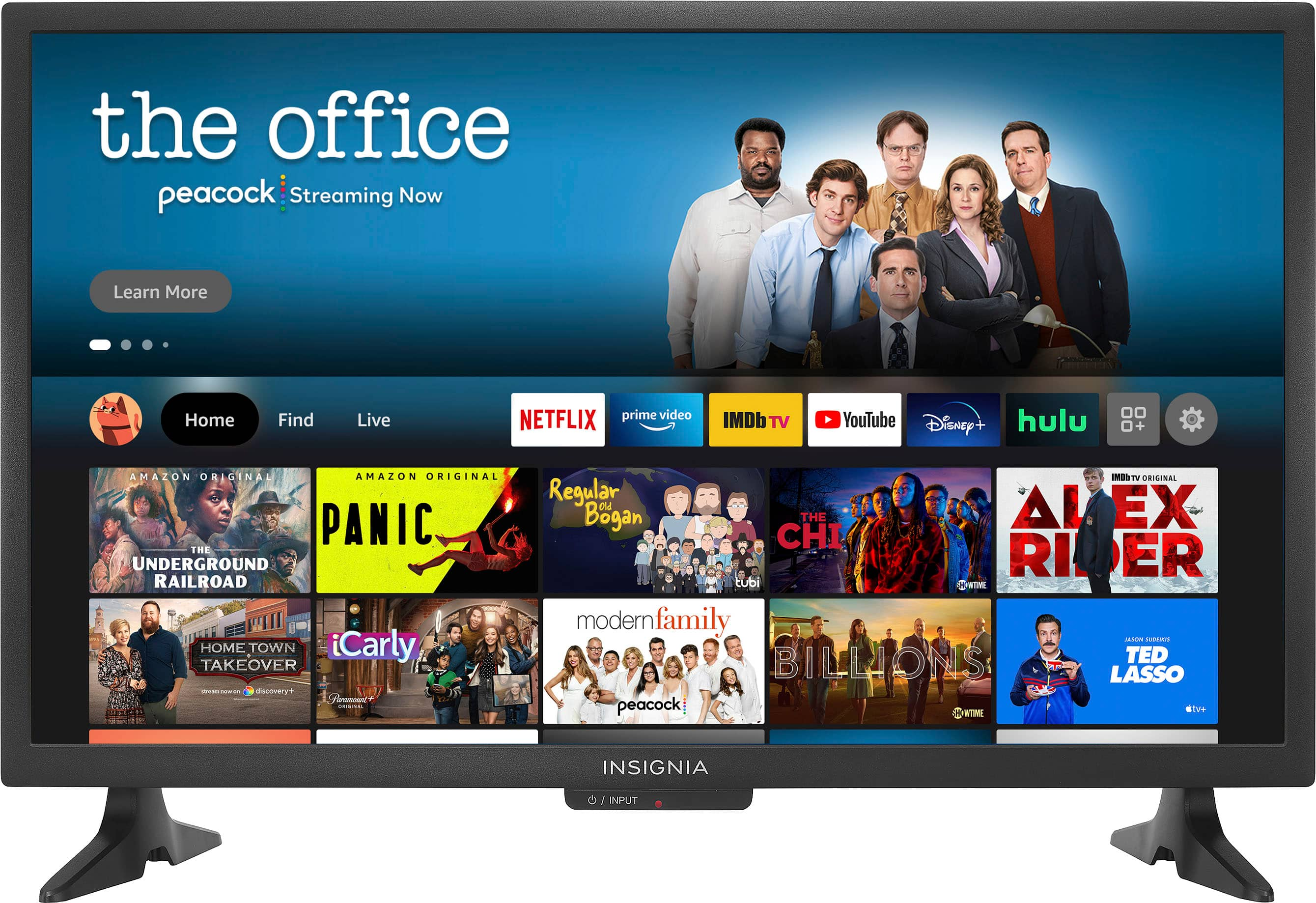
  • QuestionWill this work as a dumb tv? I am not HD connected with Dish.

    Asked by Anonymous.

    • Answer Hi there, Yes, it will work. Insignia Support Shella https://www.bestbuy.com/site/brands/best-buy-brands/pcmcat1596746025285.c?id=pcmcat1596746025285
      Answered by InsigniaCustomerSupport

  • QuestionWhen playing video games using this TV, when I move my character, it's blurry and there is a reddish outline around the character/other objects on screen, how do I make this stop?

    Asked by Brett.

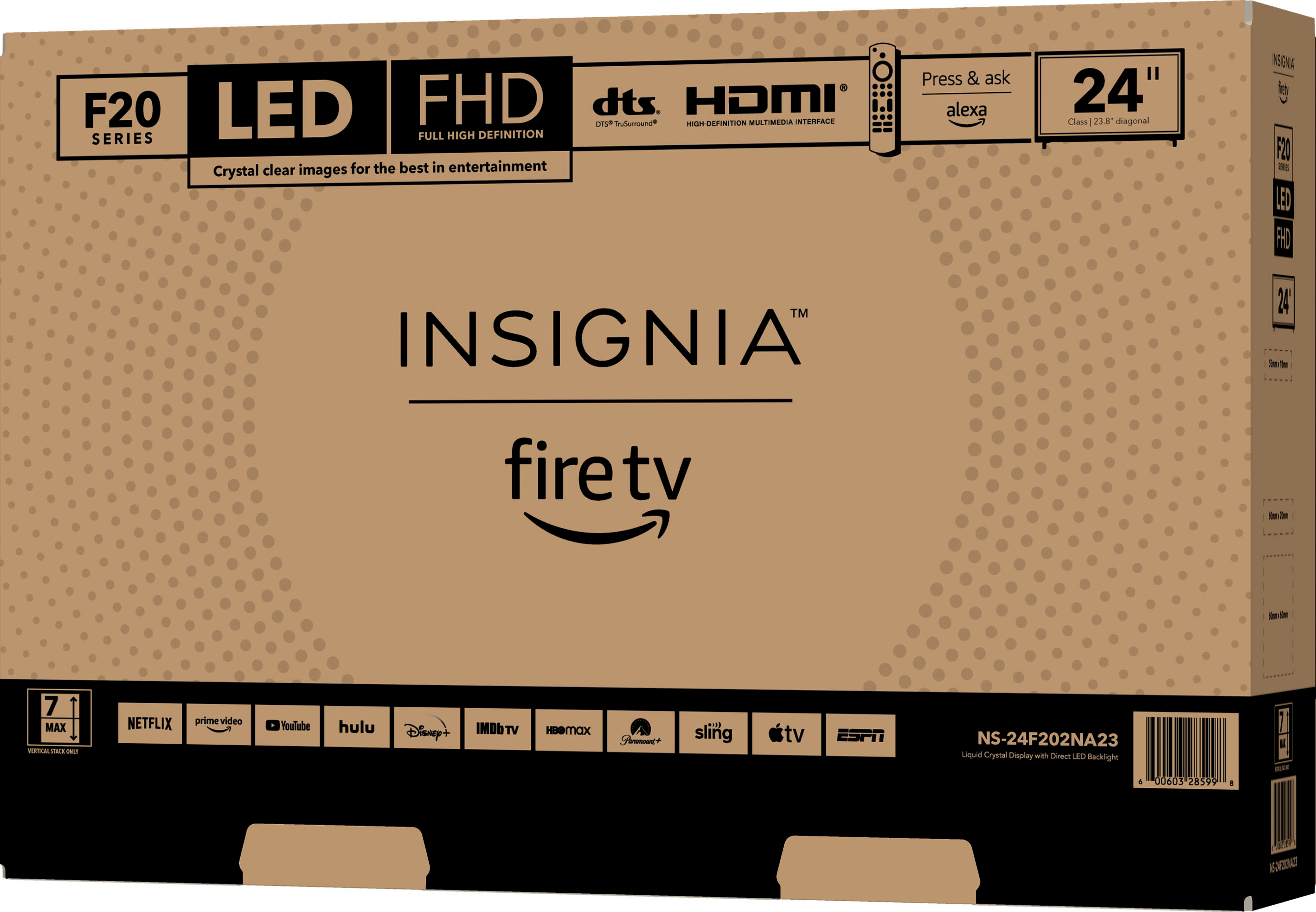
    • Answer Hi Brett, To check if this is just a minor glitch or an internal problem with the set,please follow the steps below: 1.Unplug your TV from the power outlet. 2.Remove all connections from the back of the TV. 3.While everything is unplugged, press and hold the "POWER" button on your TV for 60 seconds. 4.Plug all connections at the back of your TV making sure all of them are properly connected. 5.Plug the set to the power outlet, if possible, try to connect to a different power outlet or a surge protector. 6.Turn it on and test it. And please try to replace different HDMI connections. For further assistance, please contact our Customer Service directly at 1-877-467-4289 Monday to Saturday 8 a.m. to 9 p.m. CT to sort this out. Insignia Support Shella https://www.bestbuy.com/site/brands/best-buy-brands/pcmcat1596746025285.c?id=pcmcat1596746025285
      Answered by InsigniaCustomerSupport

  • QuestionDimensions in stand

    Asked by Bob.

    • Answer Stand depth is 6.4 inches. Dina || Insignia Support || https://www.bestbuy.com/insignia

      Answered by InsigniaCustomerSupport

  • QuestionWill this support USB input and play mp3 files? If not what Insigna Fire TV will. A 2022 model is fine. Thanks

    Asked by mad.

    • Answer Hi mad, Currently, there isn't a built-in way to play MP3 files. However, there's most likely a third-party app that you can install to play the file, such as VLC Media Player. Shai | Insignia Support https://www.bestbuy.com/insignia

      Answered by InsigniaCustomerSupport

  • QuestionDoes it have live tv?

    Asked by Clare.

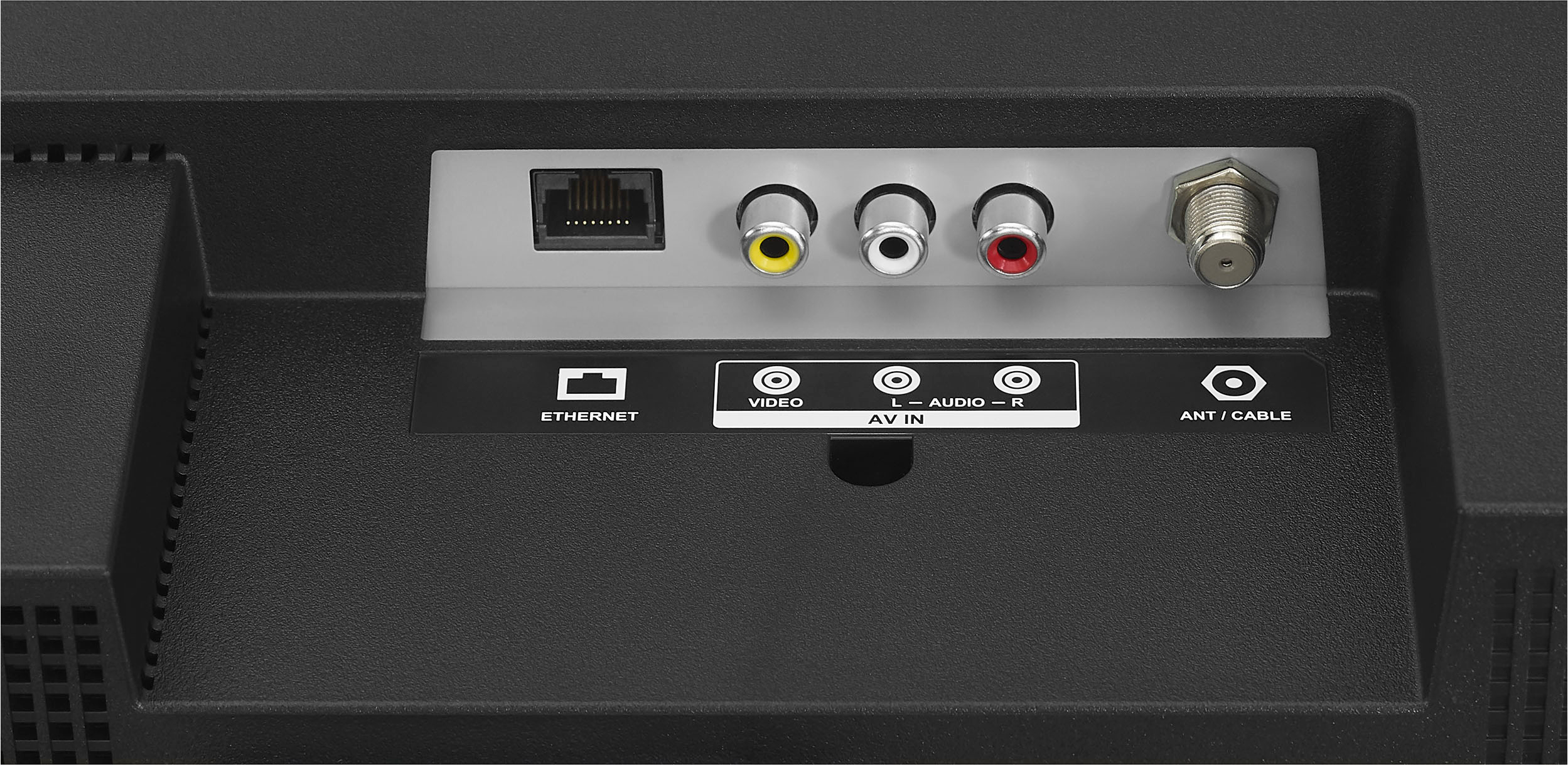
    • Answer If you mean does it have an OTA antenna connection then YES it has free live TV.

      Answered by Bill

  • QuestionHow long is the cord to plug the unit into an electric outlet?

    Asked by Anonymous.

    • Answer Hi there, It has a standard of 6 ft. long. Ritchie |Insignia Support https:https://www.bestbuy.com/site/brands/best-buy-brands/pcmcat1596746025285.c?id=pcmcat1596746025285
      Answered by InsigniaCustomerSupport

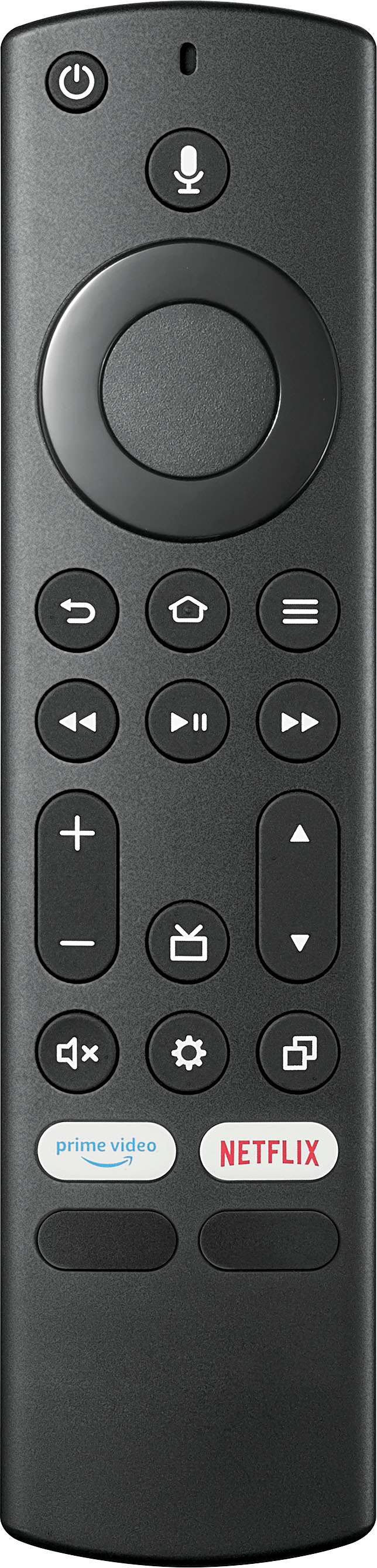
  • QuestionCan we see youtube on this tv. If yes How to get it. Thanks

    Asked by Toto.

    • Answer Hi Toto, Yes you can see YouTube on this TV. You can download YouTube application from app store as long as you have internet connection. Ritchie|Insignia Support https:https://www.bestbuy.com/site/brands/best-buy-brands/pcmcat1596746025285.c?id=pcmcat1596746025285
      Answered by InsigniaCustomerSupport

  • QuestionI have cable in the living room. Will I be able to receive basic channels without connecting to the cable box?

    Asked by Anonymous.

    • Answer As long as you have internet

      Answered by Anonymous

  • QuestionCan I hook up this tv to my Magnavox DVD/DVR I use now? I don't have cable tv.

    Asked by kitty42356.

    • Answer Yeah , you can hook it up to just about everything. I bought mine as a monitor for a security camera, but it can be connected to dvd/dvr to watch your recordings or even some simple rabbit ears antenna to watch over the air free tv without cable . Which I did even though I have satellite dish tv

      Answered by Jimcolorado