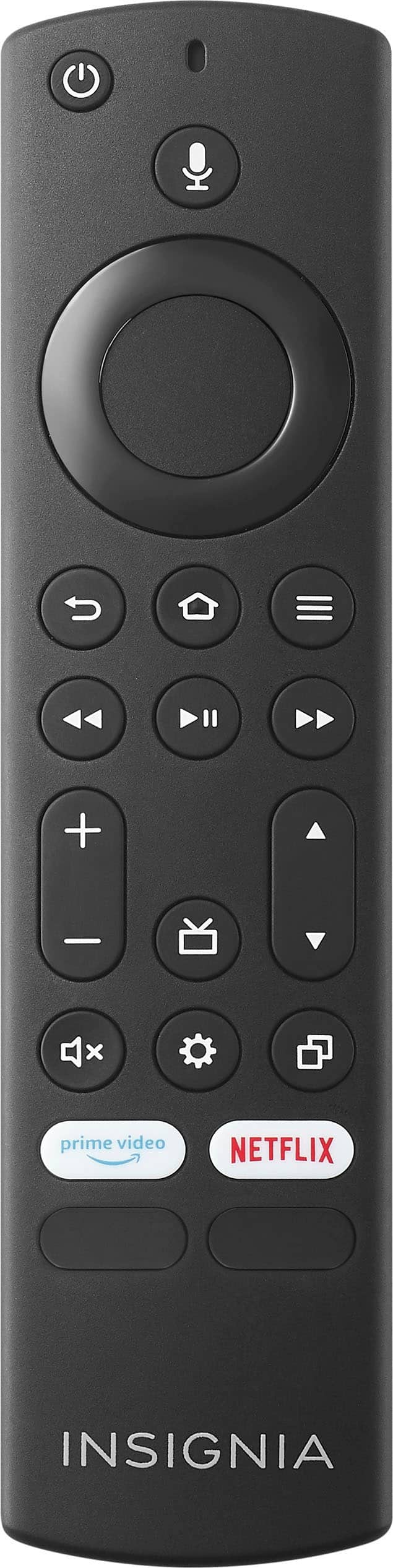
A:AnswerYes, the Insignia™ 24" Class F20 Series LED HD Smart Fire TV includes both a sleep timer and a screen shut-off feature, allowing you to set a timer by pressing the Settings button on the remote, selecting 'Sleep Timer,' and choosing a time interval from 5 to 240 minutes, while the screen shut-off activates automatically either when the sleep timer ends or when the TV detects inactivity, depending on your settings.
— Shiela | Insignia Support
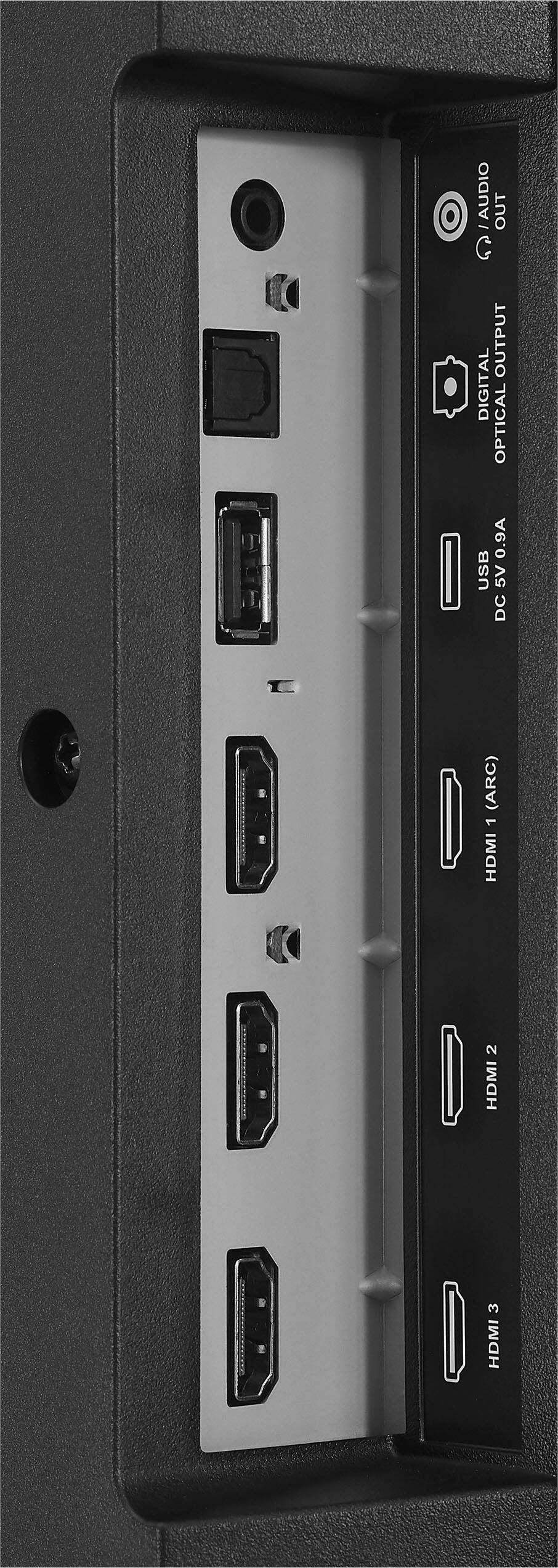
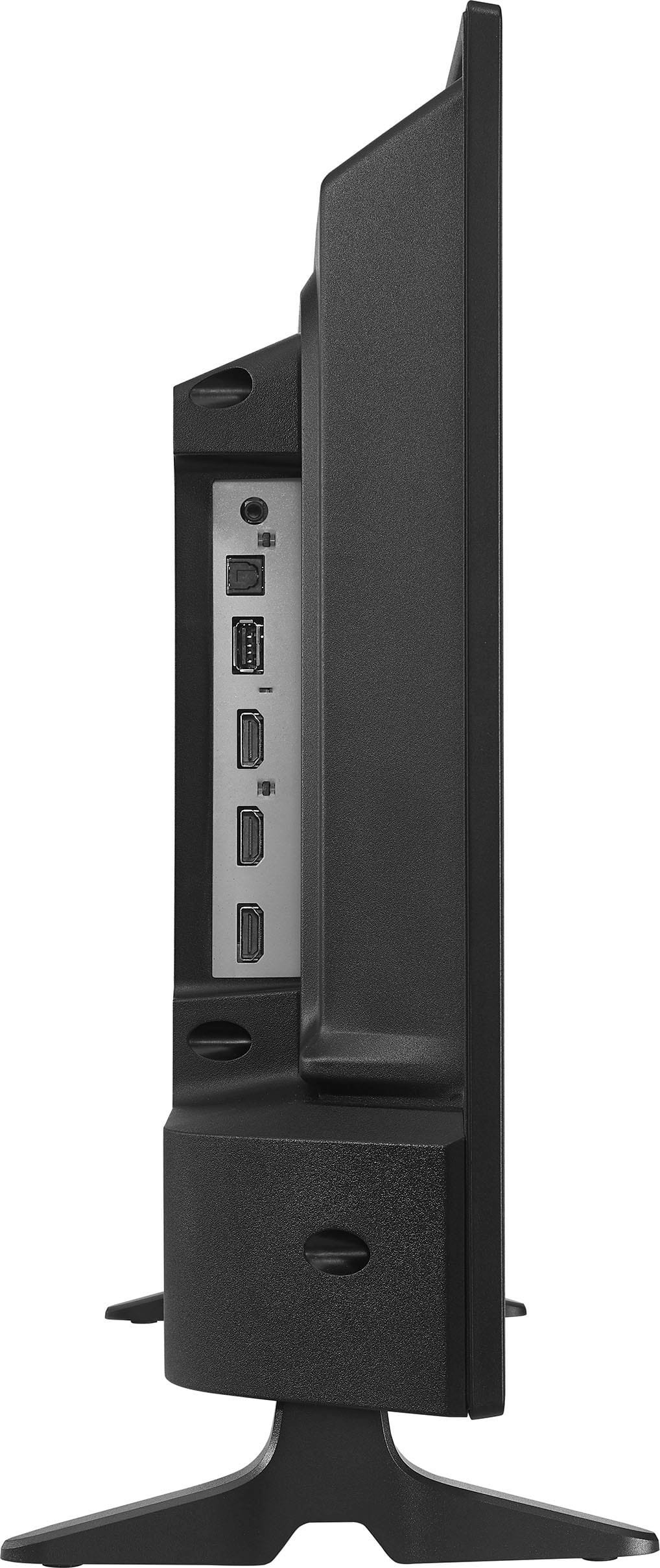
A:AnswerThank you for your inquiry! Yes, the Insignia™ 24" Class F20 Series LED HD Smart Fire TV can play MP4 video files from a USB 3.0 flash drive, as long as the video format and codec are supported by the Fire TV operating system. MP4 is a commonly supported format, so most standard MP4 files should work without issue.
However, regarding playback behavior: the TV does not automatically play the next video in the folder by default. You will typically need to manually select each video unless you're using a third-party media player app (like VLC or Kodi) that supports playlist or folder-based autoplay features. Keith | Insignia Support

A:AnswerThank you for your inquiry! Yes, the Insignia™ 24" Class F20 Series LED HD Smart Fire TV can play MP4 video files from a USB 3.0 flash drive, as long as the video format and codec are supported by the Fire TV operating system. MP4 is a commonly supported format, so most standard MP4 files should work without issue.
However, regarding playback behavior: the TV does not automatically play the next video in the folder by default. You will typically need to manually select each video unless you're using a third-party media player app (like VLC or Kodi) that supports playlist or folder-based autoplay features. Keith | Insignia Support

A:AnswerThank you for your inquiry! Yes, Best Buy offers delivery and setup services for the Insignia™ 24" Class F20 Series LED HD Smart Fire TV. When you purchase the TV, you can add the Geek Squad TV Setup & Mounting service to your order. This service includes delivery, unboxing, installation, and setup of your new TV. Keith | Insignia Support

A:AnswerI actually have no idea, and "memory or RAM" has nothing to do with the subject of the preceding review for a GREAT customer service representative who is located in the Philippines.
His name is Rin, and he provided the BEST customer service experience I have ever received!
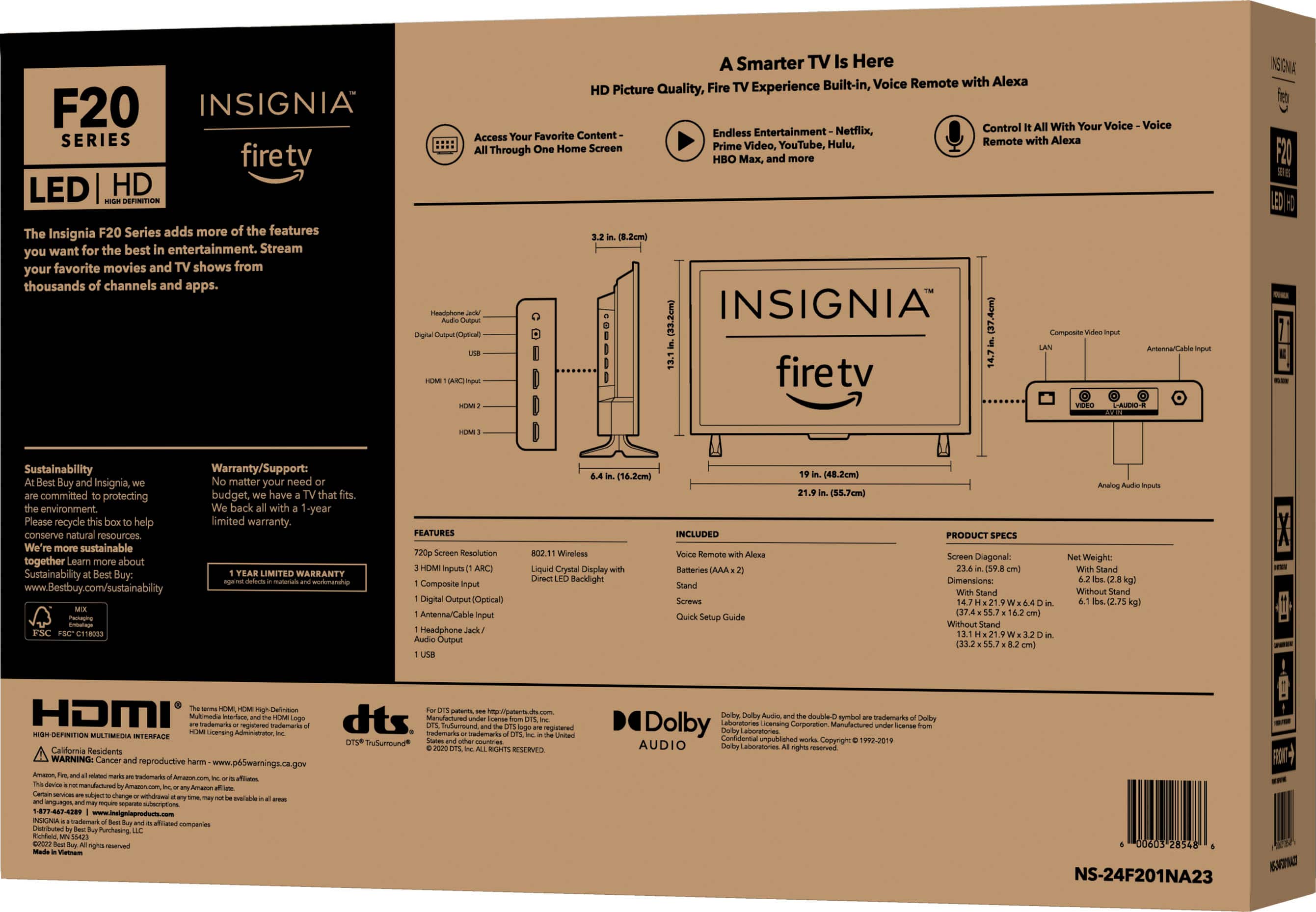
A:AnswerJTH, thank you for reaching out. To find the User Guide for your Insignia NS-24F201NA23 television, the easiest way is to visit the Best Buy website. Once you are on the Best Buy homepage, use the search bar at the top to enter the model number "NS-24F201NA23". After the product page for your TV appears, navigate to the "Features" section. If you scroll down on this page, you should find a section labeled "User Manual" where you can download the User Manual in PDF format. This will provide you with detailed information on how to use all the features of your Insignia Smart Fire TV. If you have any other questions or need further assistance, feel free to ask! - Mae | Insignia Support