A:AnswerIt seems that the Voice Guide is ON.
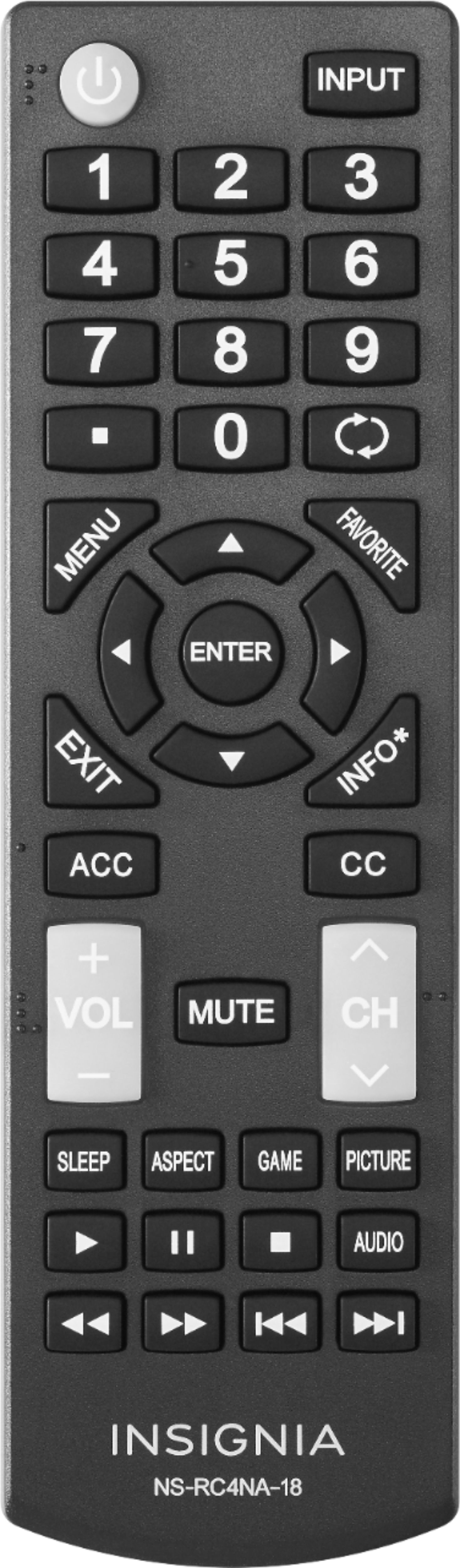
To turn it off press Menu > go to Accessibility > Voice Guide > and select OFF.
David M. - Insignia Support
A:AnswerThis is not a Smart TV.
You can connect an Antenna to watch free over-the-air broadcasts from your local channels.
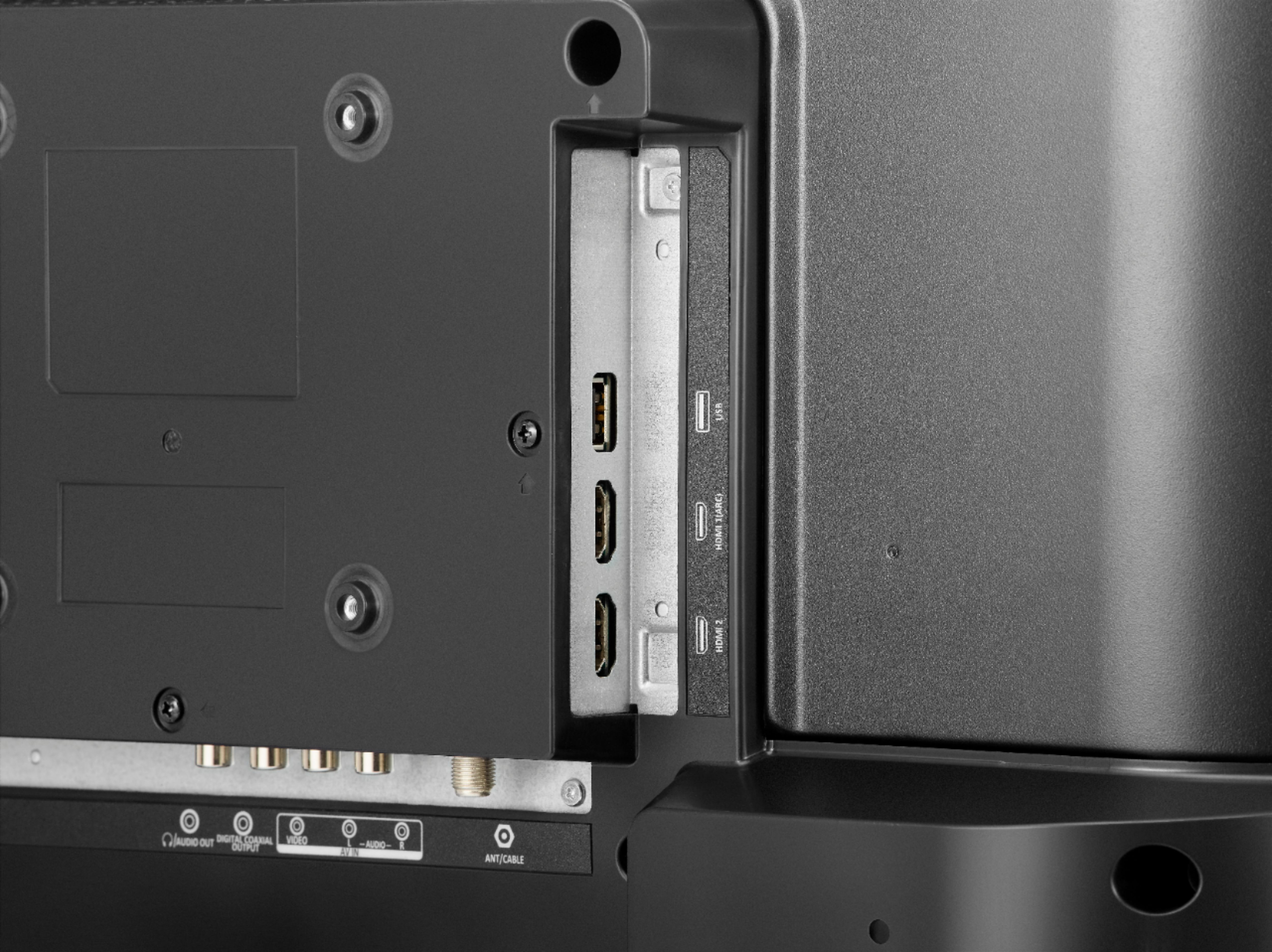
Also, you can connect an external streaming device using HDMI to stream free content from the internet.
David M. - Insignia Support
A:AnswerHi, Jeanette.
This 24" TV does not have Bluetooth nor Wi Fi connectivity. However, you can check out our Fire TV Edtions TV models, which do come with such connectivity functions.
Cesar G. - Insignia Support
A:AnswerThe default setting of sleep timer is Off which could be found Menu > Setting > Time > Sleep Timer.
This TV should not turn off as long as a video signal is playing on the screen.
David M. - Insignia Support
A:AnswerNameplate says power consumption 120v / 1a.... has standard 2 prong polarized plug. If you want to operate on 12 volt you could use 200 watt or larger inverter.
A:AnswerHi Kate,
This is just a 24'' HDTV. It is not a DVD player and it does not have one included. You will need to purchase your own DVD player.
- Janína G. | Insignia Support | https://www.insigniaproducts.com/contact-us
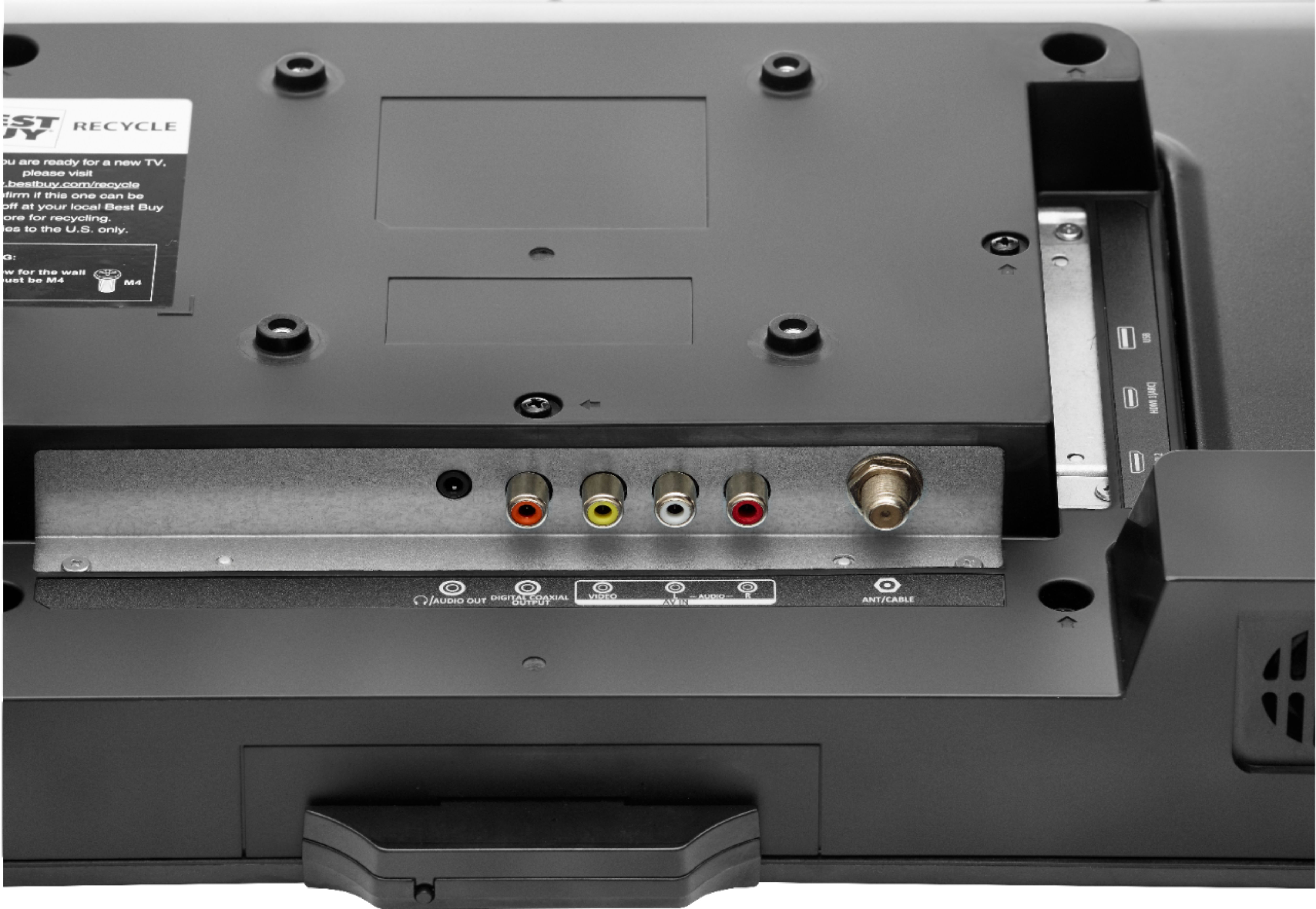
A:AnswerYes- as long as you use an HDMI input connection to the TV. I use my TV for a PC monitor and it works fine. If your DVD/VCR combo doesn't have an HDMI output, you'll need to get an adapter that will connect the output type you have (RCA is the typical red-white-yellow analog cable connection on older devices) to an HDMI cable- you can find them everywhere for less than $20.
A:AnswerHello ABE,
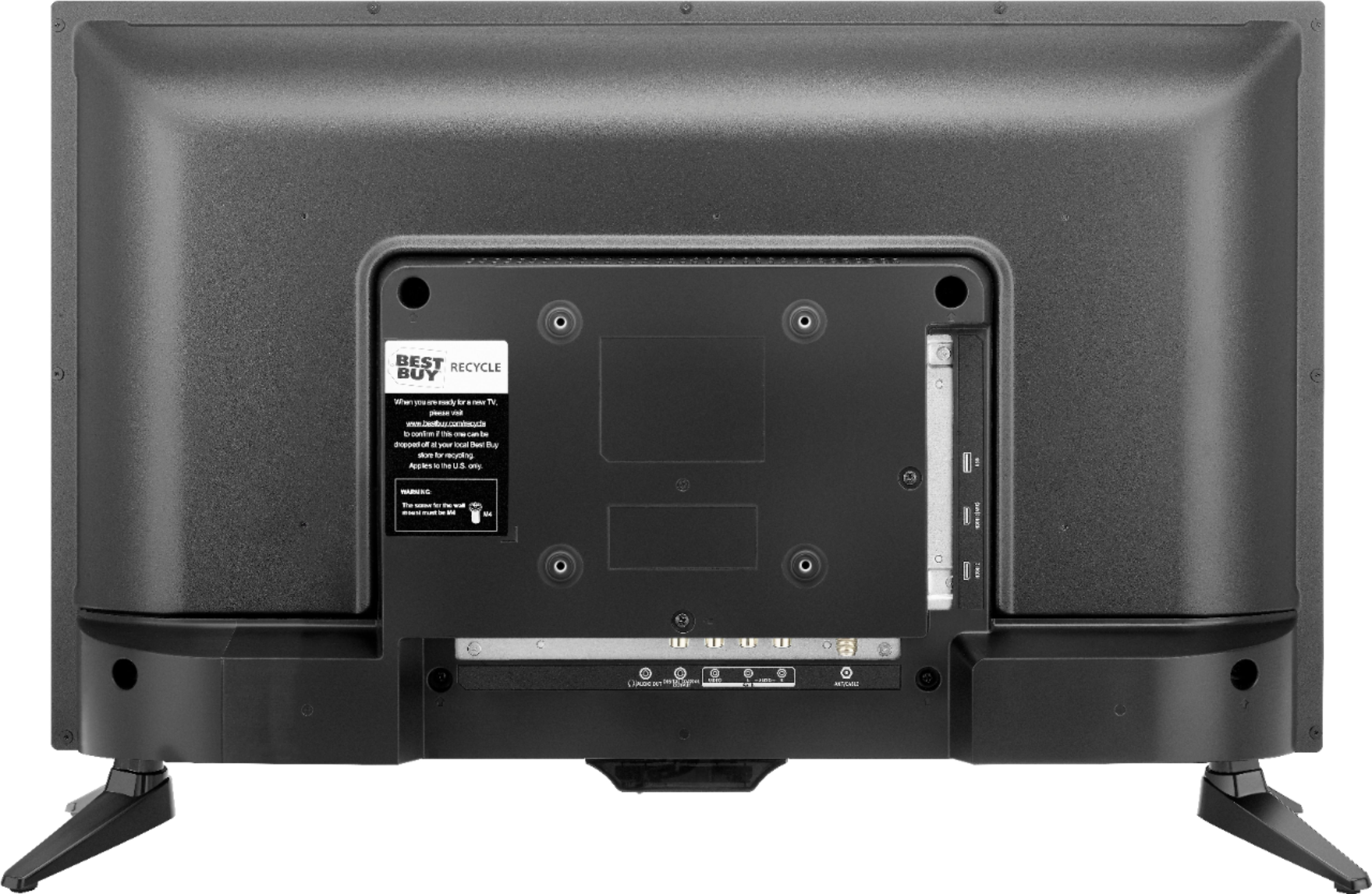
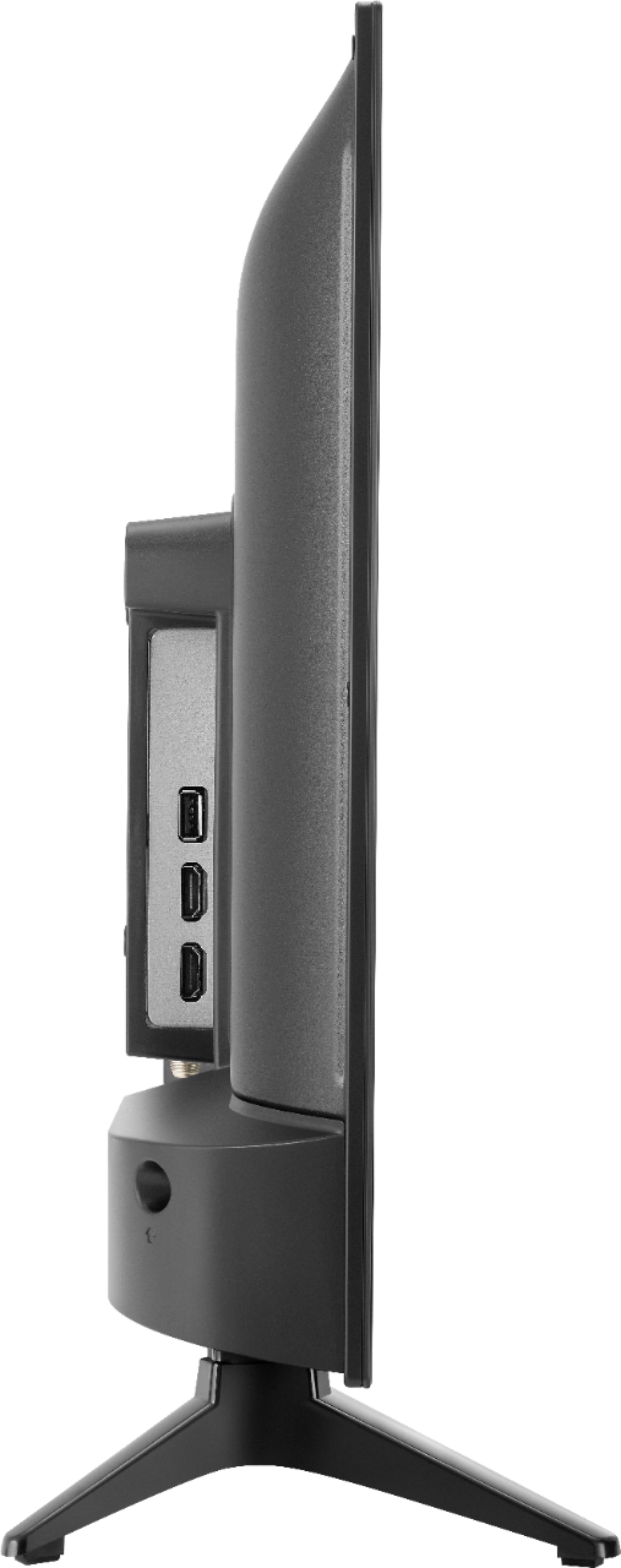
You should have no issues with connecting a digital antenna to your TV since it has an antenna/cable jack on the back.
Itzel I. - Insignia Support.
A:AnswerYou did not actually ask a question, but my screen is blurry when I use it with my laptop too. I don't think there is any way to make it better. You may have to just return it.