A:Answer Hi Phil,
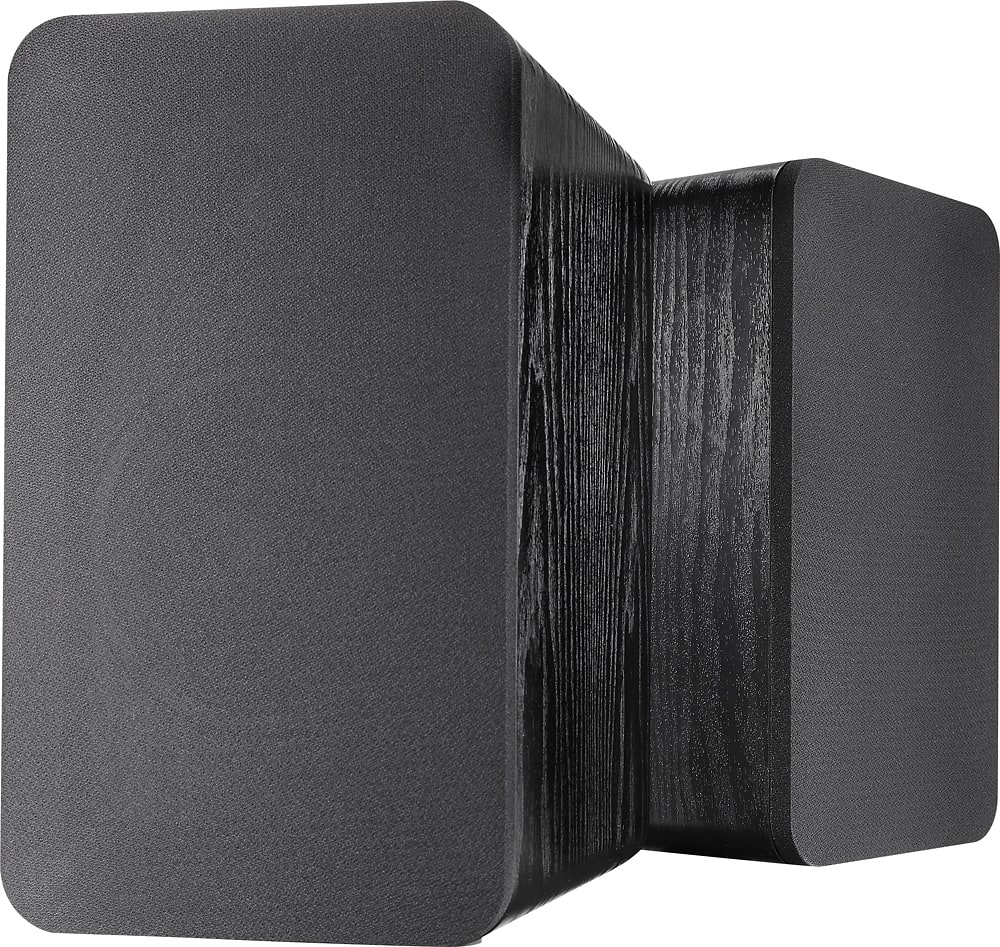
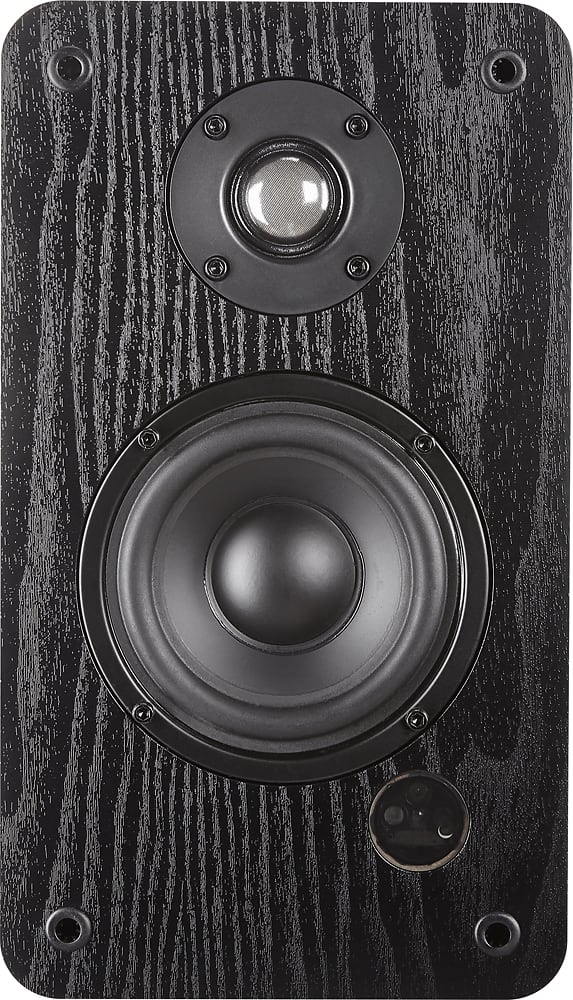
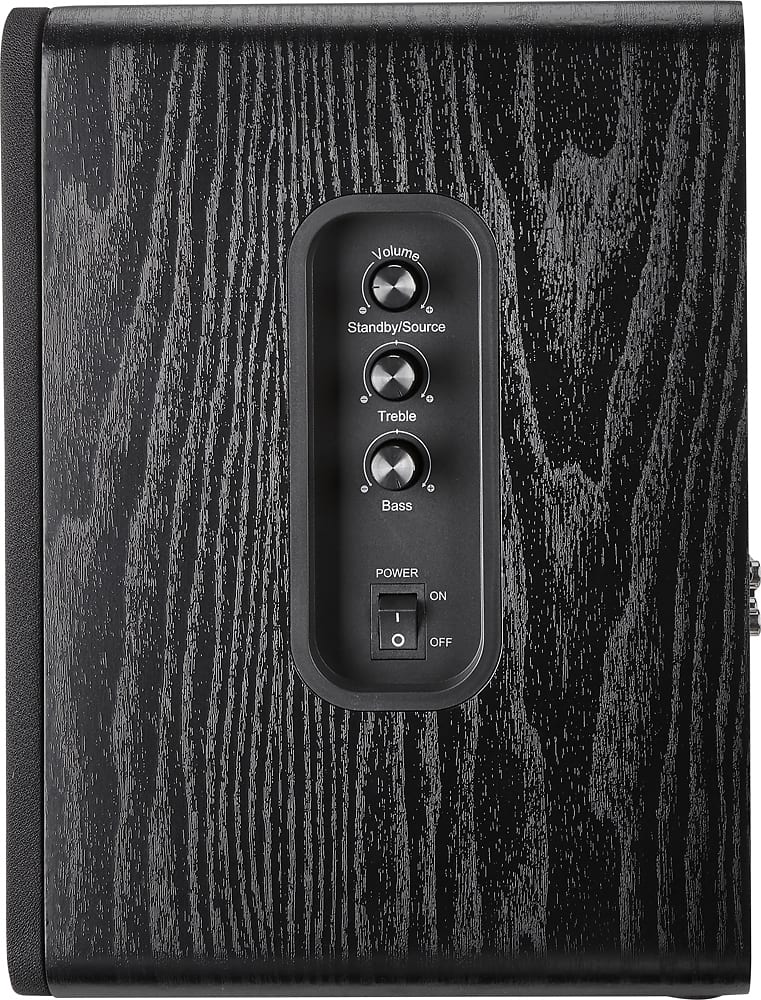
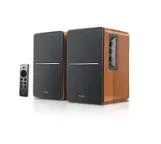
Move your remote closer to your Speakers, within 10 feet (3 m). Ensure there are no obstructions that is blocking your remote sensor. Remove the batteries from your remote and press every single button twice then place the batteries back in the remote. If the issue persists, please call our Customer Service at 1-877-467-4289.
Dina || Insignia Support || https://www.bestbuy.com/insignia