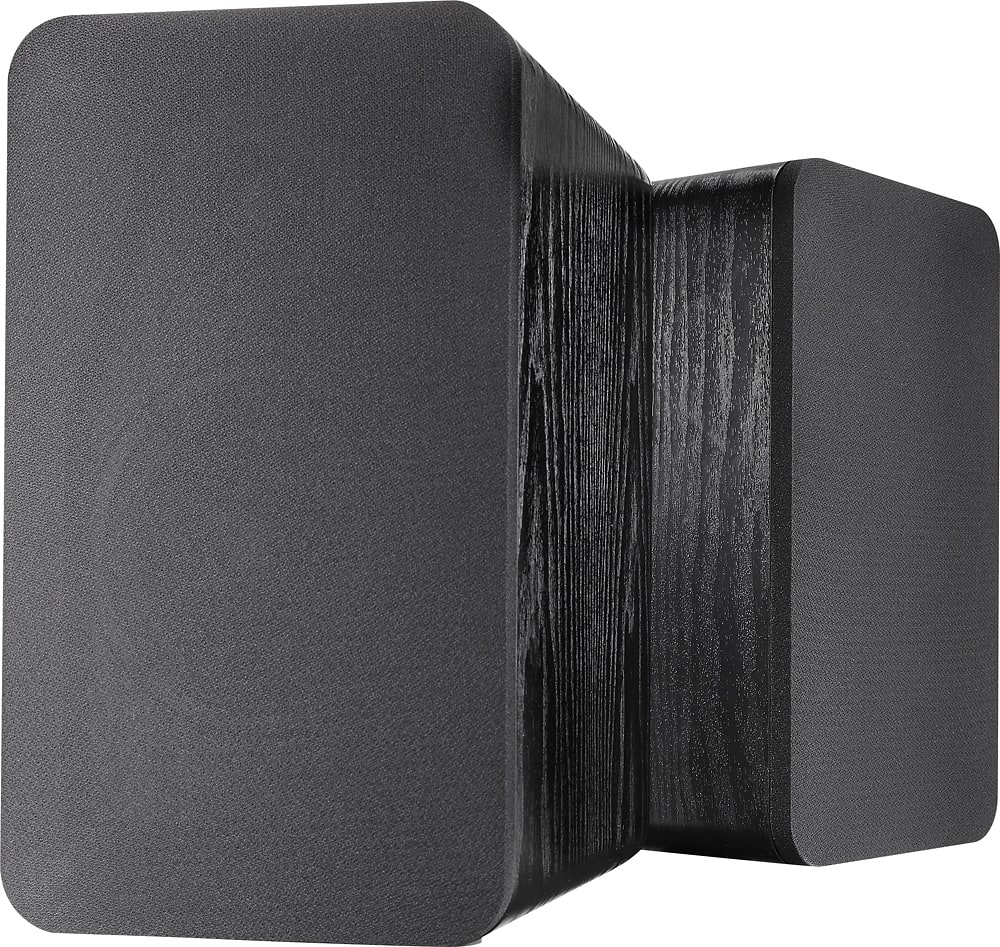
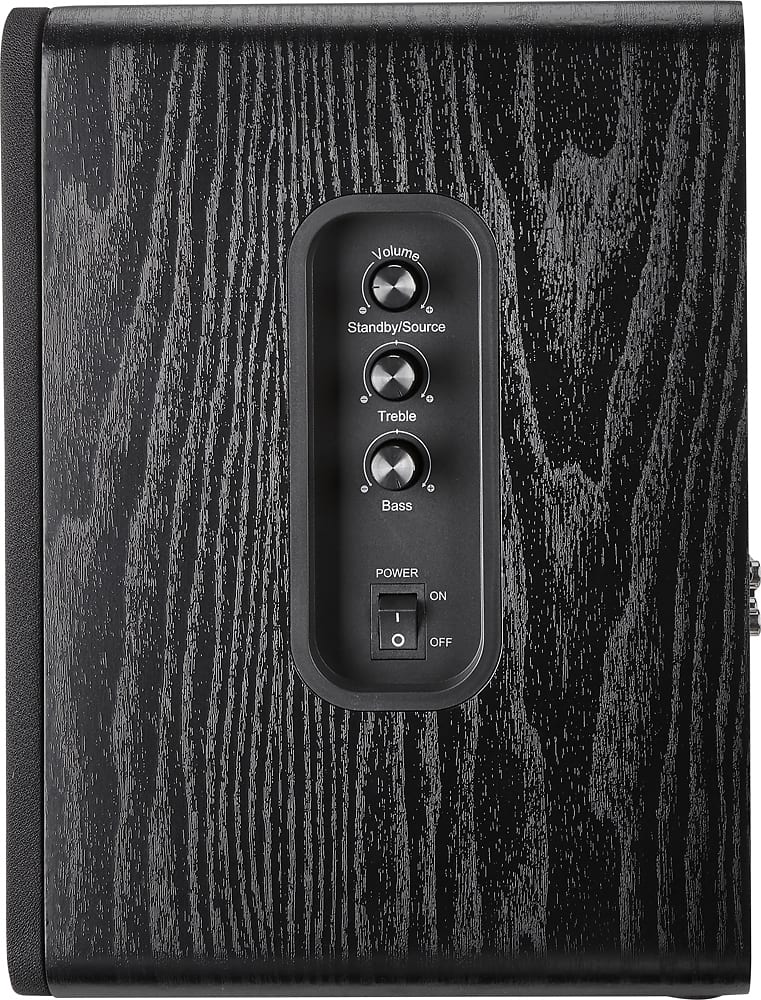
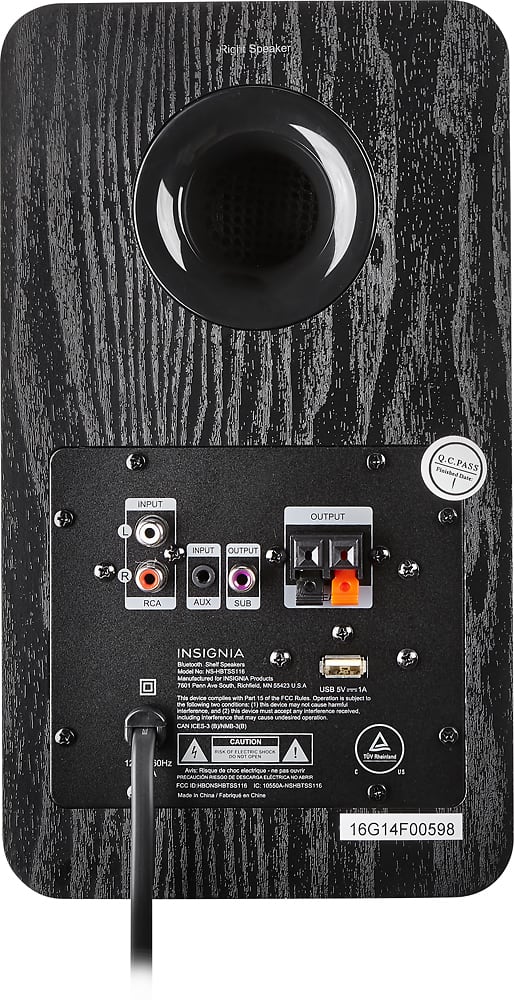
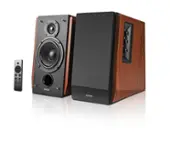
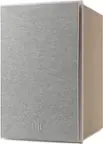
A:Answerthe power is turned on from the switch on the speaker itself. There will be a dim red indicator light if the speakers aren't being used. it just shows that there is power to the speakers and they are in stand-by mode.
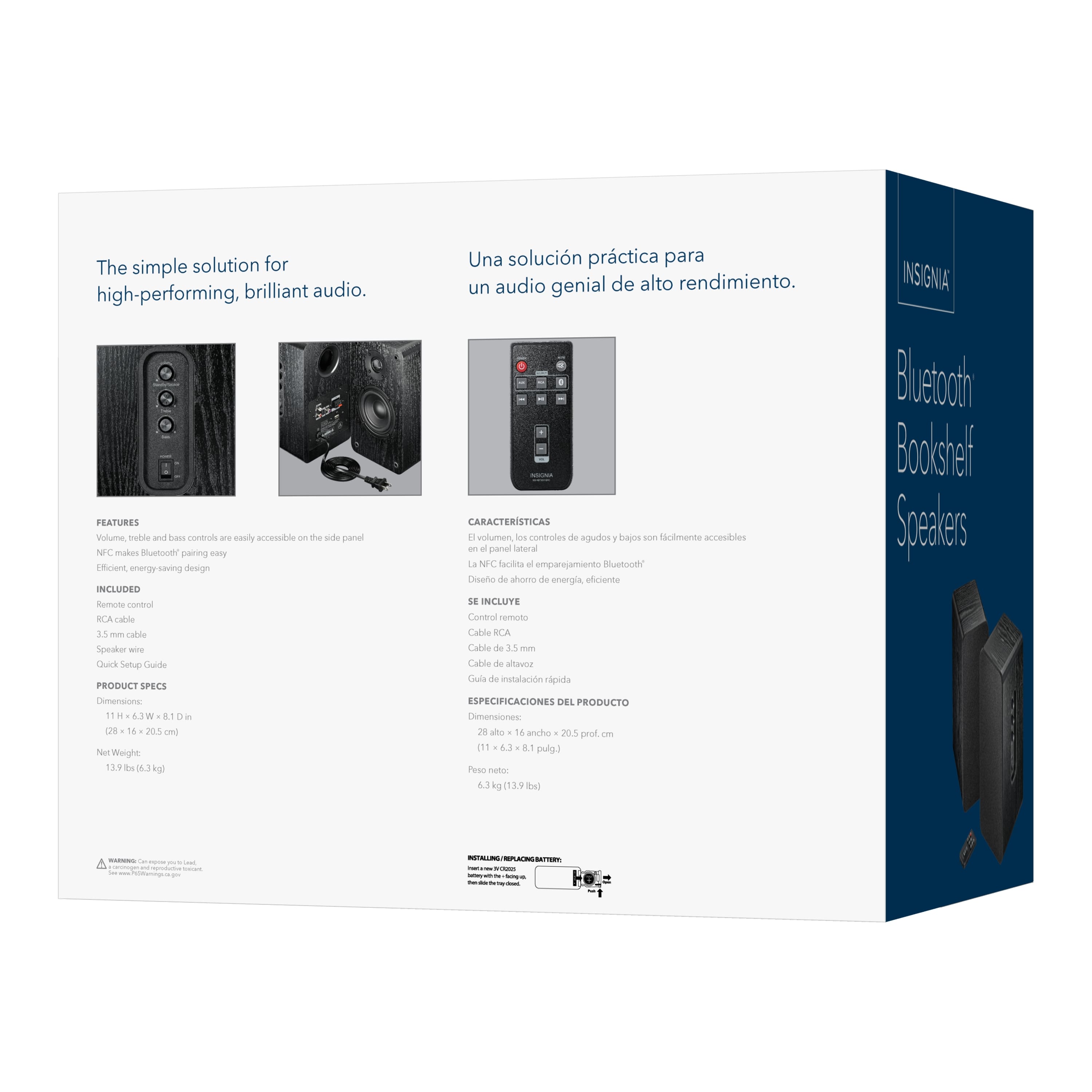
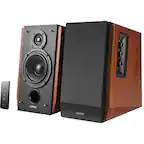
turn on the speakers to listen to audio by pressing the power button on the remote. and then select on the remote to connect to a device by pressing the Bluetooth button or the aux button. the indicator light will change to blue for Bluetooth or green for aux. then adjust the volume.
the power button on the speaker cabinet is the master switch and the remote power switch activates the speakers without having to switch the master every time.
you can turn off the power completely by turning off the master power switch on the right speaker. then the light will go out. no unplugging necessary
Read your owners manual. it says the same thing.
A:AnswerI am not having this problem but wonder if you can turn them off using the remote control (I know it i wired but not sure what else I would call it.)
A:AnswerThese speakers can be paired via Bluetooth. Here is the link for the User Guide https://files.bbystatic.com/DDqBcYmuonq0ikWPddw%2BZg%3D%3D/5283401_qsg.pdf
A:AnswerYes - providing your TV has RCA or 3.5mm outputs although I don't recommend using the 3.5/aux audio jack. I've tried this with computer speakers on my Sony TV and got a slight hum. These speakers have a great sound for the price but if you are looking for home theater audio, these won't shake the walls, but will sound much better than low end sound bars or the TV speakers.
Good luck!
A:AnswerYou have an amp, so wired speakers would be better. Your crosley could connect directly to powered speakers but you would better to get some Polk t15 speakers or budget pair if passive/wired speakers that suit your budget