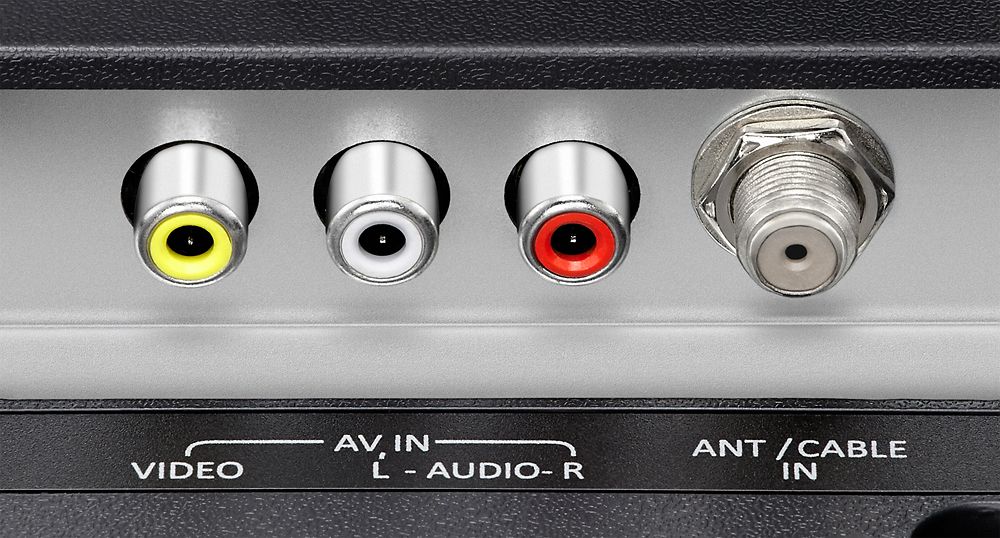
A:AnswerIf you do not have cable and you aren't going to either hook it from the television to a cable box or from a television directly to your cable outlet in the wall you will need an antenna. You do need wireless access if you're going to use all of the best features of the TV which are the different streaming services like Netflix or if you want to stream the news from different newscast and several other great things that the TV has to offer you would need to make sure you have the internet so that you can access the different wireless
A:AnswerYou don't have to purchase a sound bar, however; to experience a really great audio output I recommend a sound bar but like I said a sound bar isn't required
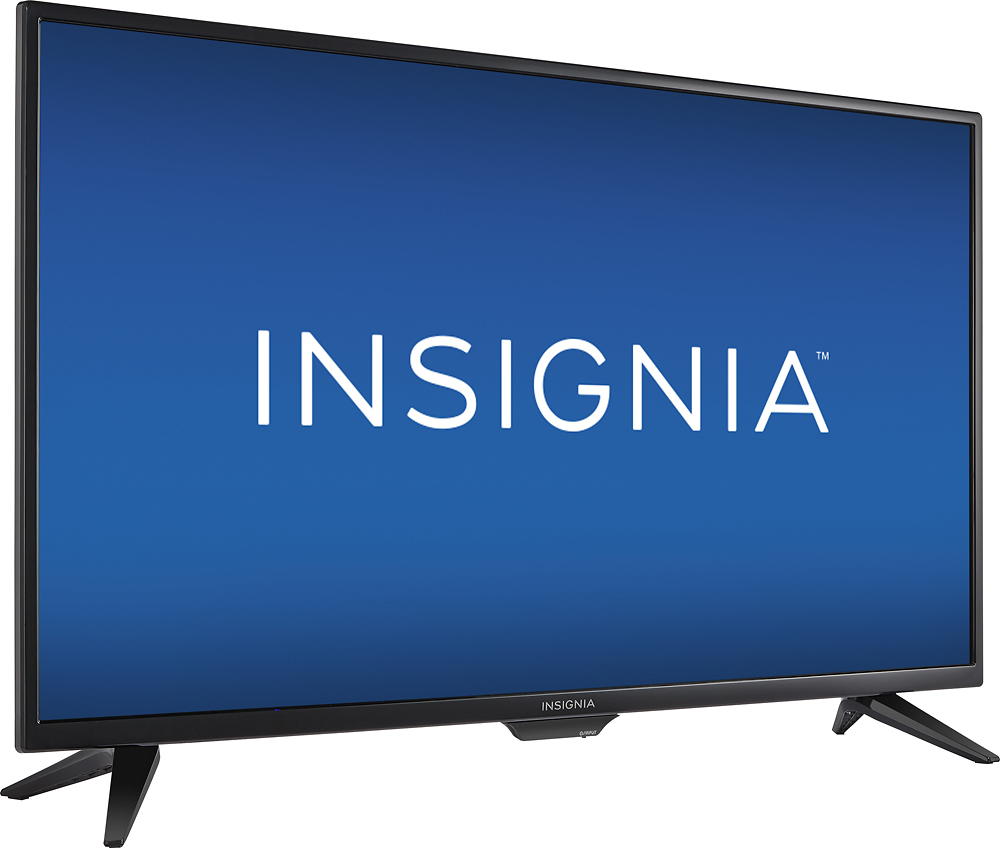
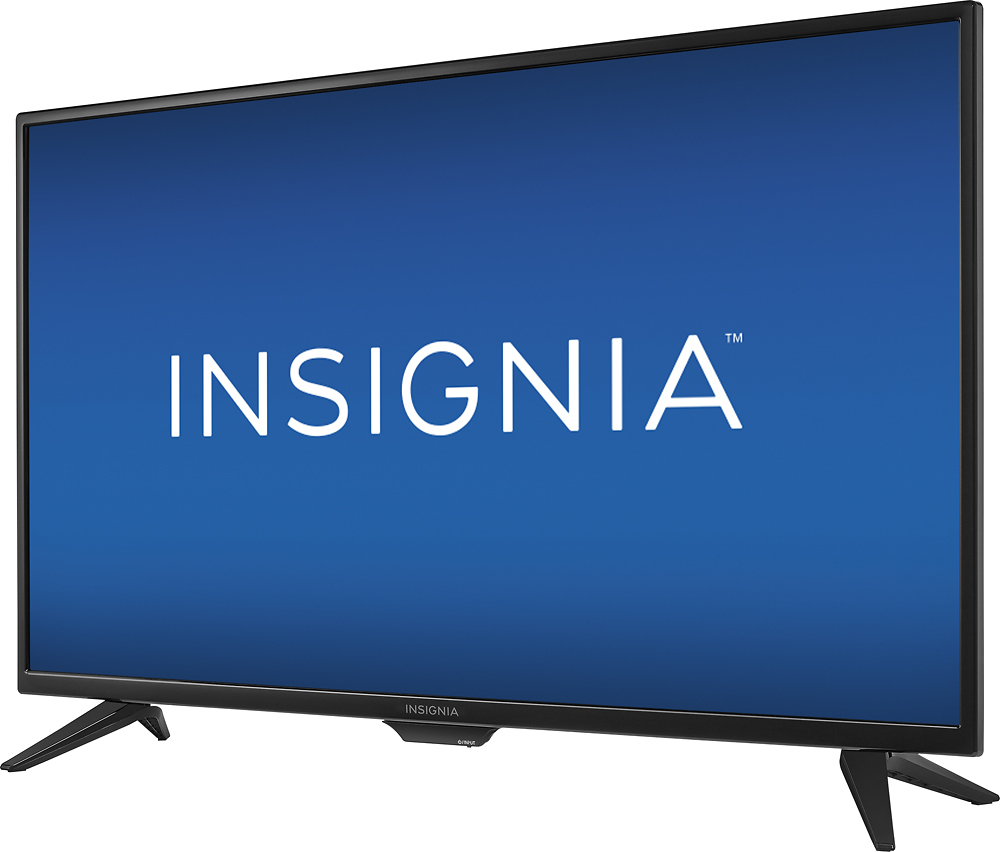
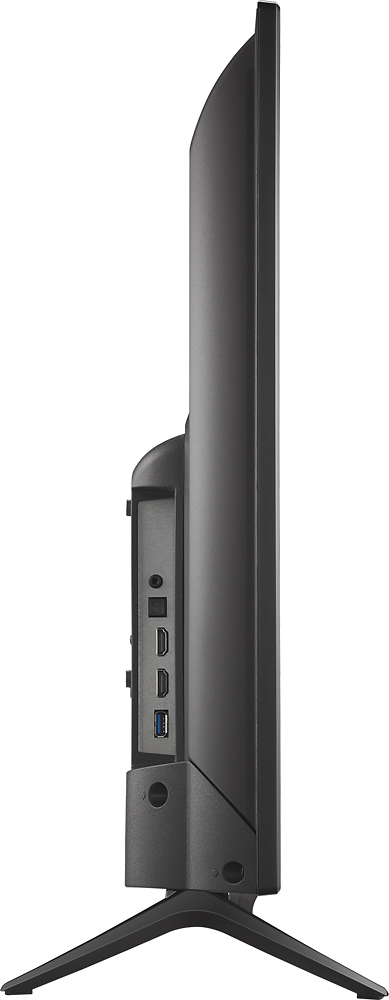
A:AnswerIt comes with a remote, but not with a HDMI cable, that one you would have to purchase separate.
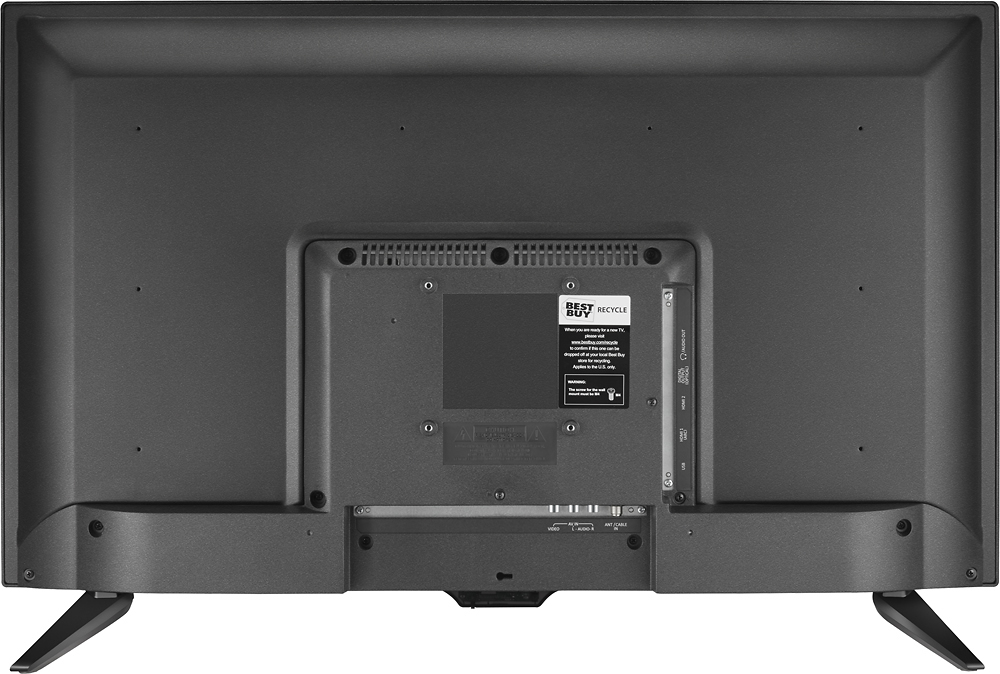
It only comes with with the plug cable, so if you have a HDMI cable or the one with the 3 colors you can connect it with you cable box immediately
A:Answer720P. But, with this size of picture you don't need the high resolution of 1080P when sitting at a comfortable distance. You really can't tell the difference with this size screen.
A:AnswerRead my review. Trust me spend the extra $20-25 to get a new one. They marked my "open box" item as "excellent" and instead it should have said very used poor condition. Scratches and dents. I returned the open item.
A:AnswerWhen you were setting up the TV for the first time, it asks what kind of input you were setting it up for. You might have selected a different input than you intended.
(*A note: even if you're using an antenna, all stations currently broadcast in digital. Analog TV broadcasting has been discontinued.)
To access your setup, use your remote, press "Menu" then select "Help" in the upper right hand of the box, then select "Customize my TV" and it will allow you to select to restart the Easy Setup wizard if you wish to make sure you made the proper signal input selection upon setup. Good luck.
A:AnswerNo. You can wall mount it, but the stand only has placement for the screws on the sides of the TV. It's like this on most TVs now. I hate it too.