A:AnswerHi there! We understand how confusing it can be to set up Airplay and HomeKit. We are more than willing to assist you in troubleshooting and exploring the available options. Please contact us at Insignia Support 877-467-4289 for full assistance. Carl | Insignia Support https://www.bestbuy.com/site/brands/best-buy-brands/pcmcat1596746025285.c?id=pcmcat1596746025285
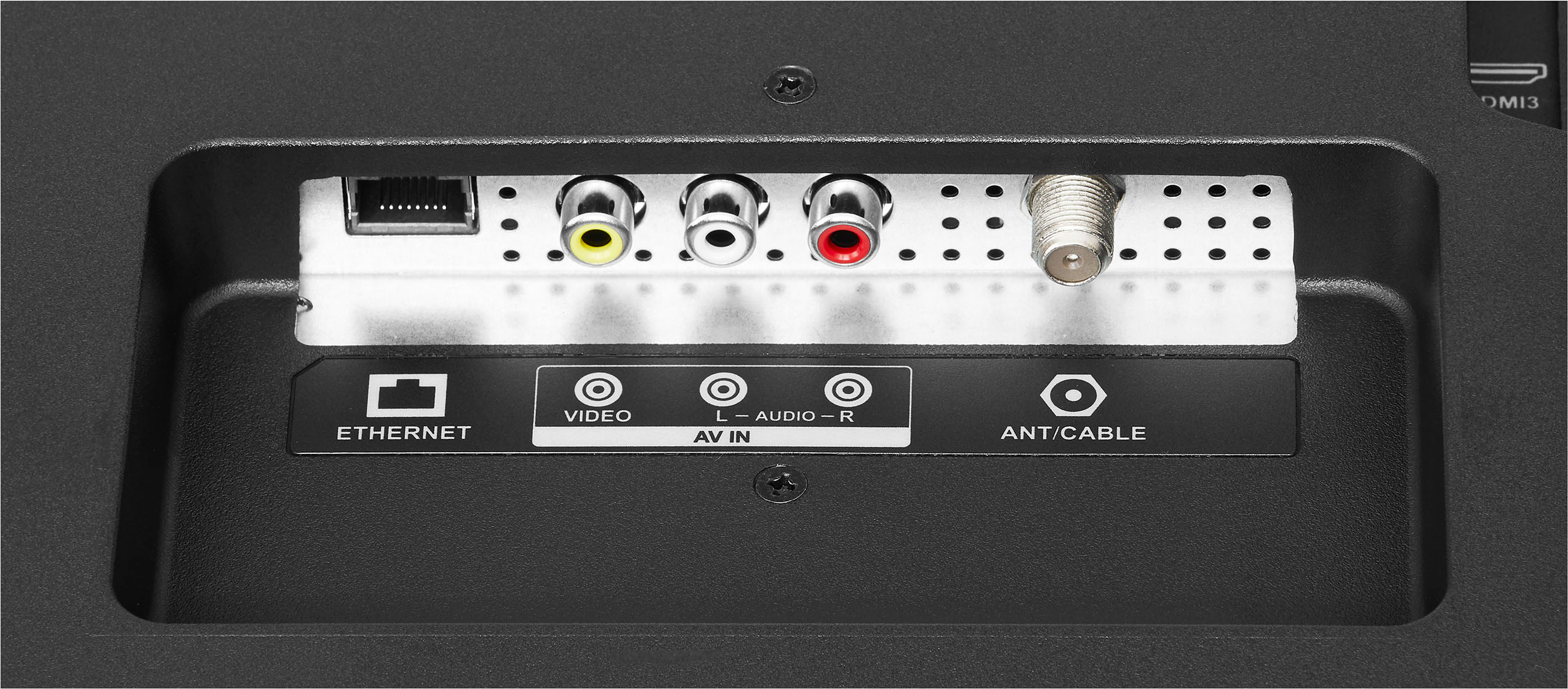
A:AnswerHi there, Yes, you can connect a vhs recorder or dvd recorder on fire TV.
Rudson S.| Insignia Support. https://www.bestbuy.com/site/brands/best-buy-brands/pcmcat1596746025285.c?id=pcmcat159674602528
A:AnswerMake sure you MANUALLY update your software. On my TV it was Settings, About, Check for Updates. It's very dumb that the software updates are not automatic. Keep doing the check for updates until it says software is up to date, the process only installs one update at a time.
A:AnswerHi Val24,
Yes you can download direct tv streaming app to this television.
Insignia Products
Marites
www.bestbuy.com/site/brands/best-buy-brands/pcmcat1596746025285.c?id=pcmcat1596746025285
A:AnswerHi Binaca,
Follow the steps below to set up your television.
1 Make sure that you have connected the power cord to your TV and that you turned on your TV.
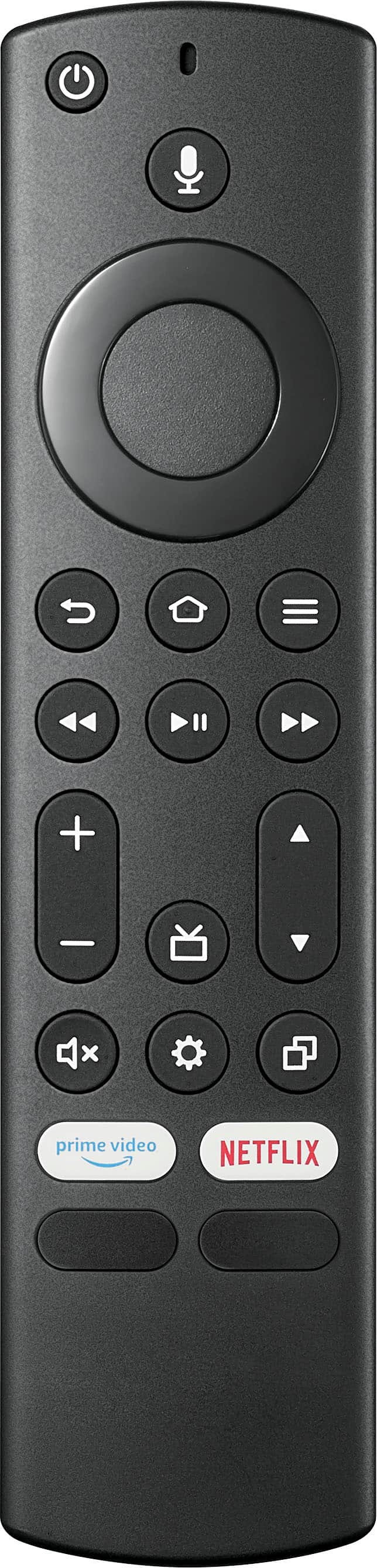
2 Make sure that you have installed the batteries in your new Voice Remote with Alexa.
3 Make sure that your remote is paired with your TV. Pairing should occur automatically. If you have issues, press (Home). If you continue to have issues, try re-inserting your batteries or replacing them, then repeat this step again.
4 Select your Wi-Fi network from the networks displayed on the screen.
Note: If your Wi-Fi network is password protected, have your Wi-Fi network password handy to connect your TV to the Internet. If your network is hidden, select the Join Other Network tile from the list. If required, enter your network password using the on-screen keyboard.
5 Select your experience: Full (Recommended) or Basic.
• Full: Get the most out of your experience with access to live TV, over 500,000 streaming movies and TV episodes, thousands of apps, and Alexa skills. To get started, sign in or sign up for a free Amazon account.
• Basic: This experience is limited to live TV and only six streaming apps. Alexa and the full Appstore are not included. For more information about setting up your TV, go to: http://www.amazon.com/help/firetveditiontv
If you need further assistance in setting up your TV, you may also visit https://www.bestbuy.com/site/brands/best-buy-brands/pcmcat1596746025285.c?id=pcmcat1596746025285 or contact us directly at (877) 467-4289 and we will be glad to assist you.
Insignia Support
https://www.bestbuy.com/site/brands/best-buy-brands/pcmcat1596746025285.c?id=pcmcat1596746025285
A:AnswerHello JD,
Yes, you can download the app on the TV without firestick.
Insignia Support
Molina
https://www.bestbuy.com/site/brands/best-buy-brands/pcmcat1596746025285.c?id=pcmcat1596746025285
A:AnswerHi Jag2024,
If you go to the Settings tab from the Home screen (usually all the way to the right) and select it you will find a selection called Controllers and Bluetooth Devices. Select and go down to Other Bluetooth Devices. Select Add Bluetooth Device. At this point the TV will search for devices to pair with. If you have any questions or concerns, please use the link below to reach us and also you can contact this phone number 877-467-4289 for further assistance.
Insignia Products
Nikki
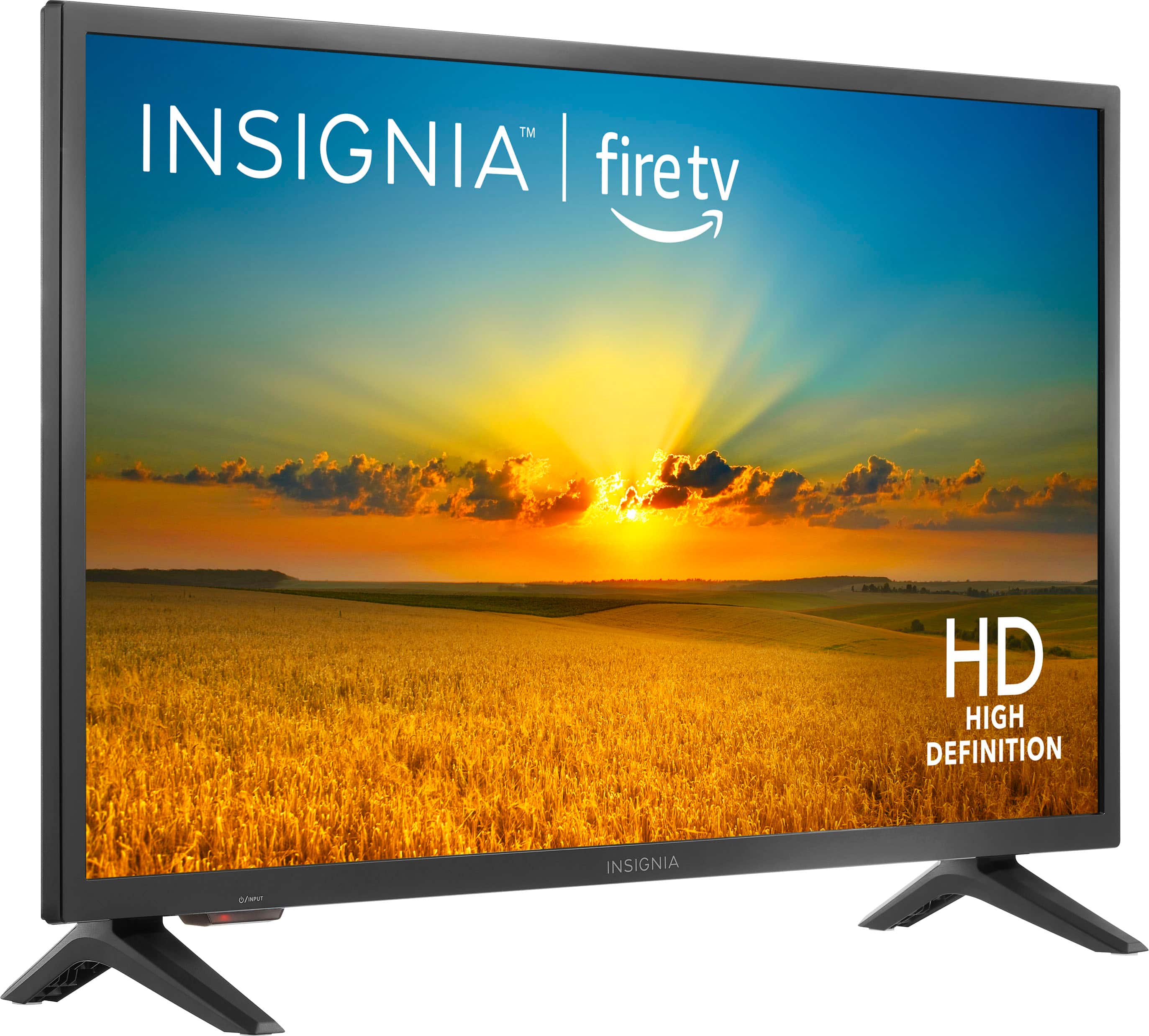
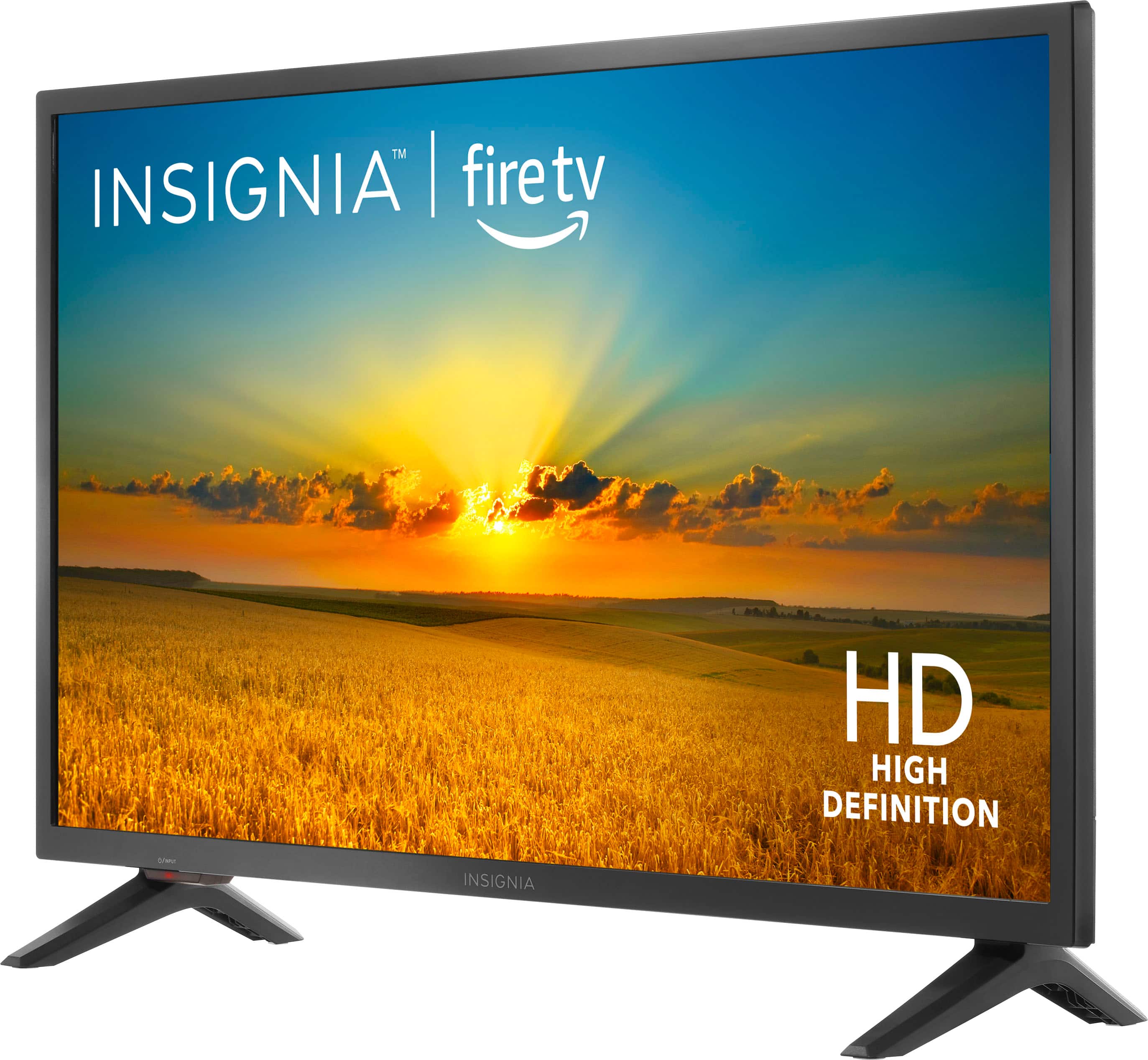
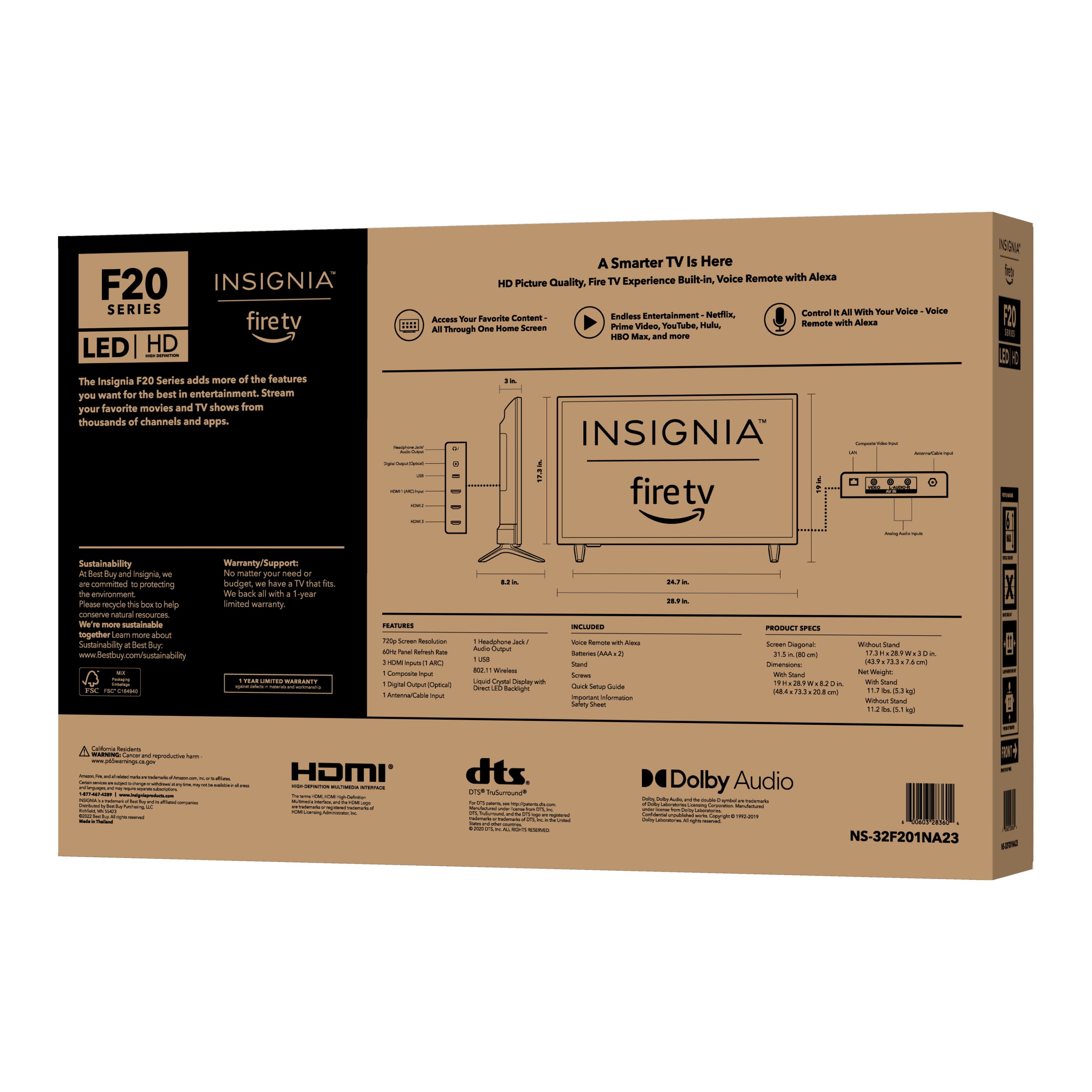
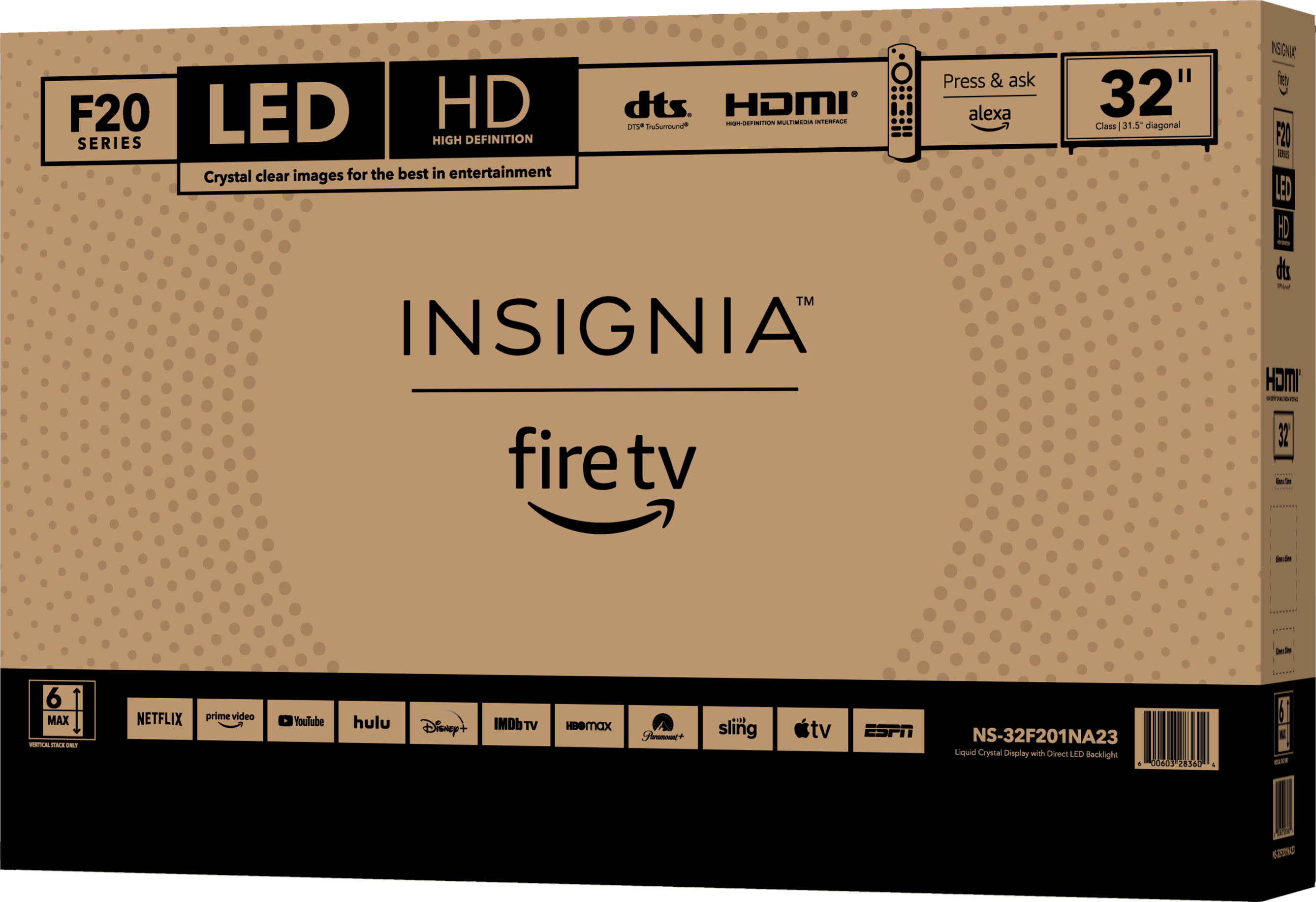
Please visit https://www.bestbuy.com/site/insignia-32-class-f20-series-led-hd-smart-fire-tv/6482022.p?skuId=6482022
A:AnswerHi there, please send us an email for us to provide you the English version of the user manual. Please refer this link https://www.bestbuy.com/site/brands/best-buy-brands/pcmcat1596746025285.c?id=pcmcat1596746025285
Mariepel C.| Insignia Products
https://www.bestbuy.com/site/brands/best-buy-brands/pcmcat1596746025285.c?id=pcmcat1596746025285
A:AnswerHi,
I just purchased this TV
It is great
The best thing about it, the Fire Stick is BUILT IN the TV
So no need to purchase a seprate Fire Stick