Refund Refresh 4-Day SaleEnds Monday. Limited quantities. No rainchecks.Shop now

Main Content

Questions & Answers

$119.99
Save $30
Comp. Value: $149.99
Page Showing 21-40 of 59 questions
  • QuestionCan another streaming device work on this tv?

    Asked by Quirt.

    • Answer No, its only amazon

      Answered by Grandi

  • QuestionCan you download Dish Anywhere app?

    Asked by Joed.

    • Answer Thank you for your inquiry! Yes, you can download the DISH Anywhere app on the Insignia™ 40” Class F40 Series LED 4K FHD Smart Fire TV, as it runs on the Amazon Fire TV platform. This operating system supports a wide range of apps available through the Amazon Appstore, including DISH Anywhere. To install the app, simply go to the Appstore on your Fire TV, search for “DISH Anywhere,” and select the app to download and install it. Once installed, you can log in using your DISH credentials and start streaming your content directly on the TV.

      Answered by InsigniaCustomerSupport

  • QuestionCan the sleep timer disabled???

    Asked by Ernie.

    • Answer I think the Insignia rep misunderstood your question. There is apparently no way to delay the TV going into sleep mode. I wanted to use mine to play a slideshow when it was inactive but after ten minutes it turns itself off and there seems to be no setting to prevent that.

      Answered by notimpressed

  • QuestionWill this tv play .mp4 movies from a usb drive?

    Asked by Hippie.

    • Answer Yes, the Insignia™ 40" Class FE Series LED Full HD Smart Fire TV (Model NS-40FEFL26) can play .mp4 video files from a USB drive, provided the drive is formatted in a supported file system like FAT32 or NTFS, and the video uses compatible codecs such as H.264 for video and AAC or MP3 for audio; since it runs on Fire TV OS, it includes a built-in media player that supports common formats, and you can also install apps like VLC or Plex for broader playback compatibility. Jeth|Insignia Support.

      Answered by InsigniaCustomerSupport

  • QuestionNo question for that

    Asked by Anonymous.

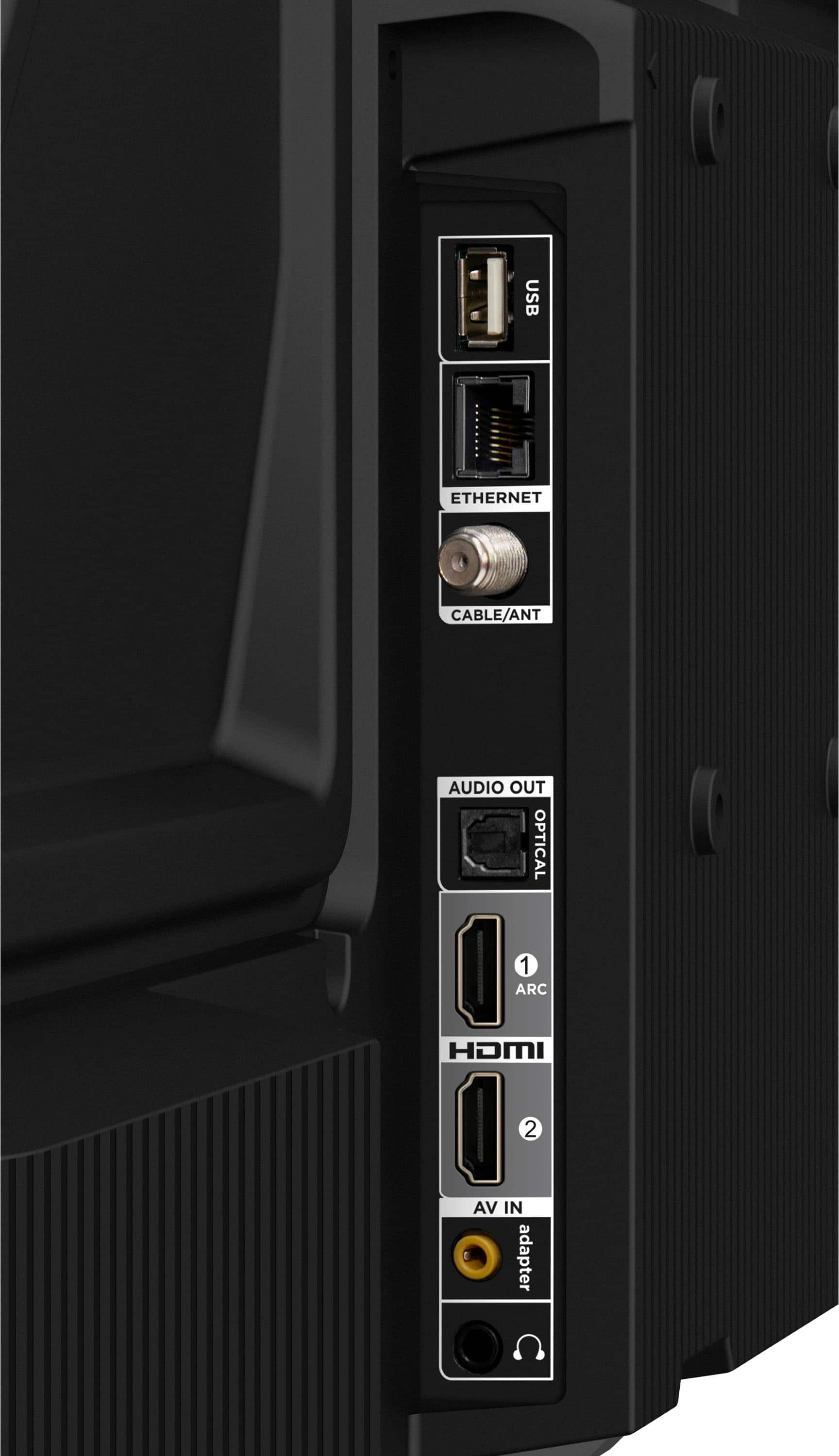
  • QuestionCan I connect a Bluetooth headset to this TV?

    Asked by Ad.

    • Answer Yes, Bluetooth capability. Easy setup with my earbuds.

      Answered by user694564

  • QuestionDoes this tv allow you use Xfinity stream app and peacock

    Asked by Joe.

    • Answer Yes

      Answered by HiteshkumarP

  • Questionis this tv can we set up to connect cable channel?

    Asked by charlie.

    • Answer Yes

      Answered by LuisantonioM

  • QuestionIs it possible to set this tv up to wake up when a video input is detected?

    Asked by leemer.

    • Answer Great question, leemer! The Insignia™ 40" Class FE Series LED Full HD Smart Fire TV (NS40-FEFL26) does not currently support automatic wake-up when a video input is detected, like when you power on a connected device via HDMI. Tine | Insignia Support

      Answered by InsigniaCustomerSupport

  • QuestionDoes anyone know how heavy the tv is when packaged? I'm trying to get an idea for shipping purposes. Thanks.

    Asked by Chuffy2.

    • Answer Maybe 10 pounds maximum

      Answered by LuisantonioM

  • QuestionCan ROKU work with this tv?

    Asked by Anonymous.

    • Answer Yes

      Answered by LuisantonioM

  • QuestionWhat is dynamic contrast ratio?

    Asked by Baturin.

    • Answer Thank you for your inquiry! Dynamic contrast ratio refers to the difference between the darkest black and the brightest white a TV screen can display over time, rather than at a single moment. For the Insignia™ 40" Class FE Series LED Full HD Smart Fire TV, this means the TV automatically adjusts its backlight depending on the content being shown—dimming during dark scenes to enhance black levels and brightening during light scenes to make whites more vivid. This creates the impression of a higher contrast image and can improve the viewing experience in certain situations.

      Answered by InsigniaCustomerSupport

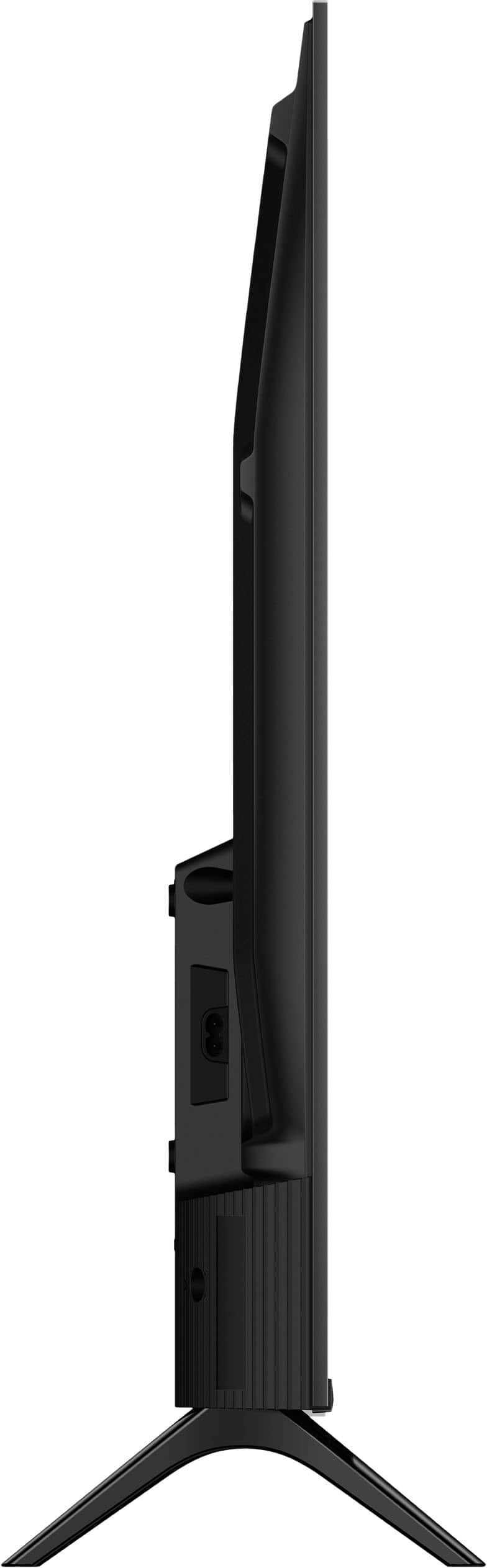
  • QuestionAm I able to mount it on the wall?

    Asked by Jayjay.

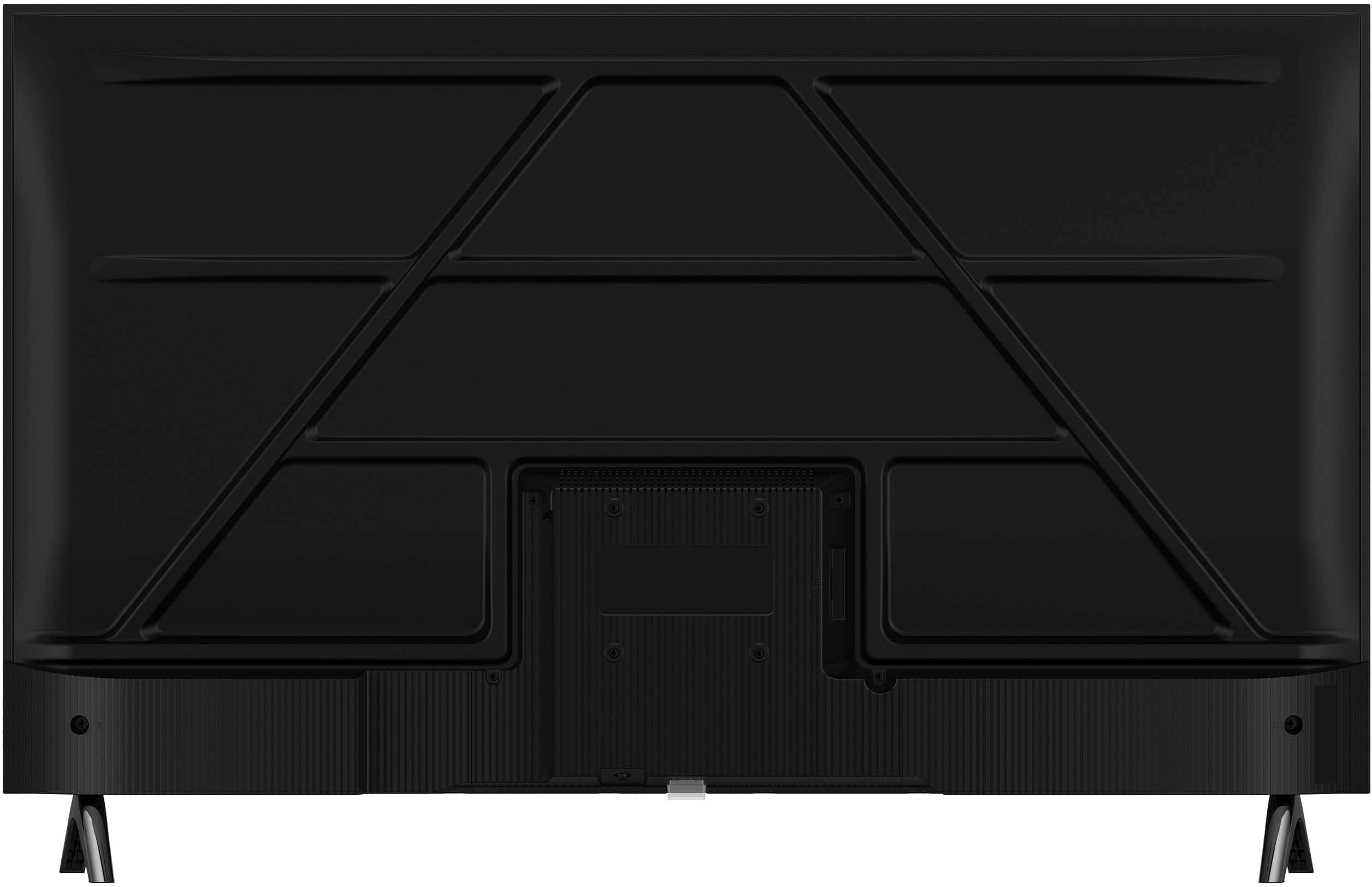
    • Answer Hi Jayjay! Yes, Jayjay — the Insignia™ 40" Class FE Series LED Full HD Smart Fire TV is wall-mountable! It supports the VESA 200mm x 100mm wall mount standard, so just make sure your wall mount matches that size. — Shiela | Insignia Support

      Answered by InsigniaCustomerSupport

  • QuestionCan I use YouTube TV with this tv? I have a subscription. If so, how do I connect?

    Asked by Tineypiney.

    • Answer Yes, you can use YouTube TV with the Insignia™ 40" Class FE Series LED Full HD Smart Fire TV, as it supports the YouTube TV app through its built-in Fire TV platform. To get started, simply go to the Home screen, use the search function to find “YouTube TV,” and download the app. Once installed, open it and sign in with your existing YouTube TV subscription credentials. Patricia | Insignia Support

      Answered by InsigniaCustomerSupport

  • QuestionCan I get my spectrum app on this tv

    Asked by Anonymous.

    • Answer Hi there! Unfortunately, it appears that the Spectrum TV app is generally NOT available on Amazon Fire TV devices, which includes your Insignia Smart Fire TV. According to Spectrum's official support and various user reports, the Spectrum TV app is not currently supported on Amazon Fire TV streaming devices or Fire TV Edition TVs like your Insignia. While Fire TVs have access to a wide range of streaming services, Spectrum seems to be an exception. — Shiela | Insignia Support

      Answered by InsigniaCustomerSupport

  • QuestionCan you connect a Xbox?

    Asked by Dan.

    • Answer Yes

      Answered by user200237

  • QuestionDoes this tv have Bluetooth? Can I connect my Bluetooth headphones to it?

    Asked by Anonymous.

    • Answer Yes

      Answered by user200237

  • QuestionDoes it have Bluetooth capabilities? I want to link a wireless speaker to it.

    Asked by Sami.

    • Answer Hi Sami, Yes, the Insignia™ 40" Class FE Series LED Full HD Smart Fire TV (Model: NS40-FEFL26) does include Bluetooth connectivity. That means you should be able to pair it with a compatible wireless speaker for a more immersive audio experience. Tine | Insignia Support

      Answered by InsigniaCustomerSupport

  • QuestionDo you have to log into an Amazon account to be able to use Airplay screen mirroring? I followed the setup instructions for Airplay, everything appears to be correct but none of my Apple devices will “see” the TV.

    Asked by dhdave41.

    • Answer Yes, you do need to be signed into an Amazon account to use AirPlay screen mirroring on the Insignia™ 40" Class FE Series Fire TV. While you can technically skip the Amazon login during setup, doing so limits access to most smart features, including AirPlay. Once you're signed in, make sure AirPlay is enabled by going to Settings > Display & Sounds > AirPlay & HomeKit, and ensure both your TV and Apple device are on the same Wi-Fi network. If your Apple devices still can’t detect the TV, restarting both the TV and your Apple device can help re-establish the connection. Patricia | Insignia Support

      Answered by InsigniaCustomerSupport

  • QuestionHello, is the AC power cord detachable on this set? Thank you

    Asked by wc2w.

    • Answer Thank you for your inquiry! The Insignia™ 40" Class FE Series LED Full HD Smart Fire TV appears to have a non-detachable (fixed) AC power cord. Keith | Insignia Support

      Answered by InsigniaCustomerSupport