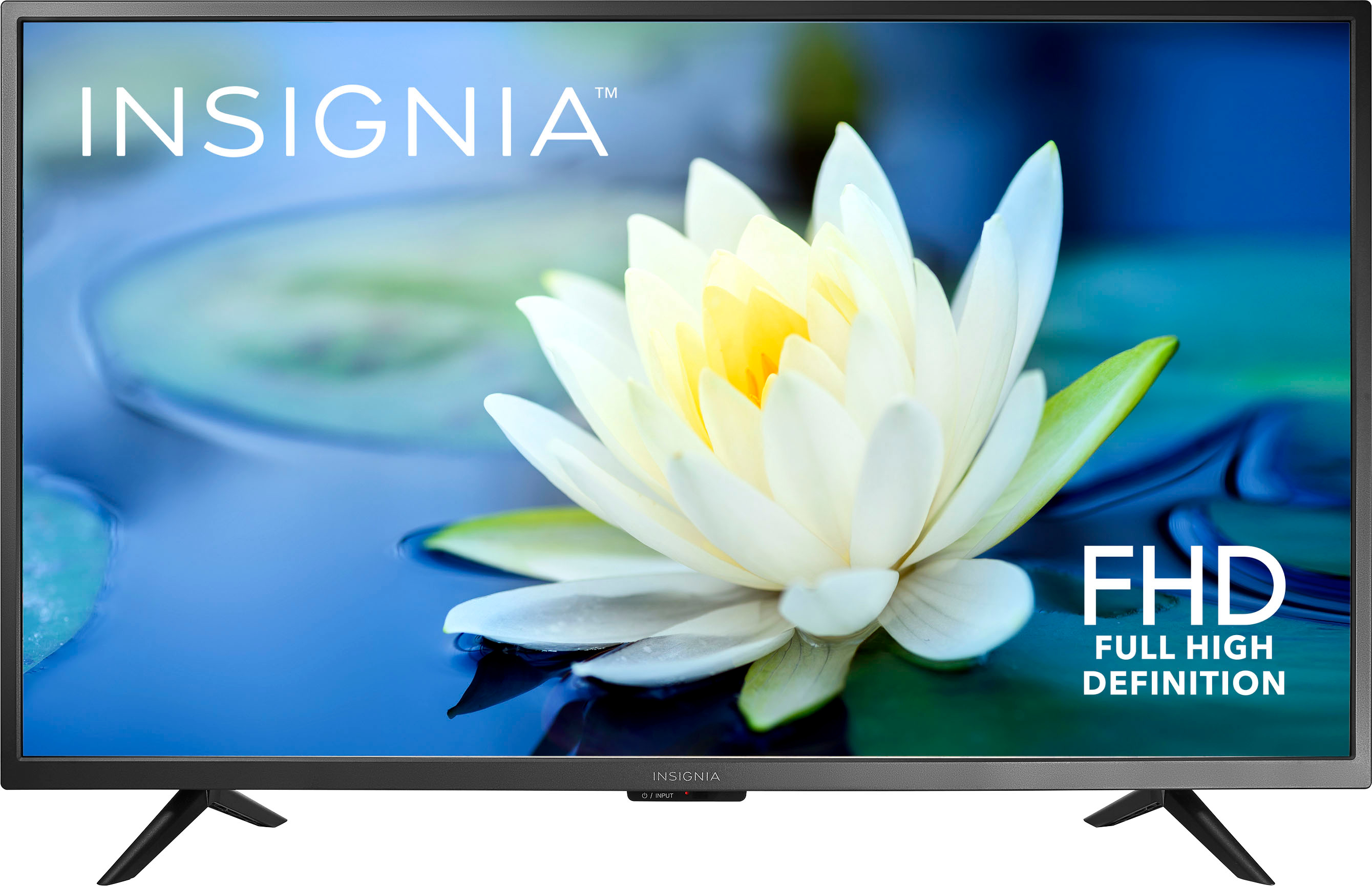
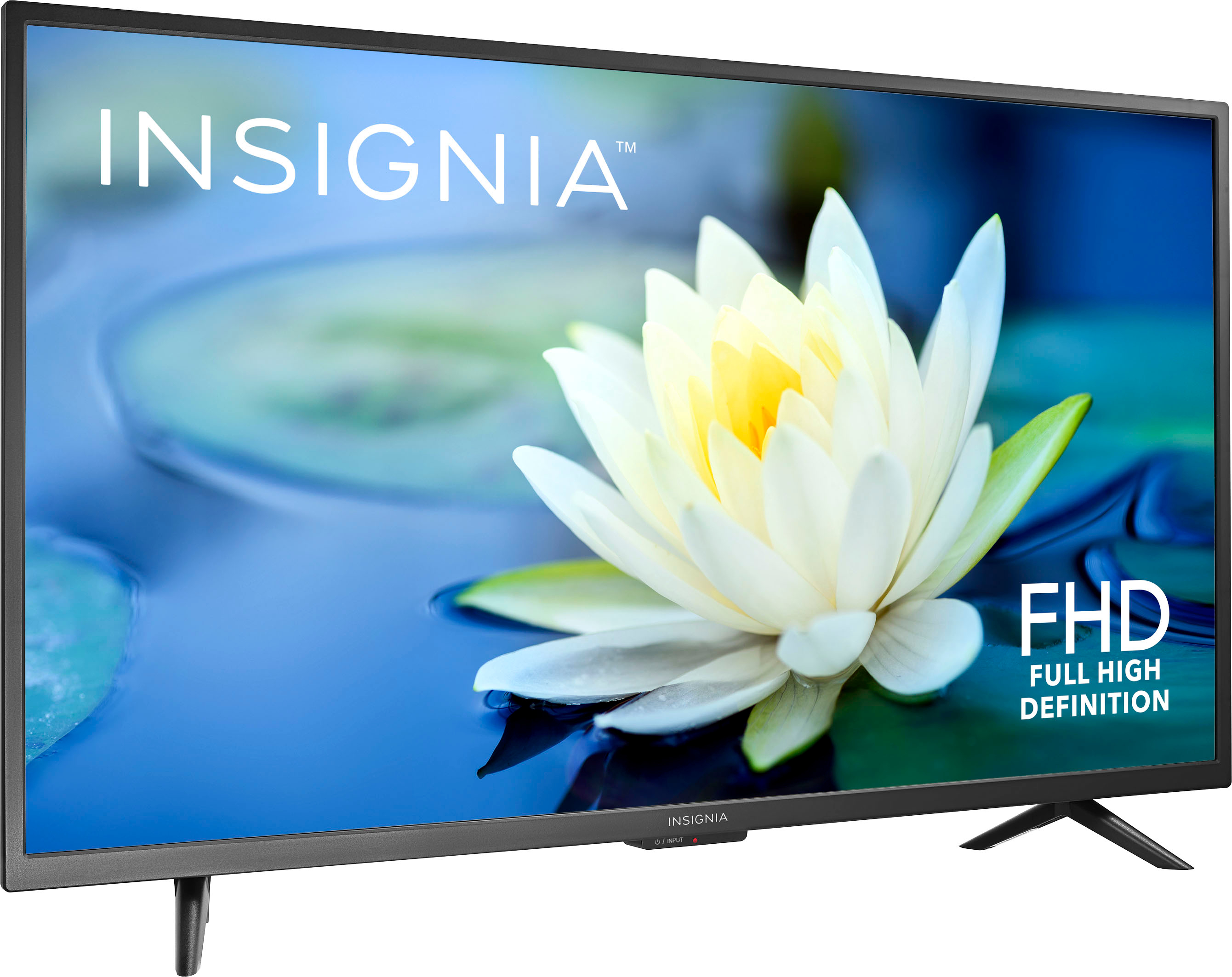
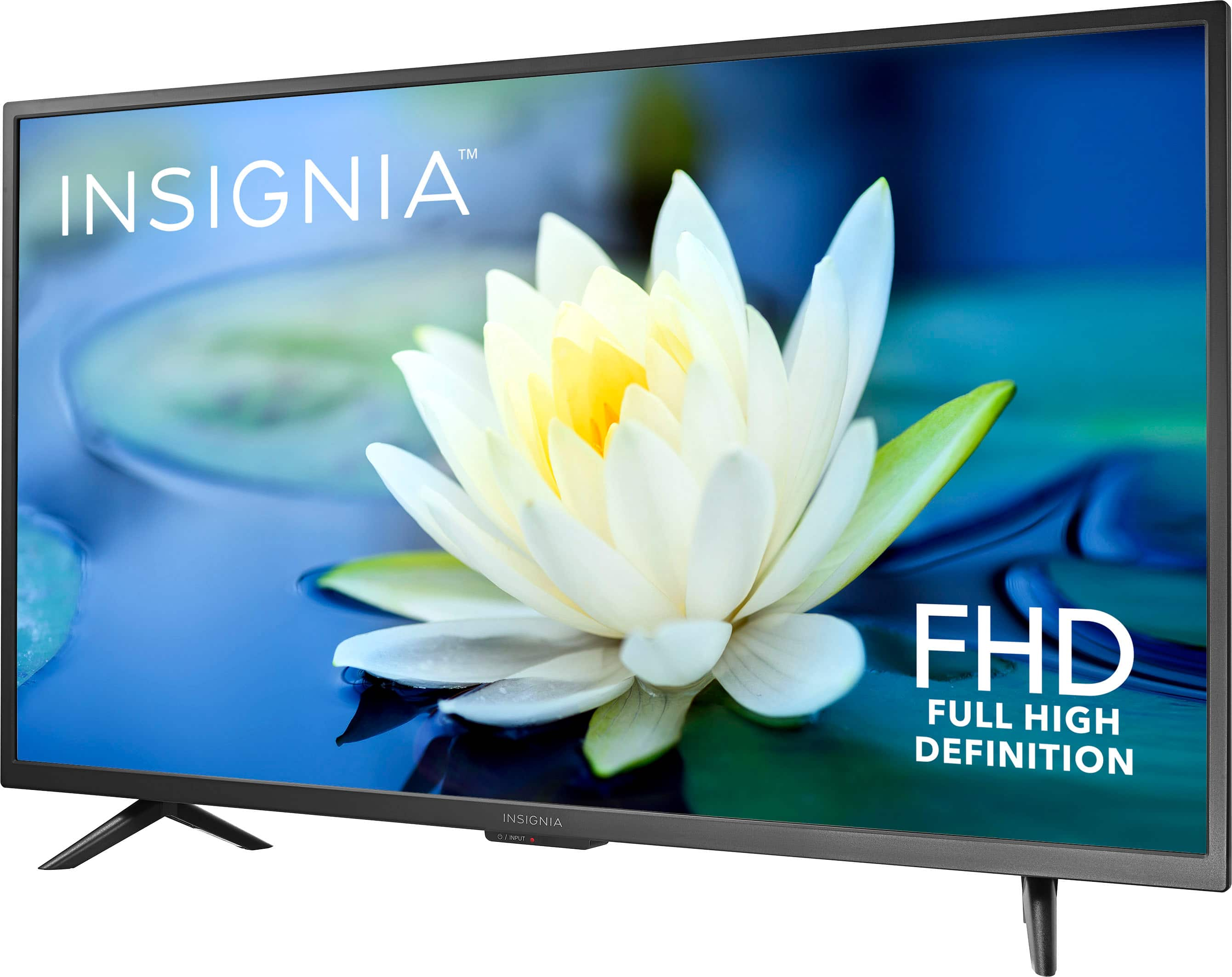
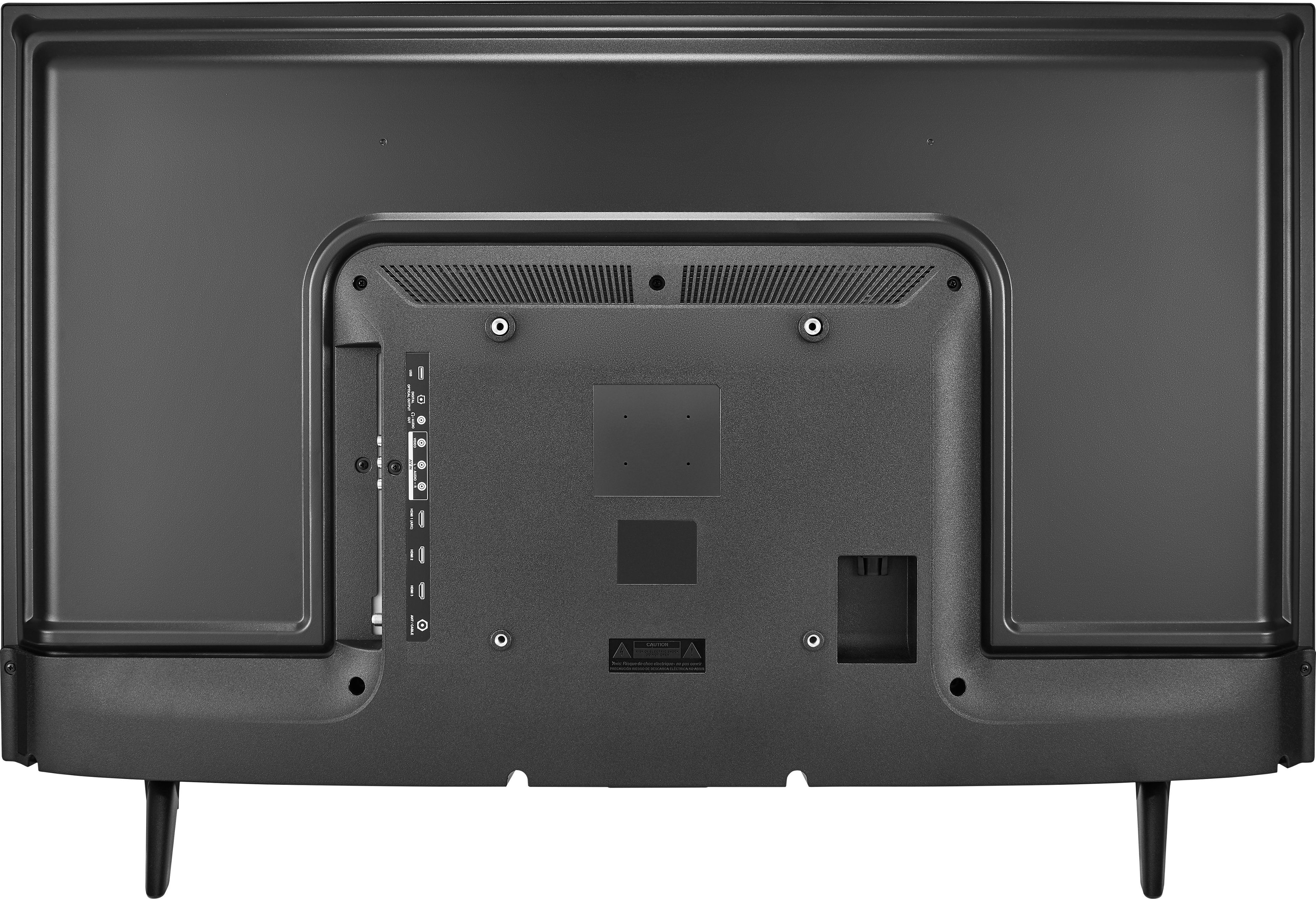
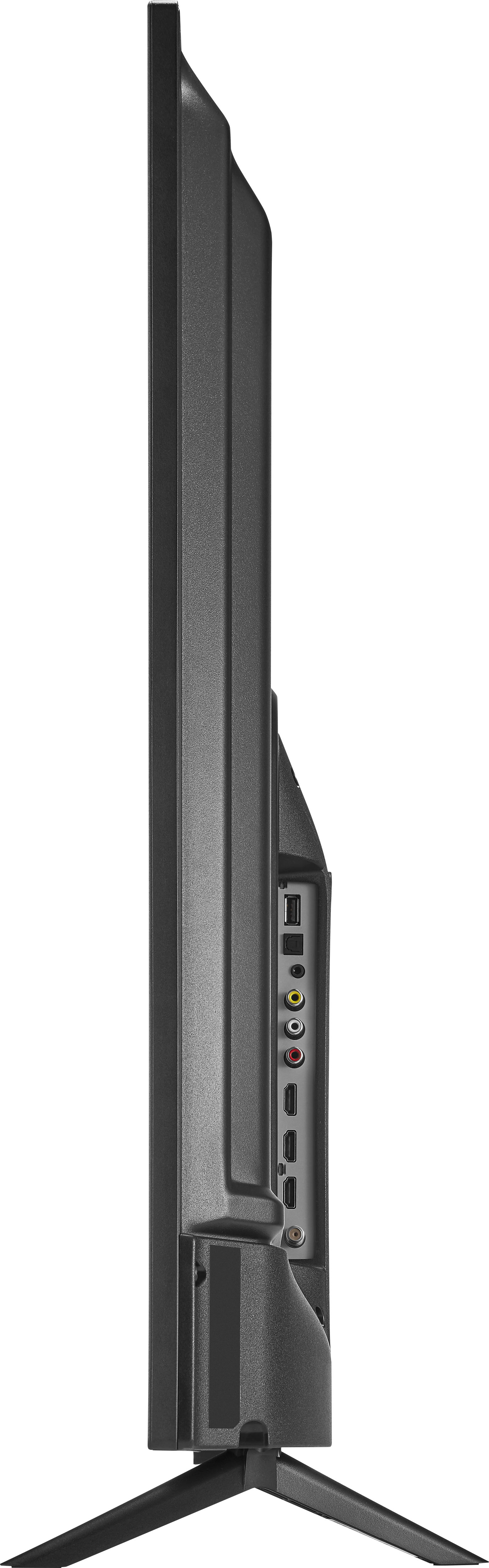
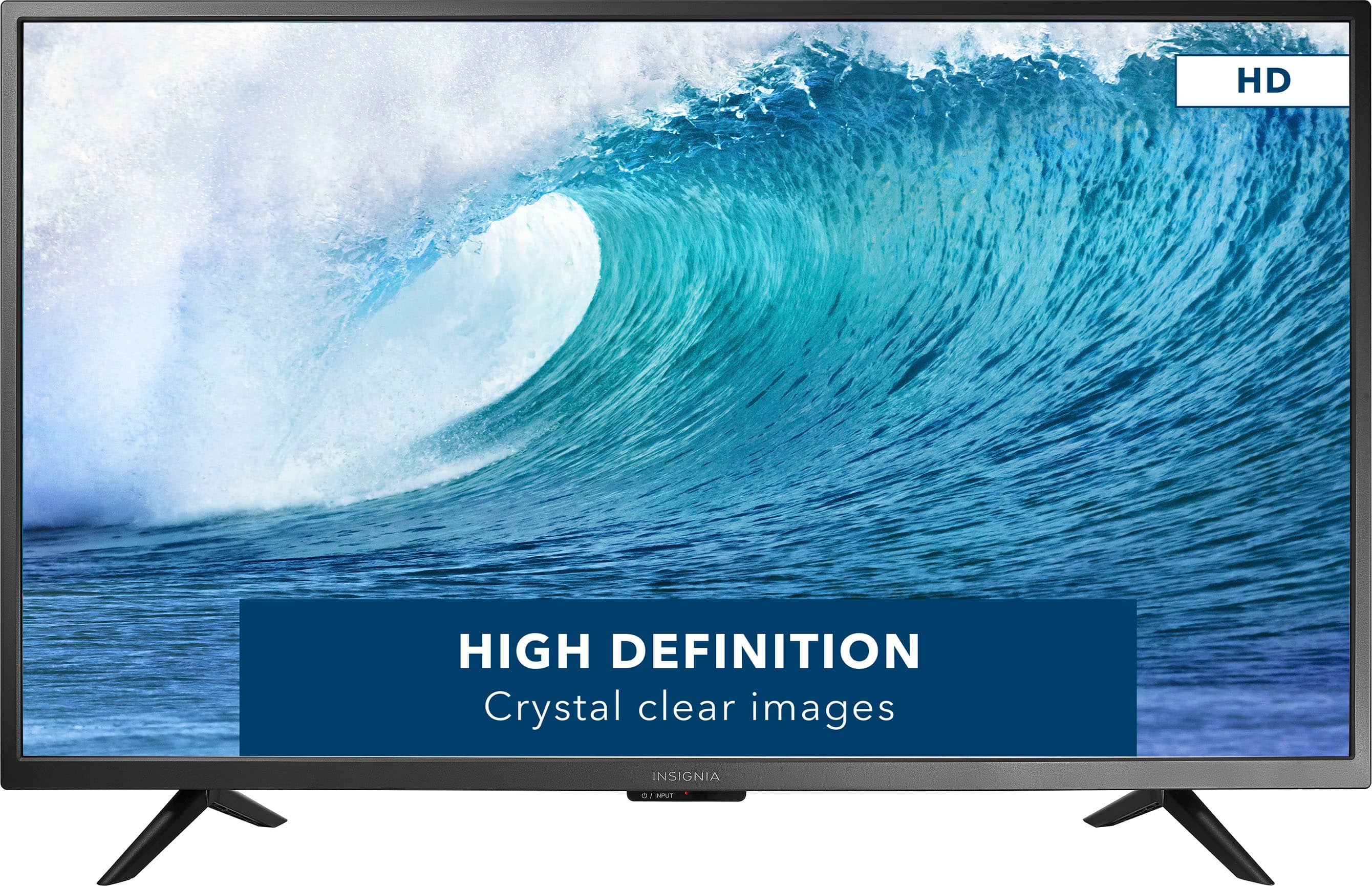
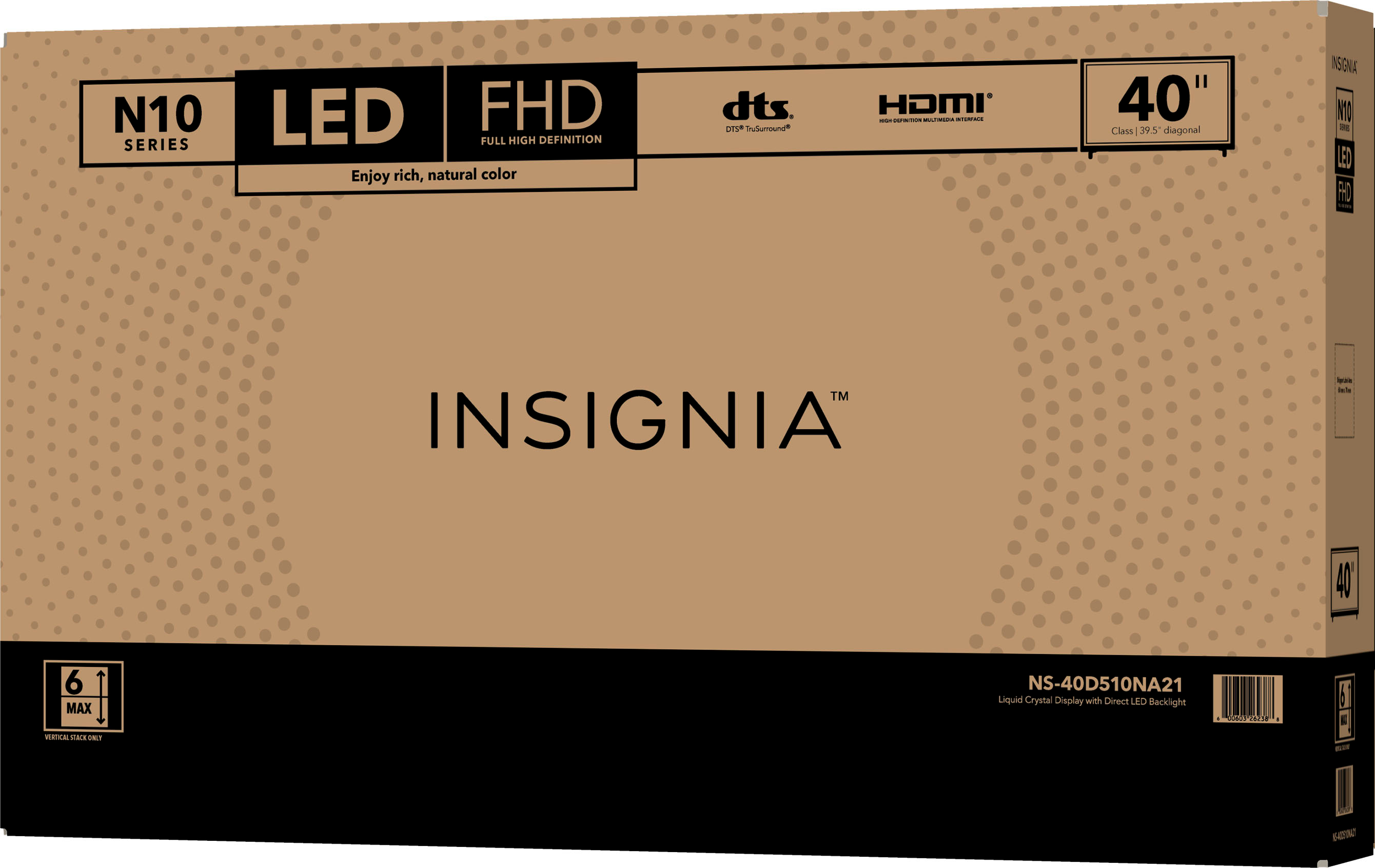
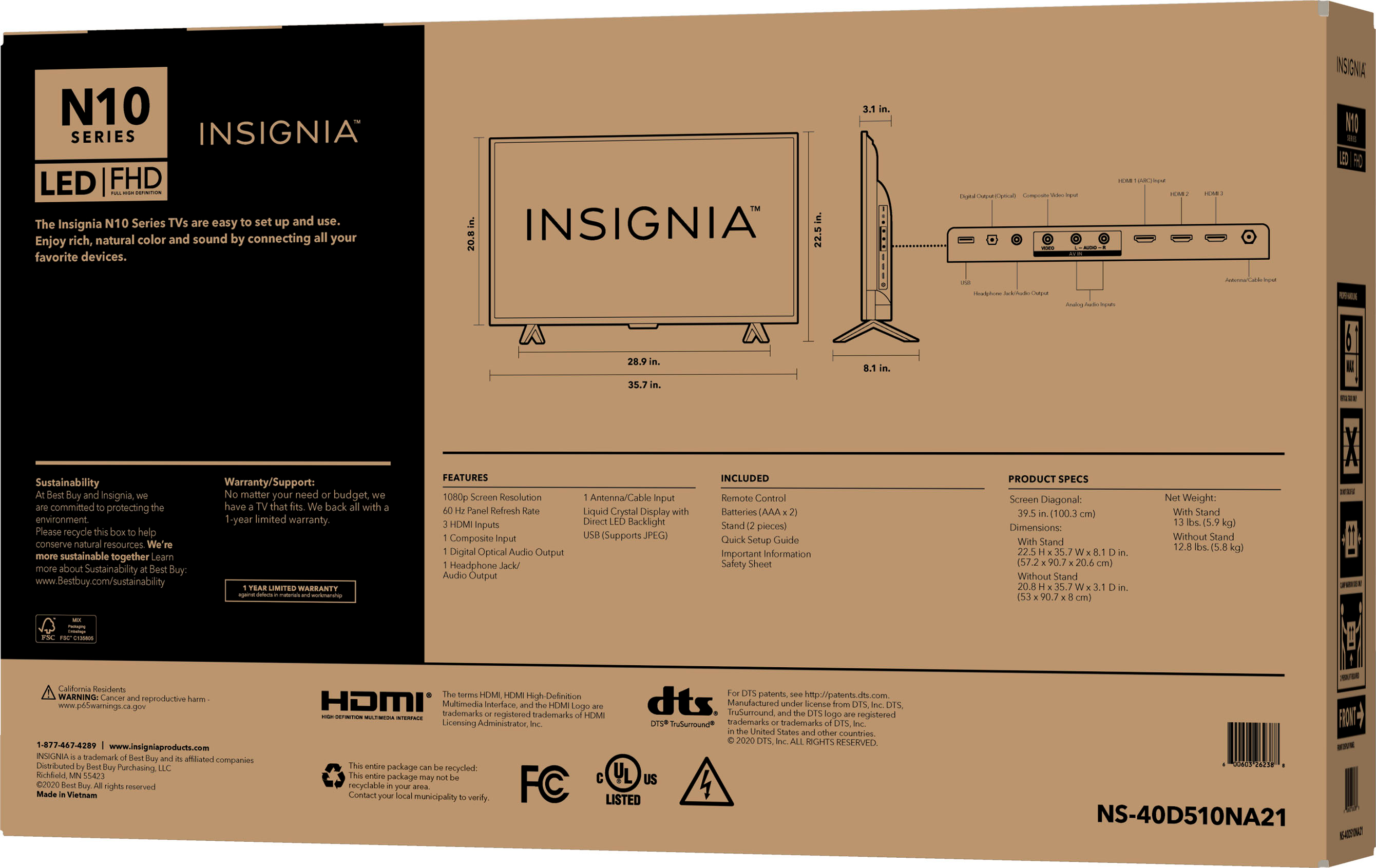
A:Answer Hi DogMommax2, we appreciate your inquiry! Yes, you can use an Amazon Fire Stick with the Insignia NS-40D510NA21 TV. The TV has HDMI ports, so you can easily connect the Fire Stick to the TV and enjoy streaming your favorite content. Just make sure to switch the input source on the TV to the HDMI port where the Fire Stick is connected. For more information about this product, you may click this link: https://www.bestbuy.com/site/insignia-40-class-n10-series-led-full-hd-tv/6398122.p?skuId=6398122. -Carlo, Insignia Support