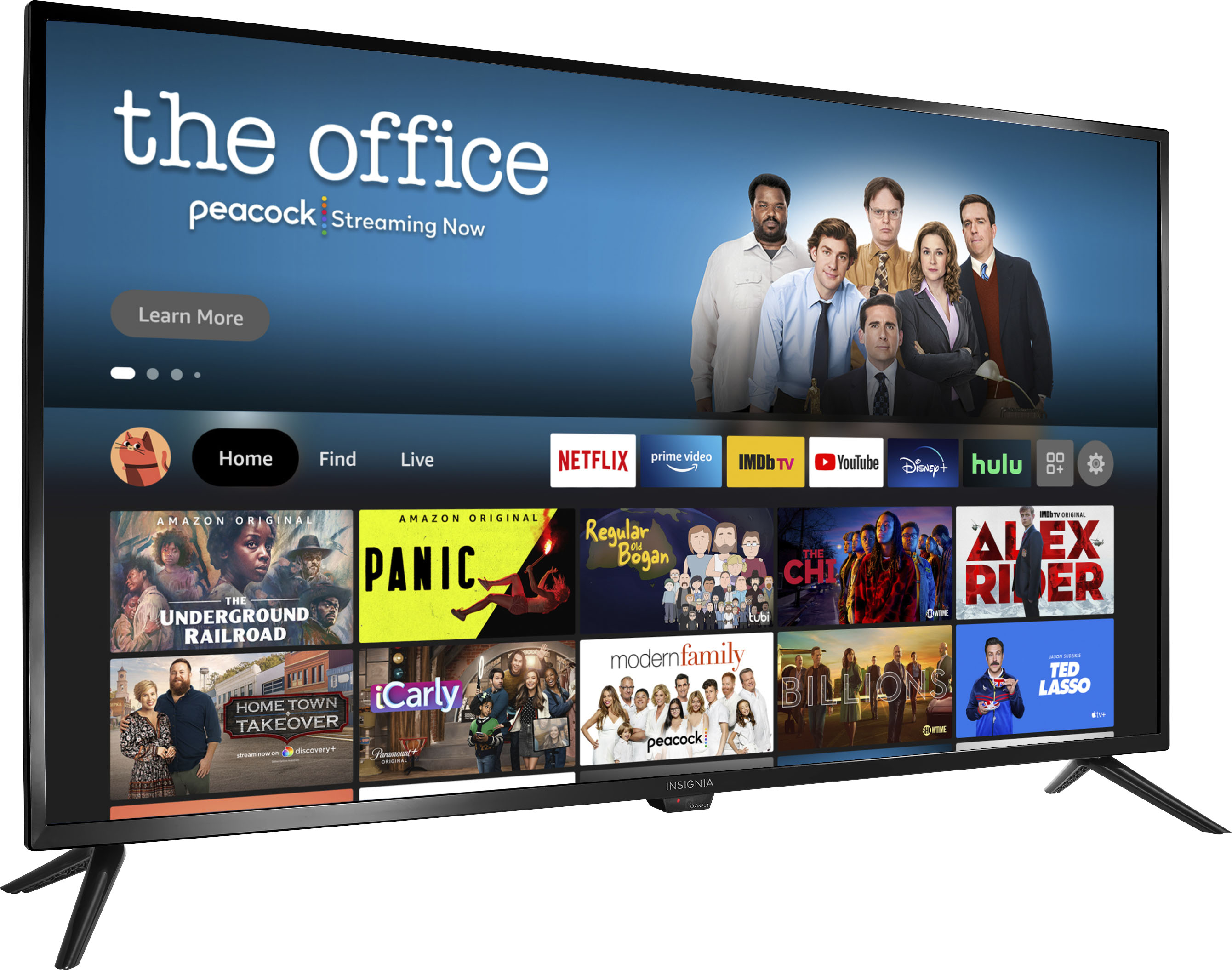
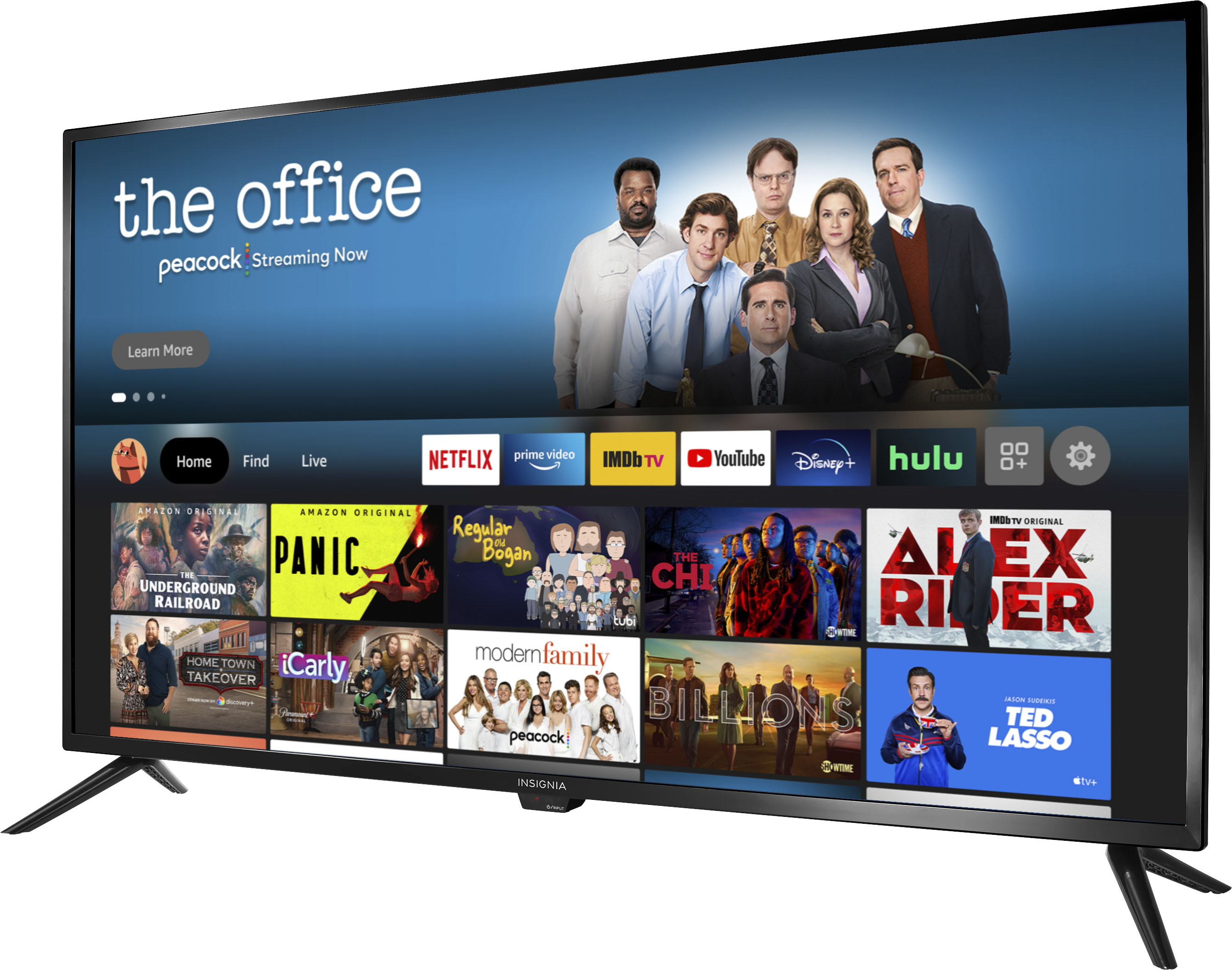
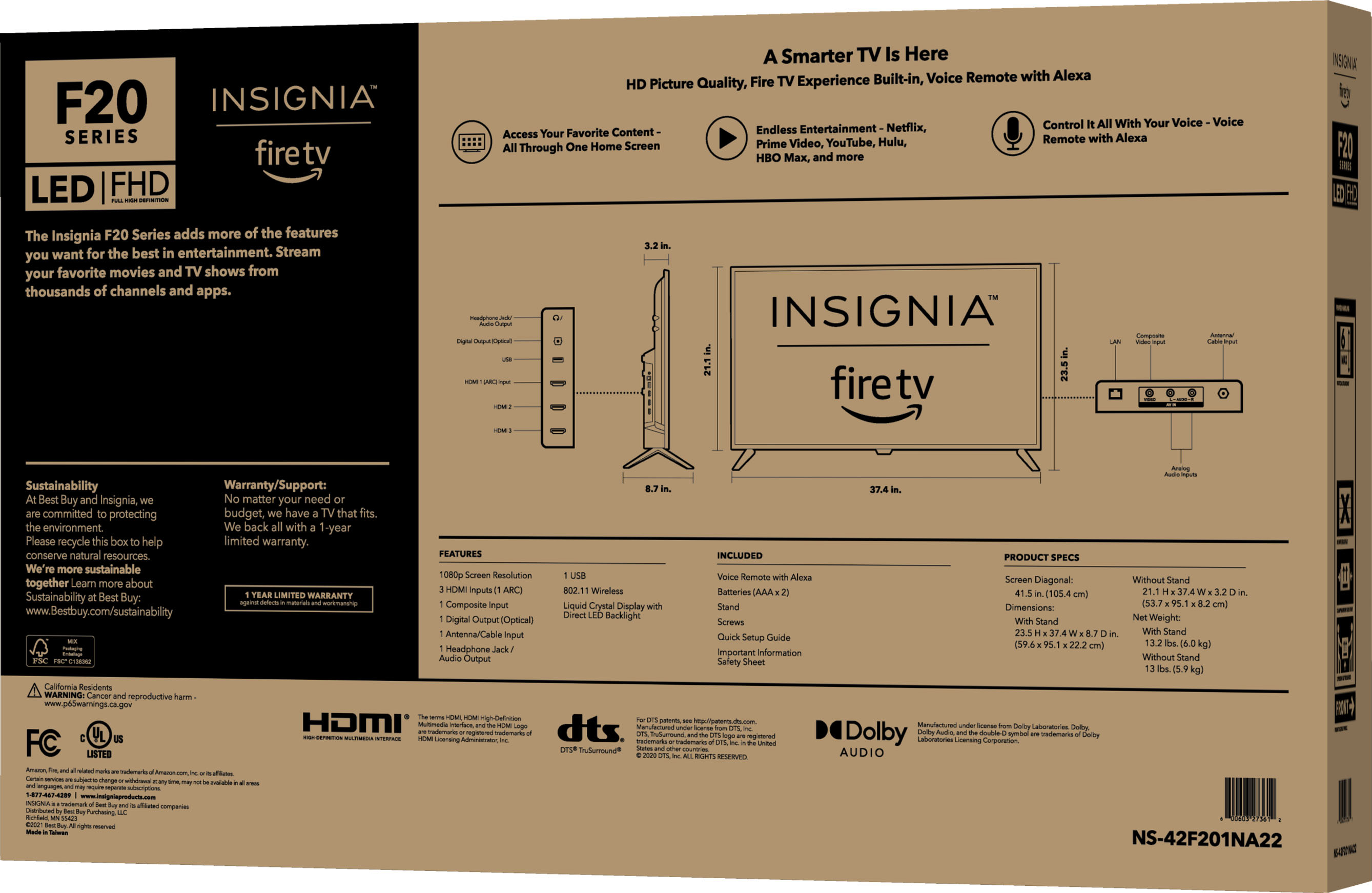
A:AnswerThere is a “Power On” feature for this smart TV whereby when enabled, it will turn on displaying the last used input. From the Settings menu, go Display & Sounds then Power On and select Last Input.
Dina | Insignia Support | https://www.insigniaproducts.com/contact-us
A:AnswerYeah take this tv back if you are already having problems with it. I’ve had mine for several months now and would like to throw it out a window most of the time it’s so aggravating. It doesn’t get better. Gets slower, locks up more and the problems just keep adding up.
A:AnswerTry to reset the TV by press and holding the Power Button for 60 seconds. Make sure to check if all cables and wires are securely connected and plugged in.
Dina | Insignia Support | https://www.insigniaproducts.com/contact-us
A:AnswerHi Nicnic,
Fire TV can connect directly to Bluetooth devices like game controllers, keyboards, and headphones or earbuds which means you can connect your earbuds to the TV.
Gem
Insignia Products
Please visit https://www.insigniaproducts.com/
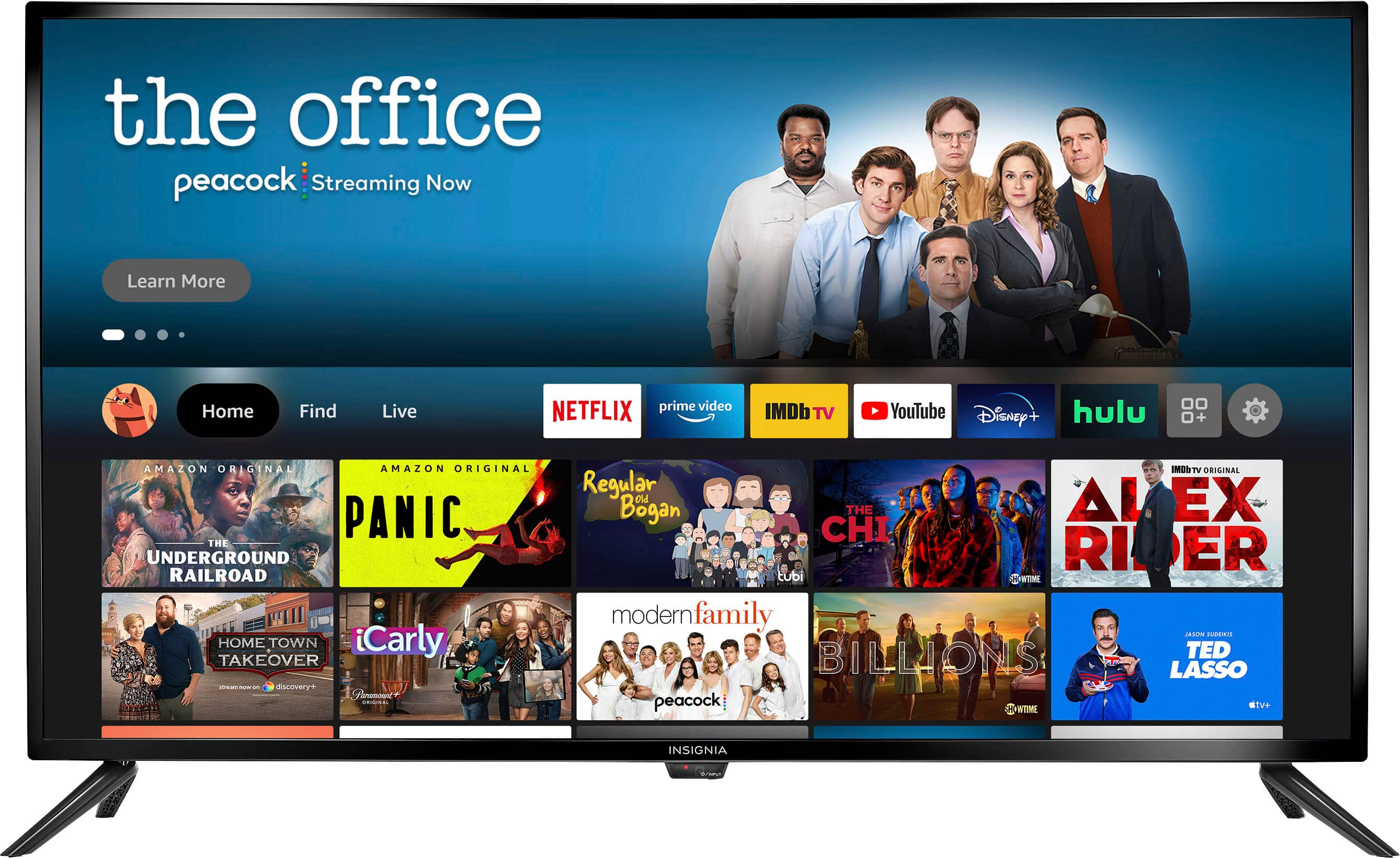
A:AnswerSince this is a Fire TV, you need to have an Amazon account to install/download and use the apps.
Dina | Insignia Support | https://www.insigniaproducts.com/contact-us
A:AnswerHi MR,
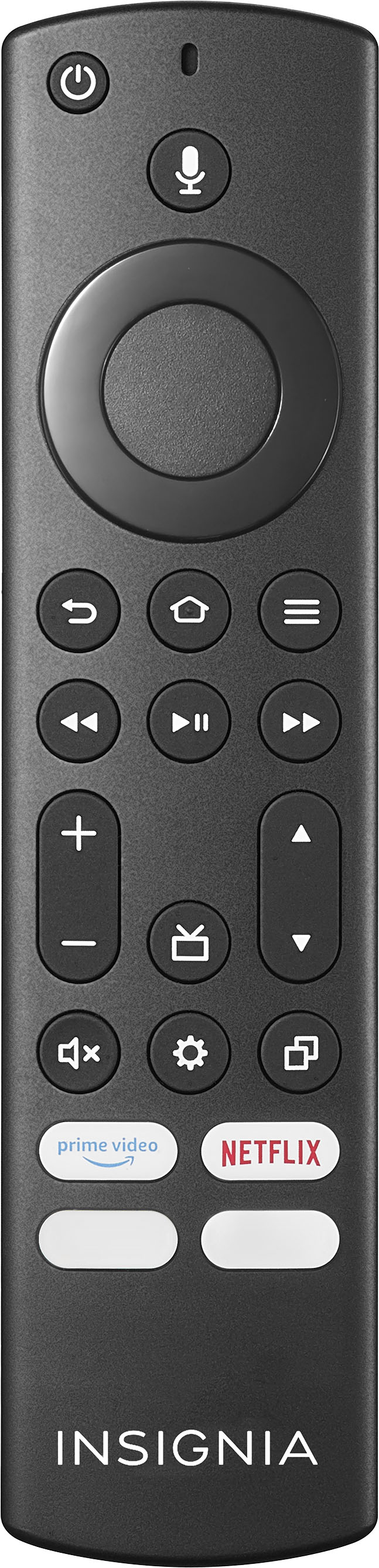
All universal remotes can provide more capabilities and channels. If you have any questions or concerns, please use the link below to reach us and also you can contact this phone number 877-467-4289 for further assistance.
Insignia Products
Nikki
https://insigniaproducts.com