Black Friday is hereShop new DoorbustersShop now

Main Content

Questions & Answers

Your price for this item is $135.99
Clearance
The comparable value price is $169.99
Page Showing 81-100 of 255 questions
  • QuestionDoes this TV have the capability to have audio from the TV and also audio through wireless Bluetooth at the same time? Thank you.

    Asked by BJohn.

    • Answer Hi BJohn! The Insignia™ 43" Class F30 Series LED 4K UHD Smart Fire TV does support Bluetooth audio output, allowing you to connect wireless headphones or speakers. However, like most Fire TV models, it does not support simultaneous audio output through both the TV speakers and Bluetooth at the same time. When a Bluetooth device is connected, the TV automatically routes all audio to that device and disables the internal speakers. — Shiela | Insignia Support

      Answered by InsigniaCustomerSupport

  • Questionwhat is the difference between the F30 and the F50 series TV's?

    Asked by LovingmynewTV.

    • Answer Hi Doodlebug, you can use the comparison feature to compare the specifications and features of the Insignia F30 and F50 Series TVs. Patricia | Insignia Support

      Answered by InsigniaCustomerSupport

  • QuestionWill this tv allow me to hear audio from the TV speakers while someone is simultenously listening to the TV using bluetooth headsets?

    Asked by Anonymous.

    • Answer The Insignia™ 43" Class F30 Series LED 4K UHD Smart Fire TV does support Bluetooth, which allows you to connect wireless headphones. However, it does not allow you to hear audio from the TV speakers and Bluetooth headphones at the same time. When Bluetooth headphones are connected, the TV speakers are automatically muted. If you have any questions or need further assistance, please don't hesitate to reach out. Ivy | Insignia Support
      Answered by InsigniaCustomerSupport

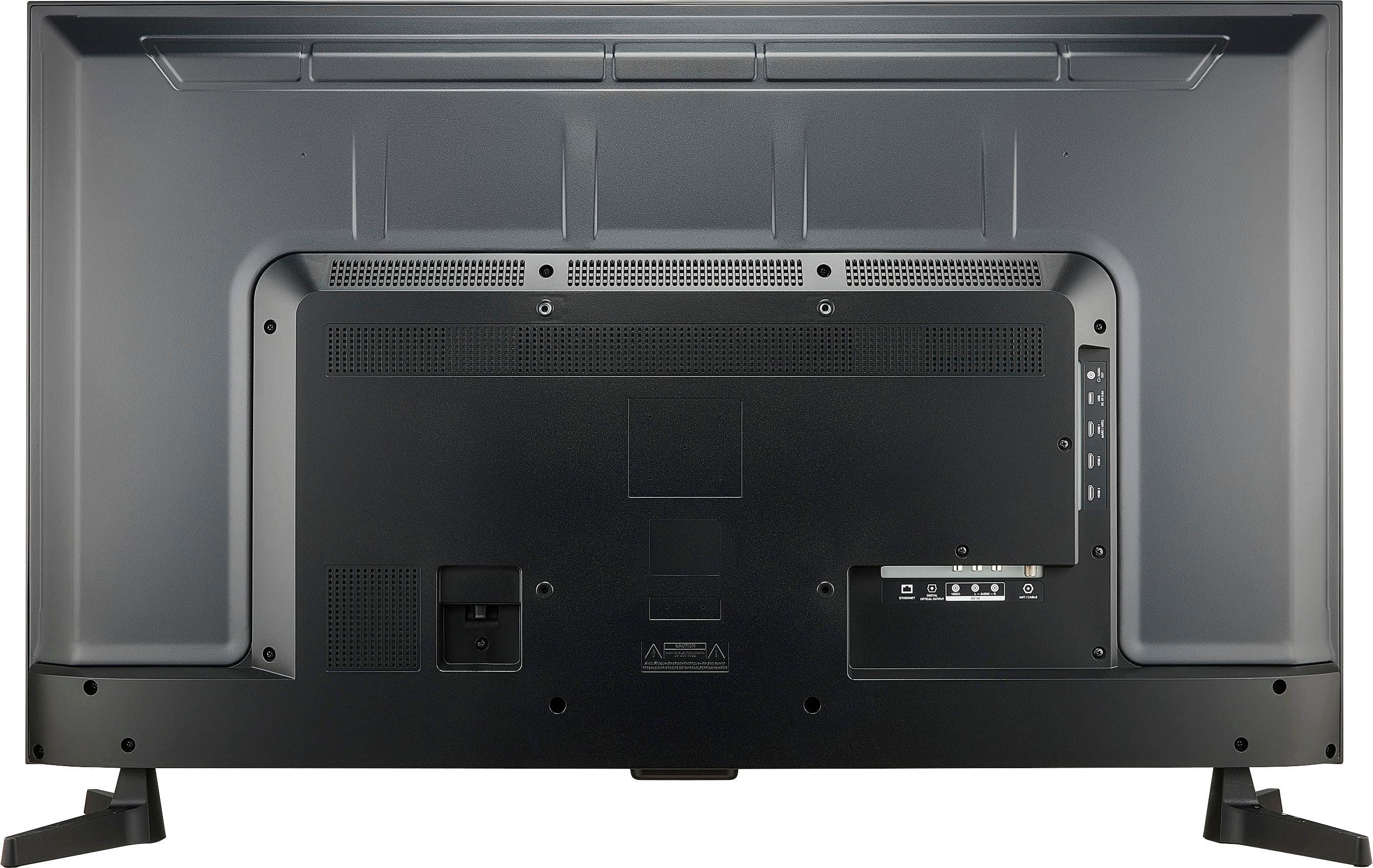
  • QuestionIs Wifi or Internet connection needed? Will this tv work with only a cable connection

    Asked by Japeth.

    • Answer Hi there. The Insignia™ 43" Class F30 Series LED 4K UHD Smart Fire TV does not require a Wi-Fi or internet connection to function with a cable TV connection. You can connect a cable box via HDMI and watch live TV without ever connecting the TV to the internet. However, if you want to use smart features like streaming apps (Netflix, Prime Video, YouTube, etc.), Alexa voice control, or software updates, then a Wi-Fi or Ethernet connection is required. If you have any questions or need further assistance, please don't hesitate to reach out. Ivy | Insignia Support
      Answered by InsigniaCustomerSupport

  • QuestionCan I use a fire stick with this tv

    Asked by Spotty.

    • Answer Hi Spotty! Yes, you can use a Fire TV Stick with the Insignia™ 43" Class F30 Series LED 4K UHD Smart Fire TV, even though the TV already has Fire TV built in; plugging in a Fire Stick can be useful if you want a newer interface, separate user profile, or are troubleshooting the built-in system—just connect it to an available HDMI port and switch to that input. Jeth|Insignia Support.

      Answered by InsigniaCustomerSupport

  • QuestionCan this tv handle logging in to a captive portal to access WiFi? Where I want to use it, I have to pay for WiFi via a login page, which pops up when I access the WiFi network.

    Asked by DrBob.

    • Answer The Insignia™ 43" Class F30 Series LED 4K UHD Smart Fire TV does not natively support logging into captive portals, such as those requiring a web-based login. Patricia | Insignia Support

      Answered by InsigniaCustomerSupport

  • QuestionWhat are the VIEWABLE dimensions of this TV? Not the physical dimensions of the casing. That is, what are the dimensions without bezel?

    Asked by MathemAddicts.

    • Answer Hi there! The viewable screen size of the Insignia™ 43" Class F30 Series LED 4K UHD Smart Fire TV is approximately 37.5 inches wide by 21.1 inches high, based on its 43-inch diagonal and 16:9 aspect ratio. This measurement reflects the actual display area—the part of the screen that lights up—excluding the bezel or casing. It’s perfect for gauging how much screen real estate you’ll actually see when watching content. |Angelica| Insignia Products|

      Answered by InsigniaCustomerSupport

  • QuestionCan tv connect to bluetooth speaker?

    Asked by Tt.

    • Answer Hi there. Yes, your Insignia™ 43" Class F30 Series LED 4K UHD Smart Fire TV can connect to a Bluetooth speaker. To do this, press the Home button on your remote, go to Settings, then select Controllers & Bluetooth Devices. From there, choose Other Bluetooth Devices, then Add Bluetooth Devices. Make sure your Bluetooth speaker is in pairing mode, and when it appears on the screen, select it to complete the connection. Once paired, your TV will remember the speaker and reconnect to it automatically when both devices are turned on. If you have any questions or need further assistance, please don't hesitate to reach out. Ivy | Insignia Support
      Answered by InsigniaCustomerSupport

  • QuestionCan this TV be connected to an antenna for local reception since we do not have cable service?

    Asked by Dinosaur.

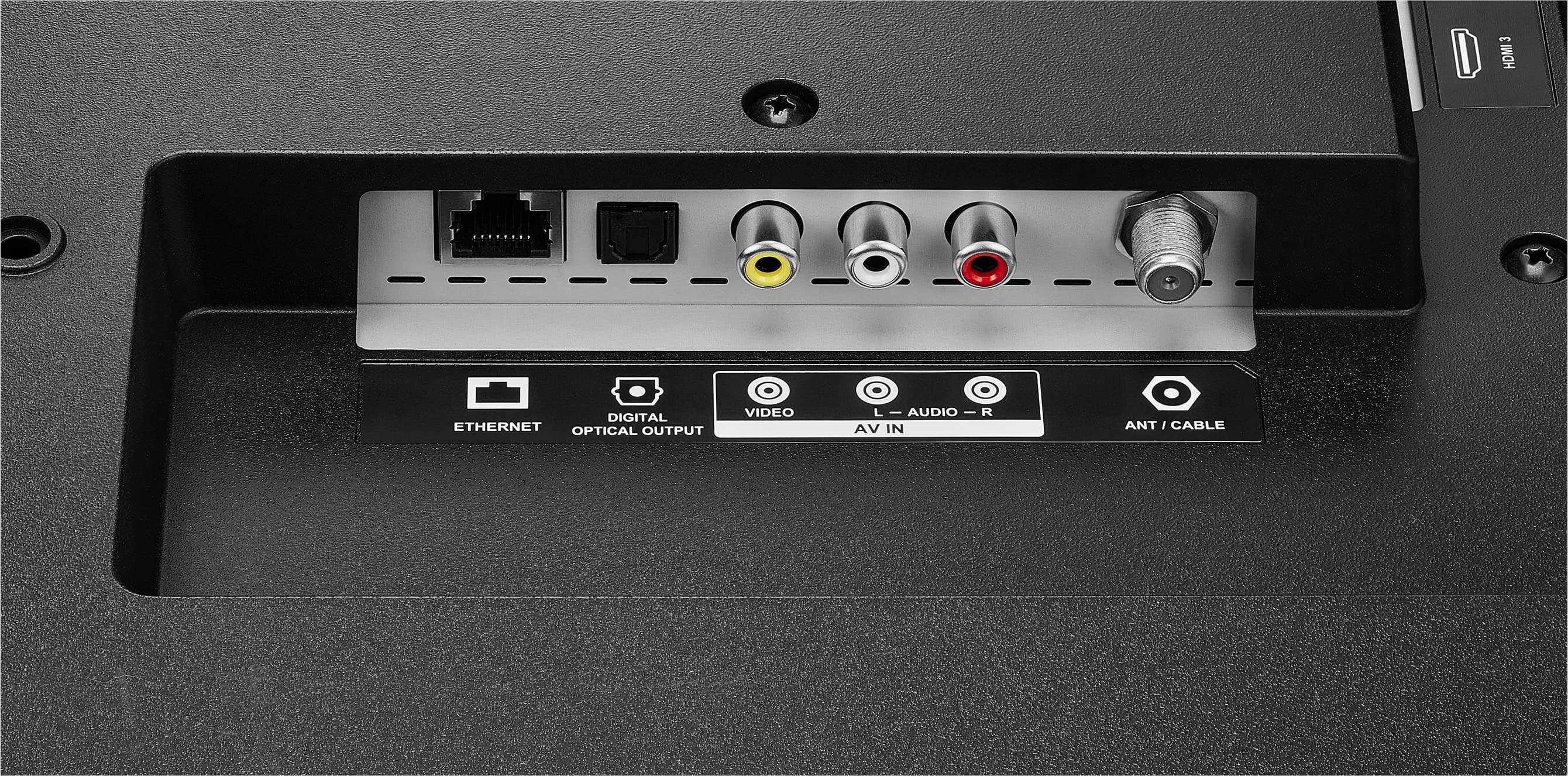
    • Answer Absolutely, Insignia Customer! The Insignia™ 43" Class F30 Series LED 4K UHD Smart Fire TV can be connected to an antenna for local over-the-air (OTA) channels. Tine | Insignia Products

      Answered by InsigniaCustomerSupport

  • QuestionDoes this tv have Wifi

    Asked by Grandma820.

    • Answer Thank you for your inquiry! Yes, the Insignia™ 43" Class F30 Series LED 4K UHD Smart Fire TV does have built-in Wi-Fi. This allows it to connect to your home wireless network so you can stream content from apps like Netflix, Prime Video, Hulu, and more through the integrated Fire TV platform. Keith | Insignia Support
      Answered by InsigniaCustomerSupport

  • QuestionHow long is the warranty

    Asked by Anonymous.

    • Answer The Insignia™ 43" Class F30 Series LED 4K UHD Smart Fire TV comes with a 1-year limited warranty. This covers defects in materials and workmanship under normal use during the warranty period. Patricia | Insignia Support
      Answered by InsigniaCustomerSupport

  • QuestionDoes this TV have a resolution of 3840 X 2160?

    Asked by Anonymous.

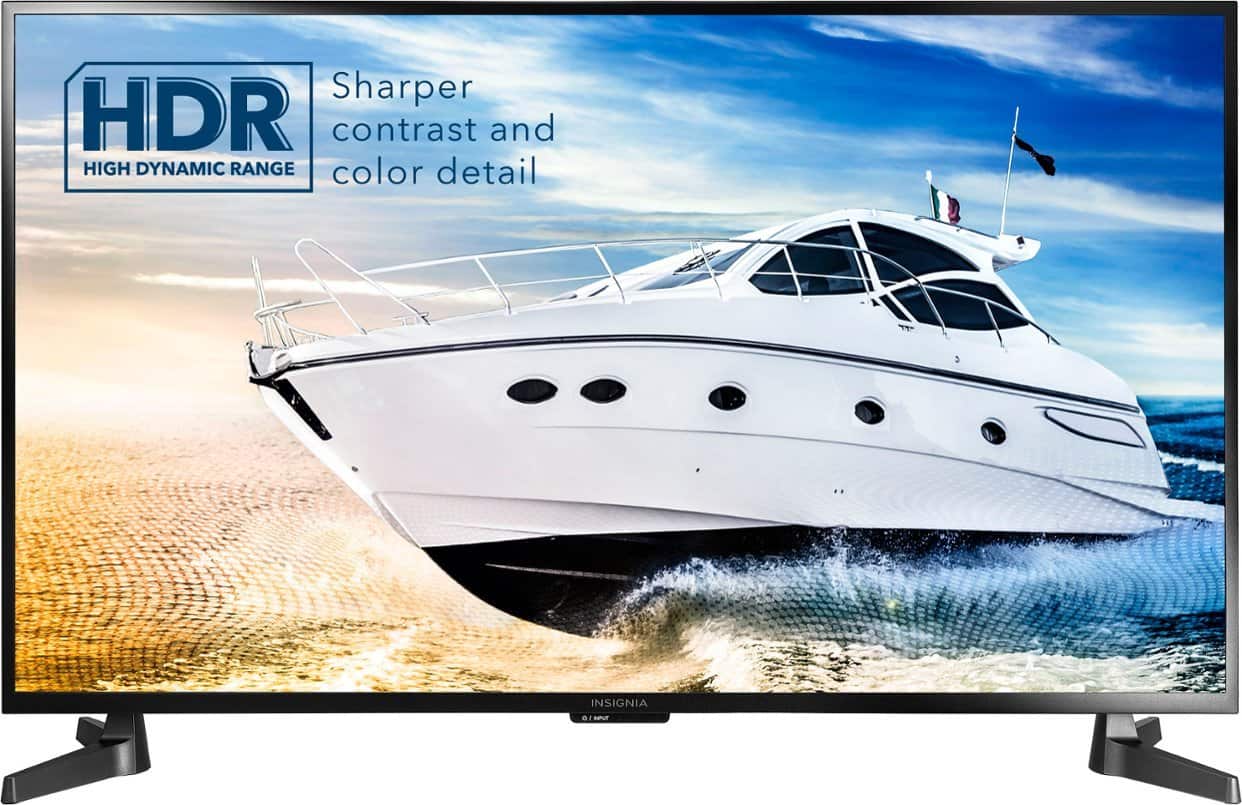
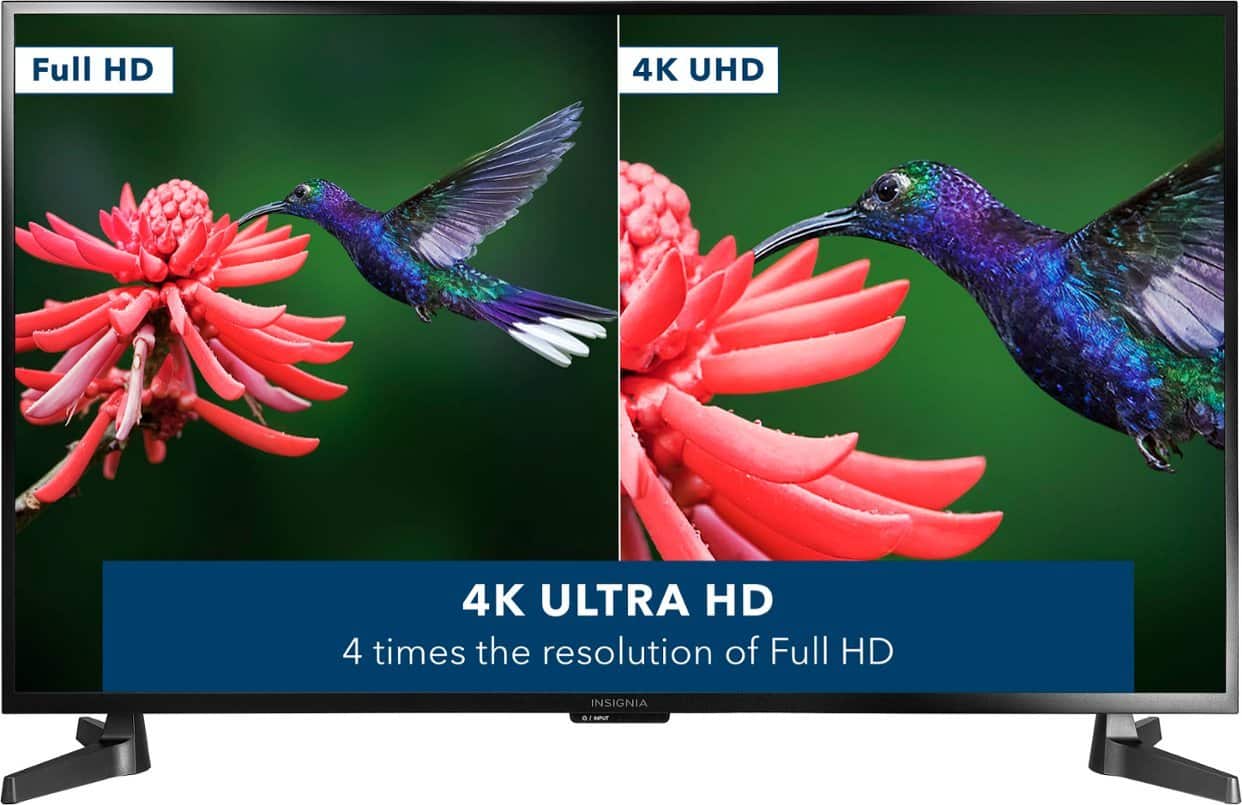
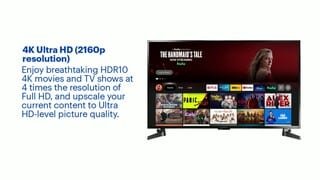
    • Answer Hi there! The Insignia TV model number NS-43F301NA25 has a resolution of 4K Ultra High Definition (UHD), which is 3840 x 2160 pixels. This means it offers the same high-detail picture quality as other 4K UHD displays, providing a sharp and immersive viewing experience. It also supports HDR (High Dynamic Range) formats like HDR10 and Dolby Vision for enhanced color and contrast. |Angelica| Insignia Products|

      Answered by InsigniaCustomerSupport

  • QuestionCan I connect my cable box to this tv

    Asked by Anonymous.

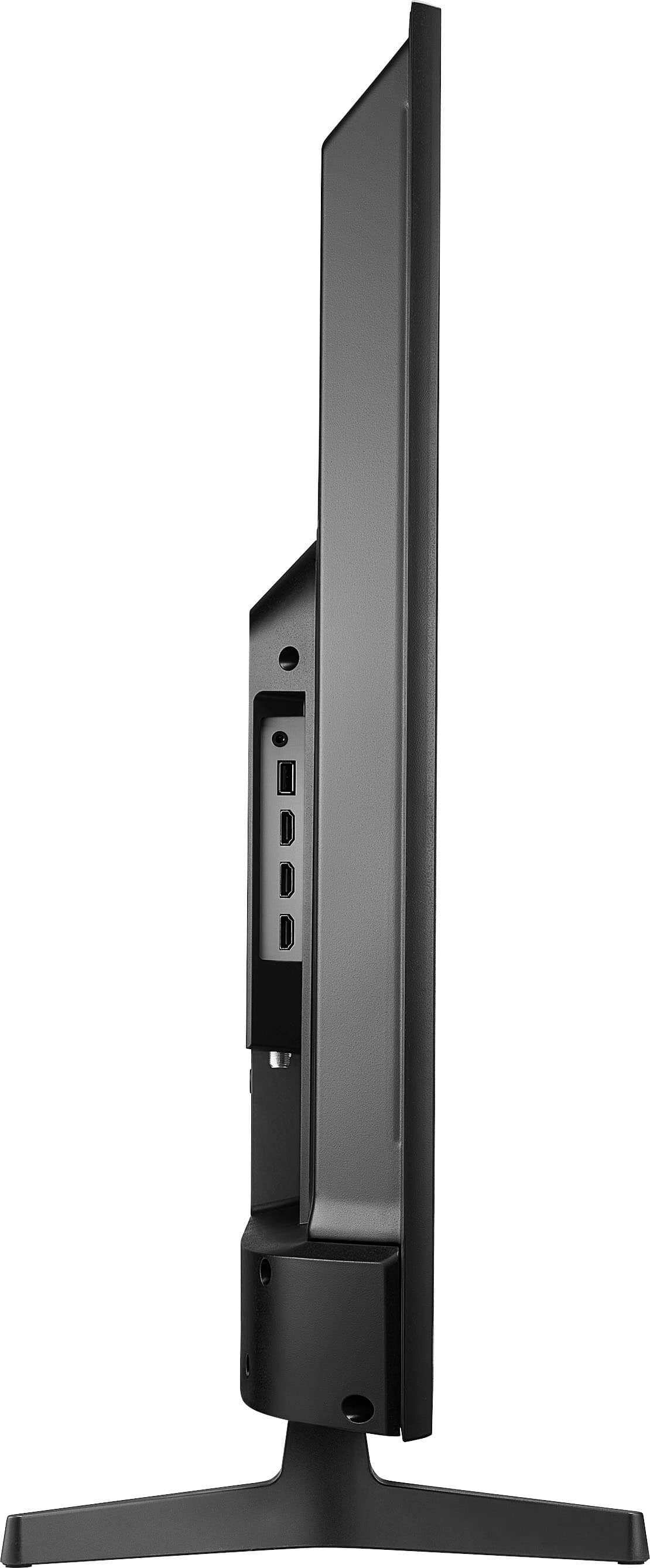
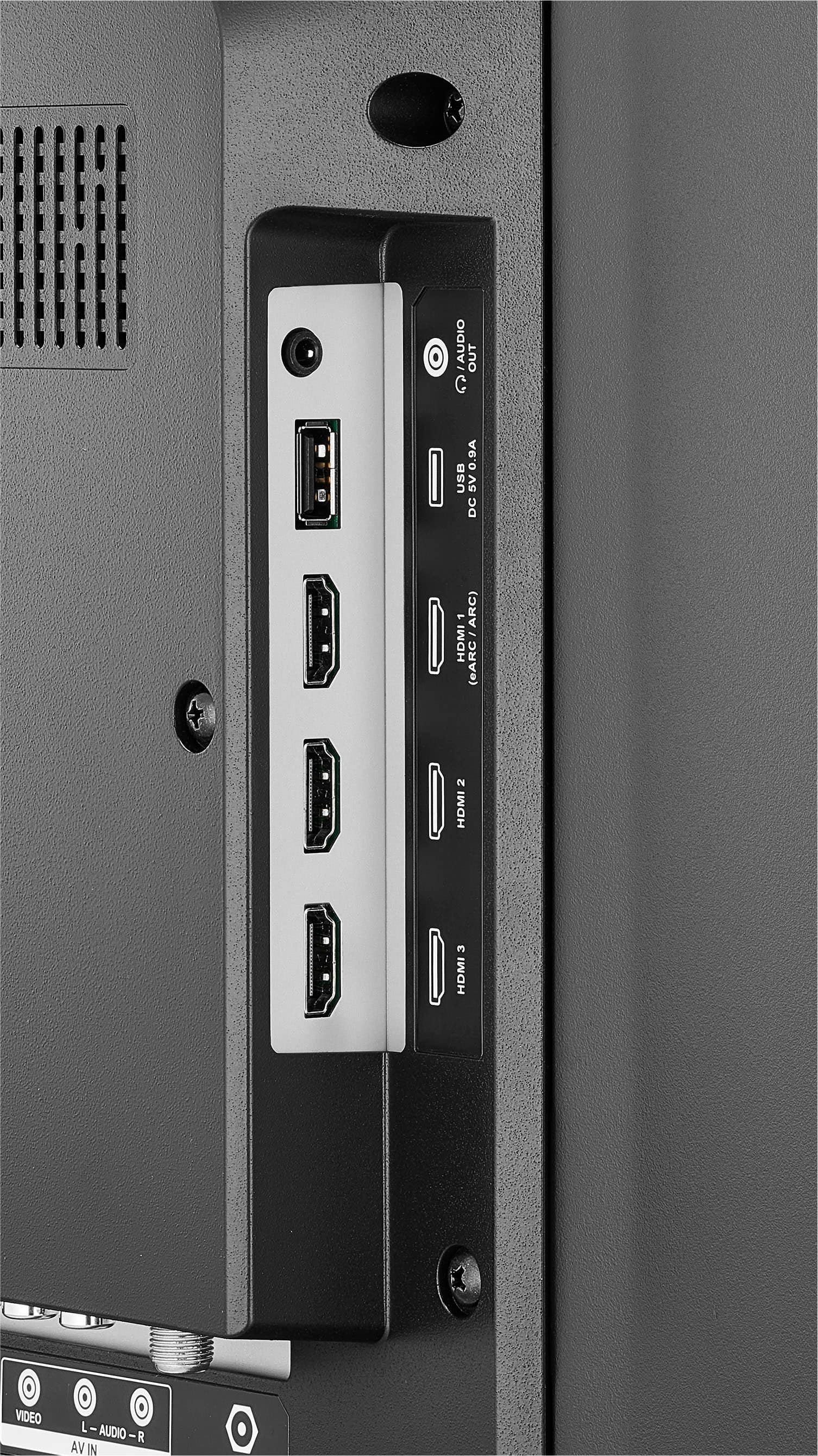
    • Answer Thank you for your inquiry! Yes, you can connect your cable box to the Insignia™ 43" Class F30 Series LED 4K UHD Smart Fire TV. This TV includes multiple HDMI ports, which are the standard connection type for most modern cable boxes. Keith | Insignia Support

      Answered by InsigniaCustomerSupport

  • QuestionCan I have this installed by Best Buy?

    Asked by Installation.

    • Answer Thank you for your inquiry! Yes, Best Buy does offer installation services for the Insignia™ 43" Class F30 Series LED 4K UHD Smart Fire TV. When purchasing the TV online or in-store, you can add TV mounting or setup services to your order. These services typically include unboxing, connecting your TV to Wi-Fi, configuring basic settings, and mounting it on a wall if you choose that option. Installation can often be scheduled for as soon as the next day, depending on your location and availability. If you already purchased the TV, you can still book installation separately through Best Buy’s Home Services page or by visiting your local store.

      Answered by InsigniaCustomerSupport

  • QuestionCan this TV be used as a computer monitor?

    Asked by Mike.

    • Answer Yes, the Insignia™ 43" Class F30 Series Smart Fire TV can be used as a computer monitor by connecting your PC or laptop via an HDMI cable. Just switch the TV to the correct HDMI input, and your computer should detect it as an external display. Patricia | Insignia Support

      Answered by InsigniaCustomerSupport

  • QuestionWhat is the distance between the two TV end stands ???

    Asked by tony.

    • Answer Thank you, Tony, for reaching out. The Insignia™ 43" Class F30 Series LED 4K UHD Smart Fire TV has a stand width of 36.36 inches with the distance between the two end stands. We appreciate your interest and are here to assist if you need any further details.Tine | Insignia Support

      Answered by InsigniaCustomerSupport

  • QuestionI use a USB flash drive to play slides (of 3-4 pictures) on the TV via the Inputs > Media setting. I changed the images on the flash drive but the TV keeps playing the old files and I can't see the new files anywhere. Plz suggest how to resolve.

    Asked by MS.

    • Answer Hi Insignia Customer! It sounds like your Insignia™ 43" Class F30 Series LED 4K UHD Smart Fire TV may be caching old files instead of recognizing the updated images on your USB flash drive. Here are a few steps to resolve the issue: 1. Restart the TV – Power off the TV completely, unplug it for a few minutes, then turn it back on. This can refresh the media settings. 2. Reformat the USB drive – If possible, back up your files, format the USB drive to FAT32 or exFAT, and reload the updated images. 3. Rename the files – Try renaming the new images with different filenames to ensure the TV doesn’t reference cached versions. 4. Clear TV cache – If your TV has a storage or cache clearing option, use it to remove any stored media data. 5. Try a different USB port – Plug the flash drive into another USB port on the TV to force a fresh read of the files. 6. Check file compatibility – Ensure the images are in a supported format like JPEG or PNG. If none of these works, you can contact us to our Insignia Customer Service (877-467-4289). Tine | Insignia Products

      Answered by InsigniaCustomerSupport

  • QuestionCan I pairing my samsung tv on my phone with this tv ? If yes how difficult ?

    Asked by Anonymous.

    • Answer yes very easy on iphone

      Answered by RANDALLF

  • QuestionCan i cast from my android phone?

    Asked by Anonymous.

    • Answer Hi there! Yes, you can cast from your Android phone to the Insignia™ 43" Class F30 Series Fire TV in two ways: 1. Screen Mirroring: Swipe down on your phone and tap Smart View, Cast, or Screen Mirroring. Select your Fire TV and accept the connection on your TV. 2. Casting from Apps: Open a supported app like YouTube or Netflix. Tap the Cast icon and choose your Fire TV. The video will play on your TV. Make sure both devices are on the same Wi-Fi network. — Shiela | Insignia Support

      Answered by InsigniaCustomerSupport

  • QuestionI wamt to plug in the TV, connect my Firestick and Blue Tooth headset and my Wifi then watch TV, and NOT have to agree to Terms & Conditions, or enter a code from their website and give anybody access to my cell phone. Can I do that?

    Asked by Anonymous.

    • Answer pretty much, but you'll have to enter a few codes to verify your access privileges

      Answered by Bugsy