Best Buy Tech Fest SaleEnds Sunday. Limited quantities. No rainchecks.Shop now

Main Content

Questions & Answers

Page Showing 141-160 of 255 questions
  • QuestionHow can I get a manual for this TV?

    Asked by Red.

    • Answer Hi Red! To get the manual for your Insignia™ - 43" Class F30 Series LED 4K UHD Smart Fire TV, you can follow these steps: 1. Visit the Insignia website: Best Buy website. 2. Navigate to the product page: Search for your TV model (NS-43F301NA22) on the website. 3. Go to the Features section: Under the product details, find the "Features" section. 4. Select Manuals and Guides: Look for the "Manuals and Guides" option. 5. Choose the User Manual (English): Download the user manual in English from the available options. If you need further assistance, feel free to ask! |Angelica| Insignia Products|

      Answered by InsigniaCustomerSupport

  • QuestionDo you accept exchange for insignia tv .

    Asked by Praveen.

    • Answer no i will not

      Answered by Peaches

  • QuestionIs there an online user's manual and if so what is the url? Thank you.

    Asked by BobF.

    • Answer If you're looking for the user manual for the Insignia™ - 43" Class F30 Series LED 4K UHD Smart Fire TV, visit this link: https://www.bestbuy.com/site/insignia-43-class-f30-series-led-4k-uhd-smart-fire-tv/6562495.p?skuId=6562495, scroll down to the "Features" section, and look for the "Manuals and Guides" section. There, you'll find the user manual available for download. If you need any further assistance, feel free to ask!

      Answered by InsigniaCustomerSupport

  • QuestionHow do you turn on closed captions for hearing impaired?

    Asked by Strangebrew.

    • Answer I only use mine for streaming. I have to turn it on for each streaming platform. I haven't figured out how to turn it on across the board.

      Answered by JenR

  • QuestionI can hear the sound on my TV but can not see a picture. Are there any solutions for this, outside of the unplug and restart and check cables which I have already done?

    Asked by DelbertD.

    • Answer If the basic troubleshooting steps did not resolve the issue and you are still experiencing problems, we highly recommend calling our customer service team at 877-467-4289. They will be able to provide you with additional options and support. Patricia | Insignia Support

      Answered by InsigniaCustomerSupport

  • QuestionWill TV sit on a 36” shelf?

    Asked by Robi.

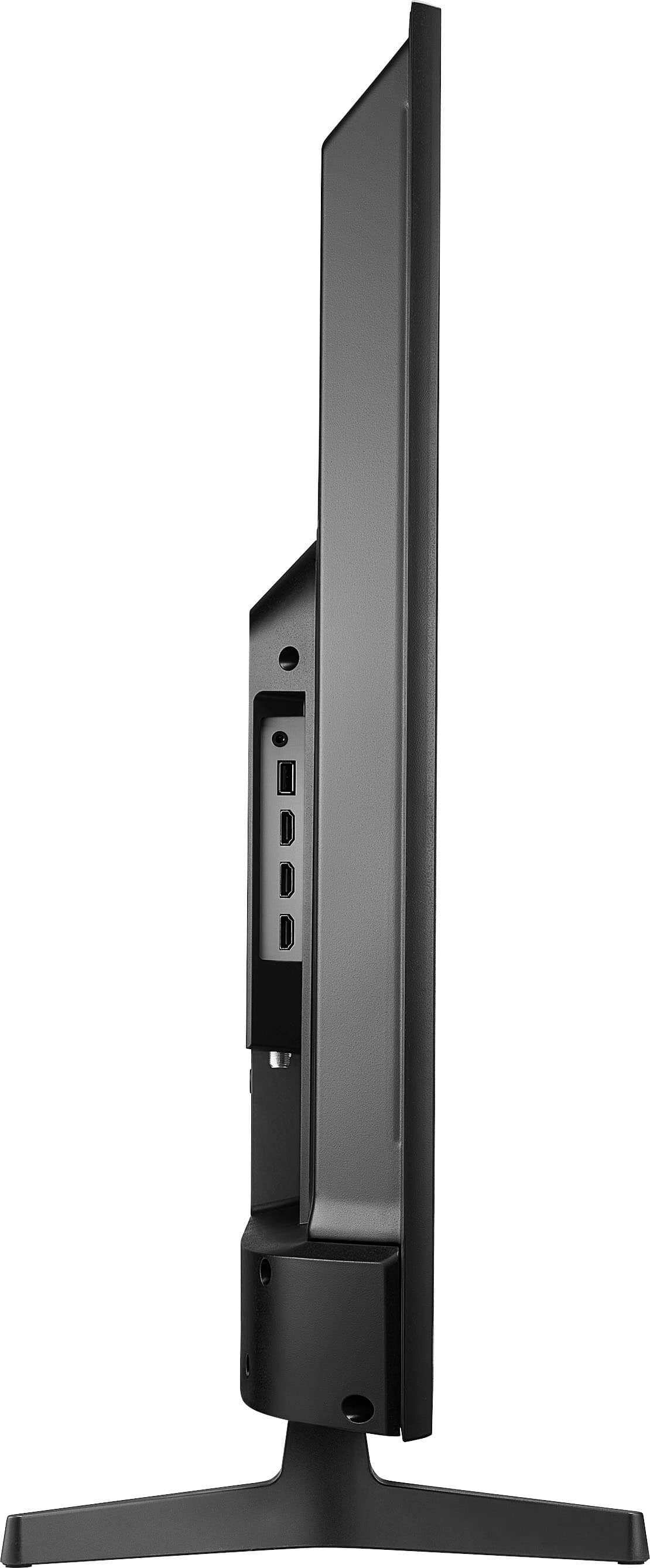
    • Answer With legs it is about 25 high by 38 wide. Best if you mount it on the wall so it can float in front of the shelve and adjusted for the right viewing angle.

      Answered by MikF

  • QuestionTv after connecting sound bar started having connection issues. It disconnects from WiFi while using despite restarting and unplugging, what is wrong is this a hardware issue? I tried moving things further and still nothing.

    Asked by gomf.

    • Answer I'm sorry to hear about the connectivity issues you're experiencing with your Insignia TV. Here are some steps you can try to resolve the problem: 1. Check WiFi Signal Strength: Ensure that your TV is within a good range of your WiFi router. Weak signals can cause disconnections. 2. Update Firmware: Make sure your TV's firmware is up to date. Sometimes, firmware updates can resolve connectivity issues. You can check for updates in the TV's settings menu. 3. Reset Network Settings: Go to the TV's network settings and reset the network settings. Then, reconnect to your WiFi network. 4. Interference: Ensure there are no other devices nearby that might be causing interference with the WiFi signal. This includes other wireless devices, microwaves, or cordless phones. 5. Factory Reset: If the issue persists, you might want to try a factory reset of the TV. This will restore the TV to its original settings, so make sure to back up any important data. 6. Check Soundbar Connection: Since the issue started after connecting the soundbar, try disconnecting the soundbar and see if the WiFi connection stabilizes. If it does, there might be an interference issue between the soundbar and the TV's WiFi. If none of these steps resolve the issue, it could be a hardware problem. In that case, I recommend contacting Insignia Support at 1-877-467-4289 for further assistance. I hope this helps! If you have any other questions or need further assistance, feel free to ask.
      Answered by InsigniaCustomerSupport

  • QuestionI just got this tv and turned it on but nothing comes on the screen. It’s just an entirely black screen. Am I missing something? Do I need another connection to something other than the power cord? The directions that come with the tv aren’t very helpful.

    Asked by Beeee.

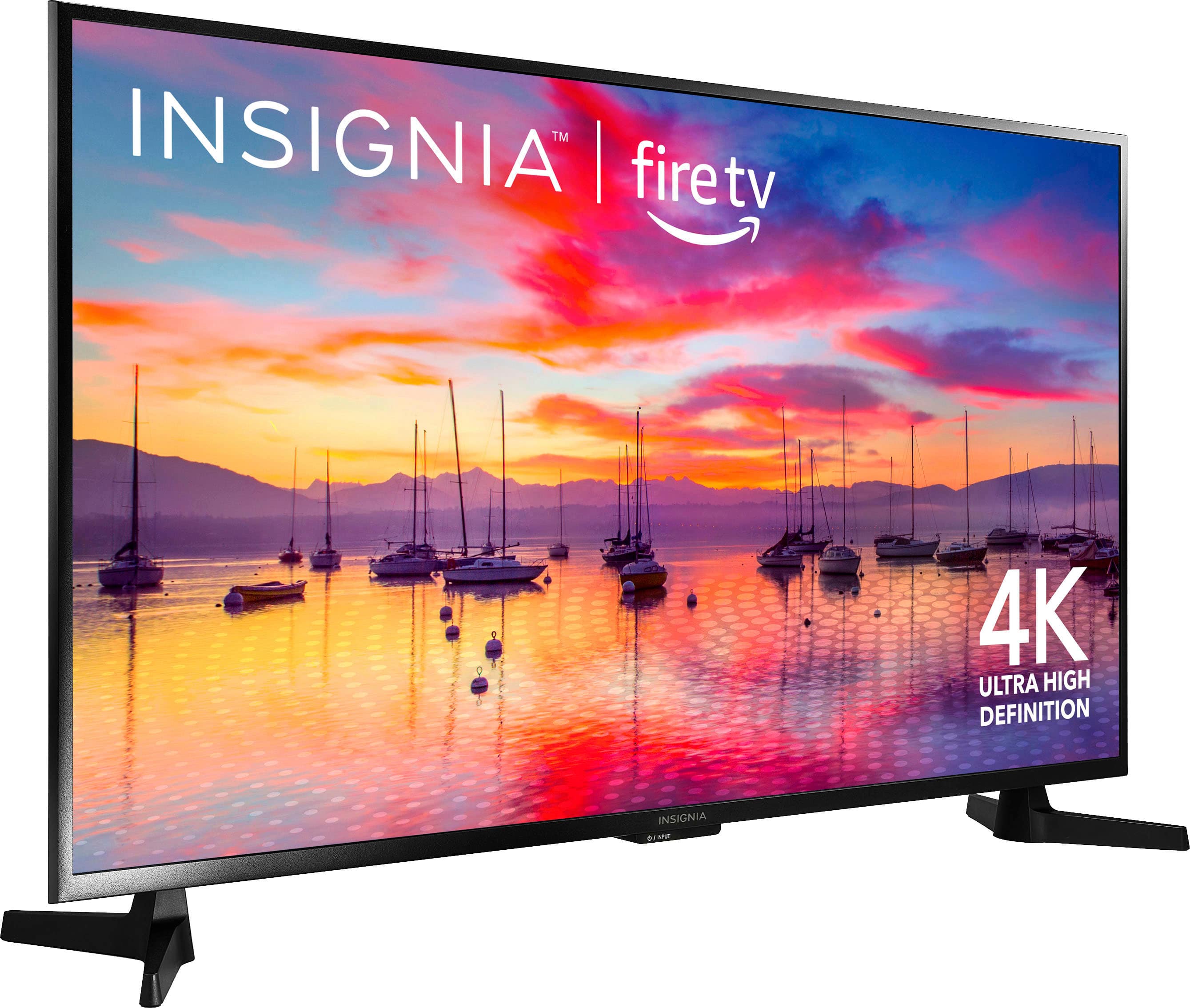
    • Answer I'm sorry to hear you're having trouble with your new Insignia TV. Here are some steps you can try to resolve the issue: 1. Check Connections: Ensure that the power cord is securely connected to both the TV and the power outlet. Also, make sure the outlet is working by testing it with another device. 2. Power Cycle: Unplug the TV from the power source, wait for about 30 seconds, and then plug it back in. This can sometimes reset the TV and resolve the issue. 3. Input Source: Make sure the TV is set to the correct input source. If you have any external devices connected (like a cable box or streaming device), ensure they are turned on and properly connected. 4. Remote Control: Try using the remote control to navigate the TV menu. If the remote isn't working, check the batteries or try pairing it again. 5. Firmware Update: If you can access the TV menu, check for any available firmware updates. Updating the firmware can sometimes fix display issues. 6. Factory Reset: If none of the above steps work, you might need to perform a factory reset. Refer to the user manual for instructions on how to do this. If the screen remains black after trying these steps, it could be a hardware issue. In that case, I recommend contacting Insignia Support at 1-877-467-4289 for further assistance. I hope this helps! If you have any other questions or need further assistance, feel free to ask.
      Answered by InsigniaCustomerSupport

  • QuestionDoes this model have a vertical view, orientation or portrait mode? If not is there an insignia model that does?

    Asked by Clear4444.

    • Answer Thank you for your question, Clear4444. The Insignia™ 43" Class F30 Series LED 4K UHD Smart Fire TV does not support vertical view or portrait mode. This model is designed to be used in landscape orientation only. Currently, Insignia does not offer a TV model specifically designed for portrait mode. If you have any other questions or need further assistance, please feel free to reach out! -Ed | Insignia Support | https://www.bestbuy.com/site/brands/best-buy-brands/pcmcat1596746025285.c?id=pcmcat1596746025285

      Answered by InsigniaCustomerSupport

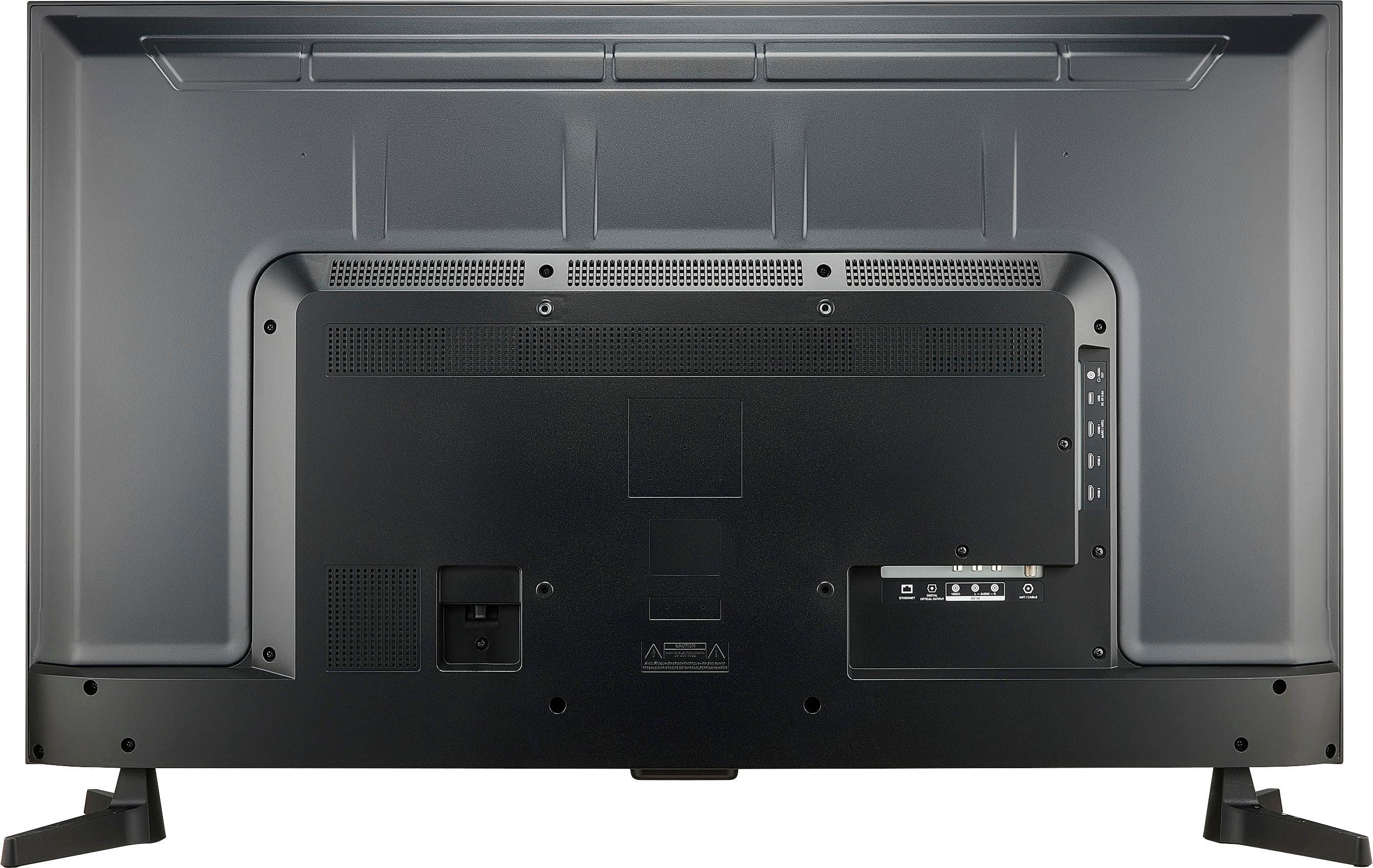
  • QuestionHello Does it support AV INPUT ?

    Asked by Tom.

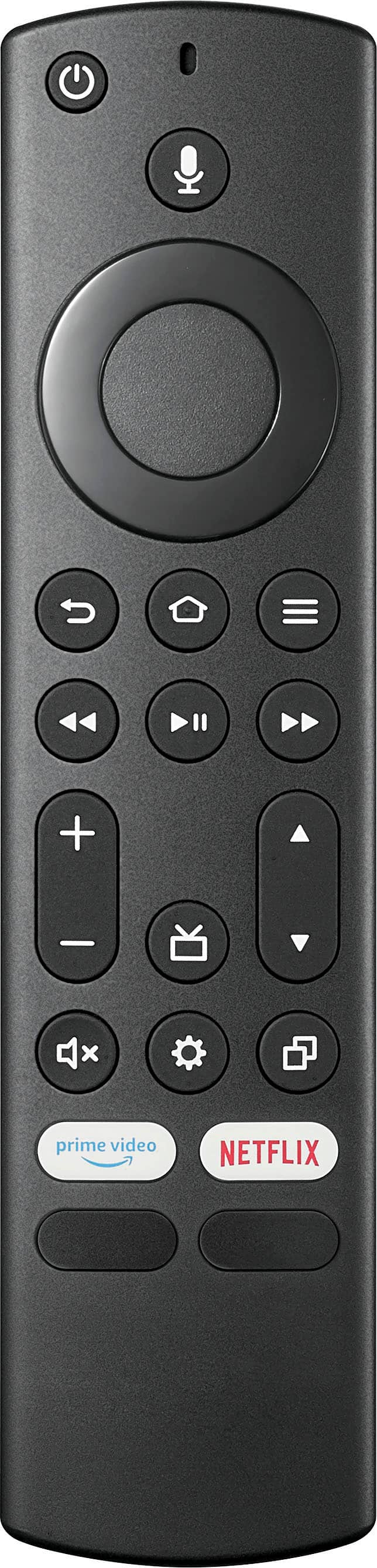
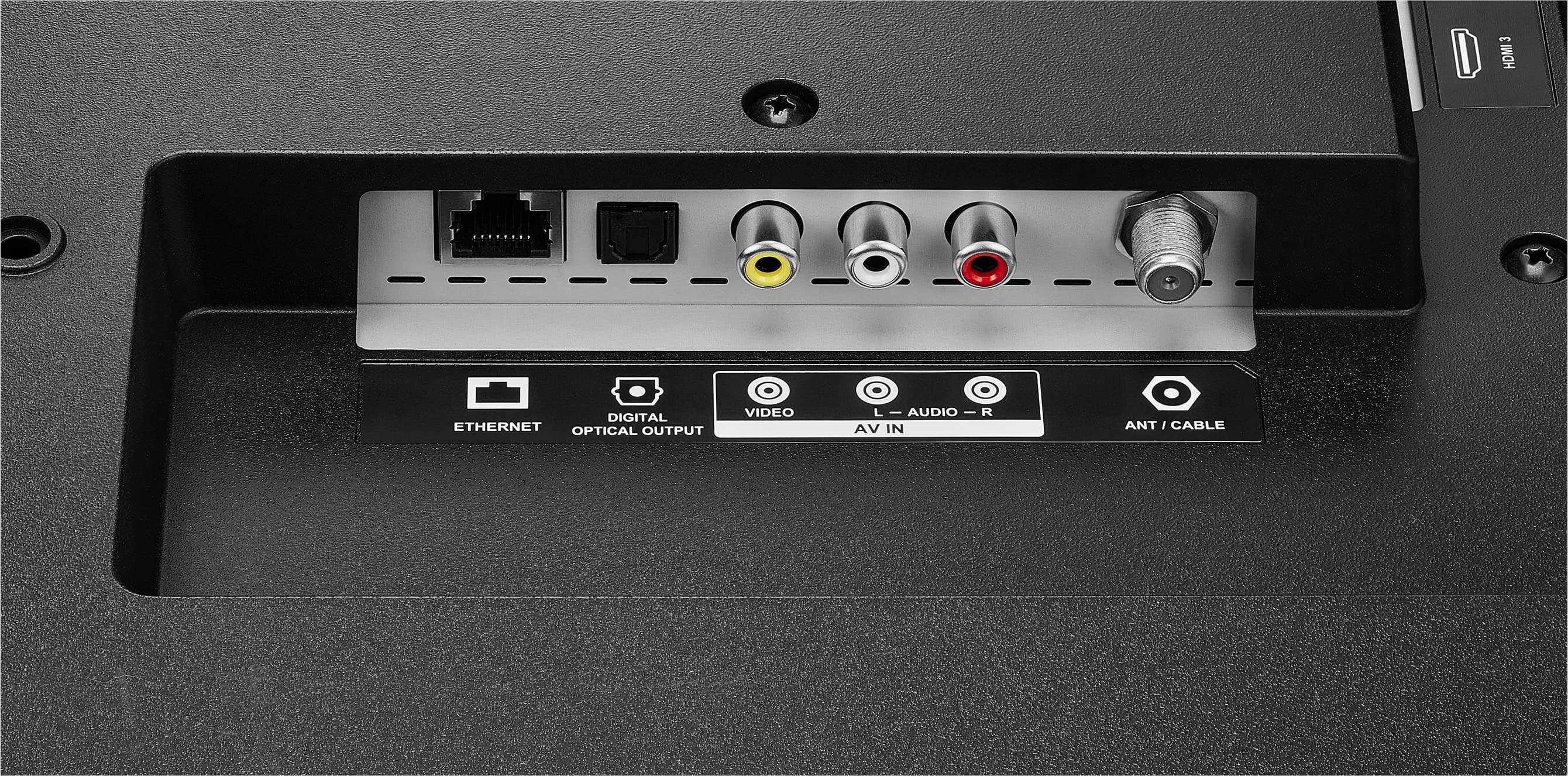
    • Answer yes

      Answered by Vizio

  • QuestionDoes this work with hearing aids on Bluetooth and is tv sound mute when using Bluetooth

    Asked by Spider.

    • Answer The Insignia™ 43" Class F30 Series LED 4K UHD Smart Fire TV does support Bluetooth connectivity, which means it should work with Bluetooth-enabled hearing aids. When you connect a Bluetooth device, such as hearing aids, the TV's internal speakers are typically muted to ensure the audio is directed to the connected device.

      Answered by InsigniaCustomerSupport

  • QuestionWhat is best tv antenna and a dvr for this tv?

    Asked by MaryK.

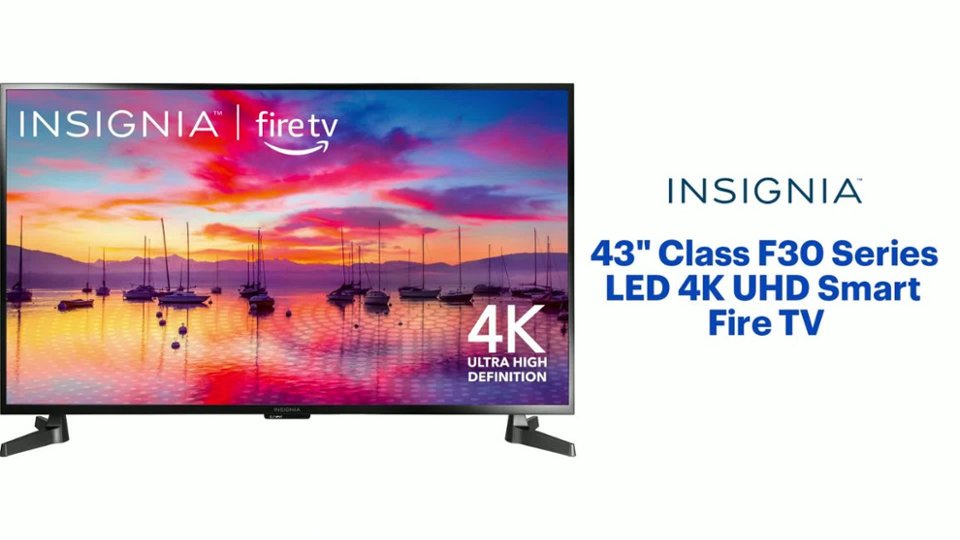
    • Answer Hello! Thank you for reaching out. There is no specific brand that is considered the best for our TVs; any brand of antenna should work well with them. I hope this information is helpful. If you have any further questions, please feel free to ask. - Carl | Insignia Support
      Answered by InsigniaCustomerSupport

  • QuestionWhy am I not receiving sound with my over the air antenna stations, but I get sound in all of my apps like Hulu, Disney, Prime, etc. I have excellent picture on the antenna stations, just no sound. Before you ask, yes I have made sure the TV is unmuted.

    Asked by Hack.

    • Answer Hello! Thank you for reaching out. Unfortunately, there are no settings available to mute a specific input, such as the antenna or HDMI input. If you are experiencing no sound on your antenna input, I recommend trying to relocate your antenna or performing a channel scan. I hope this information is helpful to you.- Carl | Insignia Support

      Answered by InsigniaCustomerSupport

  • QuestionCan this TV be set up in a garage or patio?

    Asked by Anonymous.

    • Answer Hi there! The Insignia™ 43" Class F30 Series LED 4K UHD Smart Fire TV is designed primarily for indoor use. While it can technically be set up in a garage or patio, there are a few considerations to keep in mind: 1. **Temperature and Humidity**: Extreme temperatures and high humidity can affect the performance and longevity of the TV. Garages and patios often experience more significant temperature fluctuations and moisture exposure than indoor environments. 2. **Dust and Debris**: Garages and patios can have more dust and debris, which can get into the TV and potentially cause damage over time. 3. **Sunlight and Glare**: Direct sunlight can cause glare on the screen, making it difficult to see the picture clearly. It can also heat up the TV, which might affect its performance. 4. **Weather Protection**: If you plan to use the TV on a patio, consider additional protection like a weatherproof enclosure to shield it from rain and other elements. For optimal performance and longevity, it's best to use this TV in a controlled indoor environment. If you still want to use it in a garage or patio, taking these precautions can help mitigate potential issues. |Angelica| Insignia Products|

      Answered by InsigniaCustomerSupport

  • QuestionIs the App "shahid" built in or can be downloaded?

    Asked by Anonymous.

    • Answer Yes, this app is available in the App library already.

      Answered by Tauras66

  • QuestionIs the XBOX Cloud gaming app available on this Fire TV?

    Asked by Anonymous.

    • Answer Yes you can add extra apps to this TV. If it does not have the app you want already installed.

      Answered by Heretic

  • QuestionCan you download the MLB and NBA apps to tthe Insignia class F30?

    Asked by Anonymous.

    • Answer Yes you can.

      Answered by Tauras66

  • QuestionCan the TV be set up vertical? I want to use it as a digital display.

    Asked by Luis.

    • Answer No

      Answered by Tauras66

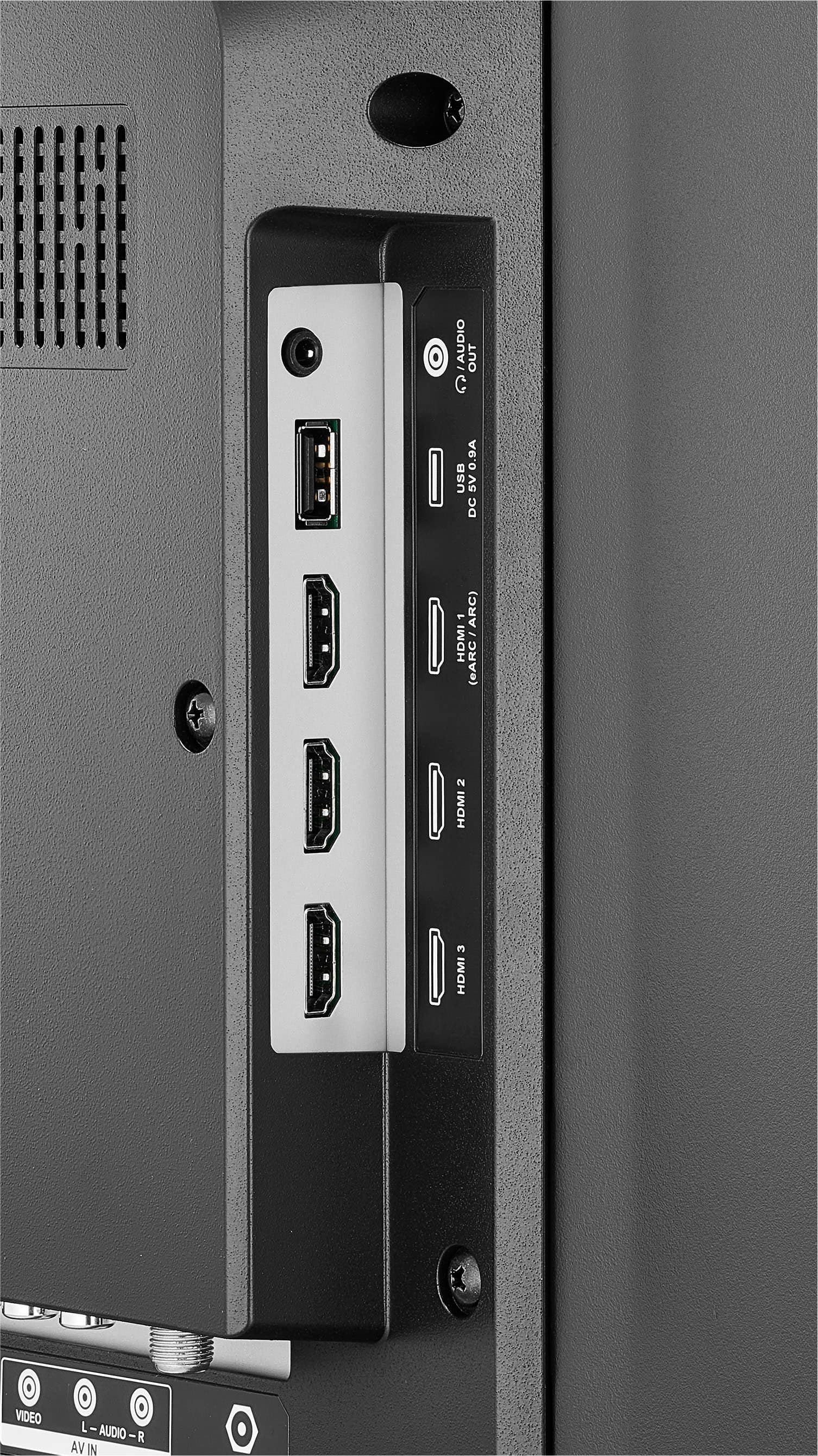
  • Questioncan i use the usb port on this tv to reproduce mp4 videos?

    Asked by andresal123.

    • Answer No clue

      Answered by WillK

  • QuestionBlue tooth

    Asked by Bill.

    • Answer yes it has bluetooth. i connected up my bluetooth earbuds.

      Answered by Anonymous