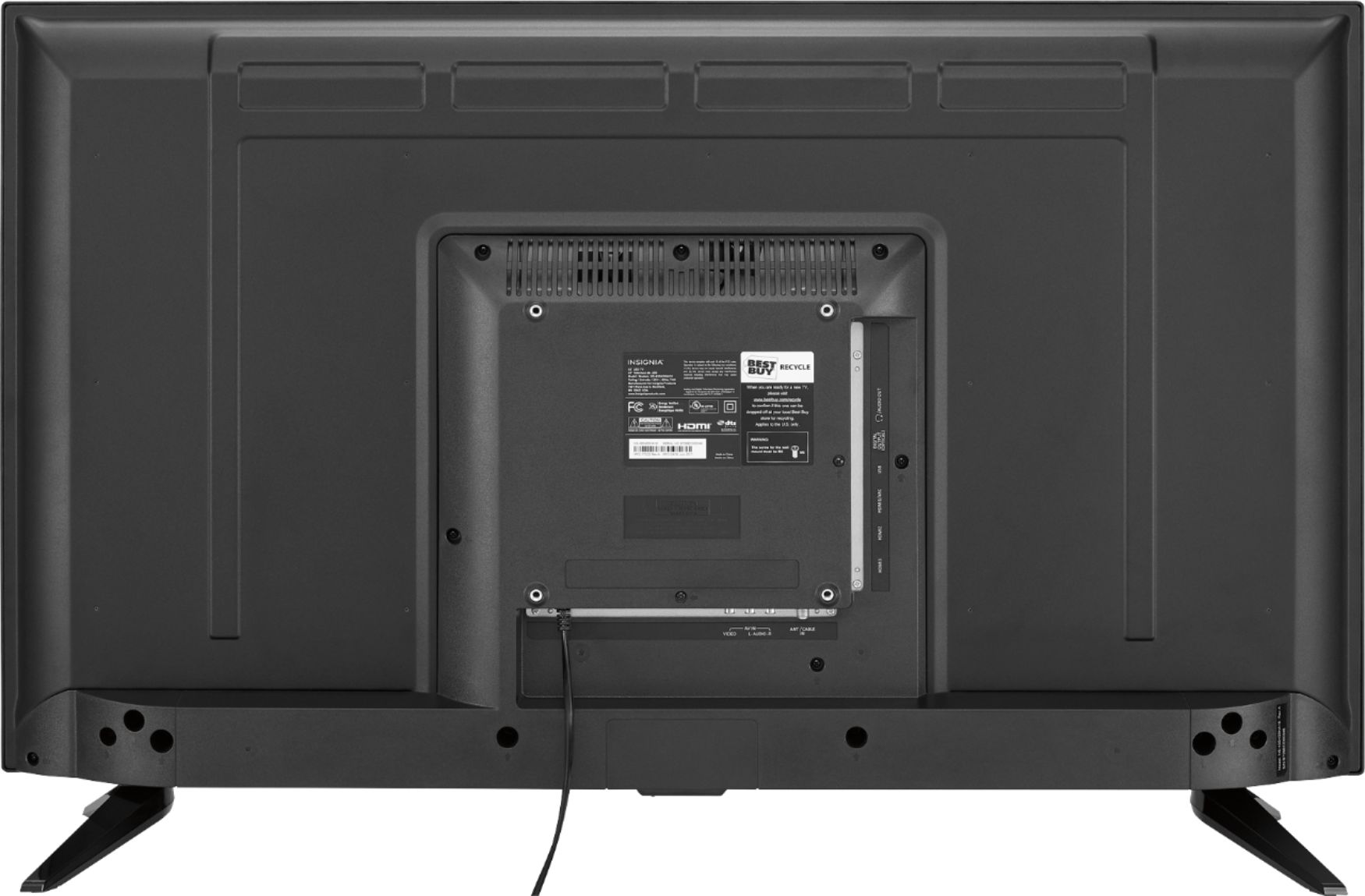
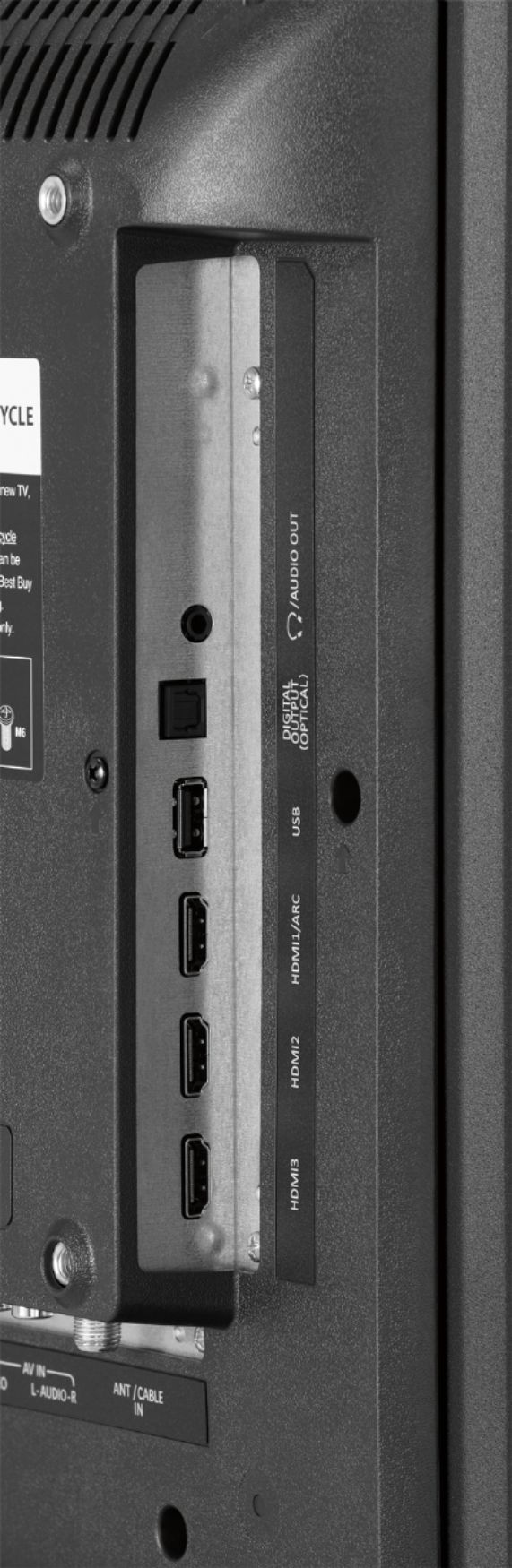
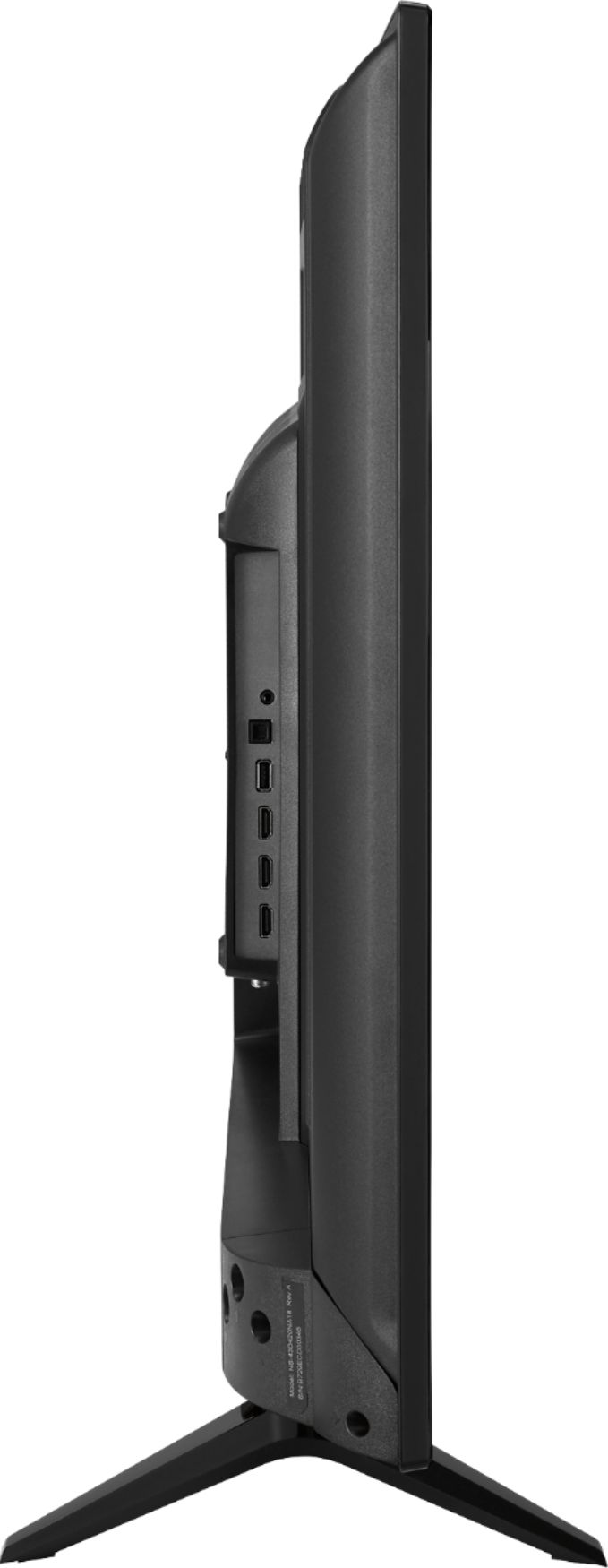
A:AnswerIt would just depend on how your devices are connected. The input/outputs of this model are:
Number of Digital Optical Audio Outputs 1
Number Of USB Port(s) (Total) 1
Number of USB 2.0 Ports 1
Number of Component Video Inputs
0
Number of Composite Video Inputs
1
Number of Analog Audio Outputs 1
RF Antenna Input Yes
Headphone Jack Yes.
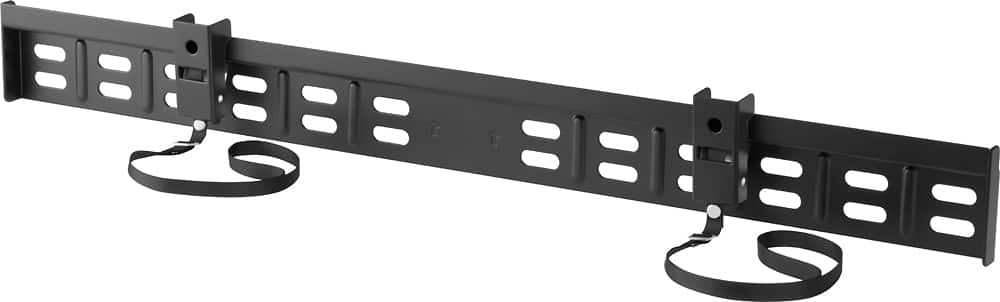
A:AnswerHello Best Buy customer Brian and thank you for asking this question as a somewhat detailed answer may not only help yourself, but a whole lot of other Best Buy customers who want to save on space and optimize their TV viewing experience as well. Being that some seven (7) months have passed, I'm guessing that you've "already" made a decision regarding this TV's wall mounting situation, but I will attempt to answer your question anyway. I think that its great that even prior to drafting your question that you have already identified your desire or need to only have what is referred to as a "fixed" wall mount. There are so many different brands and types of wall mount brackets (i.e., just on the Best Buy website alone!); however, if I were doing a fixed wall mount I would seriously consider an Insignia Brand wall mount. It's not because I am familiar with the structural integrity of an Insignia Brand TV wall mount, it's just that I would feel most comfortable and confident in purchasing their fixed wall mount product # NS-HTVMF0C (Best Buy SKU: 5088700) as I already went on the InsigniaProducts.com website and I was able to see that the more detailed "user's manual" is available for this item Online. Insignia Products user's manuals are about as user friendly as product guides get as they are highly detailed and they offer superb graphics so that you can follow along comparing information that you review in "written text" form along with "images or graphics" of the different aspects of the installation process. Please don't forget that if you need live product tech support that Insignia tech support representatives will be there for you--long after the initial purchase date. I've provided an image of this wall mount below in the Best Buy product recommendations section. Please remember that the most important part of the wall mount installation process is to have at least two (2) people involved in the process. This is according to the sources I have read. Thanks, again, Brian for presenting your question as I'm sure that you've helped a lot of other people wanting to wall mount their TV as this is an extremely popular practice these days.
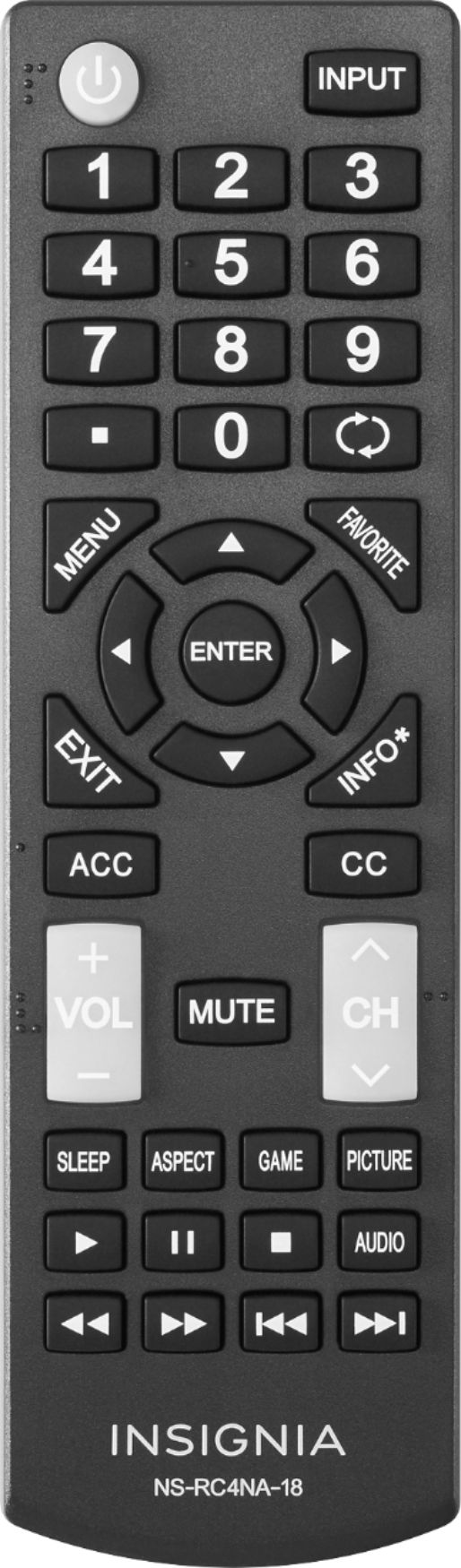
A:AnswerHello Best Buy customer gelboy and thank you for asking this question as this issue has really affected my viewing experiences with these newer TVs as well! First, I would encourage you to just accept that the quality of your TV program viewing experience mostly depends on the "source" of the TV show broadcast. As I am sure that you are already aware of, after you change channels, on the top/right of of the screen you will see 480i, 720i, or 1080i--with this TV, anyway. With older (i.e., more classic) programs, in particular, many times there will be blacked out areas on the left and right vertical sides or on the top and bottom; however, this is not across the board. Also, sometimes with the older broadcast offerings, they will be more blurry. There are times that programs baring the label of 720i can have blacked out areas as well. There are also so very many times when a 720i broadcast can look as good as a 1080i broadcast and there are even times when a program baring the label of 480i can completely fill the screen and possess pretty good clarity. For a very long time, TV viewing with these newer televisions was a "wrestling" match for me. As I surfed from station to station (i.e., when needed), I would depress the picture size (i.e., p-size) button and constantly readjust the picture settings--like if the broadcast image did not fit the screen I would select the "CINEMA" setting so that there would be no blacked areas. In so doing, the blurriness would increase significantly and large parts of actors' bodies or things in the scene would be cut off. I found it best to use the TV's remote and click onto the MENU button and then scroll over to the HELP column and click onto the word HELP and then scroll down to "RESET TO DEFAULT" and complete that process. Because I only use an indoor HDTV antenna for program viewing, I need to conduct a re-scan of my channels and start all over with set up--as if I just purchased the TV. After doing that (in answer to your question), I find it best to select "WIDE" for the picture size setting and just "LEAVE" it there! In so doing, I get the best "coverage" of the screen on the most consistent basis and I don't believe that the imagery is "distorted" that much, say, by making the actors, etc. look too wide. The issue you present is a big one gelboy as over the years there have been many changes in technology and transmission of TV broadcast signals so things don't always work in harmony--as one would like. I hope that my answer helps you and others gelboy. Happy TV program viewing with this great TV!