A:AnswerHello,
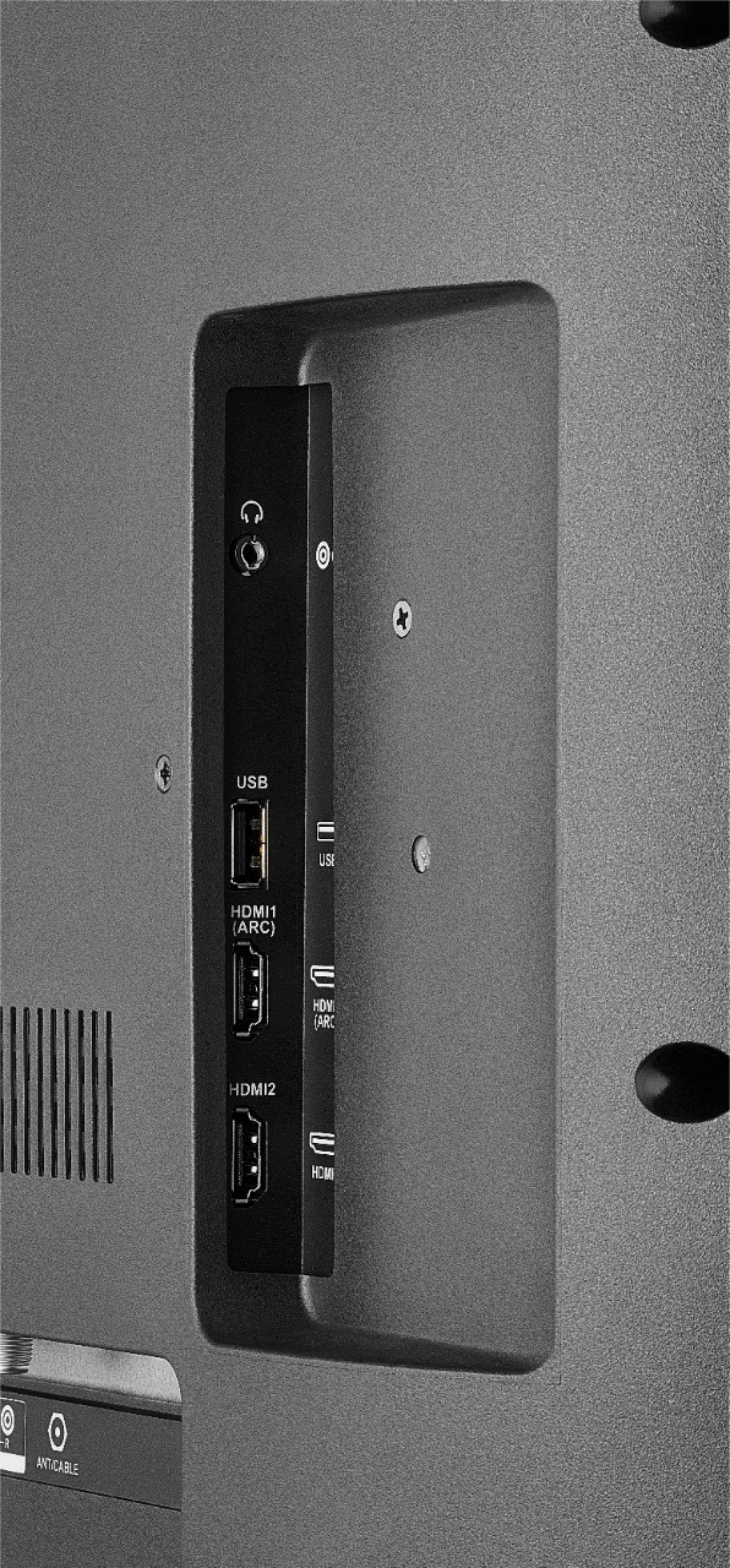
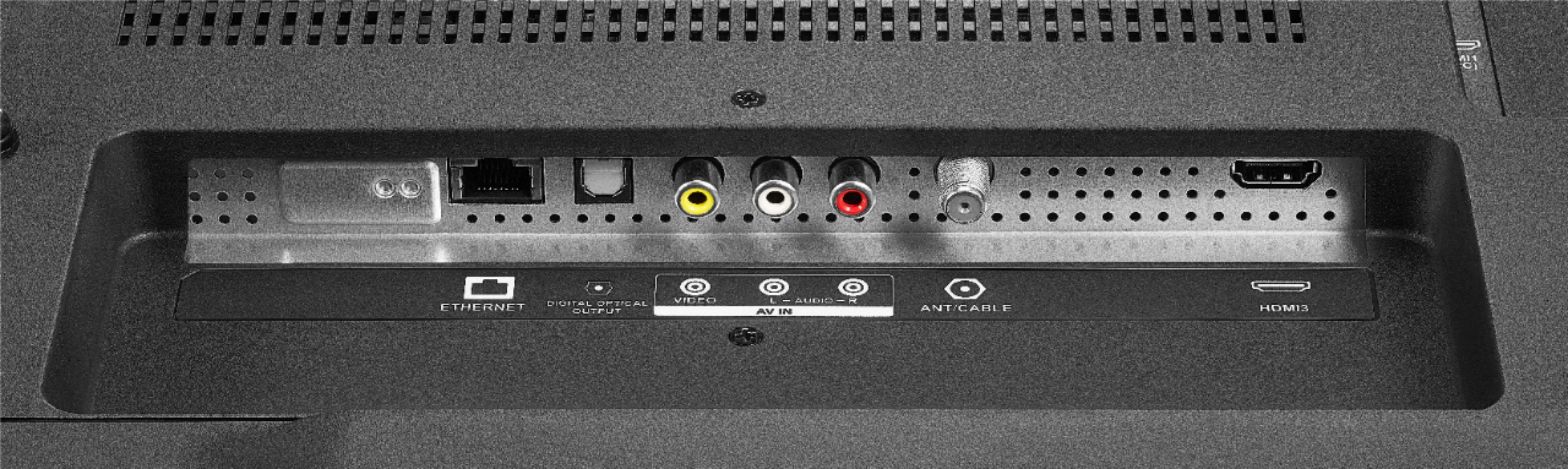
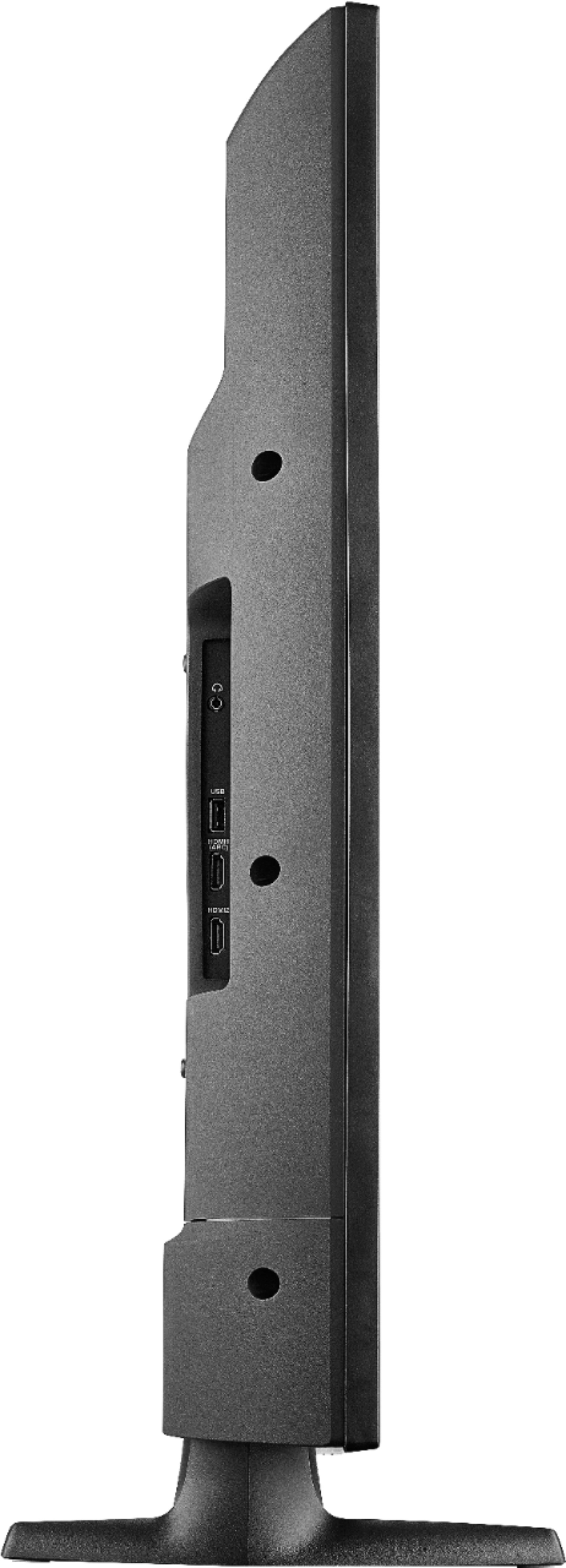
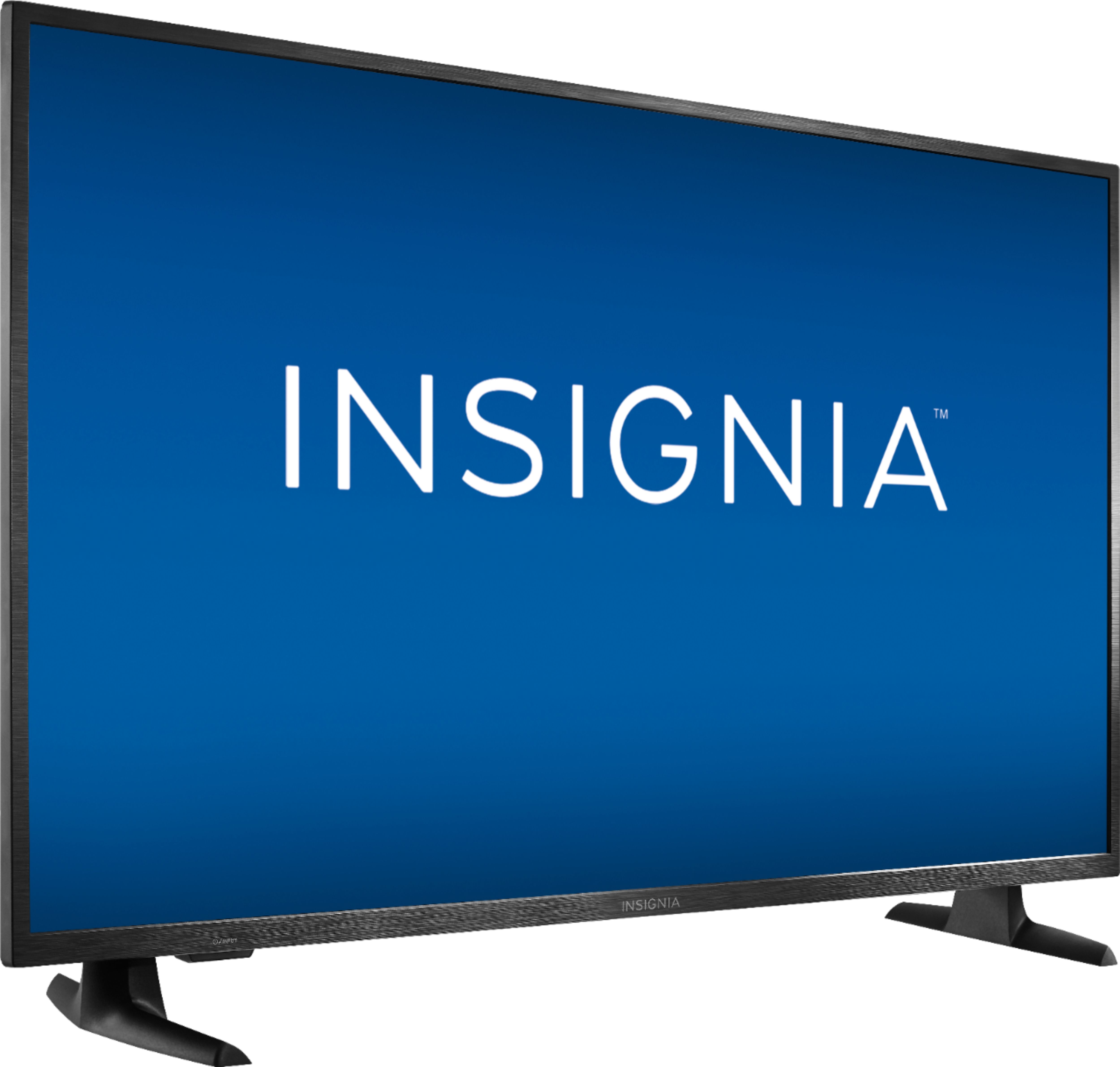
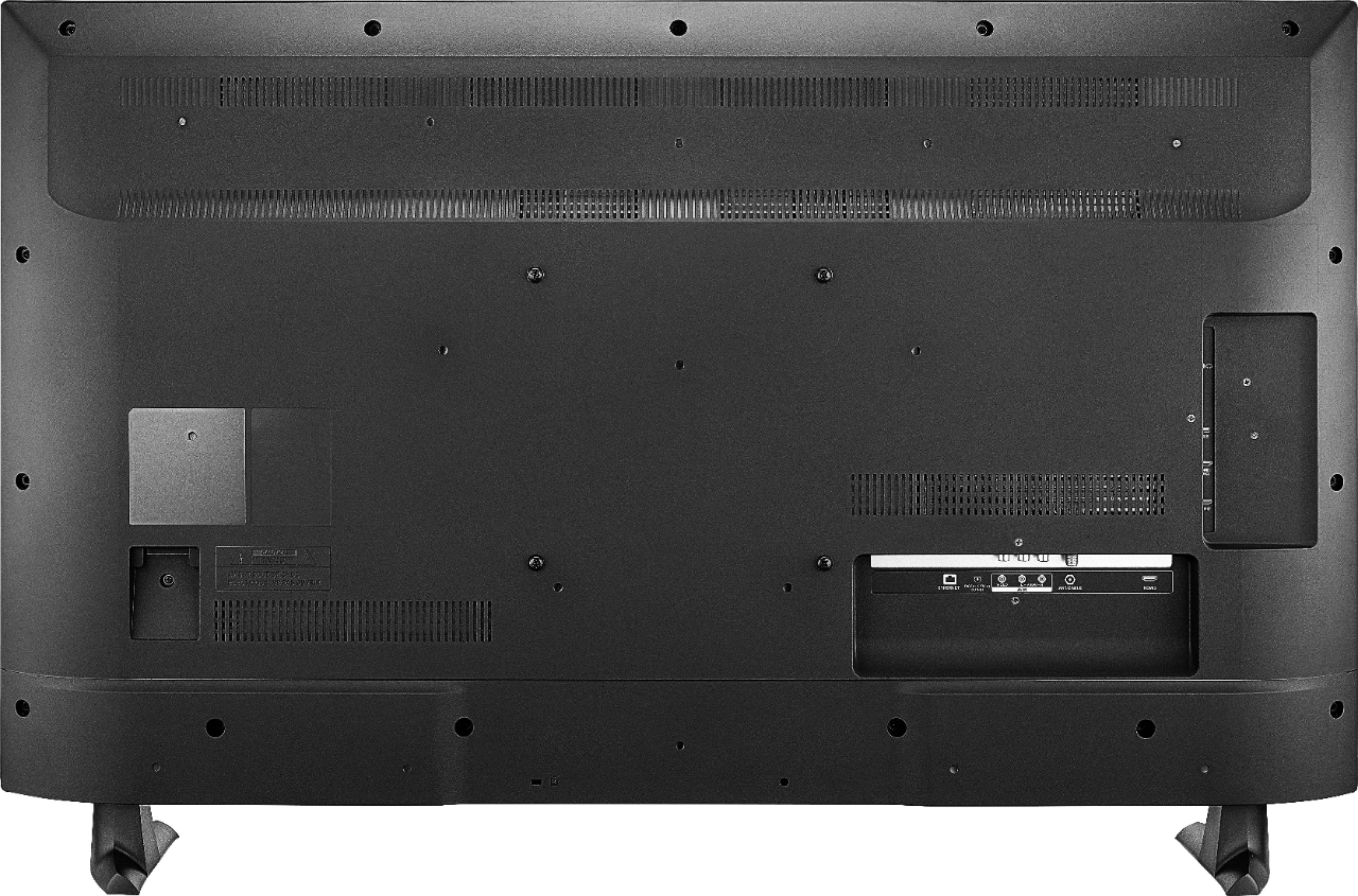
This TV features different types of video input jacks, which are HDMI, AV, and coaxial. As long as the DVD/DVR supports any of these type of connections, it should work.
Eduardo L - Insignia Support
https://www.insigniaproducts.com/contact-us
A:AnswerHi,
You can connect your Dish cable using one of the HDMI ports, If you need more assistance, please call 1-877-467-4289 available from 8am to 9pm CT daily.
Alan O. - Insignia Support
A:AnswerCheck out the Fire TV Recast, it is a DVR that lets you watch and record over-the-air TV at home with Fire TV. For more information, please visit:
http://amazon.com/firetvrecast
Alan O. - Insignia Support
A:AnswerHi! This TV has 8 GB of internal storage, and it can be increased by connecting a USB flash drive up to 128 GB to storage some apps (not all apps can be moved) or to increase the Live TV Pause time.
Viridiana E.
Insignia Support.
https://www.insigniaproducts.com/contact-us
A:AnswerHi! This TV has a One Year Limited Manufacture Warranty and to know exactly how it works and what it covers, please check the Best Buy website, on the Manuals and Guides section you will find the warranty document or the user manual that also includes the warranty information. If you still have any question, please contact us on the link below.
Viridiana E.
Insignia Support.
https://www.insigniaproducts.com/contact-us
A:AnswerHi, Caloy.
I completely understand how this can be frustrating for you. I want you to know that this should be working properly and I would like to provide you with alternatives. Please reach us at https://www.insigniaproducts.com/contact-us so we can better assist you with it.
Cesar G. - Insignia Support
A:AnswerHi,
Press and hold the Home button for 3 seconds to launch the Quick Access menu, select Display settings to adjust the Picture Size and Aspect Ratio.
Alan O. - Insignia Support