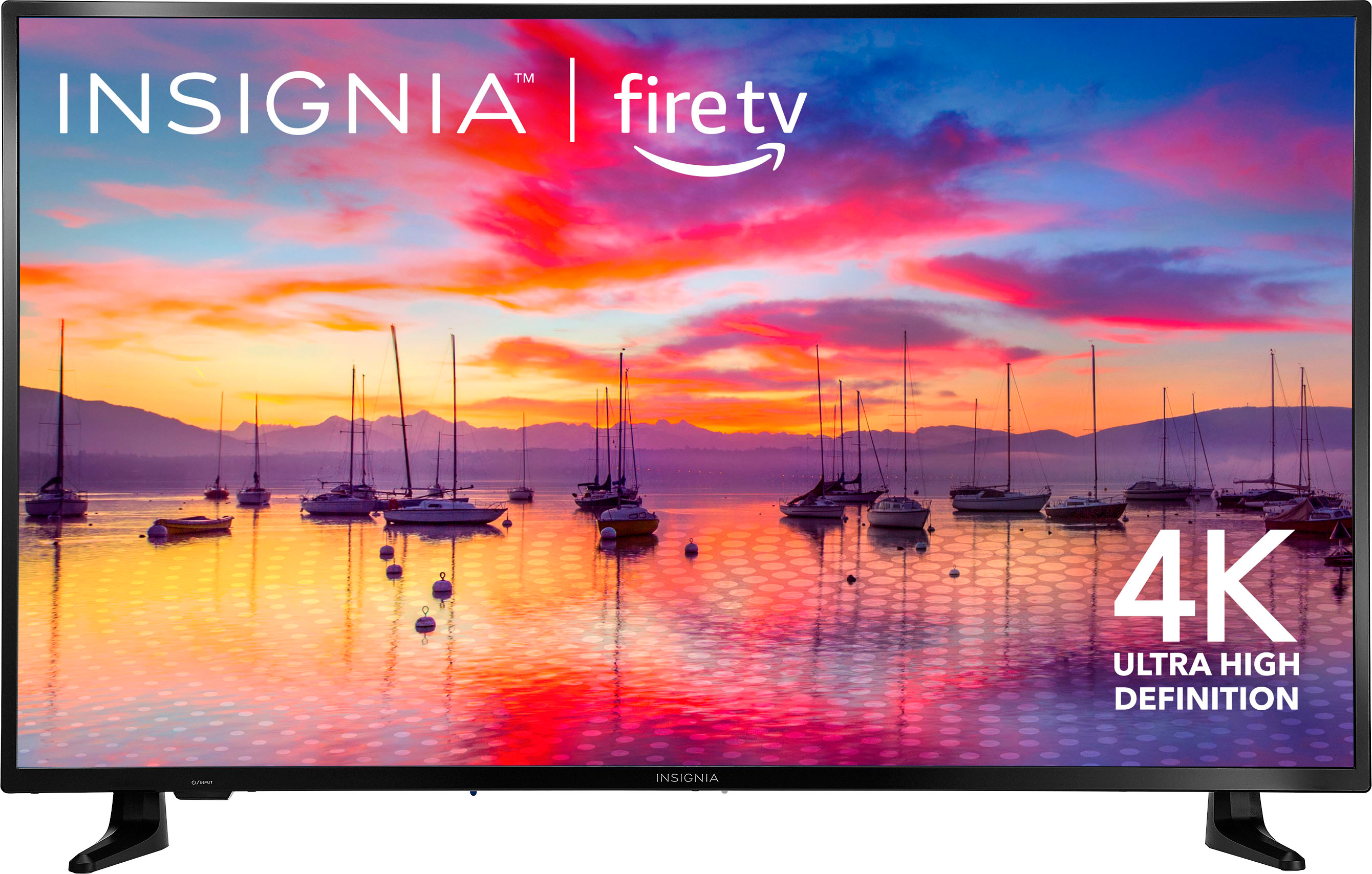
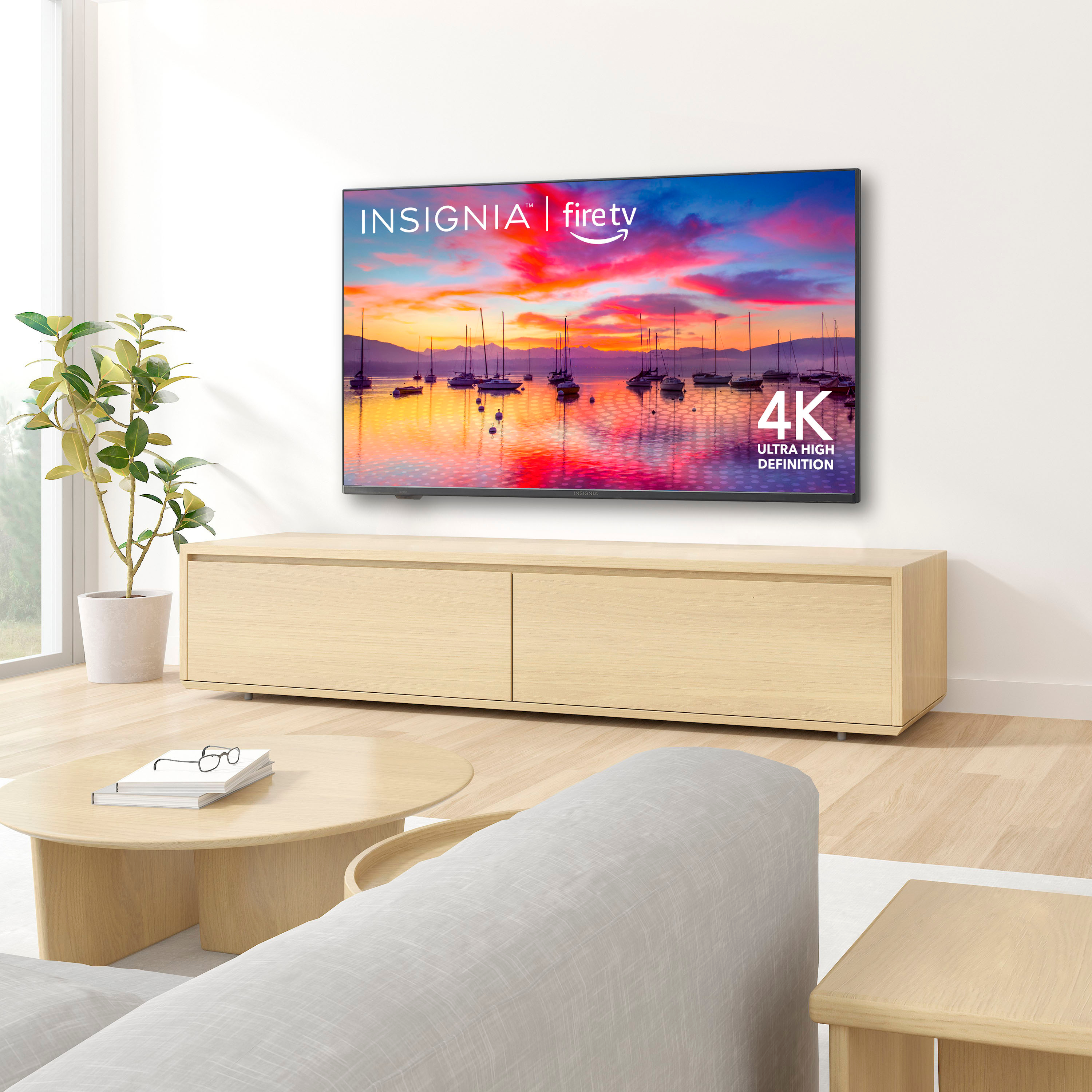
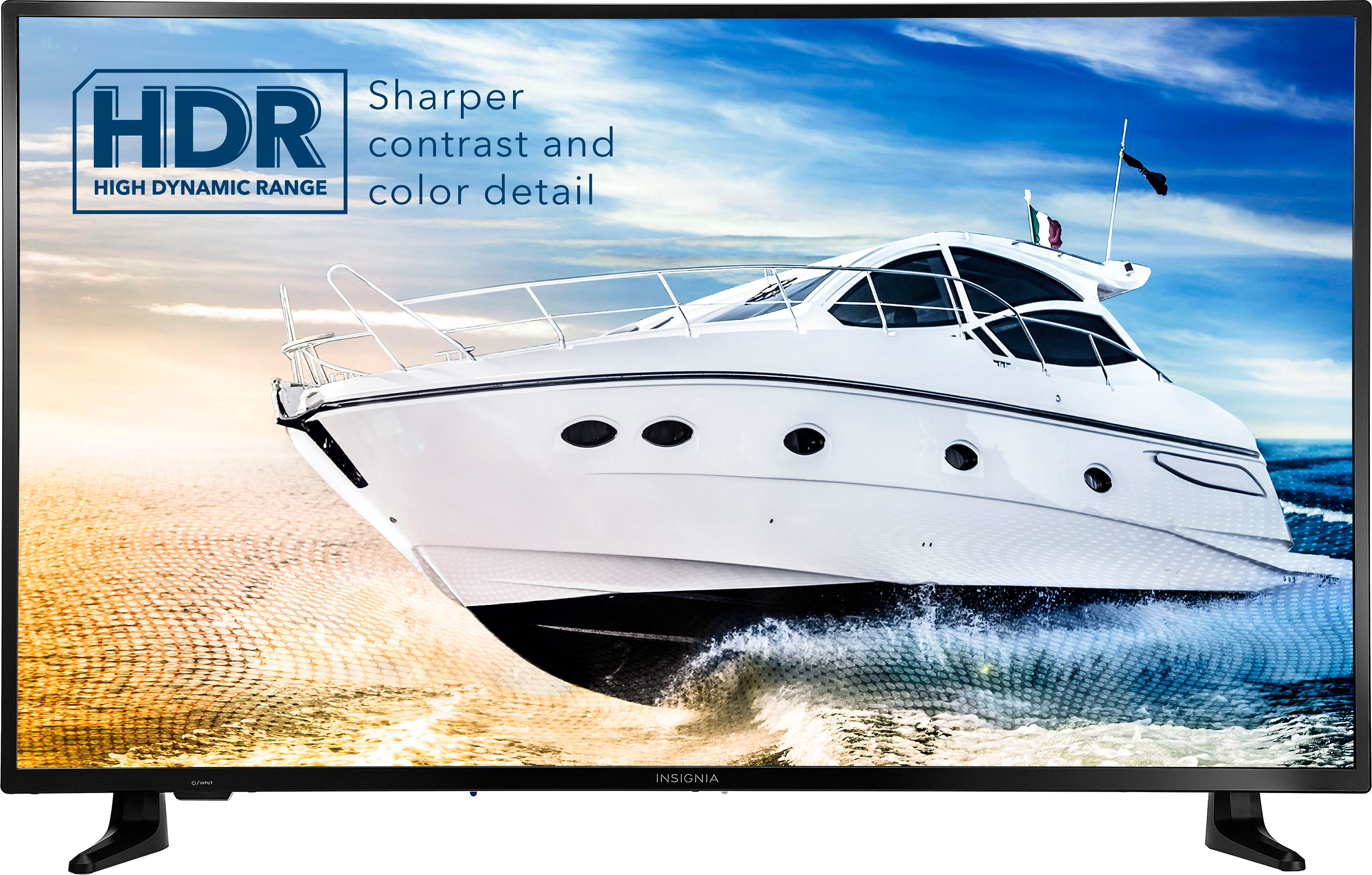
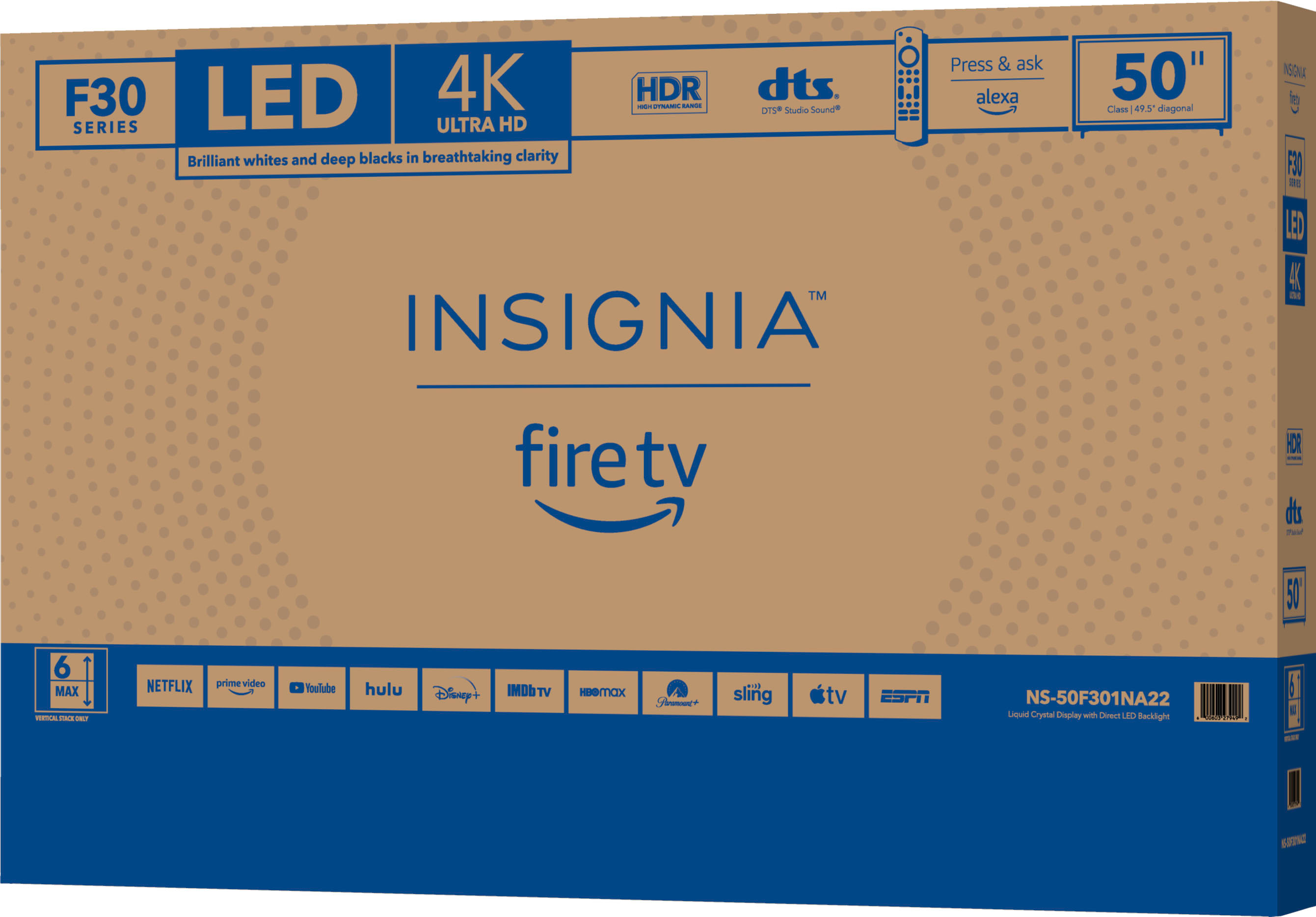
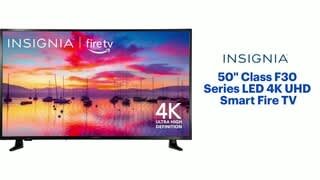
A:AnswerEnjoy breathtaking HDR10 4K movies and TV shows at 4 times the resolution of Full HD. A steady internet connection speed of 25 megabits per second or higher is required.
A:AnswerYou can use the Amazon Silk - Web Browser app to surf the web.
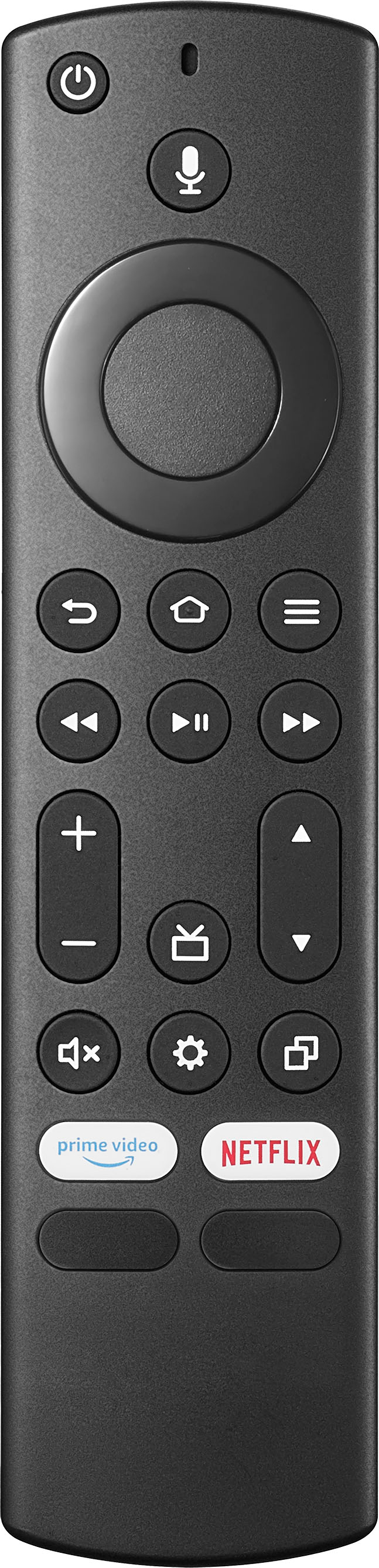
Try to download the Amazon Fire TV app on your smartphone, it features a keyboard for easy text entry (no more hunting and pecking).
A:AnswerYou can download the Amazon Fire TV app on your Smartphone to control the TV over Wi-Fi. This TV supports Apple AirPlay, you can share videos, photos, music and more from an Apple device to your TV with the touch of a button.
A:AnswerI know you don't need a fire stick for this TV but I believe you have to pay for the streaming networks like Hulu, Netflix, etc. I have not opened the TV box yet because it is a present for this christmas. Hope this helps.
Jason K