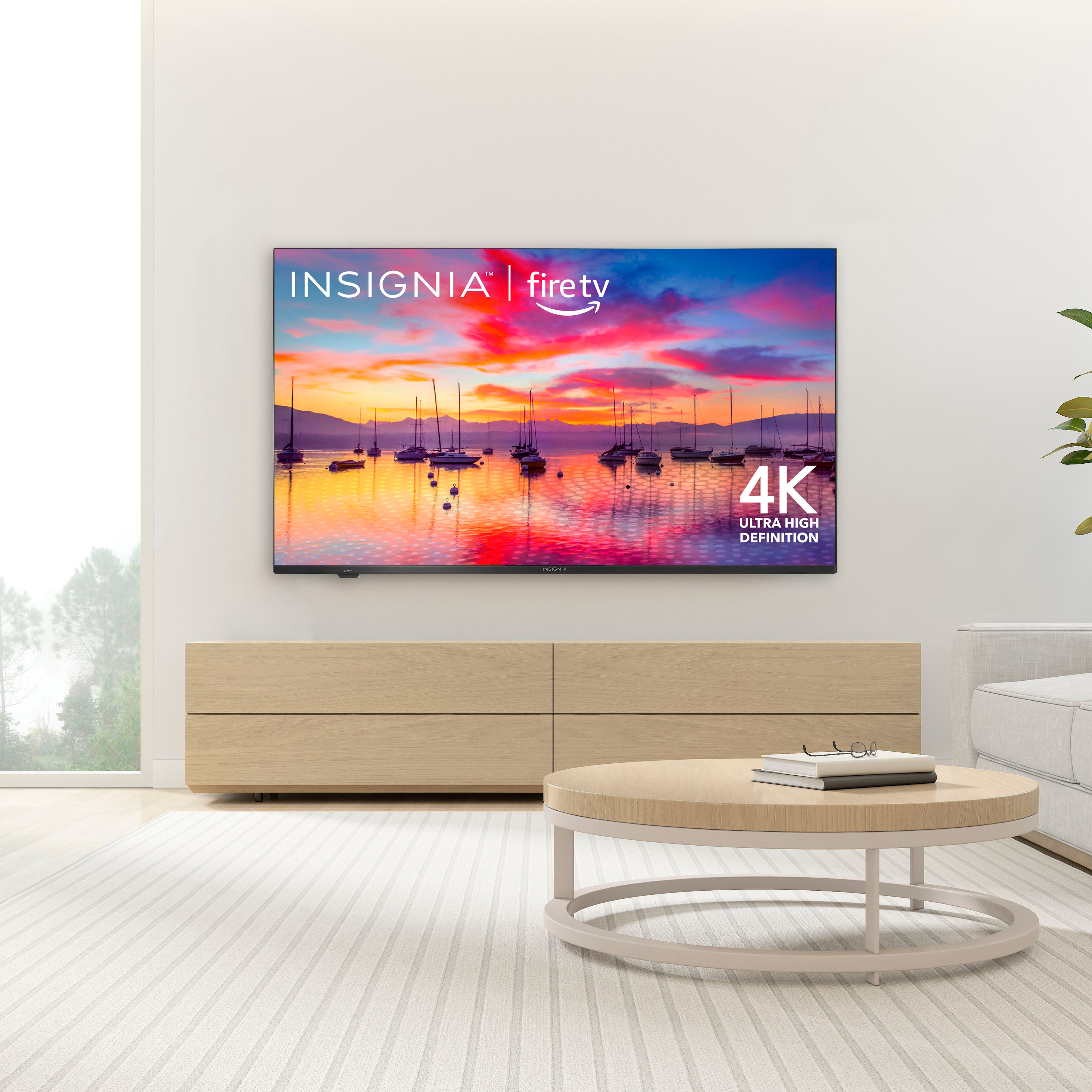
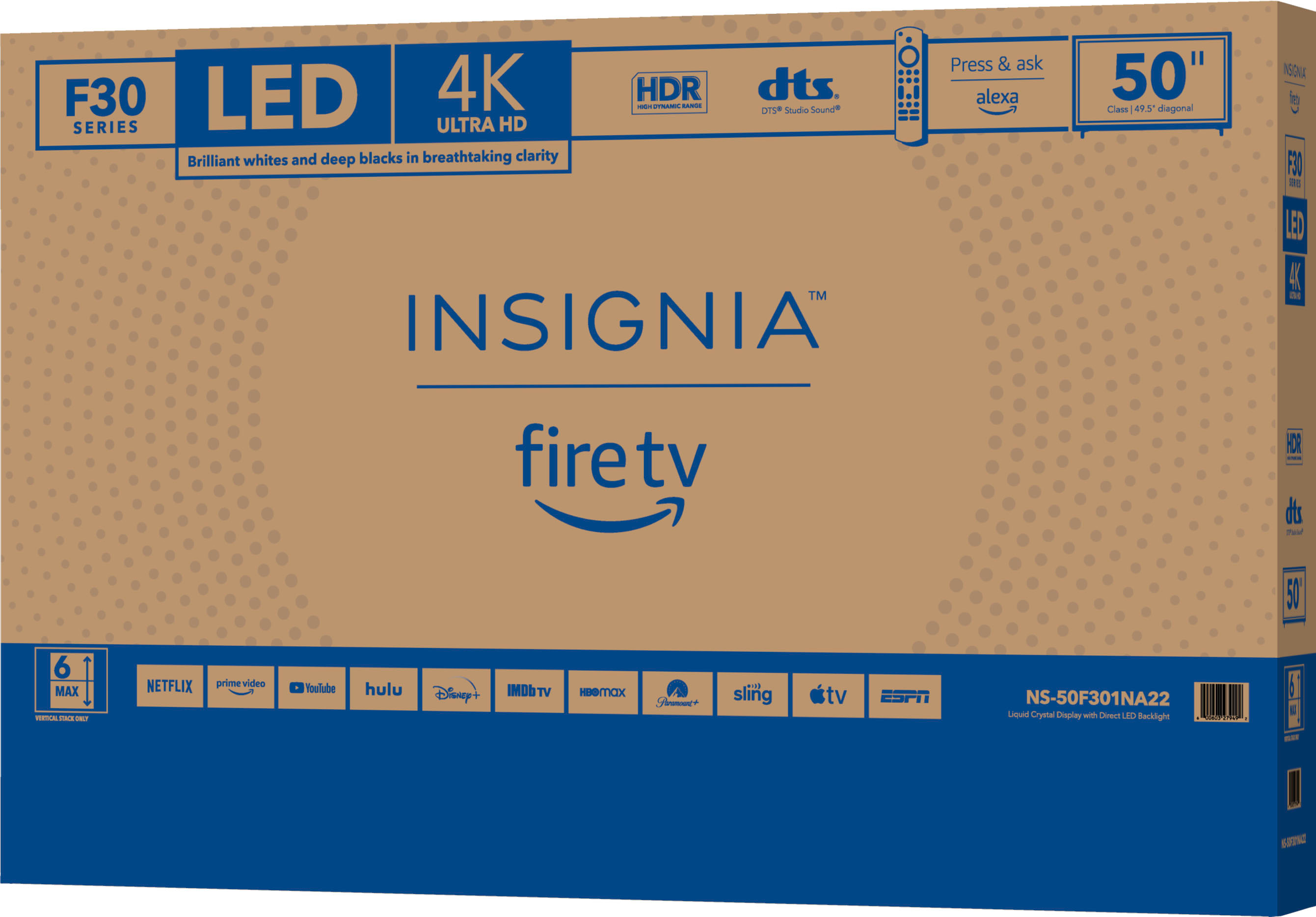
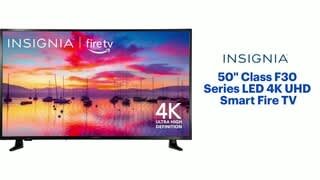
A:Answer On the Fire TV Edition TV Home Screen you will view your recent items, your Apps & Channels, featured and sponsored content recommended for you, and more. The ad banner features offers for digital content (including movies, TV shows, and apps). It also features physical products sold on the Amazon website. This banner cannot be removed.