A:Answer Hi (CUSTOMER'S NAME),
If you need more space on your Android TV, you can remove some of your apps and games.
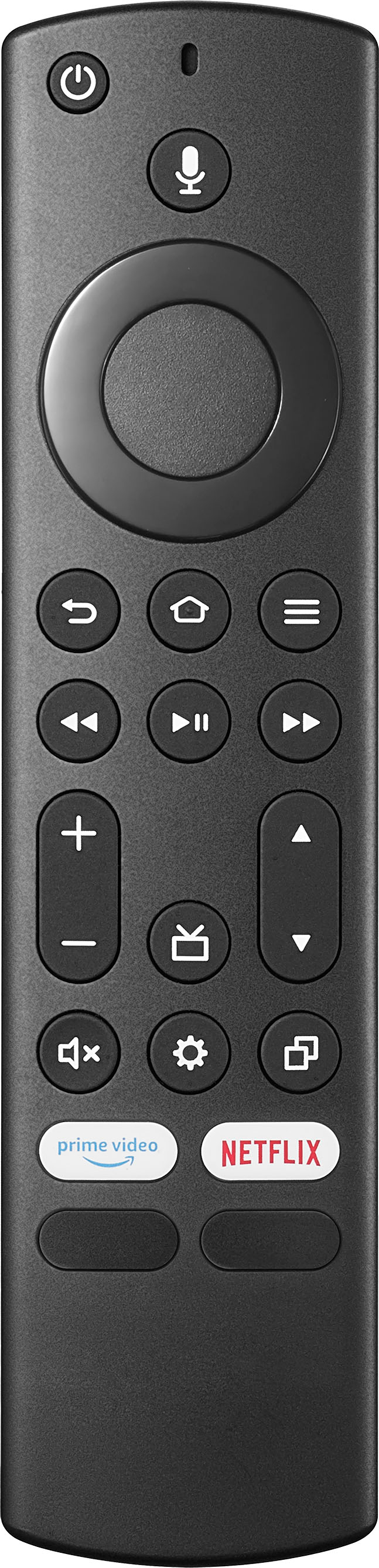
- On your Android TV, go to the Home screen.
- Scroll down and select Settings .
- Under "Device," select Apps.
- Under "Downloaded," select an app you want to remove Uninstall. OK.
If you have any questions or concerns, please use the link below to reach us and also you can contact this phone number 877-467-4289 for further assistance.
Insignia Products
Nikki
https://insigniaproducts.com