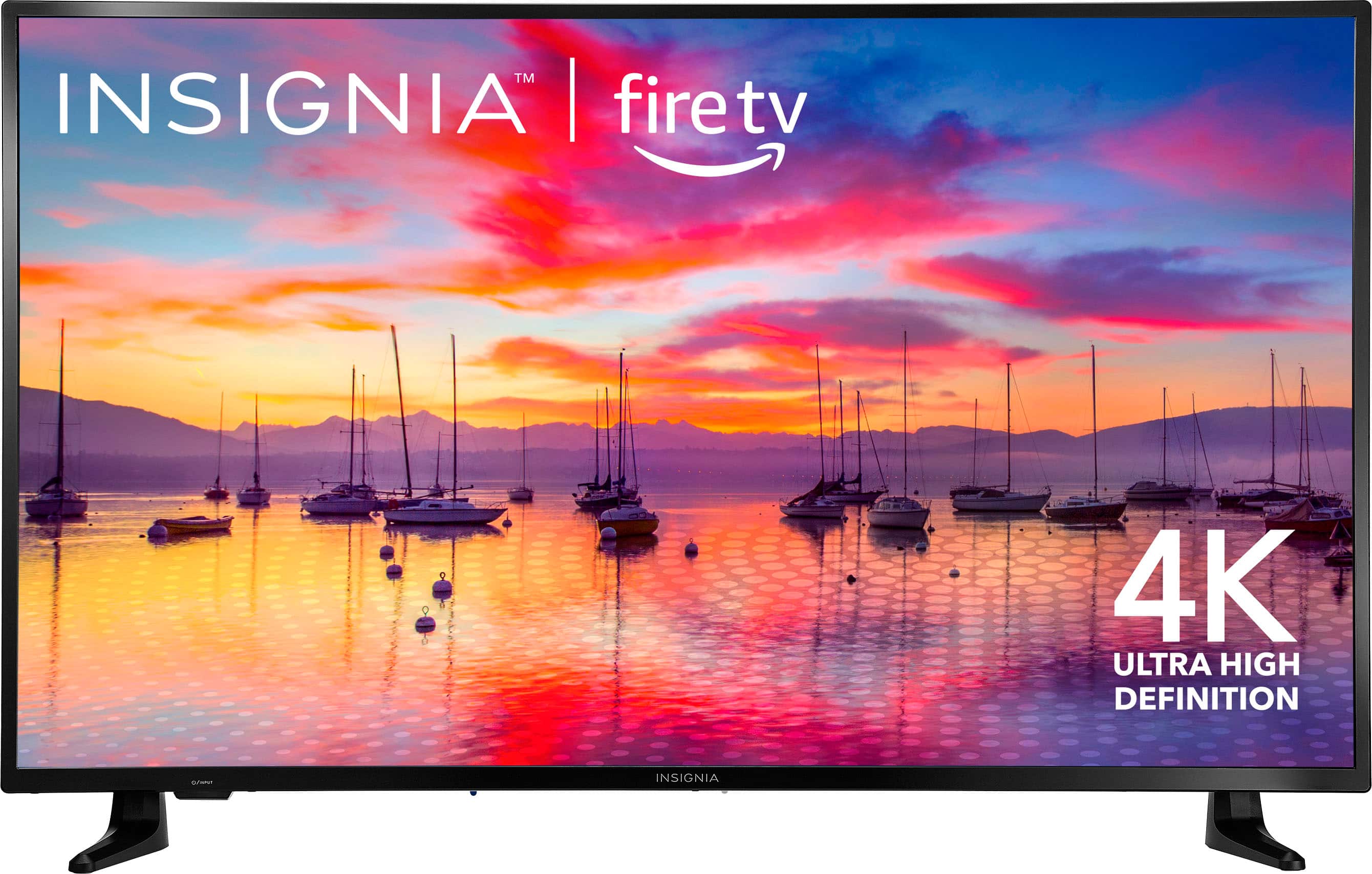
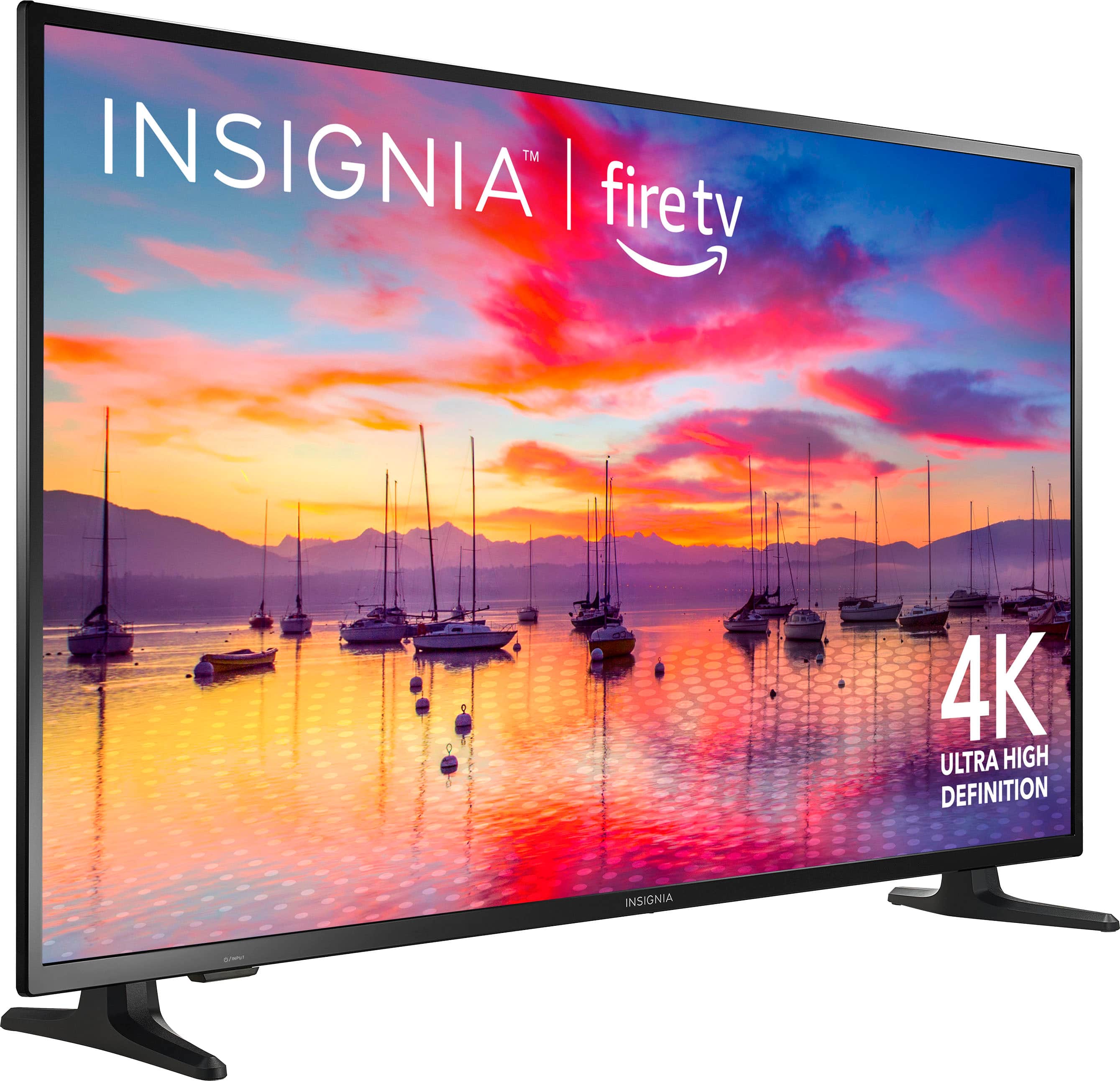
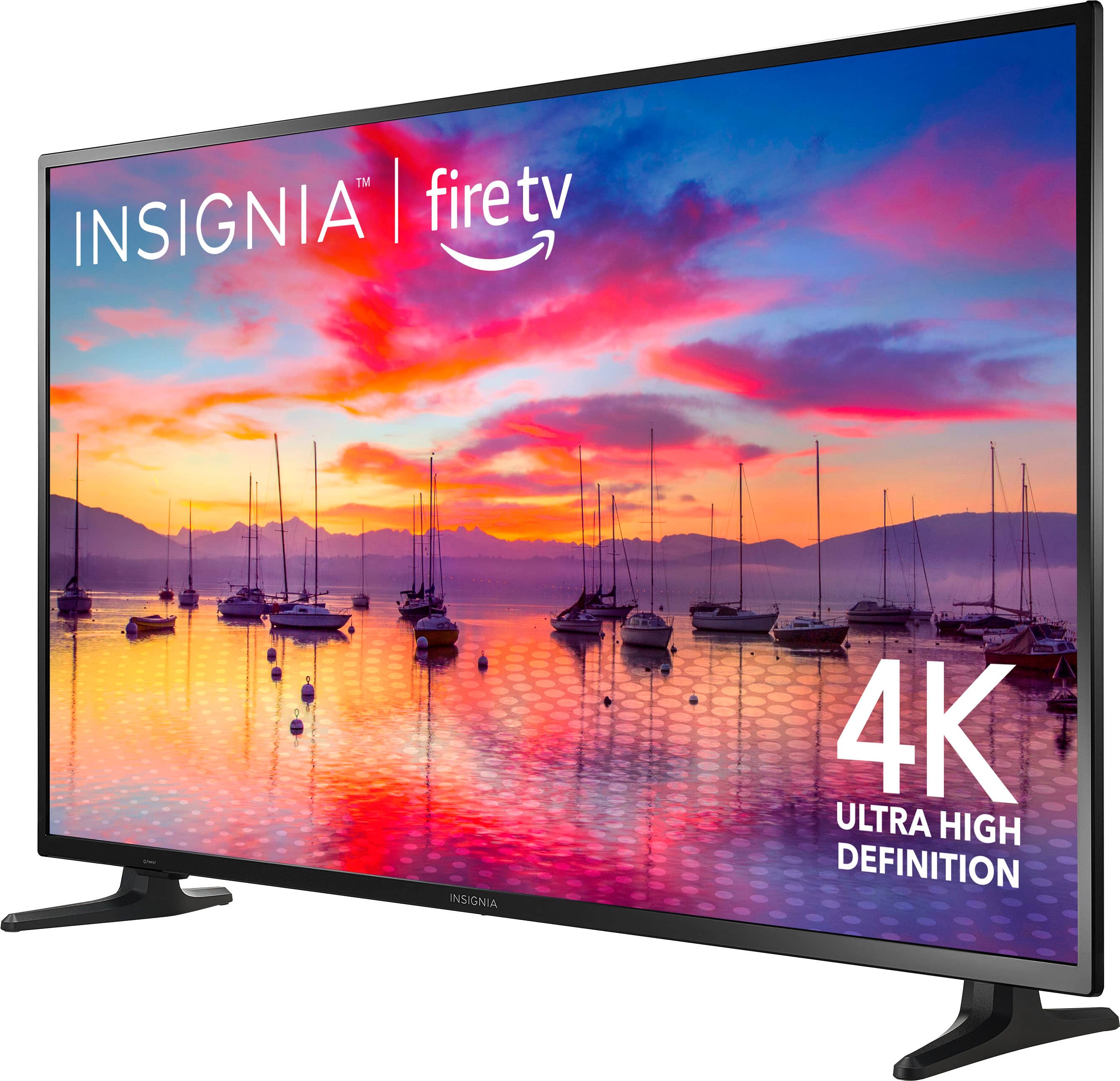
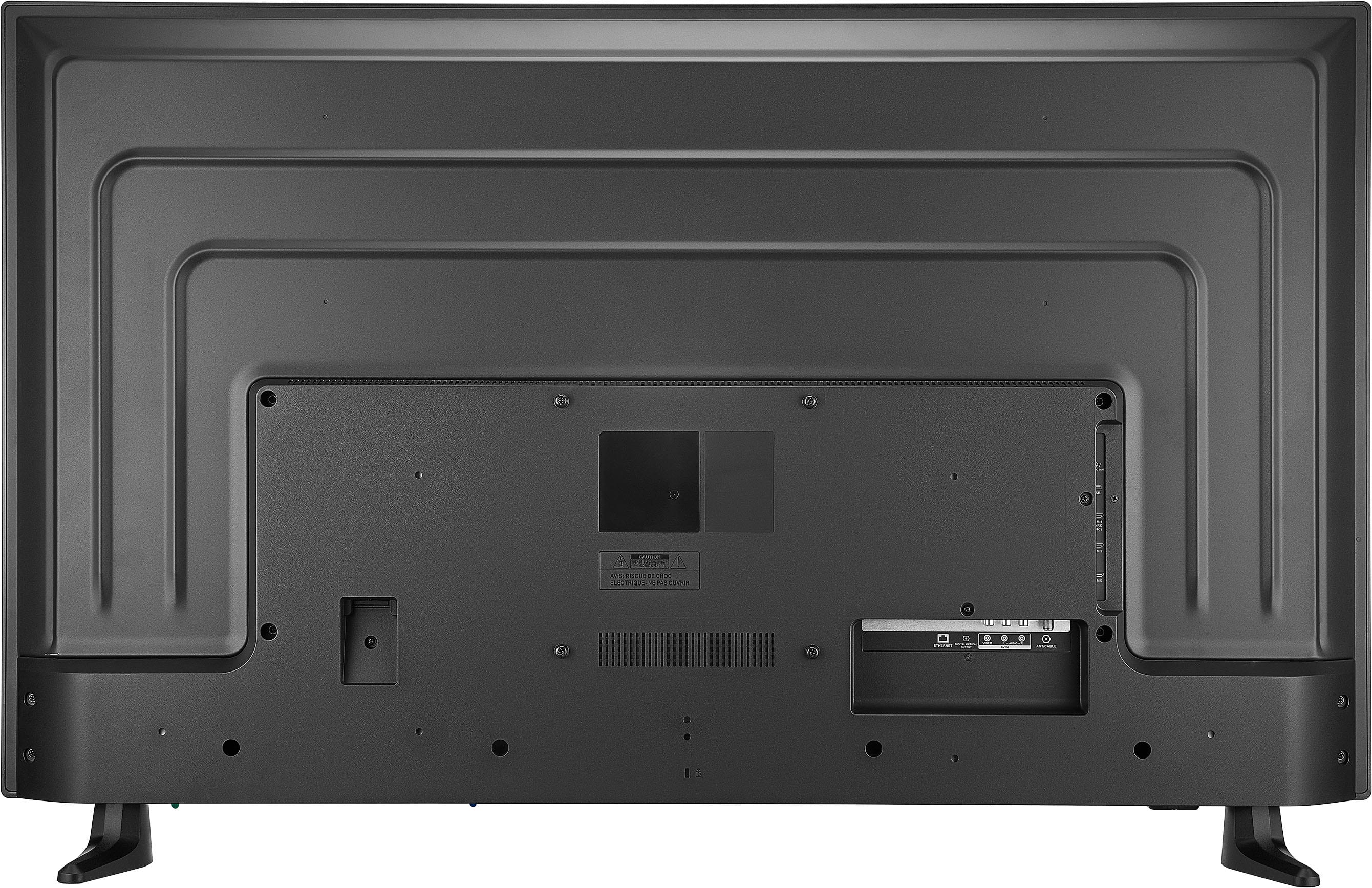
A:Answer Hello! Thank you for your question. To watch the Xfinity Stream app on this television, you'll need to download it from the Amazon website. To do this, simply visit amazon.com and follow these steps: click on 'Digital Content and Devices', then select 'Fire TV' from the dropdown menu. Next, click on 'Content and Resources', followed by 'App and Games'. On the left-hand side, select 'Fire TV Edition TVs' as your device type. Finally, search for the Xfinity Stream app at the top of the page. If you have any trouble finding it, feel free to let me know and I'll be happy to assist you further. I hope this helps answer your question! Jeth | Insignia Support. https://www.bestbuy.com/site/insignia-50-class-f30-series-led-4k-uhd-smart-fire-tv/6525240.p?skuId=6525240