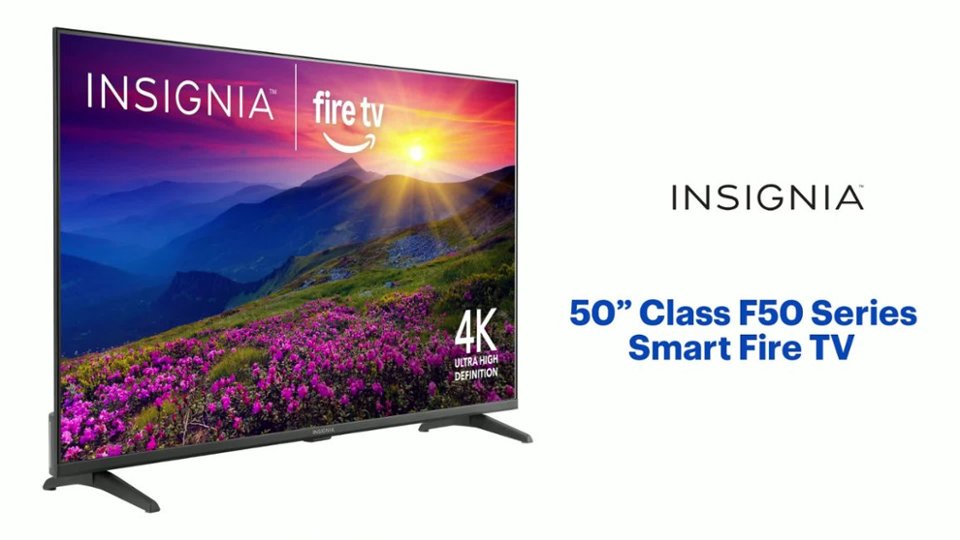
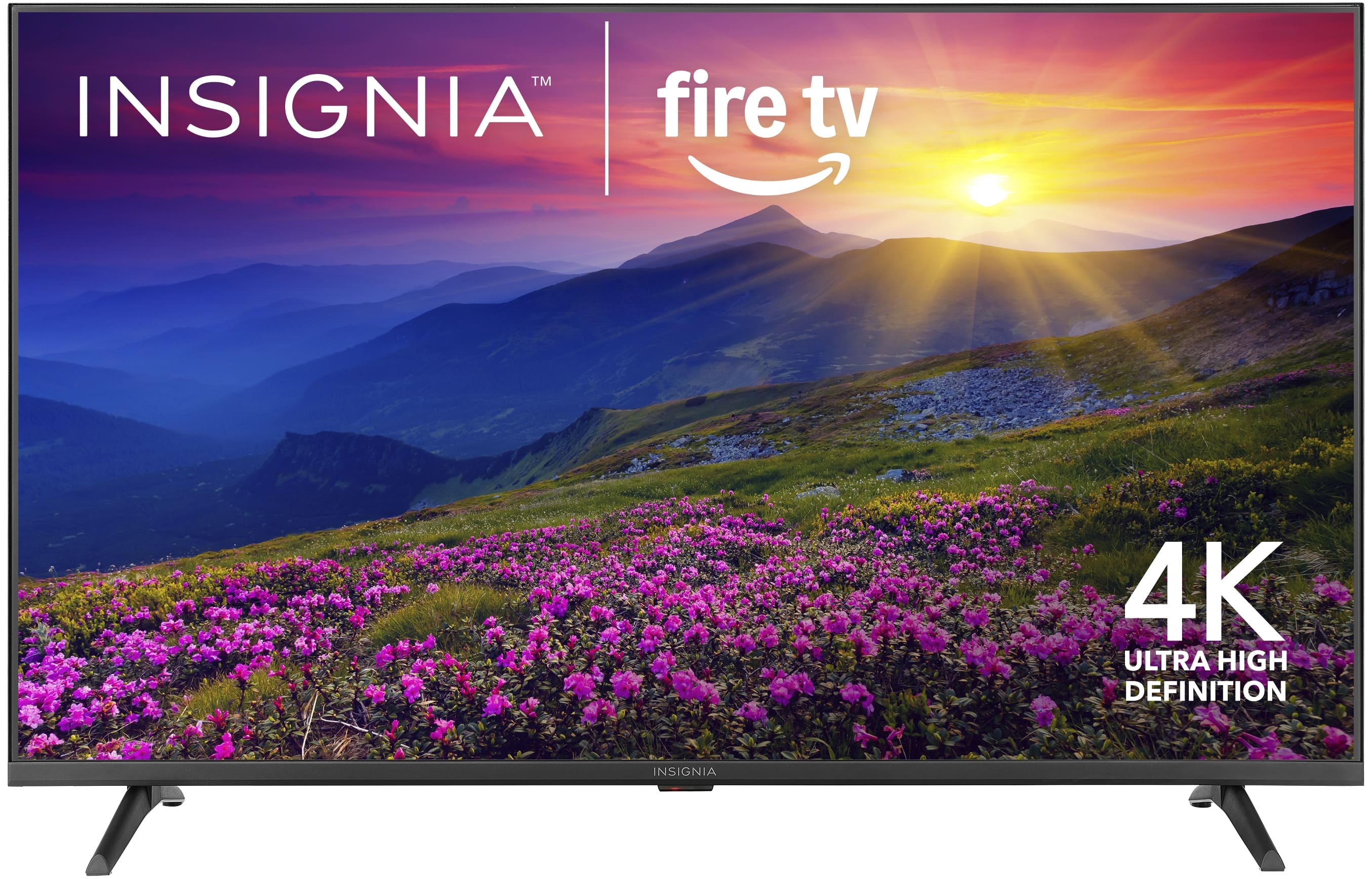
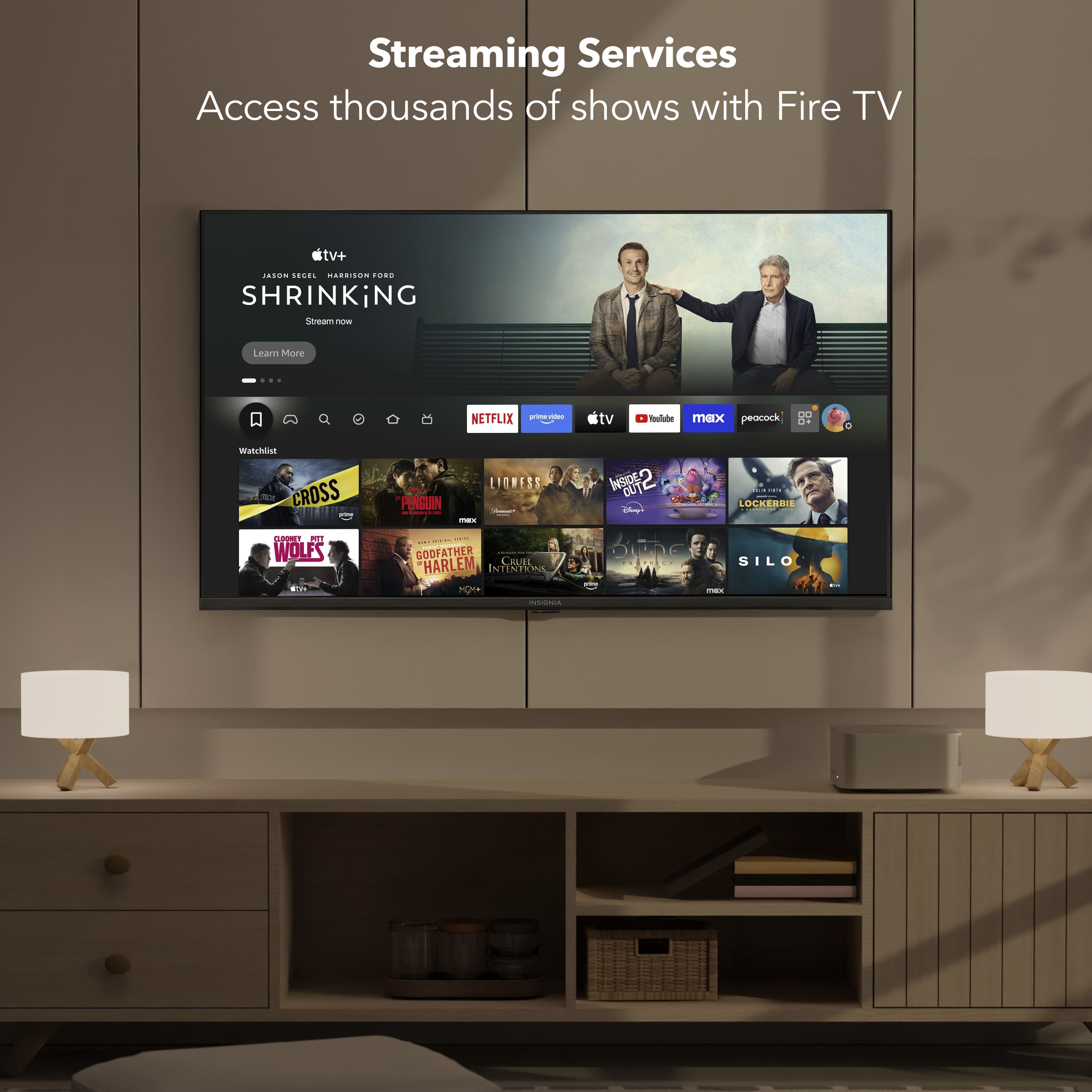
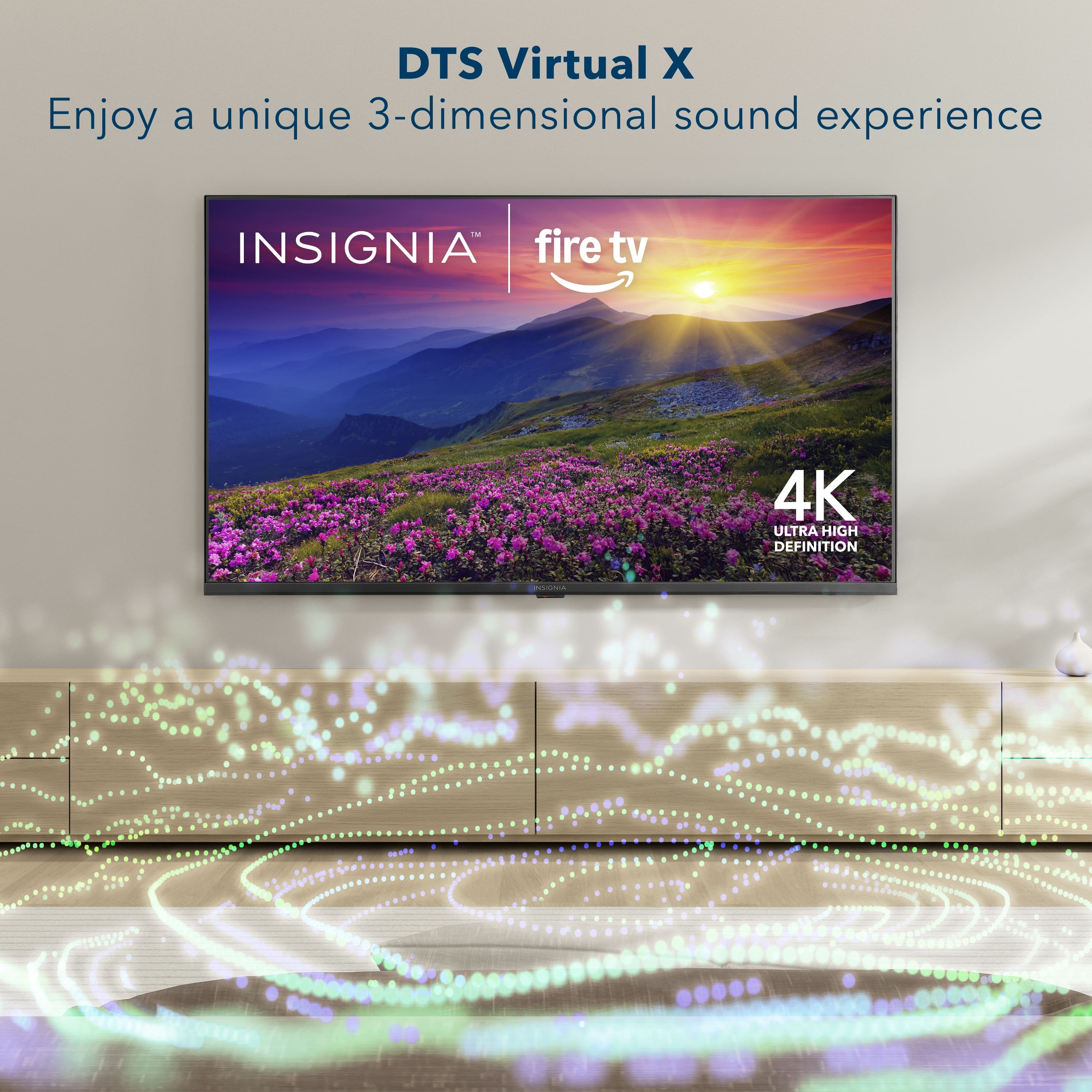
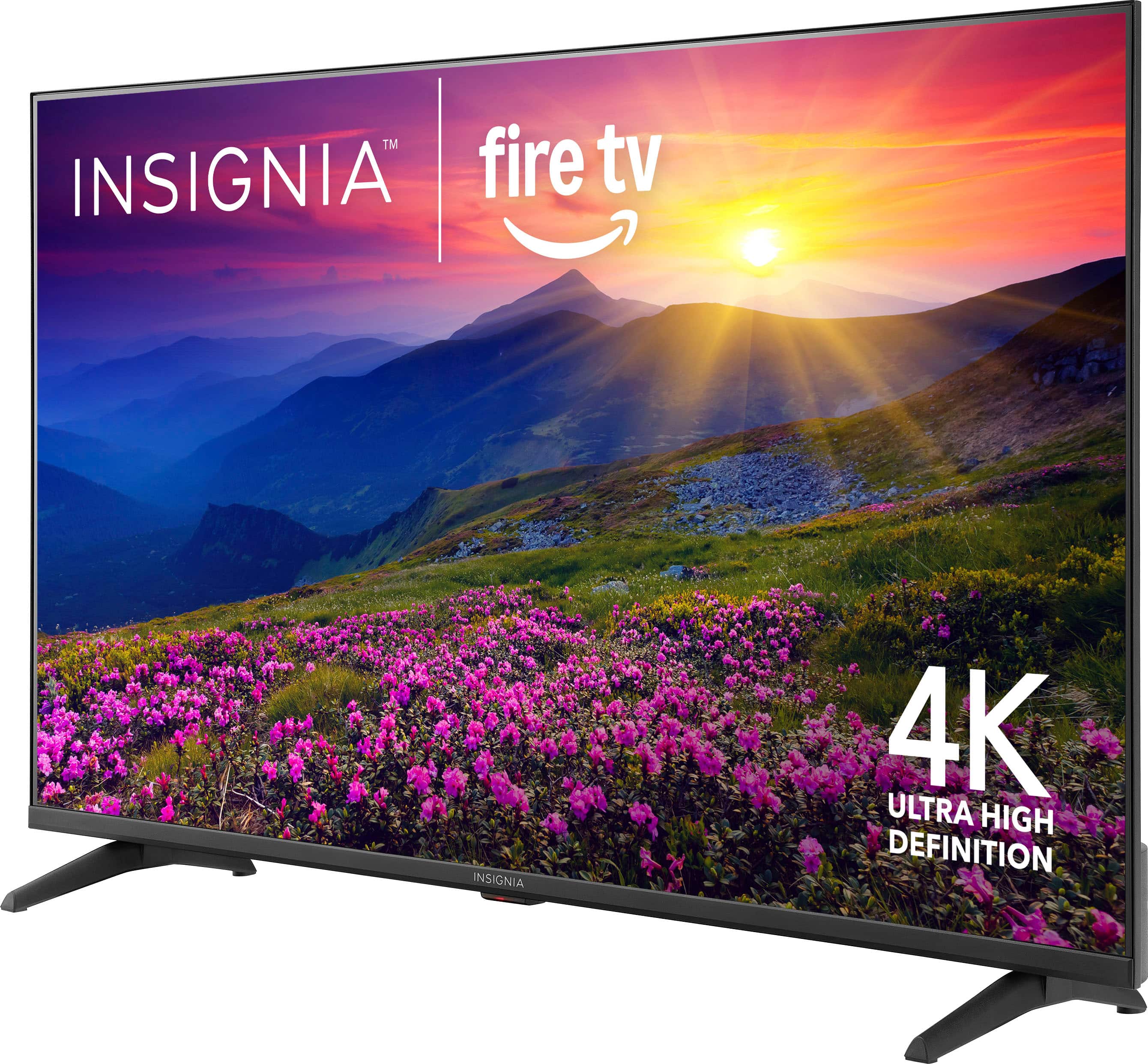
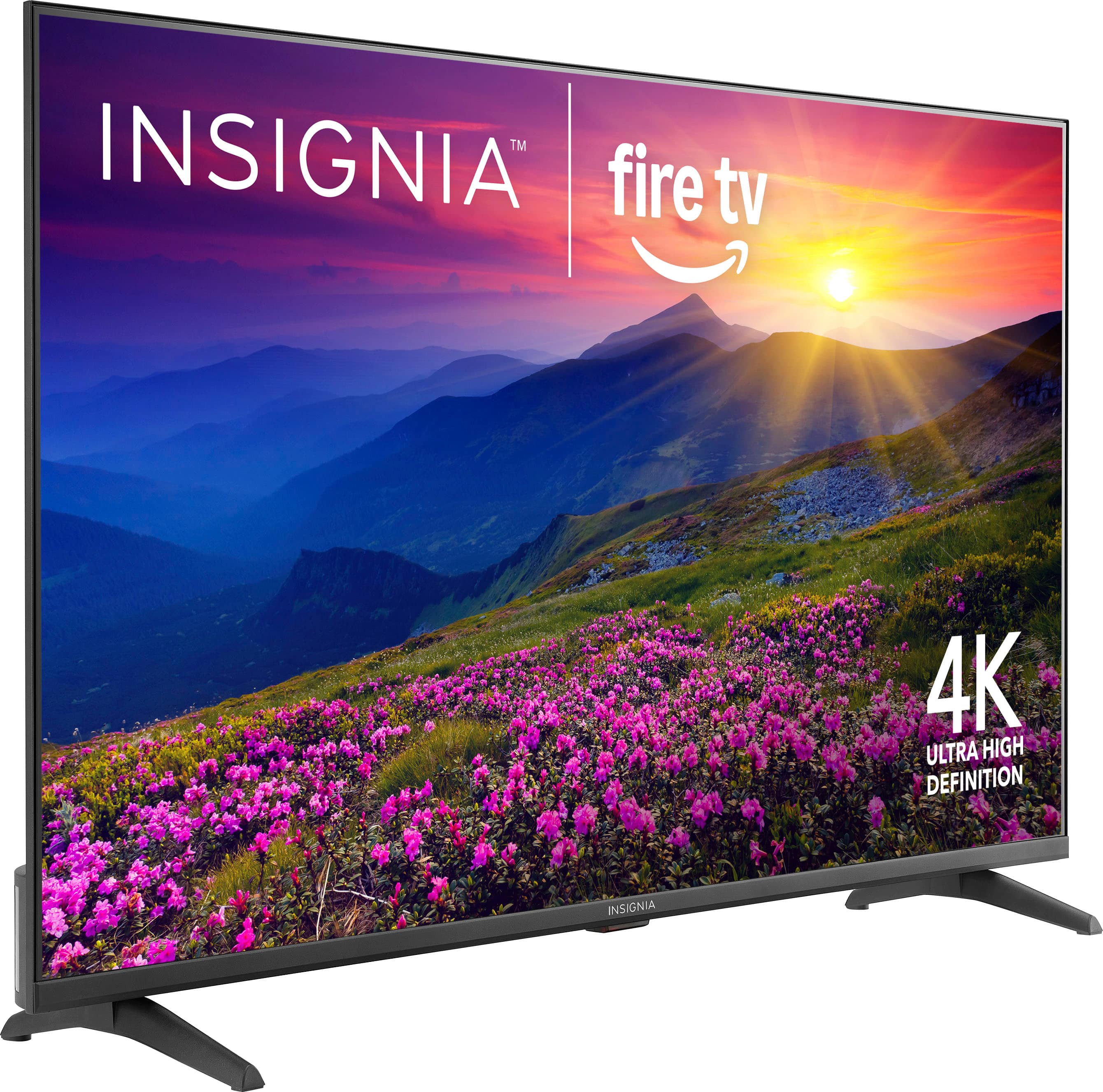
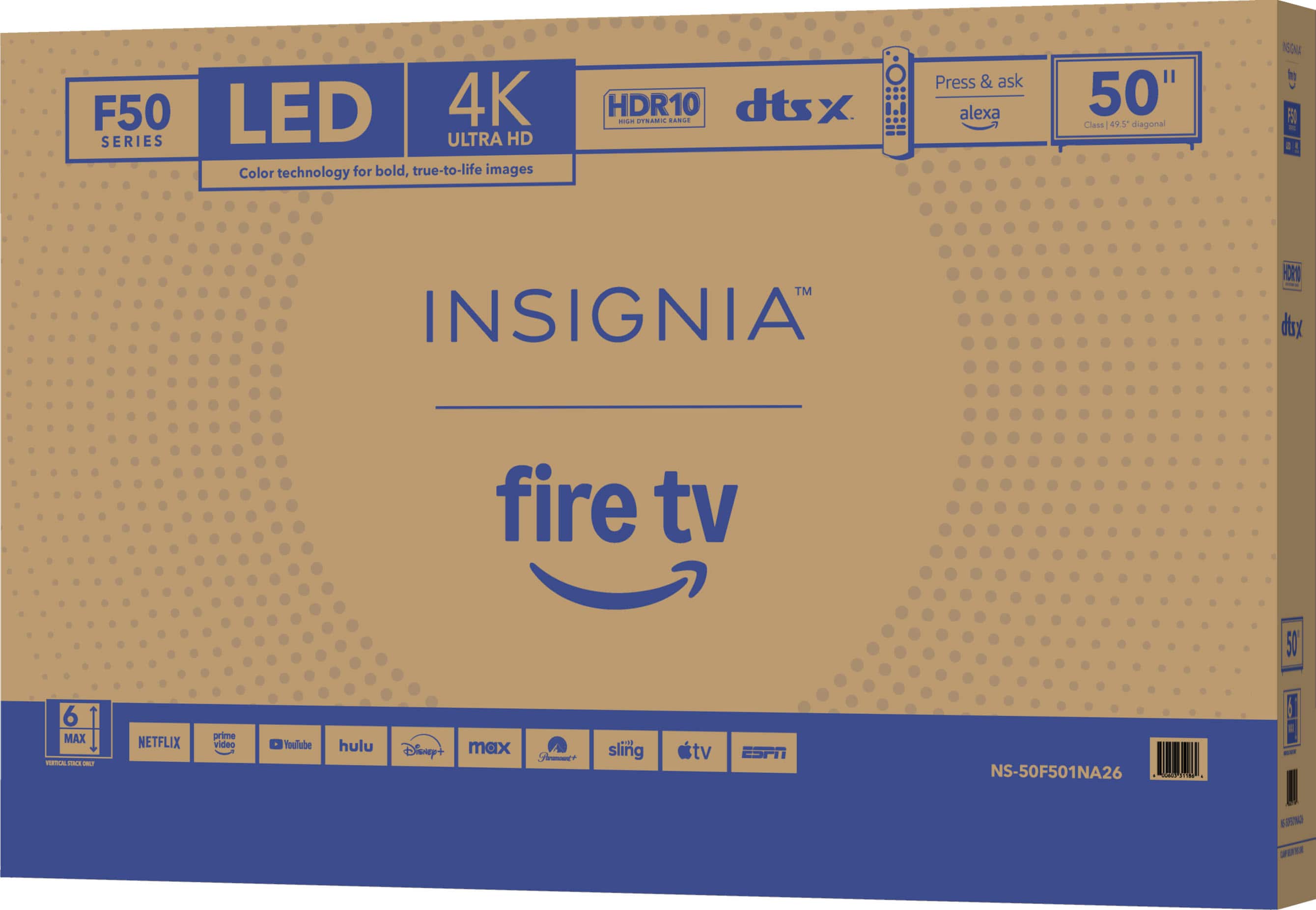
A:Answer Hello! Thank you for your question. Fire TV is Amazon’s smart TV platform built into the Insignia 50" F50 Series, which means the TV has streaming apps like Prime Video, Netflix, YouTube, and more already integrated. It also includes Alexa voice control, personalized recommendations, and access to thousands of apps, making it easy to stream your favorite shows, movies, and live TV right from the home screen. Darshan | Insignia

 Pedlogig FEAR LIMITID WARRANTY Cintateg LARANTIA LIMITADA AD FSC SC* C150839 FEATURES 21400 Smaan Reskton Ced CM ipun MRC C Componite rput Digital Crpu po Armanna aboe input Headphors SAT Ad Cutput Wrelens NCLUDED voce tamote Aids Aymura A Pow."](https://pisces.bbystatic.com/image2/BestBuy_US/images/products/2dd2a379-3045-411a-98ea-5c8a4feb02ac.jpg)