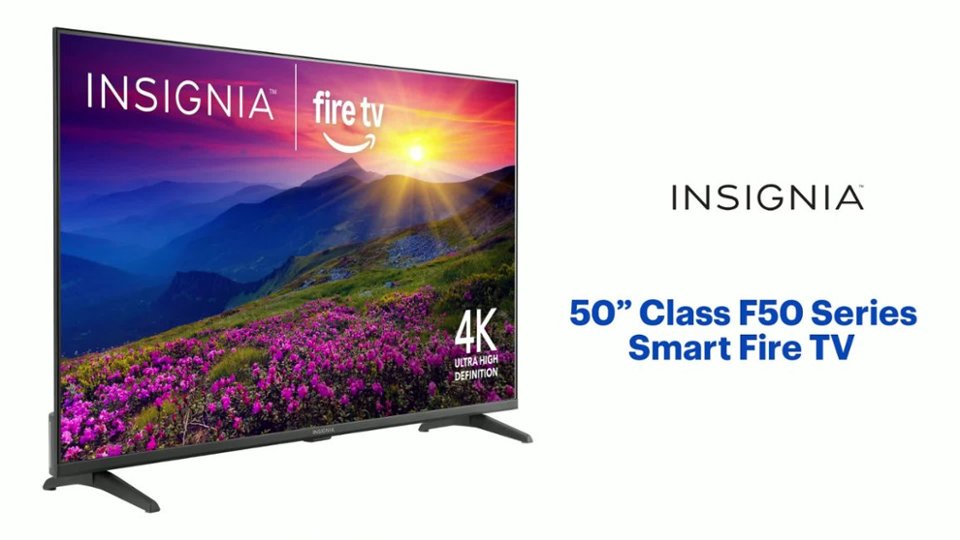
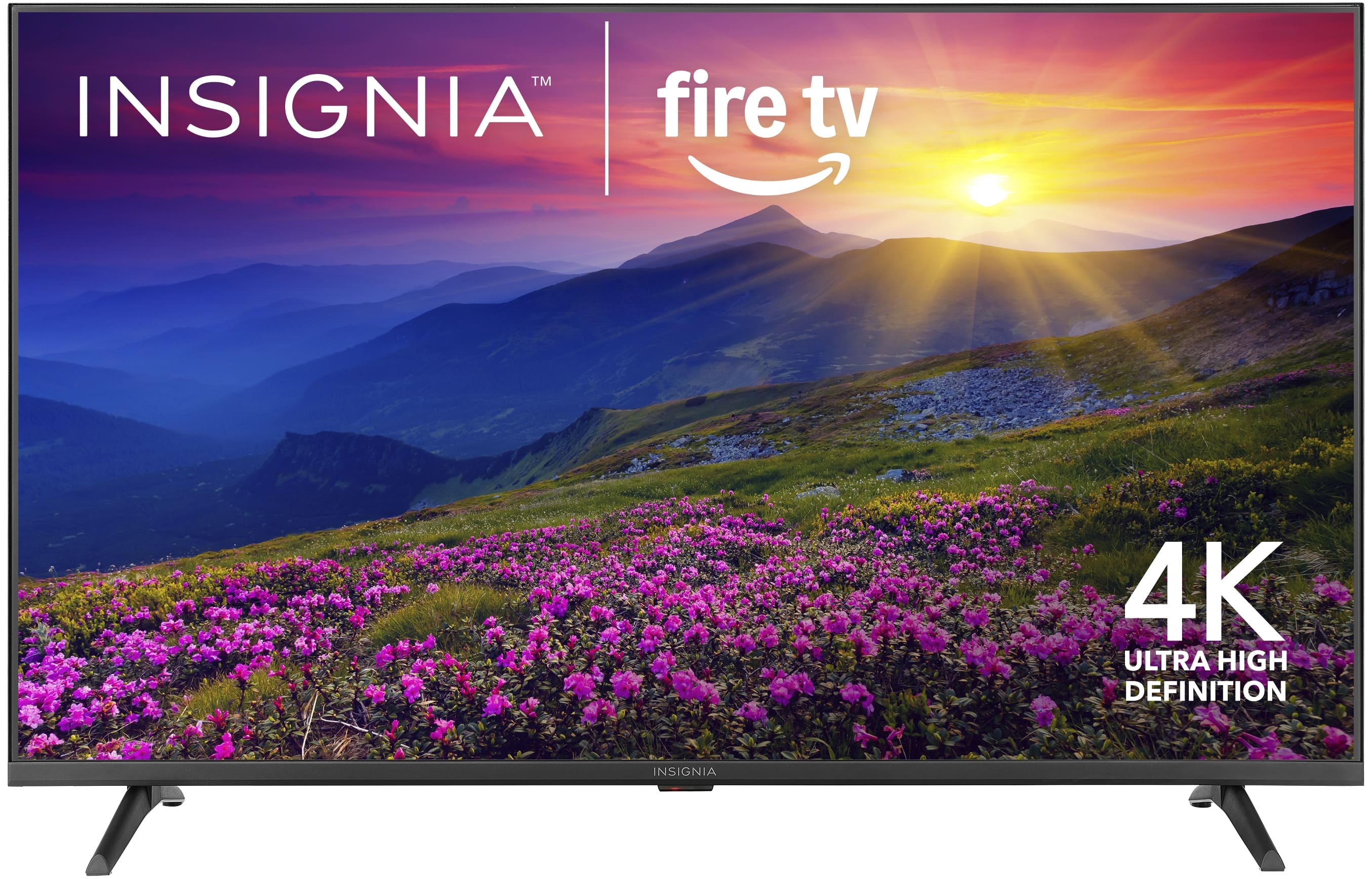
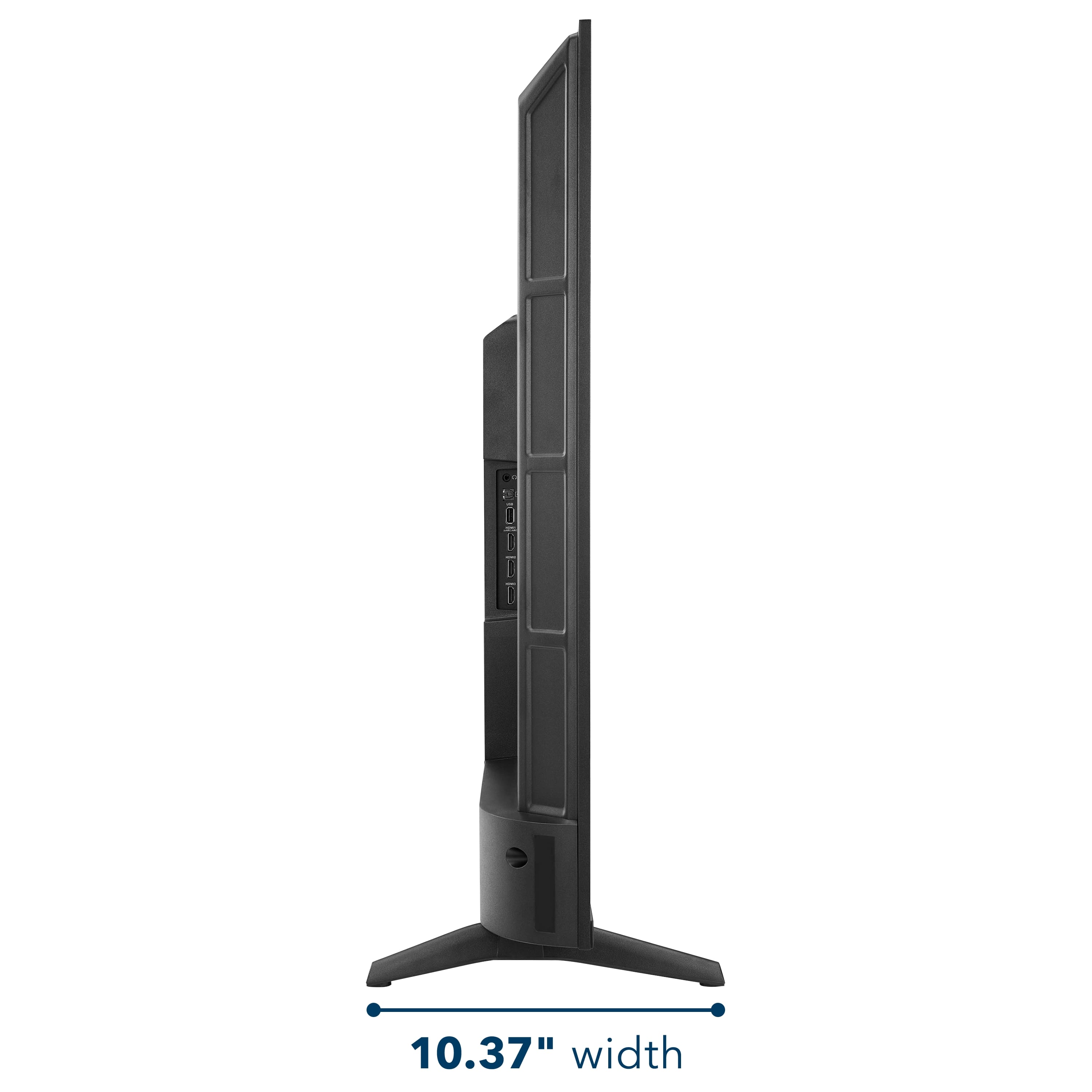
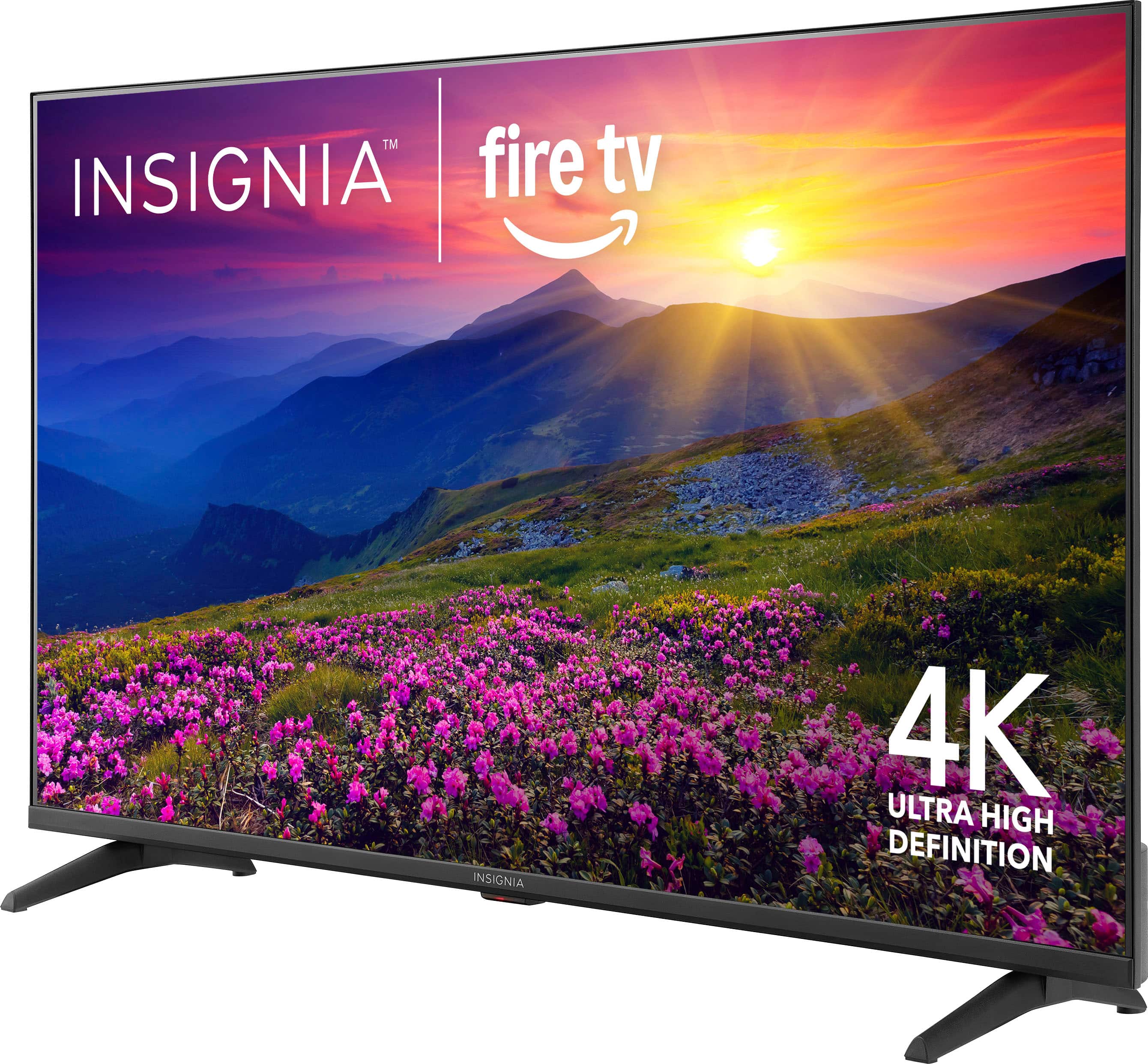
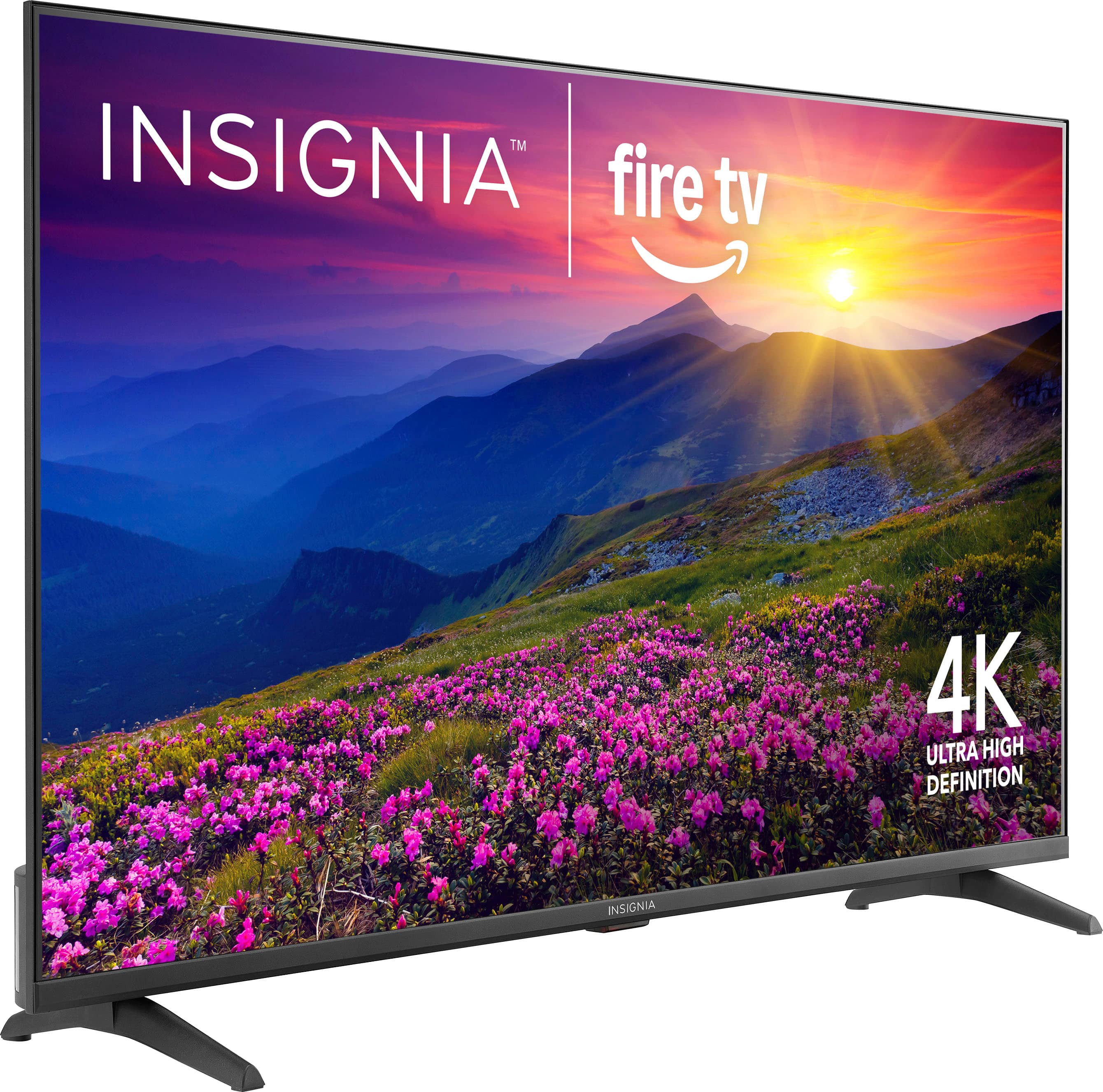
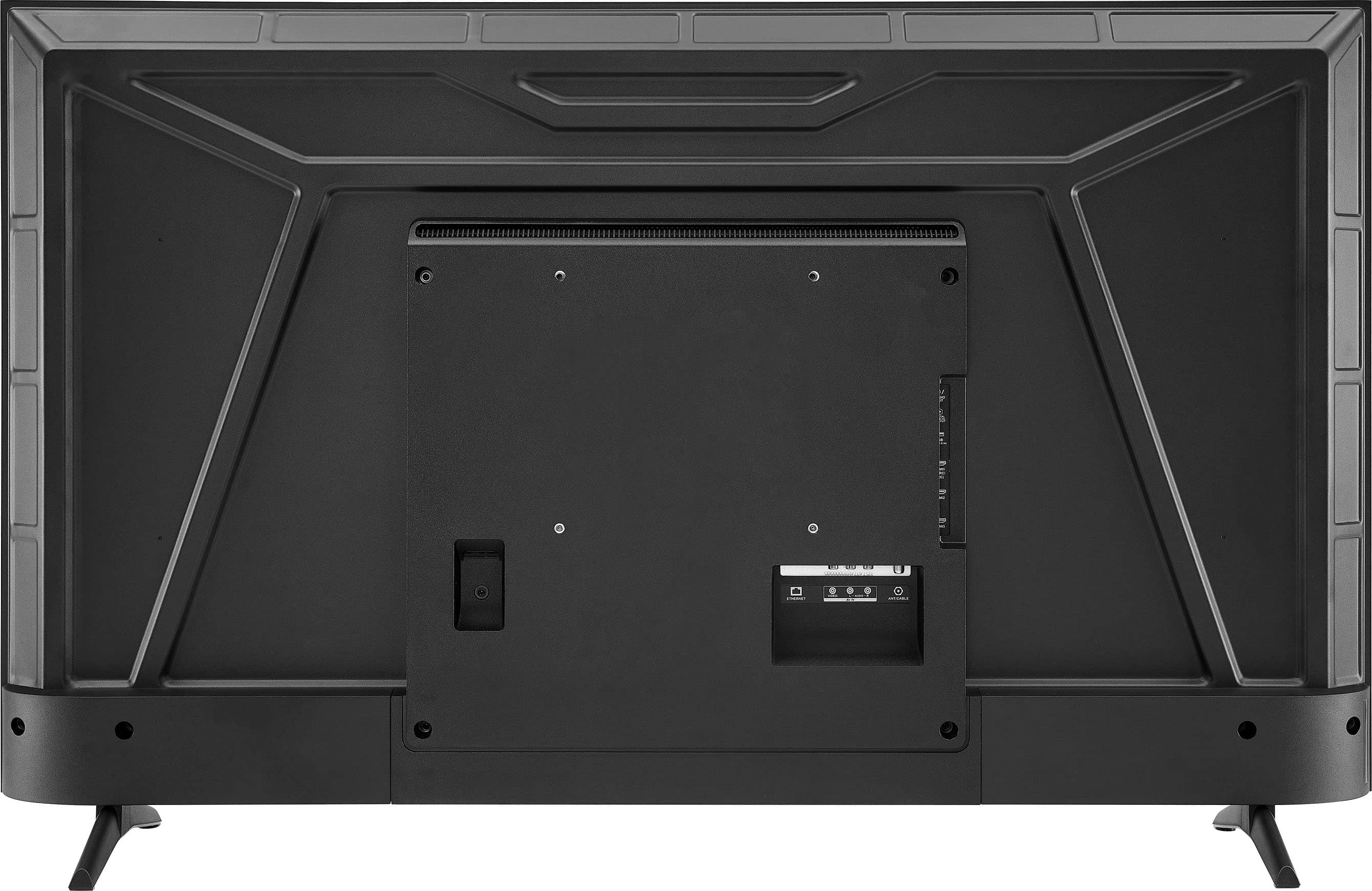
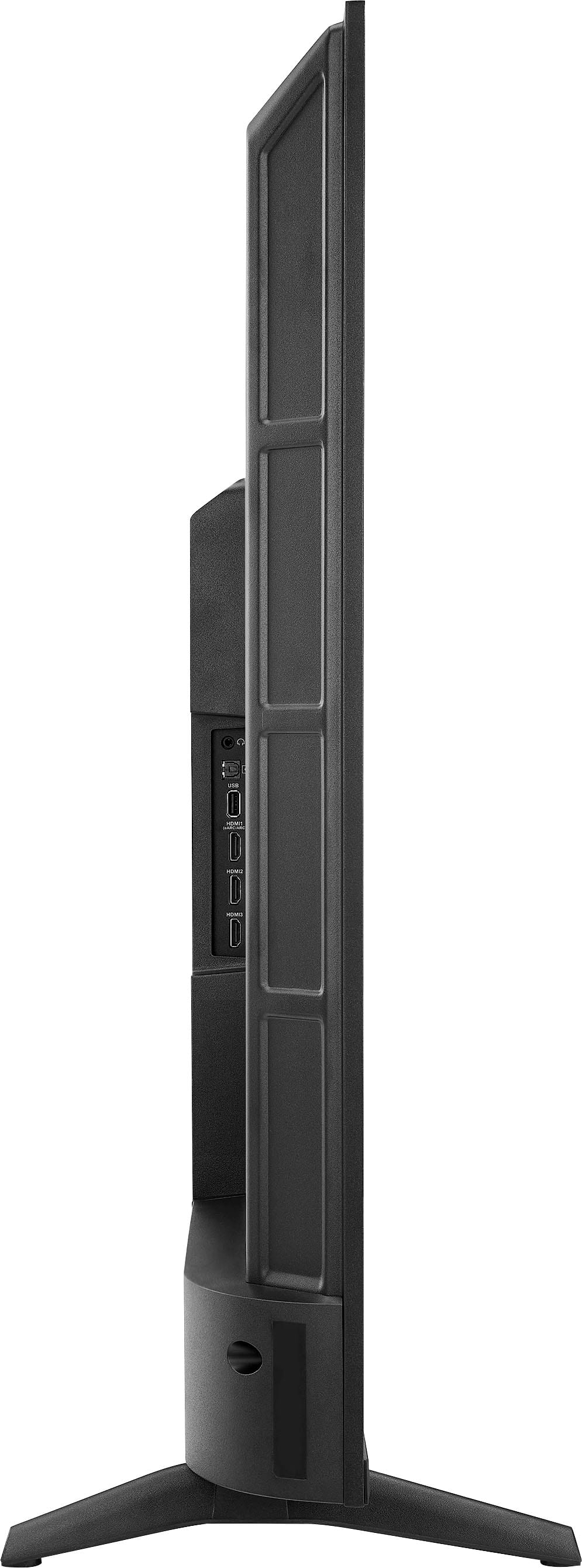
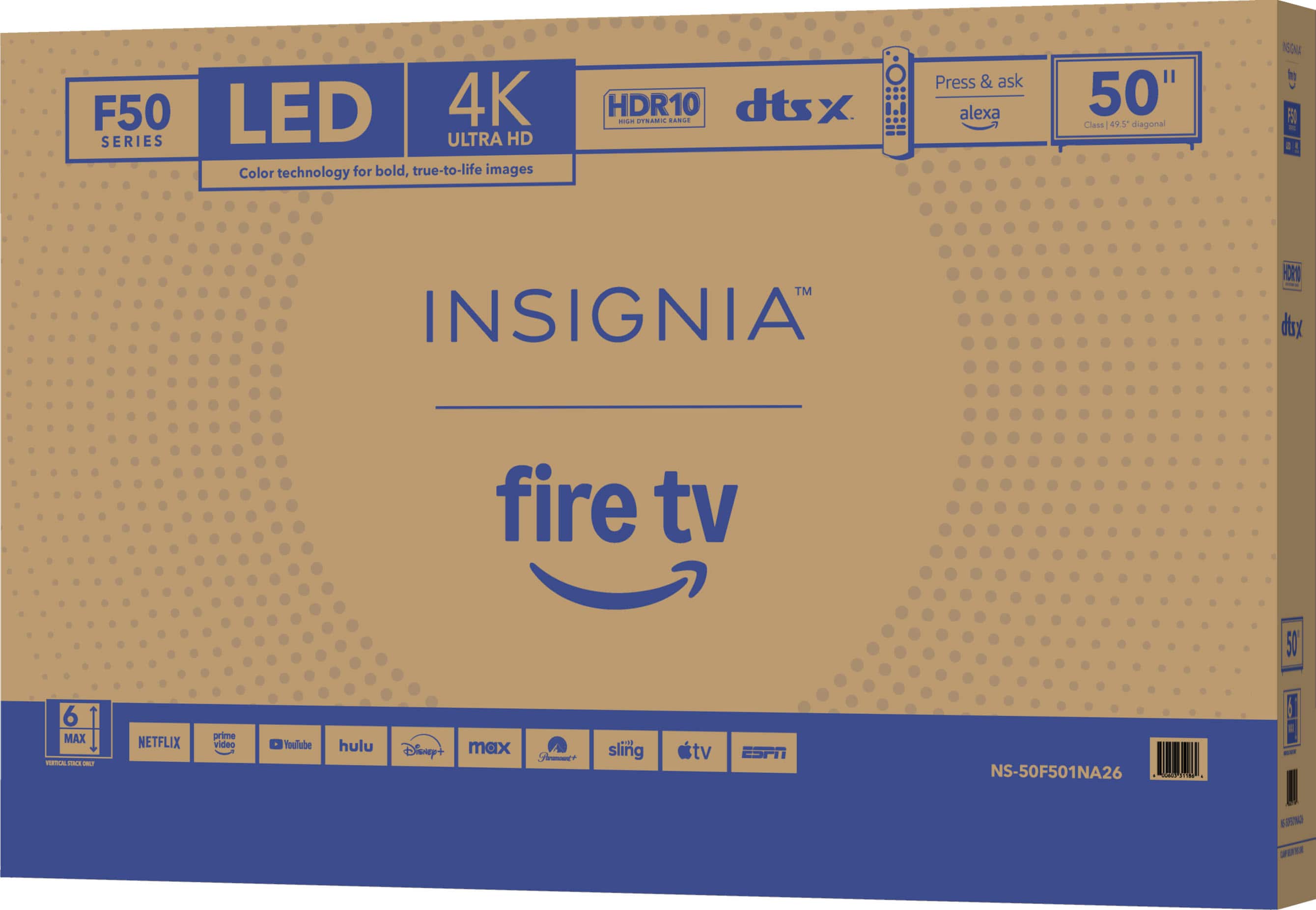
A:Answer Hello Insignia Customer! Thank you for your question. The Insignia 50" Class F50 Series TV (model NS‑50F501NA26) can sit on its stands, but if you want to keep your cats from knocking it over, the safest option is to securely mount it to the wall with a compatible wall mount. For help choosing the right mount or scheduling installation, you can contact Best Buy at 1‑888‑237‑8289. Sidhartha | Insignia
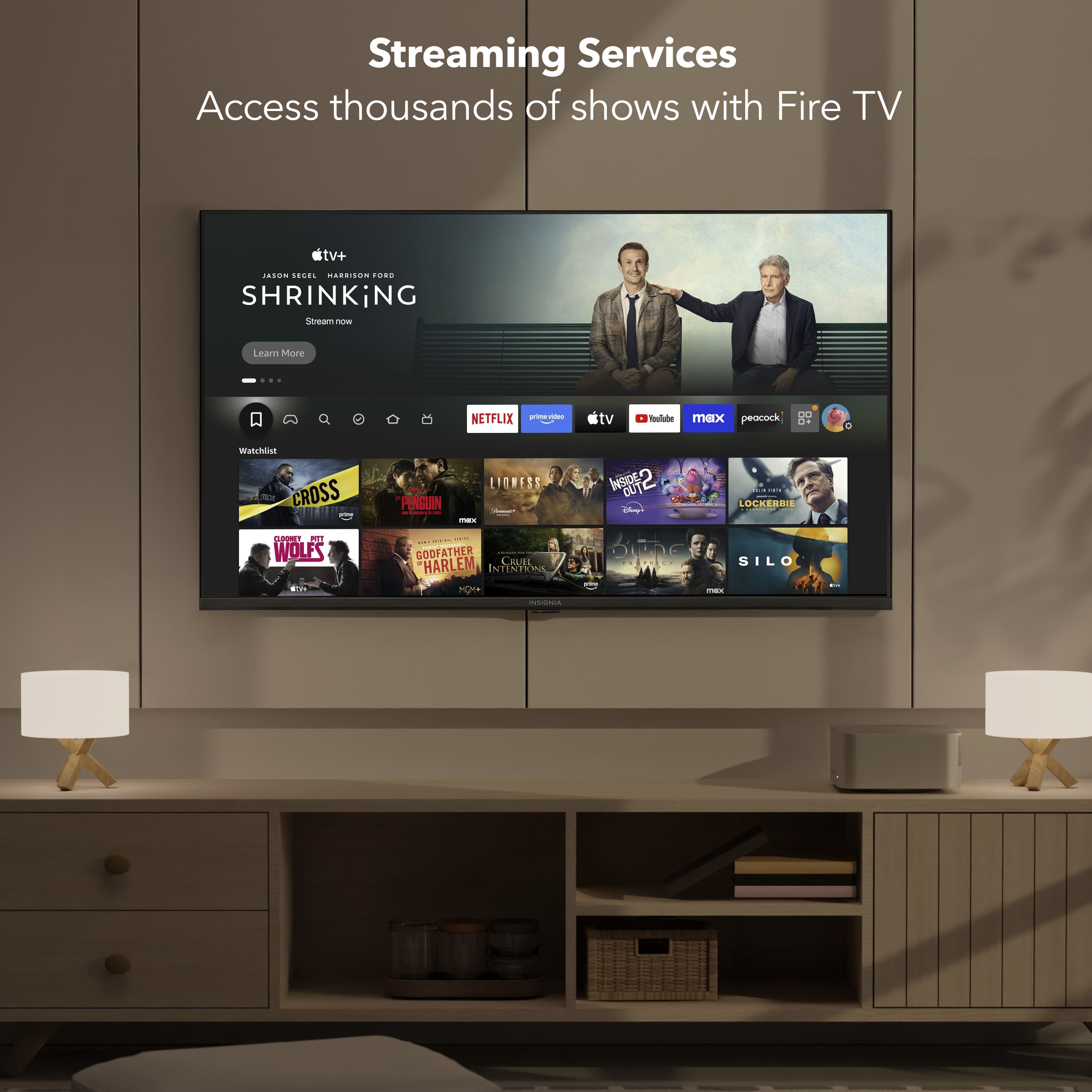


 Pedlogig FEAR LIMITID WARRANTY Cintateg LARANTIA LIMITADA AD FSC SC* C150839 FEATURES 21400 Smaan Reskton Ced CM ipun MRC C Componite rput Digital Crpu po Armanna aboe input Headphors SAT Ad Cutput Wrelens NCLUDED voce tamote Aids Aymura A Pow."](https://pisces.bbystatic.com/image2/BestBuy_US/images/products/2dd2a379-3045-411a-98ea-5c8a4feb02ac.jpg)