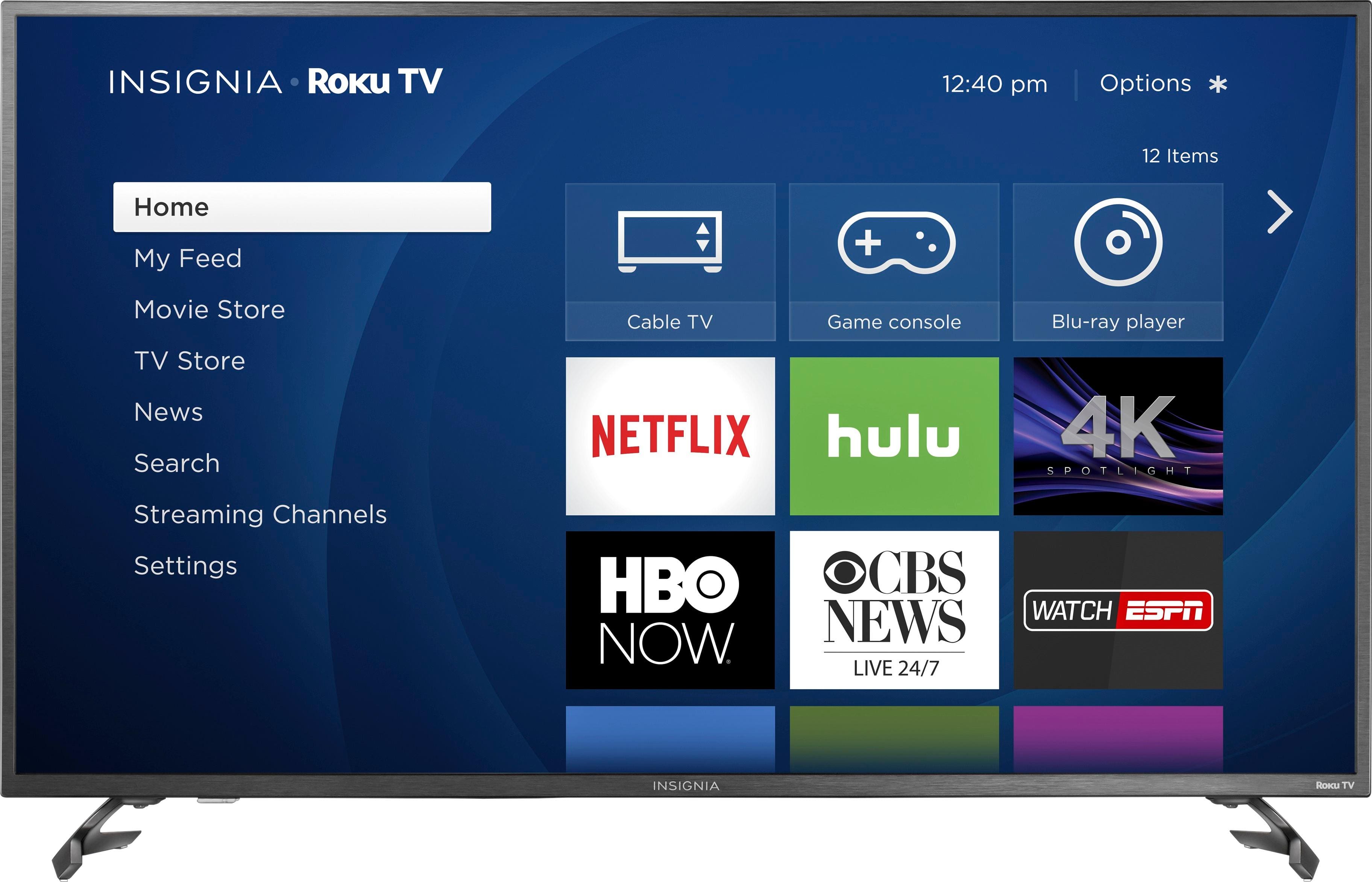
A:AnswerUsing the included Voice Remote press and hold for 3 seconds the Home button to launch the Quick Access menu, then go to: Sound > Advanced Settings.
Those are the only audio settings available.
David M. - Insignia Support
A:AnswerHello, I am sorry to read that you are having some inconvenience with the TV. Please contact us at 1-877-467-4289 from 8am to 12pm CT to assist you.
-Grace Insignia products
https://www.insigniaproducts.com/contact-us
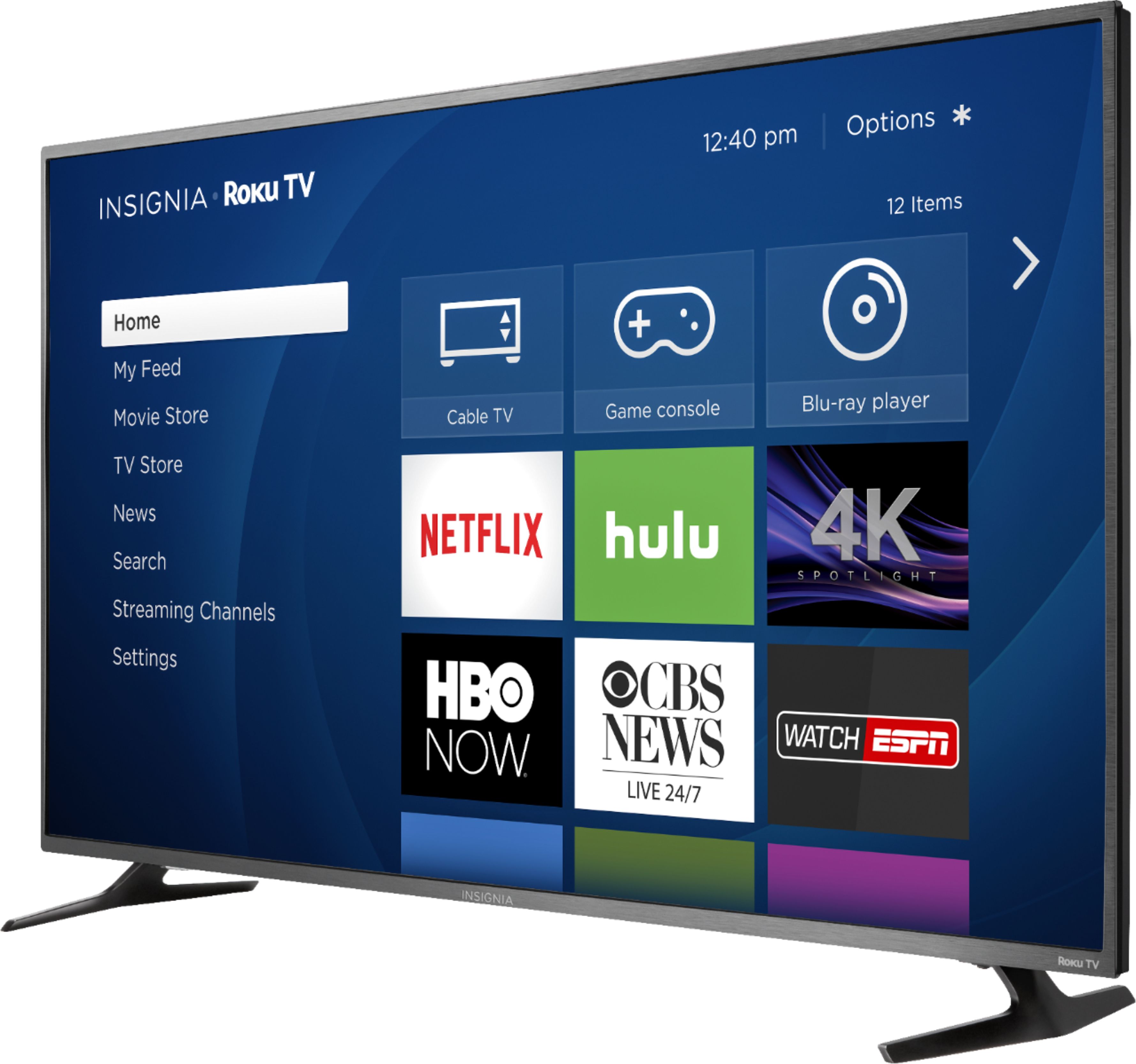
A:AnswerHello Mike! Yes, you are able to download the YouTube application to the TV. You will be required to connect the TV to the internet. Once this is completed this will be a option to you as well as other apps.
Please let us know if you have any other question or concern.
-Grace Insignia products
https://www.insigniaproducts.com/contact-us
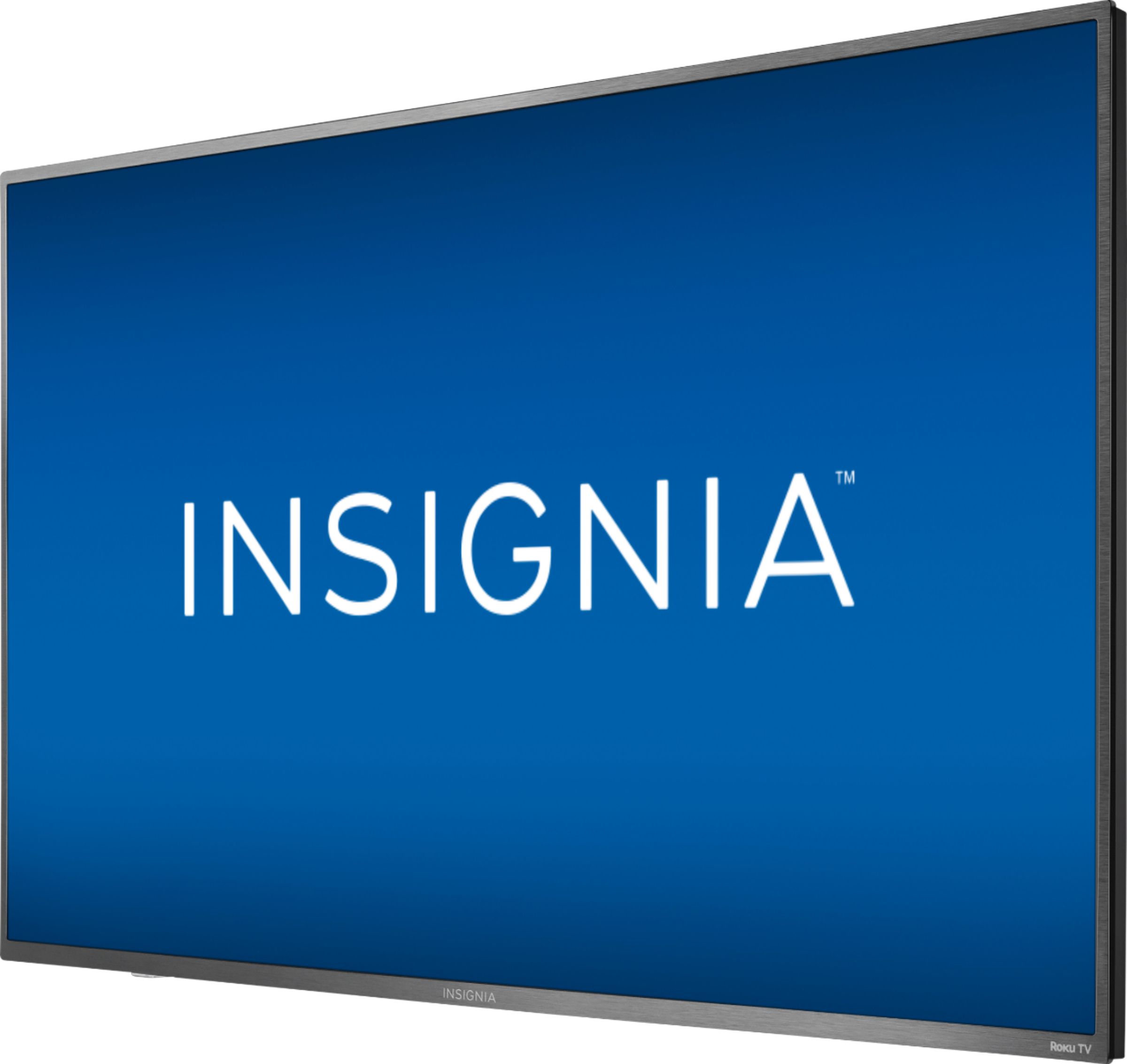
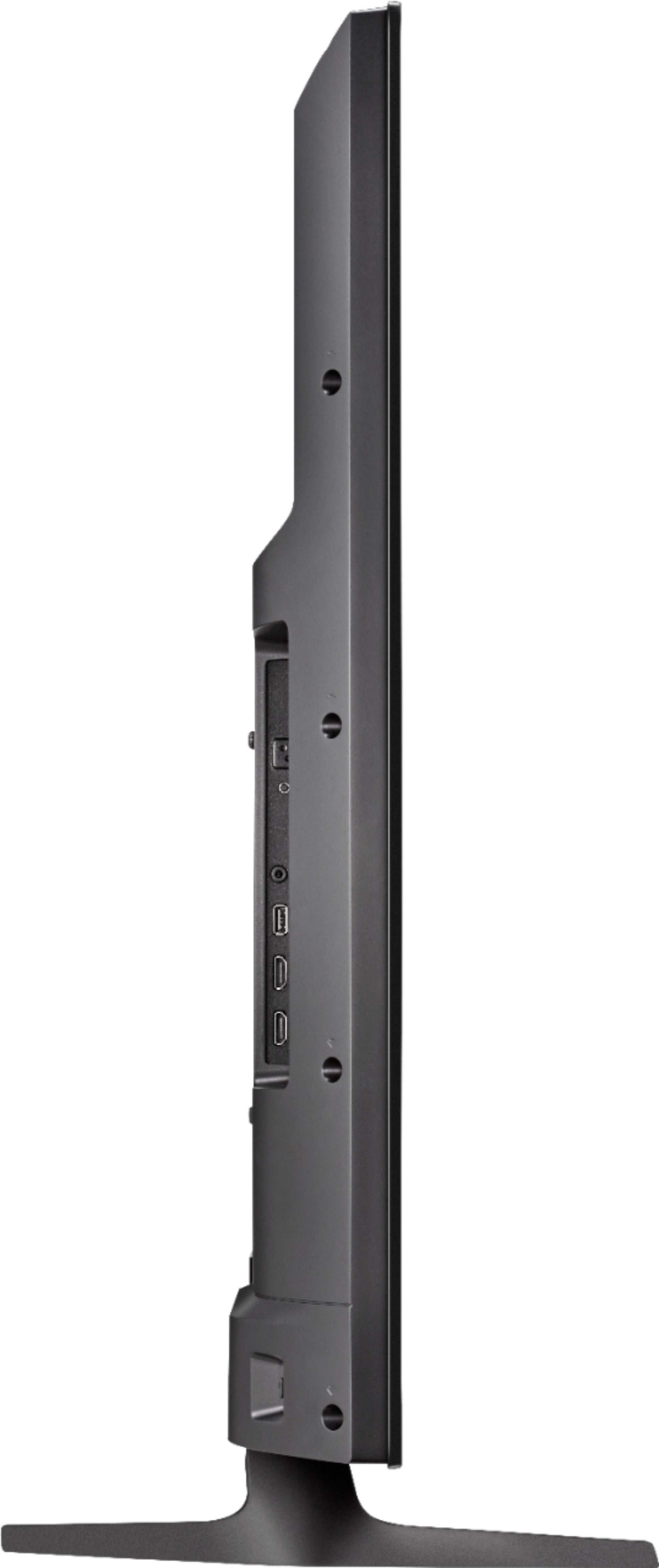
A:AnswerHello, The unit does not have any type of camera.
Please let us know if you have any other concern.
-Grace Insignia products
https://www.insigniaproducts.com/contact-us