A:AnswerHello,
For a better customer experience please contact us at 877-467-4289 from 8AM to 9PM CT, so one of our representatives can assist you further.
Hector S. - Insignia Support
A:AnswerHello Stiletto,
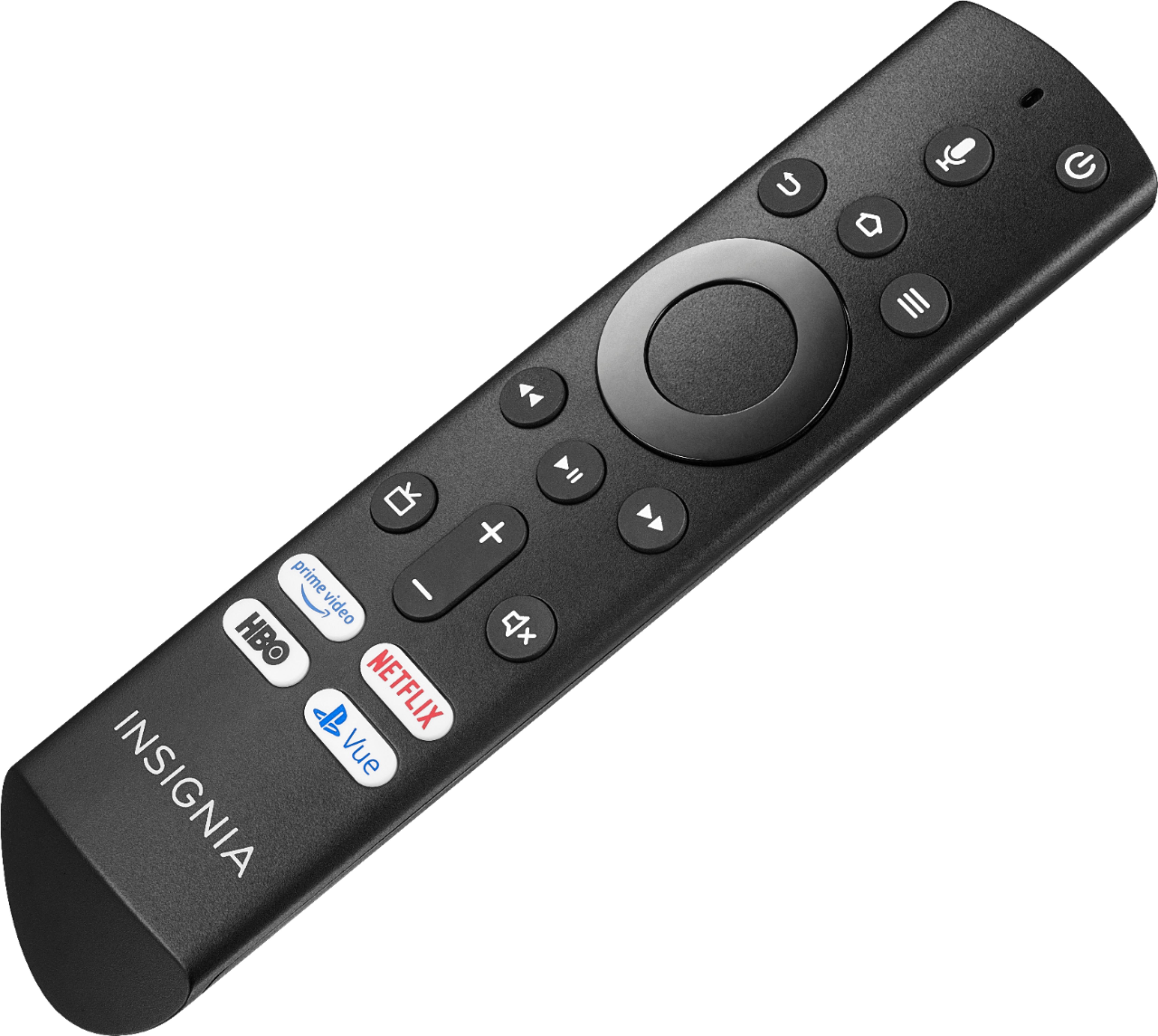
There is no Youtube app yet on the TV but you will be able to go to a bookmark for it just by saying "Youtube" on yor voice remote.
Hector S. - Insignia Support
A:AnswerIt has the ability to connect to your network both wirelessly or through a wired Ethernet port on the back of the TV. I use the WiFi connection and it works great. I really like this TV. It was a great buy.
A:AnswerIf you have an Amazon Prime membership, it will cover the TV as well. Just log in to your account to set it up. If not, membership with an annual fee is required to gain access to the Amazon programming. Most of the programs are free although they also offer the option of movies to rent or buy.
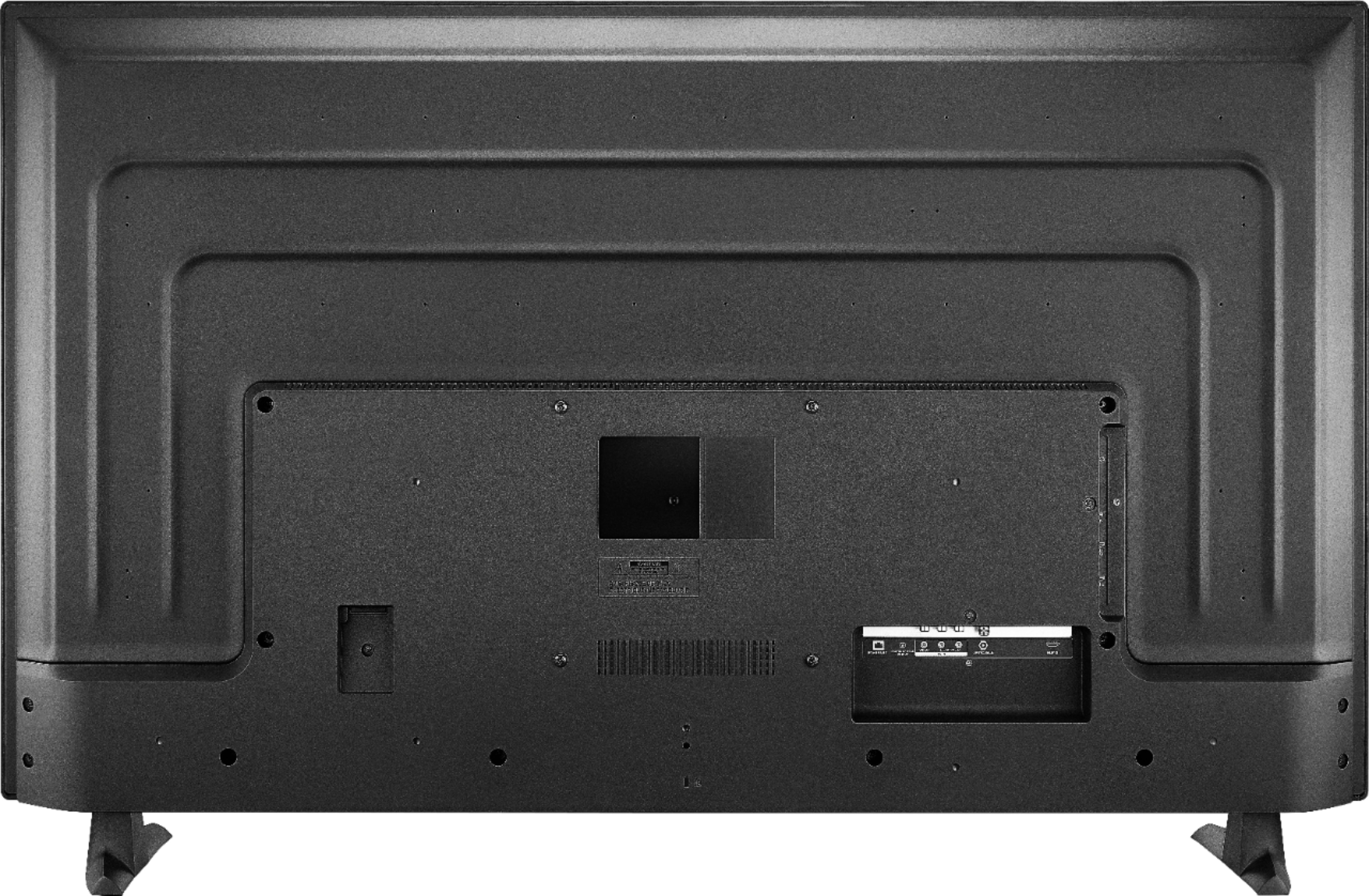
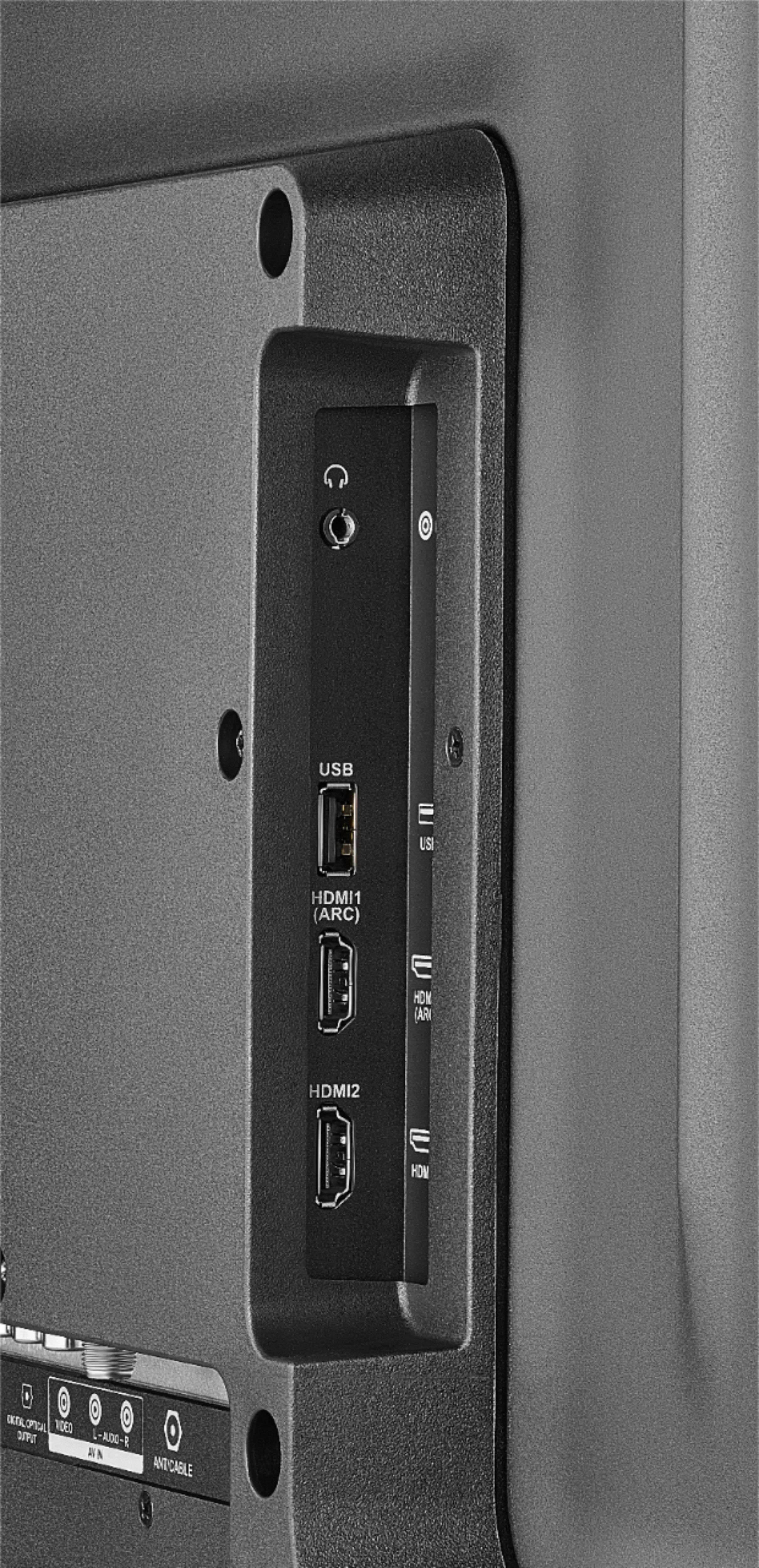
A:AnswerThis TV works with most devices. The important thing here is the way you can connect the DVD player to the TV. This TV has HDMI and AV jacks were you can connect the DVD player (we recommend HDMI). If you have more questions, please contact us at 877-467-4289 for further assistance. Viri E. Insignia Support
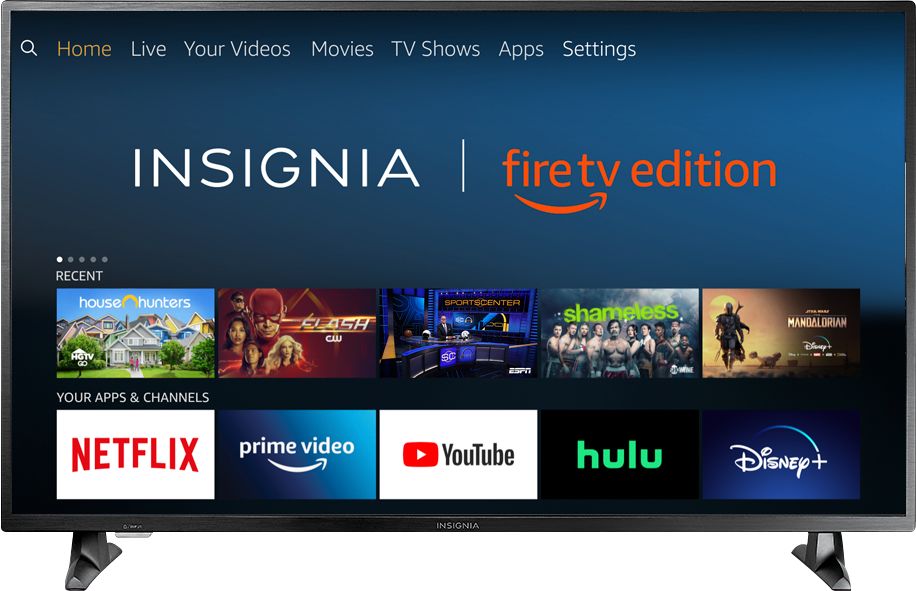
A:AnswerAll apps available on the stick are available on the TV, login to your account on the TV and go to my apps and you will see your fire stick apps on the cloud for you to download on th TV.
A:AnswerIn my case,I ordered this TV online. As soon as I got the shipping confirmation email, couple of minutes later they sent me a separate email with these instructions:
Your purchase qualifies you for 30 days of FREE Sling TV service. Watch live sports, kids shows, breaking news, movies & more.
Follow the instructions below to redeem your code:
1. Go to www.Sling.com/promo
2. Enter your promotional code & click "REDEEM CODE".
3. Create an account and finish check-out.
4. Enjoy your 30 days of free Sling TV!
AND OF COURSE!!... You will be getting a code to watch Sling tv for 30 days.
A:AnswerThere is not a Spectrum app that is compatible with the Fire TV. I thought there was when I purchased this tv and when I got home and set it up, I found out that you can not.
A:AnswerHi.
Your TV already comes with Bluetooth integrated. The remote works with this connection and you can connect some devices like your wireless headphones or a Bluetooth speaker.
Alex - Insignia Support
A:AnswerBestBuy stores have a special video feed to enhance the pictures you see on the display TV's. It is not likely that you will get this kind of picture regardless of your settings.
A:AnswerPress and hold for 3 seconds the Home button to launch the Quick Access Menu, select Picture and set Motion Processing Off.
David M. - Insignia Support