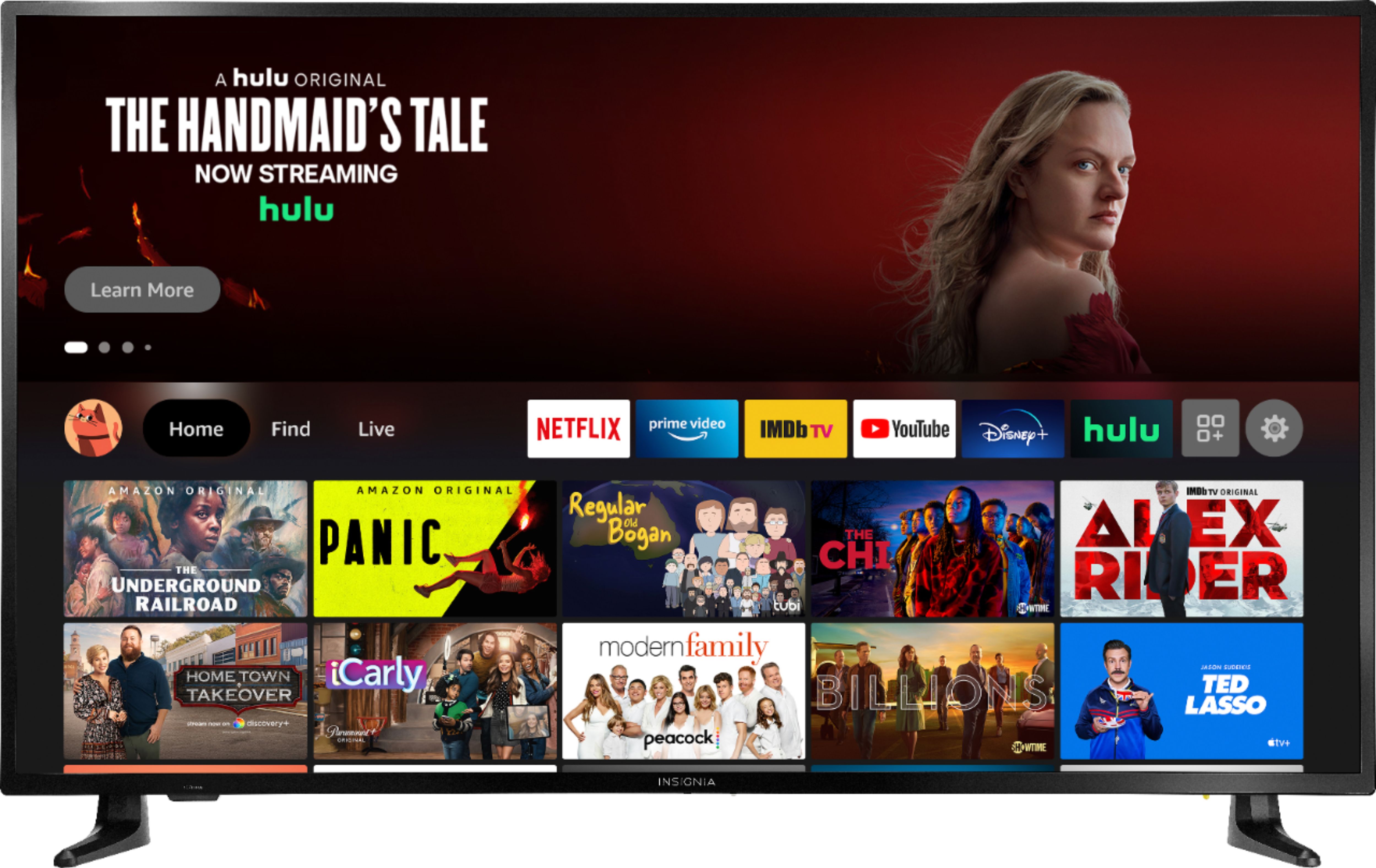
A:AnswerYou can download them from the TV home screen, press the DPad Left and use the on-screen keyboard to start searching.
To uninstall an app go to Home > Settings > Applications > Manage Installed Applications > select the app and uninstall.
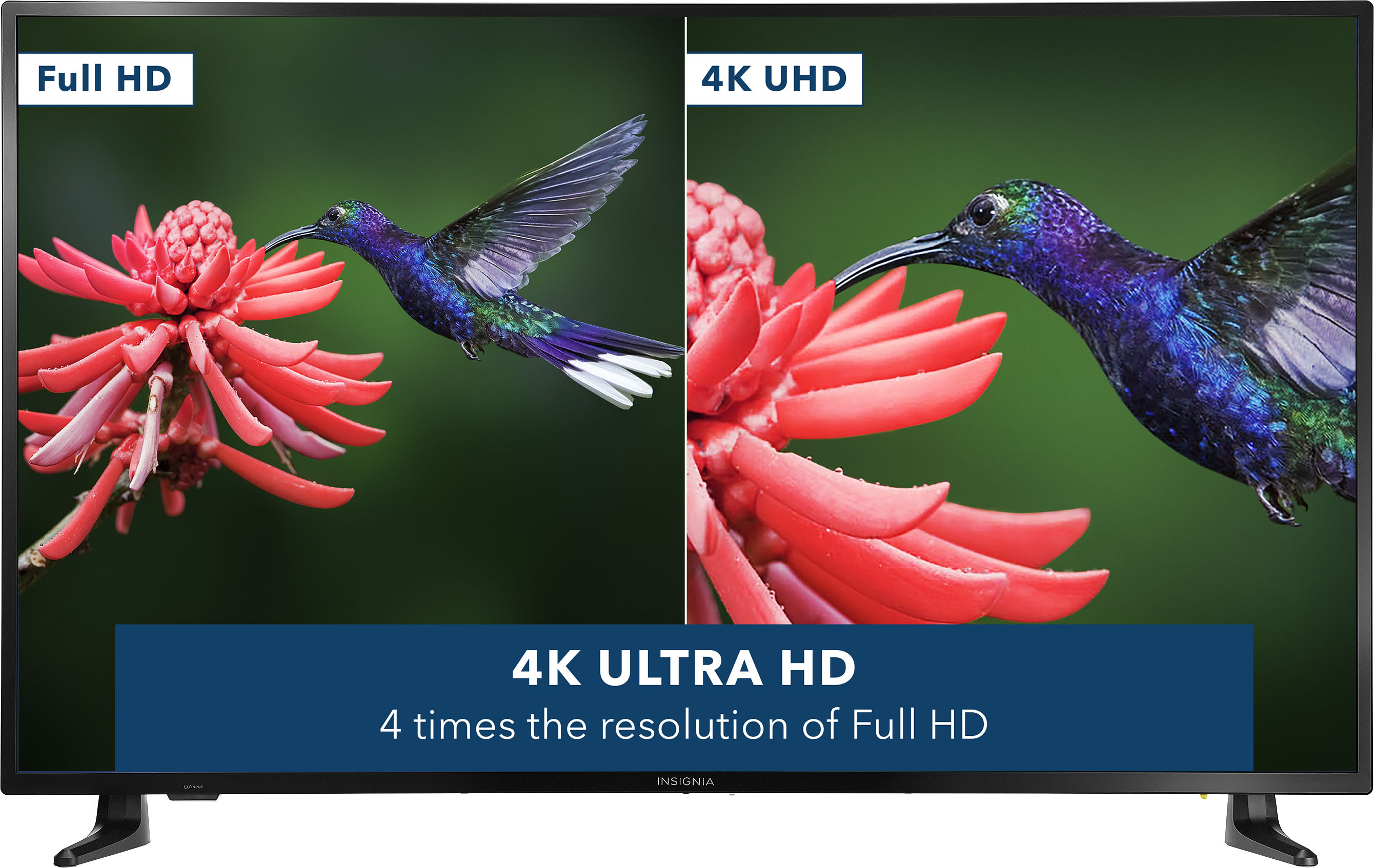
A:AnswerThat section gives you the resolution of the video that's playing.
Check your streaming app settings to see if you are able to change the resolution of the video that's playing.
A:AnswerWhen you add this item to your cart, also add the Professional Services: "Delivery + TV Connect and Setup" and "Recycle or relocate my old item".
These services are not for free.
A:AnswerTo get to the closed captioning while watching a program, click the button on the remote with the three horizontal lines, then select the captioning option from the menu that comes up.