A:AnswerTry this: While watching Live TV press the menu button ( ≡ ), then select Captions and Audio to choose an alternate audio track if available.
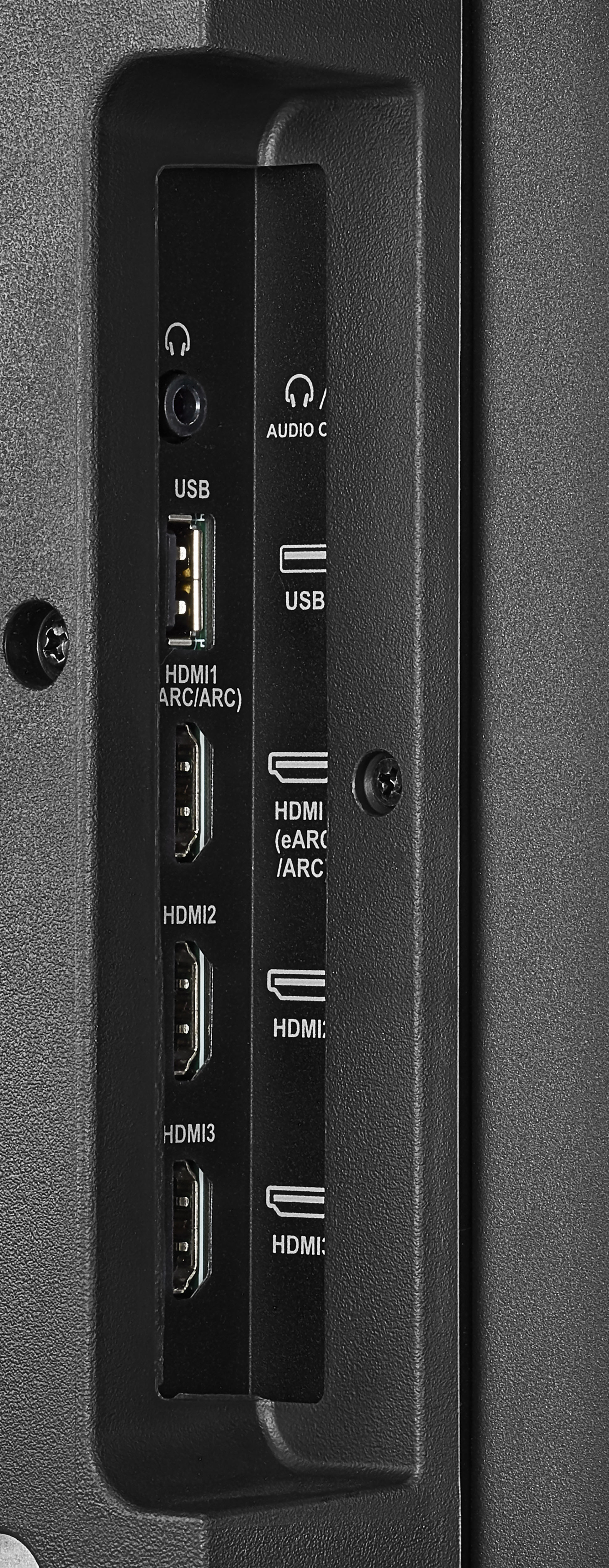
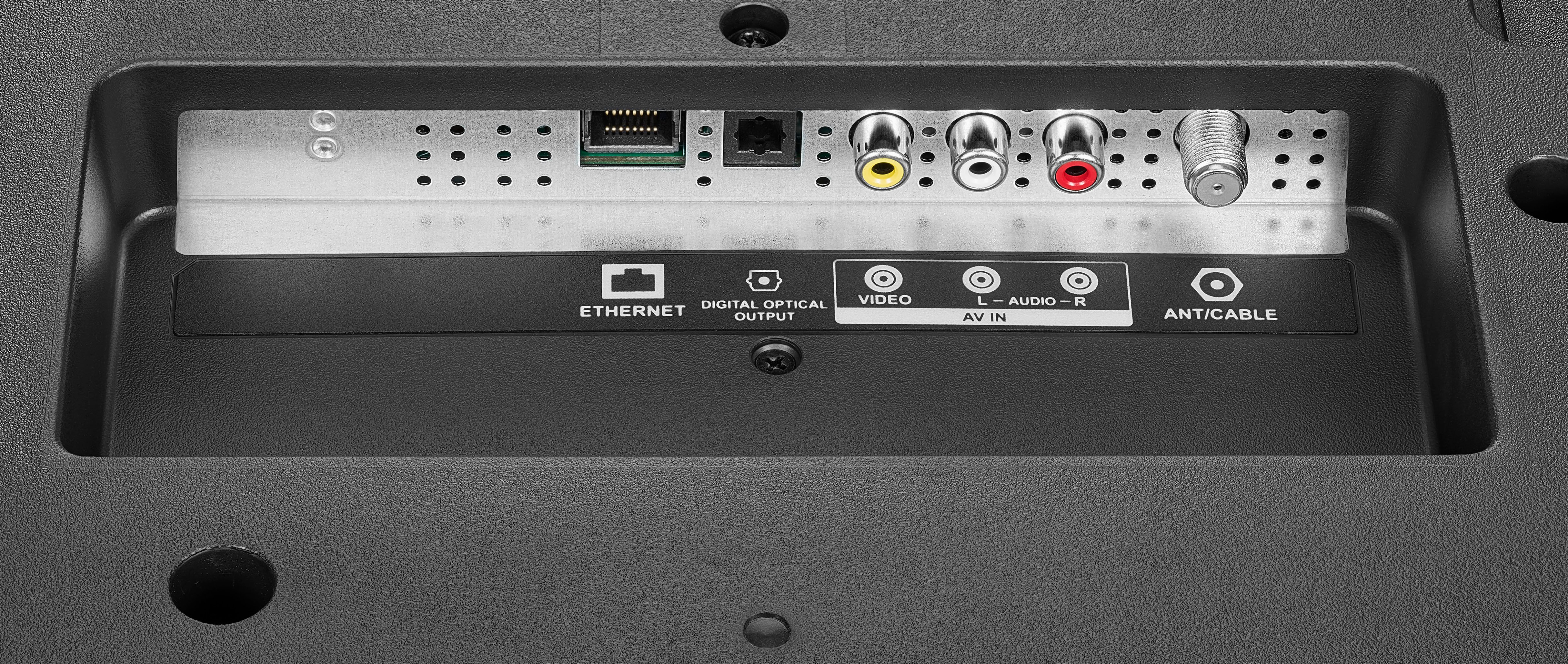
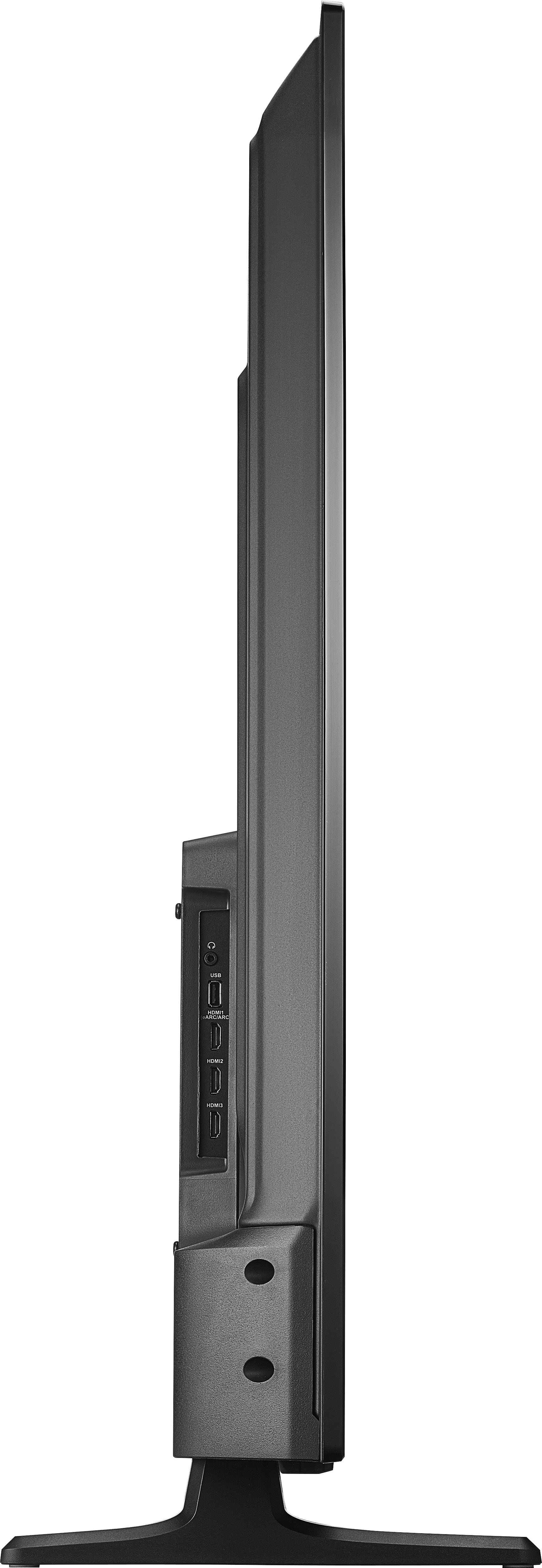
The TV has a 3.5 mm headphone jack and a Digital (Optical) audio output.
A:AnswerTry to do a Factory Reset go Home > Settings > Device & Software > Reset to Factory Defaults. For product support, please call 1-855-527-2411 available everyday from 8am - 9pm CT.
A:AnswerI remember reading about that somewhere. It is 4 Gigs of ROM and I think it was 2 Gigs of RAM. But with the apps that came loaded with the TV plus the 10 or so I added, it showed only a little over 1 gig left in ROM. So I plugged in a 16 Gig USB thumb drive and set it up to be used for apps. When you plug it in it will walk you through the process. I think when you pause live antenna TV it saves it to ROM. I don't know how or if I deleted it or if it is automatic. But I did delete a LOT of caches for various apps and bumped the ROM up to 1.39 Gigs from 1 gig. I haven't noticed any difference with the apps that I cleared either. I have only used the TV for about a week, so I would highly recommend using the USB on the back of the TV for extra storage. Hope this helps.