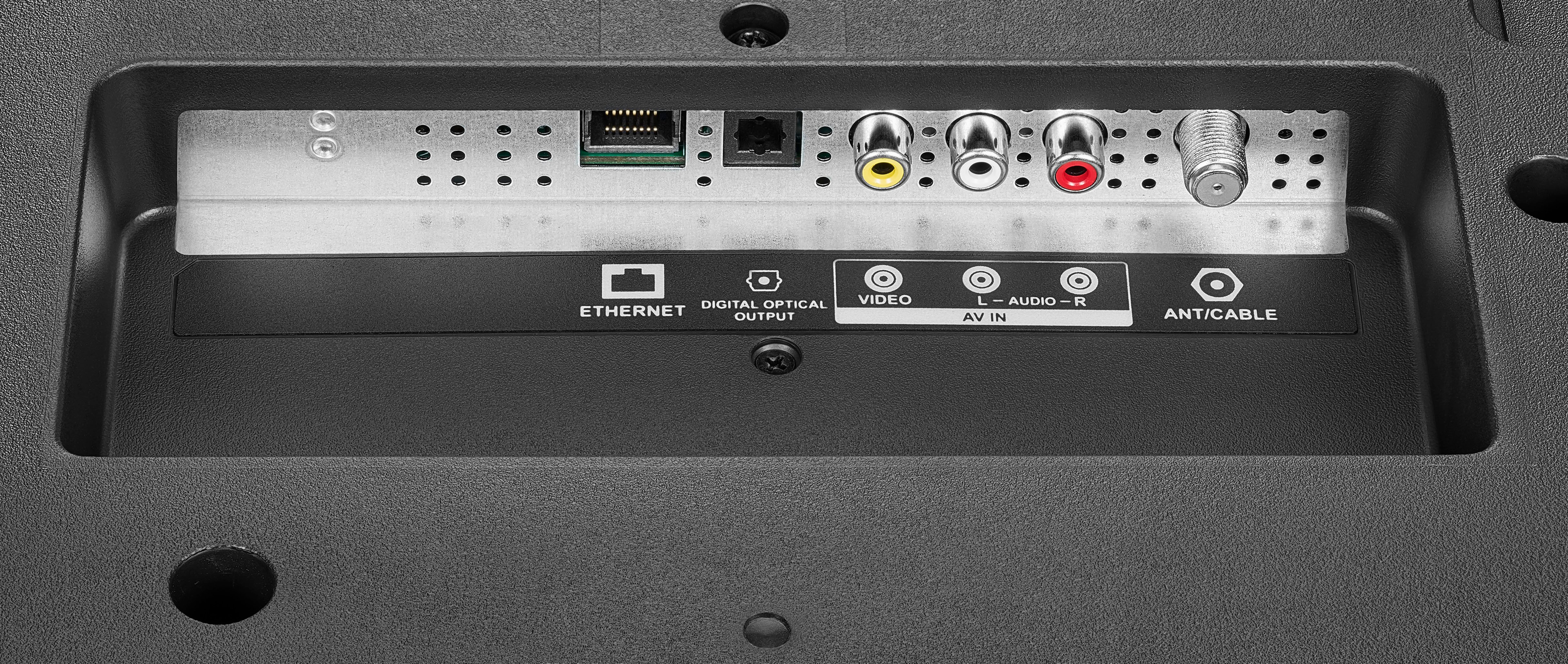
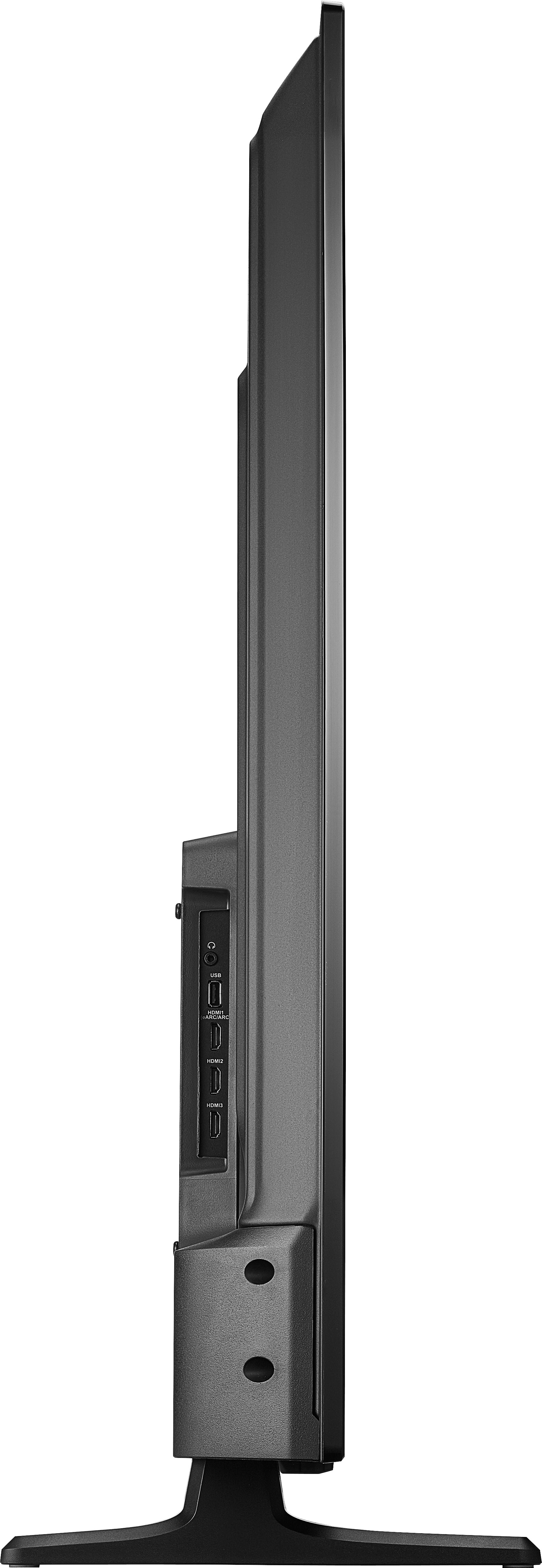
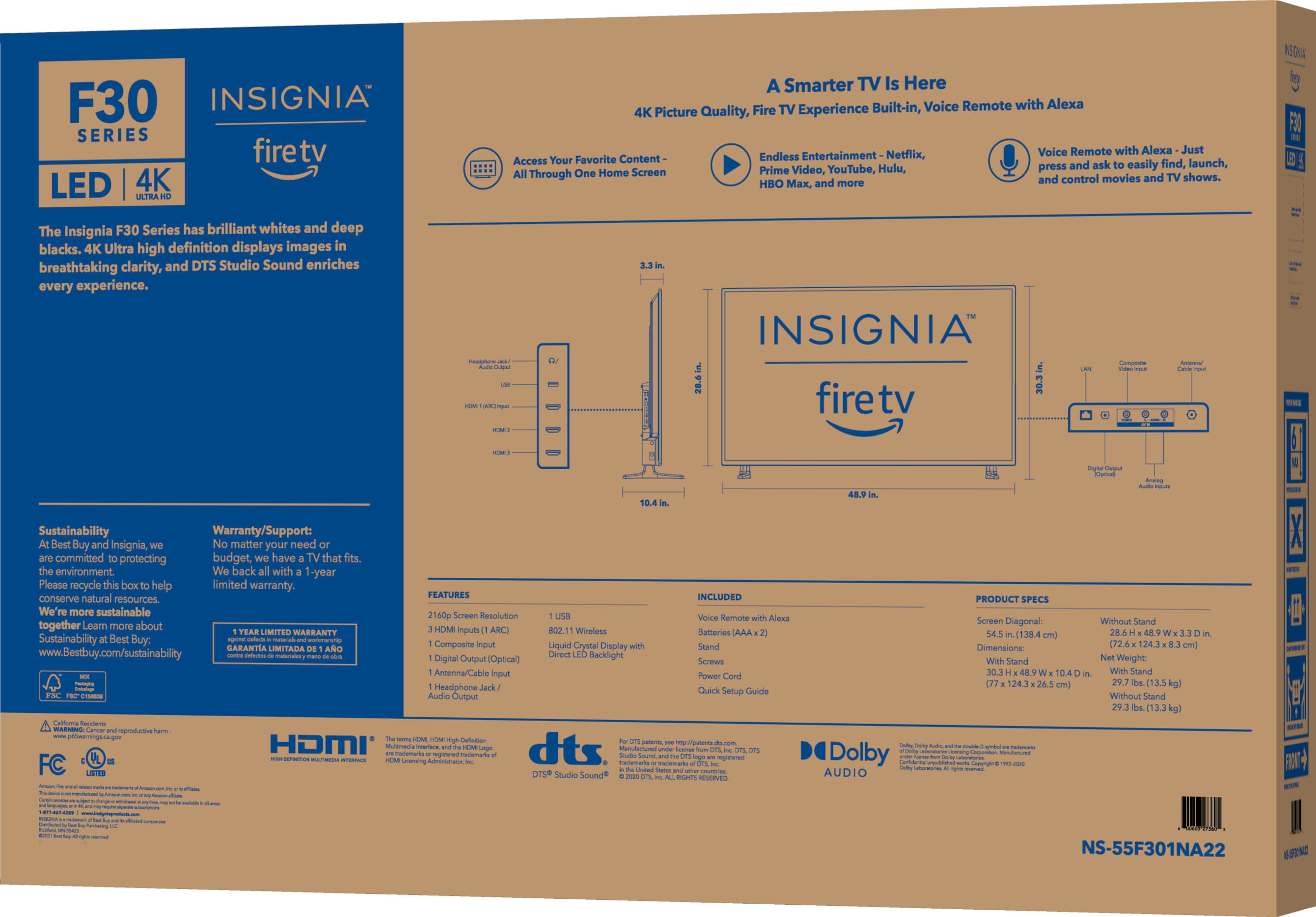
A:AnswerYou should be through the settings or easiest way would be connecting through internet cable like from your Wi-Fi router to your TV and if it's an on the same room you can do the same way but you just need a really long Ethernet cable
A:AnswerPlug and play via Ethernet to our Verizon Home Ethernet. Also connected to the WiFi and picture is excellent. Disregard the light shadow on the screen as seen in photo as it is from outside
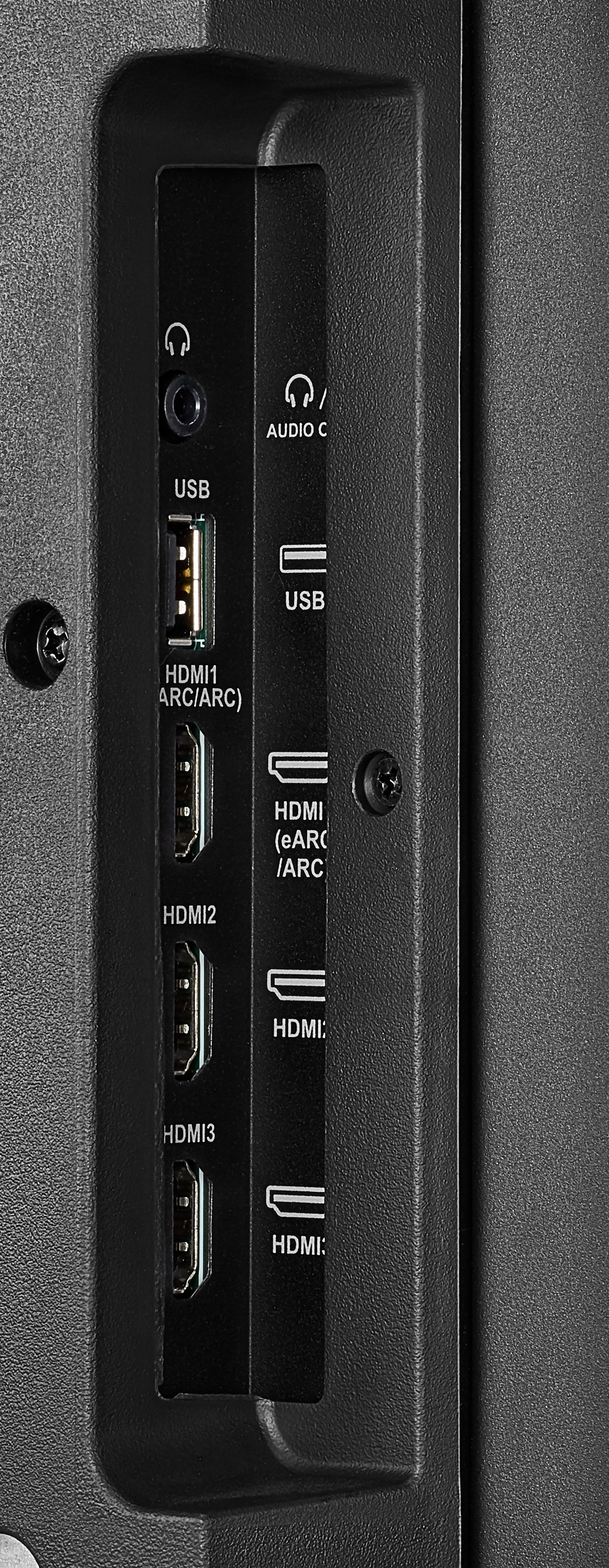
A:AnswerYes you can use this TV for a vertical menu board. I have four of them installed in a vertical fashion. It is a little tricky but you will need to rotate the image on a computer or desktop first and then inject it into the TV via the USB port. Then you go into Media player and you hit the enter button and after that hit the play button and it will stay on the screen instead of disappearing.