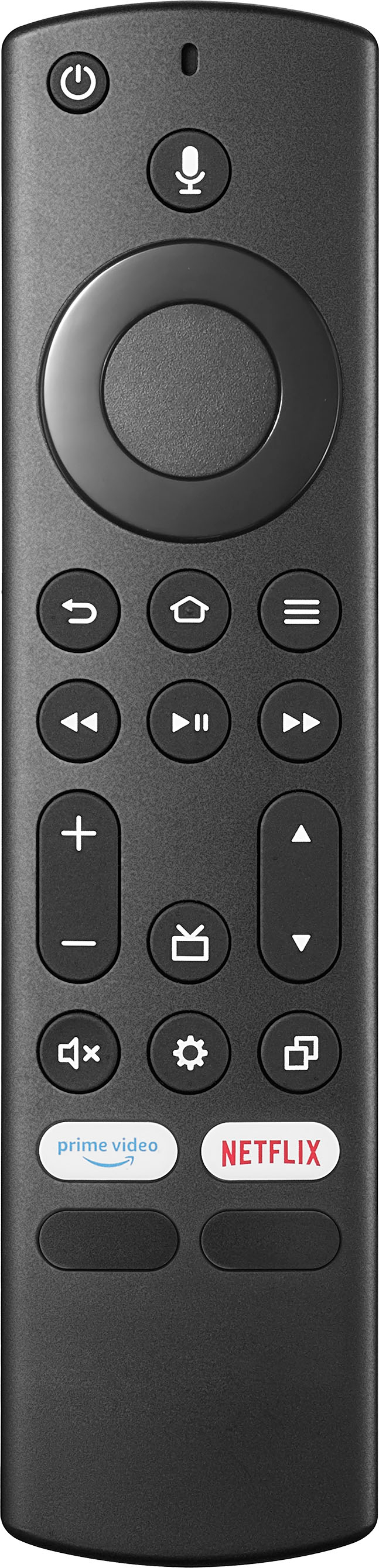
A:AnswerI don't know. I had to use my Directv remote to change channels when watching Directv but I can't use the remote for the volume or anything else. Very irritating.
A:AnswerYes, but you wont need to. Its got everything built into the software right out the box. Unless of course you orefer rokus interface and all that.
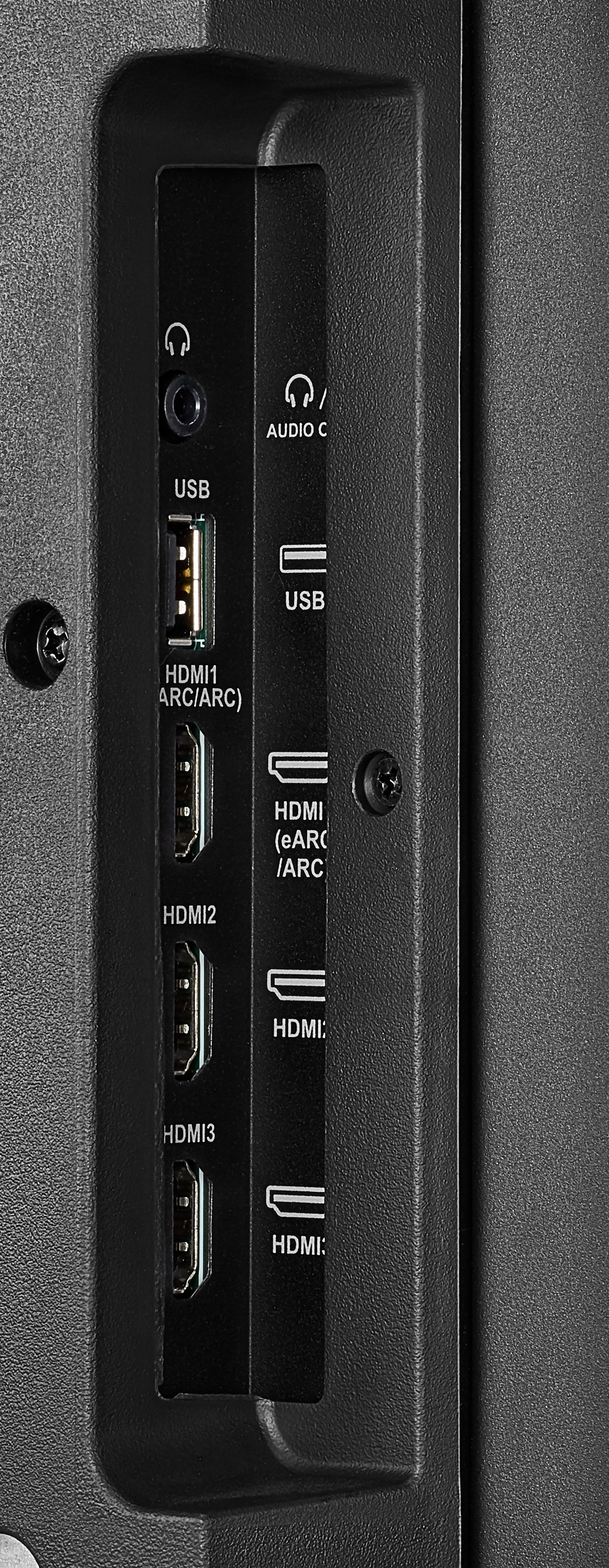
A:AnswerYes you can. We use ours to teach classes and hook out Laptops up to present PowerPoints and other files. You will need an HDMI cable and either mirror your screen or extend depending on what you want to accomplish.
A:AnswerIt depends on your application. If you just want to hang on the wall and you will be sitting directly in front of it, any fixed TV wall mount for a TV of this size will do. I got one where this was the max TV size for this mount. It worked fine and I did not buy a super expensive one. If you want the TV to telescope away from the wall and rotate 90 degrees to watch from angles that are not directly straight at the mounting wall, you need to get a “long arm” swivel mount. The standard arm swivel mounts are not long enough to allow the 55” TV to fully rotate 90 degrees.
A:AnswerMake sure to add the WiFi name and password and it will stay there until you change it for another connection, just go to network at the settings on the right side of your tv .
A:AnswerHi Ray,
Yes. This TV has sleep timer. For more product details, please visit https://www.insigniaproducts.com/.
Insignia Support
Lea
https://www.insigniaproducts.com/