Main Content

Questions & Answers

$199.99
Save $150
The comparable value is $349.99
Page Showing 61-80 of 226 questions
  • QuestionCan my remote be replaced foe this tv with the warranty plan?

    Asked by Remote.

    • Answer Hello, thank you for your question. Your remote may be eligible for replacement under the warranty plan. Please contact us at 1-877‑467‑4289 or [email protected] and we will be happy to help you with this. Sidhartha | Insignia

      Answered by InsigniaCustomerSupport

  • QuestionCan you get the internet

    Asked by potty.

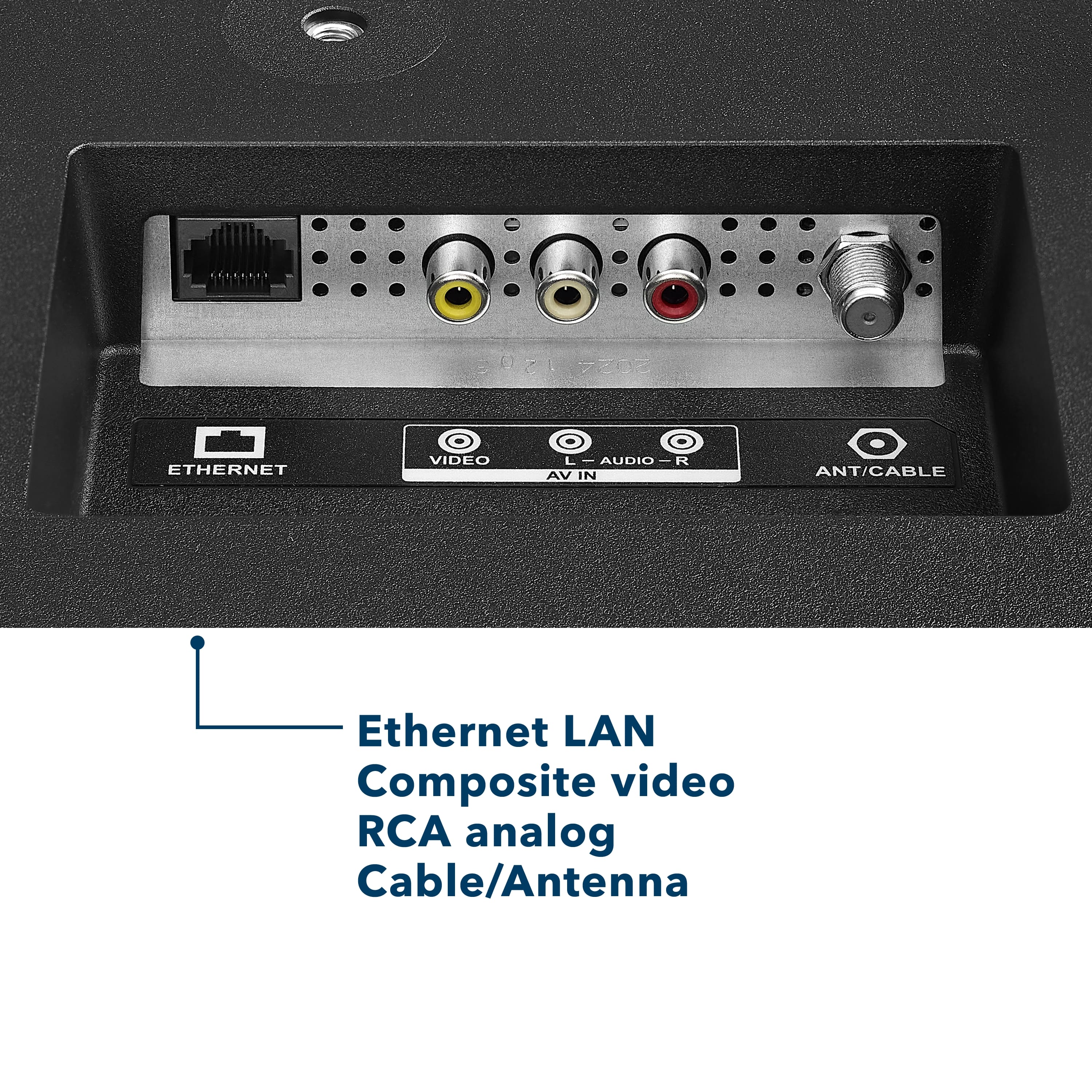
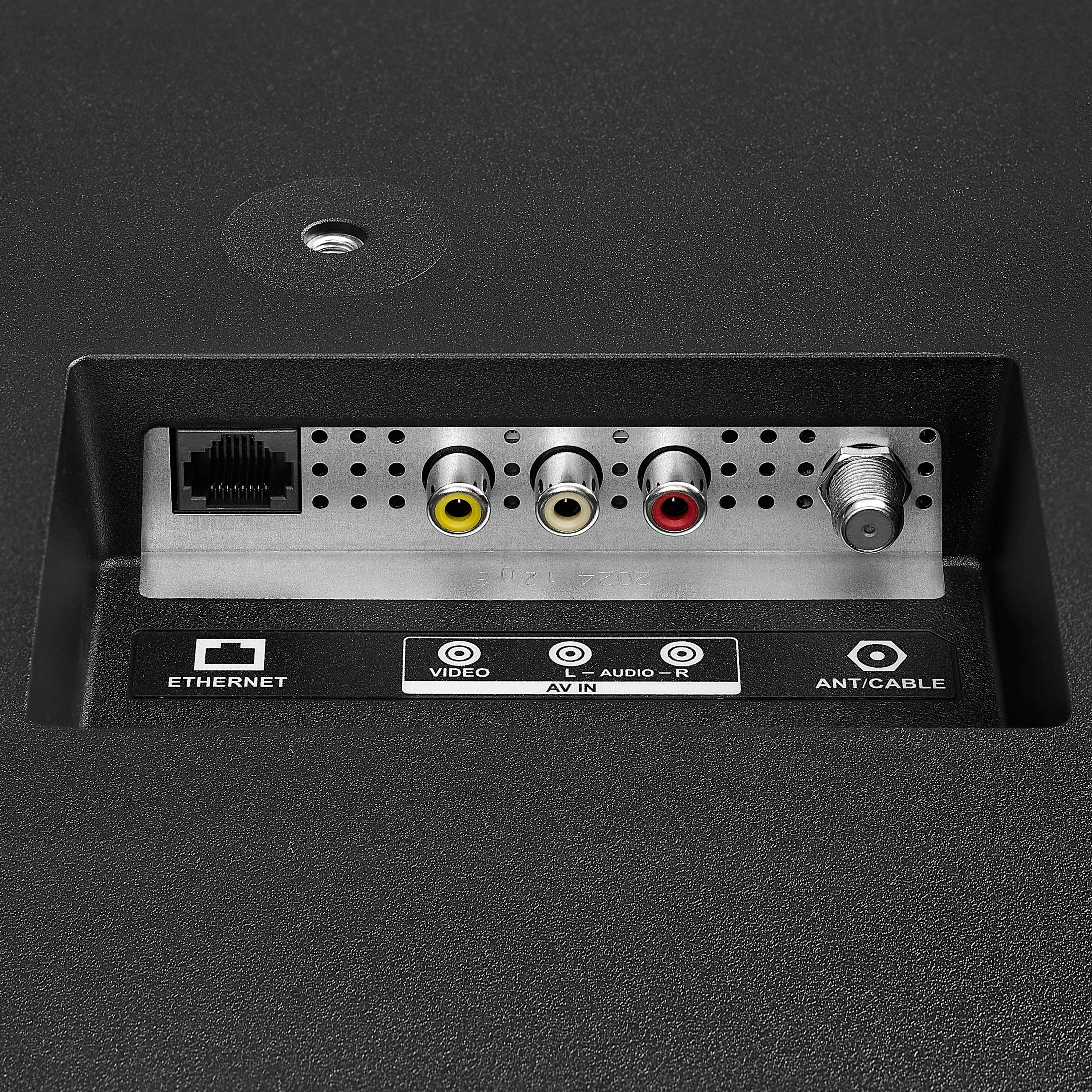
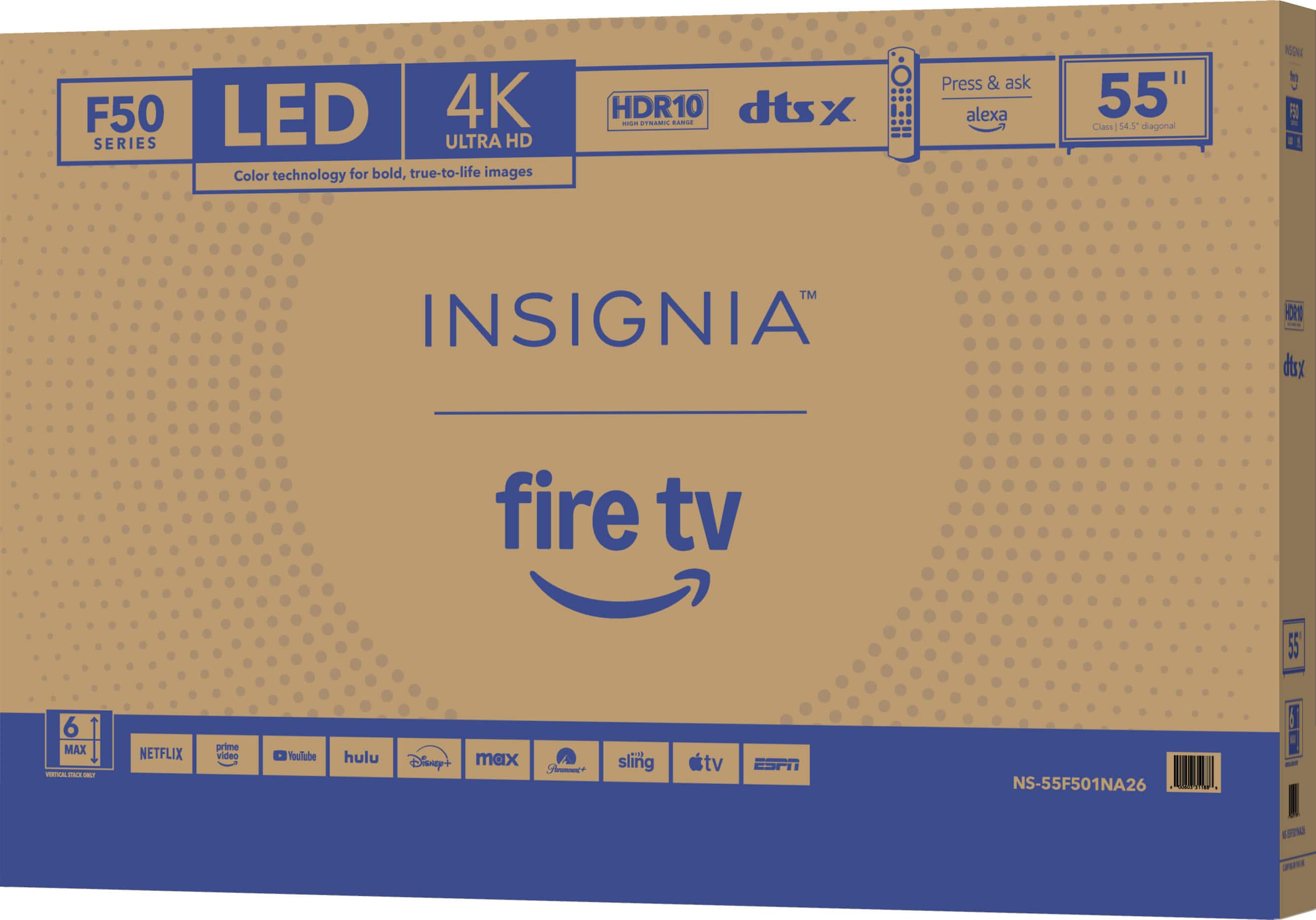
    • Answer Hello! Thank you for your question. Yes, the Insignia 55" Class F50 Series LED 4K UHD Smart Fire TV (Model: NS‑55F501NA26) can connect to the internet. It supports both built‑in Wi‑Fi for wireless access and an Ethernet port if you prefer a wired connection, so you can easily stream apps, use Fire TV features, and access online content. Darshan | Insignia

      Answered by InsigniaCustomerSupport

  • QuestionCan it pair with Bluetooth external speakers?

    Asked by ShannonR.

    • Answer Hello Shannon! Thanks so much for reaching out. The Insignia 55" F50 Series 4K UHD Smart Fire TV does support Bluetooth, so you can pair it with compatible Bluetooth external speakers right from the TV’s settings menu. If you’d like recommendations on Bluetooth speakers that work great with this model, the Best Buy team can help at 1‑888‑237‑8289. Darshan | Insignia

      Answered by InsigniaCustomerSupport

  • QuestionCan u download a remote

    Asked by Kiddle123.

    • Answer Hello! Thank you for your question. yes, you can. Since the Insignia F50 Series is a Fire TV model, you can use the official Amazon Fire TV app as a downloadable remote. Mueez | Insignia Products

      Answered by InsigniaCustomerSupport

  • Questioni need a guide to set up my 55' smart insignia tv

    Asked by Eddie.

    • Answer No guide needed

      Answered by AlayshaW

  • QuestionHello, can I watch KartinaTV on this tv?

    Asked by Jinka.

    • Answer Hi Jinka! Thanks for your question, Yes, you can watch KartinaTV on the Insignia 55" F50 Series Fire TV, but you’ll need to install the KartinaTV app from the Amazon Appstore. If you have any questions or for more information please contact us at 1-888-237-8289. Lucien | Insignia

      Answered by InsigniaCustomerSupport

  • QuestionCan i play games on ps5 with it? Any problems?

    Asked by Bill.

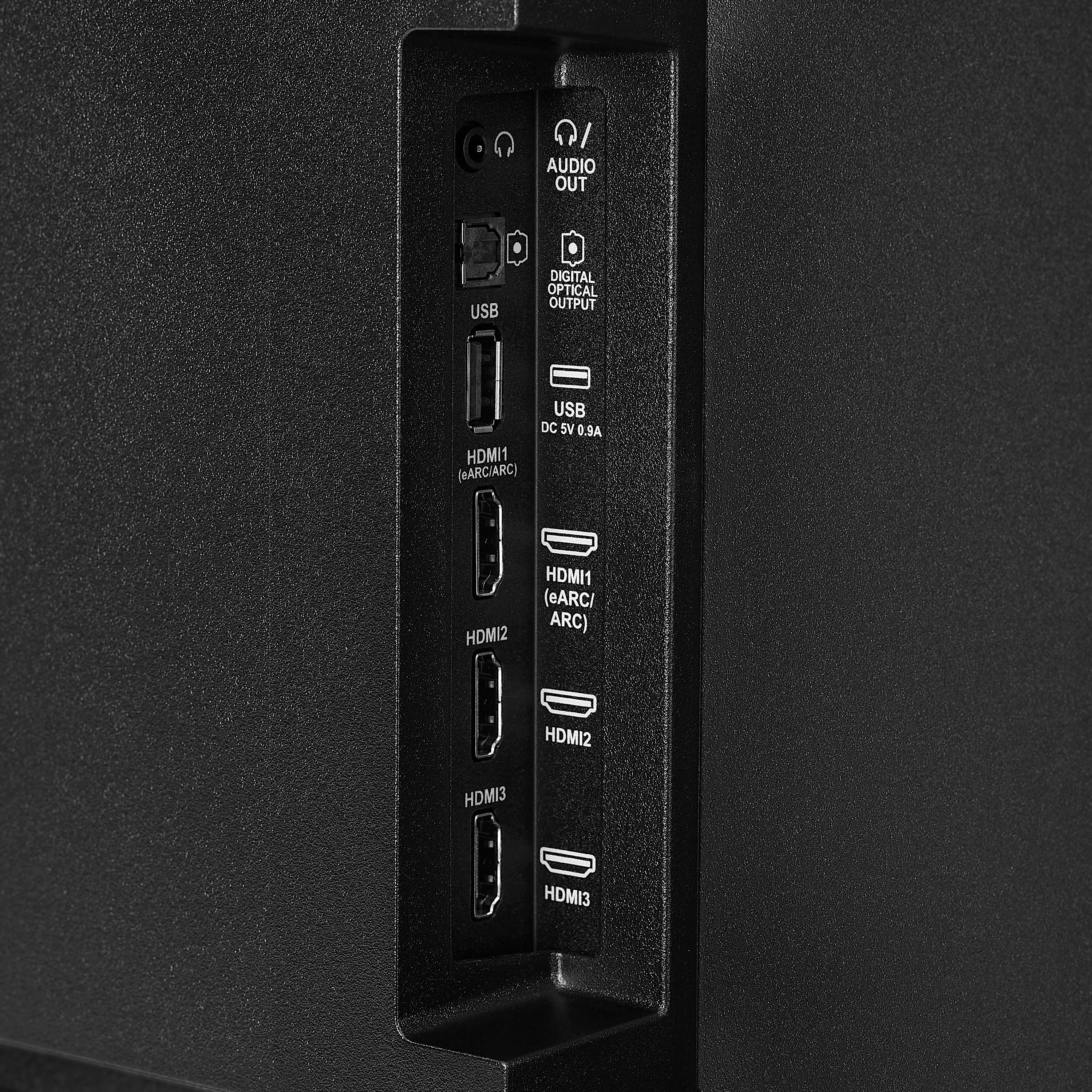
    • Answer Hello Bill, Thank you for contacting us. Yes, the PS5 is compatible with virtually any modern TV or monitor that includes an HDMI input. There are no special setup requirements—just ensure you’re using the appropriate HDMI cable to take full advantage of the system’s performance capabilities. Sabiha | Insignia

      Answered by InsigniaCustomerSupport

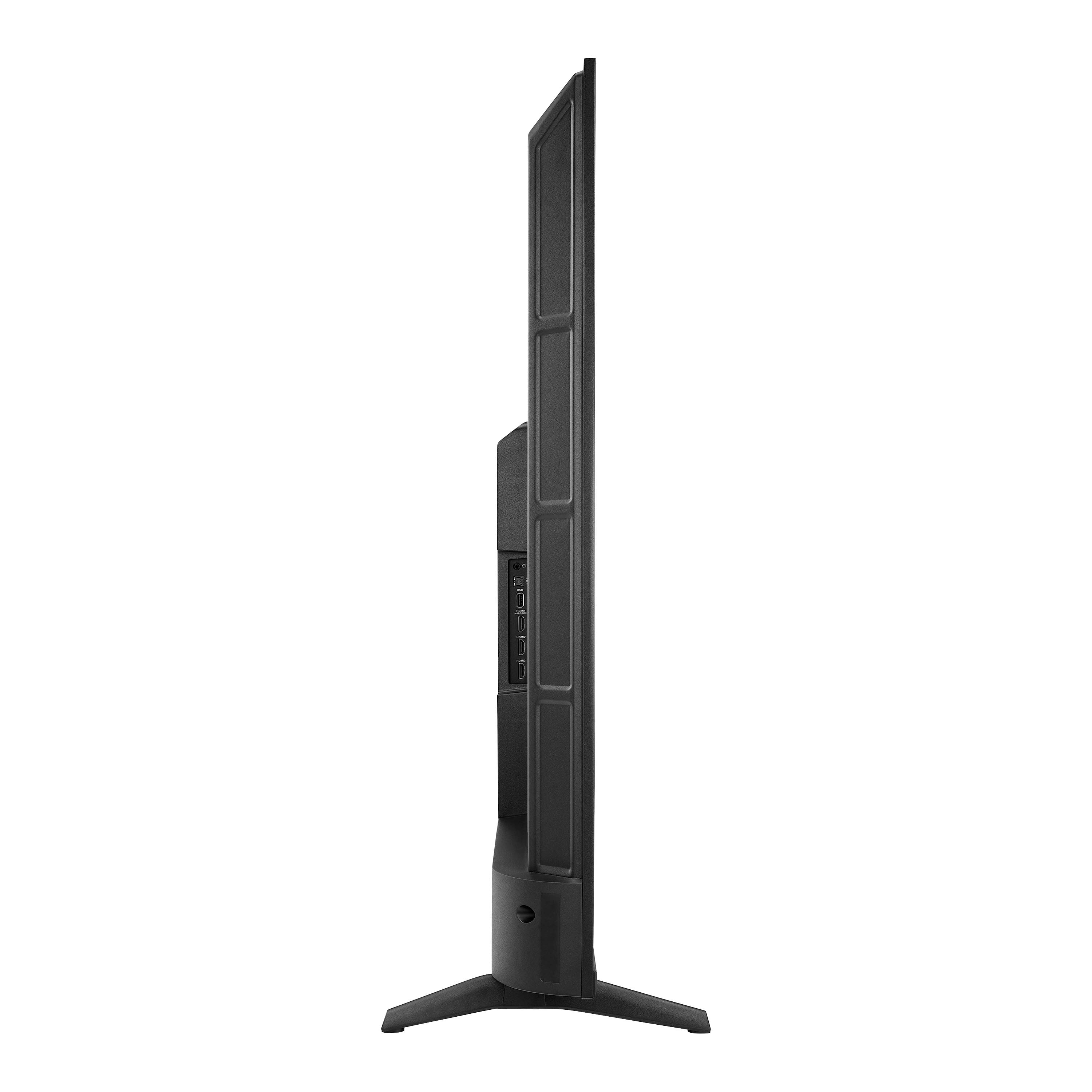
  • QuestionWhat are the dimensions of the tv without the stand

    Asked by Kat.

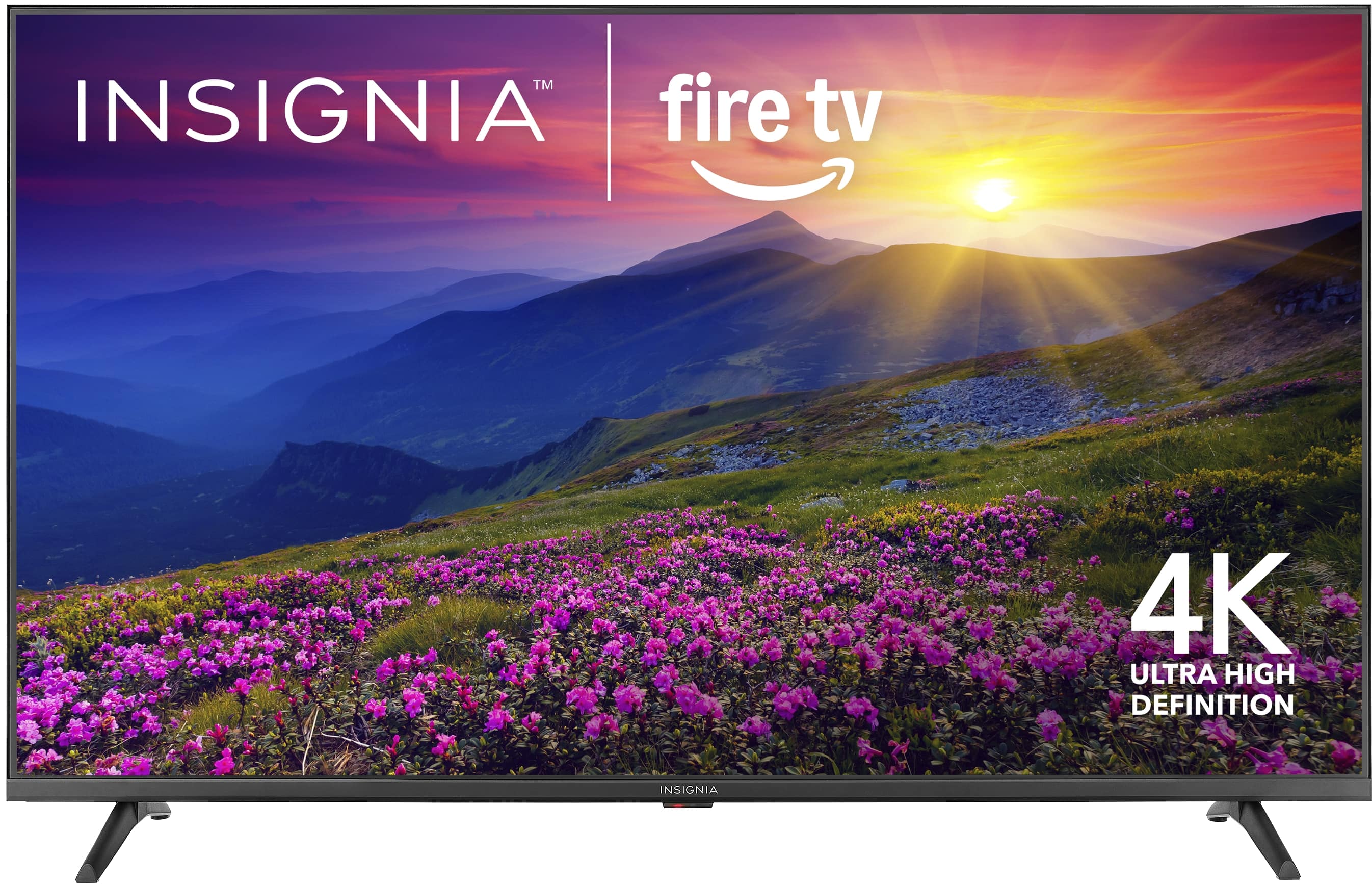
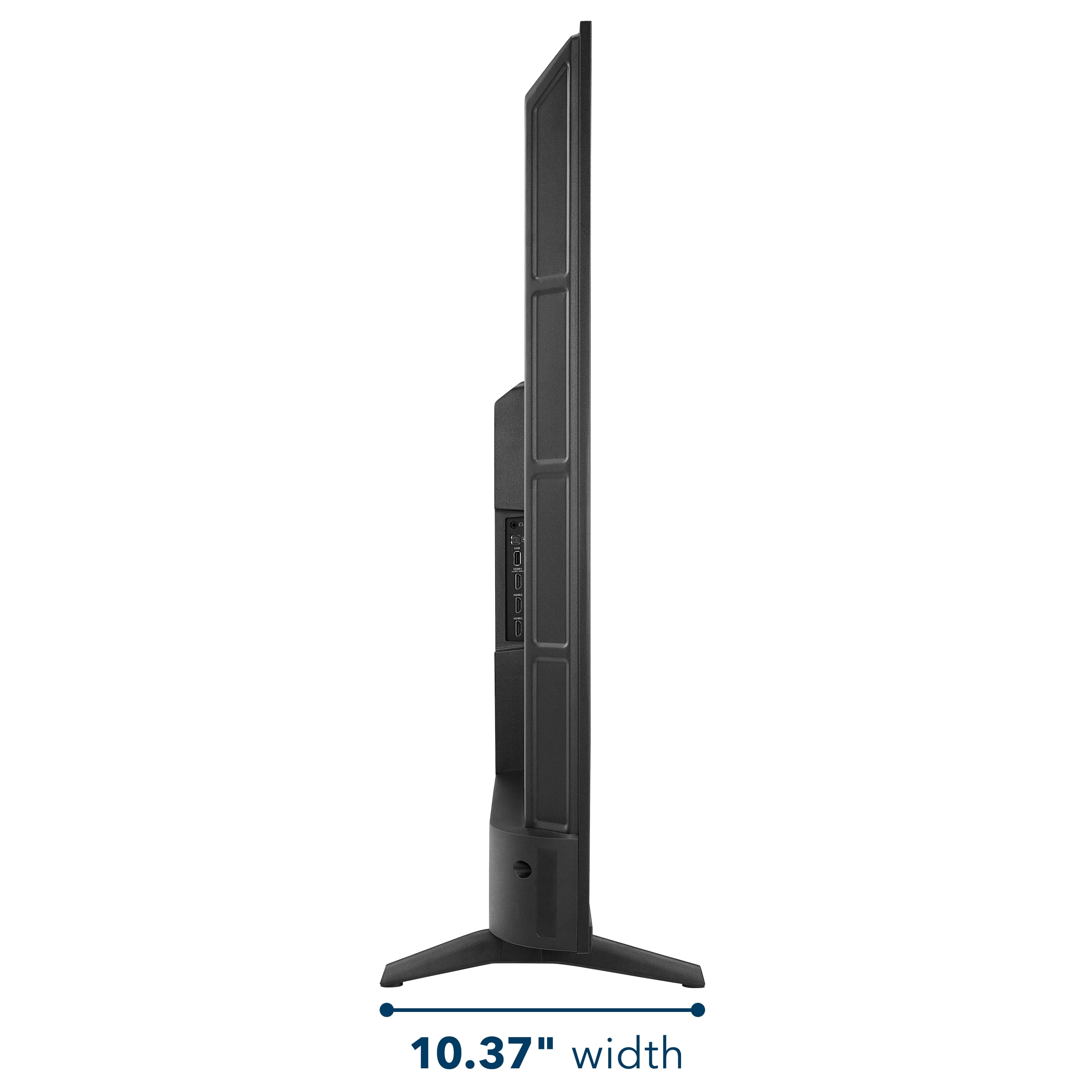
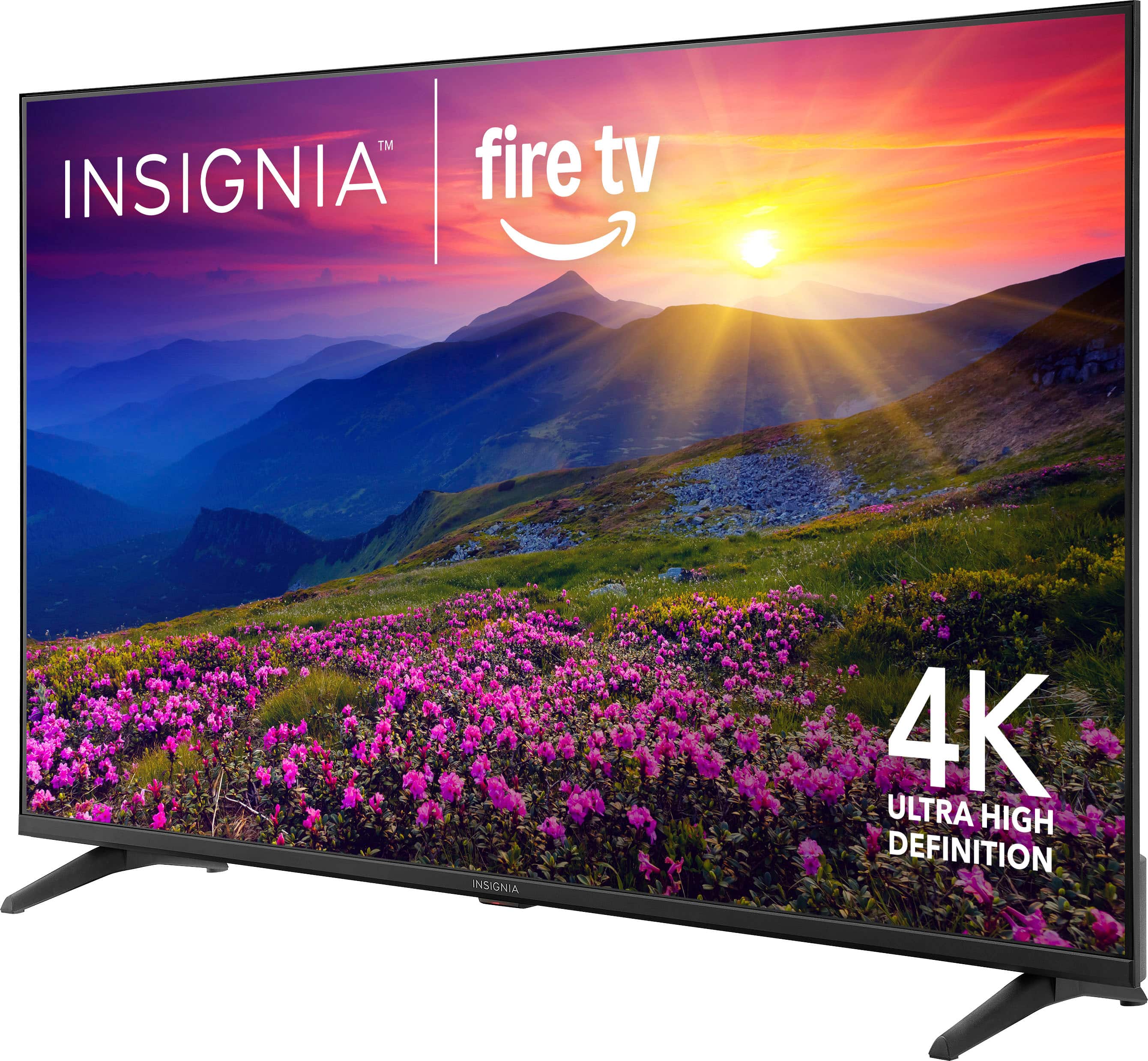
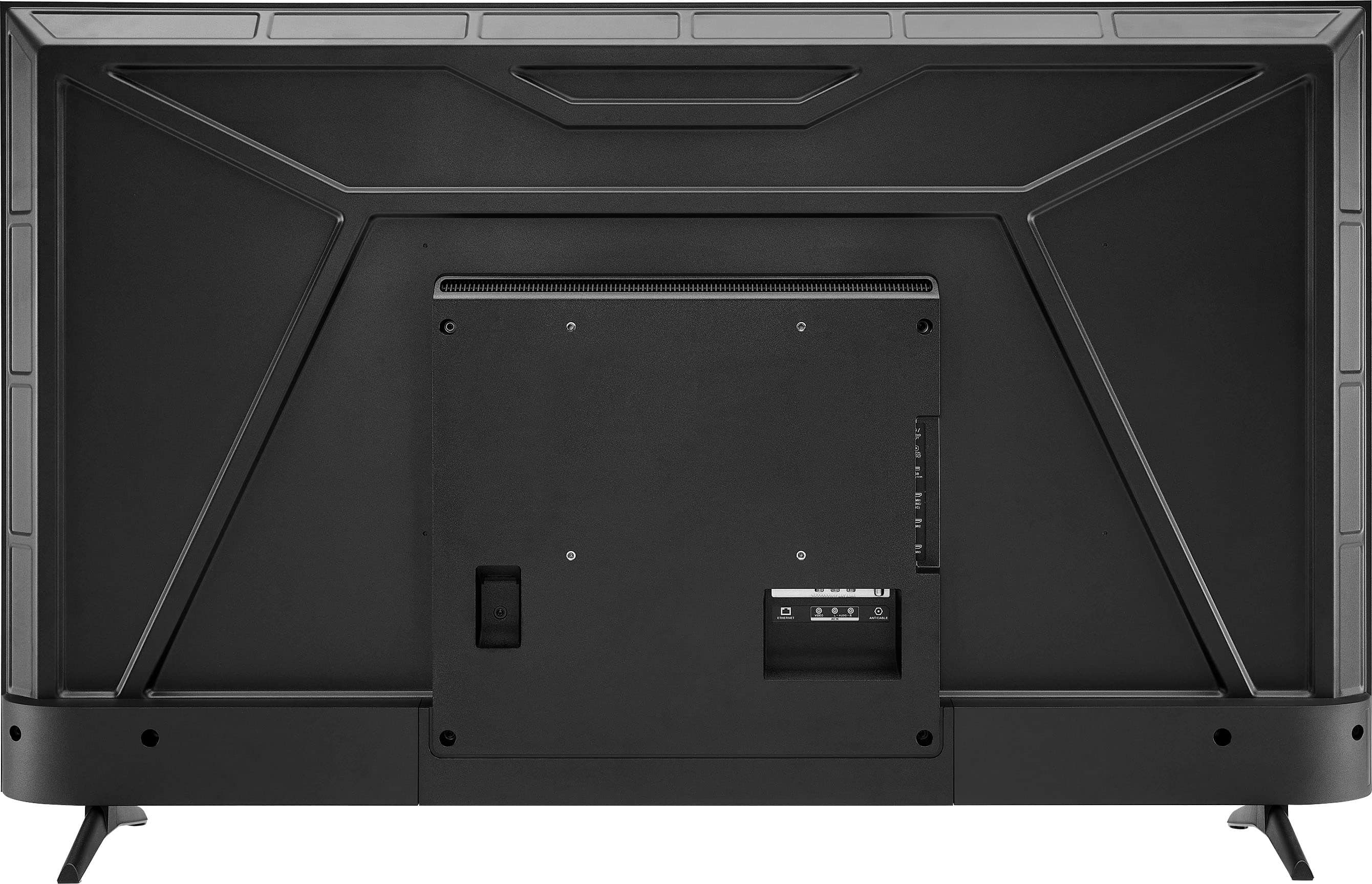
    • Answer Hello Kat! Thank you for your question. The dimensions of the Insignia™ 55" Class F50 Series LED 4K UHD Smart Fire TV (Model NS‑55F501NA26) without the stand are 48.4 inches wide, 28.3 inches high, and 3.2 inches deep. If you have any other questions about features or settings, please feel free to reach out to us. Thank you again for your question and for considering Insignia products. Sudeep | Insignia

      Answered by InsigniaCustomerSupport

  • QuestionDoes it have the Zoom app?

    Asked by Mom4td.

    • Answer Hello, and thank you for contacting Insignia. No, this TV does not support the Zoom app, as it is not available on the Fire TV platform. Sarada | Insignia Products

      Answered by InsigniaCustomerSupport

  • QuestionCan I hook up surround sound to tv

    Asked by Tommy.

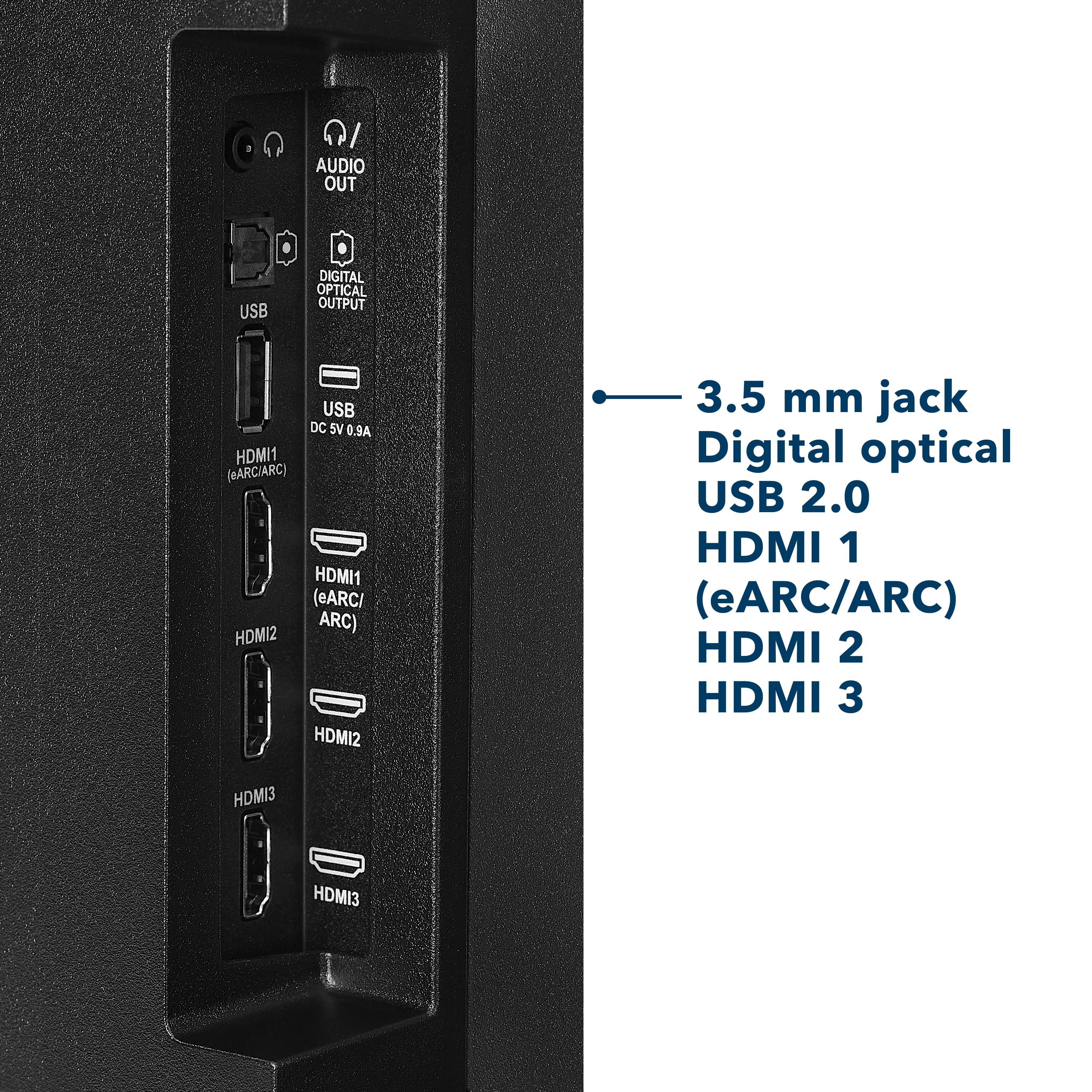
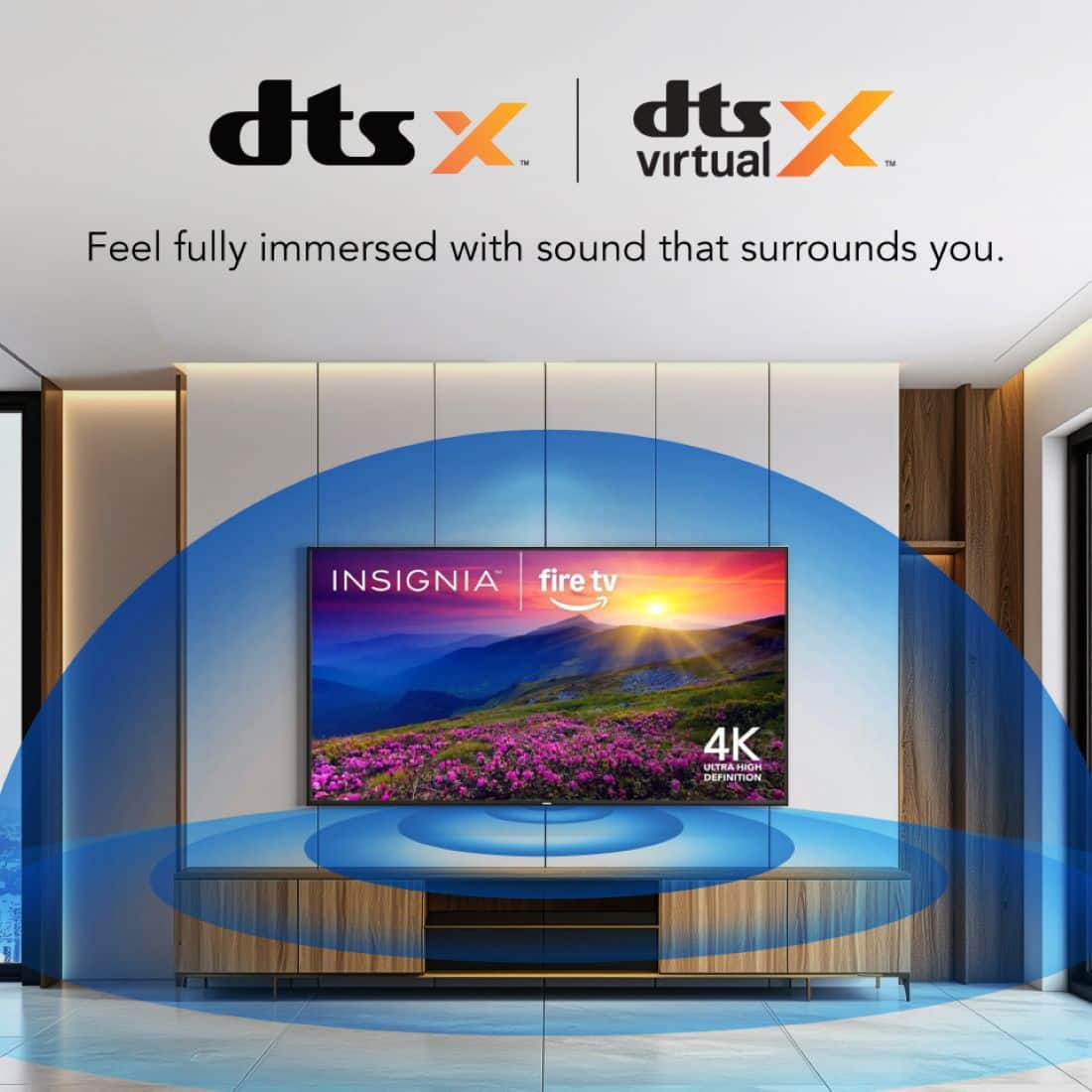
    • Answer Hello Tommy! Thank you for your question. Yes, you can absolutely hook up surround sound to the Insignia 55" F50 Series 4K UHD Smart Fire TV. The TV supports external audio through HDMI ARC, optical audio out, and Bluetooth, giving you multiple ways to connect a sound bar or surround‑sound system depending on what your setup supports. Darshan | Insignia

      Answered by InsigniaCustomerSupport

  • QuestionAll my tvs are hooked up to Roku can is this tv compatible

    Asked by Anonymous.

    • Answer Hello! Thank you for your question. Yes, your Roku devices will still work perfectly with the Insignia 55" F50 Series 4K UHD Smart Fire TV. Even though the TV has Fire TV built in, you can simply plug your Roku into one of the HDMI ports and use it just like you do on your other TVs. Darshan | Insignia

      Answered by InsigniaCustomerSupport

  • QuestionCan I get Youtube TV on this tv?

    Asked by Streaming.

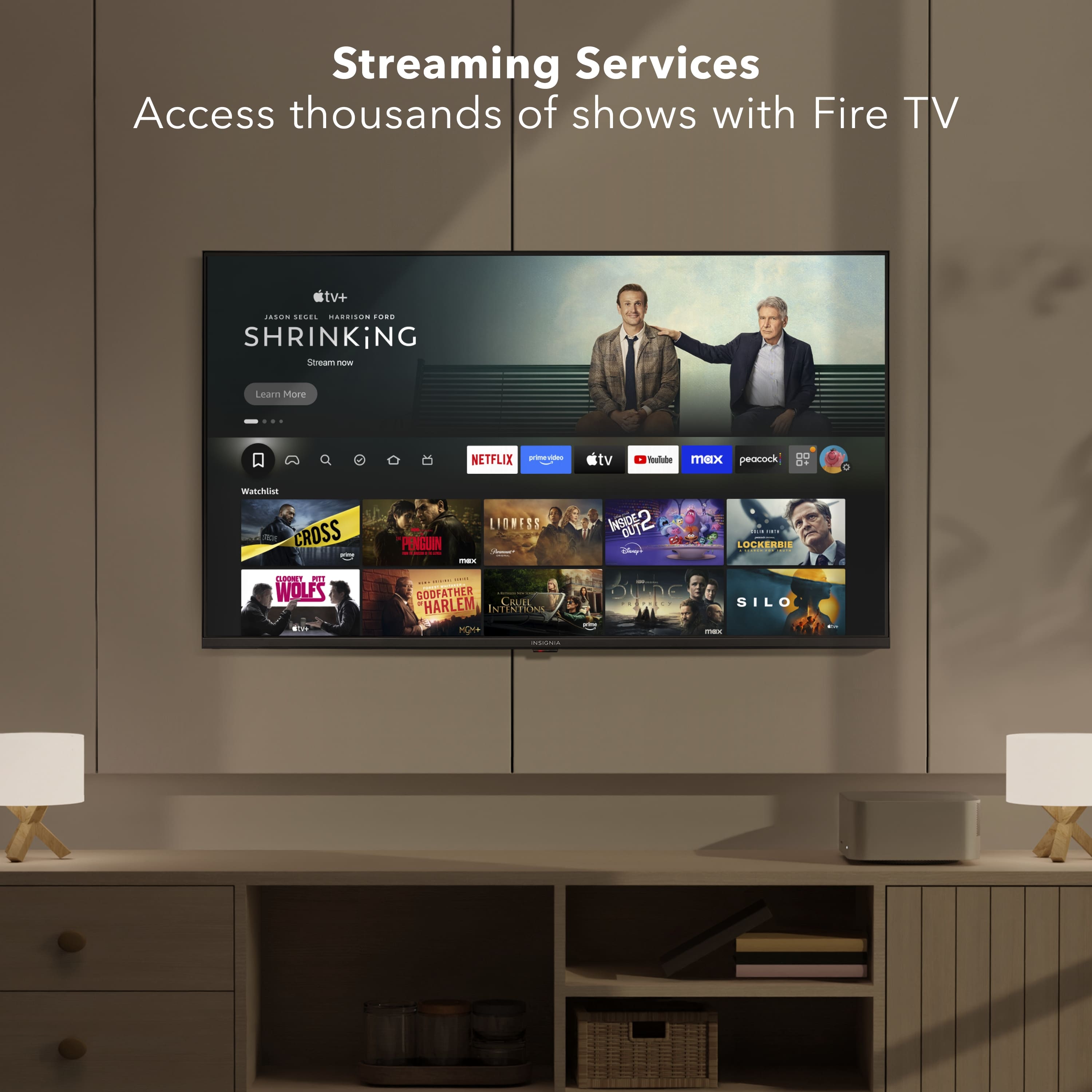
    • Answer Hello! Thank you for your question. The Insignia 55" F50 Series 4K UHD Smart Fire TV does support YouTube TV, and you can download it directly from the Amazon App store on the TV. Darshan | Insignia

      Answered by InsigniaCustomerSupport

  • QuestionDoes this insignia- fire TV 55inch class f-30 series fire TV 2025 model have an a eithernet port?

    Asked by DAVinNyc.

  • QuestionDo you need an Amazon account to set up the TV?

    Asked by Anonymous.

    • Answer No, just don’t connect it to WiFi and use a roku

      Answered by user884080

  • QuestionWhat is the factory warranty

    Asked by Warranty.

    • Answer Hello, thank you for your question. The Insignia™ 55" Class F50 Series LED 4K UHD Smart Fire TV includes a 1‑year limited manufacturer’s warranty. Adam | Insignia

      Answered by InsigniaCustomerSupport

  • QuestionCAn I add the cowboy channel app?

    Asked by Konehead.

    • Answer No but u can with a Roku stick

      Answered by user884080

  • QuestionUnpacking instructions for 55"?

    Asked by 1414.

    • Answer There’s none, just pull it out newer tvs are fairly light

      Answered by user884080

  • QuestionCan you air drop to this tv

    Asked by Biglockhart.

    • Answer Yes

      Answered by CynthiaI

  • QuestionCan you add apps to this tv?

    Asked by Techdumb.

    • Answer Hello! Thank you for your question. Yes you can add apps to the Insignia 55" F50 Series 4K UHD Smart Fire TV. Since it runs Fire TV, you can download apps directly from the Amazon App store on the TV, including streaming services, music apps, sports apps, and more. Darshan | Insignia

      Answered by InsigniaCustomerSupport

  • Questionsome on please tell me how to stop the tv turning its self off after five minutes of inactivity it not the timer or sleep timer or screen saver timer all of them are turned off if i pause show walk away for 5 mins it just shuts off

    Asked by blahblahblah.

    • Answer Take it to the street and leave it on the middle, it will never turn on or off again…and the piece of poo that it is will be where it belongs

      Answered by JohnS