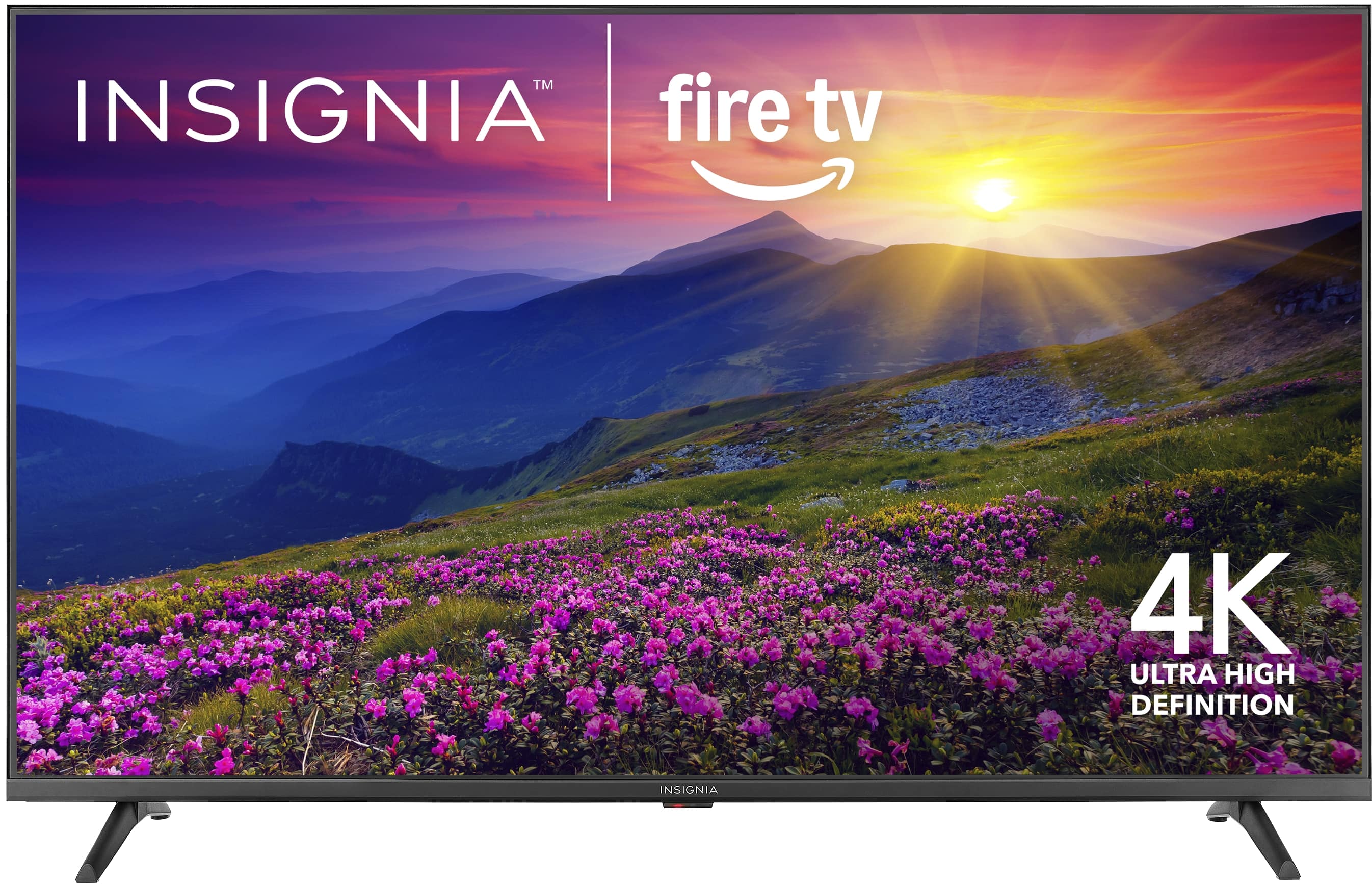
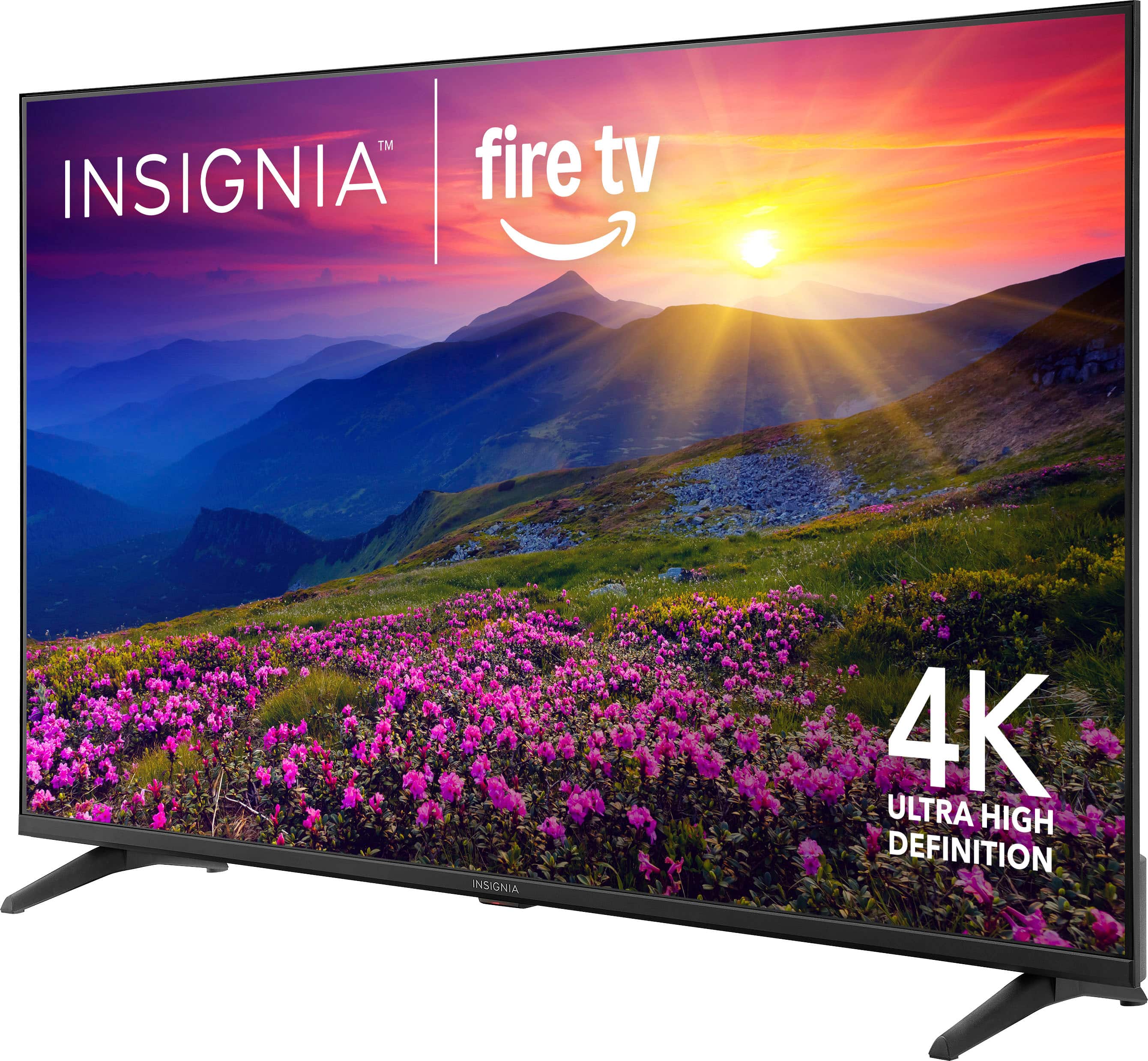
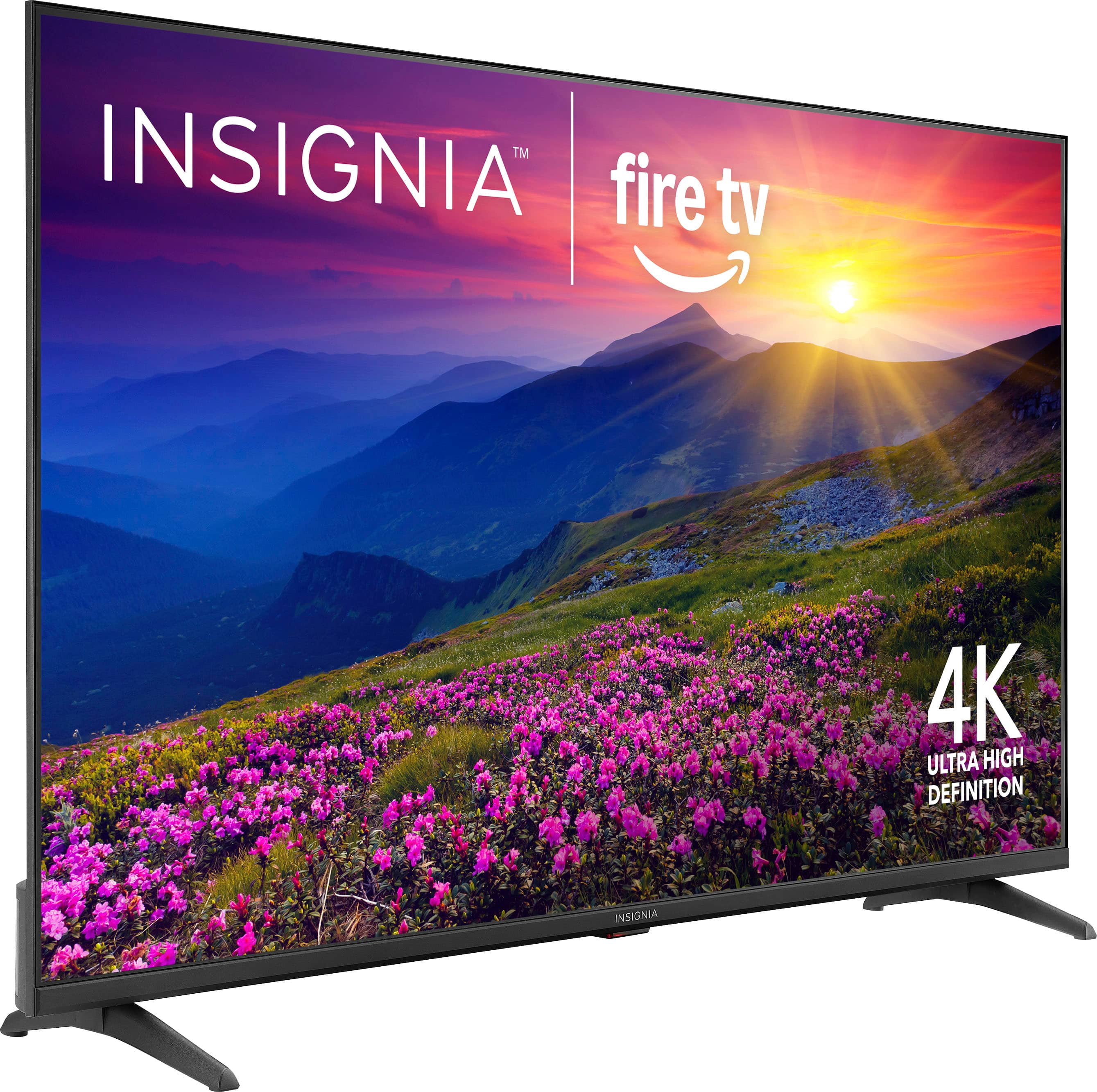
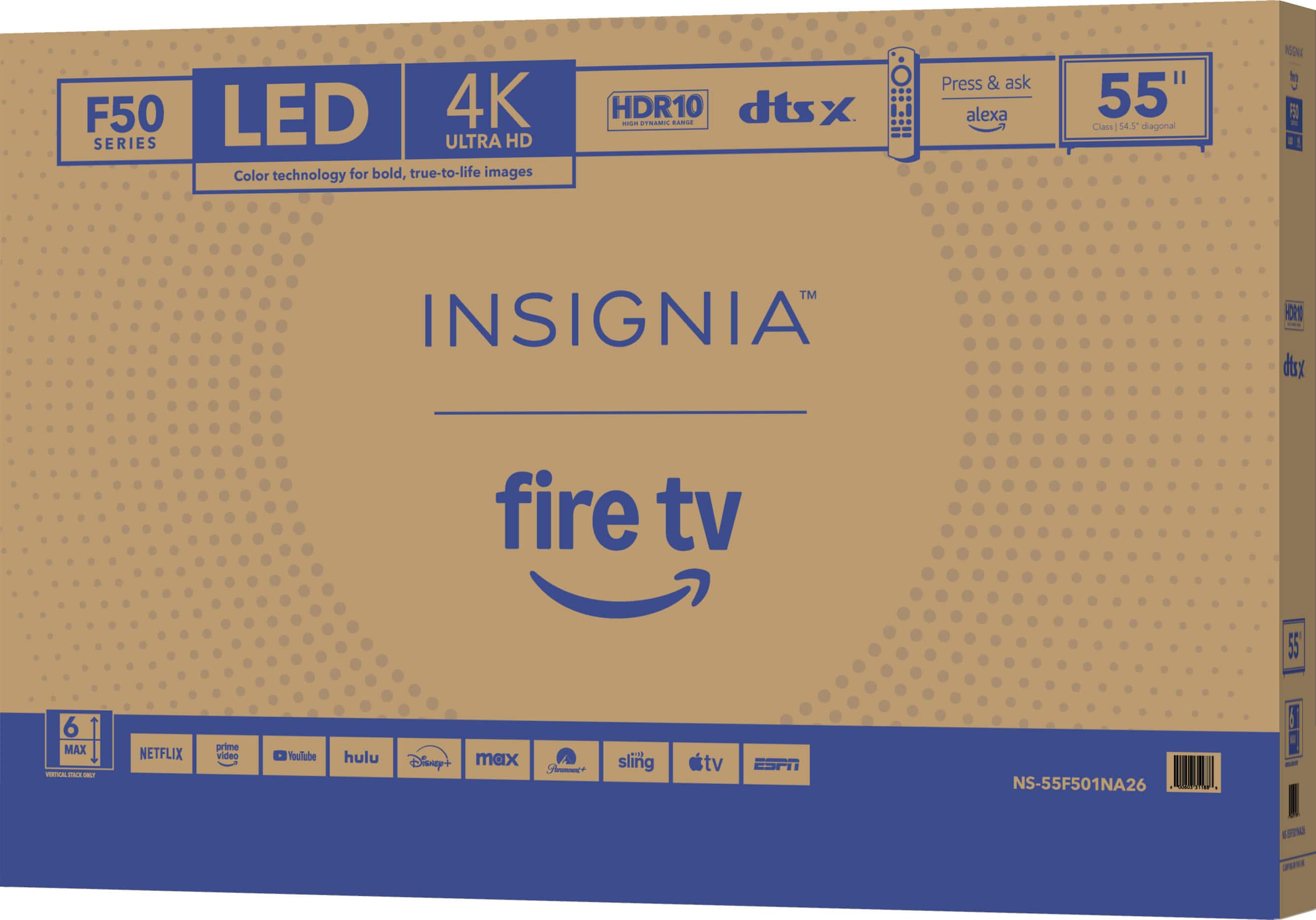
A:Answer Hello Ripped, thank you for contacting us. We understand your frustration regarding certain apps no longer being available on your Insignia 55" Class F50 Series LED 4K UHD Smart Fire TV. App availability on Fire TV devices is managed through the Amazon Appstore, and changes can occur due to developer updates, regional restrictions, or decisions made by the app providers themselves. We know this can be disappointing, especially when you purchased the TV with specific apps in mind.
For further assistance and to review your specific situation, please reach out to us at insigniasupport@bestbuy.com or call 877‑467‑4289. Our team will be happy to help look into this with you.
Narendra | Insignia

.
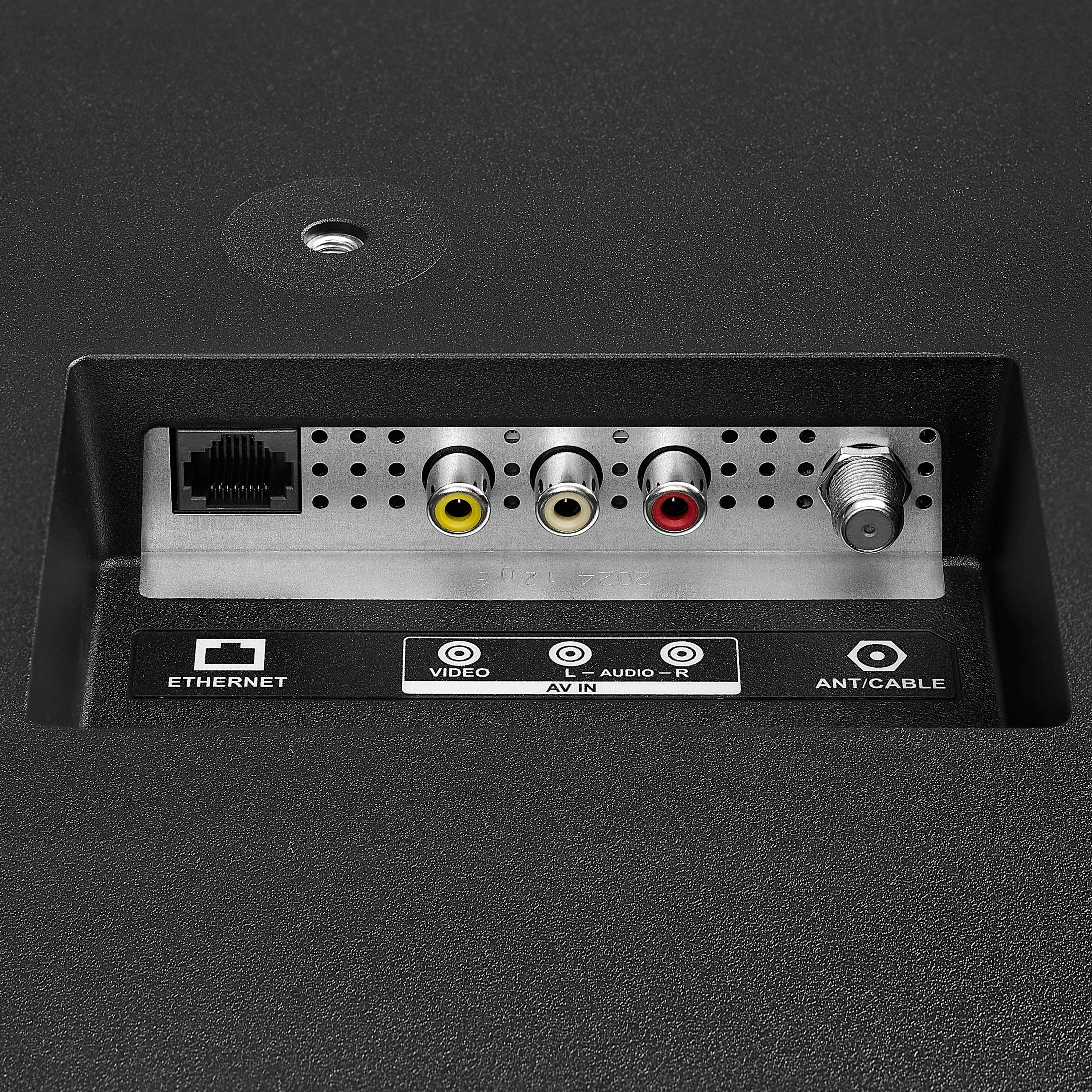
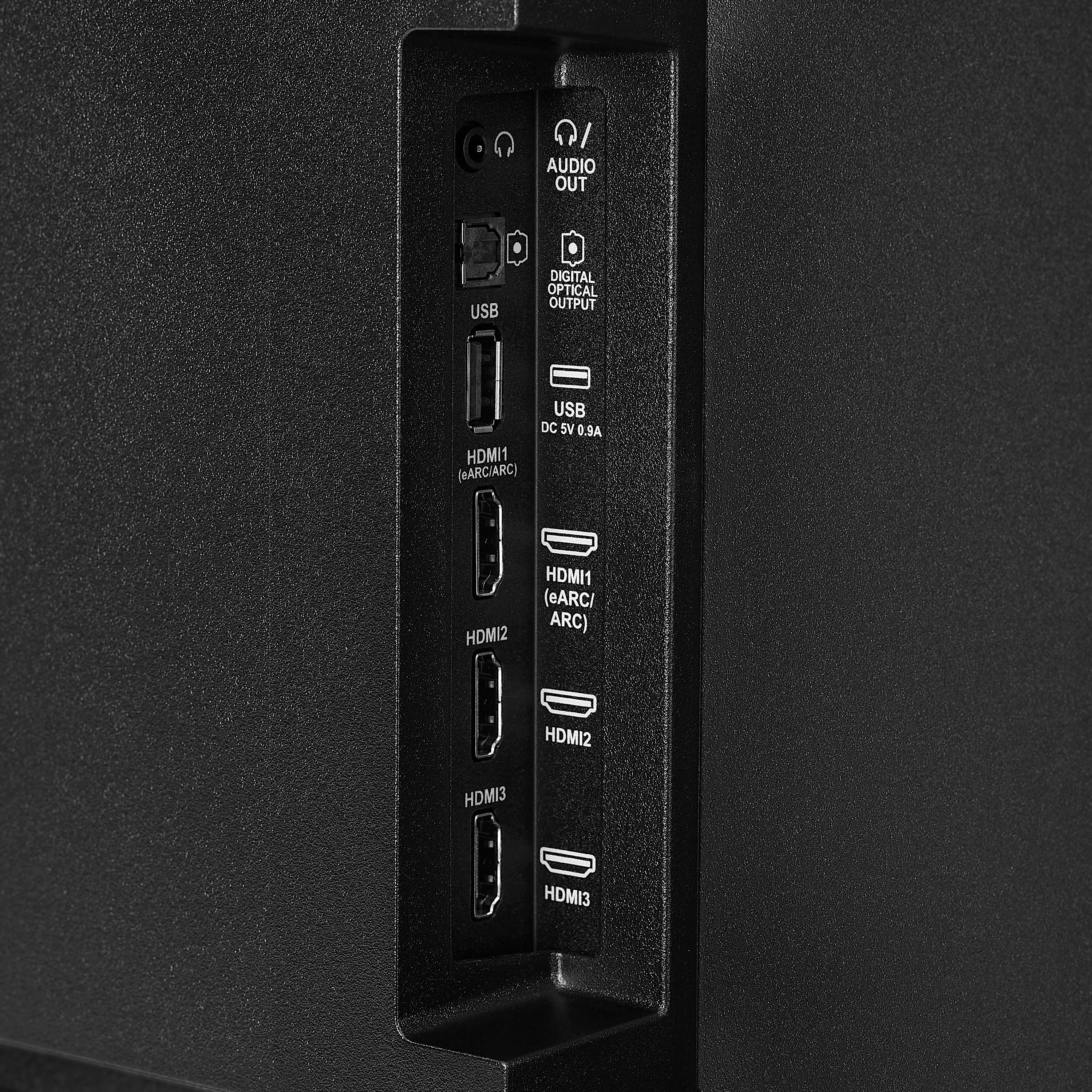
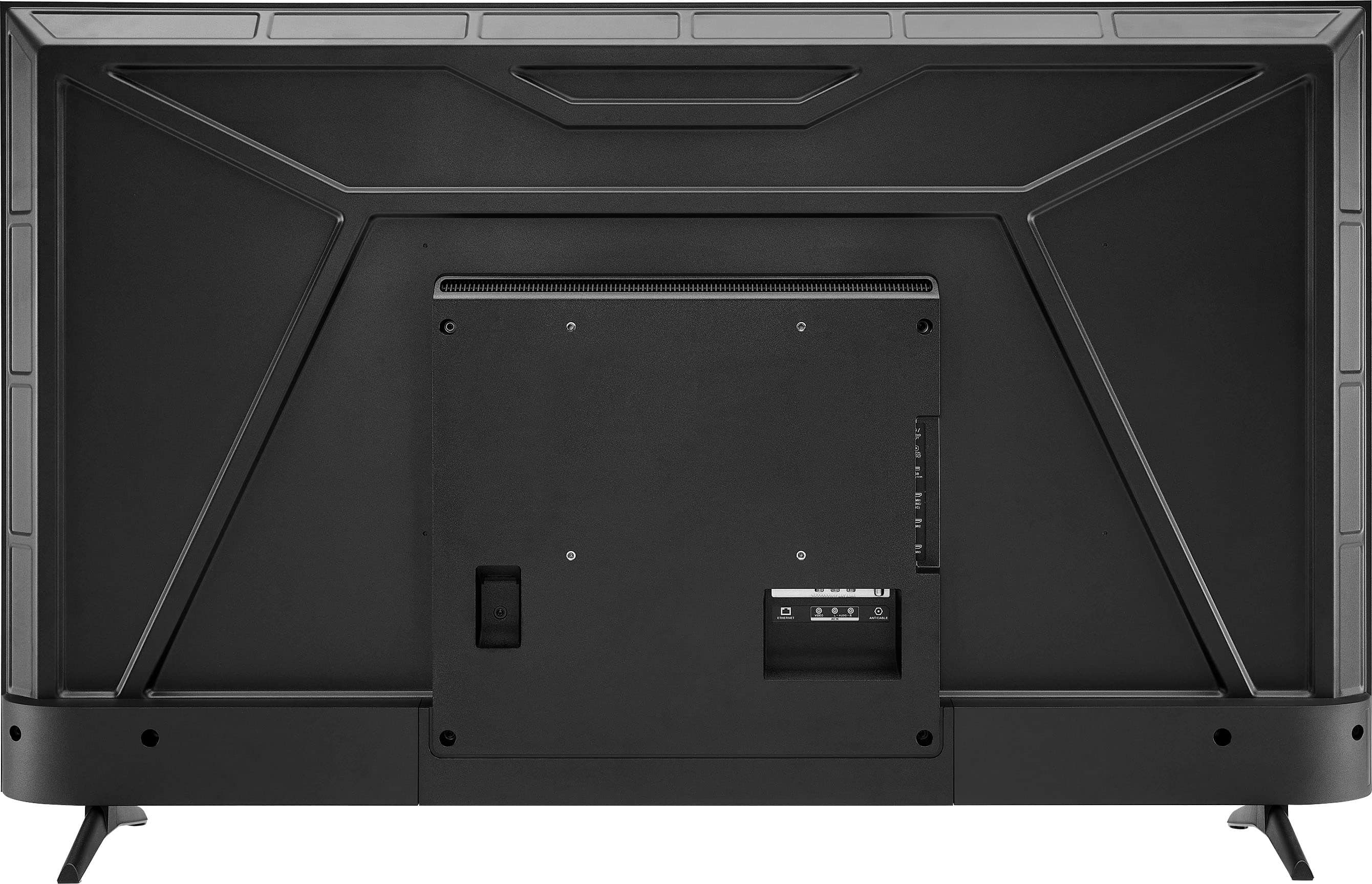
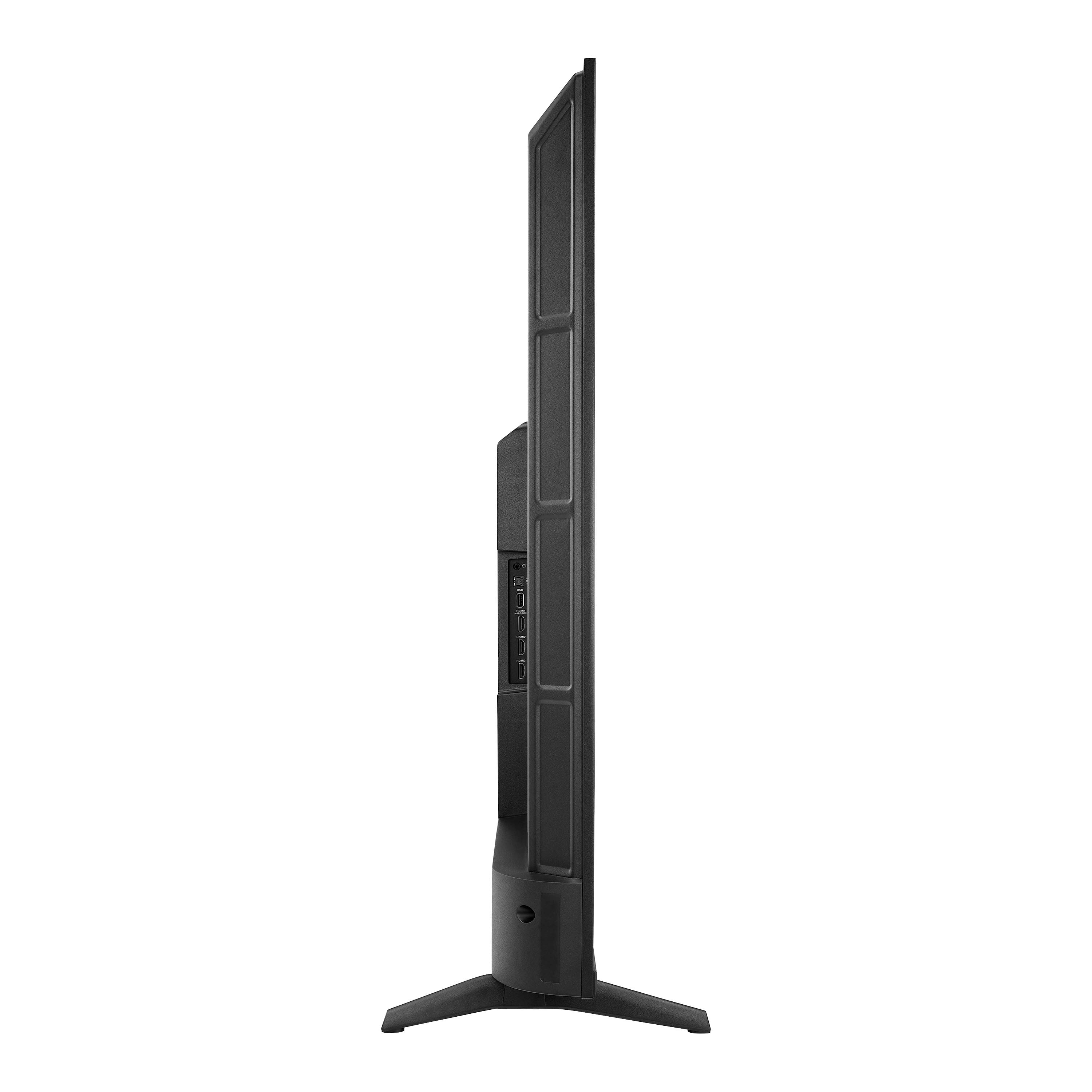
FEATURES:
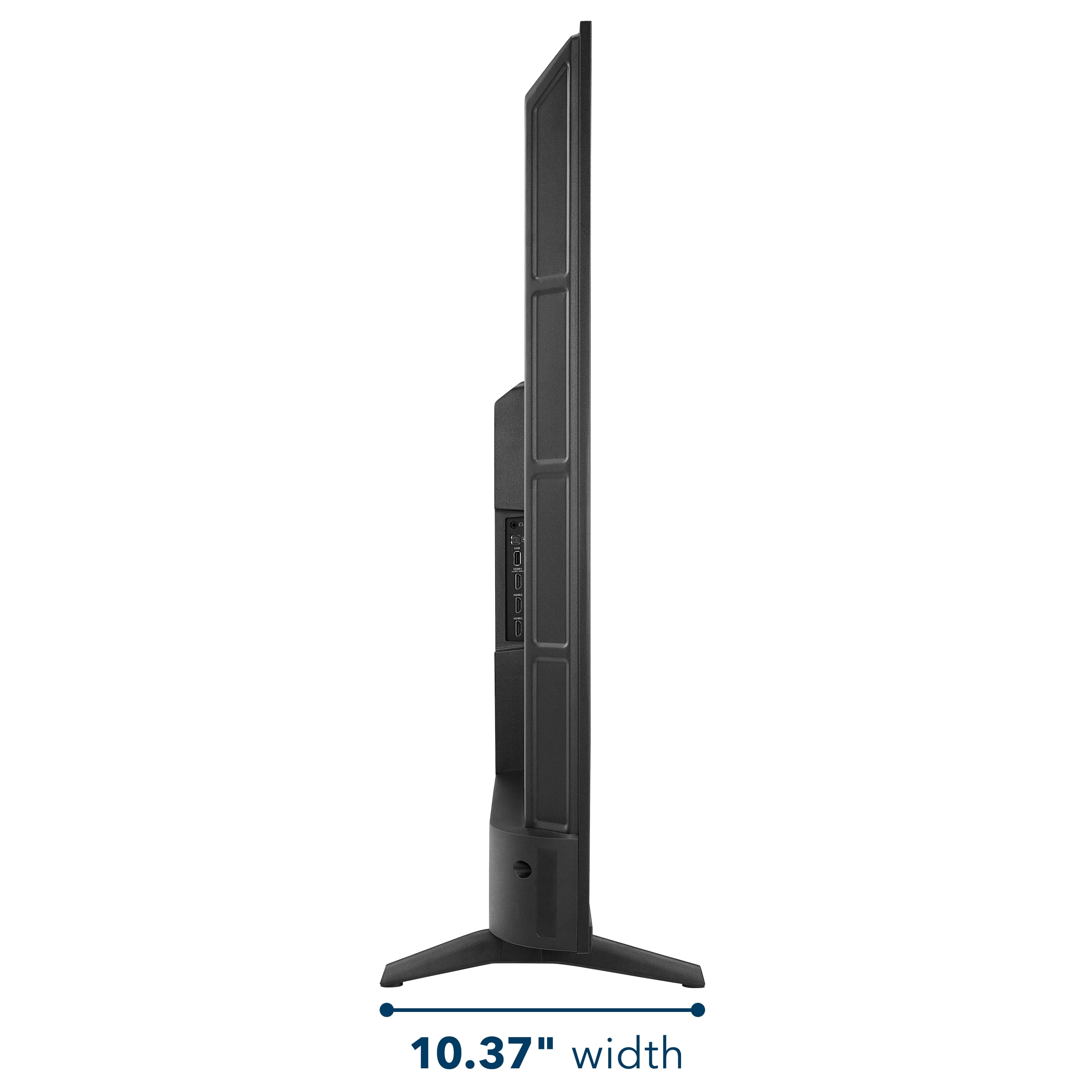
- 160p Screen Resolution
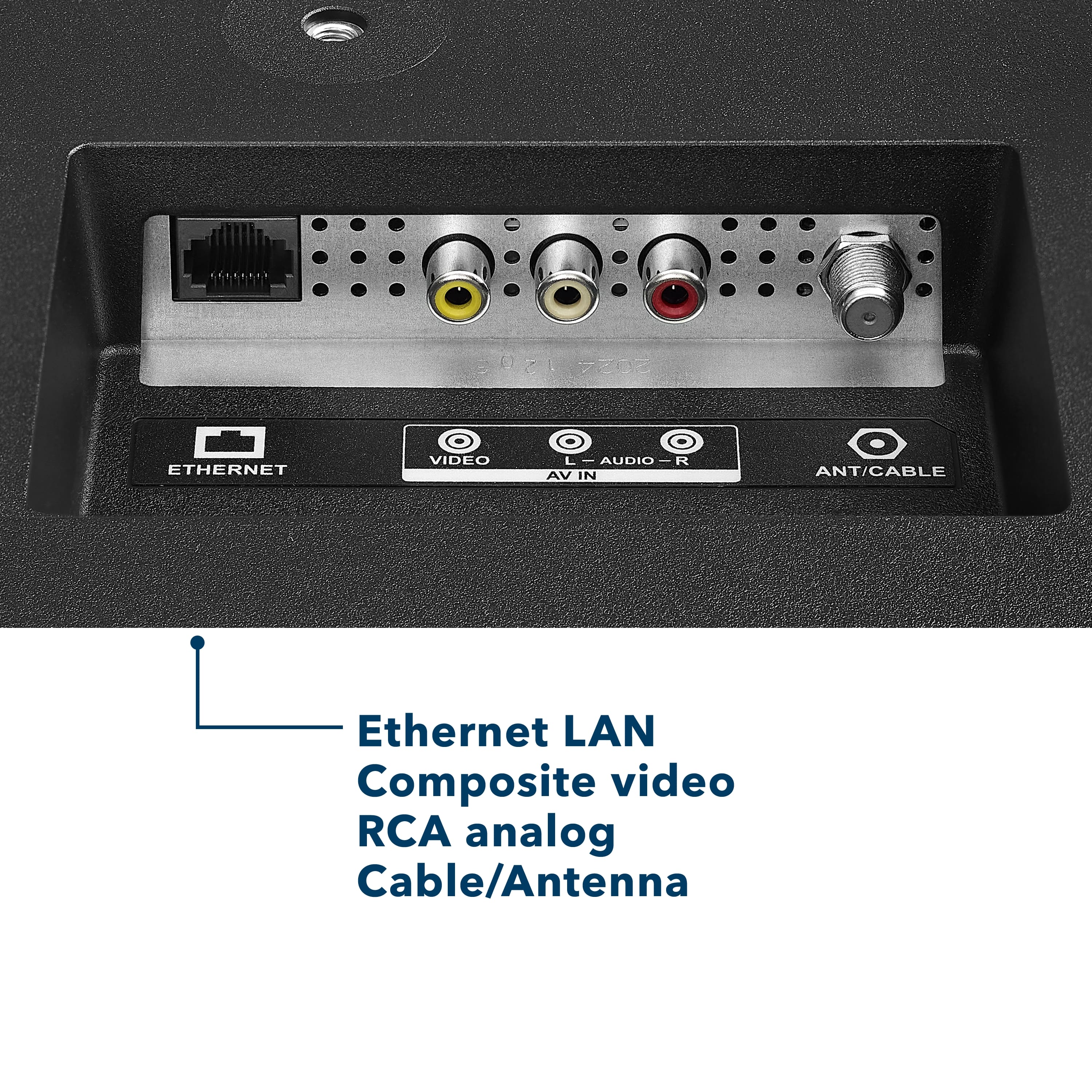
- Antenna/Cable Input
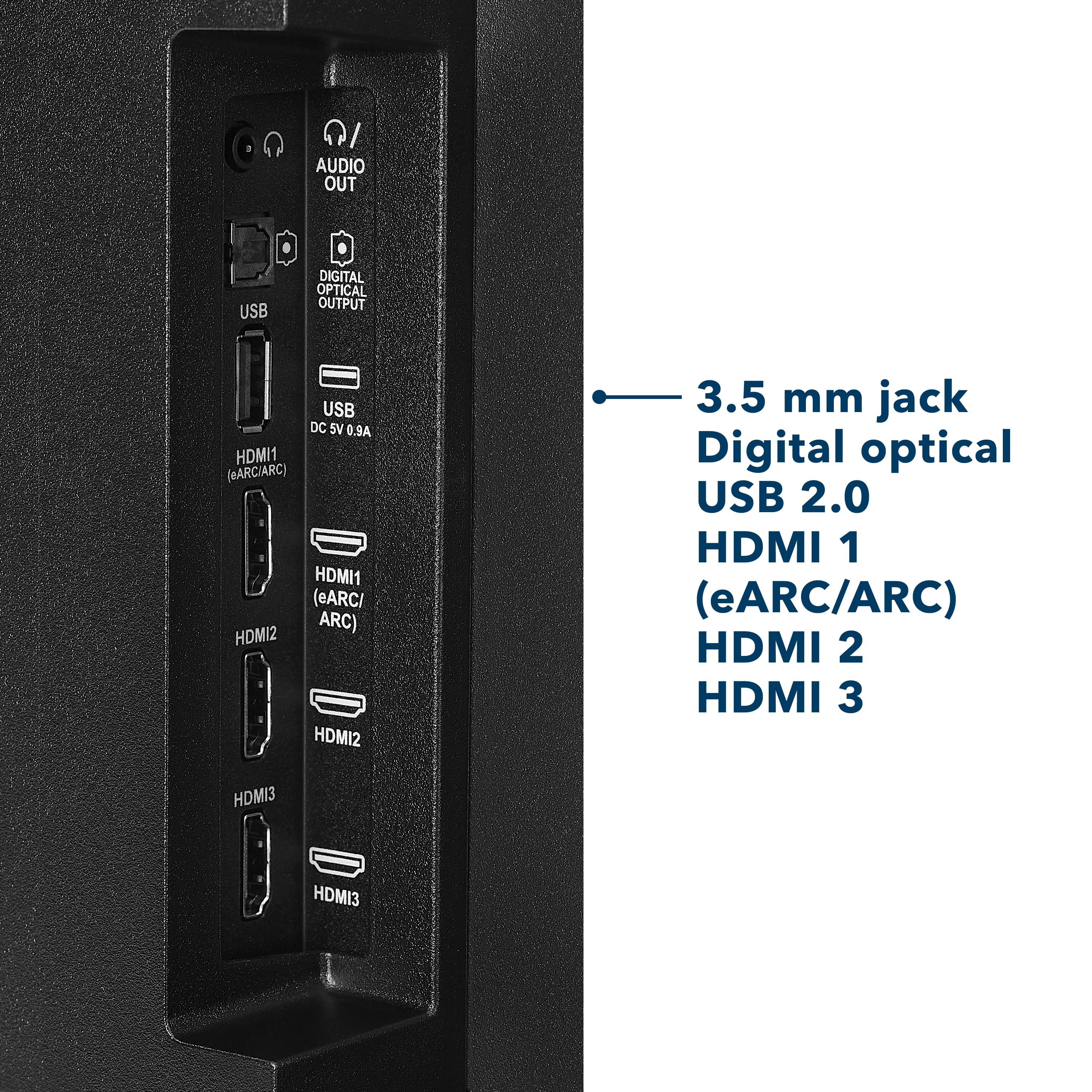
- HDMI Input
- Parallel Refresh Rate
- Headphone Jack
- Audio Output
- Wireless Digital Output
- Optical Audio Output
WARRANTY/SUPPORT:
- Best Buy and Insignia offer a limited warranty.
- Please recycle this box to help conserve natural resources.
- For more information about warranty and support, visit Best Buy.](https://pisces.bbystatic.com/image2/BestBuy_US/images/products/d9ec79da-15df-4d39-934a-5f9c9726d885.jpg)