Deals for every list.It’s officially saving season.Shop now

Main Content

Questions & Answers

Page Showing 121-140 of 321 questions
  • QuestionWhat is the storage capacity?

    Asked by Kat.

  • Questiondoes it support Miracast

    Asked by Chicken.

    • Answer Hello! Thank you for your question. The Insignia 55" F50 Series Fire TV does support Miracast through its built‑in “Display Mirroring” feature. You can access it by going to Settings → Display & Sounds → Enable Display Mirroring on the TV, then connecting from your device’s wireless display menu. Darshan | Insignia

      Answered by InsigniaCustomerSupport

  • QuestionMy TV Tie s not Current It’s an hour behind Reak T pmime How do I adjust time?

    Asked by KennethH.

    • Answer Hello Kenneth! Thank you for your question. You can fix the time on your Insignia 55" F50 Series Fire TV by going to Settings → Preferences → Time Zone and selecting your correct region and time zone, or turning Automatic Time on, which usually corrects the issue if the TV is showing the wrong hour. Darshan | Insignia

      Answered by InsigniaCustomerSupport

  • Questiondoes this have bluetooth

    Asked by tc.

    • Answer Hello! Thank you for your question. Yes, the Insignia 55" F50 Series 4K Fire TV does have Bluetooth, so you can connect wireless headphones, speakers, and other Bluetooth‑compatible devices directly to the TV. Darshan | Insignia

      Answered by InsigniaCustomerSupport

  • QuestionCan I bluetooth to a receiver

    Asked by Mike.

    • Answer Yes

      Answered by CAMDENH

  • QuestionWill tablo support this tv?

    Asked by Anonymous.

    • Answer Hello, thank you for your question. Yes, Tablo is compatible with the Insignia 55" Class F50 Series 4K UHD Smart Fire TV. Tablo connects to your home network and streams live and recorded over‑the‑air channels through the Tablo app, which is available on Fire TV. Once your Tablo device is set up, you can install the Tablo app directly on this TV and watch your OTA content without any issues. Sudeep | Insignia

      Answered by InsigniaCustomerSupport

  • QuestionHow large is the tv's memory?

    Asked by Mike.

  • QuestionWhat is the open box return policy?

    Asked by Anonymous.

    • Answer Hello, thank you for your question. Open‑Box items at Best Buy follow the same return policy as new products, but the return window depends on your membership level. Most customers receive a 15‑day return period, while My Best Buy Plus and My Best Buy Total members receive a 60‑day return period. As long as the TV is returned within your eligible window and in the same condition, it can be returned just like any other purchase. Sudeep | Insignia

      Answered by InsigniaCustomerSupport

  • QuestionCan I do mirror screening from my iPhone to the TV?

    Asked by Anonymous.

    • Answer Hello! Thank you for your question. Yes, you can mirror your iPhone to the Insignia 55" F50 Series Fire TV, just make sure Airplay is enabled on the TV, connect both devices to the same Wi‑Fi, then open Control Center on your iPhone, tap Screen Mirroring, and select your Insignia TV for instant wireless mirroring. Darshan | Insignia
      Answered by InsigniaCustomerSupport

  • QuestionCan a Blu-ray dvd be connected to it?

    Asked by Jack.

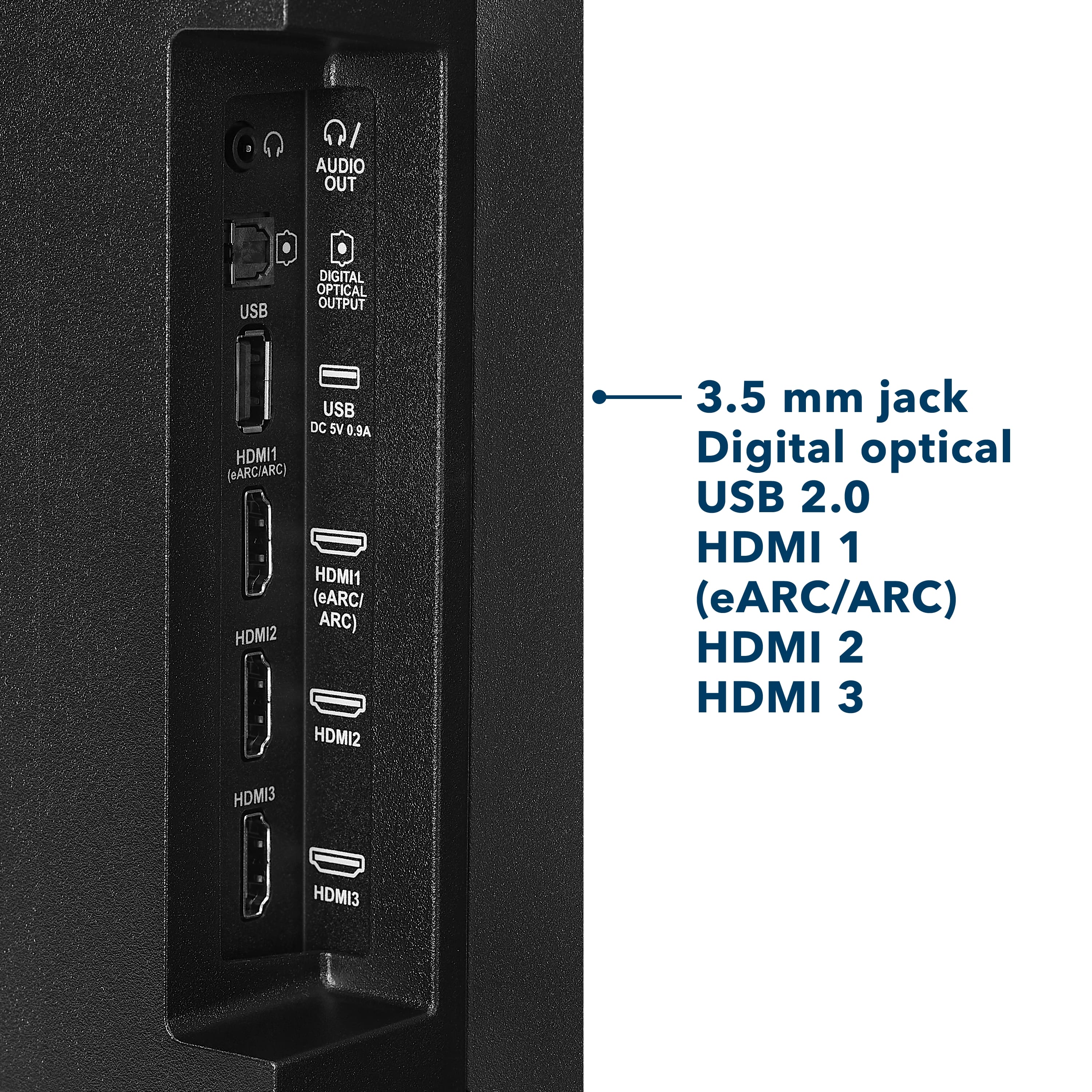
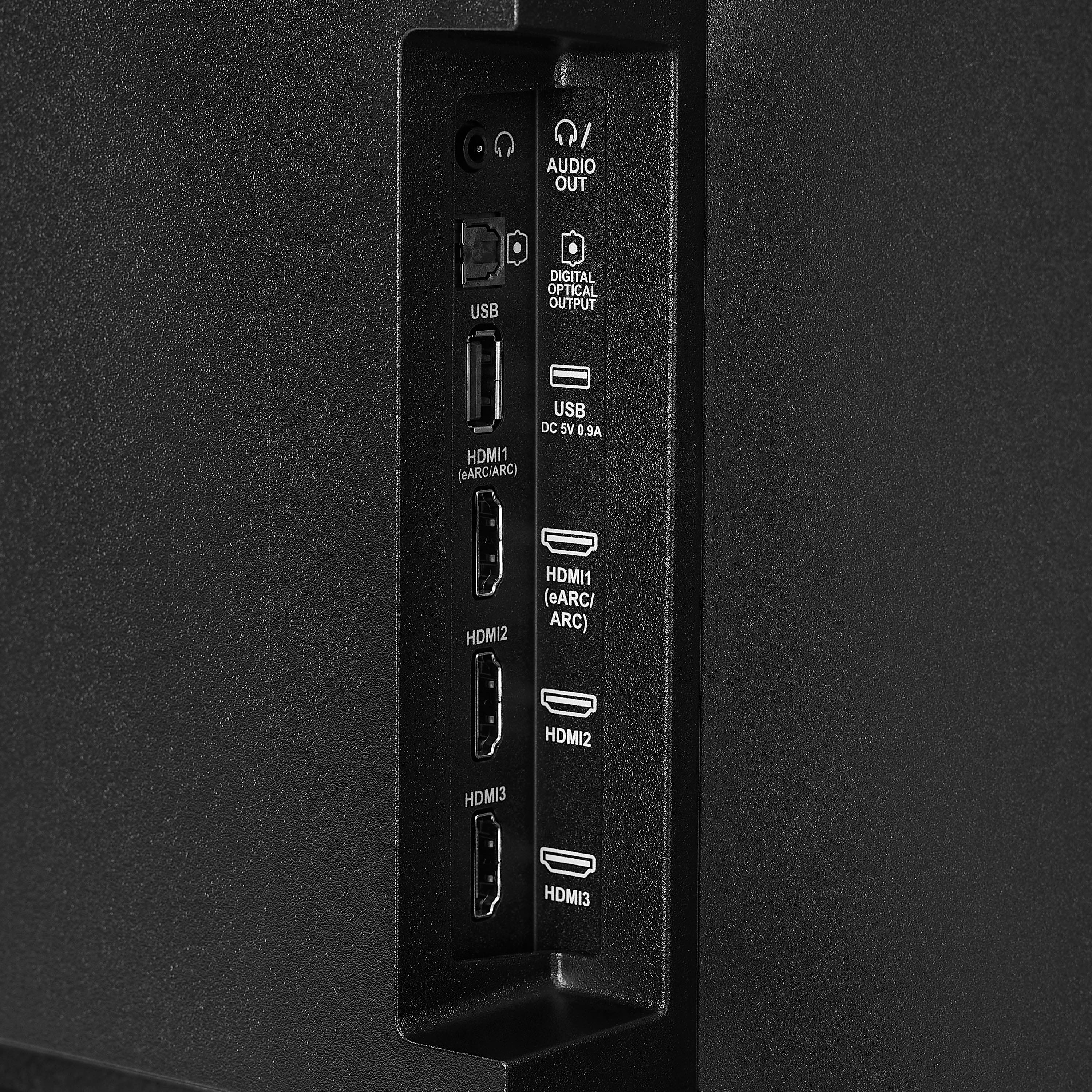
    • Answer Hello Jack, thank you for your question. Yes, you can connect a Blu‑ray player to the Insignia 55" Class F50 Series 4K UHD Smart Fire TV. The TV includes multiple HDMI ports, and a Blu‑ray player connects using a standard HDMI cable. Just plug the player into any HDMI input, turn both devices on, and select the matching HDMI source from the TV’s input menu. Sudeep | Insignia

      Answered by InsigniaCustomerSupport

  • QuestionDoes this TV support spectrum app

    Asked by Steve.

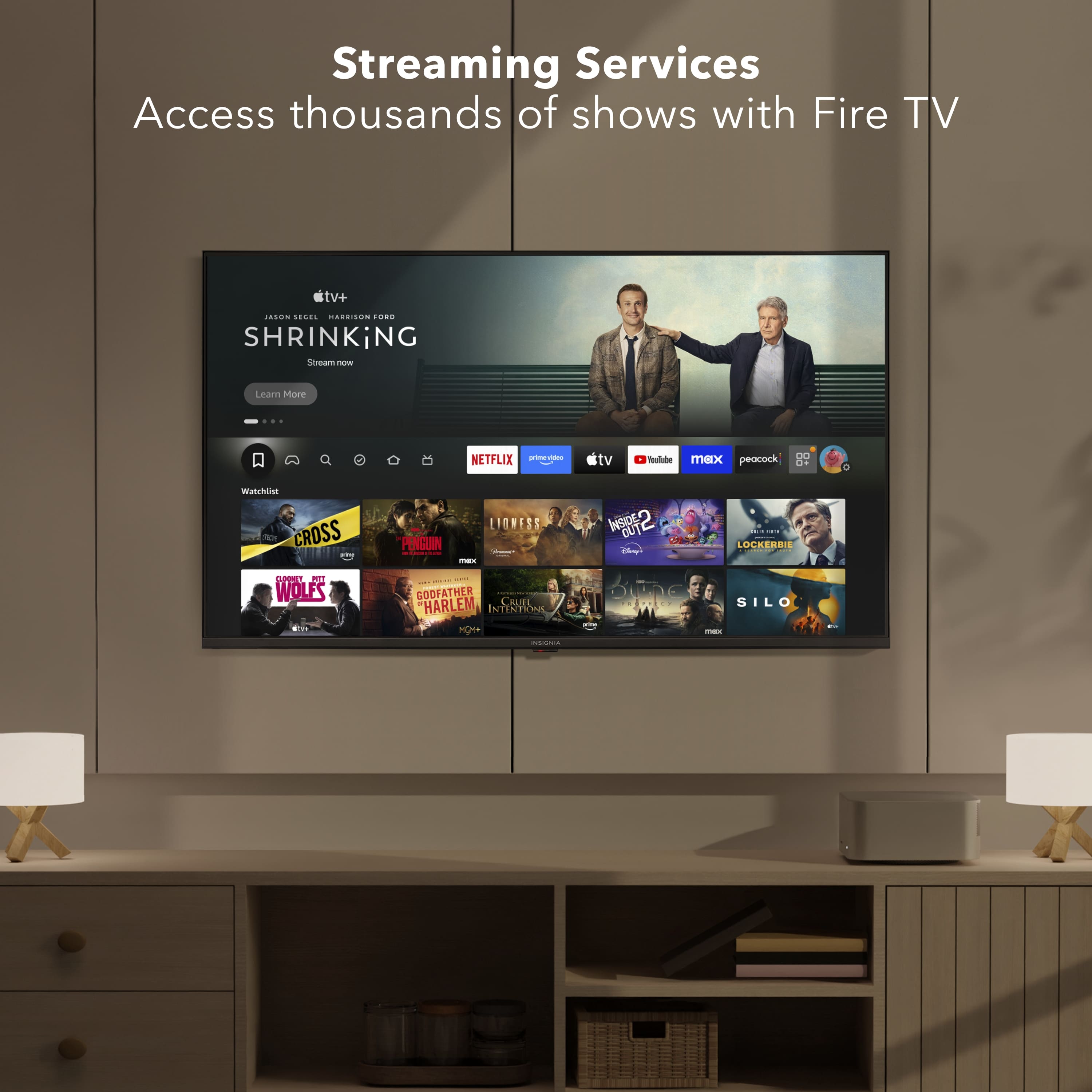
    • Answer Hello Steve! Thank you for your question. You can download the Spectrum TV app directly from the Amazon App store on the Insignia 55" F50 Series 4K UHD Smart Fire TV, since it runs the Fire TV platform and supports apps available through Amazon’s store. Darshan | Insignia

      Answered by InsigniaCustomerSupport

  • QuestionHow do I connect to bluetooth headphones?

    Asked by Fred.

    • Answer Hi Fred, thanks for your question. To connect Bluetooth headphones to your Insignia 55" Class F50 Series Fire TV, turn on your headphones and put them in pairing mode, then press Home on the TV remote and go to Settings > Controllers & Bluetooth Devices > Other Bluetooth Devices > Add Bluetooth Devices. Select your headphones from the list once they appear, and the TV audio will automatically switch to them. Mueez | Insignia

      Answered by InsigniaCustomerSupport

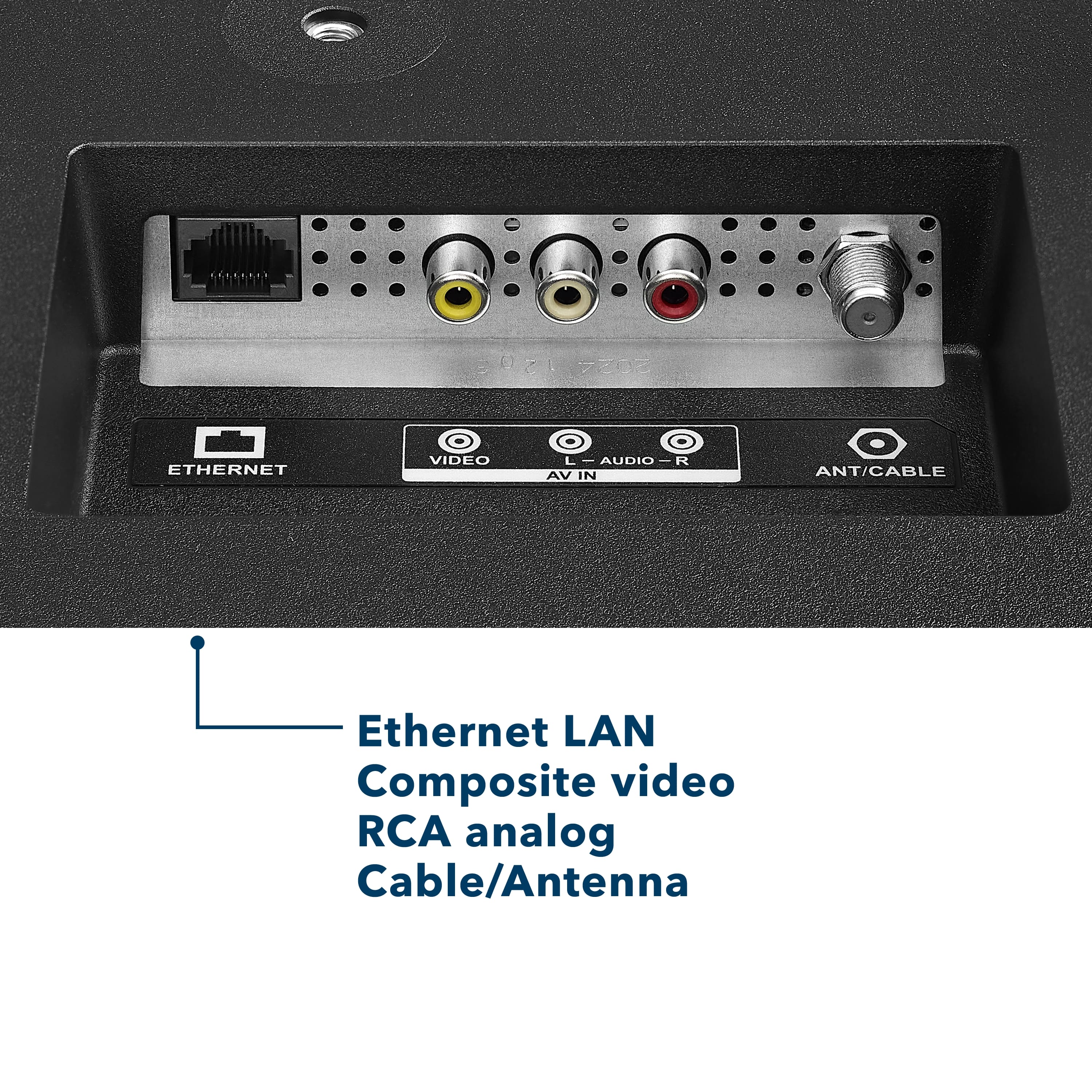
  • QuestionWould I be able to plug in an old Super Nintendo to this TV? If not, what adapter would I need? Thanks!

    Asked by Thinker.

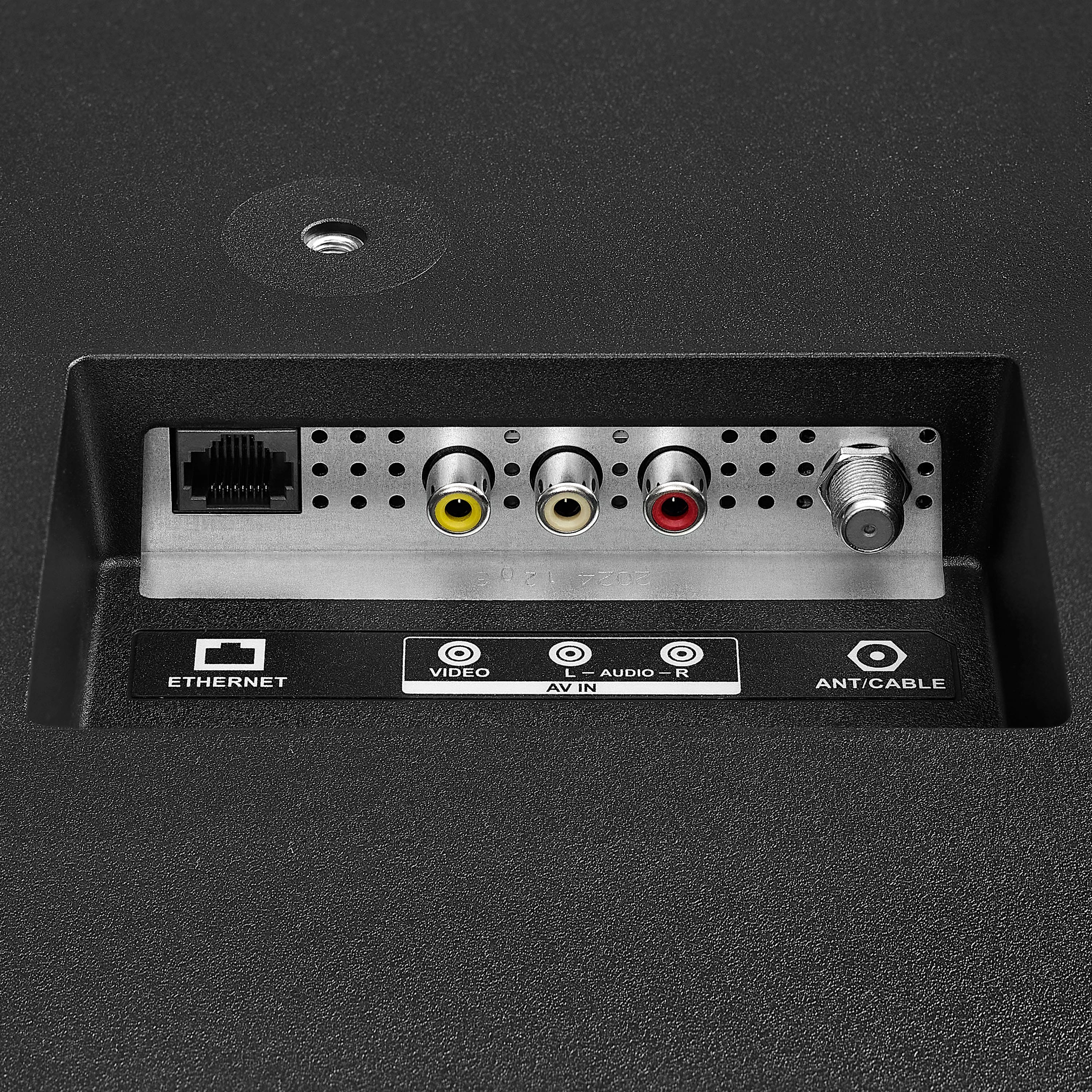
    • Answer Yes has a coaxial connection

      Answered by GilbertO

  • Questiontrae conexión bluetooth

    Asked by stevens.

    • Answer Simon, connecta a tu speaker o lo que sea

      Answered by Ramo

  • QuestionWhat do I need to connect this tv?

    Asked by Joelynda.

    • Answer Hi Joelynda! Thank you for the question. To set up your TV, please feel free to contact our Insignia support team at 877‑467‑4289 or email us at insigniasupport@bestbuy.com. We’ll be happy to help you get everything up and running. Vennila | Insignia

      Answered by InsigniaCustomerSupport

  • QuestionCan you remote play a gaming system to it?

    Asked by ChristopherM.

    • Answer yes i’m a gamer girl and was just playing the game!!

      Answered by DiorrN

  • Questioncan you use a roku stick with this tv?

    Asked by Denny.

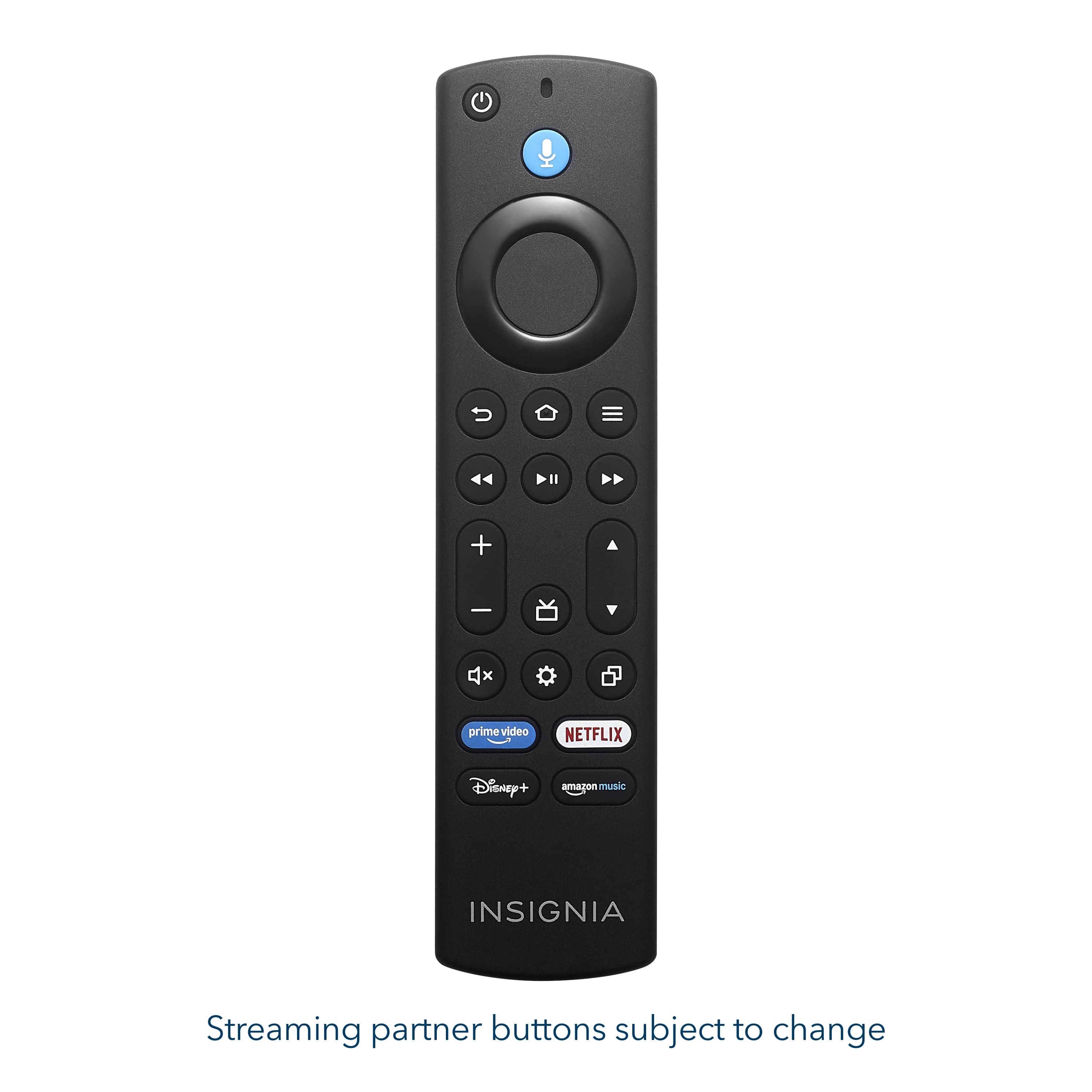
    • Answer You don't need to, Amazon fire is built in. You can add it, though if you wanted.

      Answered by DiannN

  • QuestionCan I use a dvd vcr with this tv

    Asked by Anonymous.

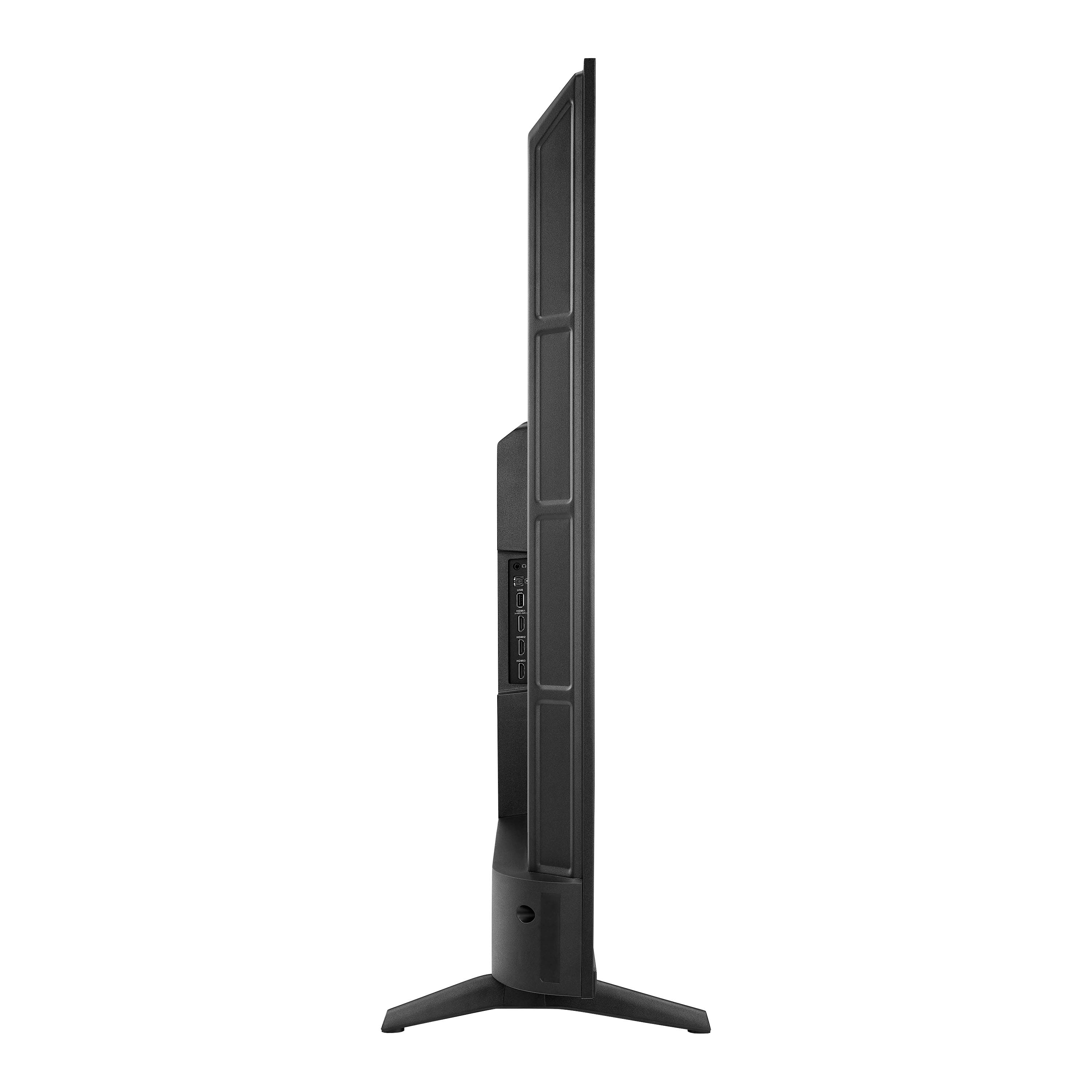
    • Answer Hello! Thank you for your question. Yes, you can use a DVD/VCR with the Insignia - 55" Class F50 Series LED 4K UHD Smart Fire TV, because this model does have RCA composite ports (yellow for video, red/white for audio). Just plug the yellow/red/white cables from your DVD/VCR directly into the matching ports on the back of the TV and you’re good to go. Darshan | Insignia

      Answered by InsigniaCustomerSupport

  • QuestionWhat's size bolt are on the back of the tV for mounting

    Asked by Anonymous.

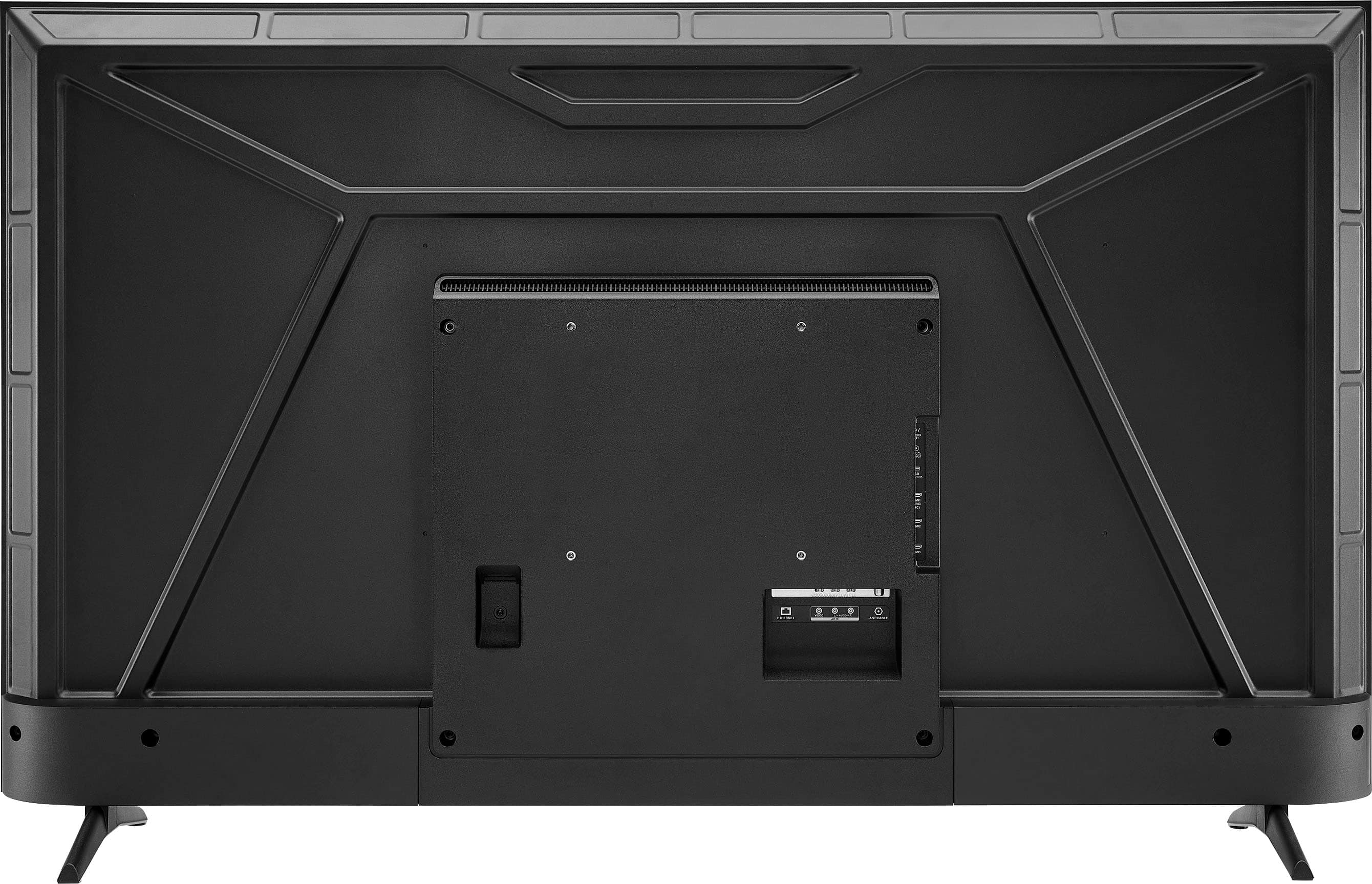
    • Answer Hello! Thank you for your question. For the Insignia 55" Class F50 Series the mounting holes on the back of the TV use M6 bolts, and the typical length needed is 10–12 mm, depending on the thickness of your wall‑mount brackets. Darshan | Insignia

      Answered by InsigniaCustomerSupport

  • QuestionI have Pyle 2-Way outdoors speakers that use regular speaker wire. Is there a way to connect these speakers to this TV? Thank you.

    Asked by Mime.

    • Answer No, there isn't.

      Answered by SunshineG