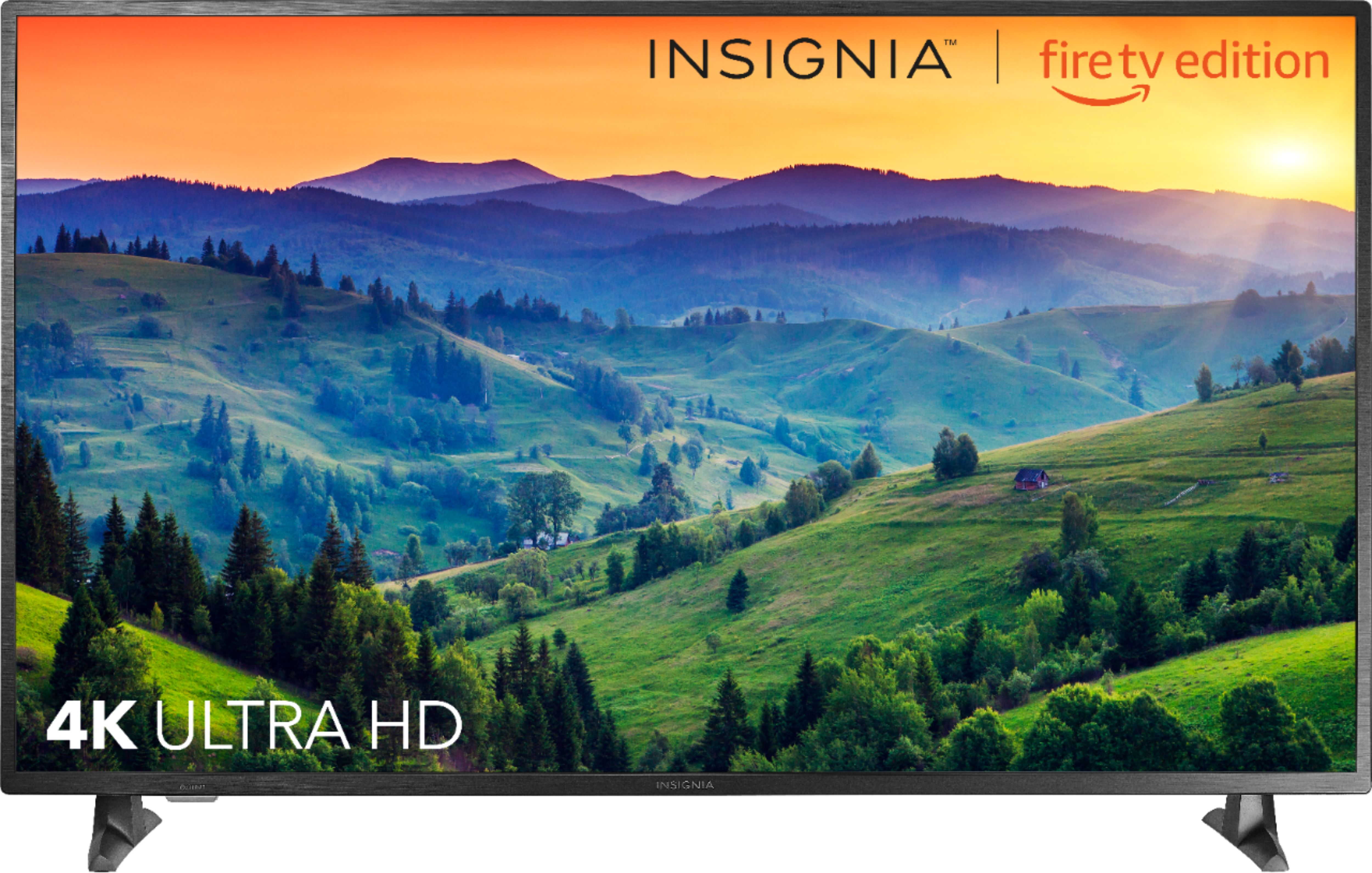
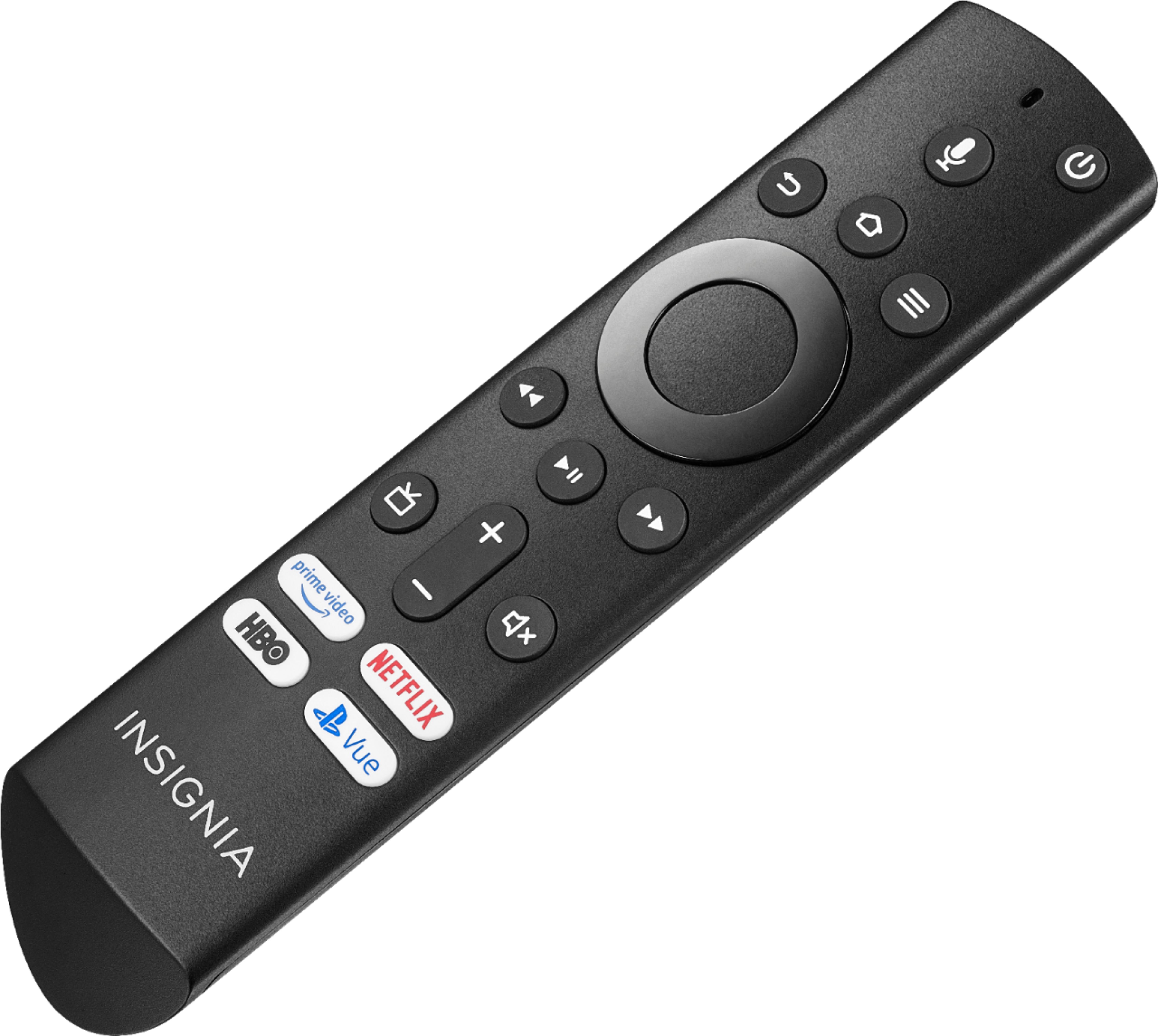
A:AnswerThe included remote works using Bluetooth technology.
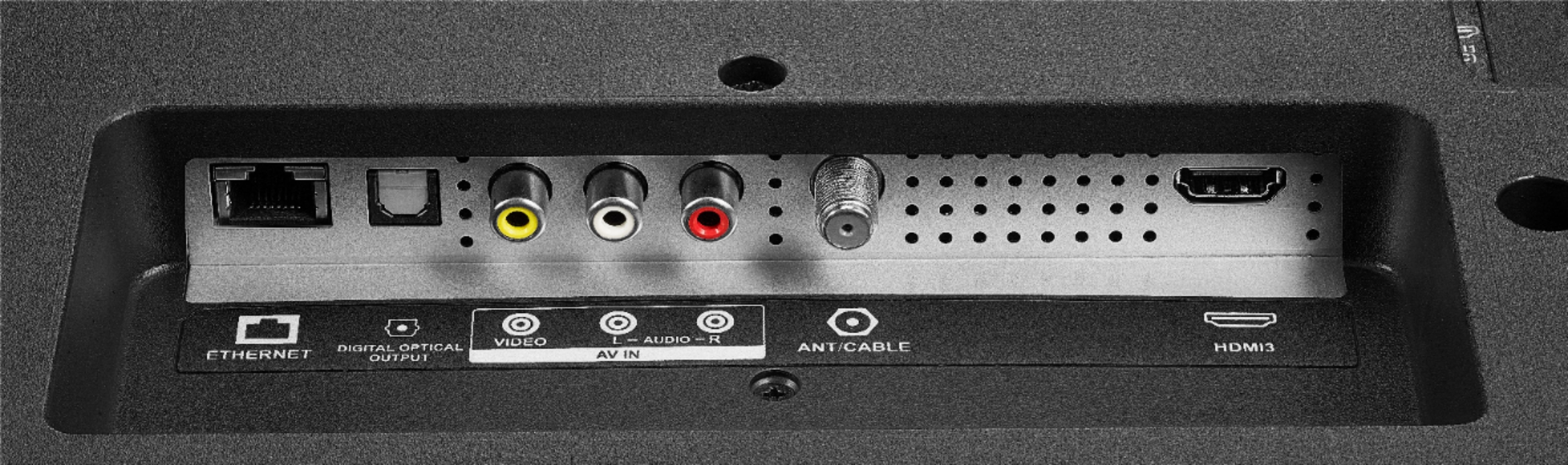
Connect you headphones to the TV using the 3.5 mm Audio Output.
David M. - Insignia Support
A:AnswerHi Suz,
Regardless of whether or not you have an Insignia TV, brand new TVs and products in general will always require a setup. If you need assistance, please contact our team so we can assist you with the setup process.
- Janína G. | Insignia Support | https://www.insigniaproducts.com/contact-us
A:AnswerHi Gordon!
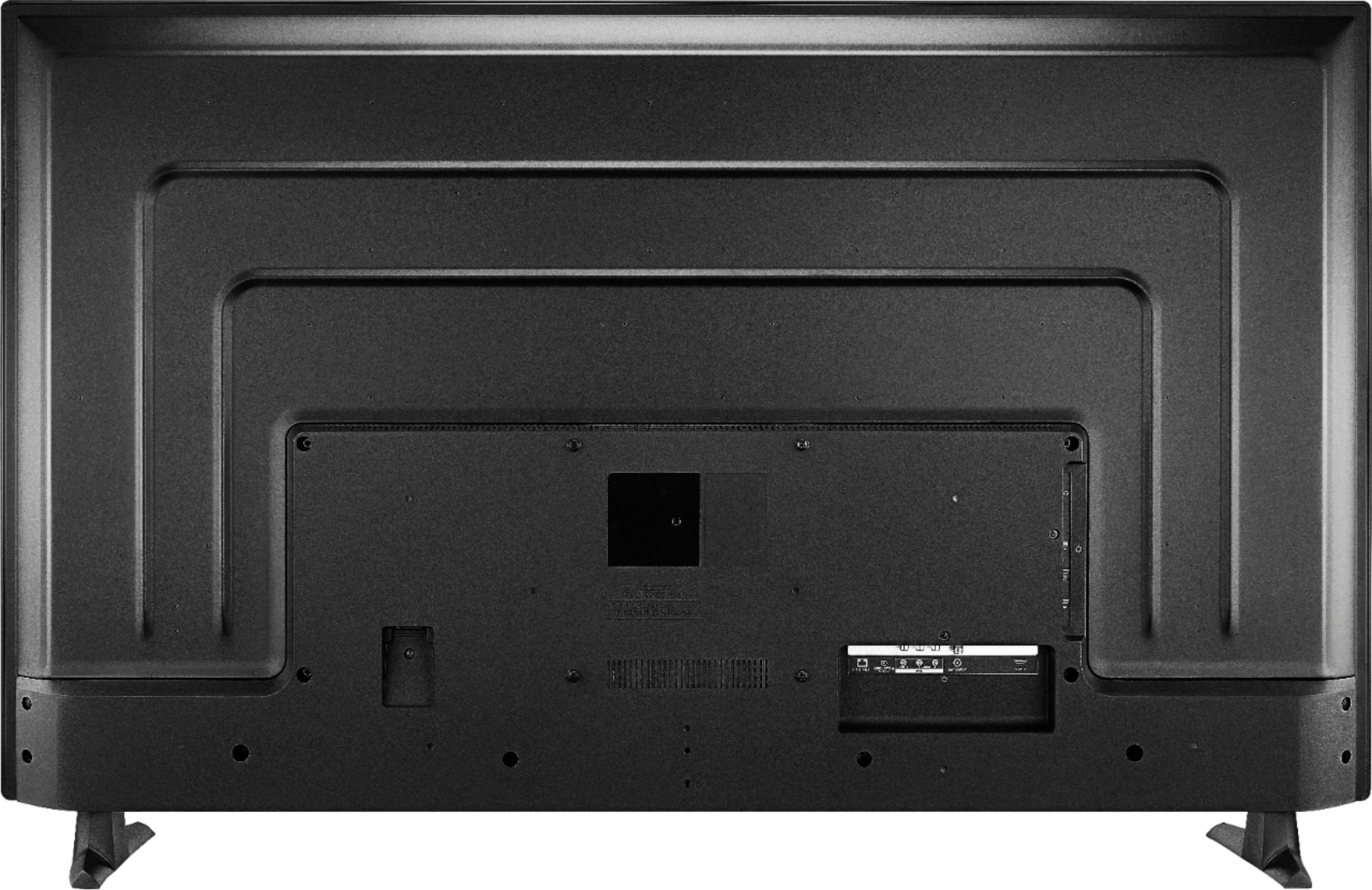
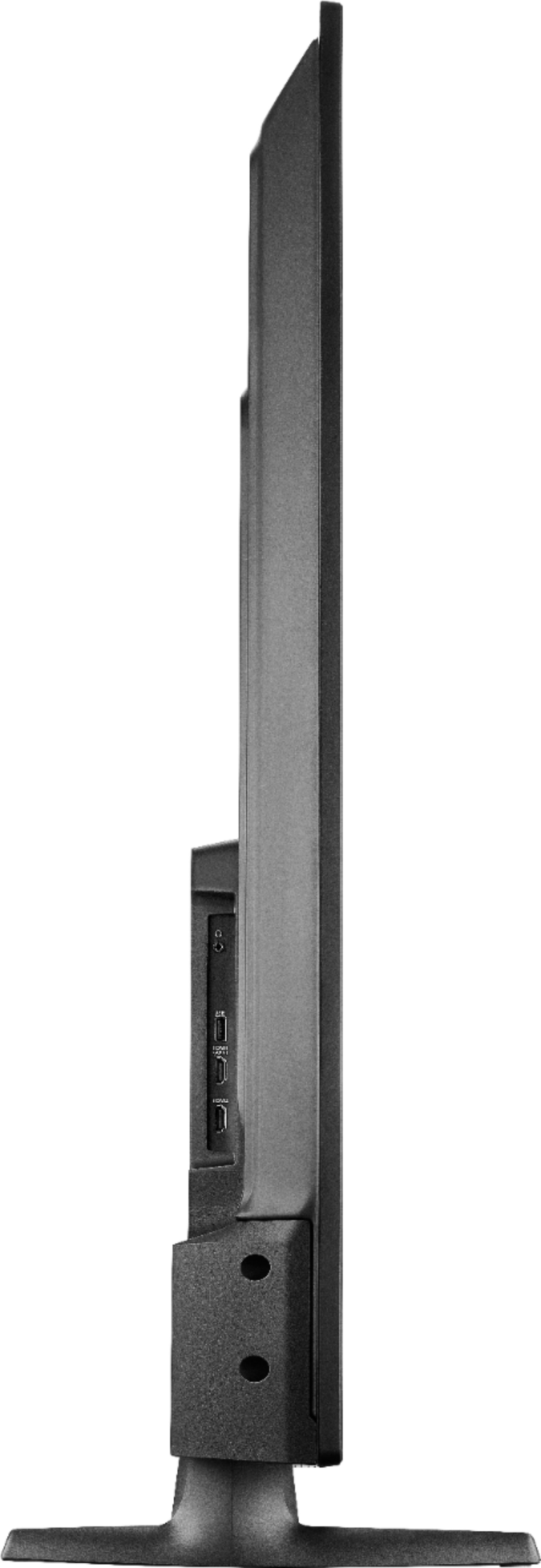
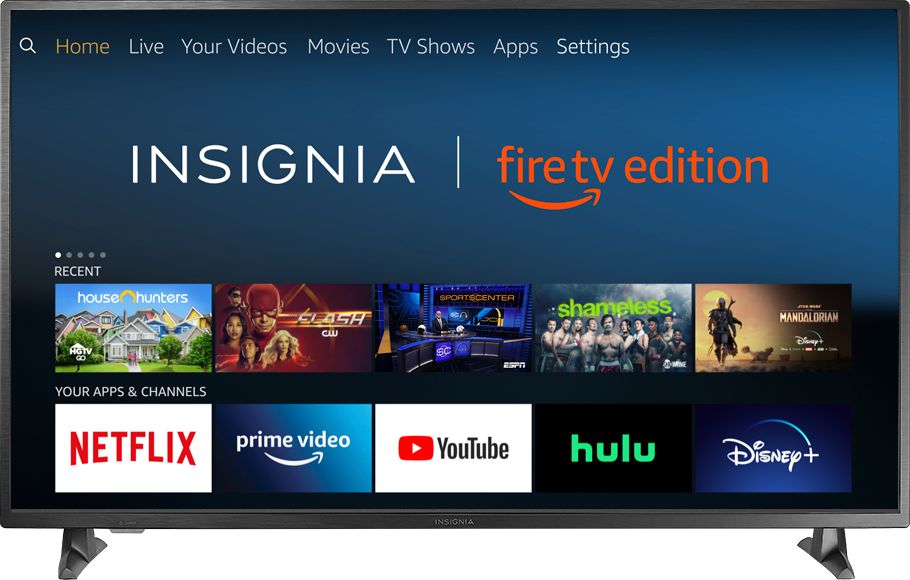
The HDMI3 port can be found on the back of the TV. Please consult the Quick Setup Guide that came included. Otherwise, feel free to get in contact with our team for further assistance.
- Janína G. | Insignia Support | https://www.insigniaproducts.com/contact-us
A:AnswerHi There,
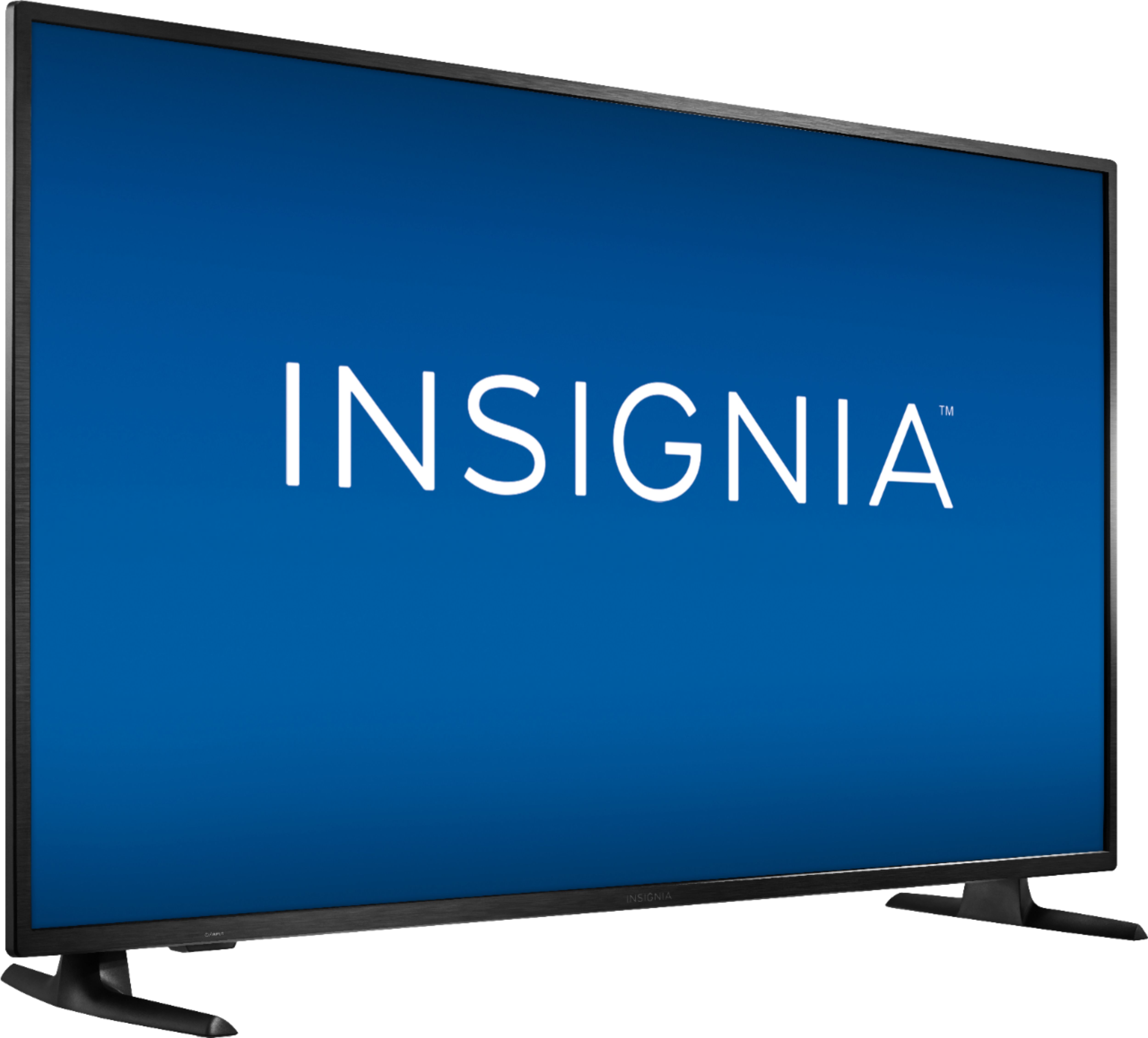
We regret to read that the remote is no working as it should. Surely this can be difficult to face. However, this sounds like something that can be resolved with a bit of troubleshooting. Please contact our team so we can work together to get this resolved.
- Janína G. | Insignia Support | https://www.insigniaproducts.com/contact-us
A:AnswerIf the app is available from the cable provider it should work.
Also you can connect a cable box at anytime using an HDMI cable.
David M. - Insignia Support
A:AnswerAn antenna is required if you want to watch free over-the-air broadcasts from your local channels.
HDMI cables are required if you want to connect multimedia devices (Blu-ray player, Gaming Consoles, Mobile devices, Cable / Satellite box).
David M. - Insignia Support