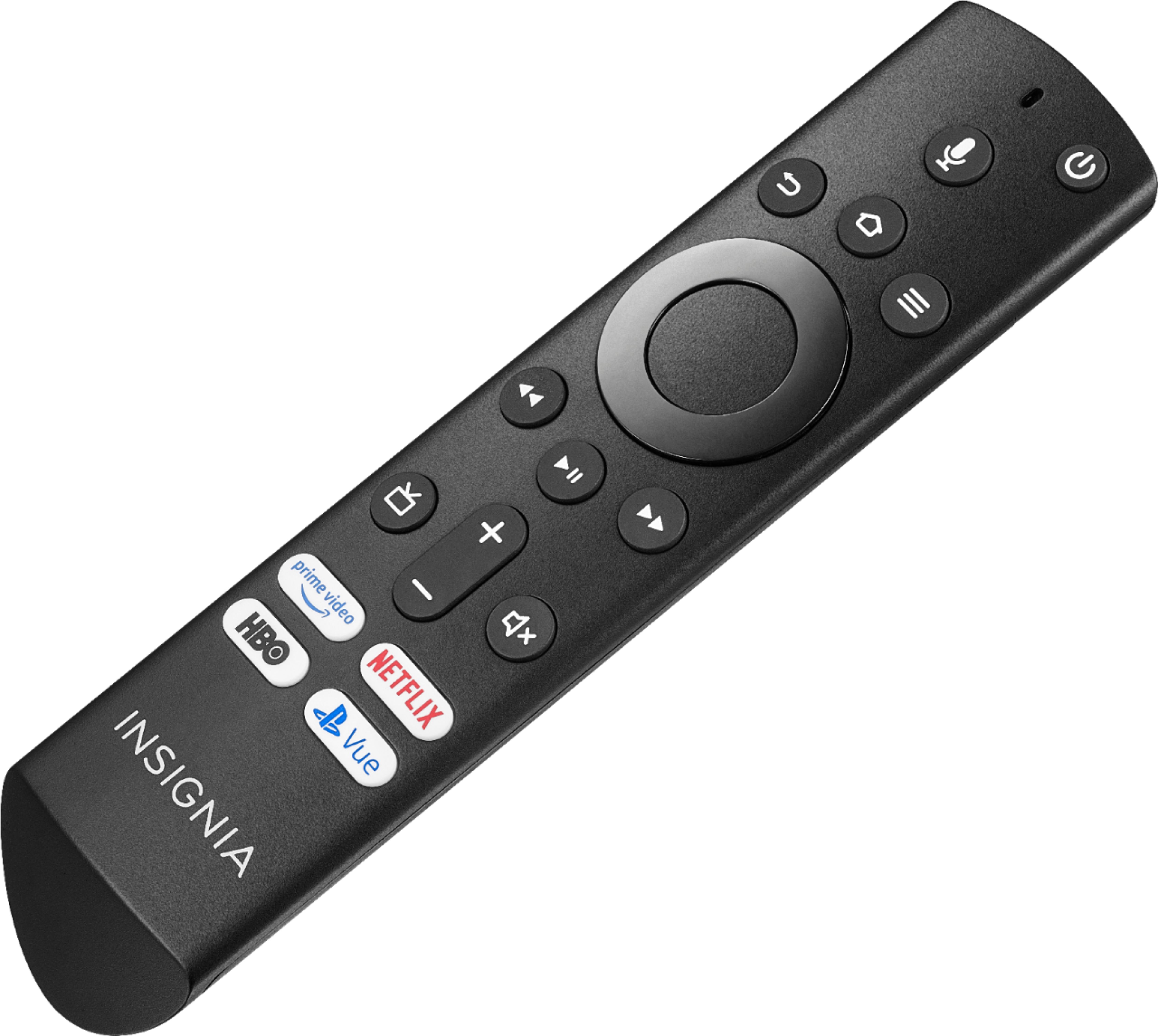
A:AnswerI have the same issue that happened today (9/25) it’s a hardware issue that after some research I found is common with that brand. If you don’t have a warranty, your options are either get it repaired or buy a new TV. Insignia was unable to help me.
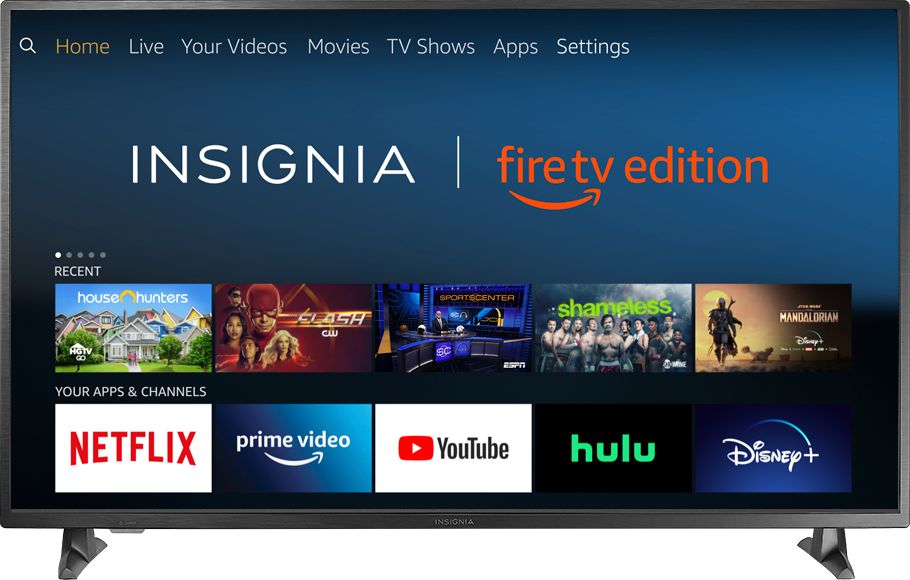
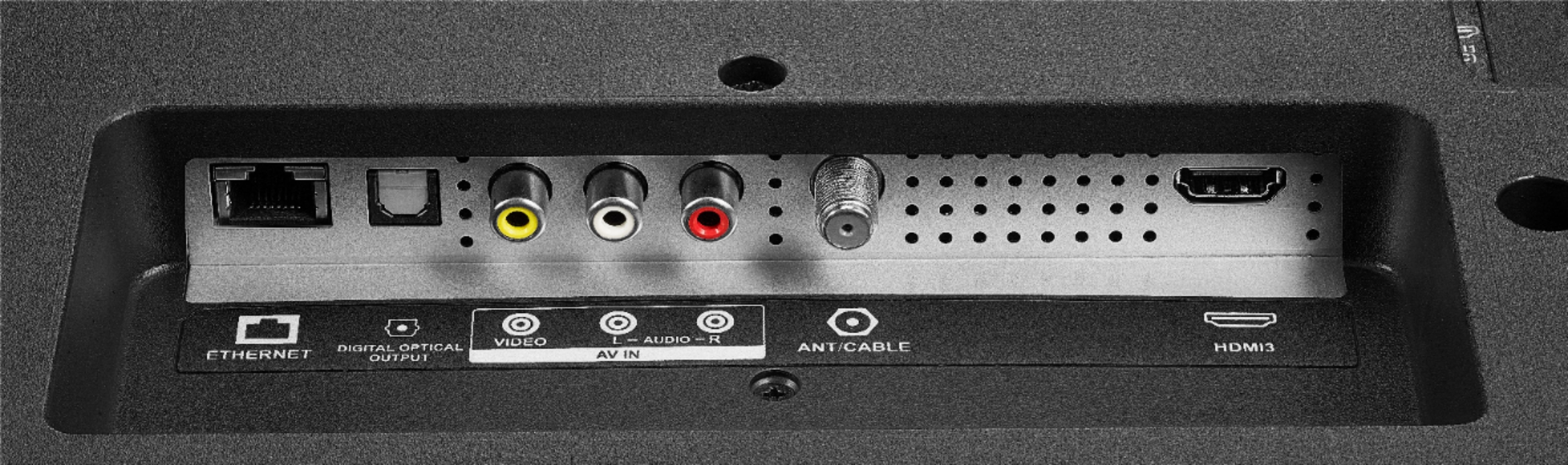
A:AnswerYes you can put kodi right on the tv and it works fine. Also if you still want to use the Fire TV just plug it into the HDMI port and it works just like on any other tv.
A:AnswerIt started working again.
Left it on and when I came back, the screensaver was on.
The TV "boots" back to this black screen over and over in a loop, and must have reset or loaded new firmware.
A:AnswerI just added YouTube TV to my Insignia FireTV.
Its not easy because of the animosity between Google and Amazon.
Just go to ordinary YouTube videos and search for:
"NEW Install YOUTUBE LIVE TV app Finally On Amazon Firestick | June Update"
A:AnswerIn Settings->Bluetooth devices you can pair "Game Controllers" and "Other Bluetooth Devices". I managed to connect bluetooth headphones and a keyboard, haven't tried a game controller yet.
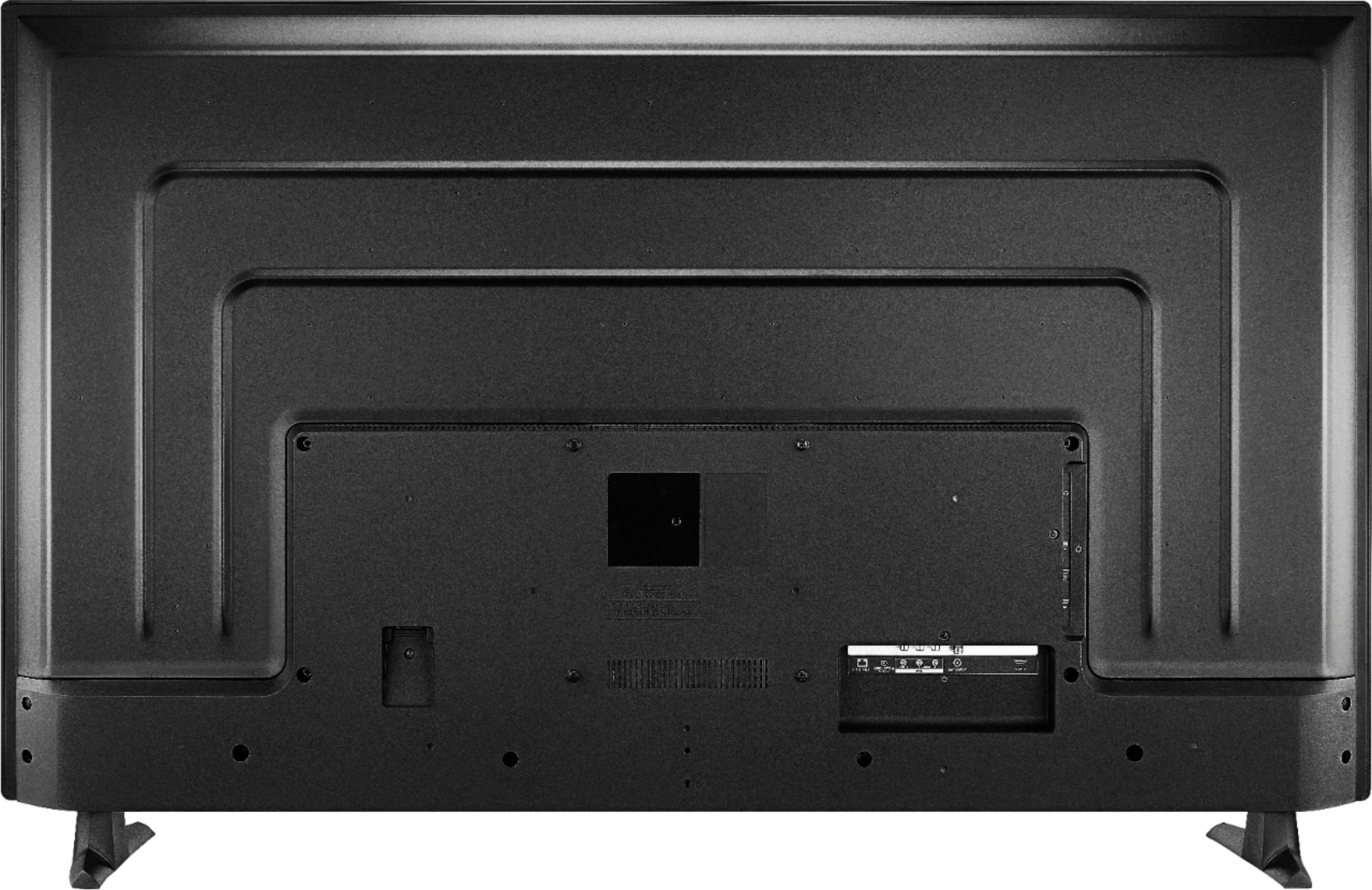
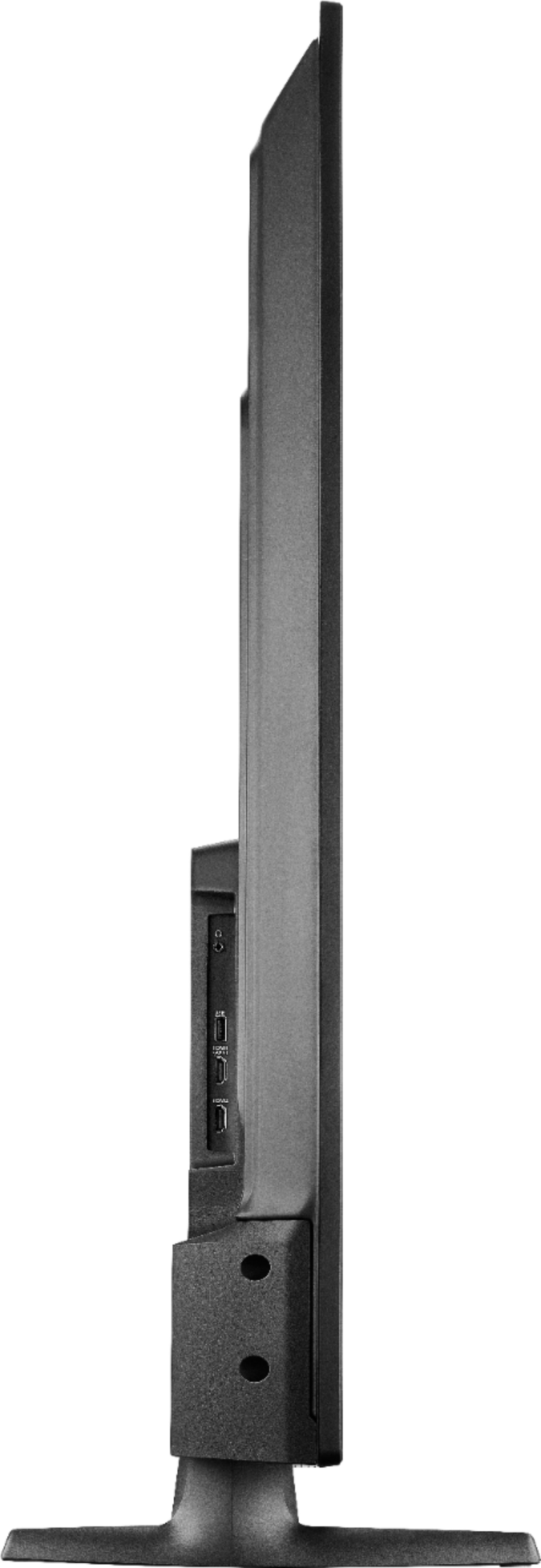
A:AnswerYes, this TV can be wall mounted.
For more information, please check the Quick Setup Guide available on www.insigniaproducts.com
David M. - Insignia Support
A:AnswerHi,
Press and hold for 3 seconds the Home button to launch the Quick Access Menu and select Picture to adjust the picture settings.
Alan O. - Insignia Support