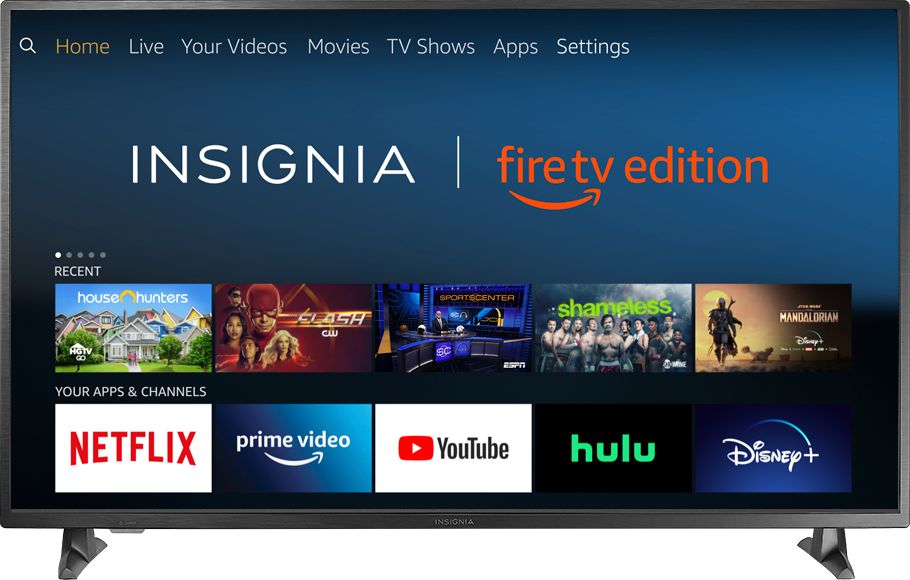
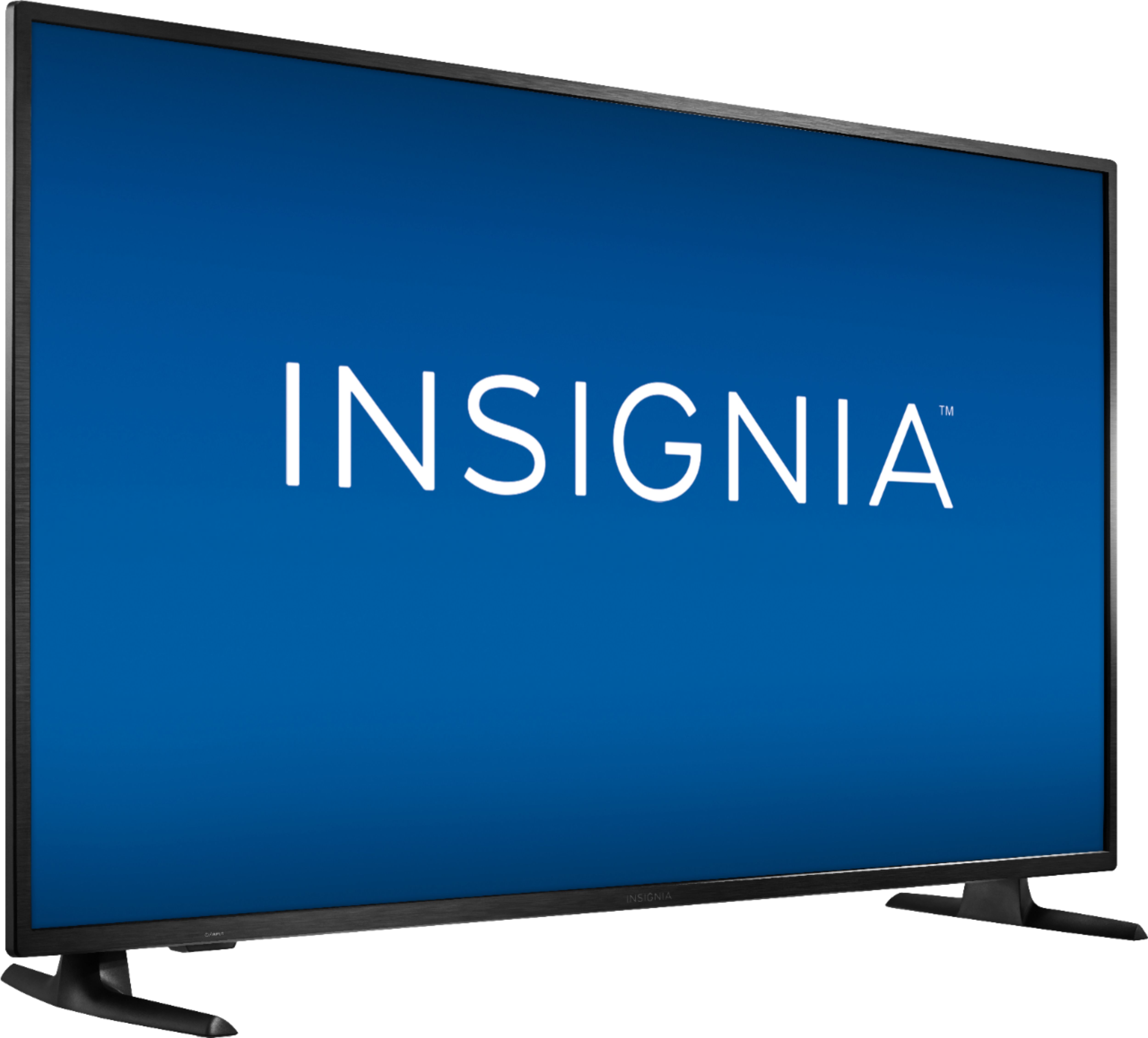
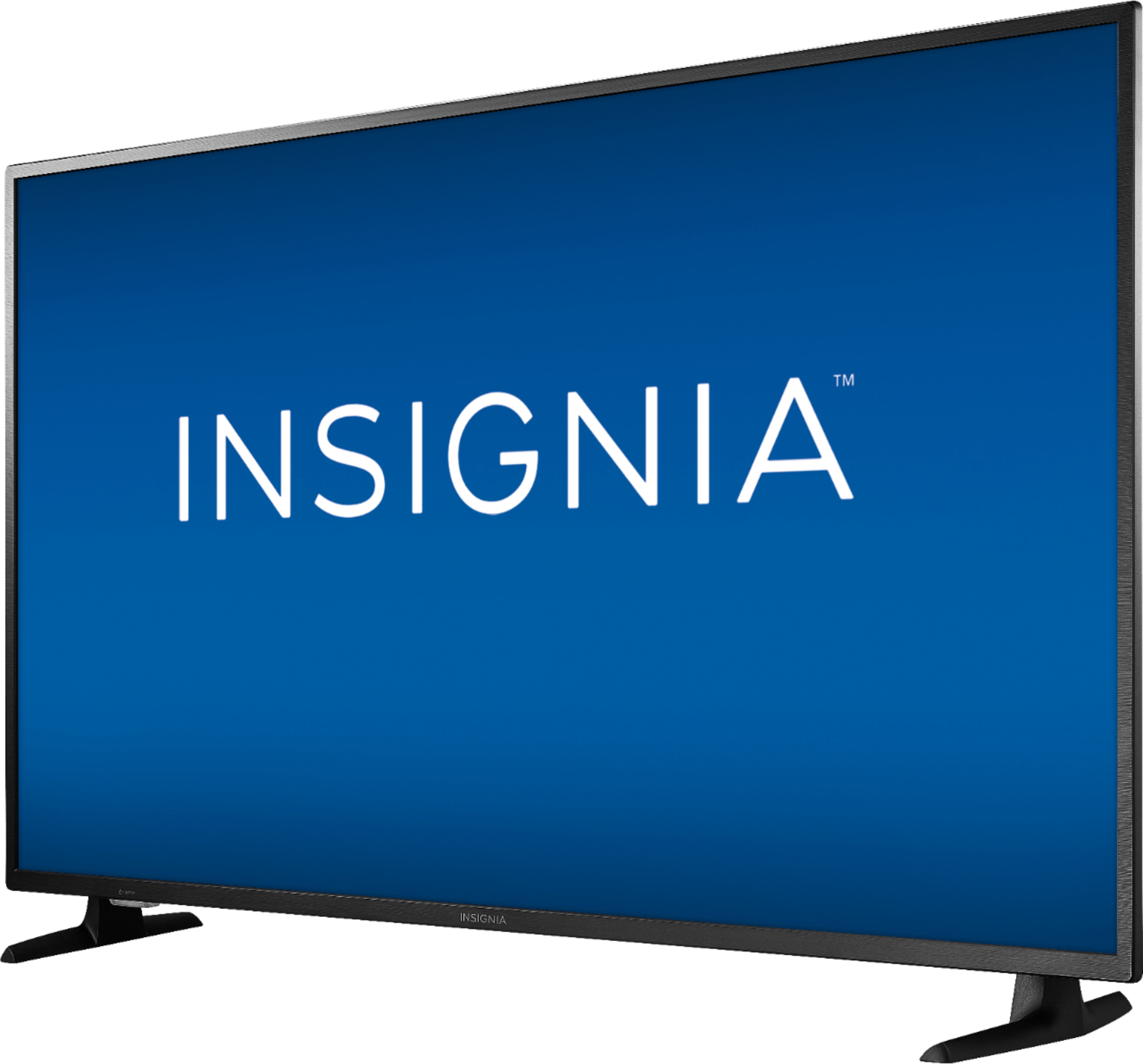
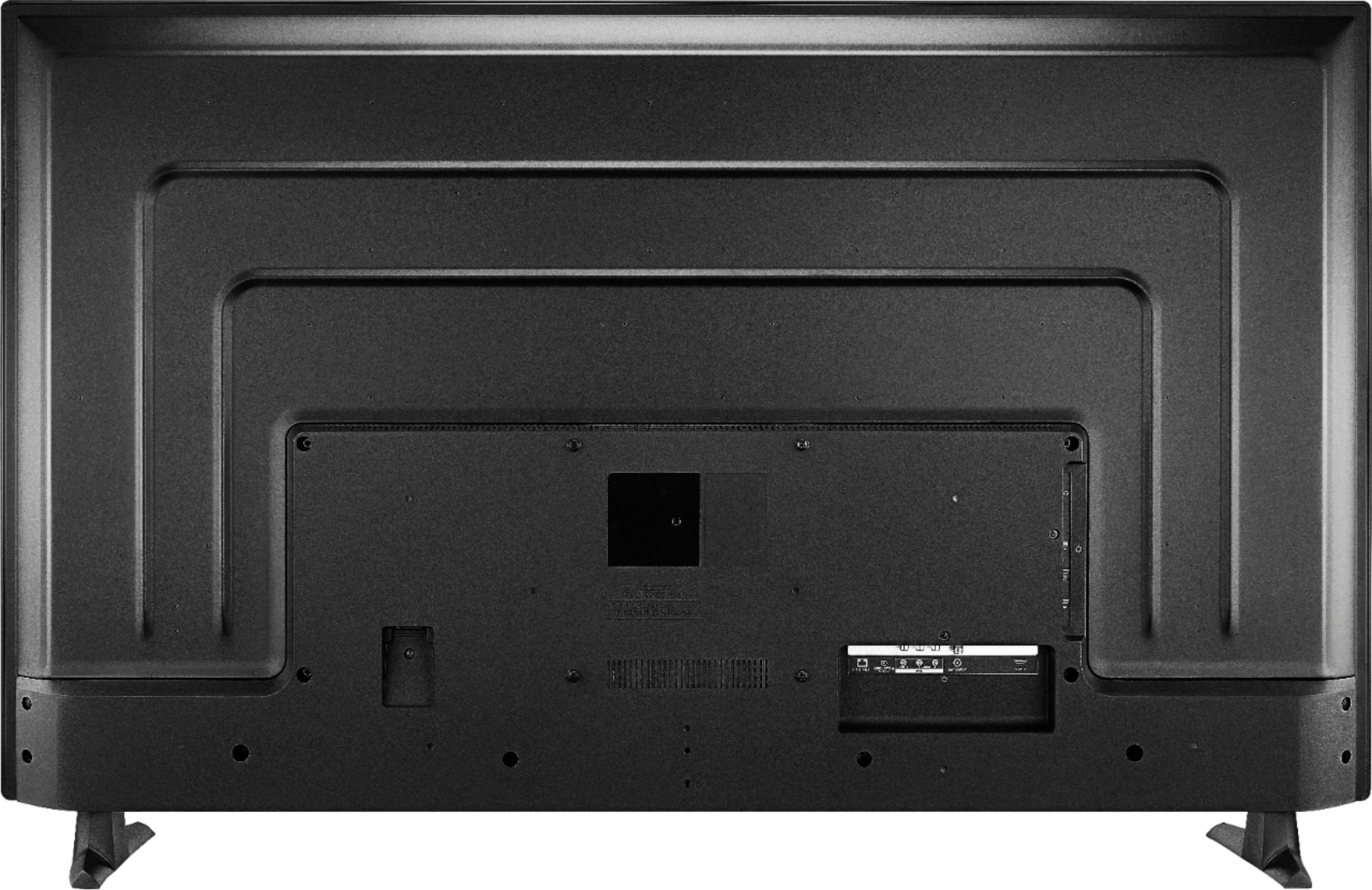
A:AnswerThe Fire TV Edition television does not have Chromecast built-in.
You can connect your Chromecast device to the TV using HDMI.
David M. - Insignia Support
A:AnswerAnnoyingly, Insignia’s own site marks this as a 3D TV:
https://www.insigniaproducts.com/pdp/NS-55DF710NA19/6245800 (see Specifications tab)
I’m guessing that data was transplanted onto the Best Buy website. Unfortunately the only way to get a 3D TV these days is to buy a 2016 or earlier model. And you can’t find them out there new at all, and used ones only at a very inflated price. :(
A:AnswerYes you can. My brother has this TV & I have the TCL
Roku 4K TV with HDR. I Honestly like the TCL better the picture quality looks more bright & sharp compared to the Samsung.
A:AnswerThe Fire TV Edition television should not be exposed to excessive moisture, fog, steam, humidity, dripping nor splashing. This TV is not waterproof nor splash resistant.
David M. - Insignia Support
A:AnswerTo pair a Bluetooth device, go Home > Settings > Controllers & Bluetooth Devices.
For more information, please visit:
https://www.amazon.com/gp/help/customer/display.html?nodeId=GSBSBL44Y4QM59FV
David M. - Insignia Support
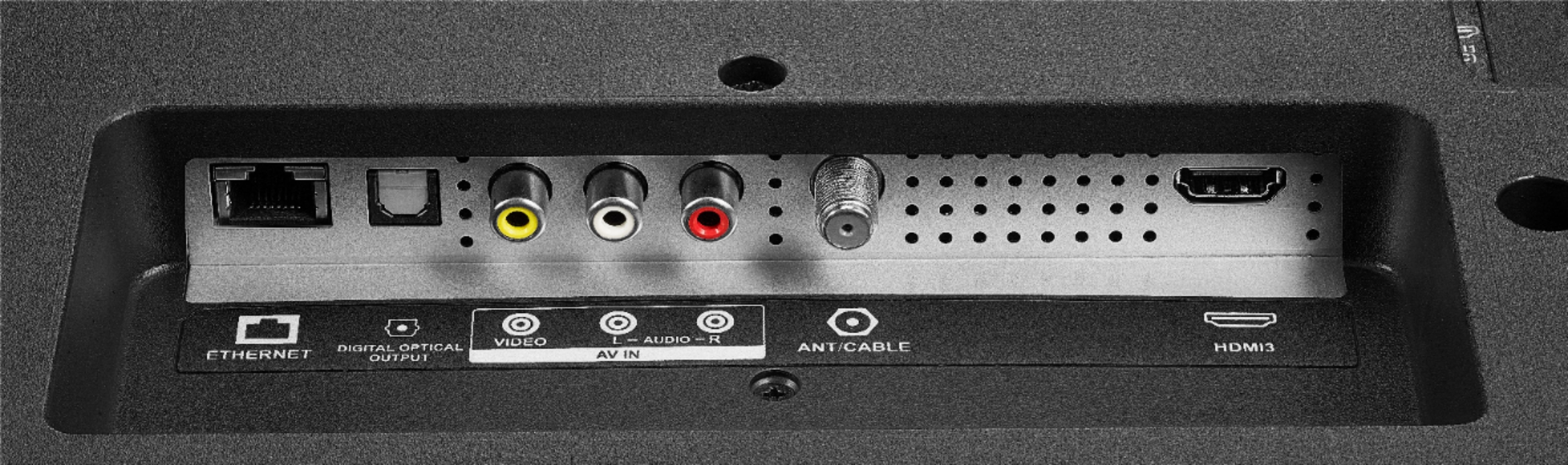
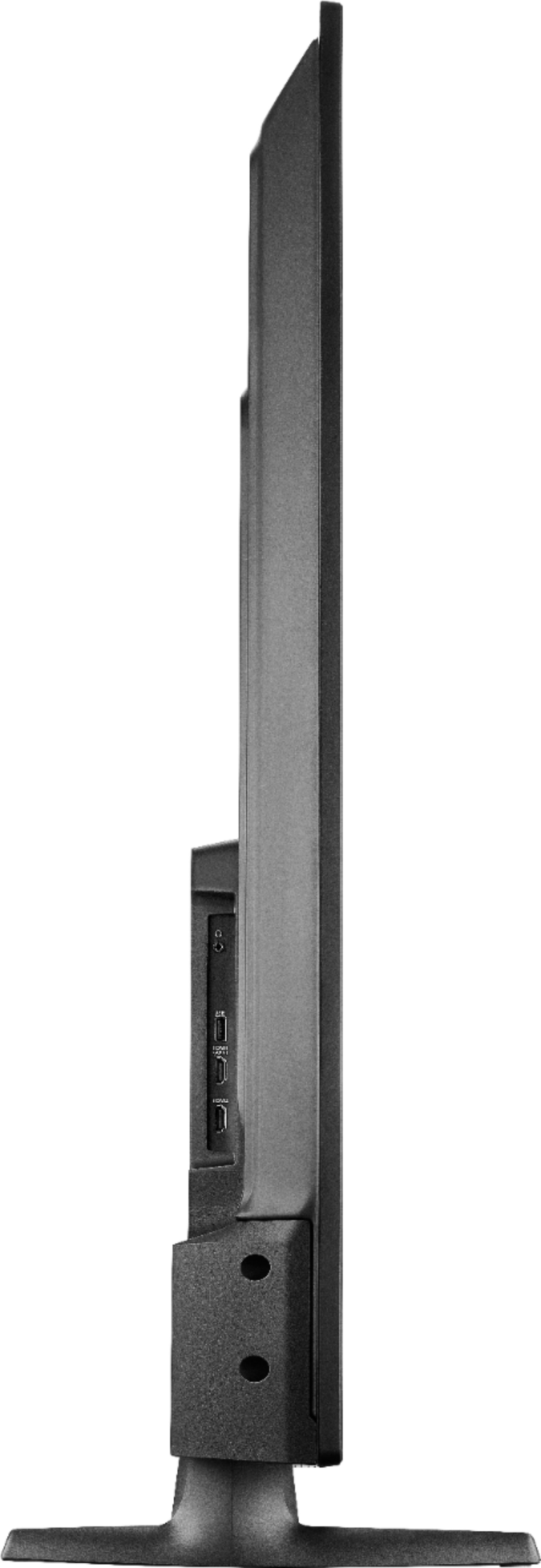
A:AnswerYou can connect your multimedia devices (Streaming devices, Blu-ray / DVD player, Gaming Consoles, Computer) to the TV using HDMI.
Also you can connect an Antenna to watch free over-the-air broadcasts from your local channels.
You can link an Echo device for hands-free control.
David M. - Insignia Support
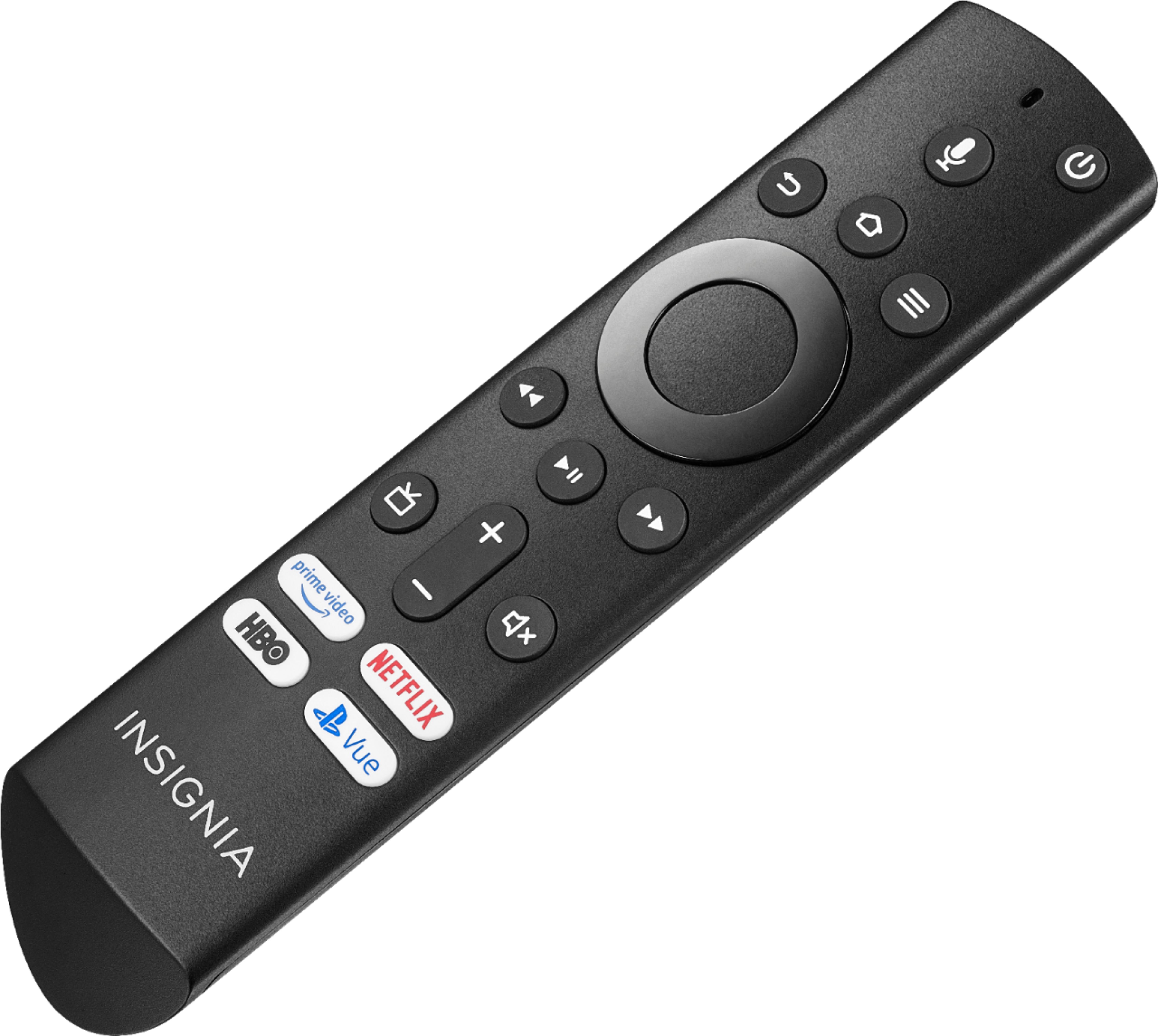
A:AnswerUse the included remote to control your TV. This remote does not control other devices.
Use the speakers remote to control them.
To pair a Bluetooth device, go Home > Settings > Controllers & Bluetooth Devices.
For more information, please visit:
https://www.amazon.com/gp/help/customer/display.html?nodeId=GSBSBL44Y4QM59FV
For external audio devices it is recommended to use one of the following Audio Outputs:
3.5 mm (Headphone Jack) and Digital Optical Output.
David M. - Insignia Support
A:AnswerTo pair a Bluetooth device, go Home > Settings > Controllers & Bluetooth Devices.
For more information, please visit:
https://www.amazon.com/gp/help/customer/display.html?nodeId=GSBSBL44Y4QM59FV
David M. - Insignia Support