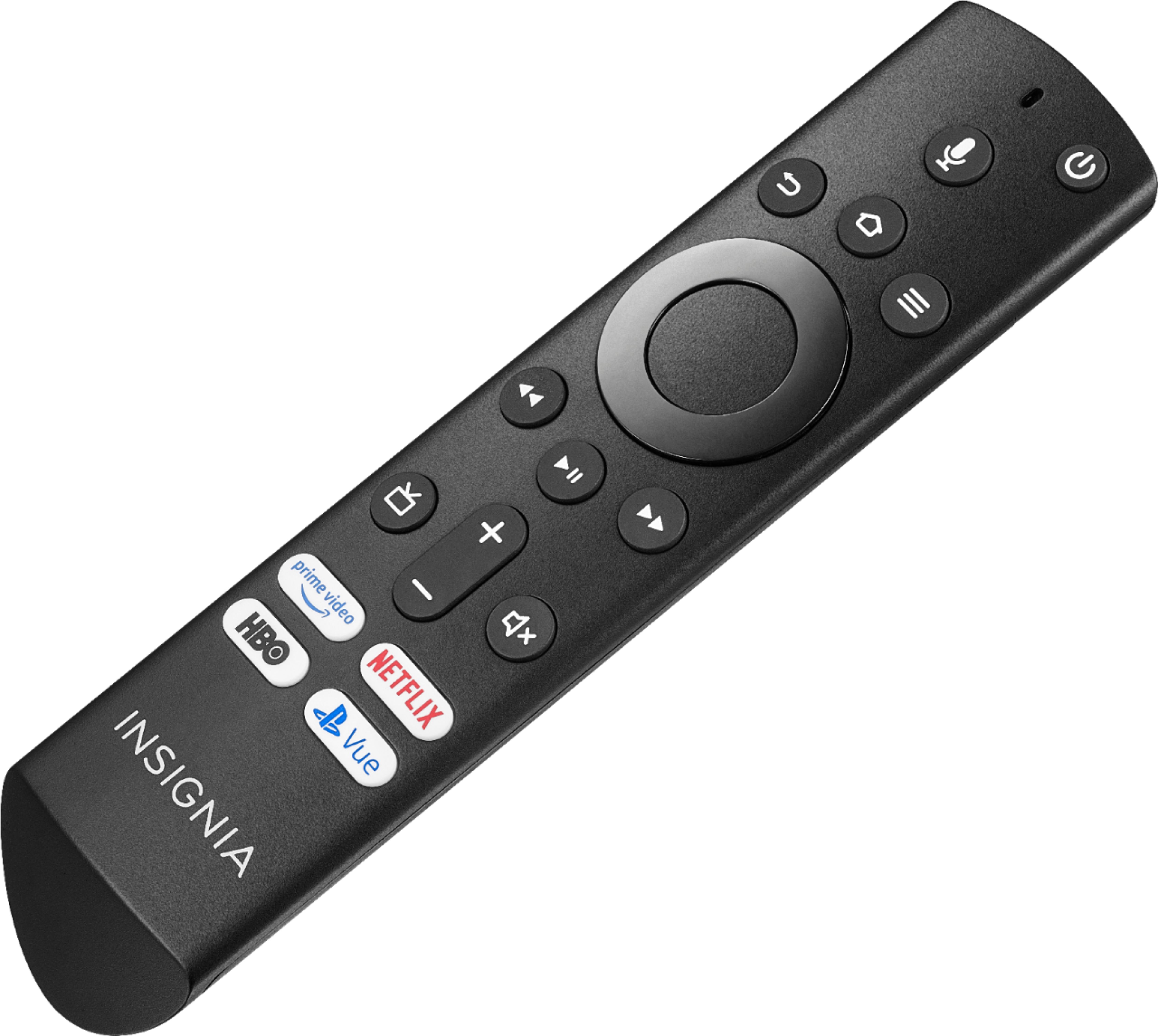
A:AnswerTo Factory Reset the Remote, press and hold at the same time the DPAD-left, Back (↩) and Menu (≡) buttons for at least 10 seconds. To pair the remote press and hold the Home button. For product support please visit https://www.insigniaproducts.com/email-us
A:AnswerI’ve had the same problem there’s nothing you cando. you just bought junk TV as I did if you try to get it fixed it cost more than the price you paid for the TV. I don’t know blast it on social media that insignia TV from Best Buy is junk.
I feel your pain. Unacceptable!
A:AnswerBuy a bigger TV. This one's LED backlights will more than likely fail after 18+ months of use. Reading many of the comment made by those who bought one in 2019, this seems the norm. You can continue to use the speakers, yet you'll evidentially lose the screen completely. Look for refurbished Insignias. More than likely their LED light strips have been replaced, so now you have a working TV.
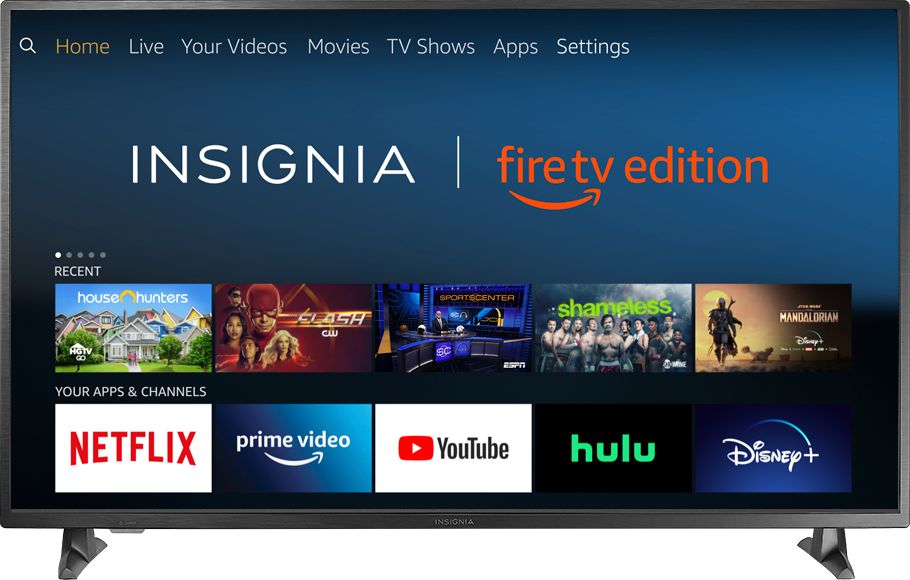
A:AnswerTry playing the tv with the remote. My screen just randomly quit working, TV works and I can hear everything but screen doesn’t. Had the tv less than two years
A:AnswerFor the 1 year 2 months this TV survived the "Game" setting on the TV provided the best quality/refresh rate on the TV. HOWEVER, if you have not purchased their extended warranty plan, I would highly recommend returning this TV as after 1 year 2 months of purchase neither the Manufacturer nor Best buy will pay for any repairs and you will be stuck with a TV that cannot be fixed and last you less than a year if you're lucky.
A:AnswerMine did the exact same thing completely black screen, blue light slowly flashing, unplugged and plugged back in no change I am buying a new tv but not this brand I found a bunch of other people having same issue after 2-3 years. Return it and get a different brand would be my suggestion.