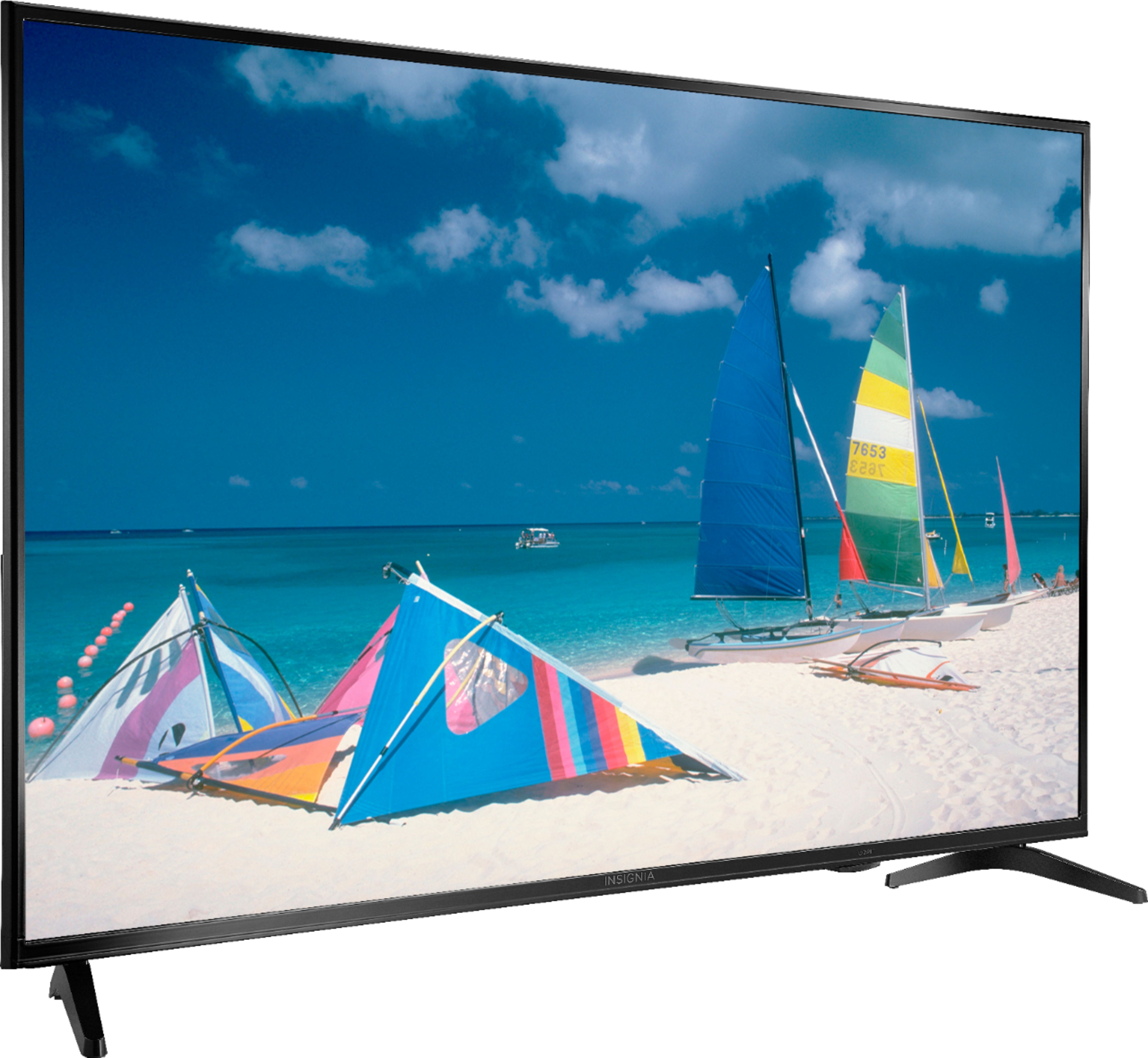
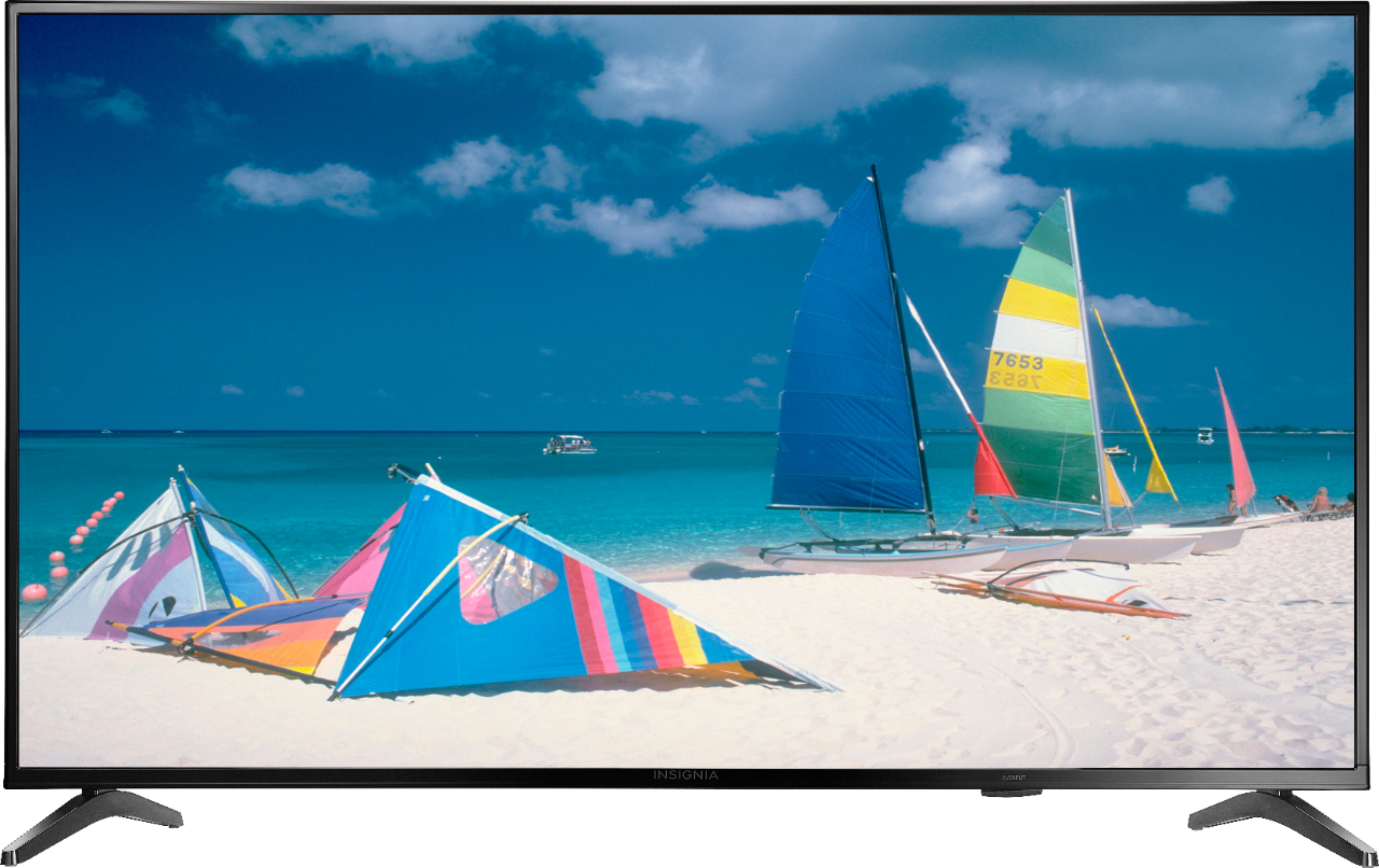
A:AnswerNathan, I think this is an Insignia TV and if I am correct in assuming you want to use it as a monitor I would say don't do it. However, if you're looking to use it as a TV the picture and response times are excellent. For some reason Insignia large TVs are crystal clear and for the Money which is about $242, it is an outstanding buy. I purchased 3 55 inch TVs. Two LG 4k TVs and the Insignia TV to use as a surveillance camera monitor in my Garage when I host parties. It is simply outstanding. I hooked it up to a 4k Fire Stick and the pictures and awesome. Makes me wonder why I didn't just buy 3 of them. The 2 LGs cost me $450 each. I could have come out on top paying only $750 for all three, instead of $1k. Good luck, hope this helps.
A:AnswerHi there,
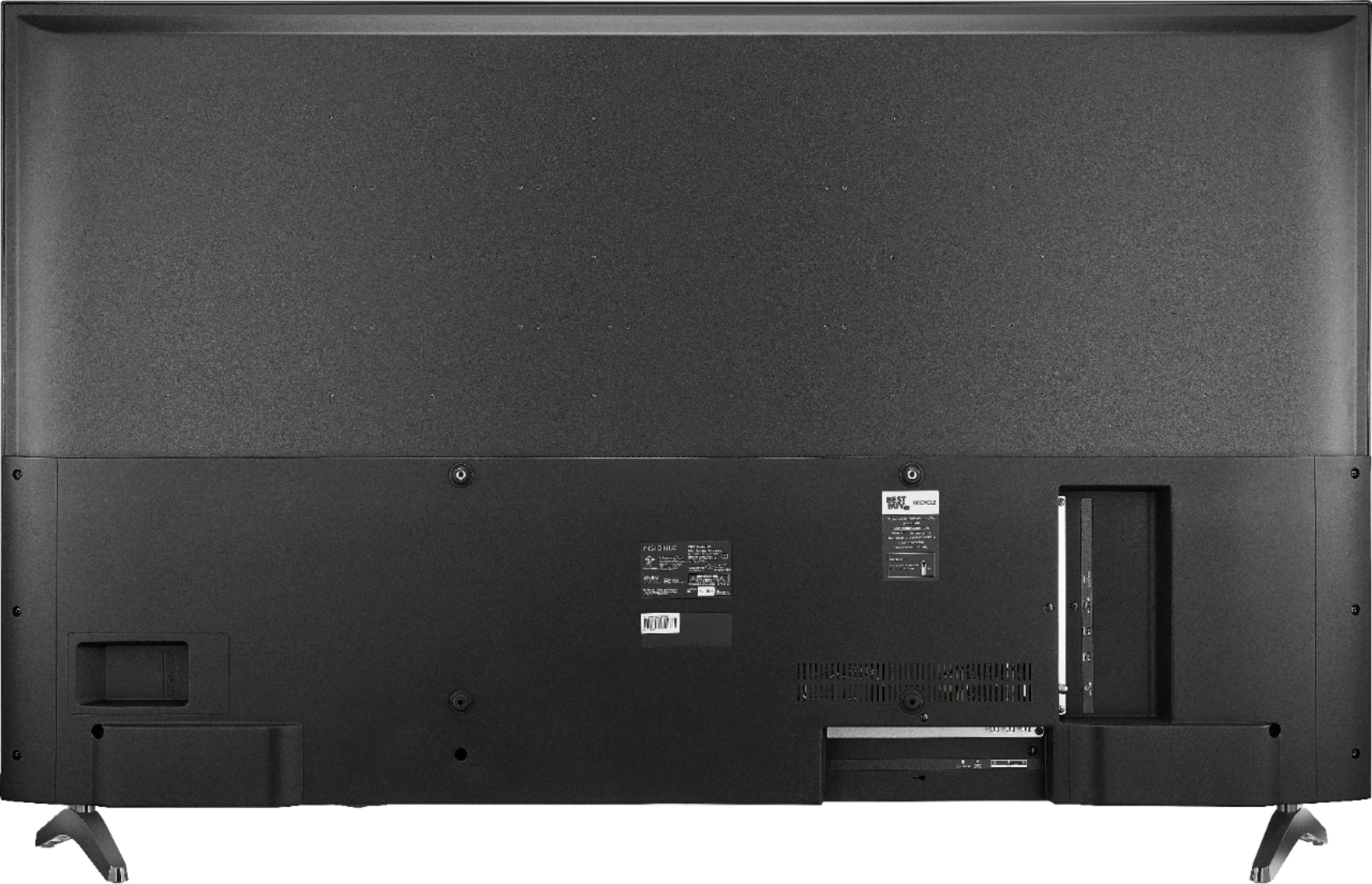
This HDTV does not have all but 1 button. This button is as combo of an INPUT and POWER button. However, remember that the TV comes with a remote, so to your convenience you can change the channel and volume, without having to get up to adjust the settings.
- Janína G. | Insignia Support | https://www.insigniaproducts.com/contact-us
A:AnswerThe fact that it doesn't have buttons but you can use the power button to turn it up and down at least that's what I'm told I prefer to keep my remote on hand in the future I will buy a universal remote to go with the TV
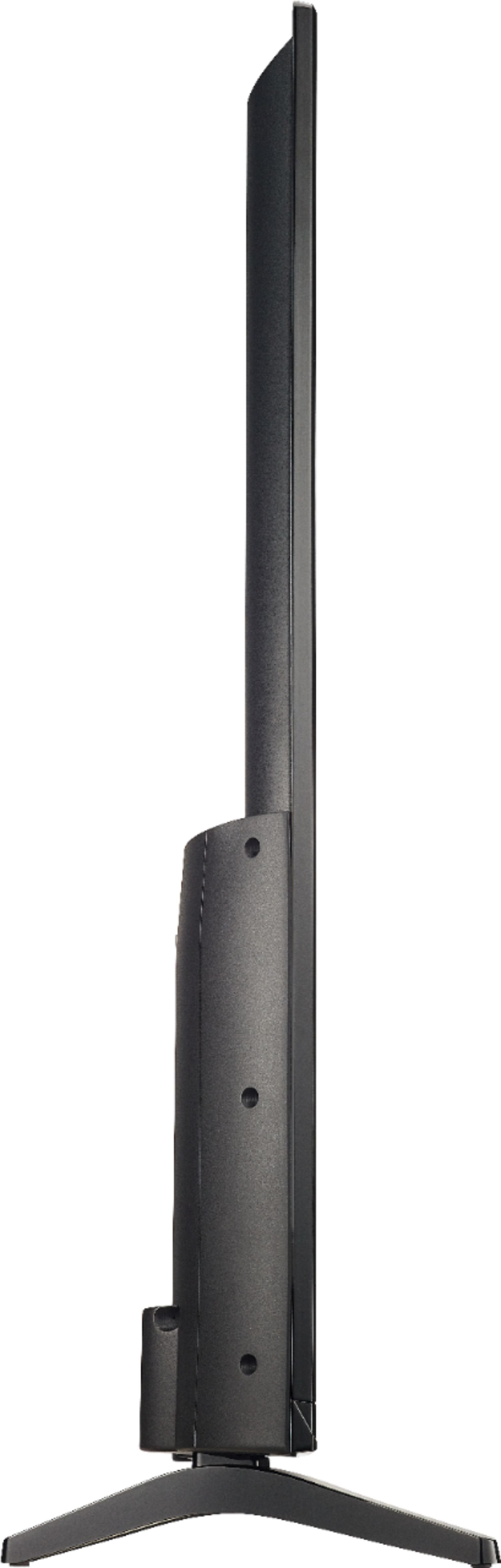
A:Answer30.5” Tall w/Stand (Feet) Installed [28.2” w/out Stand (Feet)] X 48.8” Wide X 9.6” Deep w/Stand (Feet) Installed [3.4” w/out Stand (Feet) Installed.
A:AnswerHi Bucky,
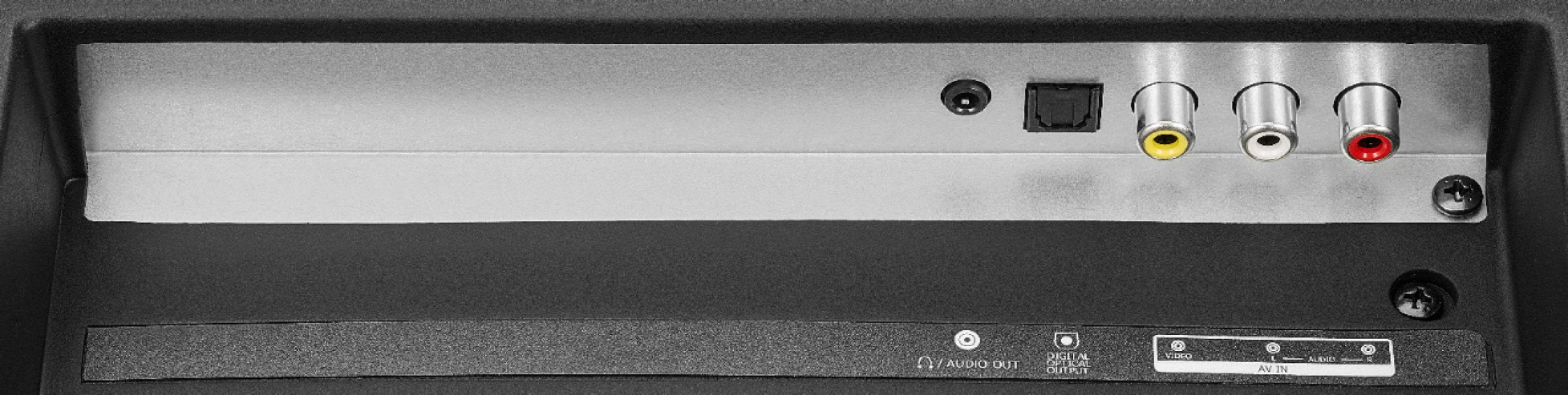
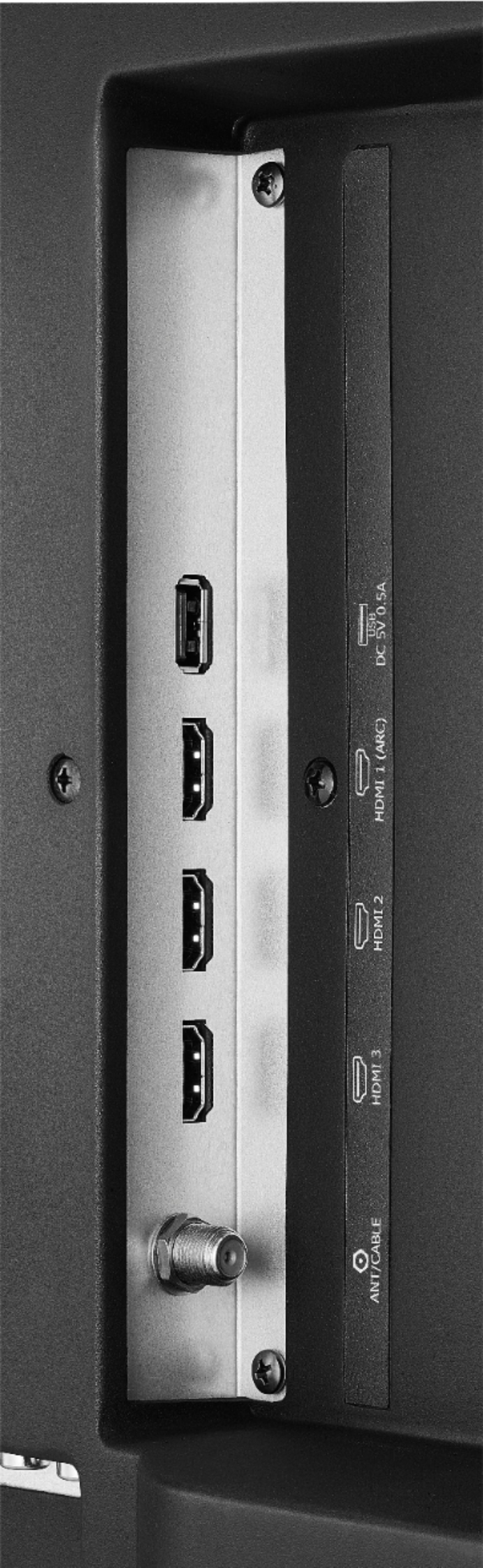
Yes you are able to use this as a computer screen by connecting it through HDMI.
- Janína G. | Insignia Support | https://www.insigniaproducts.com/contact-us