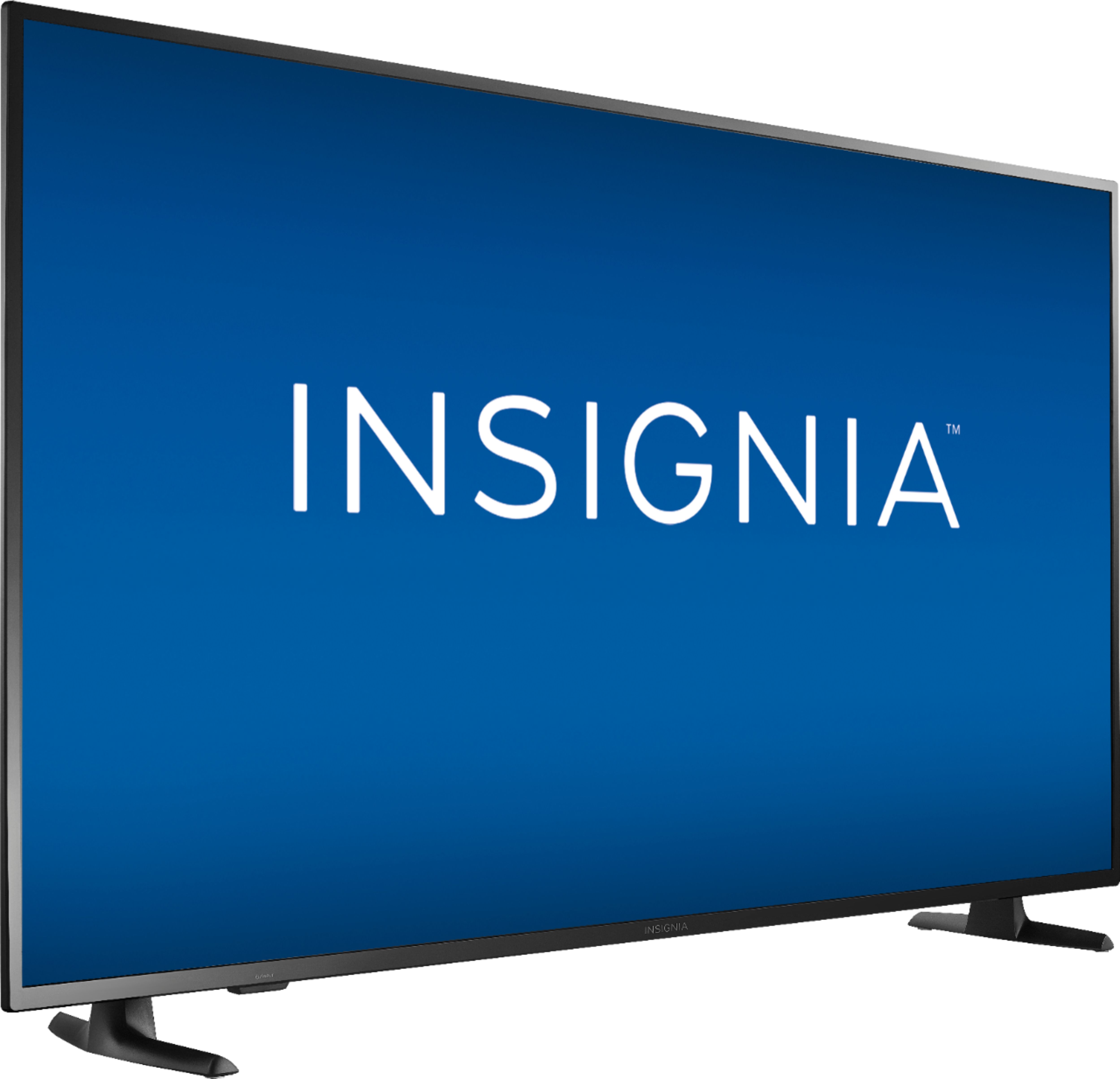
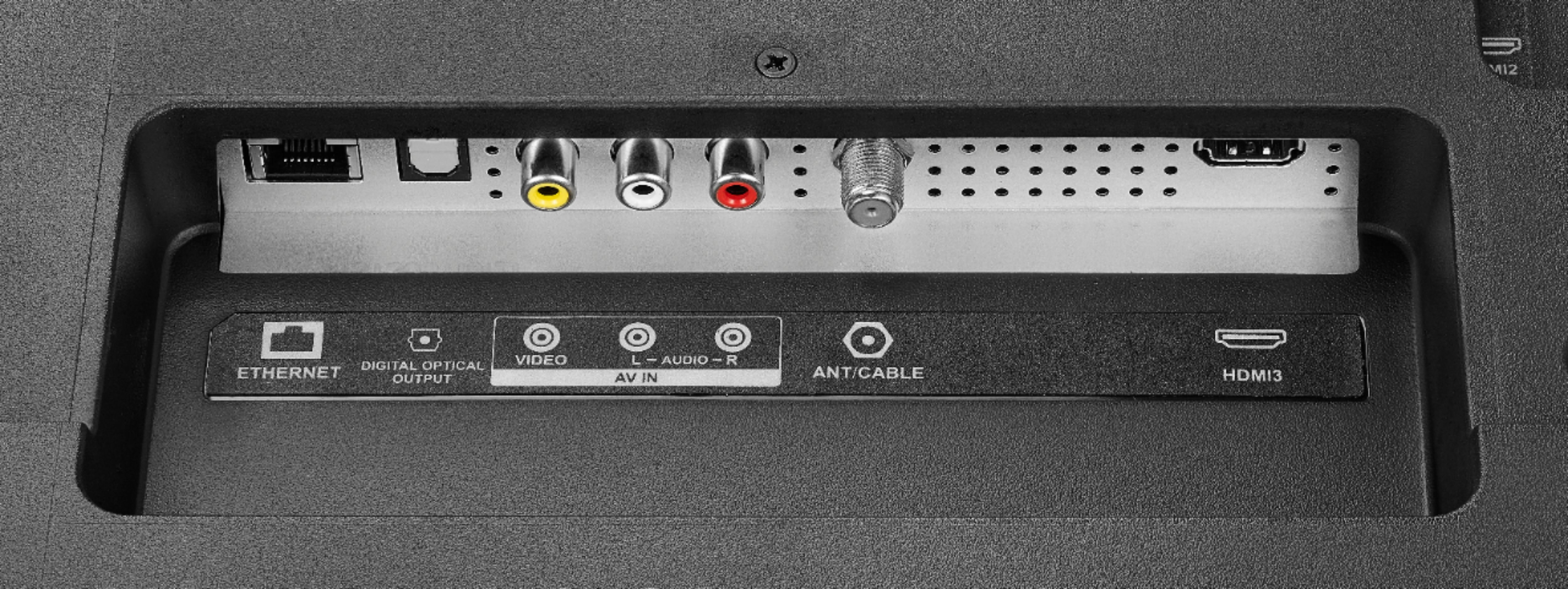
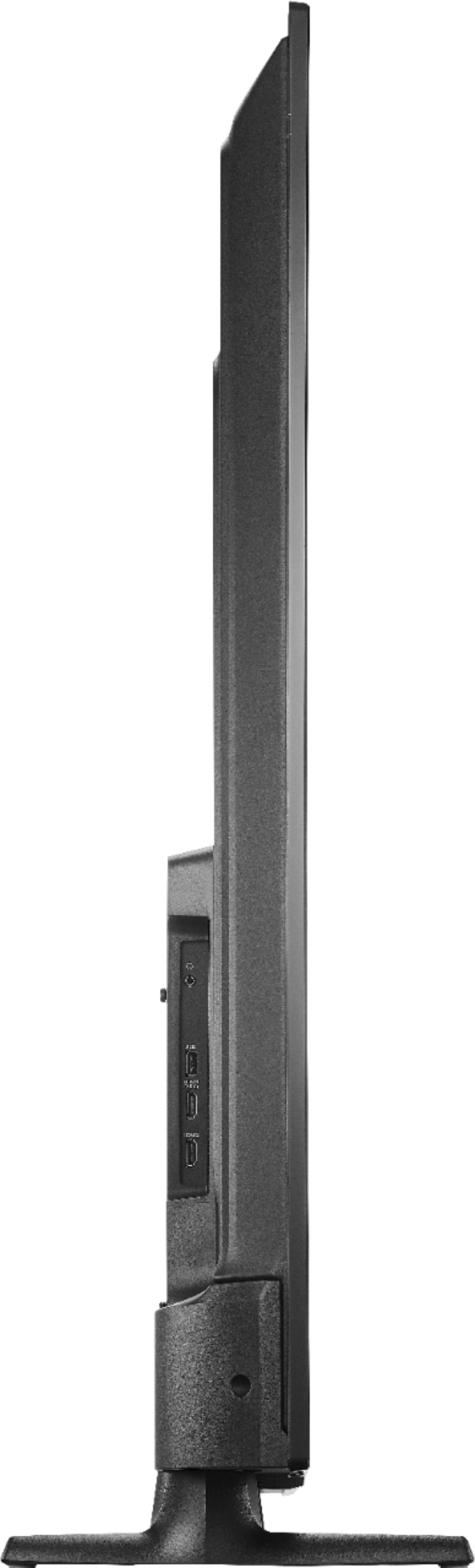
A:AnswerA whole lot, I want to say, probably 50 on display and more in the backroom. They will sell out though, trust me, so make sure to get yours early because it is first come first serve. They open @ 5pm Thanksgiving day and the sale will go on all weekend or until supplies last. If you don't want to deal with the craziness, I suggest you purchase online. Try your luck @ 12am, I'll be doing it too. If they sell out online, try in store and vice versa.
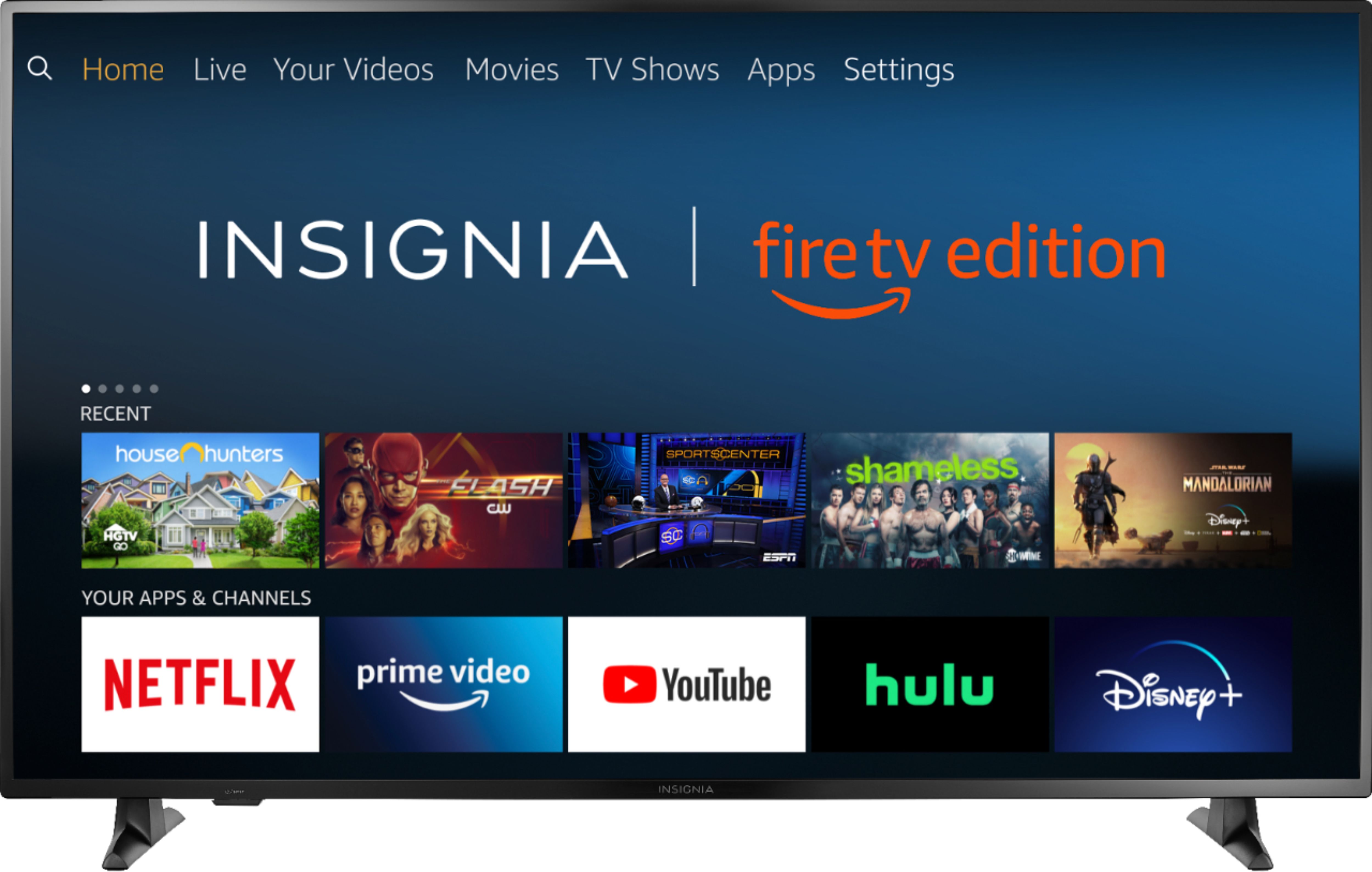
A:AnswerIt says 5pm in store but my guess is as good as yours. I'm going to try my luck @ 12am and hope it works, I believe it should, but if not then it will most likely be @ 5 as well.
A:AnswerIt is strongly recommended to use the included remote to fully control your TV.
Please just give it a try.
You can always connect a Converter Box or Cable / Satellite Box, most of those devices include a remote with numbers on them.
David M. - Insignia Support
A:AnswerUnfortunately the remote does not have numbers, it is strongly recommended to use the included remote to control your TV.
If you want to use numbers, you can connect a Cable or Satellite Box that supports changing channels by numbers using the Cable or Satellite Box remote; also you can connect a Converter Box that includes a remote with numbers to change antenna channels.
David M. - Insignia Support
A:AnswerThis item has a special sale price for Black Friday. All Black Friday ad items are available for sale November 28, 2019–November 30, 2019. Prices and offers are subject to change and are valid online during, but may start before and end after, the ad dates.
For more information, please visit:
https://www.bestbuy.com/site/black-friday/terms-conditions-black-friday-ad/pcmcat1572375461960.c?id=pcmcat1572375461960
David M. - Insignia Support
A:AnswerAll Black Friday ad items are available for sale November 28, 2019–November 30, 2019. Prices and offers are subject to change and are valid online during, but may start before and end after, the ad dates.
For more information, please visit:
https://www.bestbuy.com/site/black-friday/terms-conditions-black-friday-ad/pcmcat1572375461960.c?id=pcmcat1572375461960
David M. - Insignia Support
A:AnswerThis sound issue can be fixed via FW update and adjusting the sound settings.
Here are the steps:
First part: Update software to latest version.
Step 1: Connect WiFi, go to main menu, select "Settings".
Step 2: Select Device & Software.
Step 3: Select "About".
Step 4: Select Downloading Update.
Step 5: Install the software, TV shows software version.
Second part: Sound setting after software update:
Step 6: Return to main menu, select Settings.
Step 7: Select "Display & Sounds".
Step 8: Select "Audio Output".
Step 9: TV Speaker select ON.
When you finish, the sound should be recovered.
A:AnswerThe replacement remote for the Fire TV Edition television is available at Best Buy;
Model: NS-RCFNA-19
Also you can download the Amazon Fire TV app on your Smartphone to control your TV.
To hide channels for faster navigation:
Press the home button, then select Settings > Live TV > Channel Management > All , scroll to the channel you want to hide and Press the Play /Pause button to Hide the Channel.
David M. - Insignia Support