A:Answer This sound issue can be fixed via FW update and adjusting the sound settings.
Here are the steps:
First part: Update software to latest version.
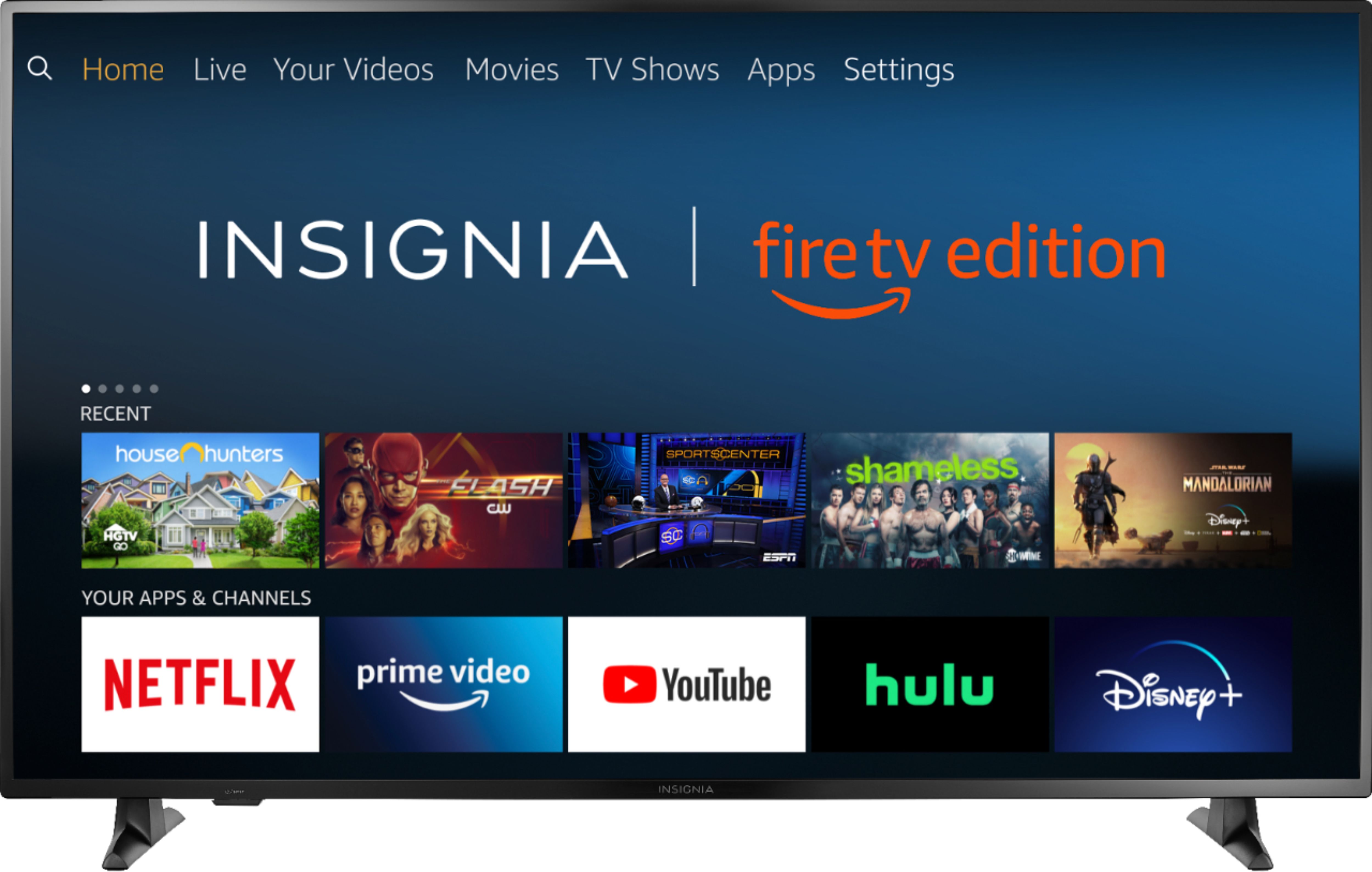
Step 1: Connect WiFi, go to main menu, select "Settings".
Step 2: Select Device & Software.
Step 3: Select "About".
Step 4: Select Downloading Update.
Step 5: Install the software, TV shows software version.
Second part: Sound setting after software update:
Step 6: Return to main menu, select Settings.
Step 7: Select "Display & Sounds".
Step 8: Select "Audio Output".
Step 9: TV Speaker select ON.
When you finish, the sound should be recovered.