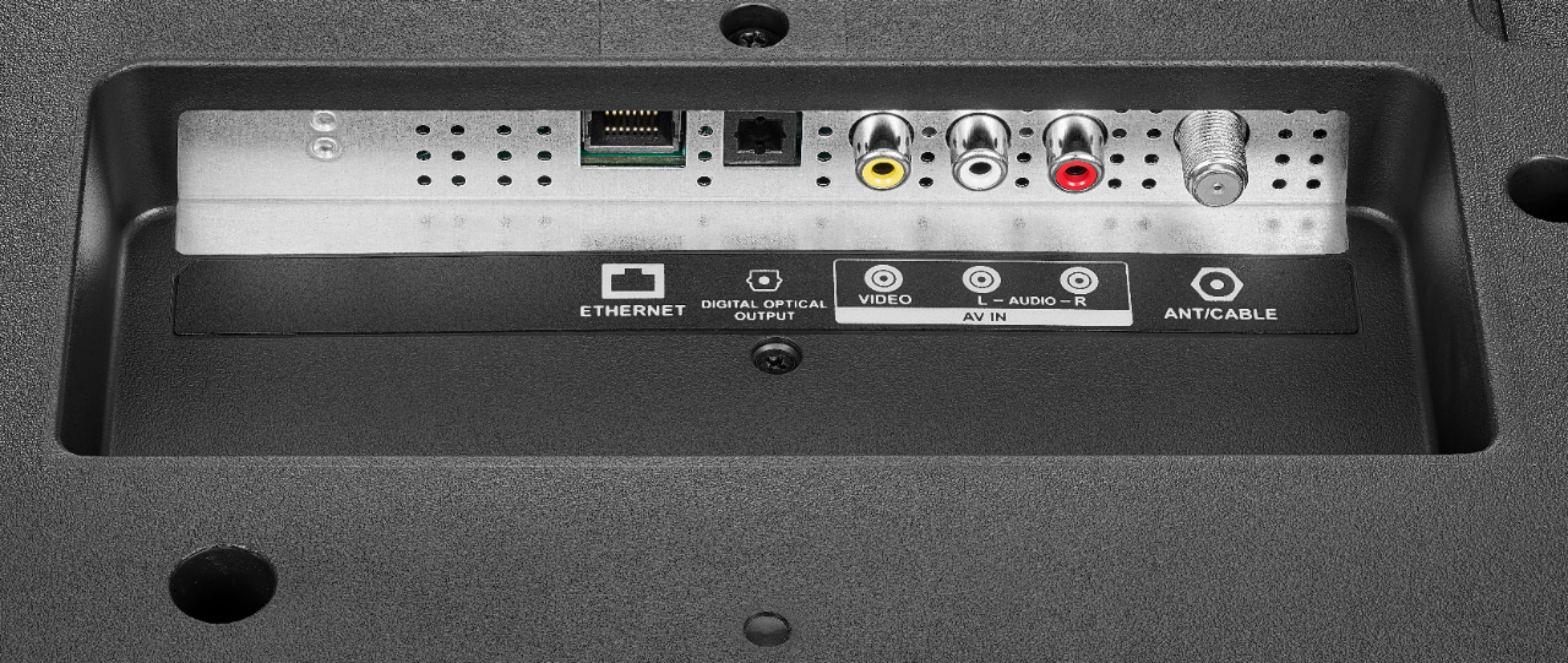
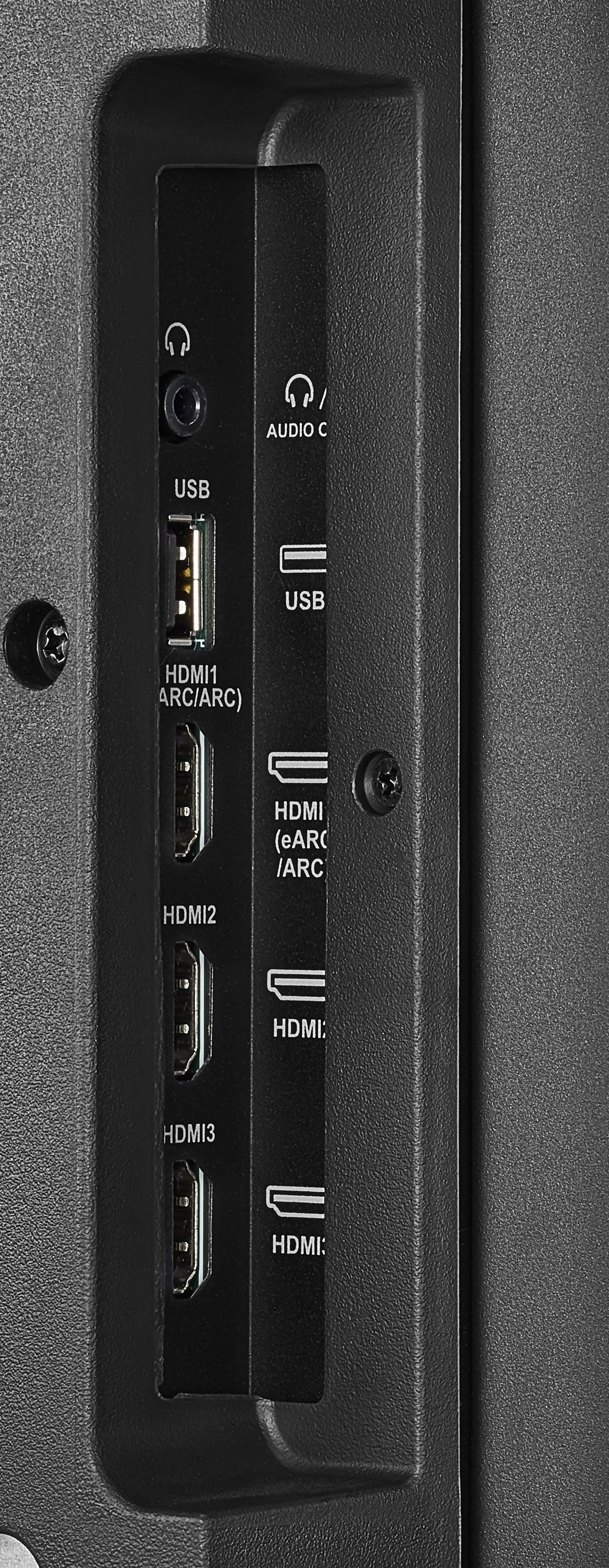
A:AnswerYes, if you plug a soundbar into the TV, it automatically disables the TV's built in speakers and once the TV recognizes the soundbar, the included remote will control volume and be able to mute the soundbar as well. The instructions that come with the TV recommend plugging all peripherals like a soundbar or Xbox etc into the TV before you plug the TV in and turn it on for the first time.
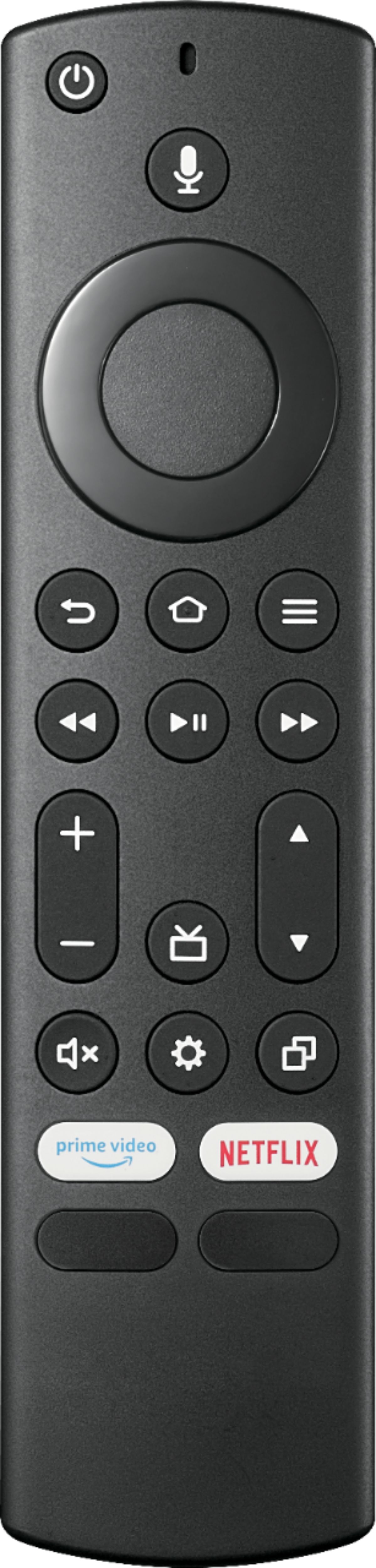
A:AnswerTry this, press and hold at the same time for 12 seconds the following 3 buttons: DPAD-left, back and menu (≡). Then, to pair again the remote press and hold the Home Button for about a minute.
For product support, please visit https://www.insigniaproducts.com/email-us
A:AnswerTry this: Go Home > Settings > Display and Sounds > Audio Output > turn TV Speakers ON. Then, go to HDMI, long press the home button, go to Picture > Advanced Settings > HDMI Mode and try the different modes.
For product support, please visit: https://www.insigniaproducts.com/email-us
A:AnswerDo not use your TV in areas that are too hot or too cold, because the cabinet may warp or the screen may malfunction. Your TV works best in temperatures that are comfortable to you (temperature 0-40°C, humidity under 80).
A:AnswerTry to do a Factory Reset, go Home > Settings > Device & Software > Reset to Factory Defaults. For product support please visit insigniaproducts.com/email-us