A:Answer With much more work, and non work, time spent at home I, too, was looking for ways to extend the sound applications from my computer. Wired headphones and play back devices were limiting and often in the way.
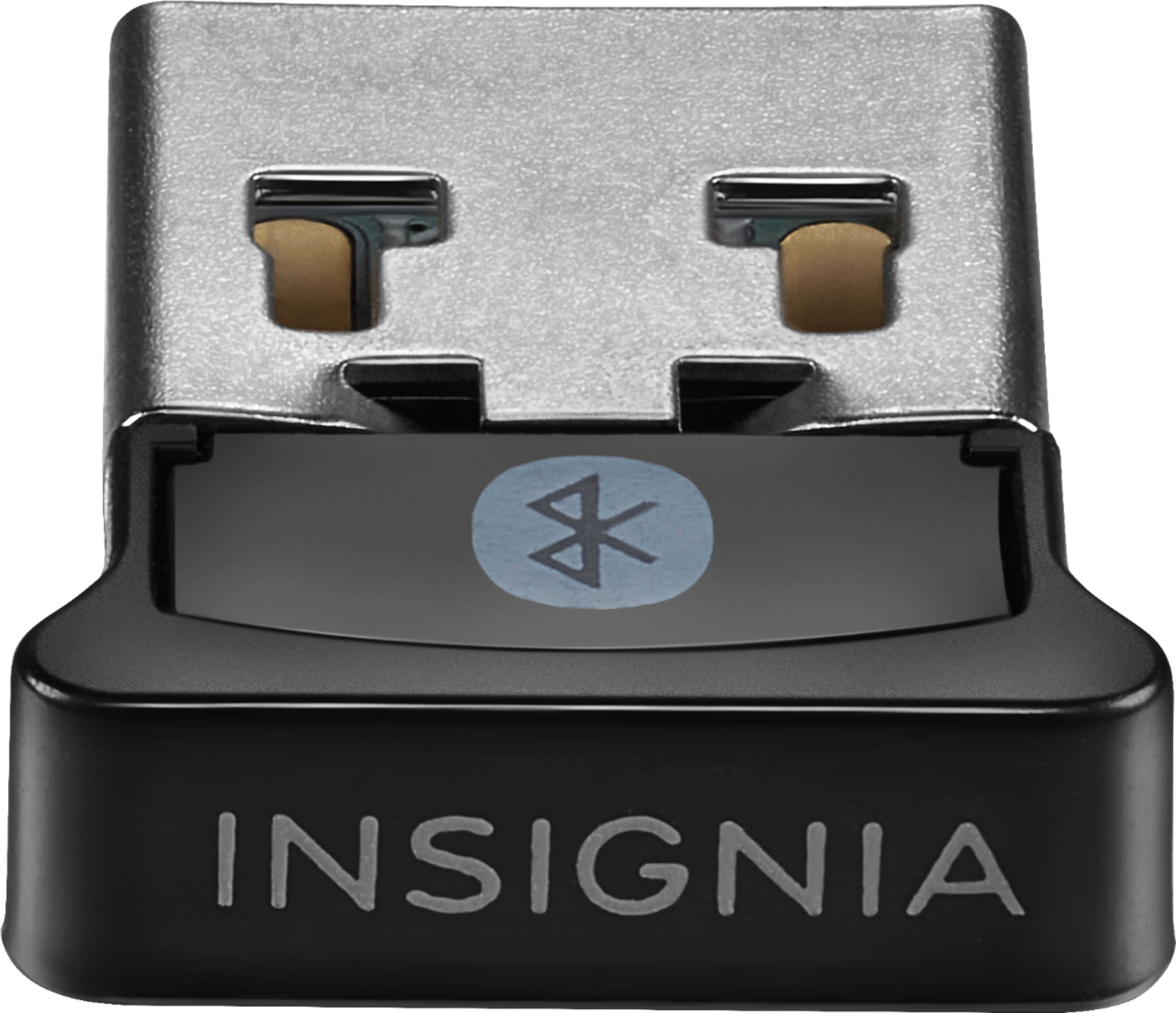
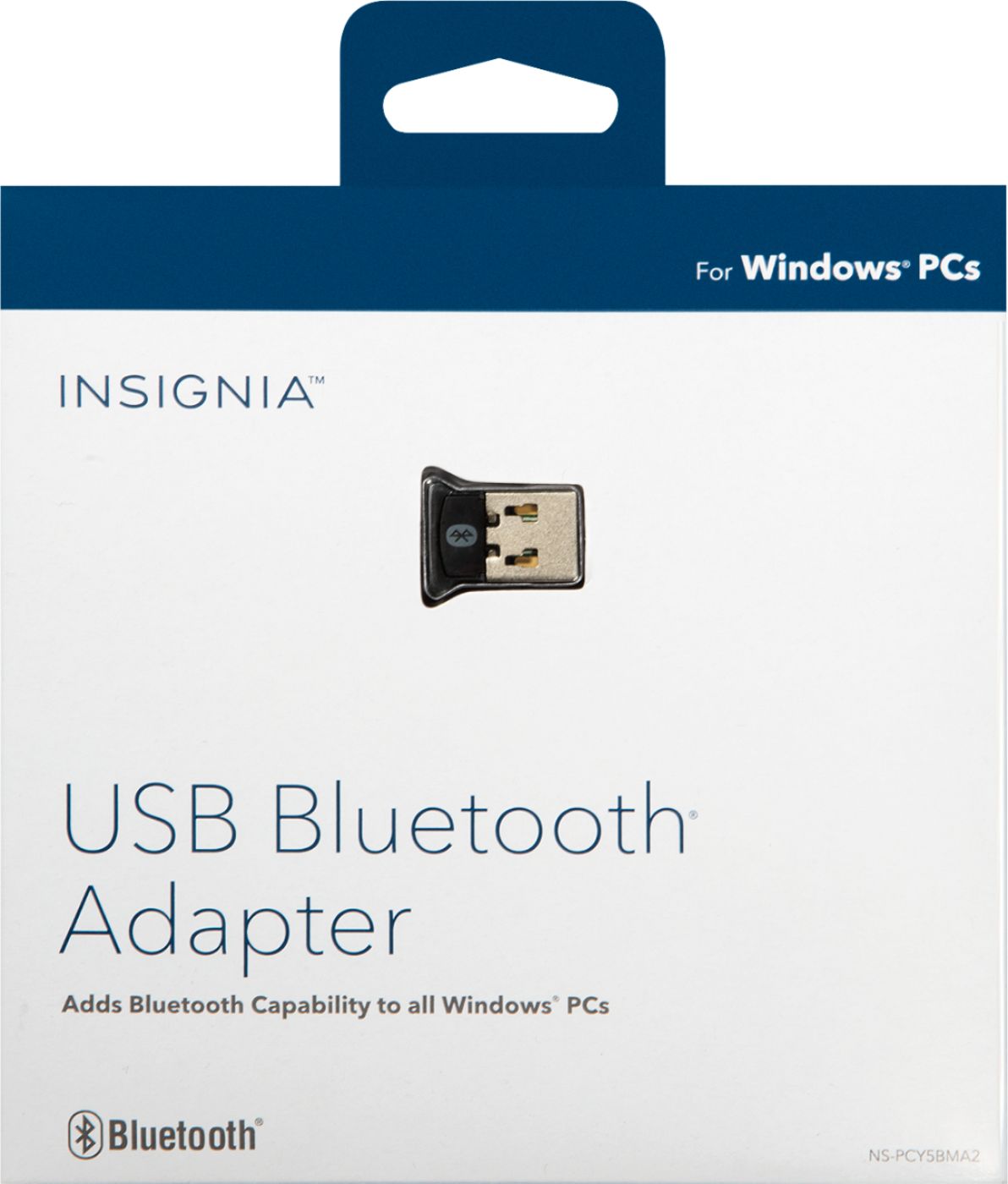
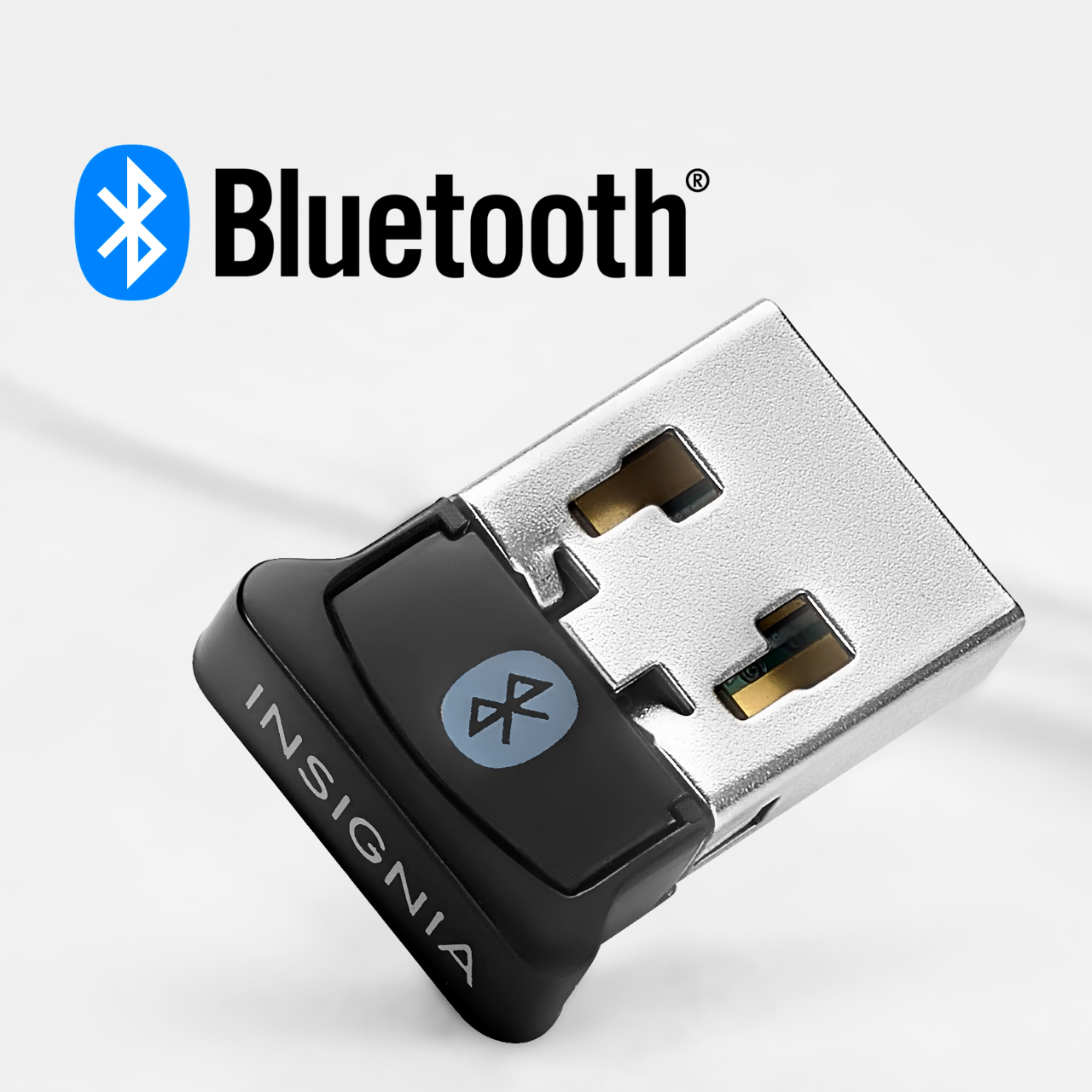
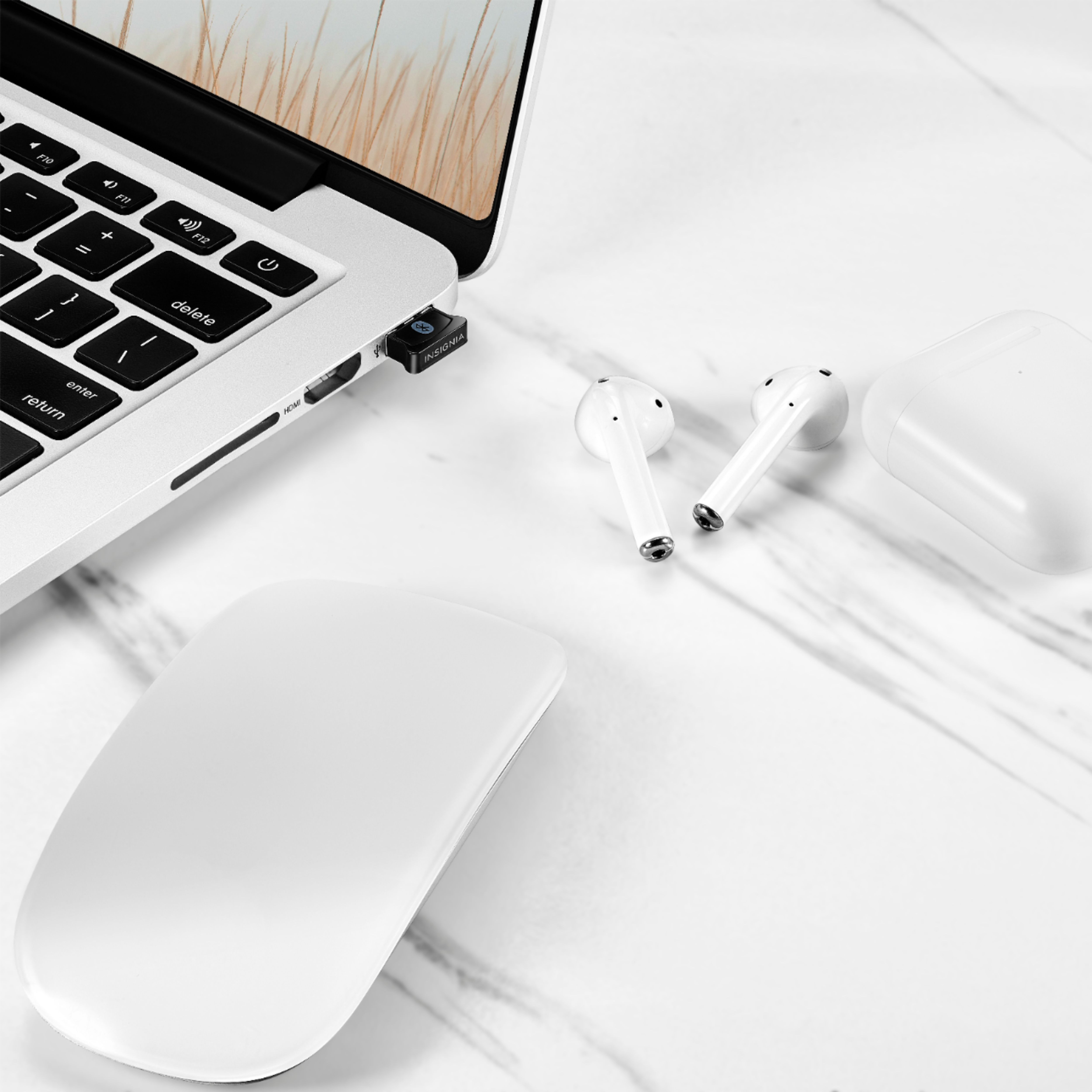
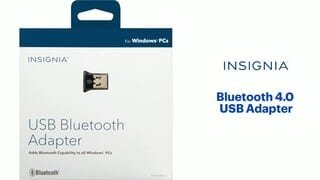
So, I did purchased a Bluetooth dongle.
Windows automatically configured the dongle. "Bluetooth" was added to the settings pop up (far right on the application bar)
Yes, headphone connected quite easily.
As an non expert, obviously, I would expect your speakers would connect as well.
Thanks for the read, sorry for the rambling.
Besides, you should be able to return it within the return policy guidelines if it doesn't work.
Assumption: your receiver has an auxilliary input that would accept the wireless input. Looking briefly at some Insignia receivers with Bluetooth on line, some list support for phones and devices WITH Bluetooth as well.
Keep the volume up and the impedance high (whatever).