Main Content

Questions & Answers

$54.99
Page Showing 81-100 of 393 questions
  • Questioncan you use presets for both and fm stations?

    Asked by shelley.

    • Answer you mean preset for "both AM an FM stations . . " I don't think so. Different systems.

      Answered by MJofCantonSymphony

  • QuestionWhere do you load the CDs. How do I find your answer when you answer the above question?

    Asked by Anonymous.

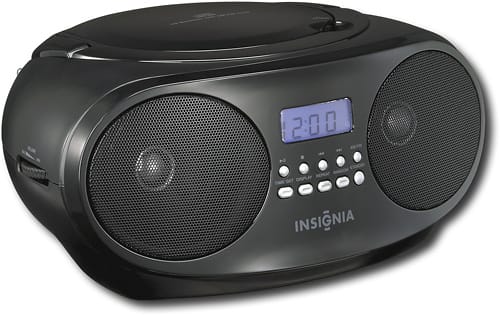
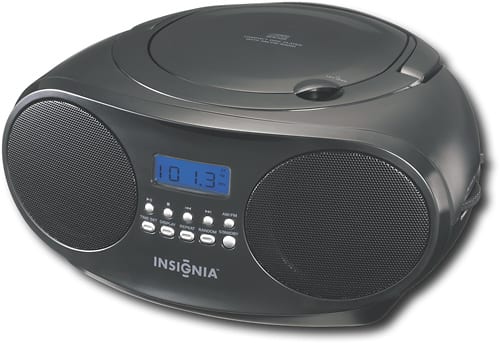
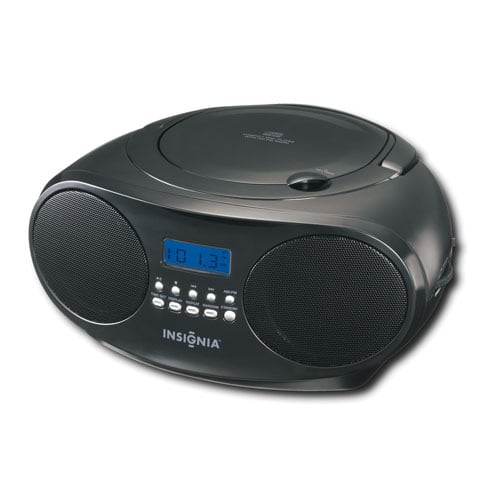
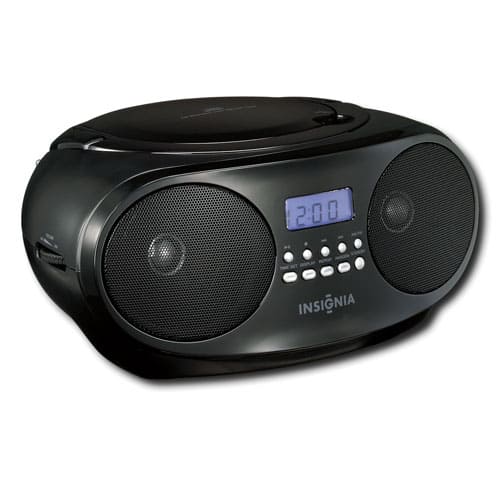
    • Answer You load a single CD at a time, by using one finger to lift the lid on top, put the CD in, and PRESS it down to engage with the center post. That's what spins the disc . . . Go to the Bestd Buy site, and Menu, to "Answer this question." Or, ask one of the dudes who work at Best Buy.

      Answered by MJofCantonSymphony

  • QuestionWill it play mp3 cds

    Asked by Kd.

    • Answer Don't know. Ask one of the folks at Bet Buy. Seriously.

      Answered by MJofCantonSymphony

  • QuestionDo the c d's load on top of the unit?

    Asked by Anonymous.

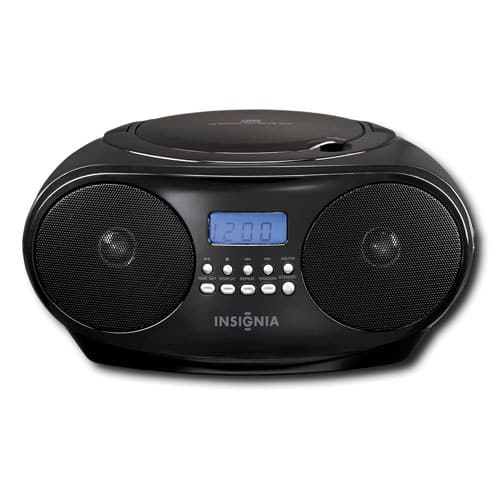
    • Answer Yes, very easy to insert.

      Answered by Musicfan

  • QuestionWhy won't the CD play? What does the code OP indicate/?

    Asked by Mom2.

    • Answer Is this a problem with a single CD, or a CD that was burned for you? In first case, CD is defective. If burned for you, not a good job. On another note, make sure the CD is pressed down to engage with the central post. Never saw a OP code on my unit, so don't know what that means.

      Answered by MJofCantonSymphony

  • Questionhow do I play a Cd on this boombox

    Asked by rmk1.

    • Answer Are you playing with my brain? Really? Do you own one, and haven't played it yet? You pop open the lid with one of your active fingers, slip the disk in, and PRESS IT DOWN on the center post inside. If the unit is plugged in--or battery powered--press the ON button, and there you are. refer to the instructions provided with the unit.

      Answered by MJofCantonSymphony

  • QuestionDoes this have hd radio

    Asked by laneiam.

    • Answer This unit may not be hd, nor should it. It's a simple unit for casual use when you are away from your giant boom speakers, and in the quiet of a log cabin in northern Alaska... Capice?

      Answered by MJofCantonSymphony

  • QuestionDoes it have a remote

    Asked by Anonymous.

    • Answer Yes

      Answered by DavidD

  • QuestionCan I download a CD or a song from this to my Apple 15 phone, and if so what kind of connector do I need?

    Asked by Scribe.

    • Answer I'm sure you can, but go to one of the folks at Best Buy for your answer.

      Answered by MJofCantonSymphony

  • Questionwith headphones connected are speakers muted or can i mute speakers?

    Asked by akukiller.

    • Answer With the headphones plugged in, the speakers are muted. Why, otherwise, would you want to mute your speakers???

      Answered by MJofCantonSymphony

  • Questiondoes it play cassette tapes

    Asked by becs.

    • Answer No

      Answered by JanetF

  • QuestionDoes it have a remote?

    Asked by Anonymous.

    • Answer No remote.

      Answered by JoeN

  • QuestionDose the pause button work while it's on as intended? Can it pause up to at least 30 minutes?

    Asked by Anonymous.

    • Answer Yes.

      Answered by MJofCantonSymphony

  • QuestionDoes this play rewritten (i.e. burned) CDs?

    Asked by Anonymous.

    • Answer Yes, it plays rewitten CD's.

      Answered by JoeN

  • Questioncan you stop playback at various intervals, for example at 30 seconds or 1:55 seconds?

    Asked by CDCurious.

    • Answer yes

      Answered by user667203

  • QuestionHow to play the CD player

    Asked by Cull.

    • Answer Hi Cull, thank you for your question! To play a CD, press the SOURCE button to select CD mode, open the CD door, place your disc inside with the label facing up, and close the door, the boombox will begin playing automatically. You can also find these instructions on the product page in the Features section, where the user guide is available for reference. Thank you again for reaching out. Vennila | Insignia

      Answered by InsigniaCustomerSupport

  • Questioncan you connect an external speaker to this boom box?

    Asked by M870.

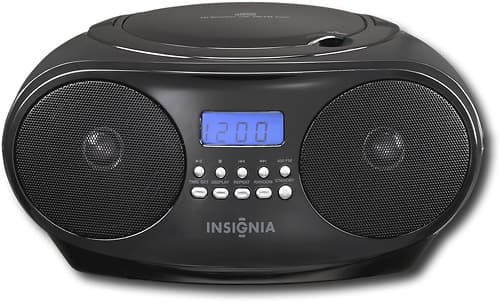
    • Answer Hi Insignia Customer, thank you for your question! The Insignia™ CD Boombox (Model: NS‑B4111) does not support connecting to external speakers. It includes an AUX input for playing audio into the boombox and a headphone jack for private listening, but it does not have an audio‑out connection. Thank you again for choosing Insignia. Vennila | Insignia
      Answered by InsigniaCustomerSupport

  • QuestionCan I connect this radio to Sirius XM

    Asked by KeithP.

    • Answer Not sure on this question, but one of the folks at Best Buy could easily answer this one, My impulsive answer to your question is, yes.

      Answered by MJofCantonSymphony

  • QuestionHow is a disc played? ⁸

    Asked by Anonymous.

    • Answer you open the top compartment and put the cd inside

      Answered by bluenosaur

  • QuestionCan connect to iPhone

    Asked by Ac.

    • Answer If your iPhone has an aux cord port and you have an aux cord, yes.

      Answered by kNACk