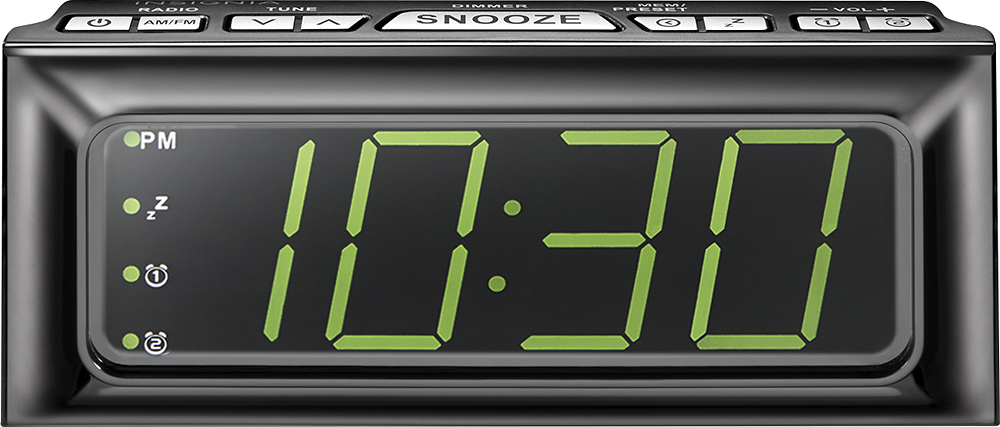
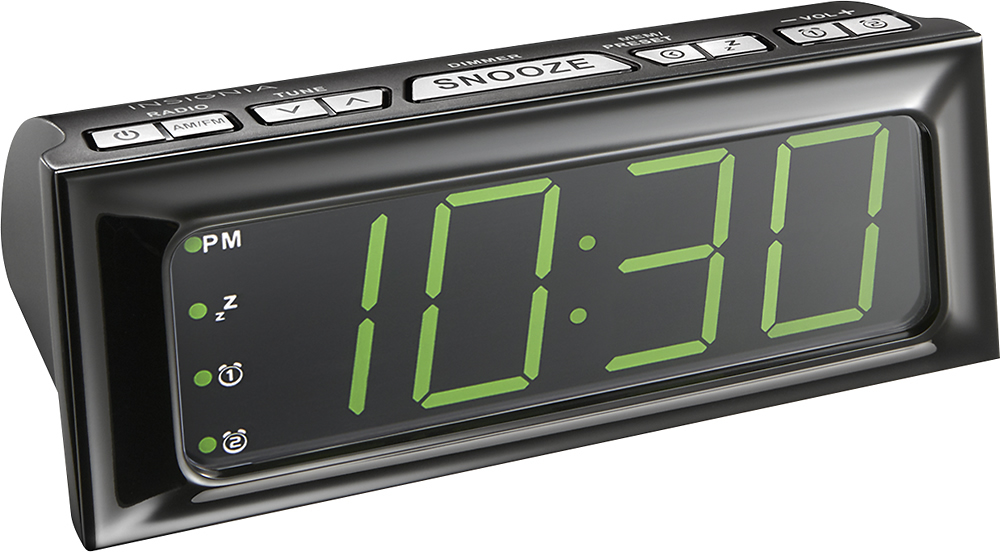
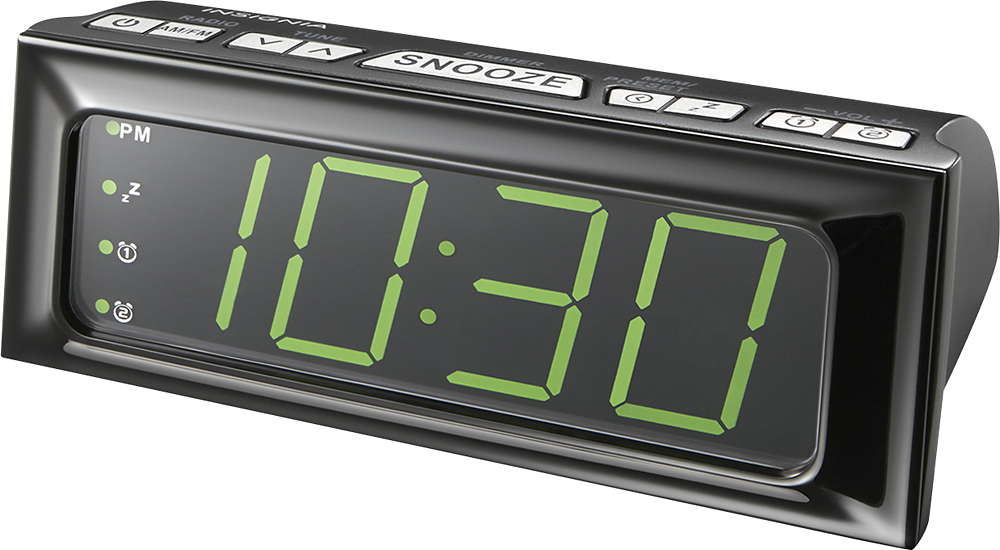
A:AnswerThis product has a Sleep Timer, when listening to the radio, press the (Sleep) button repeatedly to set the sleep timer. Settings include 90 min, 60 min, 45 min, 30 min, 15 min, or OFF. The radio automatically turns off after the specified amount of time.
A:AnswerIf you want to keep the same alarm times, there's nothing to do. The two alarm lights will stay lit showing that both alarms are set. If you want to change an alarm time, press and hold that alarm button on top until the hour flashes. Then push the up/down arrows on top until you get to the hour you want. Push the alarm button again to change the minutes. Push the up/down button to get to the correct minute. Push the alarm button again to set either Radio or Alarm; push again to set the volume (Ld).
A:AnswerThe first button to the right of the snooze button looks like a little clock. Press and hold it until the hour flashes. Use the volume arrows to set the proper hour, press the little clock button to set the hour. The minutes should start flashing, if not press and hold the little clock button until the minutes flash. Use the volume buttons to set the minutes. Good Luck.
A:AnswerSelect Bu for Buzzer. Here is the link for the User Guide:
https://files.bbystatic.com/VG8apUQXYabjoqOtmP7Rfg%3D%3D/NS-CLOPP2_19-0152_WEB_V5_ENG_Final%2Blr.pdf
A:AnswerTo reset the clock in standby mode, press and hold /
MEM/PRESET. The hour digits will blink on the display, then adjust TUNE +/- buttons to set time.