
Black Friday is hereShop new DoorbustersShop now

Main Content

Questions & Answers

Page Showing 1-20 of 29 questions
  • QuestionHow many alarm settings are available on this alarm clock?

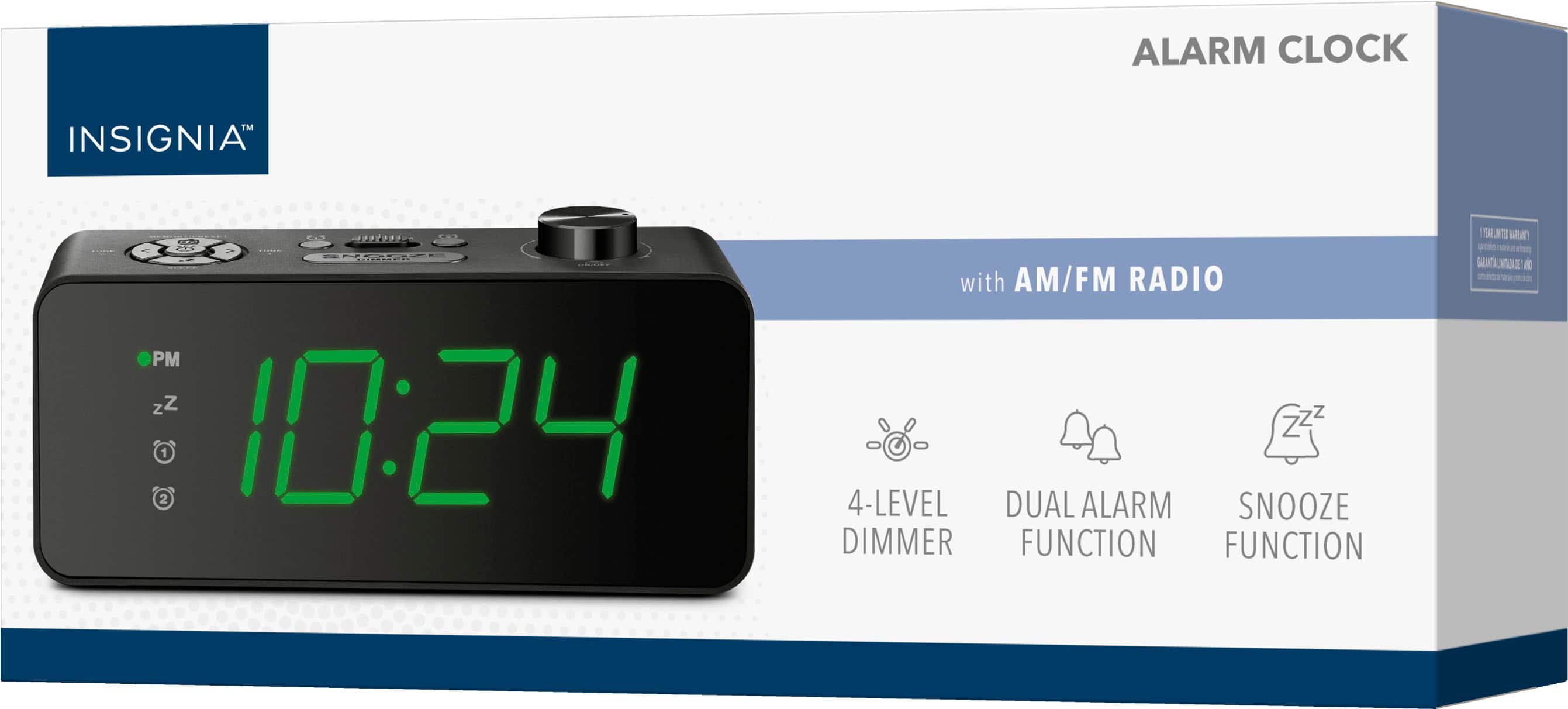
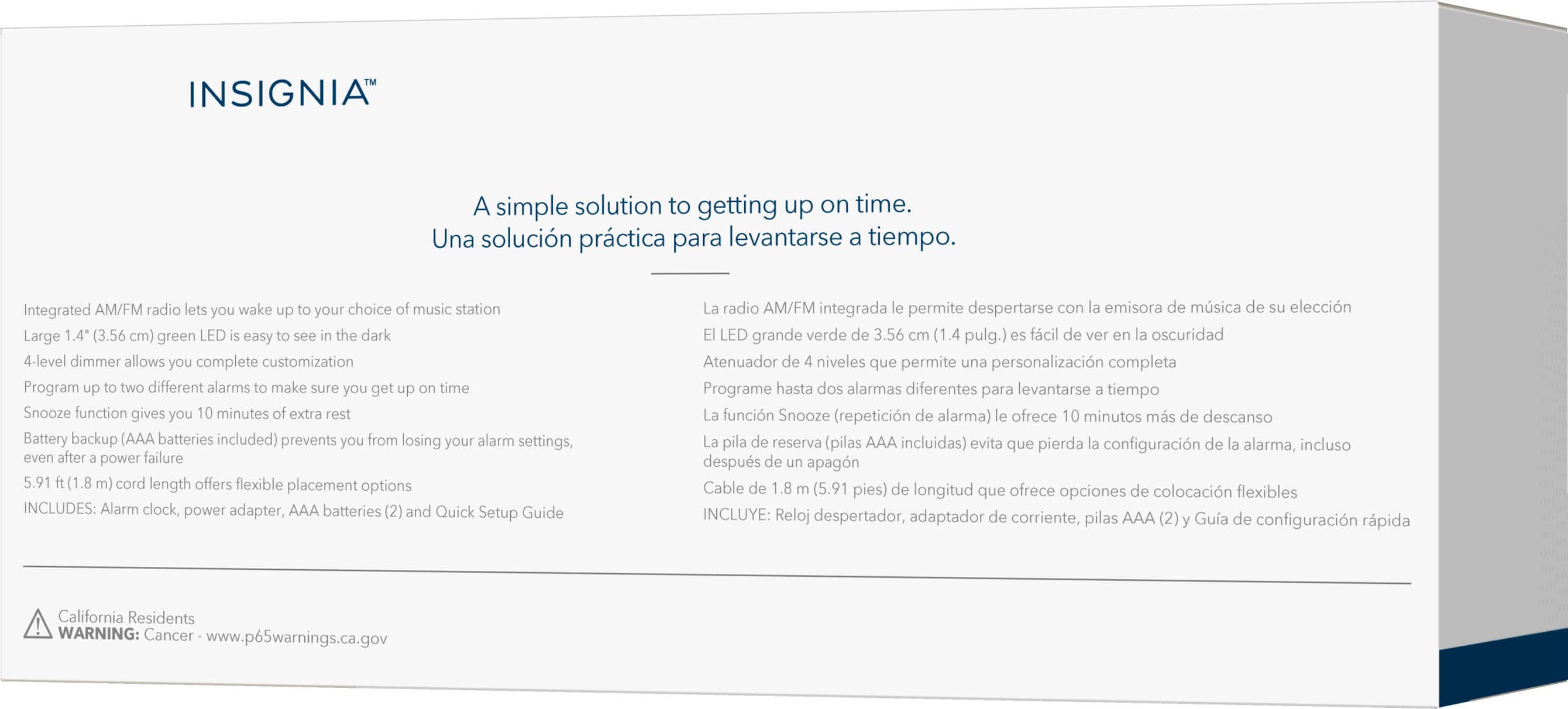
    • Answer You can program up to two different alarms with this alarm clock.
    This question and answer was generated by AI based on customer and product data.

  • QuestionHow long is the snooze time on this alarm clock?

    • Answer The snooze time for this alarm clock is 10 minutes.
    This question and answer was generated by AI based on customer and product data.

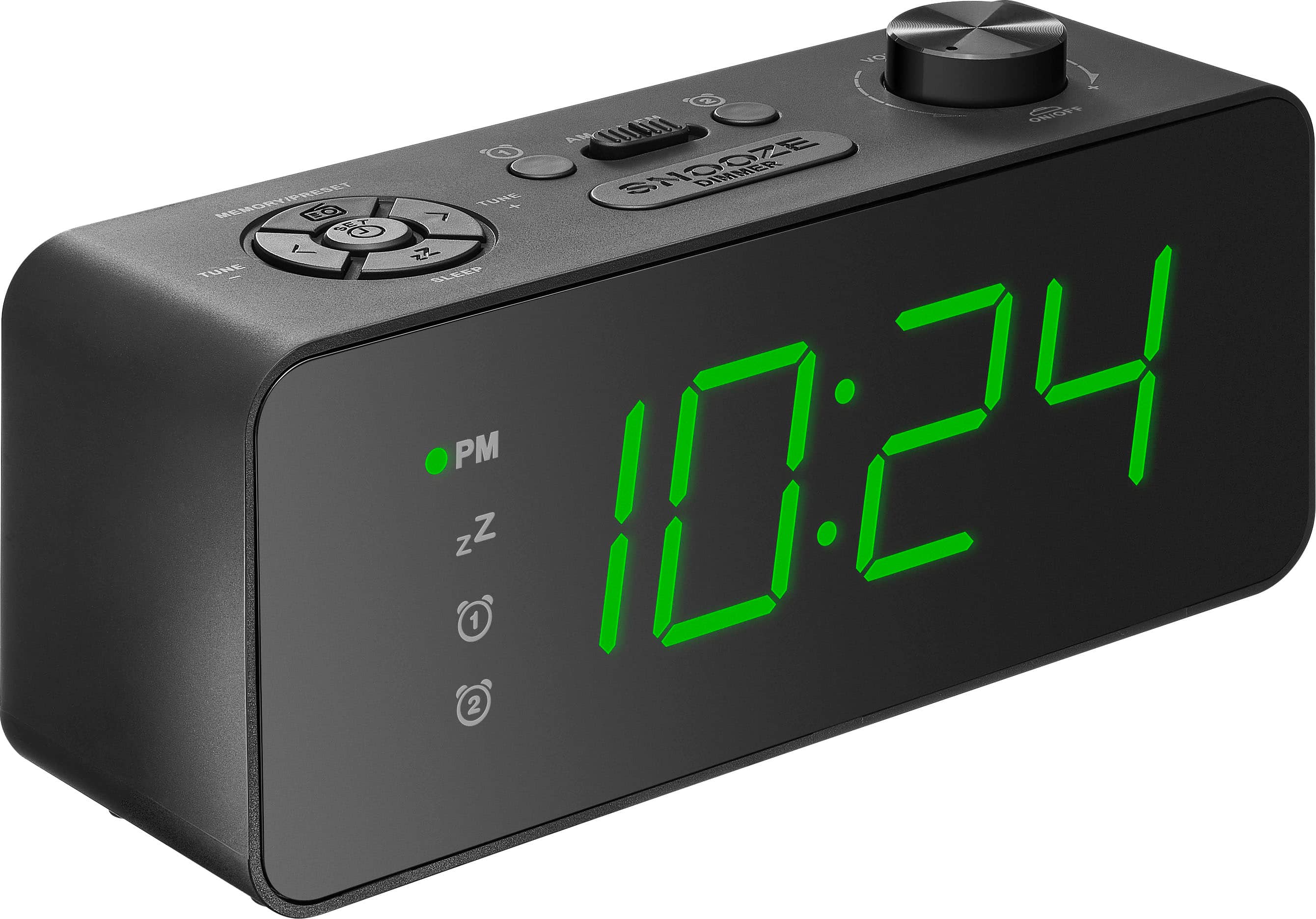
  • QuestionCan I adjust the brightness of the display?

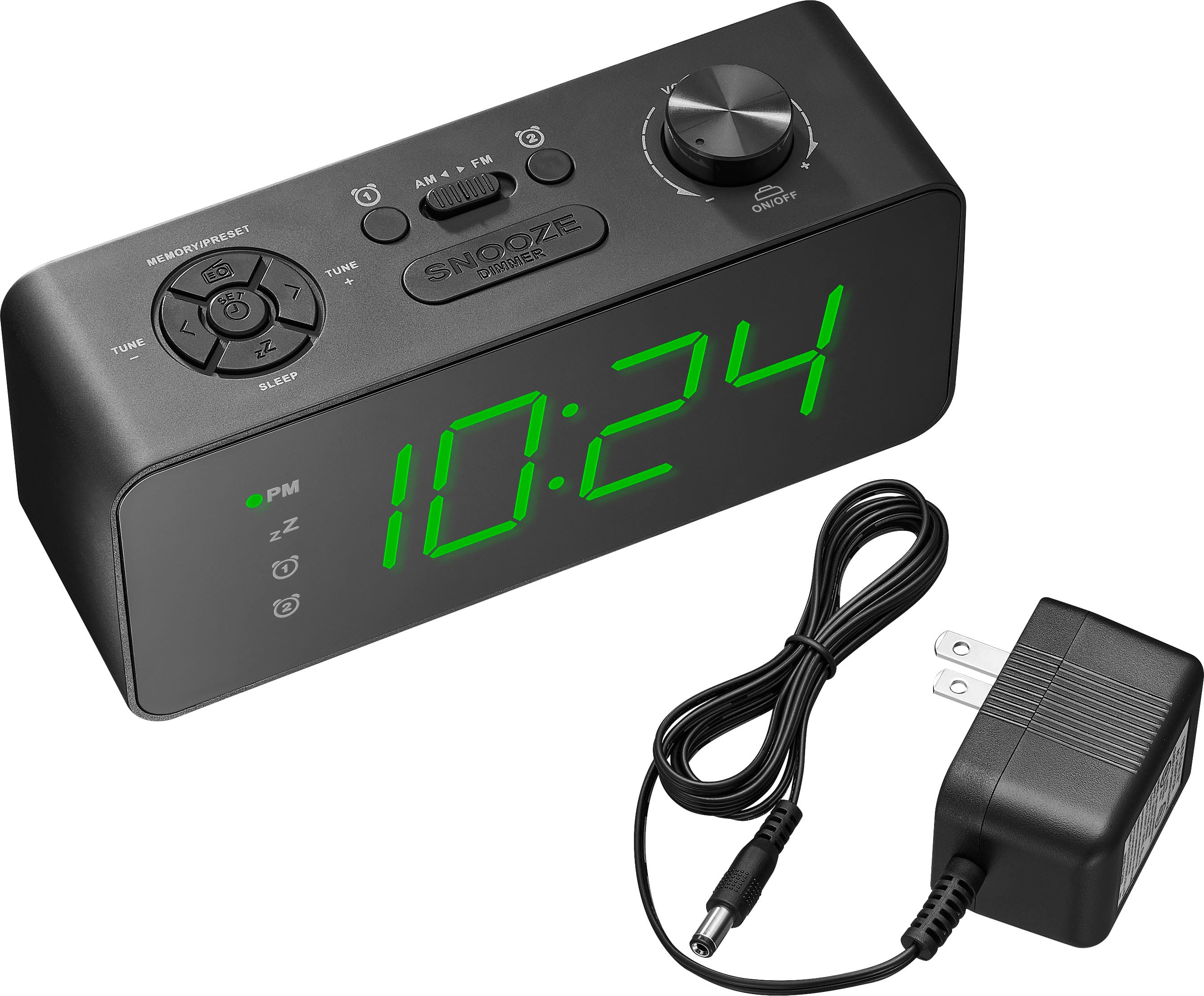
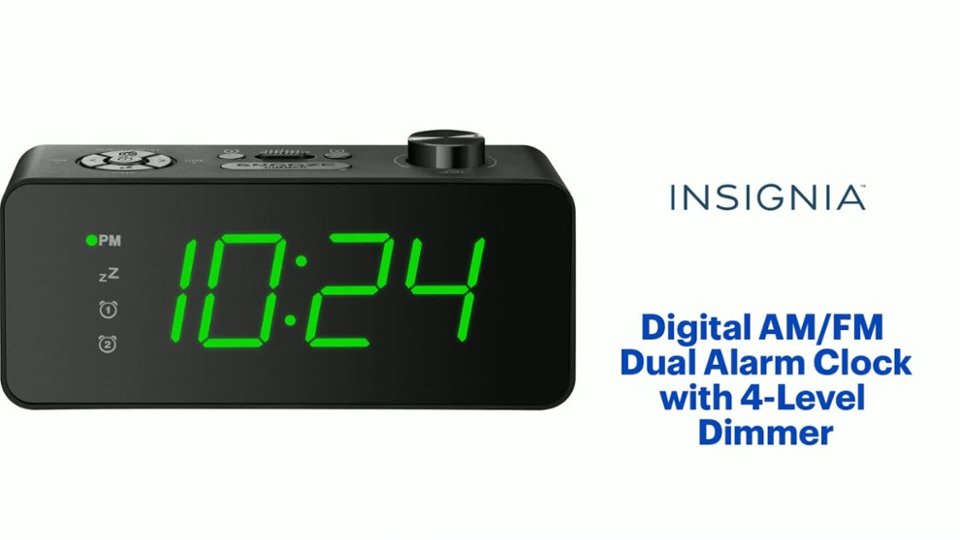
    • Answer Yes, the alarm clock has a 4-level dimmer to adjust the display's brightness.
    This question and answer was generated by AI based on customer and product data.
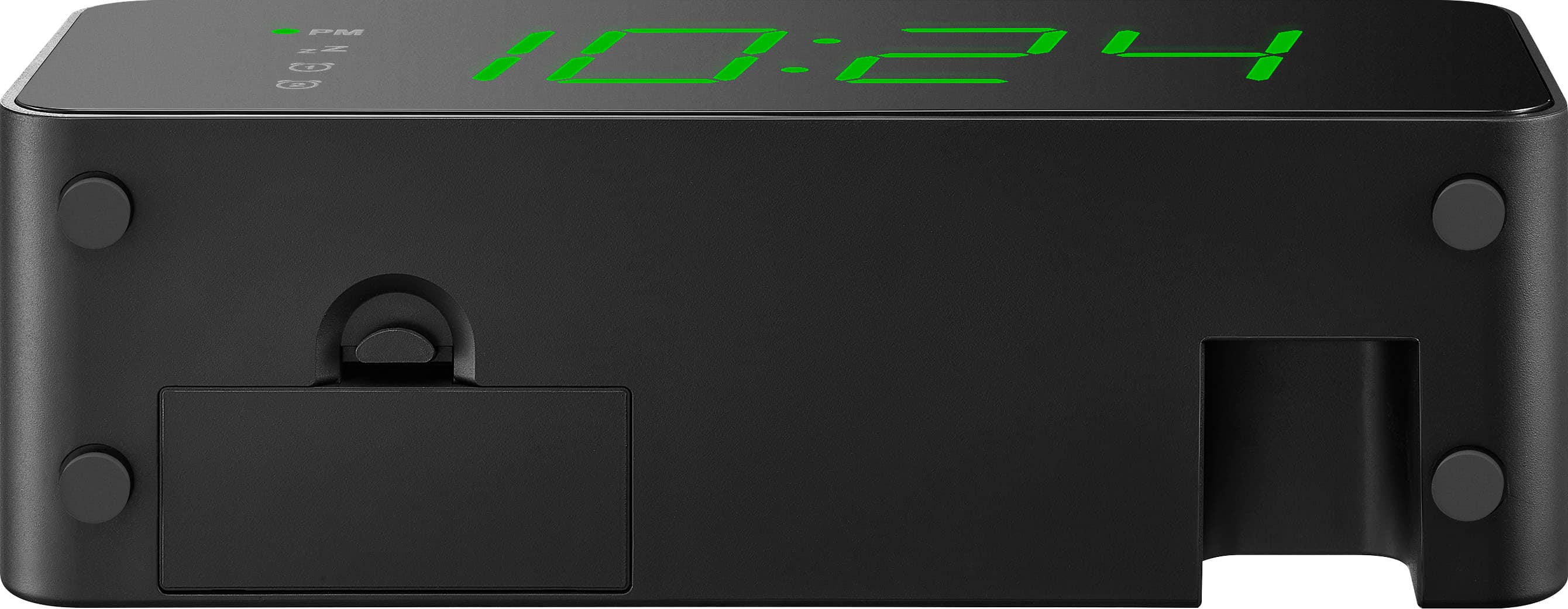
  • QuestionDoes this alarm clock have a battery backup?

    • Answer Yes, it has a battery backup feature that uses AAA batteries (included).
    This question and answer was generated by AI based on customer and product data.

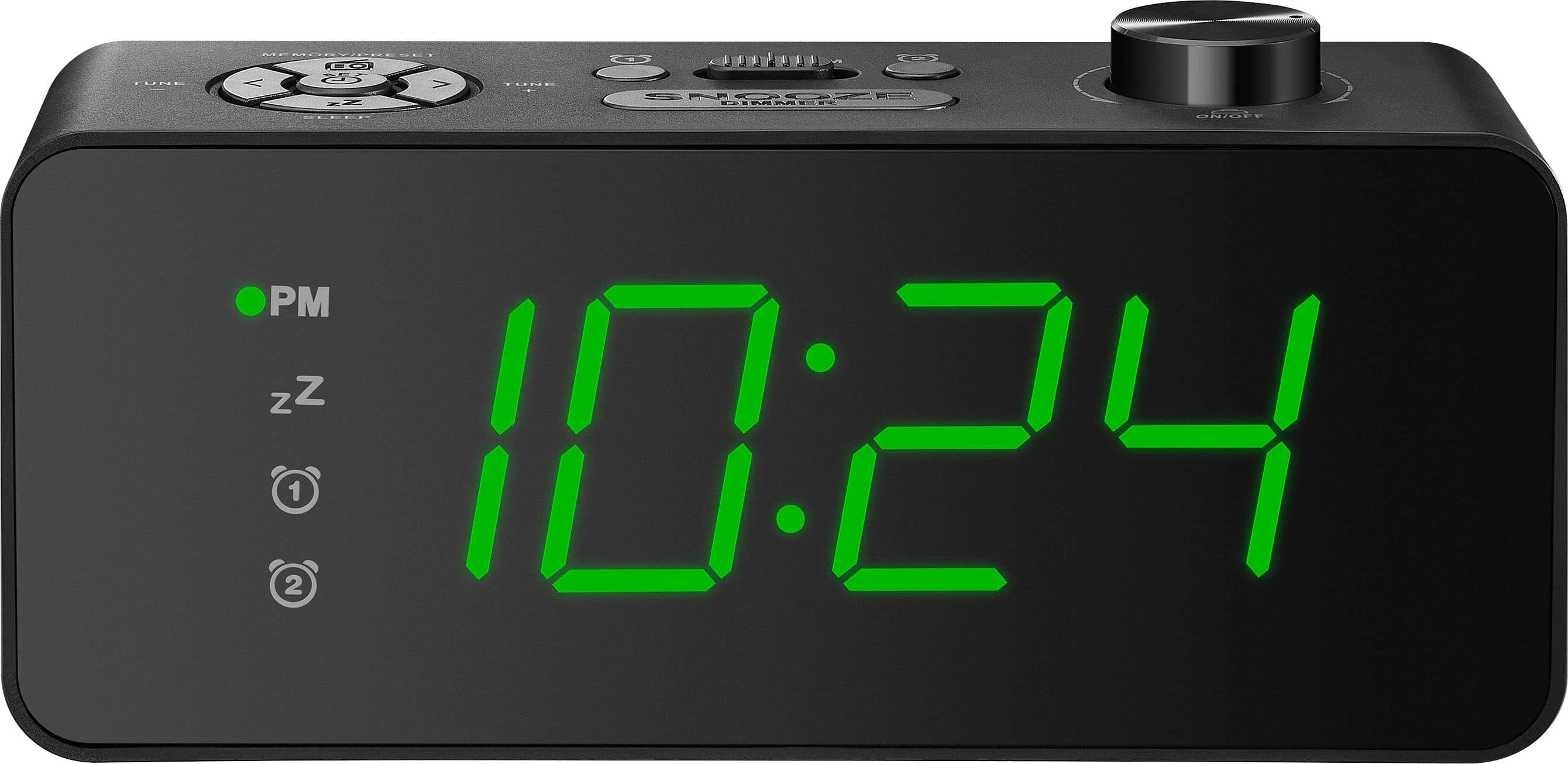
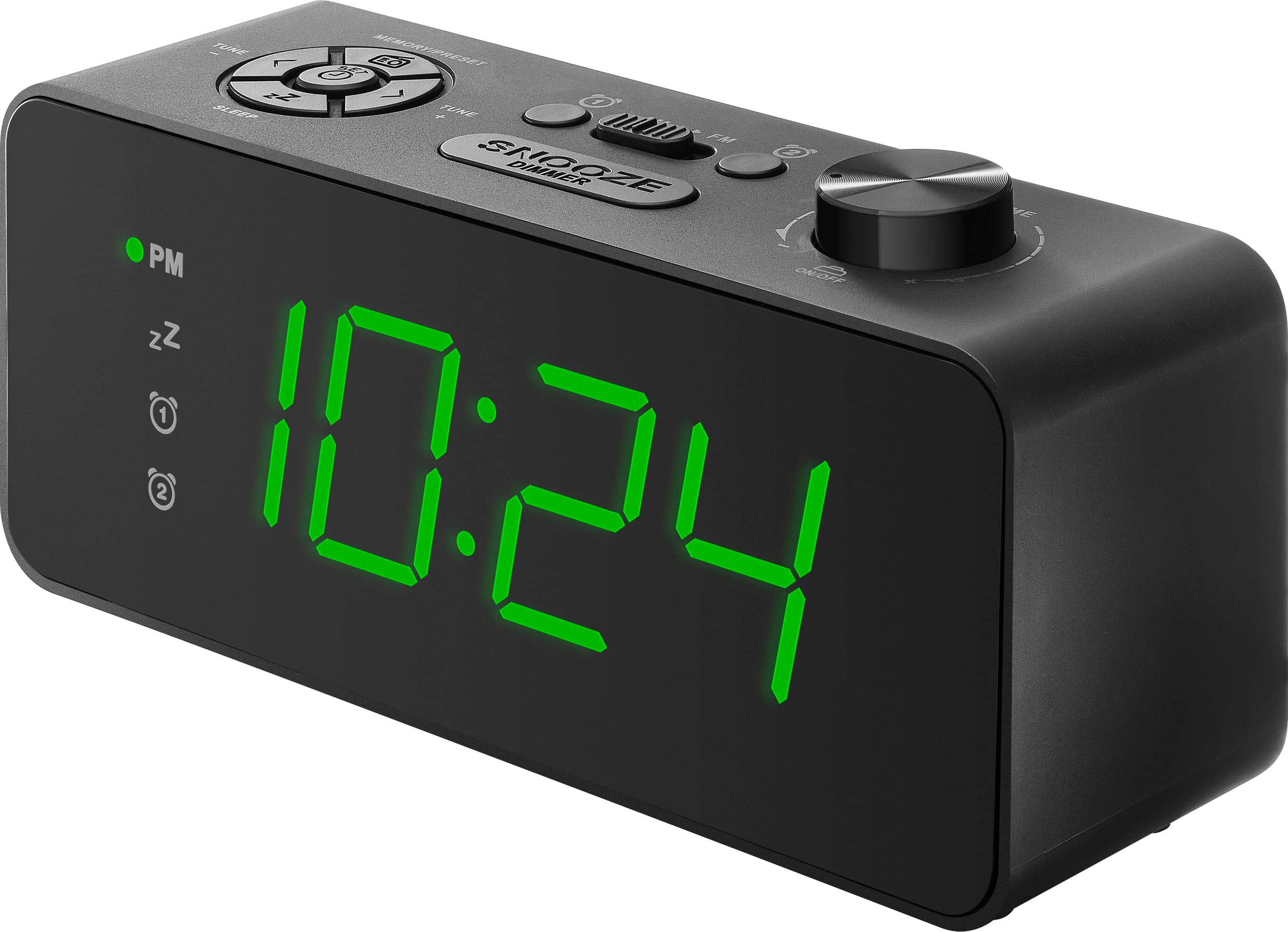
  • QuestionWhat type of display does this alarm clock have?

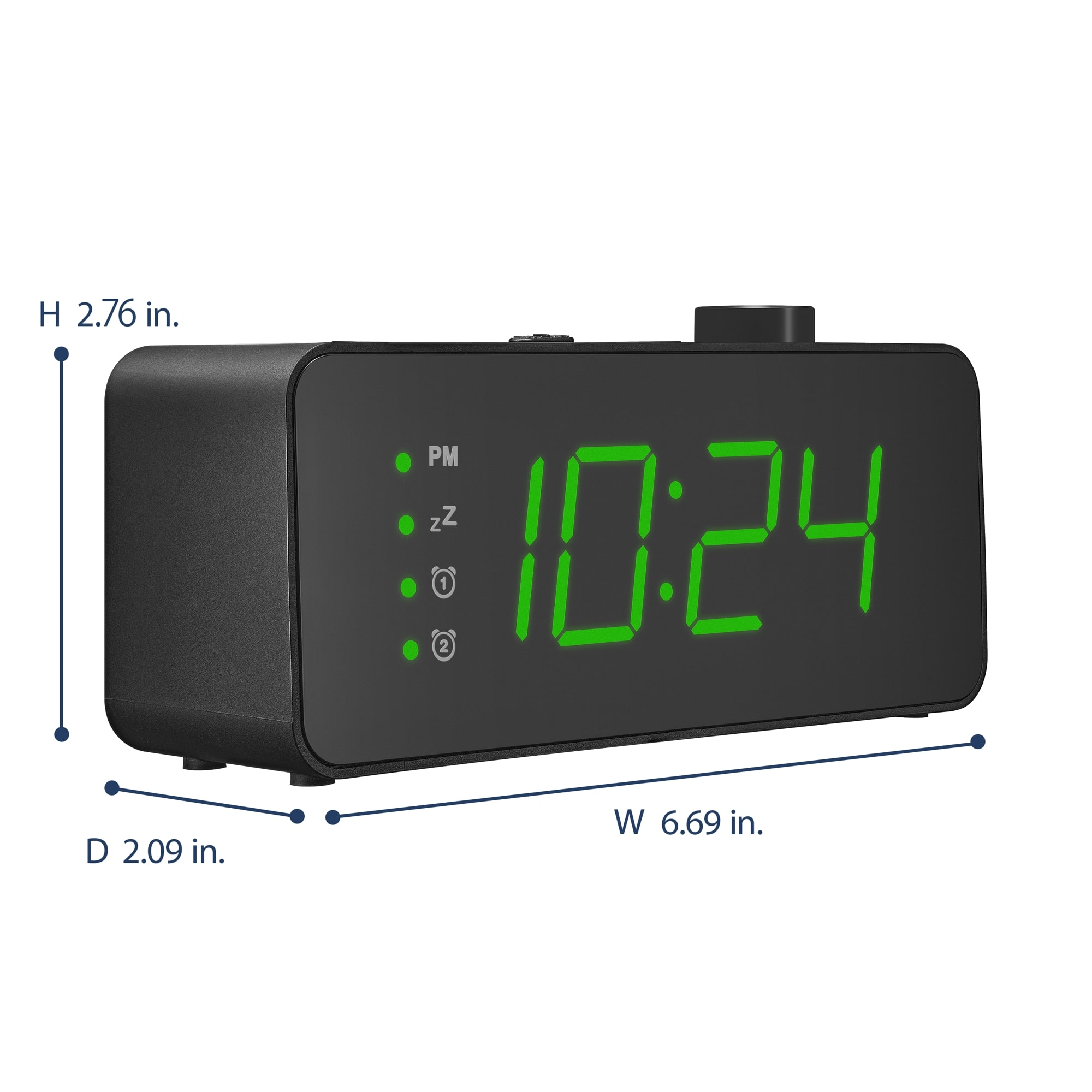
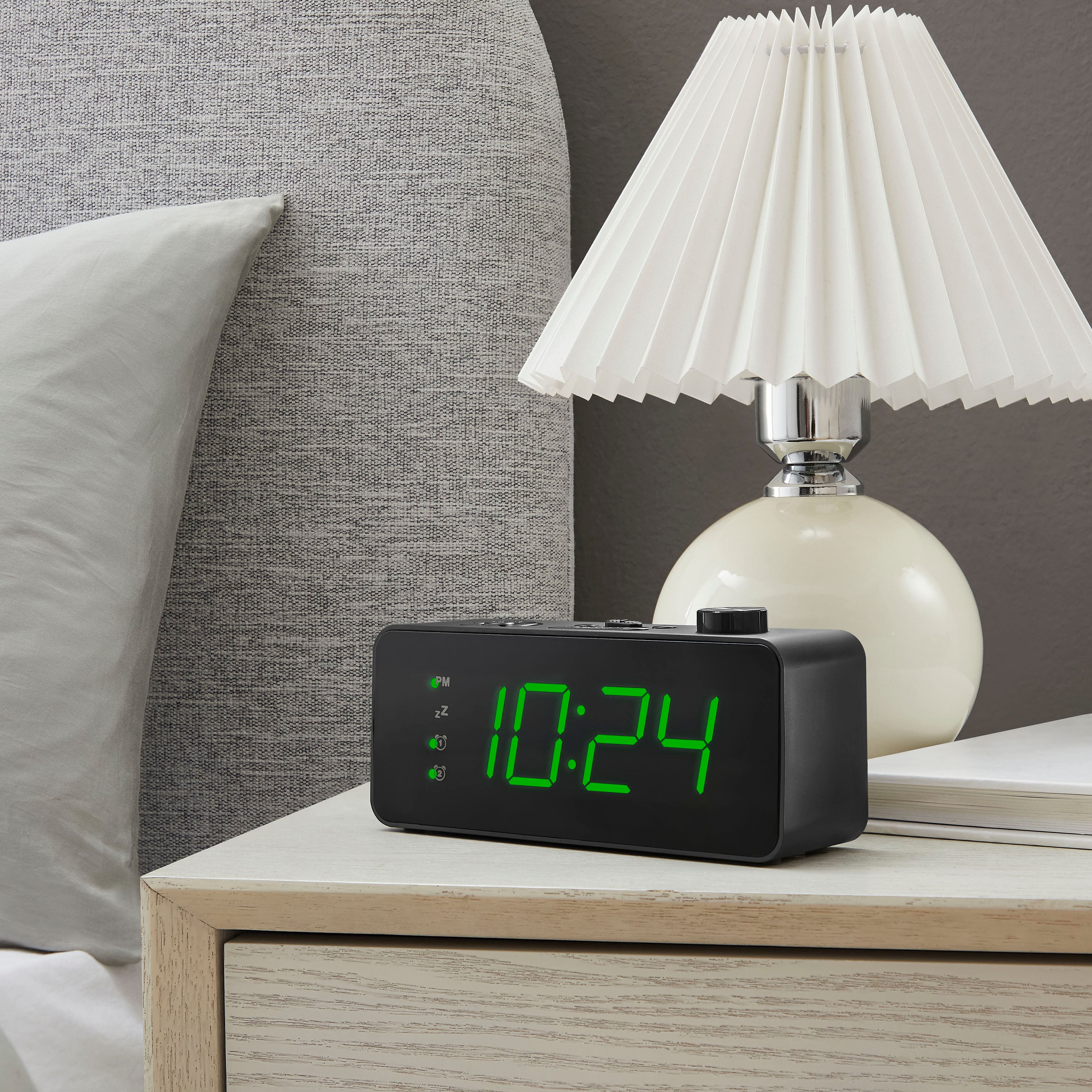
    • Answer This alarm clock has a green LED display.
    This question and answer was generated by AI based on customer and product data.

  • QuestionHow many radio station presets can I save?

    • Answer The alarm clock can store up to 20 presets - 10 for FM and 10 for AM stations.
    This question and answer was generated by AI based on customer and product data.

  • QuestionHow can I turn on the radio alarm feature?

    Asked by Noe.

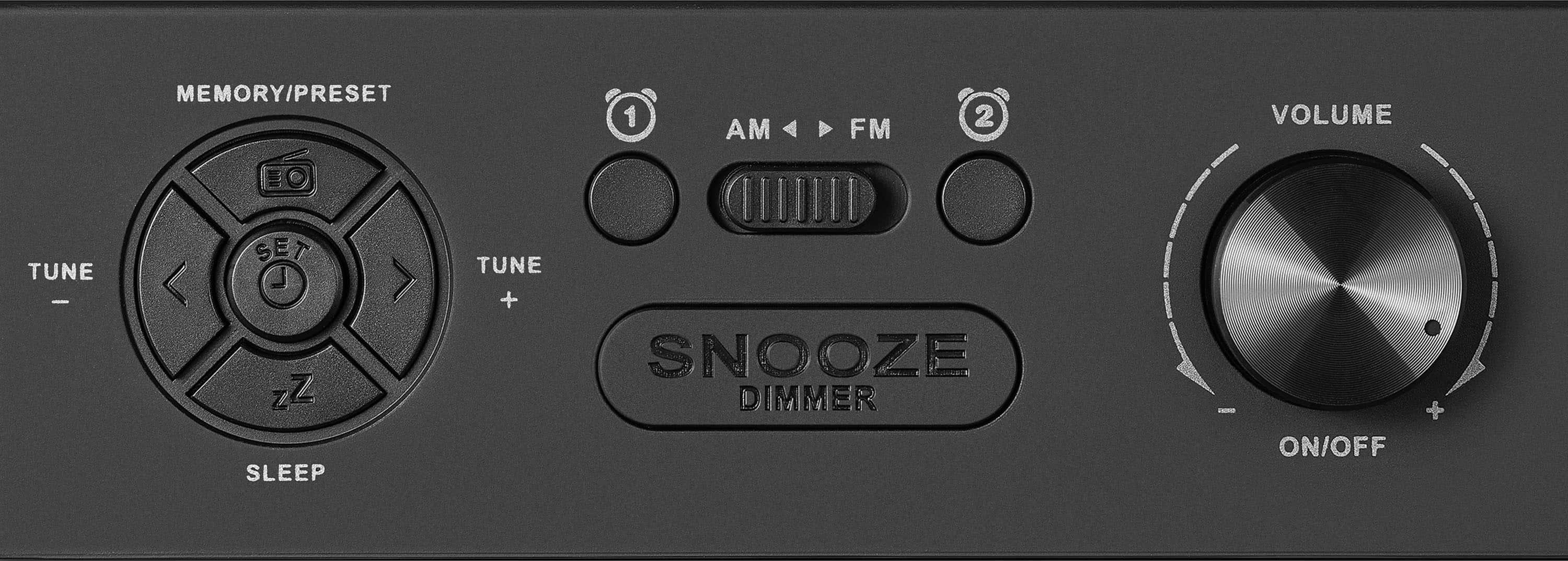
    • Answer Hi there! To turn on the radio alarm feature on your Insignia™ Digital AM/FM Dual Alarm Clock, follow these steps: 1 Under Clock mode, press and hold (Alarm 1). The hour digits blink. 2 Press TUNE – or TUNE + repeatedly to set the correct hour, then press (Alarm 1) to save the setting. The minute digits blink. 3 Press TUNE – or TUNE + repeatedly to set the correct minute, then press (Alarm 1) to save the setting. 4 Press TUNE – or TUNE + to select the alarm ring type (”bu” for a buzzer sound or “rad” for the radio), then press (Alarm 1) to save the setting. 5 Press TUNE – or TUNE + to set the volume, then press (Alarm 1) to save the setting. Alarm 1 turns on. Notes: • To set Alarm 2, follow these instructions, but press (Alarm 2) instead of (Alarm 1). • To turn on an alarm that you’ve previously set, press (Alarm 1) or (Alarm 2). The Alarm 1 or Alarm 2 indicator is shown on the display when the alarm is turned on. If you have any questions or need further assistance, please don't hesitate to reach out. Thank you for choosing Insignia! | Emman | Insignia Support | https://www.bestbuy.com/site/brands/best-buy-brands/pcmcat1596746025285.c?id=pcmcat1596746025285

      Answered by InsigniaCustomerSupport

  • QuestionMy alarm clock won't work without the backup batteries; it kicks to midnight, flashing, after about 20 minutes plugged in, and after the first reset, it kicks back after about a minute each time. I just got it. Is this normal, or faulty? Thanks!

    Asked by ProbableMalfunction.

    • Answer Either the clock is malfunctioning on its own or something to do with the outlet it is connected to? Otherwise I am not sure.

      Answered by TenQ800

  • QuestionDOES THIS CLOCK RADIO ADJUST FOR DAYLIGHT SAVINGS TIME?

    Asked by BillyFromPhilly.

    • Answer Yes it does. Just like your cable box (if you still have a cable box) it automatically does it overnight on the Fall/Spring DST.

      Answered by Banana21

  • QuestionThe clock display is getting switched off after 1 minute even though power is coming from wall socket

    Asked by Anonymous.

    • Answer Hi Insignia Customer,Thanks for reaching out about your Insignia™ Digital AM/FM Dual Alarm Clock. If the display is turning off after a minute even while plugged into a wall socket, it’s likely due to the auto-dimming or power-saving feature. Some models are designed to turn off the display when not in use to reduce light and save energy. Here are a few things you can try: Press the “Snooze/Dimmer” button to cycle through the brightness levels. Holding it down may disable the auto-off feature. Check if the backup batteries are installed, make sure you remove it. Try a different outlet to rule out any power inconsistencies. If none of these steps help contact Insignia Customer Service (877-467-4289) for further troubleshooting. Tine | Insignia Support

      Answered by InsigniaCustomerSupport

  • QuestionDo I need to set the time on this clock or does the clock set the time automatically?

    Asked by Ken.

    • Answer Hi Ken! The Insignia™ Digital AM/FM Dual Alarm Clock with 4-Level Dimmer does not automatically set the time. You’ll need to manually set the time when you first plug it in. — Shiela | Insignia Support

      Answered by InsigniaCustomerSupport

  • QuestionI’m looking for a dual alarm weekday and weekend

    Asked by TG.

    • Answer Hi TG, Thank you for reaching out and sharing your feedback about the Insignia™ Digital AM/FM Dual Alarm Clock with 4-Level Dimmer. We're glad to hear you're interested in its dual alarm feature! This clock allows you to set up to two different alarms, which can be customized for weekdays and weekends. You can choose between a standard alarm sound or waking up to your favorite radio station. The 4-level dimmer ensures the display brightness is just right for your space. If you have any further questions or need assistance, feel free to reach out to our customer support team. - Emman | Insignia Products

      Answered by InsigniaCustomerSupport

  • QuestionDoes the 4-Level dimmer include one level where there is NO brightness--just completely dark/blank?

    Asked by James.

    • Answer Thank you for your inquiry! The Insignia™ Digital AM/FM Dual Alarm Clock with 4-Level Dimmer does not include a setting where the display is completely dark or blank. The 4-level dimmer allows you to adjust the brightness of the display, but it does not turn off the display entirely.

      Answered by InsigniaCustomerSupport

  • QuestionDoes this model use back up batteries in case the power goes off?

    Asked by Patricia.

    • Answer yes, 2 AAA batteries are included

      Answered by EliP

  • QuestionHow do you turn off the alarm? My mom is 91 and has arthritis. She needs something simple and easy to turn off.

    Asked by MomsHelper.

    • Answer I understand the need for a simple solution. Here’s how to turn off the alarm on the Insignia™ Digital AM/FM Dual Alarm Clock with 4-Level Dimmer: 1. Snooze Button: Press the "Snooze" button to temporarily silence the alarm. This will give you an additional 10 minutes of rest before the alarm sounds again. 2. Alarm Off Button: To completely turn off the alarm, press the "Alarm Off" button. This will stop the alarm from sounding until the next scheduled alarm time. 3. Power Button: Alternatively, you can press the "Power" button to turn off the alarm and the radio, if it’s set to wake you up with a radio station. These buttons are typically located on the top or front of the alarm clock and should be easy to press. If your mom finds it difficult to press the buttons, you might consider placing the clock in a more accessible location or using a different alarm clock with larger, easier-to-press buttons. If you need any further assistance, feel free to ask!

      Answered by InsigniaCustomerSupport

  • QuestionHOW TO CHANGE STATIONS? BY PRESSING BUTTON OR NEED TO TURN DIAL?

    Asked by Anonymous.

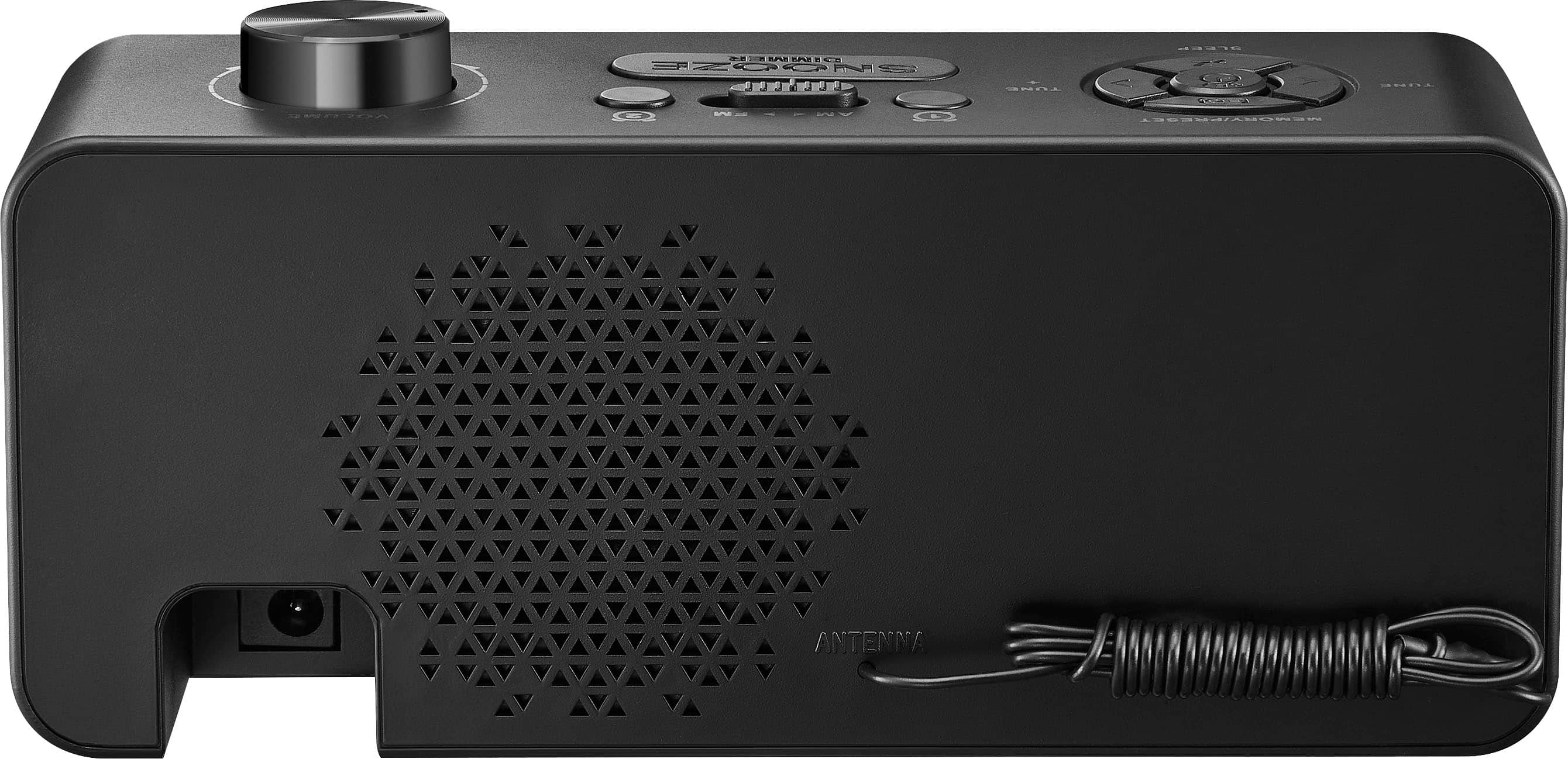
    • Answer Thank you for your question! To change stations on the Insignia™ Digital AM/FM Dual Alarm Clock with 4-Level Dimmer, you use the preset buttons rather than turning a dial. The clock allows you to store up to 20 preset stations (10 AM and 10 FM), making it easy to switch between your favorite stations by pressing the corresponding preset button. Additionally, you can use the < and > buttons to tune radio stations. If you have any other questions or need further assistance, please feel free to reach out! -Ed | Insignia Support | https://www.bestbuy.com/site/brands/best-buy-brands/pcmcat1596746025285.c?id=pcmcat1596746025285

      Answered by InsigniaCustomerSupport

  • QuestionHow do you turn it on?

    Asked by Jim.

  • QuestionDoes this have a USB port

    Asked by Greatcompilationbluraytob.

    • Answer NO

      Answered by user167581

  • Questioncan this radio work without being plugged in if fully charged

    Asked by Anonymous.

    • Answer No the battery only keeps your settings it does not run the clock or radio

      Answered by JoeP