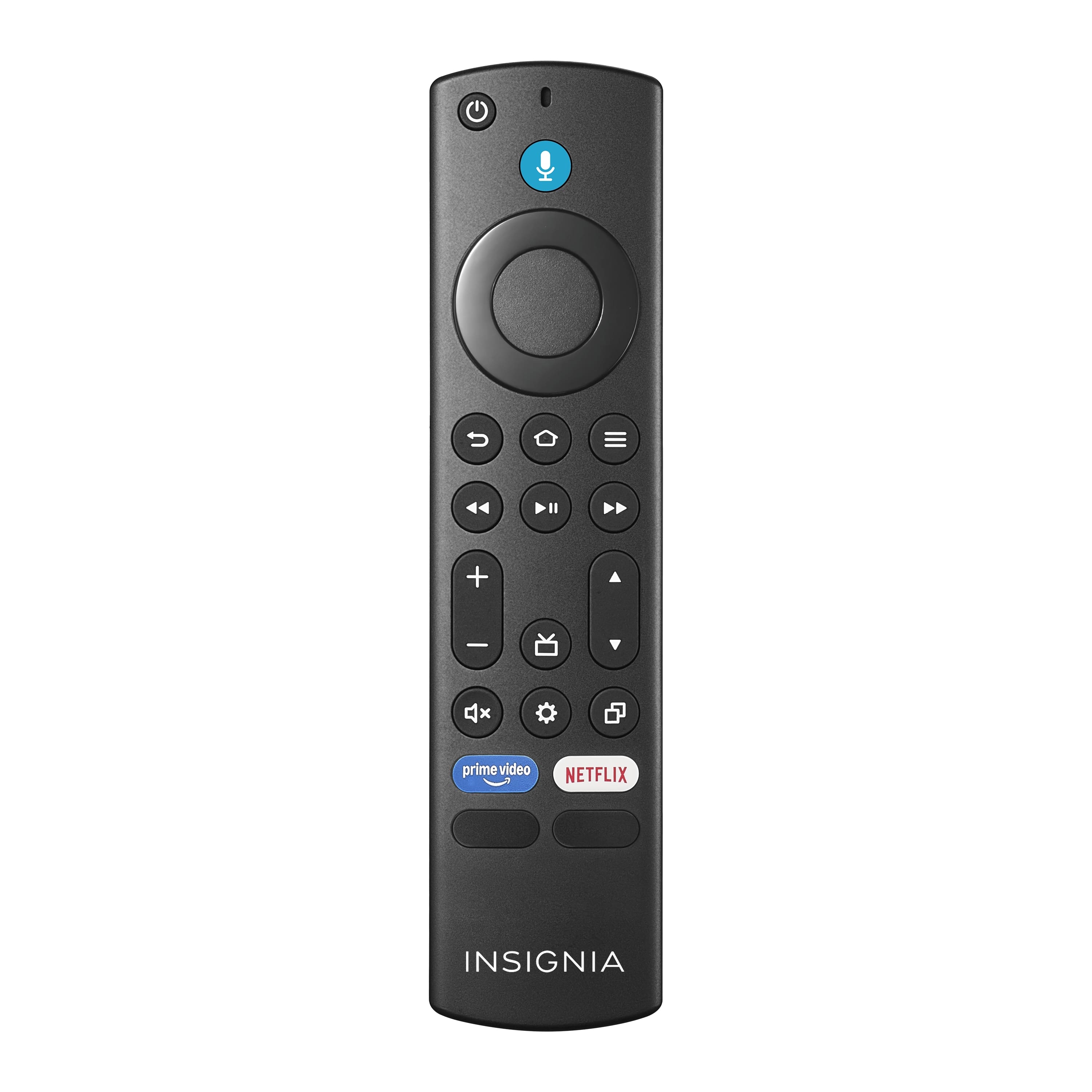
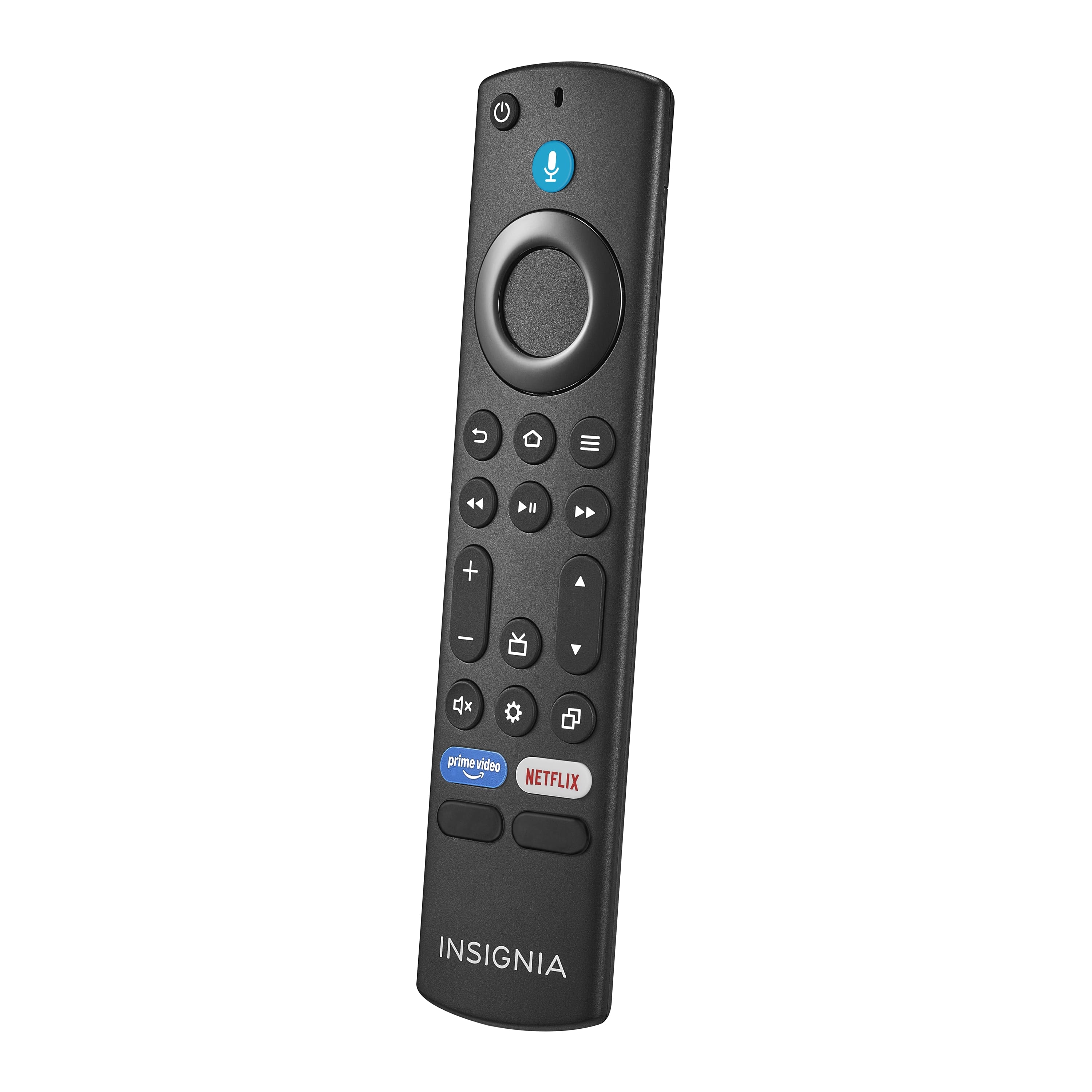
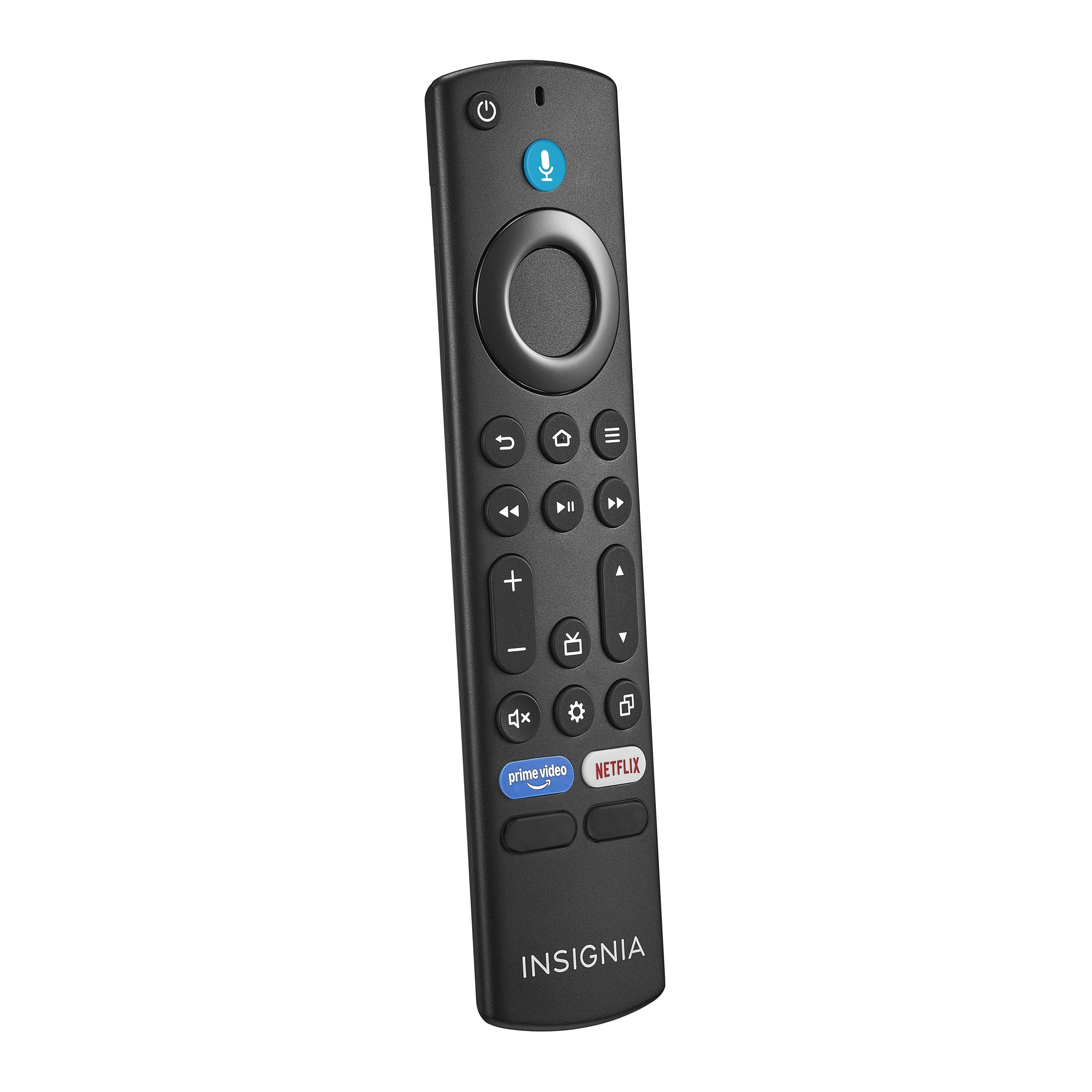
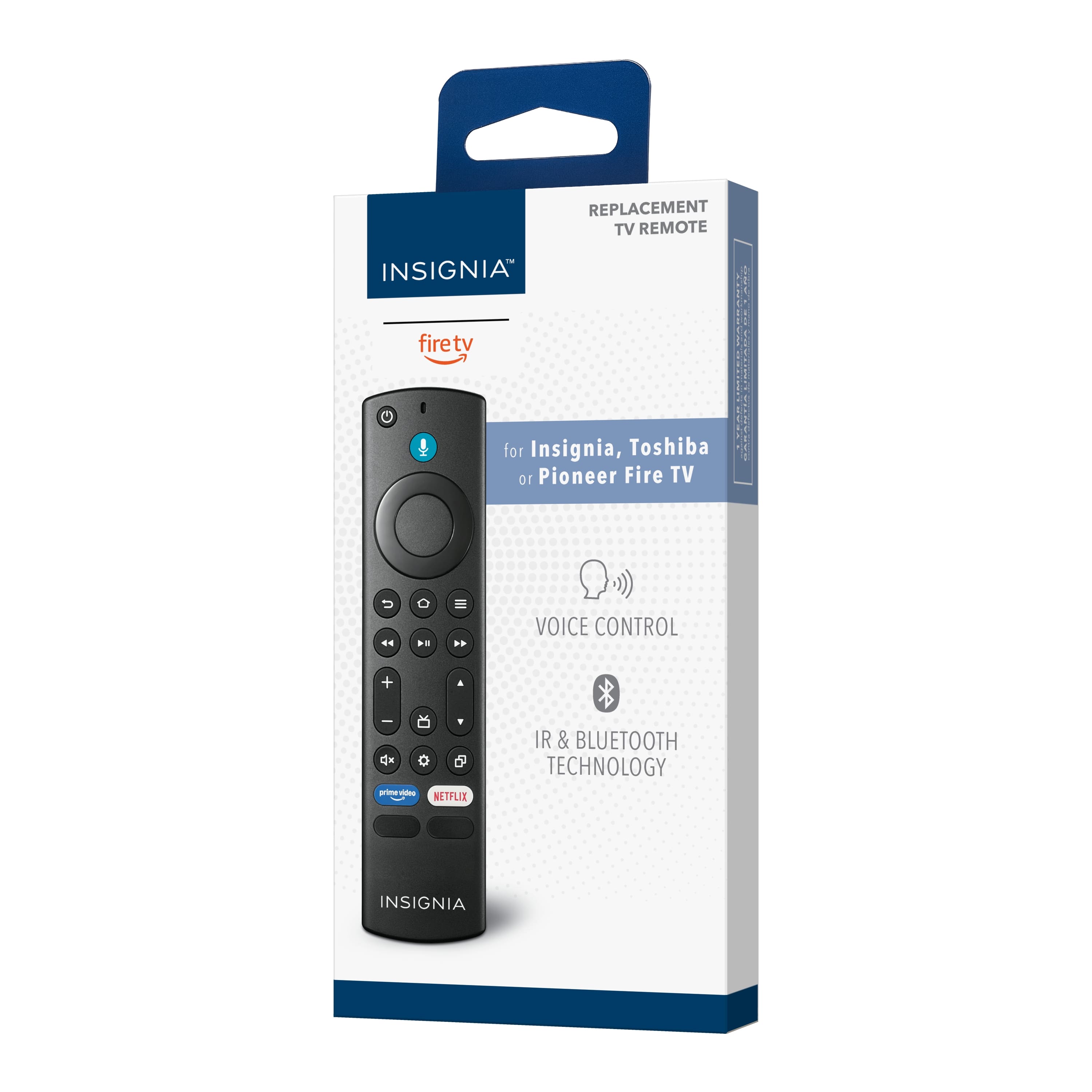
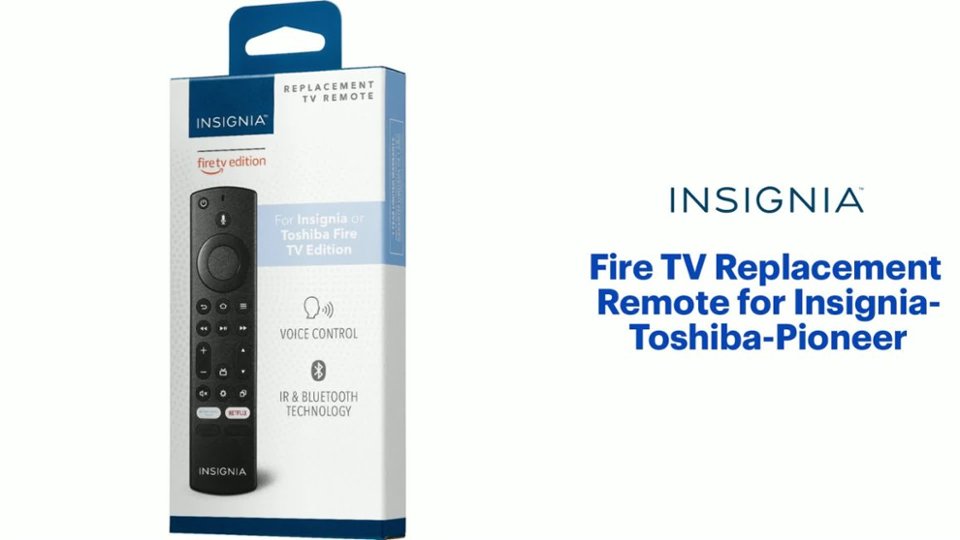
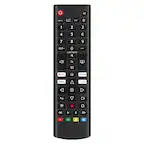
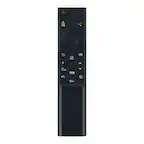
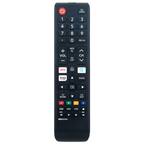
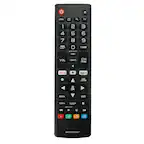
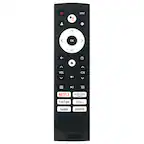
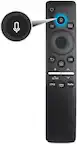
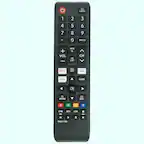
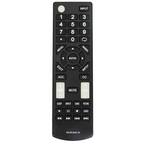
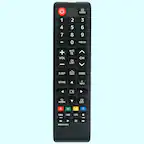
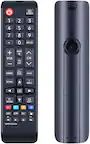
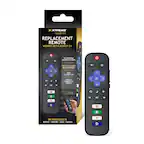
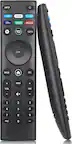
A:AnswerYes, this replacement remote works for Insignia and Toshiba Fire TV Edition TVs.
Try this: Press and hold at the same time the DPAD-left, Back (↩) and Menu (≡) buttons for at least 12 seconds. To pair the remote again, press the Home button for up to a minute.
A:AnswerYeah it seems to work. Open the folded paper instructions in the box and read it first. One has to open the FireTV settings and have it recognize the new remote and add it as a new device. Once that's done, it seems to work. Sometimes the buttons seem to stick or not register a bit. I open up the battery container and shift the little AAA batteries around to make sure the contacts are good. Sometimes I have to really press down sharply on a button to make sure the command registers; but so far it's working.
A:AnswerI have had the same problem with mine, changing the batteries sometimes after only 2 days! I have reached out to the manufacturer, still waiting for an answer. Hoping it’s just a defective remote that can be replaced, good luck!
A:AnswerNo, this replacement remote will not work with your TV.
Try the Replacement Remote Model: NS-RMTEXB21
or the Part Number NS-RC4NA-16
https://partstore.encompass.com/item/11448796/Insignia/NS-RC4NA-16/
A:AnswerNo, this replacement remote won't work with your TV.
Try the Remote Part Number NS-RC4NA-16 https://partstore.encompass.com/item/11449002/Insignia/06-516W42-BY01X/
A:AnswerTry this, press and hold at the same time for 12 seconds the following 3 buttons: DPAD-left, back and menu (≡). Then, to pair again the remote press and hold the Home Button for about a minute.
For product support, please visit https://www.insigniaproducts.com/email-us