A:AnswerMegs,
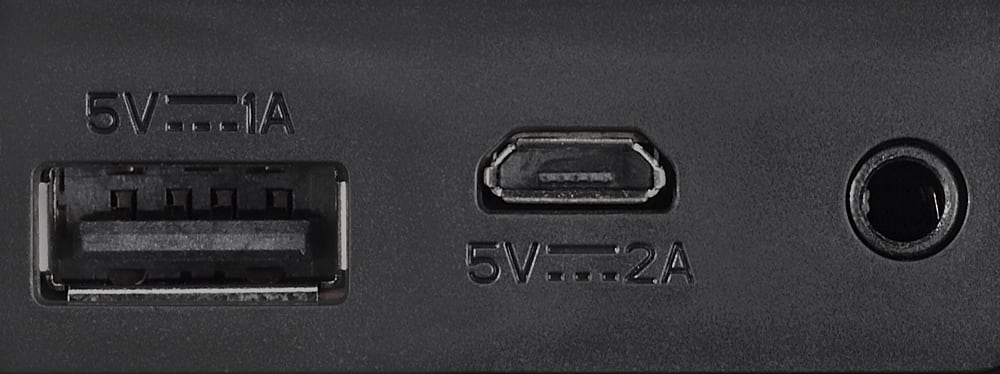
Did you use the charging cord supplied with the speaker? (USB from a power source to the Micro USB port on the speaker). It sounds like you may have gone USB to USB port which is used for charging another device from the speaker. If so it's no wonder your speaker did not work.
A:AnswerI don't know exactly. I have an iPhone 6 and it works fine. The instruction manual says nothing about a version of Bluetooth. It just simply states that it can "wirelessly stream from any Bluetooth device."
A:AnswerNo, not without the purchase of a Bluetooth transmitter that can be applied to the non-Bluetooth stereo unit. Bluetooth is a signal that needs to be both sent and received, therefore a non-bluetooth stereo receiver cannot transmit (send) a Bluetooth signal, leaving the speaker without a Bluetooth signal to receive. There are separate Bluetooth transmitters and receivers that can be applied to non-Bluetooth electronics, so they can send and/or receive Bluetooth signals. The speaker can receive a Bluetooth signal, that is sent from a Bluetooth enabled device, within a 30 foot radius, without any additional purchase or additional cost.
A:AnswerI had similar problems with my iPhone and it may also be the case for you. The problem was not the speaker but the settings in my iPhone. I had clicked "forget this device" on my phone to disconnect my phone from it and then it wouldn't ever connect again. I had to go reset my phone to factory settings and it "saw" the blue tooth speaker and problem solved. Now I just turn off bluetooth on my phone if I want it not to pair with speaker. BTW: When doing this you will have to resave all your passwords on your phone so be sure you remember them!
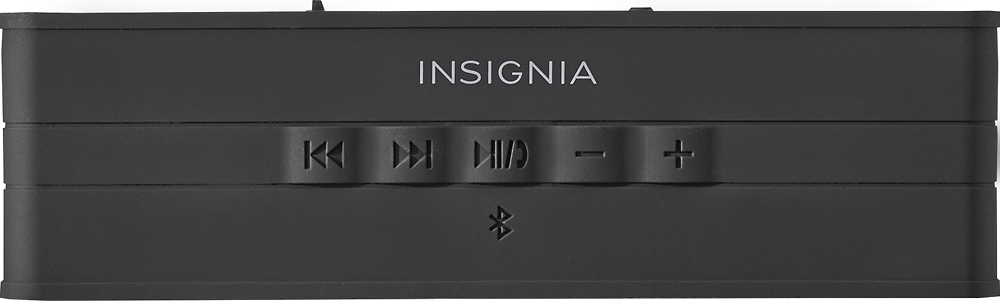
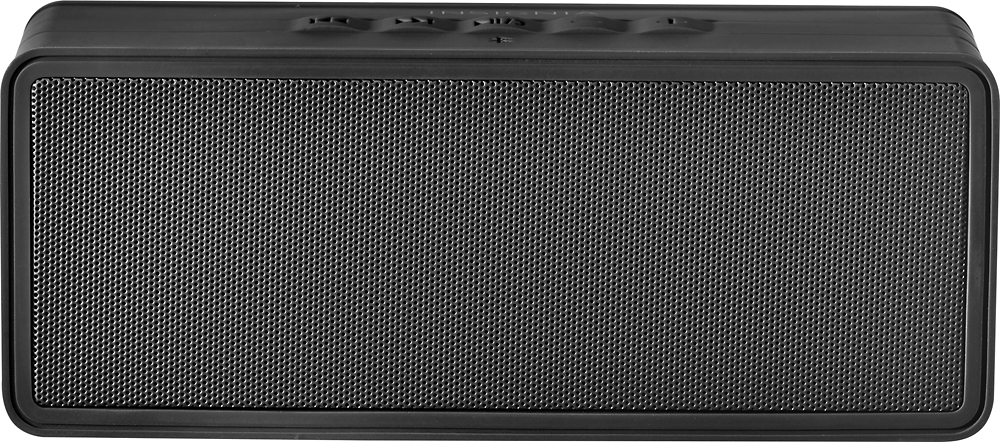
A:AnswerNo, it will not auto shut off. The power switch is a manual slider switch and there is no auto-off or standby feature. The battery does have a very long run time of more than a day though.