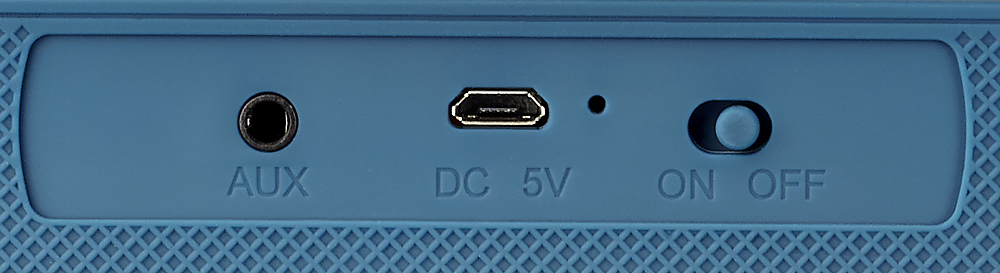
A:AnswerThe USB port on your computer may not be providing enough power to charge the speaker. You may need to try other USB ports or connect the USB cable into a USB wall adapter. The power indicator (near the power switch) will light up red while charging. That red light will go off when it is fully charged.
A:AnswerYes, that happens when the volume is set to the lowest volume before mute. The speaker is suppose to be somewhat loud, but the volume it's set to is very low, so it's struggling to be loud n quiet at the same time if you know what I mean. You can fix this by turning up the volume with the device it's connected to (computer, tablet, phone, etc).
A:AnswerI originally had that issue but what I did was turn it off remove it from my I-7 BT and turned it back on turned bt on phone it found it and been married ever since good luck
A:AnswerCNET Article states "If your headphones are Bluetooth, all you really need is a Bluetooth transmitter. Transmitters can be found online or at your local electronics retailers for as little as $15." (https://www.cnet.com/how-to/how-to-connect-wireless-headphones-to-any-tv/)
I think a bluetooth transmitter should work the same with this bluetooth speaker.