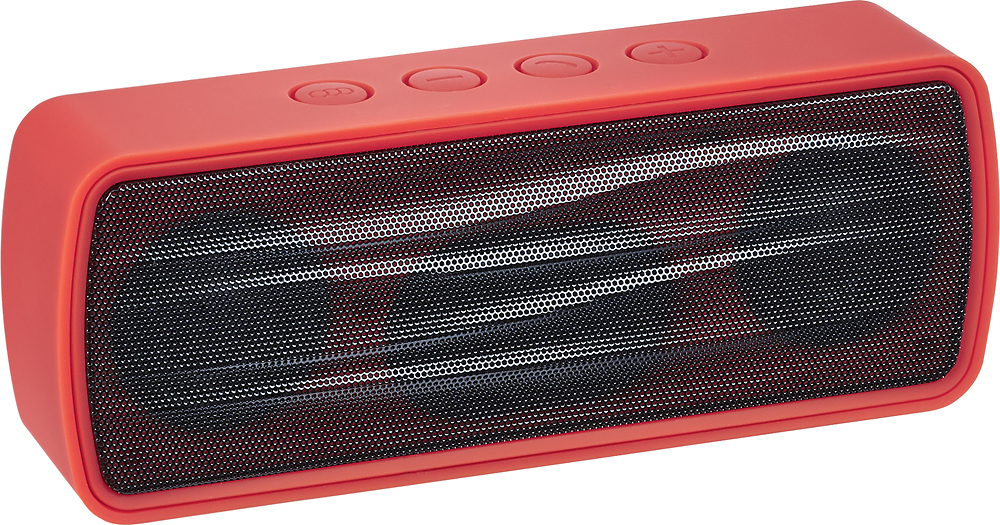
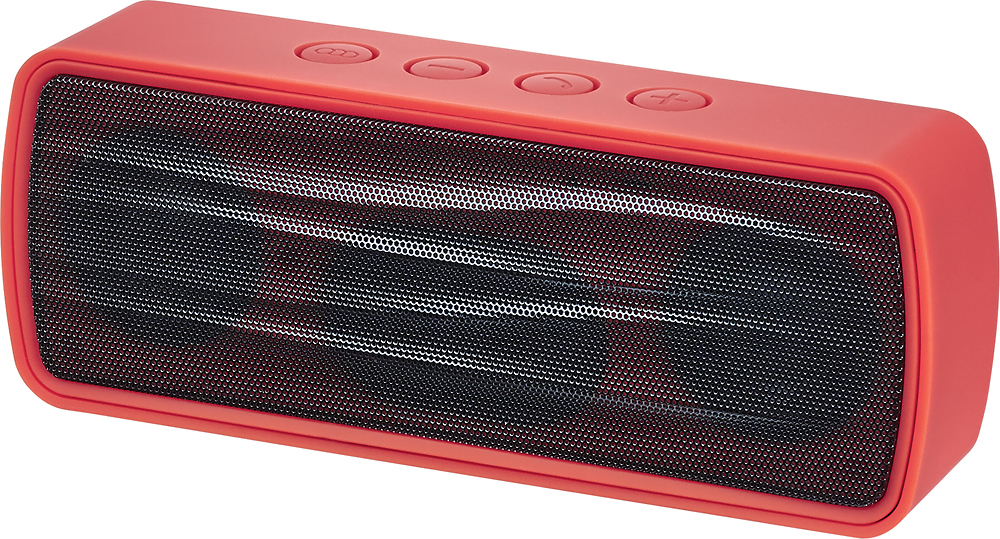
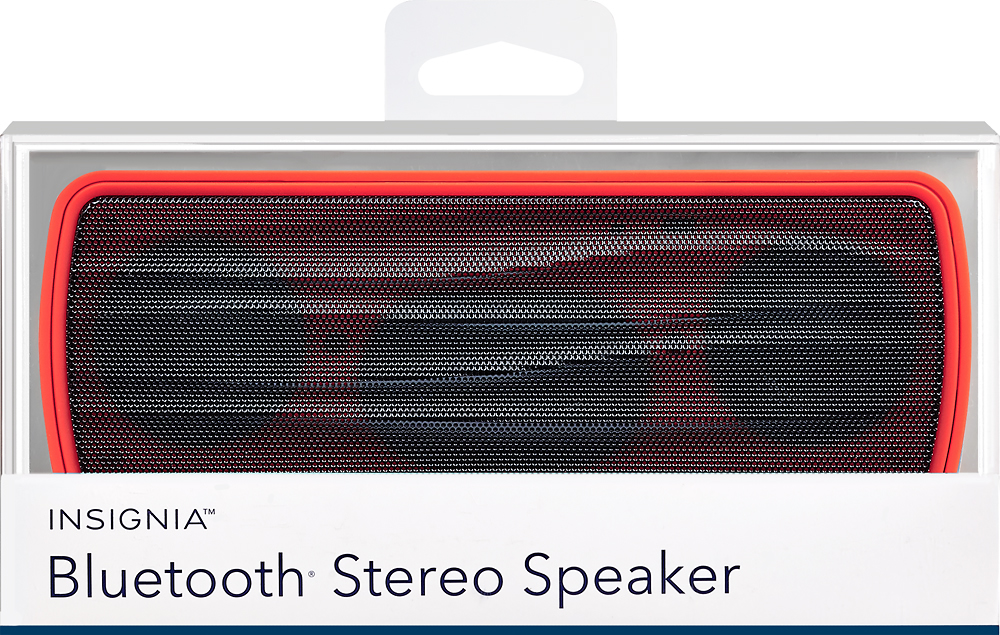
A:AnswerIt does have two speakers. Not sure of them output watt per channel, thibk already threw out the documentation, but it's an awesome speaker, u won't be disappointed
A:AnswerIt's all about the settings you have on your phone, if you don't wanted to ring you can either put it on do not disturb mode but you will miss the call. Or you can just go to your sound settings and put silent instead of a ringtone and the music will keep playing out loud but it will stop soon as you get an incoming call. The other option would be to ignore the call under the silent settings so that it doesn't interrupt the music
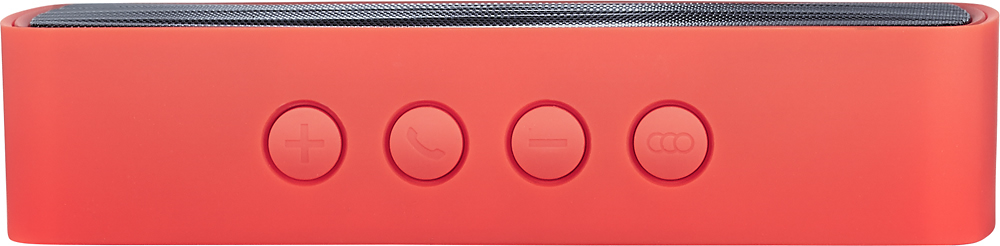
A:AnswerTo pair this speaker to a bluetooth device, you'll need to set the speaker into pairing mode by holding the MODE button (three overlapping circles) until the blue light flashes rapidly. Then, on your bluetooth device (stereo system), enter discovery mode and it should detect the speaker and connect.
A:AnswerSorry no it won't the only speaker that can do that is a special one from jam Bluetooth speaker but I haven't seen them anymore I thing there discontinued item .
A:AnswerThis happened to me as well. Apparently it became linked to my phone (to receive/answer calls) but wouldn't play media such as music.
I unpaired it from my phone (for me it was selecting "forget") and paired it up again. Pressing the "source" button (speaking light will blink again) and selecting "NS-CSPBTHOL" on my phone via Bluetooth again.
*Note, my phone didn't see/identify the speaker right away even after I "refreshed" the Bluetooth. I had to turn off and on the Bluetooth again.
A:AnswerAlthough not experiencing the same situation using the iPhone 6s, I suggest you look at your phone's setting or, take it to an Apple Store if you live near one.