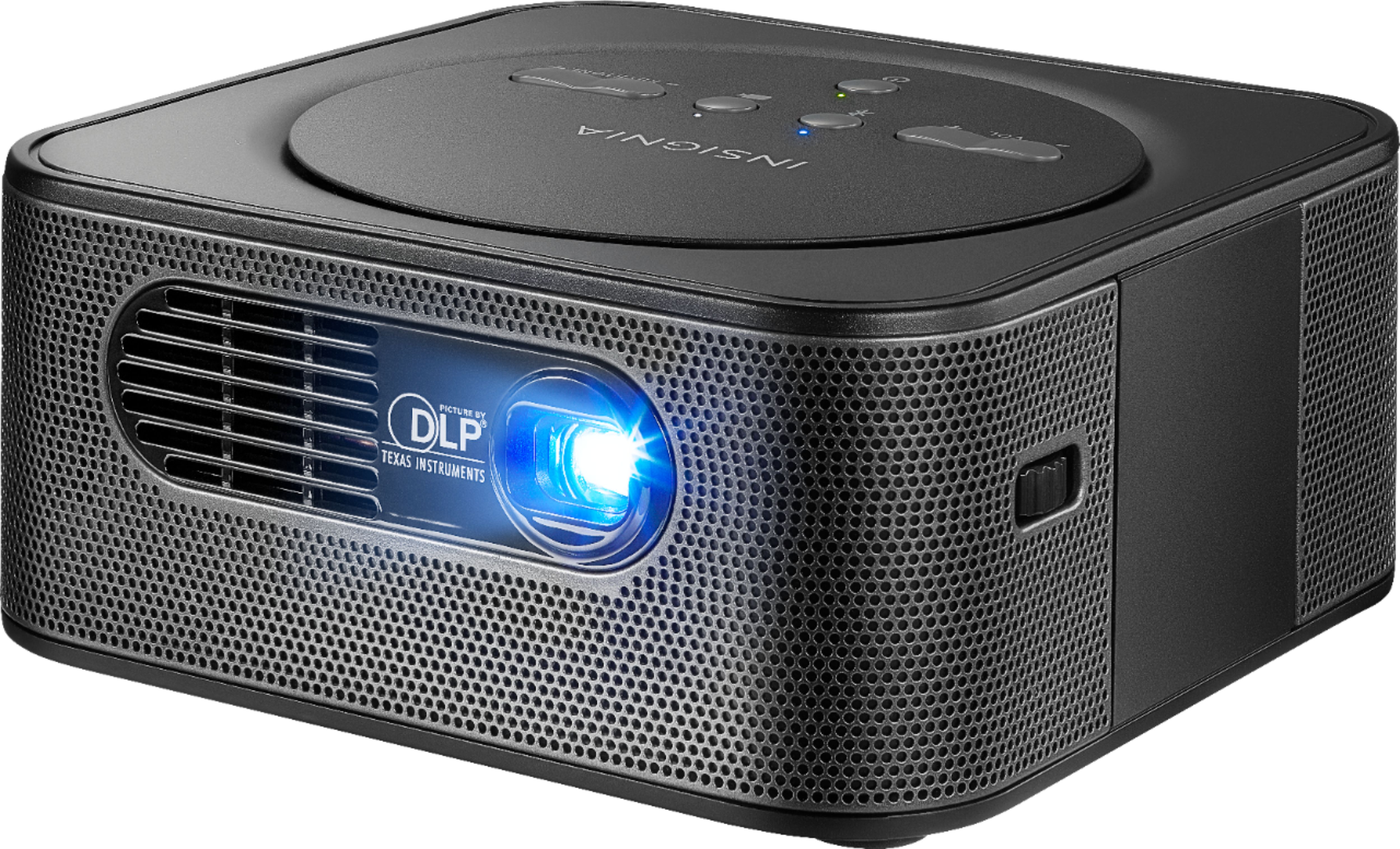
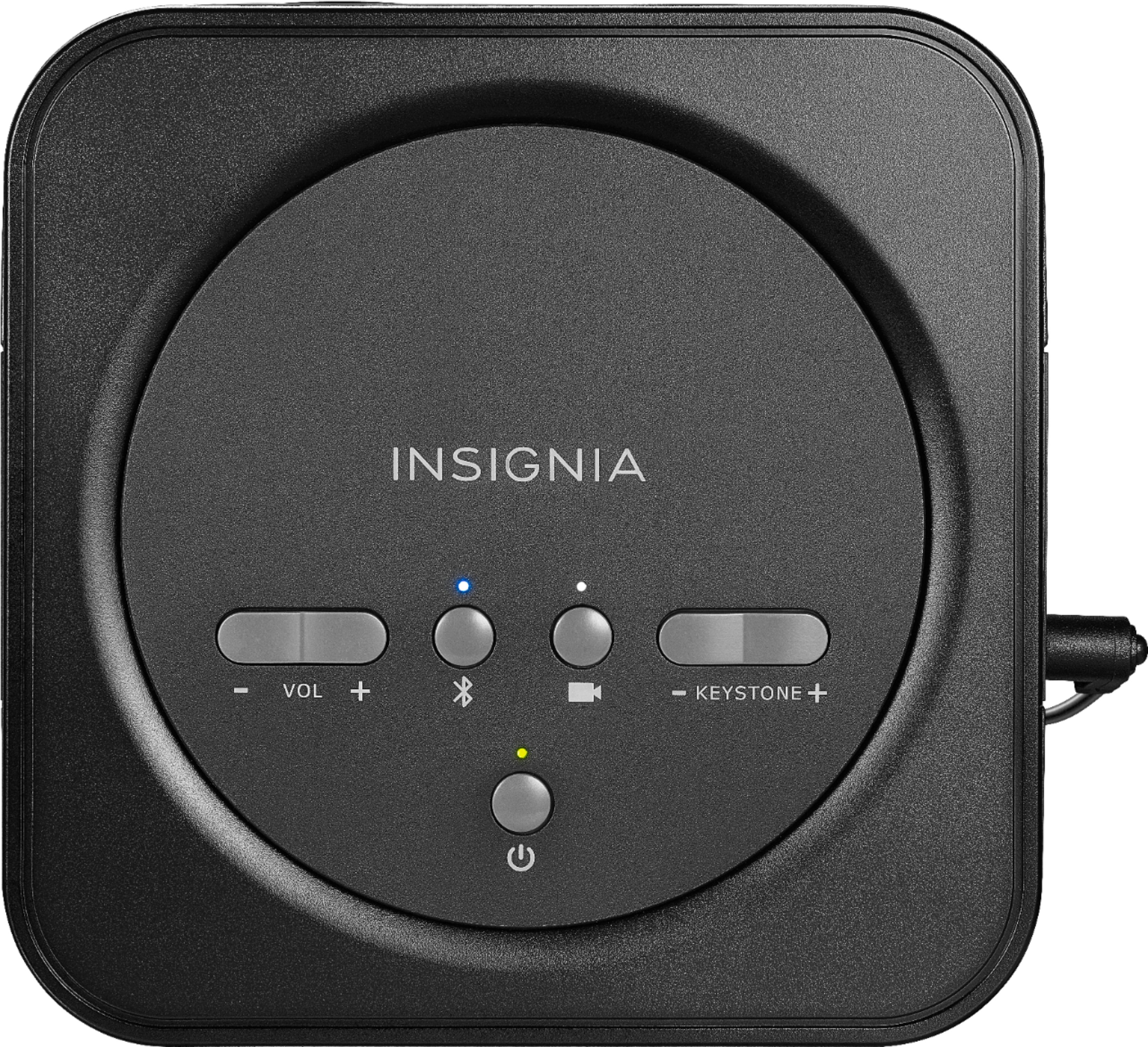
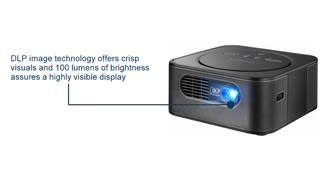
A:AnswerLexi: From what I can gather while using mine (about 5 or 6 times by now), if your unit is plugged in, is off and the light is green it means that the battery is fully charged. If it's not fully charged it will be red. I hope this helps.
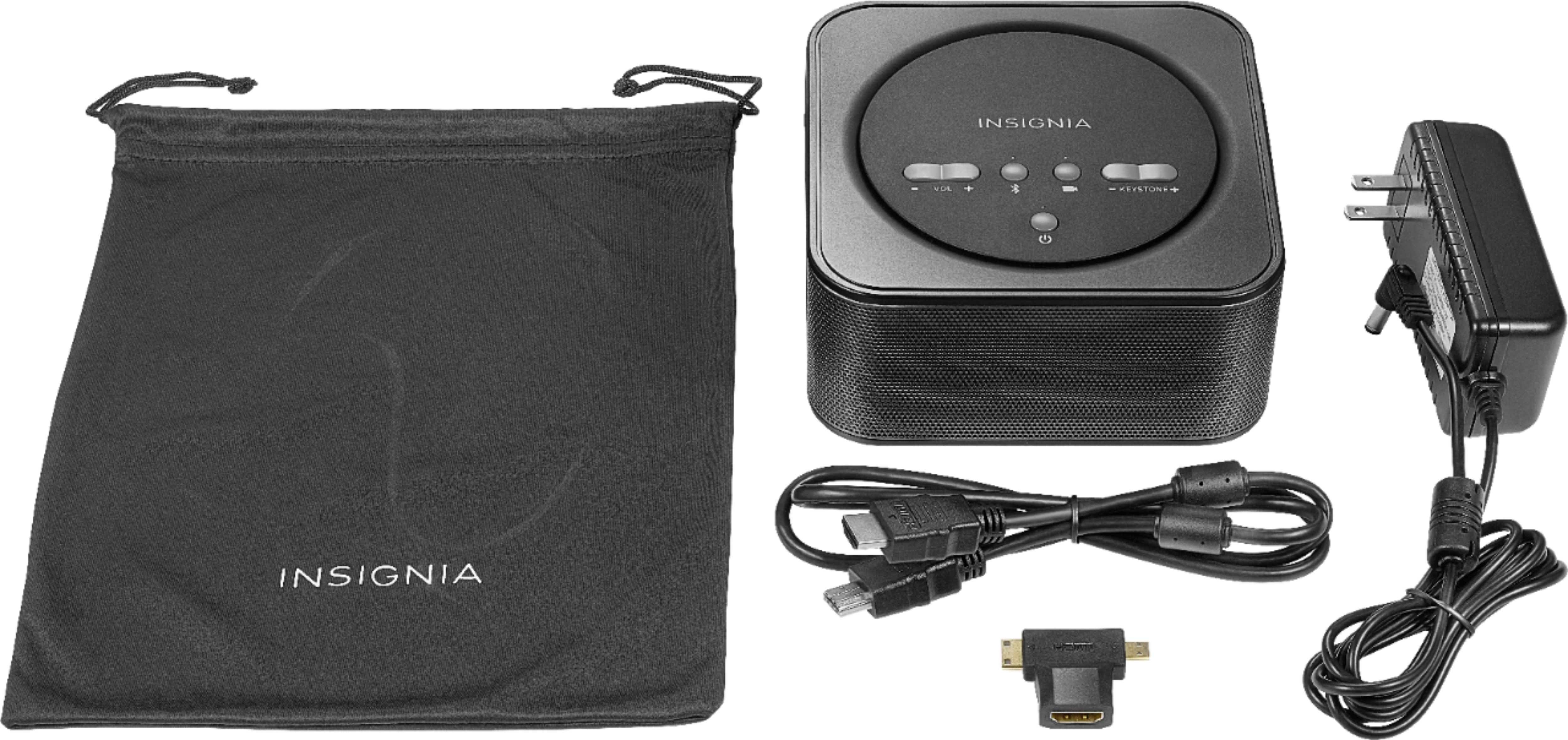
A:AnswerYou just need the HDMI cable to connect it to your computer or laptop, and the power cord in case you lose the charge. The power cord comes with it. I purchased a stand for mine that screws into the bottom for $15. It's perfect.
A:AnswerHello. In this case it would be convenient if you get in contact with one of our agents, you can give us a call everyday from 8am to 9pm CT at 1-877-467-4289. Charles O. Insignia support.
A:AnswerHere are a few things to try:
1. Read the instructions
2. Plug in projector and turn it on and give it a chance to warm up
3. Make sure you press the power button on for a few seconds to engage the light projector
4. Try adjusting the focus dial as it may be set to one extreme or the other
5. Test it in a dark room for the best clarity
A:AnswerMight be your screen saver device setting on the computer or laptop. Go to search at bottom of your device and type in screen saver and turn off time out. keep your projector plugged in but is estimate to run 120 minutes on a full charge. Internet or wi-fi range needs to be checked on other devices to estimate range.