DoorBOOsters are hereExclusions apply. Ends 11/2/25.Shop now

Main Content

Questions & Answers

Your price for this item is $139.99
Page Showing 81-100 of 461 questions
  • QuestionHow do I get the User Guide? Where is the tab for Support and Downloads?

    Asked by EarsNeedHelp43.

    • Answer Hi, To get the user manual for the Insignia™ RF Wireless Over-the-Ear Headphones, please visit this link: https://www.bestbuy.com/site/insignia-rf-wireless-over-the-ear-headphones-black/6281625.p?skuId=6281625. Once there, navigate to the Features section and then to Manuals and Guides. You can easily download the user guide from there. Patricia | Insignia Support

      Answered by InsigniaCustomerSupport

  • QuestionWe purchased our headphones in 2016 and have had no problems. This morning, when my husband put them on, he noticed that the black piece under the center underside appears to be cracking. Is there a way to repair this? Thanks.

    Asked by Cupcake.

    • Answer It’s great to hear that your Insignia™ RF Wireless Over-the-Ear Headphones have served you well since 2016! For the issue with the cracking black piece under the center underside, here are a few steps you can take: 1. Inspect the Damage: Carefully examine the cracked area to determine the extent of the damage. If it’s a minor crack, you might be able to fix it yourself. 2. Use Adhesive: For minor cracks, a strong adhesive like epoxy or super glue can be used to bond the cracked pieces together. Apply the adhesive carefully and allow it to dry completely before using the headphones again. 3. Reinforce with Tape: If the crack is more significant, you can reinforce the area with electrical tape or a similar strong tape. This can provide temporary support until you find a more permanent solution. 4. Contact Insignia Support: Since the headphones are several years old, it might be worth reaching out to Insignia customer support for advice. They might offer repair services or suggest replacement parts. 5. Professional Repair: If you’re not comfortable repairing the headphones yourself, consider taking them to a professional repair service. They can assess the damage and provide a more durable fix. If you have any questions or need further assistance, please don't hesitate to reach out. Thank you for choosing Insignia! - Emman | Insignia Support | https://www.bestbuy.com/site/brands/best-buy-brands/pcmcat1596746025285.c?id=pcmcat1596746025285

      Answered by InsigniaCustomerSupport

  • QuestionInsignia headphones won't pair. Just keep blinking blue lights. Optical port used and bottom light on docking station is on. 2019 Sony Bravia doesn't recognize them, and neither does my phone.

    Asked by Jz.

    • Answer Copilot Sent by Copilot: It sounds like you’re having a frustrating experience with pairing your Insignia™ RF Wireless Over-the-Ear Headphones. Let’s try to troubleshoot this together: 1. Ensure Proper Mode: Make sure the docking station is in pairing mode. Press and hold the pairing button on the docking station for about five seconds until the blue light starts blinking rapidly. 2. Shorten Distance: Ensure the headphones are close to the docking station during the pairing process. 3. Reset Headphones: Turn off the headphones, then press and hold the power button for more than two seconds to turn them back on. The blue light should start blinking, indicating they are in pairing mode. 4. Check Connections: Ensure the optical cable is securely connected to both the TV and the docking station. Sometimes, a loose connection can cause pairing issues. 5. Pair with Phone: Try pairing the headphones with your phone again by turning on Bluetooth and selecting the headphones from the list of available devices. If they still don’t pair, try restarting your phone and attempting the pairing process again. If these steps don’t resolve the issue, there might be a problem with the headphones or the docking station. You might want to contact Insignia customer support for further assistance. If you have any questions or need further assistance, please don't hesitate to reach out. Thank you for choosing Insignia! - Emman | Insignia Support | https://www.bestbuy.com/site/brands/best-buy-brands/pcmcat1596746025285.c?id=pcmcat1596746025285

      Answered by InsigniaCustomerSupport

  • QuestionThey have worked flawlessly until the last 2 years. Now i get a half hour use after fully charging them, started 2 months ago. How can i replace the battery or exchange them? I believe the battery is defective since the performance changed so quickly.

    Asked by JW.

    • Answer That's because they are worn out don't last forever, that being said it's a quality product 2 years is pretty good actually.

      Answered by Anonymous

  • QuestionWhat comes in the box?

    Asked by Ronald.

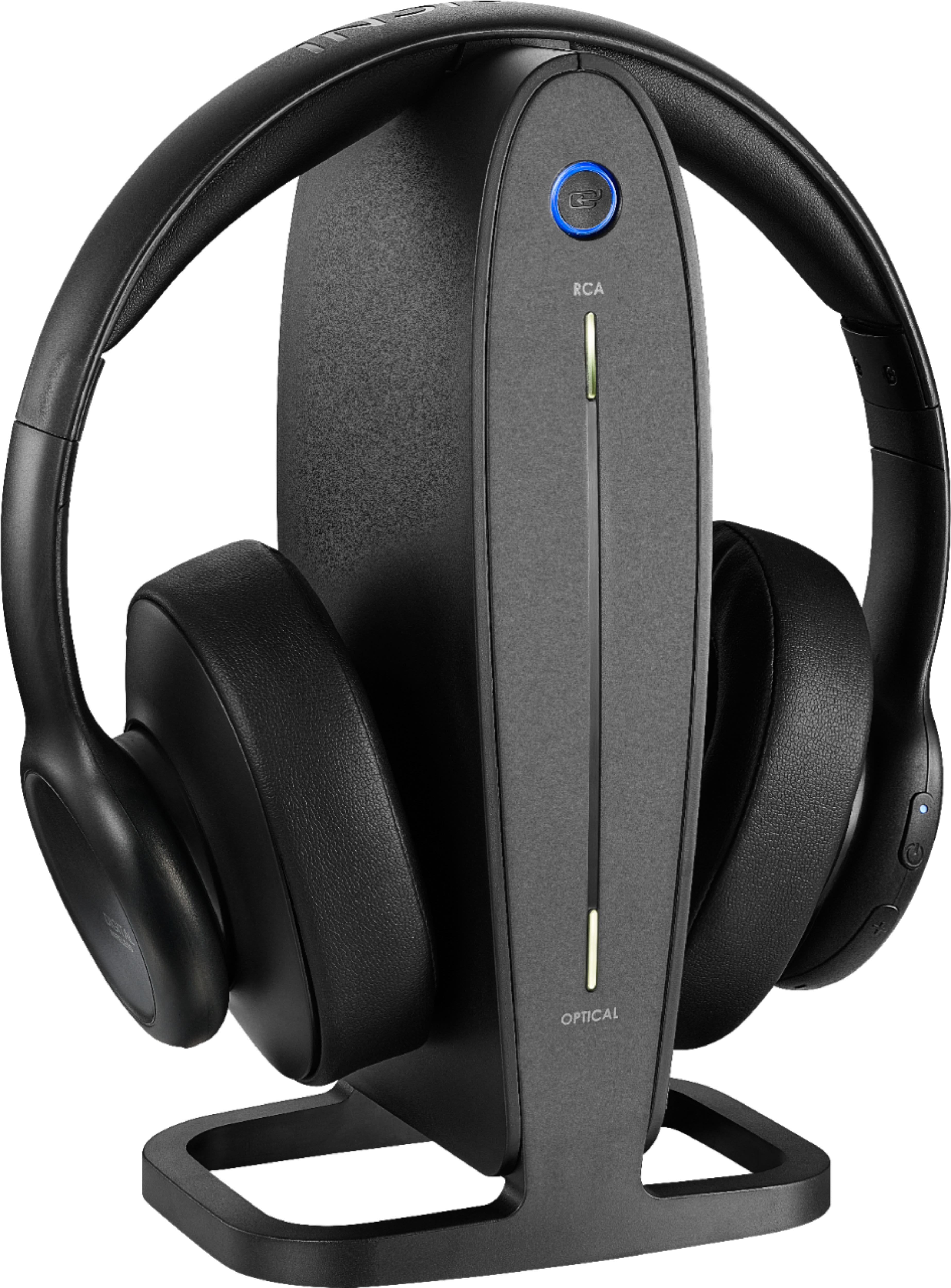
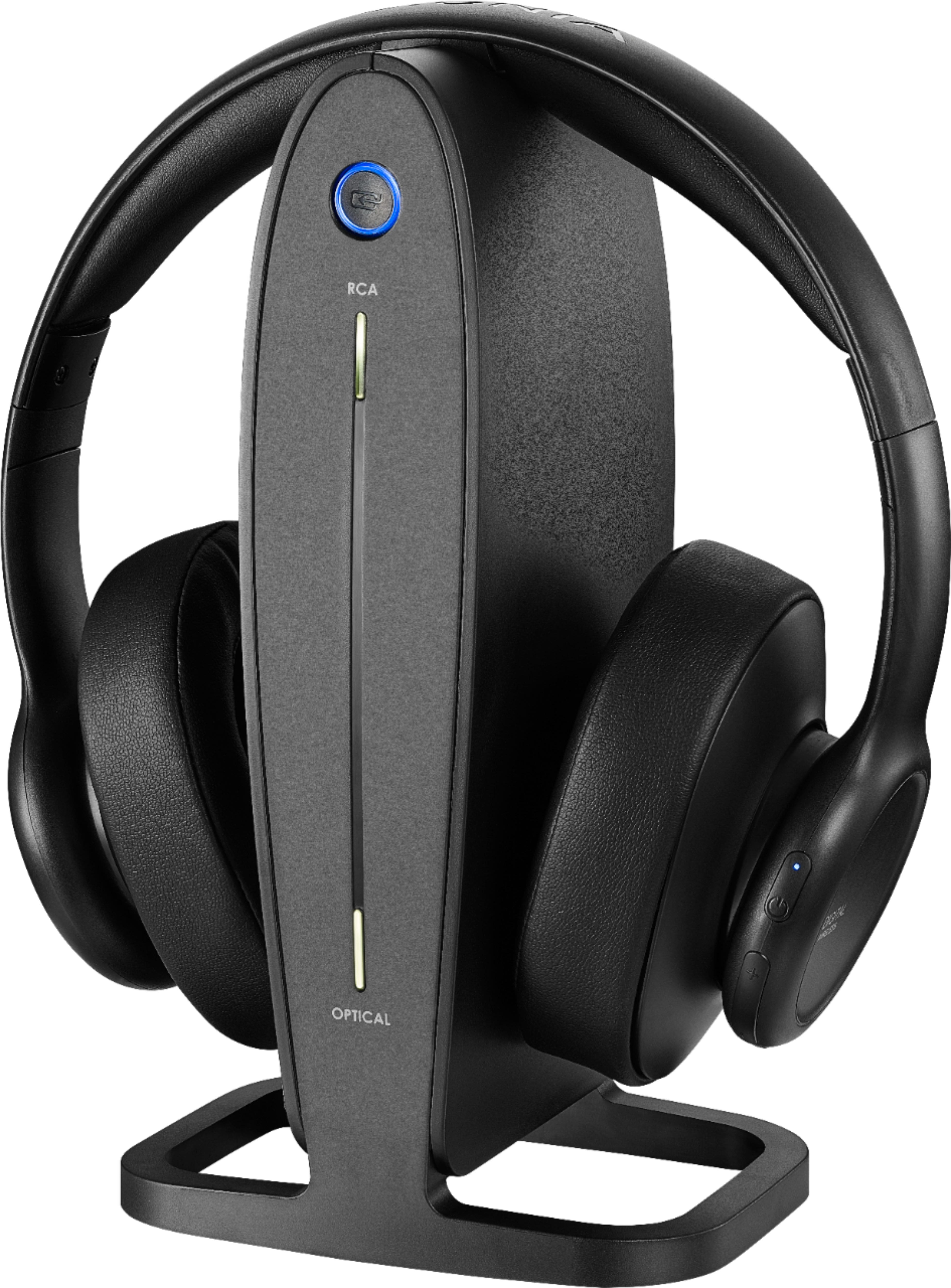
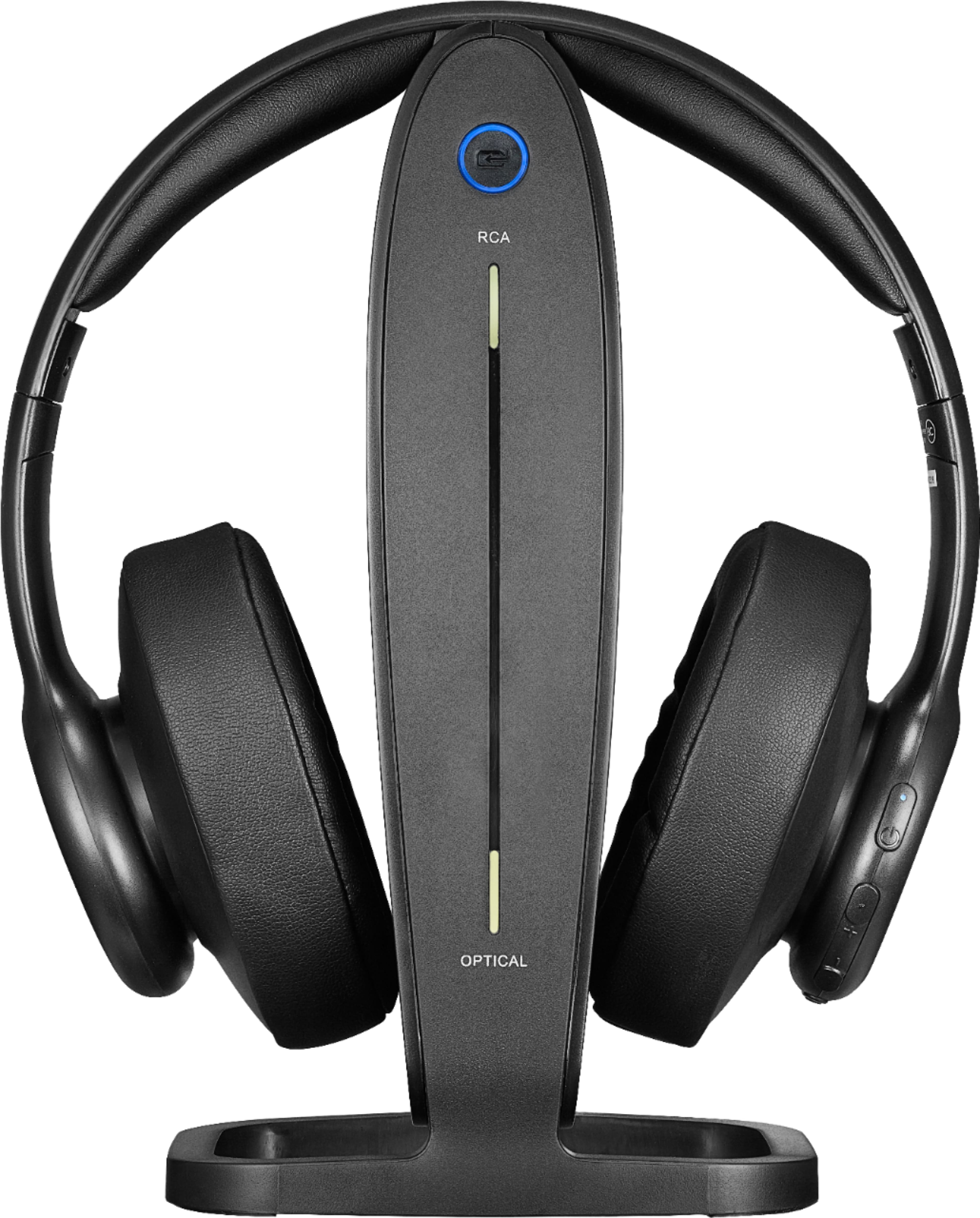
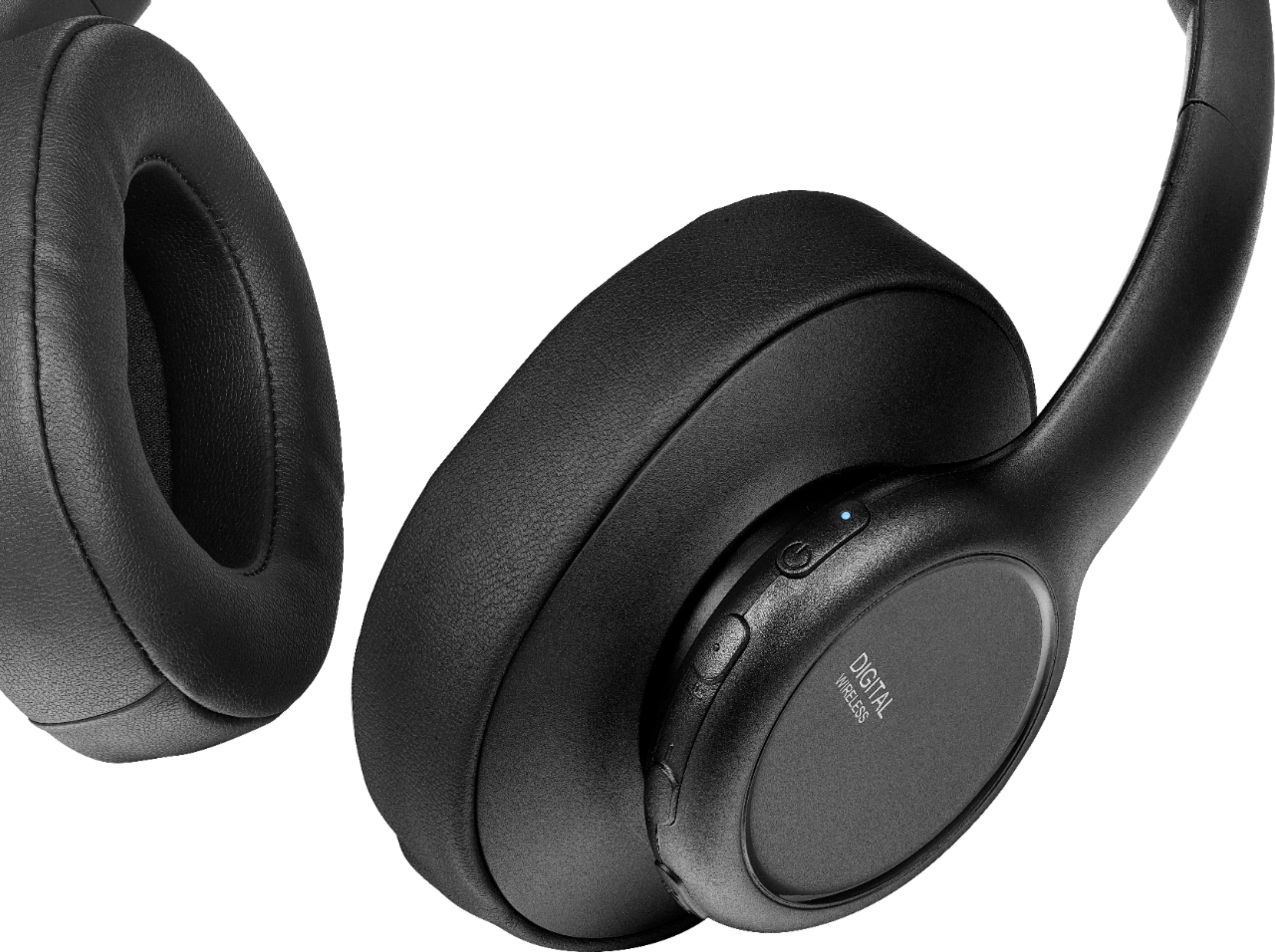
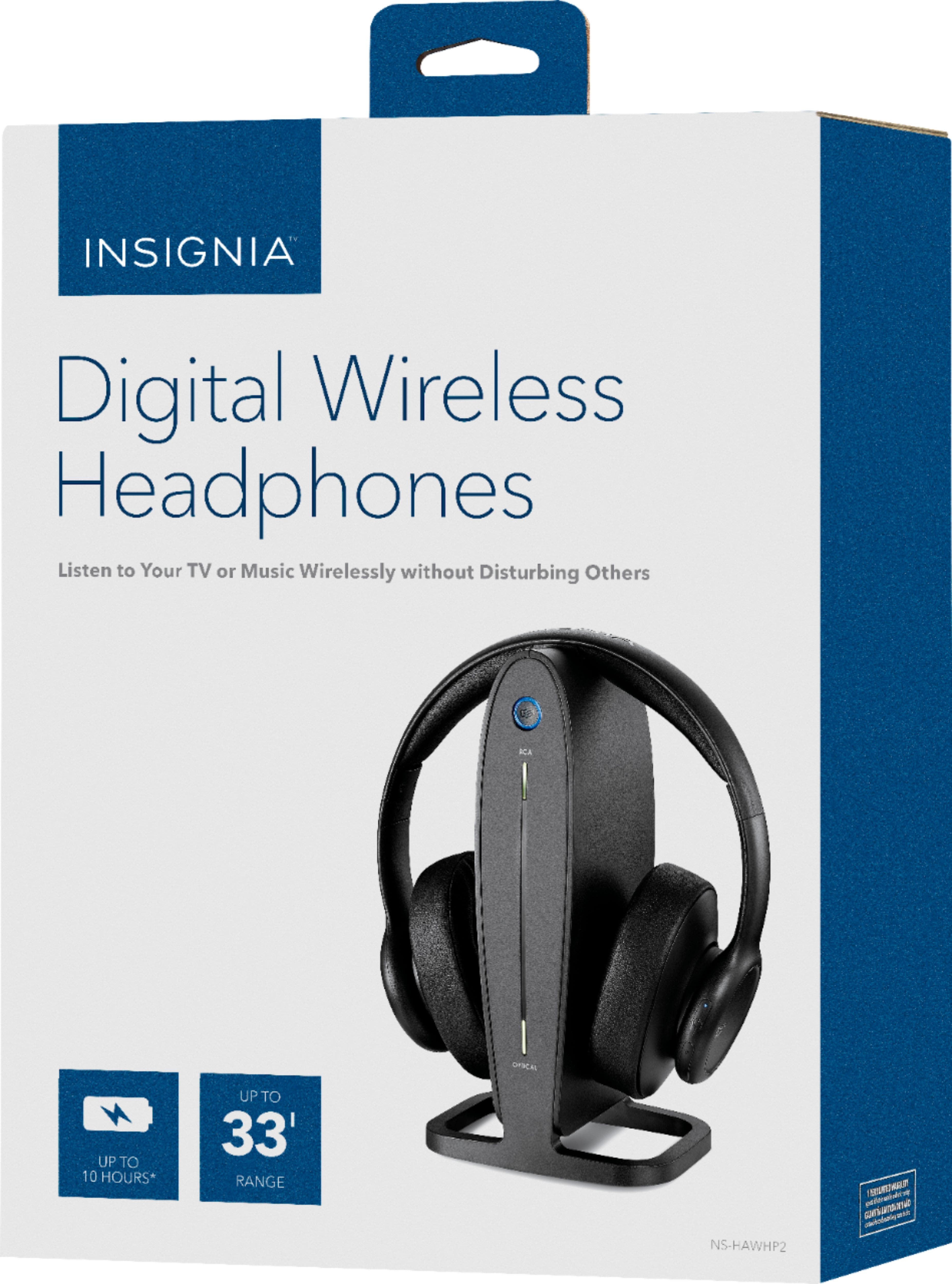
    • Answer The Insignia™ RF Wireless Over-the-Ear Headphones (NS-HAWHP2) package includes the following items: RF Wireless Over-the-Ear Headphones, docking station for charging and storage, 3.5 mm to RCA cable for connecting to various audio sources, AC/DC adapter for power and Owner’s manual for setup and troubleshooting. These headphones are designed to provide a comfortable and convenient wireless listening experience. If you have any other questions about these headphones or need further assistance, feel free to ask! Jeth | Insignia Support. https://www.bestbuy.com/site/insignia-rf-wireless-over-the-ear-headphones-black/6281625.p?skuId=6281625

      Answered by InsigniaCustomerSupport

  • QuestionWill the headphones and TV speakers work at the same time?

    Asked by lawdog.

    • Answer The Insignia™ RF Wireless Over-the-Ear Headphones are designed to work independently of the TV speakers. When you connect these headphones to your TV, the TV speakers will typically be muted to allow for a private listening experience. If you want to use both the headphones and the TV speakers simultaneously, you might need to adjust the audio settings on your TV or use an external audio splitter. However, this feature is not commonly supported by most TVs. - Mae | BestBuy Essential Support | https://www.bestbuy.com/site/brands/best-buy-brands/pcmcat1596746025285.c?id=pcmcat1596746025285

      Answered by InsigniaCustomerSupport

  • QuestionCan just the headphones be replaced?

    Asked by Nana.

    • Answer Thank you for your inquiry! Yes, typically you can replace just the headphones for models like the Insignia RF Wireless Over-the-Ear Headphones, as long as they are compatible with your existing transmitter or base unit. Keith | Insignia Support https://www.bestbuy.com/site/insignia-rf-wireless-over-the-ear-headphones-black/6281625.p?skuId=6281625

      Answered by InsigniaCustomerSupport

  • QuestionCan these headphones provide enough volume for a hearing impairment?

    Asked by RonS.

    • Answer The Insignia RF Wireless Over-the-Ear Headphones are designed primarily for general audio usage, providing a good sound experience for casual listening. However, whether they can provide enough volume for someone with hearing impairment depends on various factors, including the severity of the impairment, personal preference, and the specific design of the headphones. It's always a good idea with hearing impairment to consult with a hearing specialist to find the best listening solutions tailored based on your needs. Patricia | Insignia Support https://www.bestbuy.com/site/insignia-rf-wireless-over-the-ear-headphones-black/6281625.p?skuId=6281625

      Answered by InsigniaCustomerSupport

  • QuestionHow long charge in my Insignia headphones last?

    Asked by J.

    • Answer Hello! This Insignia™ - RF Wireless Over-the-Ear Headphones can be charged for up to four hours and will last for up to 10 hours with continuous use. Patricia | Insignia Support https://www.bestbuy.com/site/insignia-rf-wireless-over-the-ear-headphones-black/6281625.p?skuId=6281625

      Answered by InsigniaCustomerSupport

  • QuestionShould you let the headphone battery run out before recharging?

    Asked by Claire.

    • Answer I understand how important it is to ensure your headphones last as long as possible. You’ll be pleased to know that with modern lithium-ion batteries, you don’t need to wait until they’re completely drained to recharge them. In fact, it’s better for the battery’s health if you keep it between 20% and 80% charged. Just remember not to leave them charging overnight, and use the charger that came with your headphones for the best results. This way, you can enjoy your music without worry . Happy listening! -Paul | Insignia Support https://www.bestbuy.com/site/insignia-rf-wireless-over-the-ear-headphones-black/6281625.p?skuId=6281625

      Answered by InsigniaCustomerSupport

  • QuestionHow much do headphones weigh?

    Asked by Asking123.

    • Answer Thank you for your inquiry! The weight of the Insignia™ RF Wireless Over-the-Ear Headphones is approximately 0.44 pounds (7 ounces). This weight includes the headphones and any built-in components such as the battery and electronics necessary for wireless operation. This makes them relatively lightweight and comfortable for extended use. If you need more specific details or additional specifications, you can refer to the product manual or the retailer's website where the headphones are listed. Keith | Insignia Support https://www.bestbuy.com/site/insignia-rf-wireless-over-the-ear-headphones-black/6281625.p?skuId=6281625

      Answered by InsigniaCustomerSupport

  • QuestionMis auriculares han empezado a emitir un sonido intermitente y molesto (tipo alarma) al intentar usarlos???

    Asked by Chevi.

    • Answer From the User Manual Page 16 "If the charge on the headphone batteries is low, the Power/Pairing indicator on the headphones blinks red (three times a minute) and beeps (twice a minute). When this happens, you should charge the headphones."

      Answered by MissCee

  • QuestionHOW DO YOU PLUG IN OPTICAL AUDIO CABLE

    Asked by Anonymous.

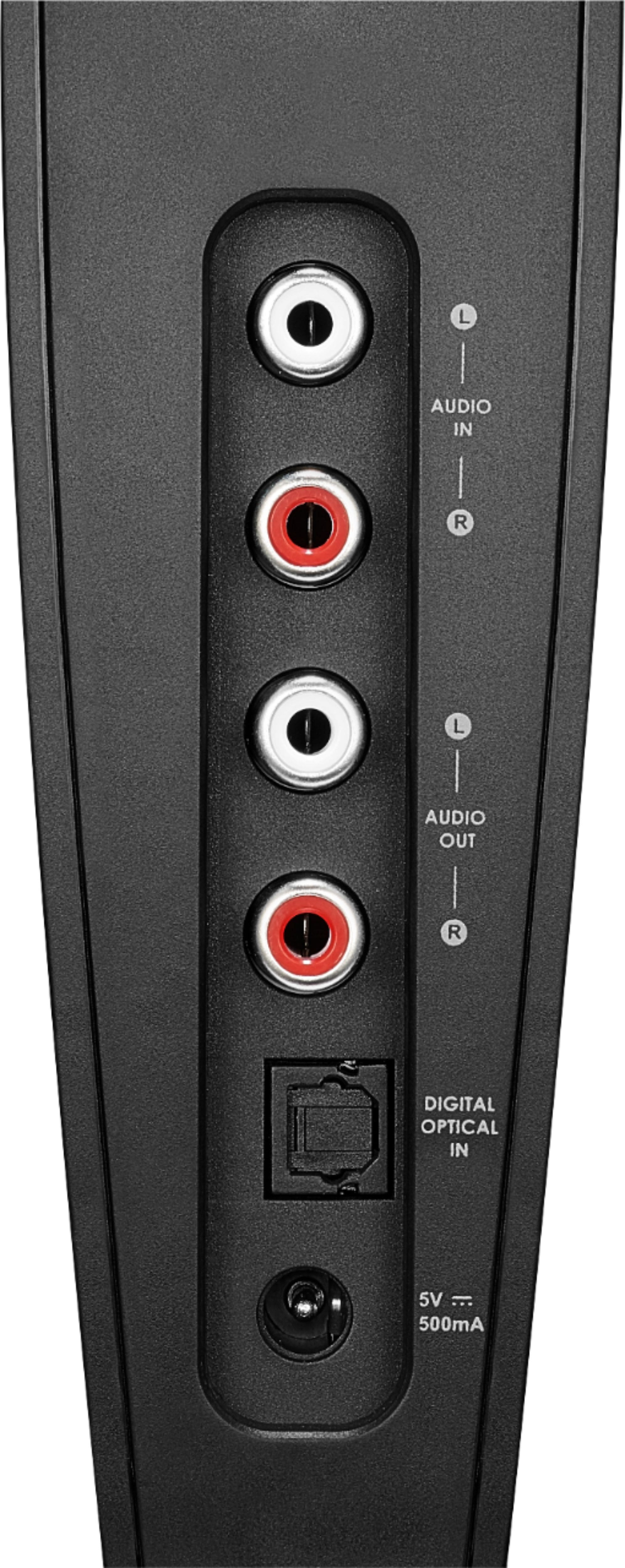
    • Answer Thank you for your inquiry! To plug in an optical audio cable, first, locate the optical audio output port on your audio source device, typically labeled "Optical," "TOSLINK," or "S/PDIF." Then, align the plug on one end of the optical audio cable with the port and gently insert it, ensuring a secure fit. Remove any protective covers or caps from the cable or port if necessary. Repeat this process on the other end, connecting it to the corresponding optical audio input port on your headphones or audio receiver. Once both ends are securely connected, you can transmit digital audio signals between your devices using the optical cable. Keith | Insinga Support https://www.bestbuy.com/site/insignia-rf-wireless-over-the-ear-headphones-black/6281625.p?skuId=6281625

      Answered by InsigniaCustomerSupport

  • QuestionCan I just get the headphone for this product without the base?

    Asked by Joe.

    • Answer I tried and was not able to do so. Had to buy the entire thing.

      Answered by Anonymous

  • QuestionIs there a video on how to set digital headphones to my smart tv

    Asked by Henry.

    • Answer If you have a wireless the you just connect to your wifi,if not wireless your best bet is for optical wire works for me

      Answered by MichelleS

  • QuestionIs the headband on this unit reinforced with a metal band or is it all plastic?

    Asked by rbhudson47.

    • Answer Thank you for your inquiry! The headband on the Insignia™ RF Wireless Over-the-Ear Headphones is primarily made of plastic. While it may have some reinforcement within the structure for durability and stability, it does not typically feature a metal band. Keith | Insignia Support https://www.bestbuy.com/site/insignia-rf-wireless-over-the-ear-headphones-black/6281625.p?skuId=6281625

      Answered by InsigniaCustomerSupport

  • Questioninsignia headphones have worked great for 3-4 years. Nows I think the batteries on right side are no longer charging Sound only thru left side. Do I need to change batteries or return product? I need instructions if I am to change batteries

    Asked by Louie.

    • Answer I think you should return it. I just did with mine.

      Answered by CraigL

  • QuestionMy headphones are approximately 4years old. They have always worked fine,but lately after charged they play for only about 30 minutes. Thinking it is probably the battery worn out, can I purchase just the headphones and still use the charger? C

    Asked by Sally.

    • Answer Thank you for your Inquiry! Yes, you should be able to purchase just the headphones for your Insignia™ RF Wireless Over-the-Ear Headphones and continue using the charger. However, it's essential to ensure compatibility with your existing charger and verify that the new headphones are compatible with the charging cable you have. Additionally, replacing the headphones should resolve the issue of short battery life, as it's likely caused by a worn-out battery in the current headphones. Keith | Insignia Support https://www.bestbuy.com/site/insignia-rf-wireless-over-the-ear-headphones-black/6281625.p?skuId=6281625
      Answered by InsigniaCustomerSupport