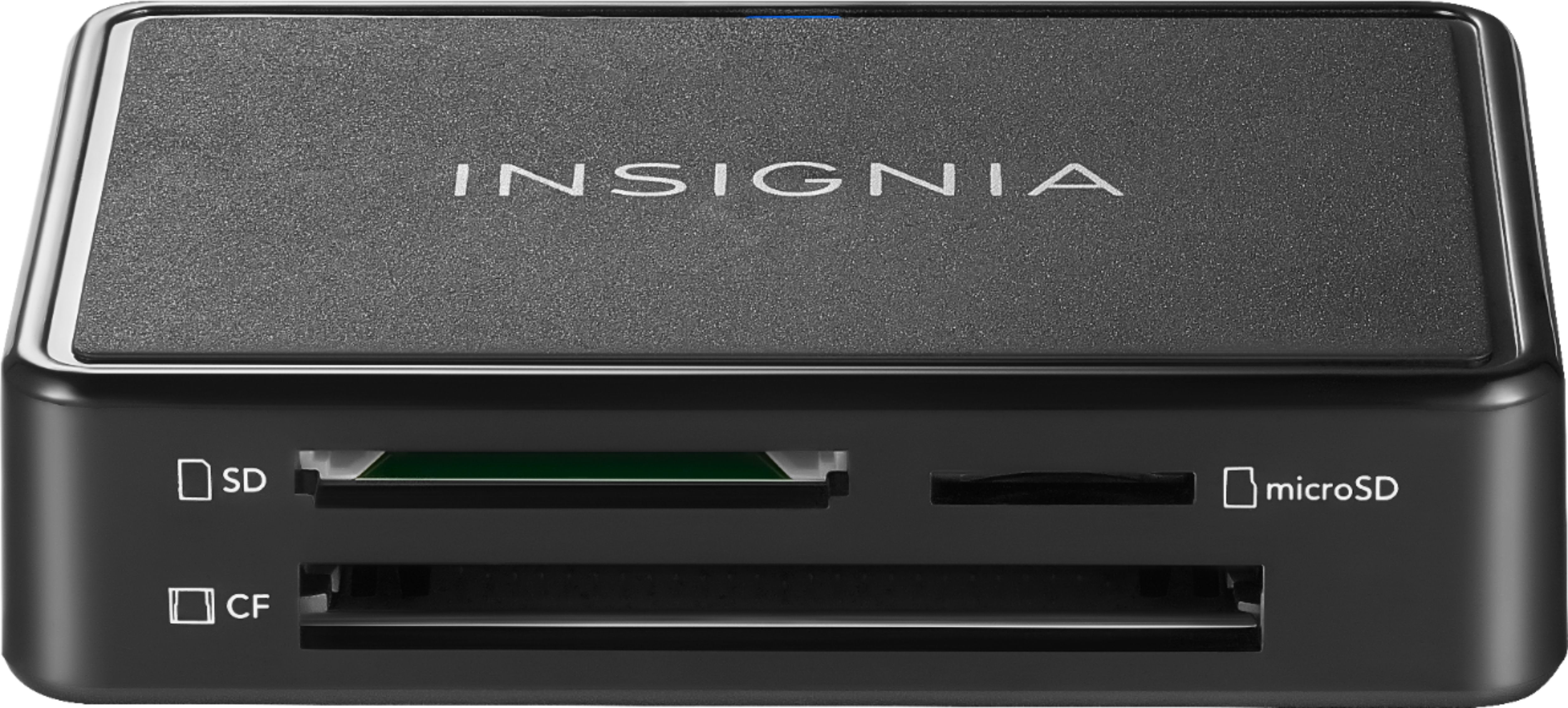
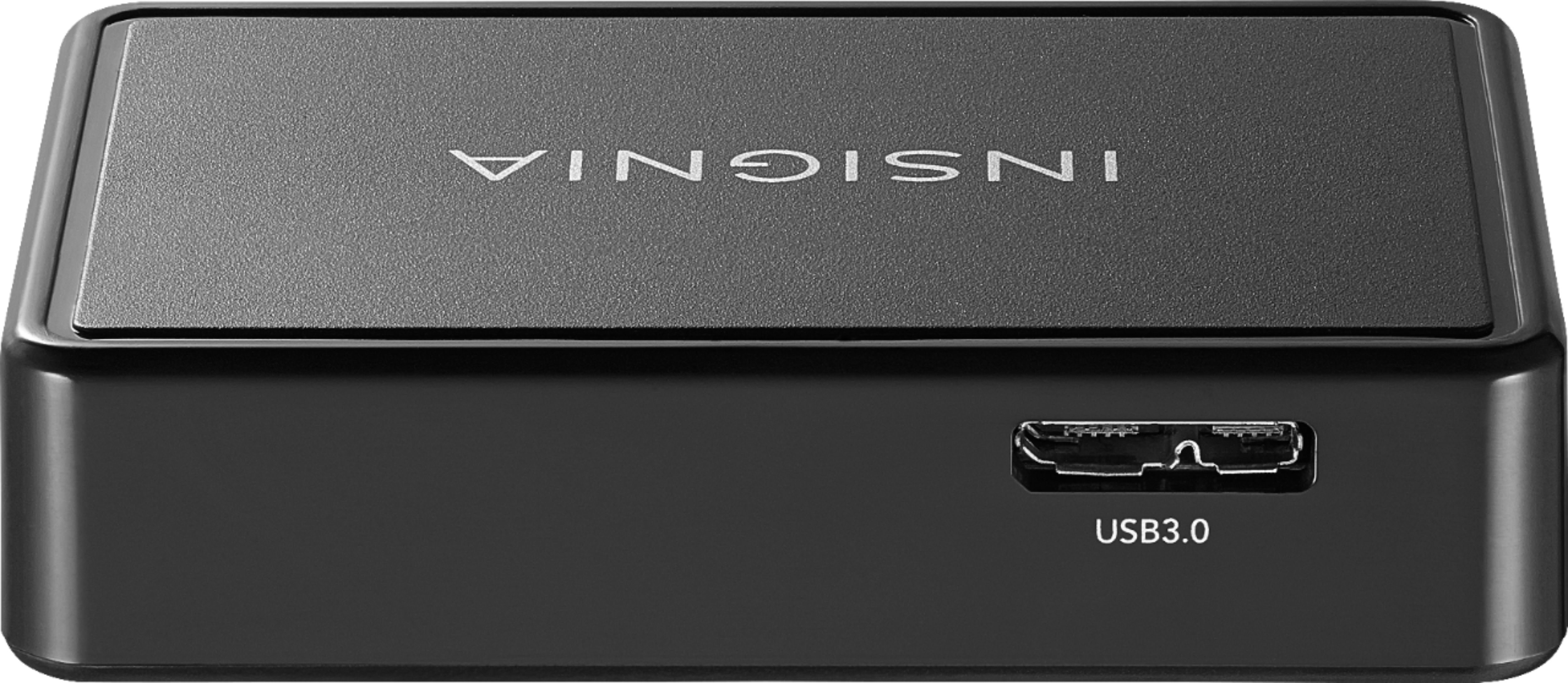
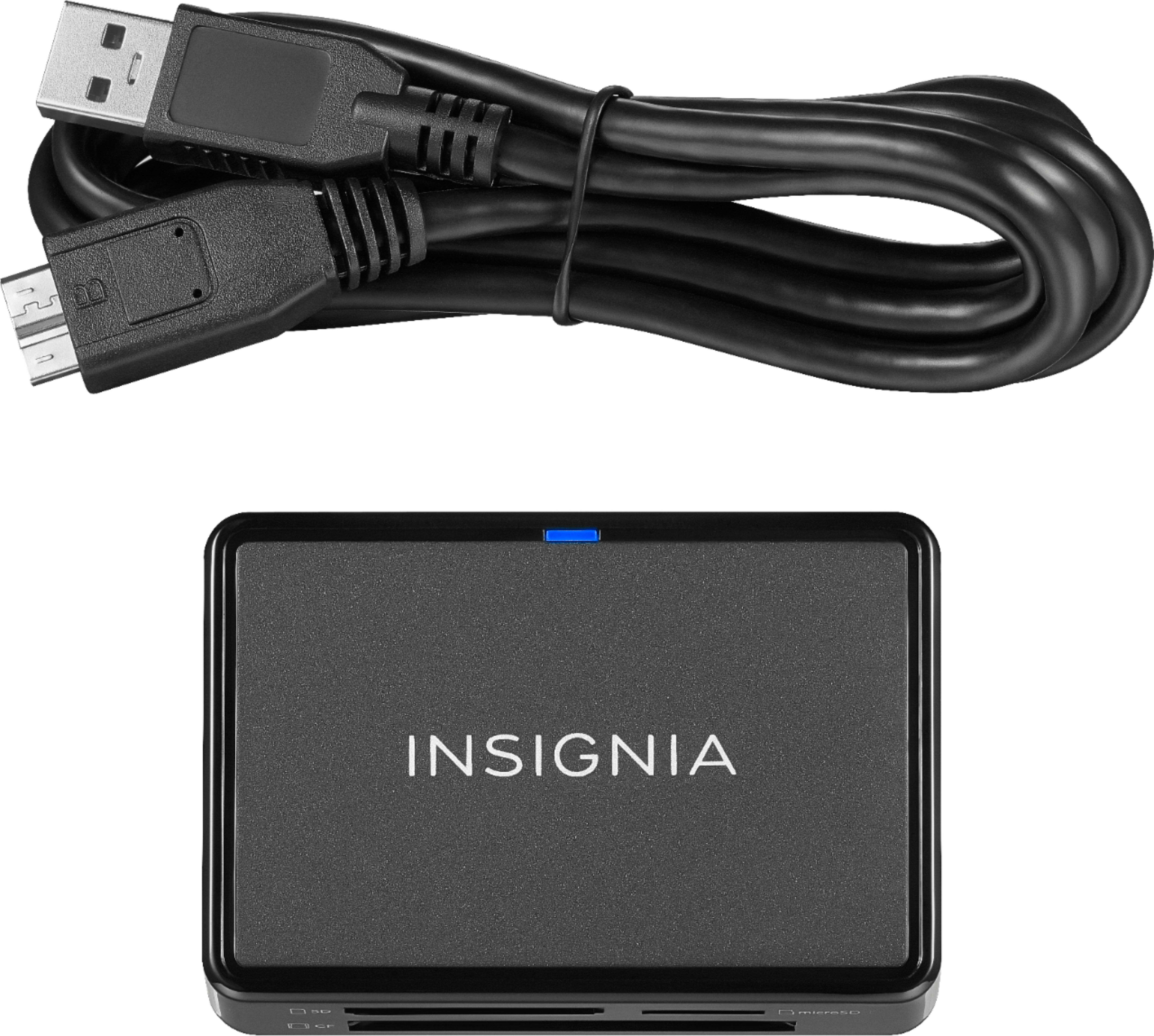
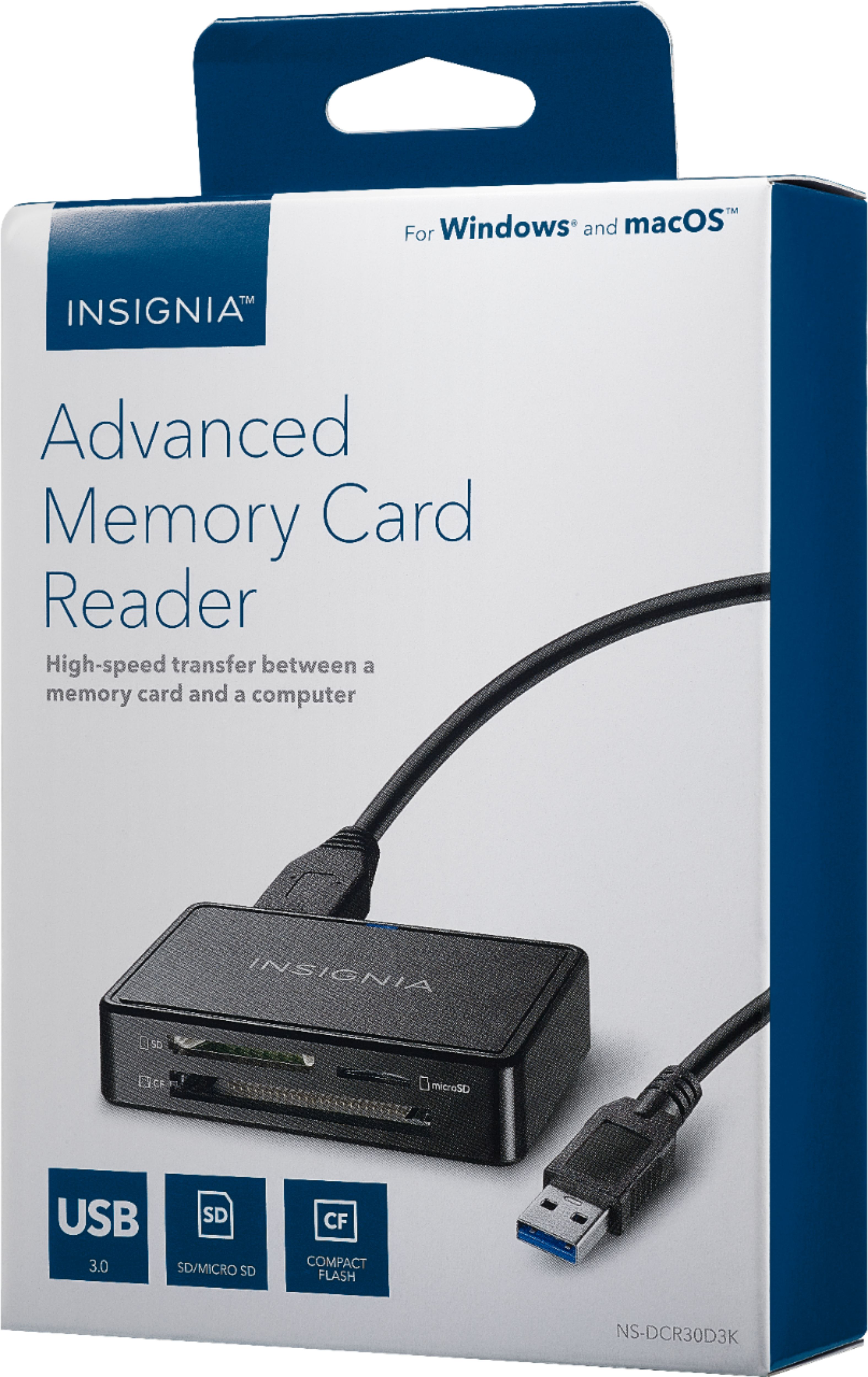
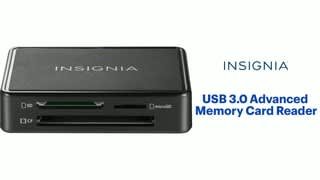
A:Answer The supplied cable connects to the miniature USB 3 female port on the reader at one end and to a standard USB A female (USB 1, USB 2, or USB 3) port on the computer end. It will also connect to standard USB hubs. You will get USB 3 speeds only when the computer connection (along with any intermediate USB hubs) is to a USB 3 port. Most likely, automatic speed negotiation will have the connection run at the slowest speed of any device in the connection chain.